Does the USB-C port on the ROG Strix XG27WCMS display the picture?
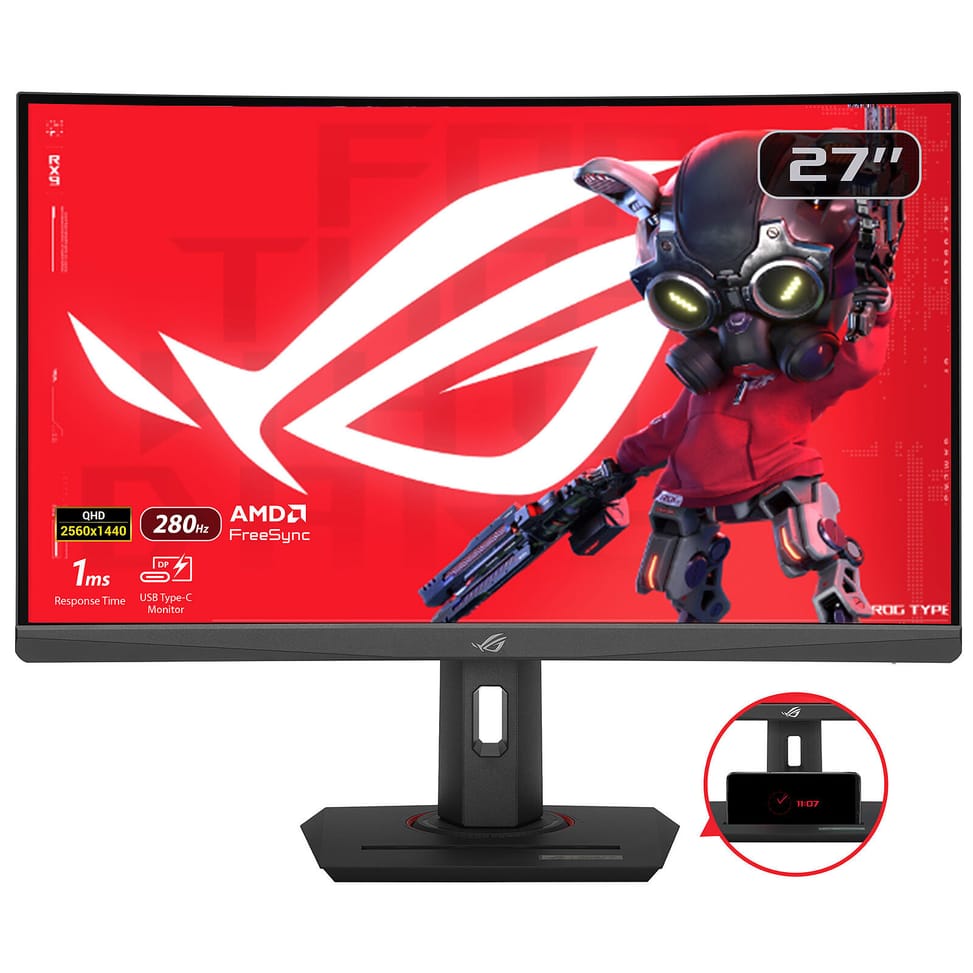
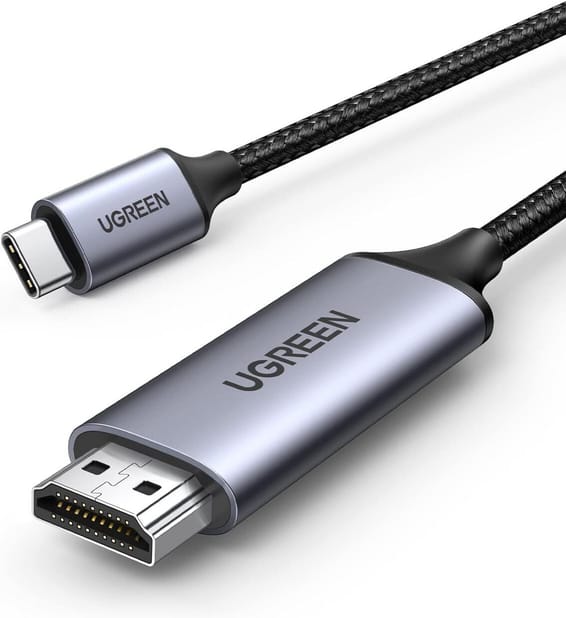
Yes: it works in DisplayPort Alt mode, so a laptop whose USB-C port supports video can connect to it directly. Be careful with power, however: this port delivers 15 W, enough to keep a phone or tablet topped up, but not to charge a laptop.
Is the 280 Hz of the XG27WCMS available as standard?
It is quoted with overclocking, to be enabled from the monitor's menu. The response time is 1 ms grey-to-grey, and the QHD 2560 x 1440 resolution requires a more powerful graphics card than Full HD to sustain this frame rate.
Which video inputs does the XG27WCMS offer?
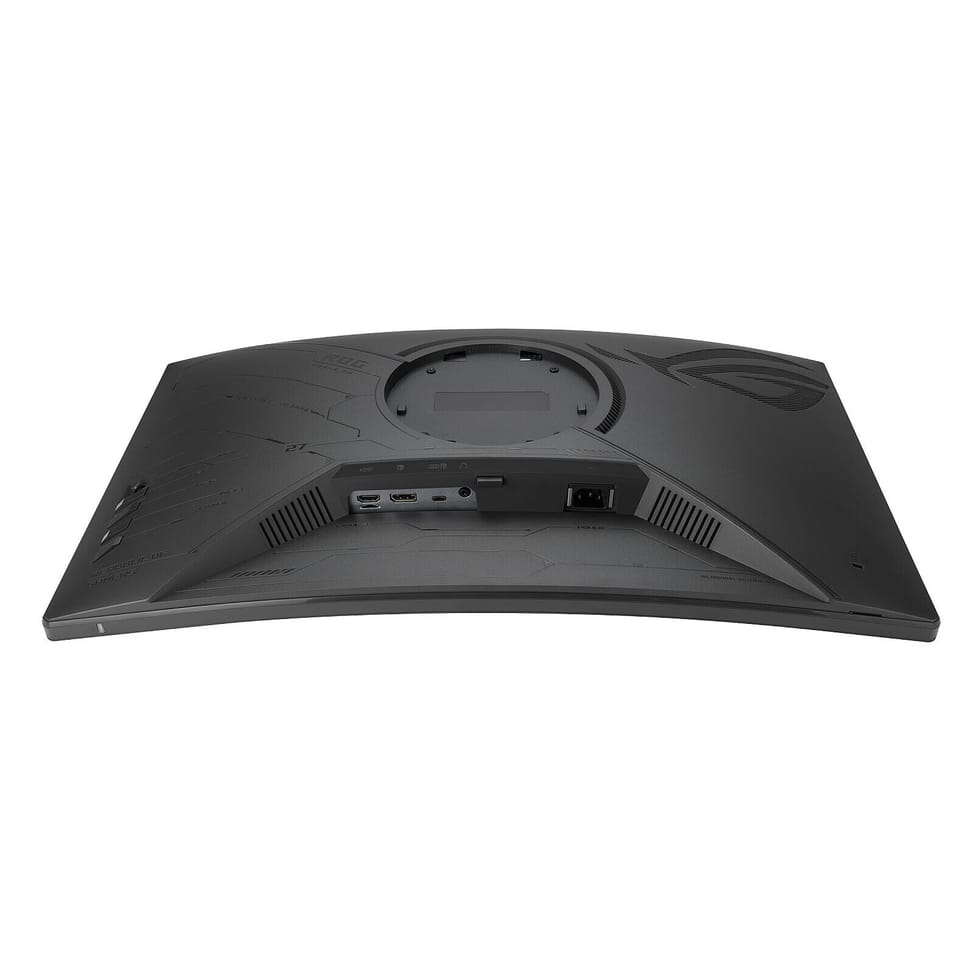
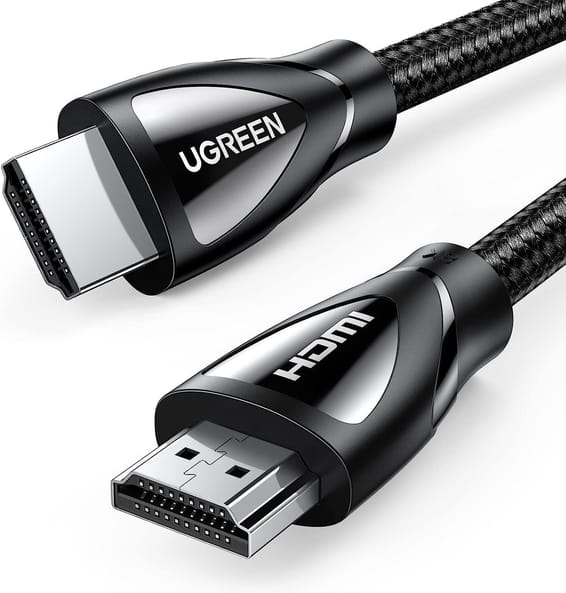
One DisplayPort 1.4 with HBR3, one HDMI 2.1 and the USB-C port in DisplayPort Alt mode, plus a headphone jack. Only the DisplayPort cable is supplied: you will need an HDMI or USB-C cable depending on the connection you choose.
What does the curved Fast VA panel on this Asus monitor bring?
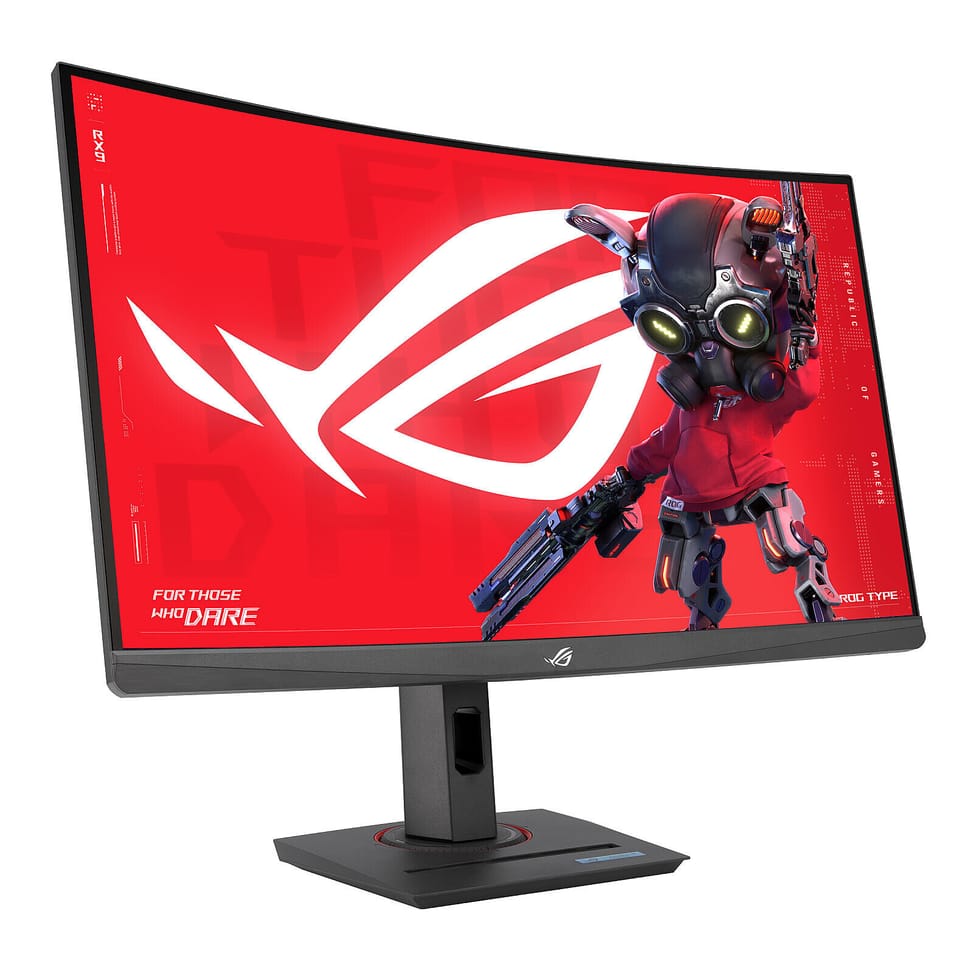
A 3000:1 contrast ratio, far higher than the 1000:1 of an IPS panel, with a 1500R curvature that wraps around your field of view. Brightness reaches 400 cd/m², which earns it VESA DisplayHDR 400 certification, and coverage goes up to 95% of DCI-P3 and 125% of sRGB.
What is the ELMB Sync technology on the XG27WCMS?
It combines motion blur reduction (ELMB) with variable refresh rate, two features that are normally mutually exclusive. The stated result: sharp images, with no ghosting or tearing, even at high frame rates.
Does the XG27WCMS stand allow portrait mode?
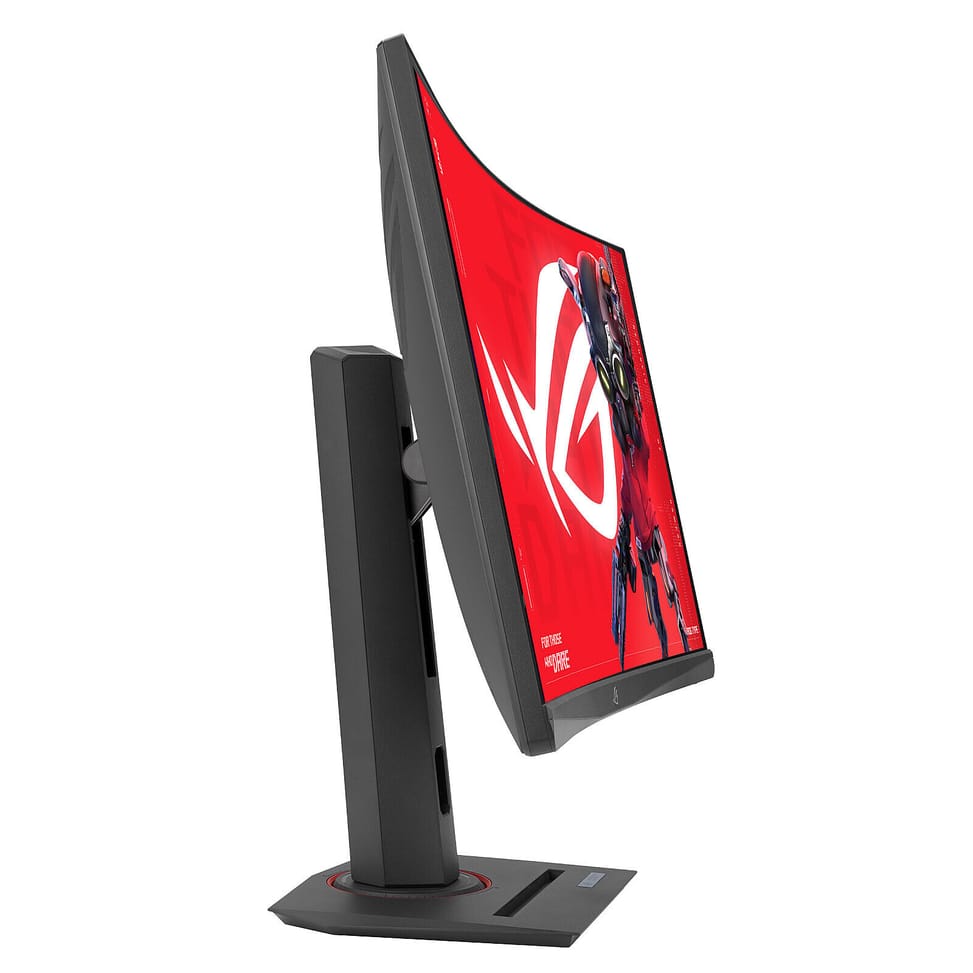
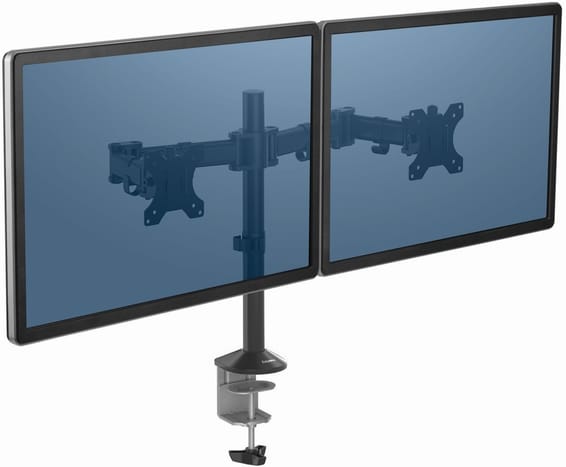
No: the stand provides tilt from -5° to +20°, swivel of ±35° and 120 mm of height adjustment, but no vertical pivot. VESA 100 x 100 mm mounting is provided; the monitor weighs 7.2 kg with its stand and 4.5 kg without.
What gaming aids does the ROG Strix XG27WCMS offer?
GamePlus and Dynamic Crosshair adjust the crosshair, Dynamic Shadow Boost brightens dark areas without overexposing the rest, Variable Overdrive 2.0 adapts responsiveness to the frame rate, and ROG Gaming AI technology completes the package.
Can you adjust the monitor without using the buttons on the chassis?
Yes, with the ASUS DisplayWidget Center app: the monitor's settings can be controlled with the mouse from the computer, without navigating the menu blindly behind the screen.
Does the XG27WCMS strain your eyes over long sessions?
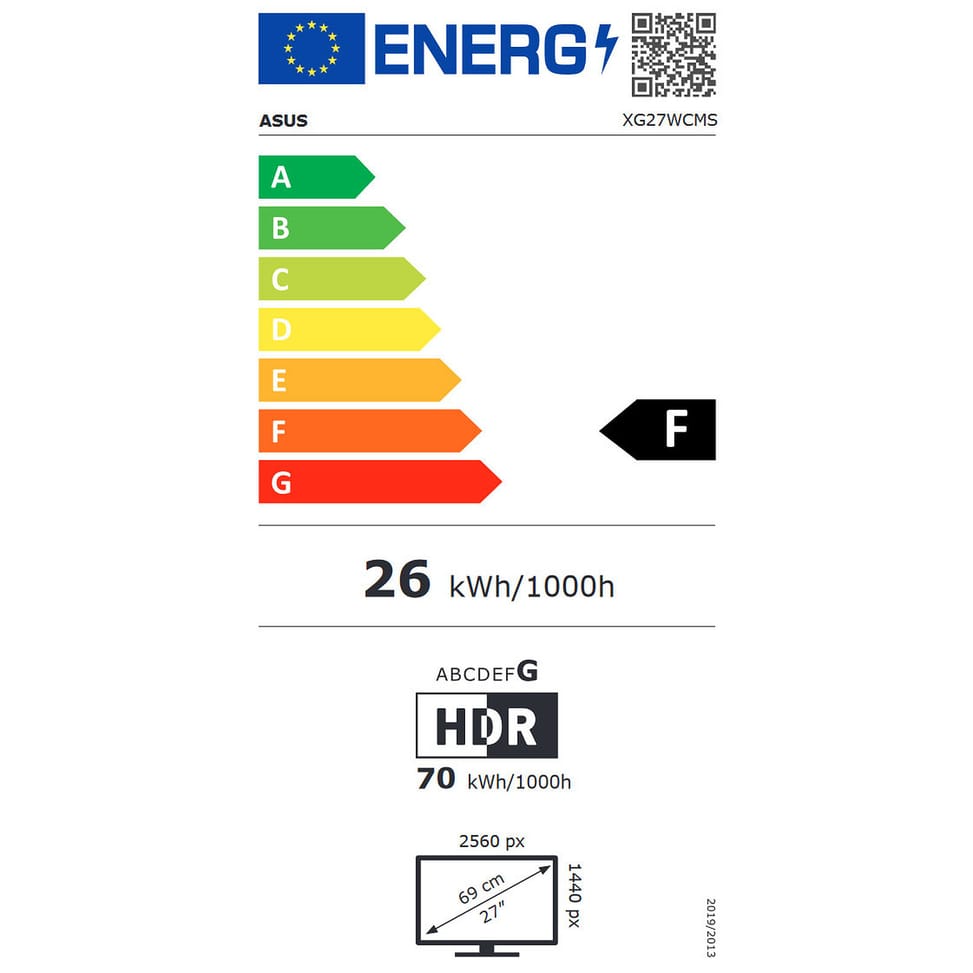
It features Flicker Free and Low Blue Light technologies, certified by TÜV Rheinland, with an anti-glare coating. Its power consumption stays below 31.4 W for a 27-inch panel at 280 Hz.
Is the Asus ROG Strix XG27WCMS monitor new and under warranty?
Yes: new, in its original packaging, with a one-year warranty; your invoice serves as the warranty document. The box also contains a ROG pouch and sticker, along with the quick start guide.