Pay nowView my order
Visit the Lenovo store

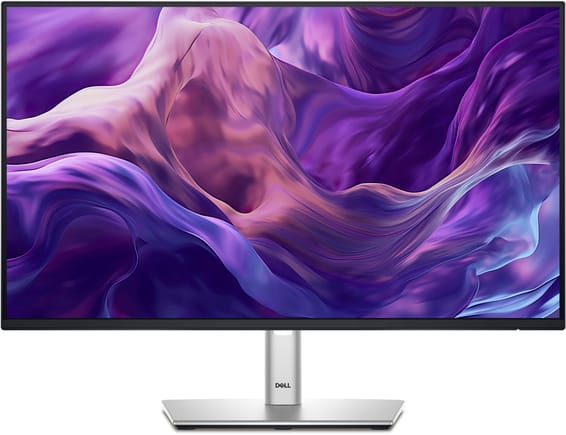
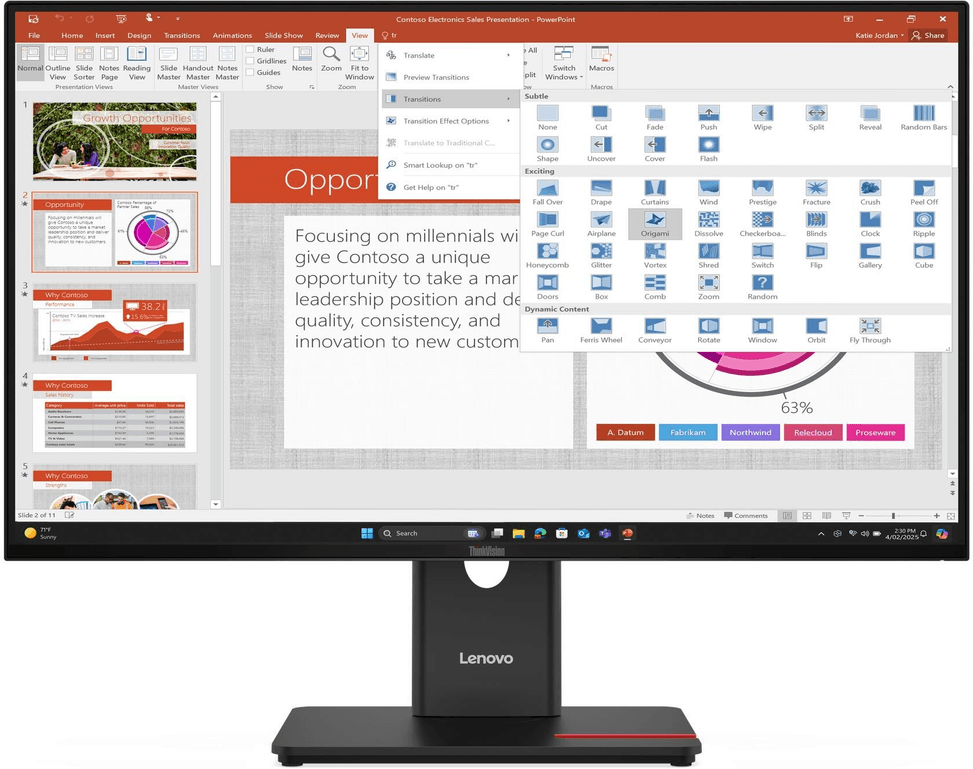
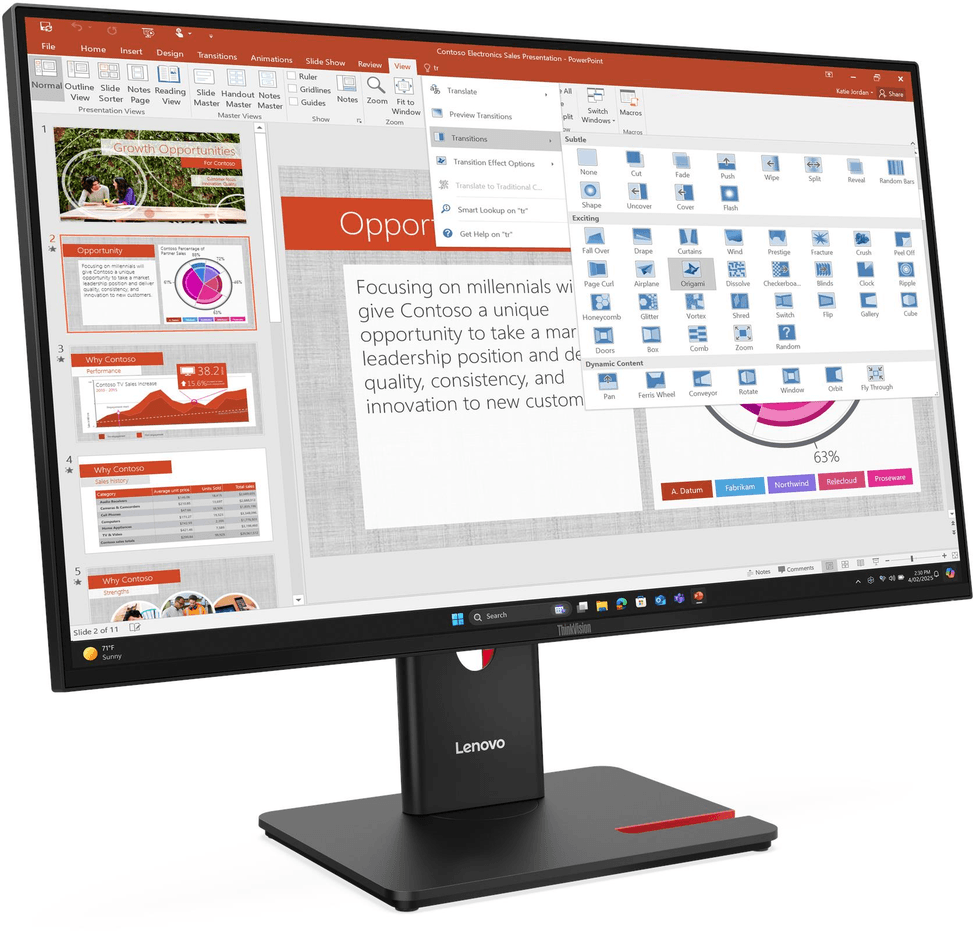
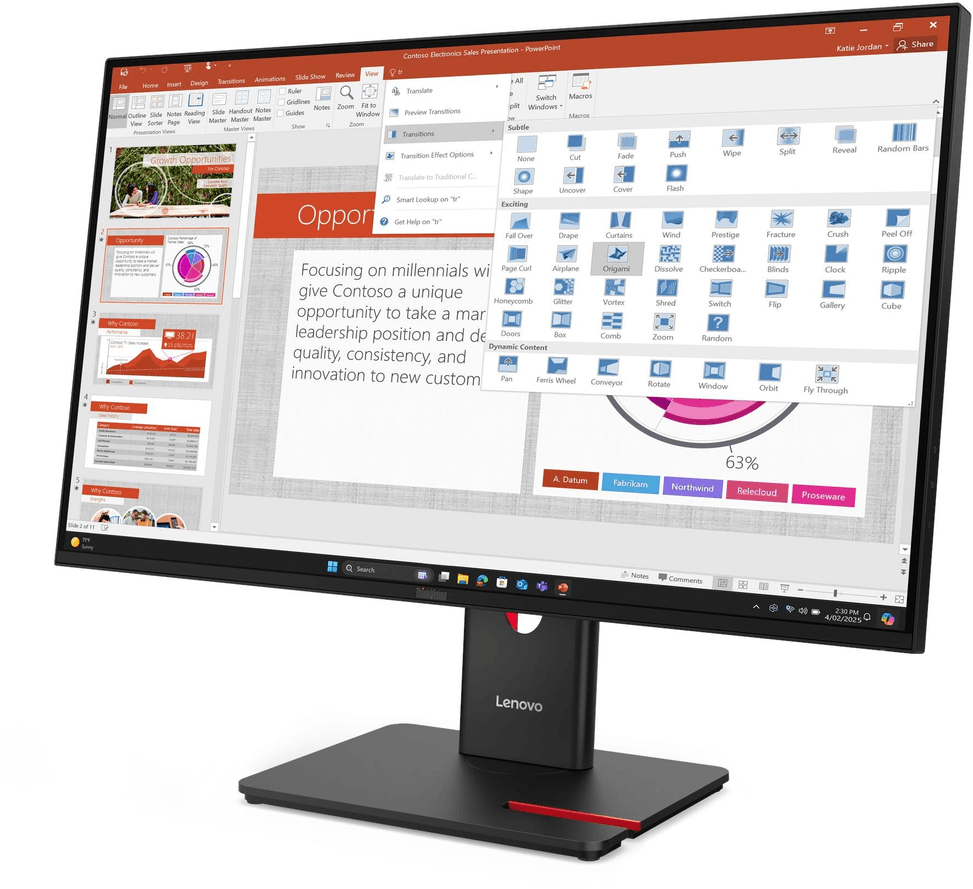
Lenovo 27" ThinkVision T27-40 Flat Monitor (64A5MAT6EU)

A complete desktop monitor: built-in USB hub, a variable refresh rate of up to 120 Hz for extra smoothness, and a fully adjustable stand (height, swivel, portrait rotation). TÜV certified visual comfort.

  • Full HD IPS panel
  • Variable refresh rate 48-120 Hz — smooth day to day
  • 1× HDMI 1.4, 1× DisplayPort 1.2, 1× VGA
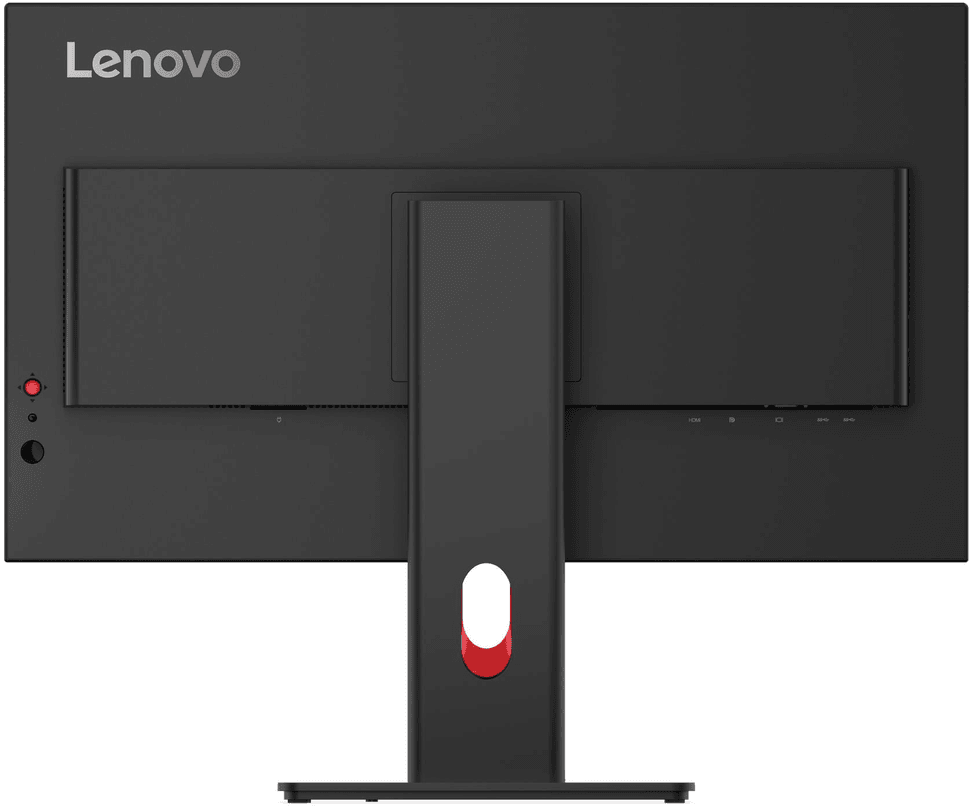
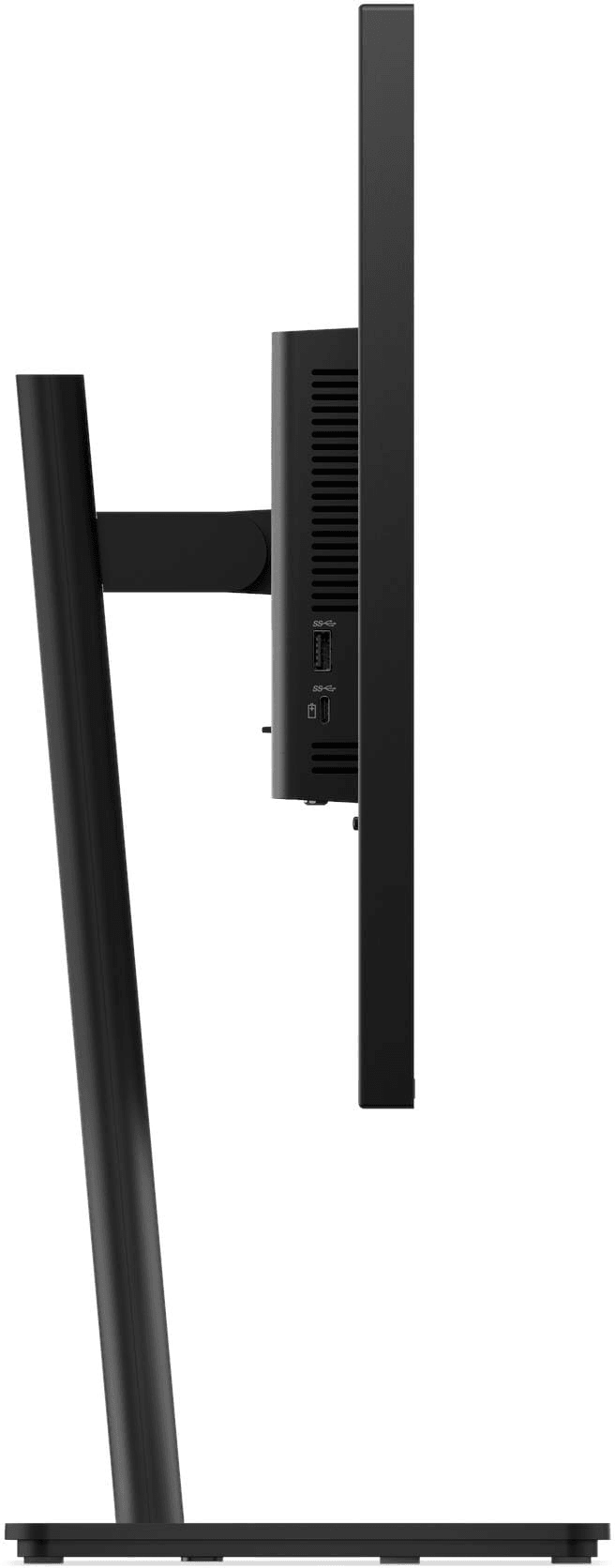
  • USB hub: 3× USB-A + 15 W USB-C (accessory charging, no picture)
  • 99% sRGB
  • TÜV certified visual comfort (low blue light, 5-star Eye Comfort)
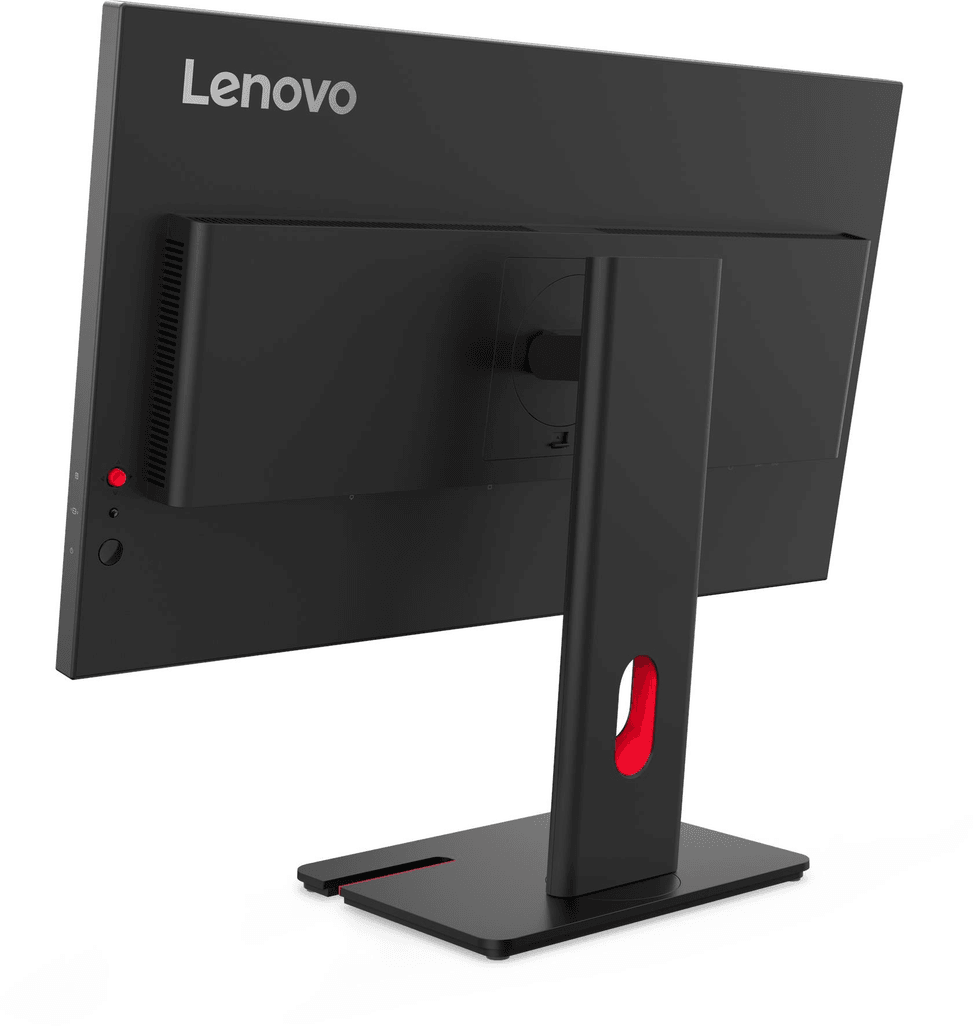
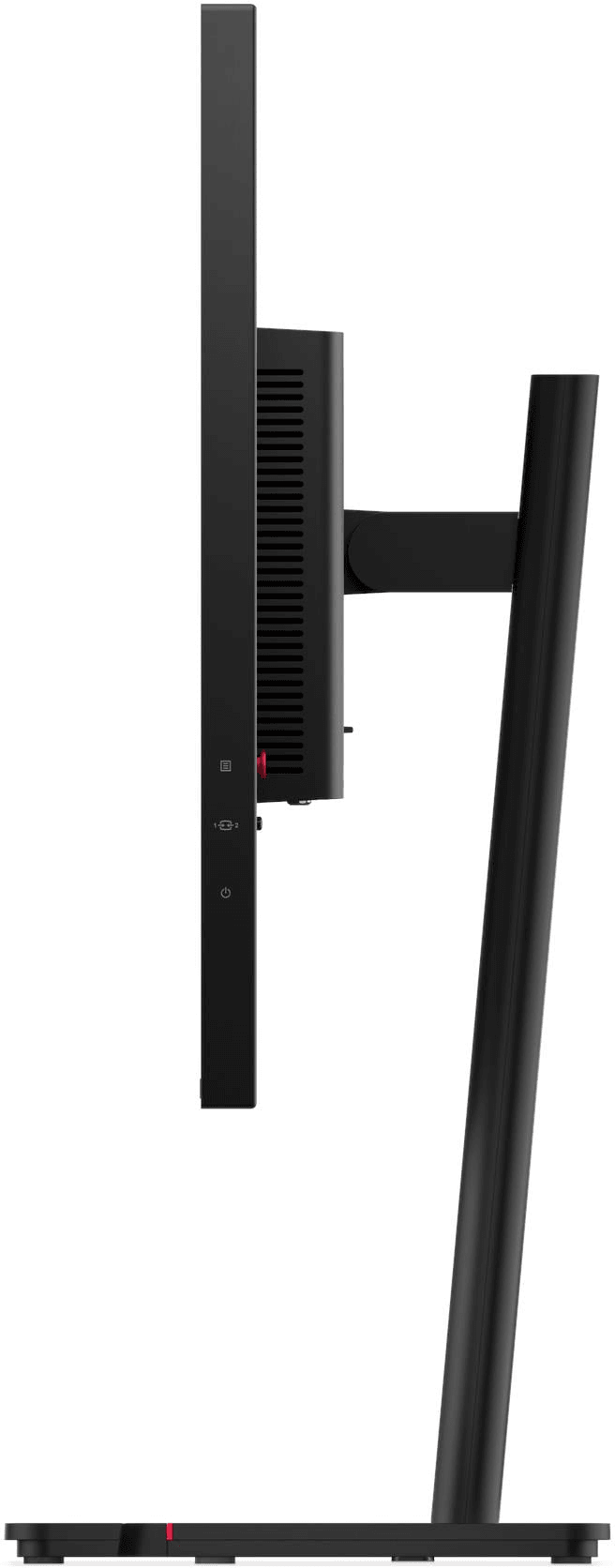
  • Full stand: height, swivel, portrait rotation, tilt
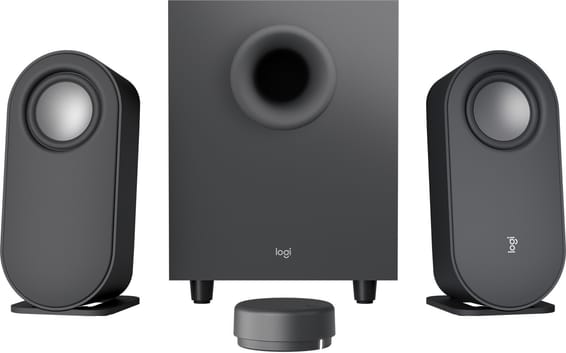
  • Compatible with modular webcam and soundbar (optional)
Ref.: 64A5MAT6EU
4 459,00 DHincl. VAT

Configuration · Lenovo ThinkVision T-40

Out of stock

Under Law 09-08, you have the right to access, rectify and object to the processing of your personal data. This processing has been authorised by the CNDP under no. D-CE-389/2015. Learn more

Can’t wait?

Ask for an alternative on WhatsApp

Quick reply

Manufacturer's datasheetView the PDF · 786 Ko — downloadable

Product overview

Professional 27-inch Full HD monitor for office work: IPS panel, built-in USB hub and fully adjustable stand.
Panel & image: 27" 16:9 flat, IPS panel with wide viewing angles, Full HD 1920×1080 · 99% sRGB and 99% BT.709, 300 cd/m², anti-glare
Motion: 48–120 Hz variable refresh rate · 4 ms (extreme mode) / 6 ms response time
Video ports: 1× HDMI 1.4, 1× DisplayPort 1.2, 1× VGA
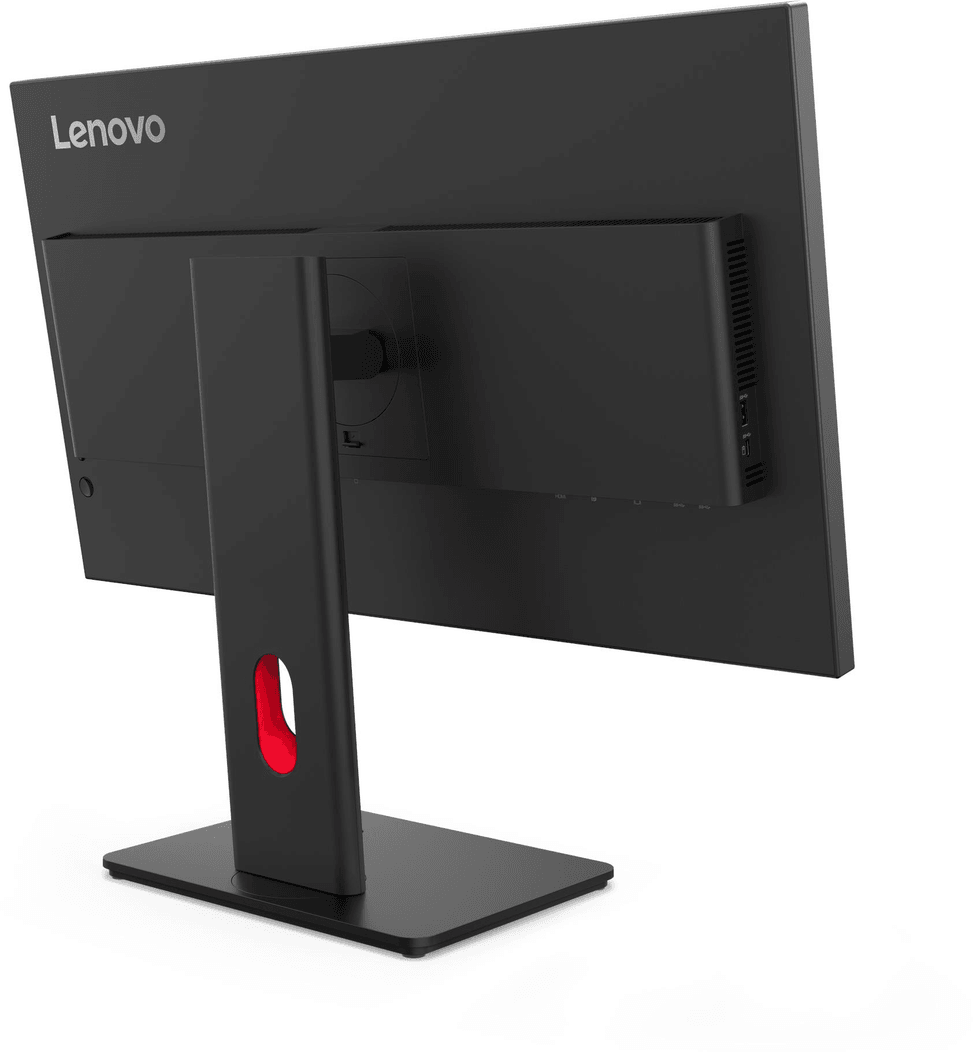
USB hub: 3 USB-A ports + 1 USB-C (15 W charging) connected via a USB-B upstream port
Eye comfort: Eyesafe 2.0, low blue light and 5-star Eye Comfort, TÜV Rheinland certified
Ergonomics: fully adjustable stand — height, swivel, portrait rotation and tilt · VESA 100×100
A nice extra: compatible with optional modular webcam and soundbar.
A complete ThinkVision monitor: USB hub, full ergonomics and certified eye comfort for the workstation.

See all the specifications ↓
Request a quoteShare:

Technical specifications

Technical specifications
Input connectors1 DisplayPort 1.2, 1 HDMI 1.4, 1 VGA
Built-in speakersNone (optional module)
Screen position adjustmentsAdjustable tilt, height, pivot and swivel
Dimensions (W x D x H) (mm)611.9 x 195 x 382.8 to 537.8 mm (with stand) / 611.9 x 46 x 355.2 mm (without stand)
Net weight (kg)6.5 kg (with stand) / 4.4 kg (without stand)
Typical power consumption15 W in operation / 75 W maximum
Brightness300 cd/m²
Contrast ratio1500:1
Panel typeIPS
Wall mountVESA 100 x 100 mm
Package contentsMonitor, stand, power cord, DisplayPort cable, USB-B to USB-A cable
Screen size (diagonal)27"
Aspect ratio16:9
Response time4 ms (GtG, extreme mode) / 6 ms (GtG, normal mode)
Adaptive syncNone
Size27"
Power supplyInternal
Technical specifications (continued)
Optimal resolutionFull HD 1,920 x 1,080
Active area597.9x336.3 mm
Connectivity5 Gbps USB hub (3 USB-A ports, 1 USB-C 15 W), upstream USB-B
Backlight technologyWLED
ResolutionFull HD
Screen curvatureFlat
Curved screenNo
Refresh rate120 Hz
Supported refresh rate range48 to 120 Hz
HDRNo
Video portsHDMI, DisplayPort, VGA
USB hubYes
Ultra-wide screenNo
Height-adjustable standYes
Portrait rotationYes
Type of useOffice, Professional and business
Warranty3 years

Specific references

EAN198155815652

Customer reviews

No reviews yet

Be the first to review this product and help other customers.

Write a review
Your rating
5/5

Shown publicly with your review.

Never published — a confirmation email will be sent to you.

Tell us about the product — in a few lines:

  • what you liked in everyday use;
  • the quality and performance you found;
  • who you would recommend it to, and why.

A question about an order, a delivery or a payment? Write to us and we will reply to you directly.

Under Law 09-08, you have the right to access, rectify and object to the processing of your personal data. This processing has been authorised by the CNDP under no. D-CE-389/2015. Learn more

Frequently asked questions about this product

Can the USB-C port on this monitor be used to connect and charge a laptop?
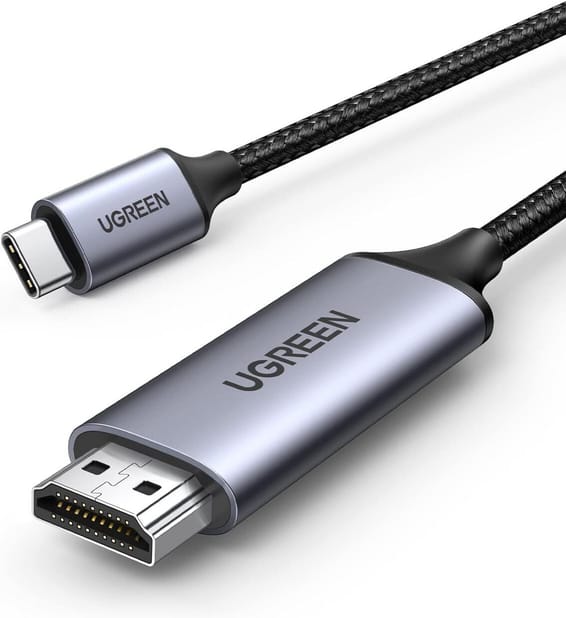
The T27-40's USB-C port is a hub port offering USB 5 Gbps with 15 W charging: enough to power a phone or an accessory. The picture, for its part, comes in via HDMI 1.4, DisplayPort 1.2 or VGA: you will need a video cable for your laptop, and should keep its original charger.
Which cables come with the ThinkVision T27-40?
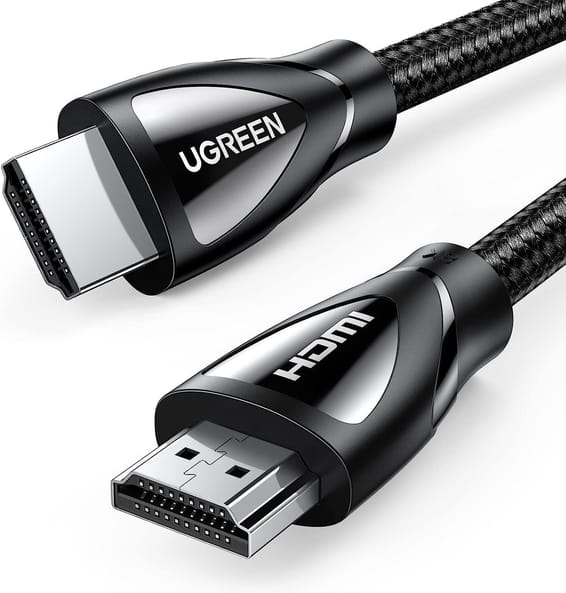
The monitor arrives mounted on its stand with a power cable, a DisplayPort cable and a USB-B to USB-A cable. If you intend to connect it via HDMI or VGA, you will need to provide the cable: for video, only the DisplayPort cable is supplied.
What is the USB-B port for, and how do you activate the monitor's USB ports?
The supplied USB-B to USB-A cable connects the monitor to the computer: it is the hub's upstream link. Once it is connected, you have 3 USB-A 5 Gbps ports and a USB-C 5 Gbps port delivering 15 W within easy reach, without bending down to the tower.
Can you still connect an old PC that only has a VGA output?
Yes. In addition to HDMI 1.4 and DisplayPort 1.2, the monitor retains a VGA input — rare on a monitor announced in 2025, and very handy for a mixed fleet of computers. The VGA cable is not in the box: only the DisplayPort cable is supplied for video.
With its 120 Hz, is it a gaming monitor?
Its refresh rate ranges from 48 to 120 Hz, with a 4 ms response time in extreme mode (6 ms in normal mode): noticeably smoother than a 60 Hz office monitor. However, it has no adaptive sync — neither FreeSync nor G-Sync — and remains first and foremost a work monitor.
Is the stand height-adjustable, and does the monitor rotate to portrait mode?
Yes. The overall height ranges from 382.8 to 537.8 mm, and the monitor tilts, swivels and rotates to portrait mode. It also accepts a VESA 100 × 100 mm mount: the display head alone weighs 4.4 kg, compared with 6.5 kg with its stand.
Are there a built-in webcam and speakers for video conferencing?
The T27-40 accepts Lenovo's modular webcam and soundbar, available as options. It has no built-in microphone: for video calls, rely on these modules or on a headset.
Is the panel matte, and does it cover colours well for document work?
It is matte, with an anti-glare treatment, and of the IPS type, with 178° viewing angles in both directions. It covers 99% of the sRGB space and 99% of BT.709, with a contrast ratio of 1500:1, 300 cd/m² and 16.7 million colours.
Is visual comfort certified for a workstation used all day long?
Yes, against three standards: Eyesafe Display 2.0, TÜV Low Blue Light as a hardware solution (the filter is built into the panel, not applied by software) and TÜV Rheinland Eye Comfort with a 5-star rating. The Natural Low Blue Light function completes the package.
How much power does it consume, and what is its energy class?
Allow 15 W in typical use and 75 W maximum, with a built-in power supply — no external brick under the desk. It is ENERGY STAR, EPEAT Gold, TCO 10.0 and TCO Edge 2.1 certified, and rated class D on the European energy label.
Can it be managed remotely within a company's fleet of devices?
Yes. It is compatible with Lenovo Display Fleet Manager (LDFM) for managing a fleet of monitors, and the Lenovo ThinkColour utility controls its settings from the computer under Windows 10, Windows 11 and macOS, with functions that vary depending on the operating system.
Is the monitor new, and how long is the warranty?
Yes, it is new and sealed in its original packaging, covered by a 3-year warranty. Full specifications are given in the datasheet (PDF). The exact reference for this model is 64A5MAT6EU.

Trending

View the Lenovo archive

Chat on WhatsApp

Scan with my phone

The simplest way: open your phone camera and point it at this code. The chat opens with your message ready.

Open WhatsApp Web

Works if your phone is already linked to this computer.