How many displays can this dock drive, and at what resolution?
Up to 4 external displays. The stated combinations are 1 × 8K at 60 Hz, 2 × 4K at 144 Hz or 4 × 4K at 60 Hz, carried by the 40 Gbps of Thunderbolt 4. The resolution actually achieved depends on the capabilities of your computer and your monitors.
Which video ports are available on the dock?
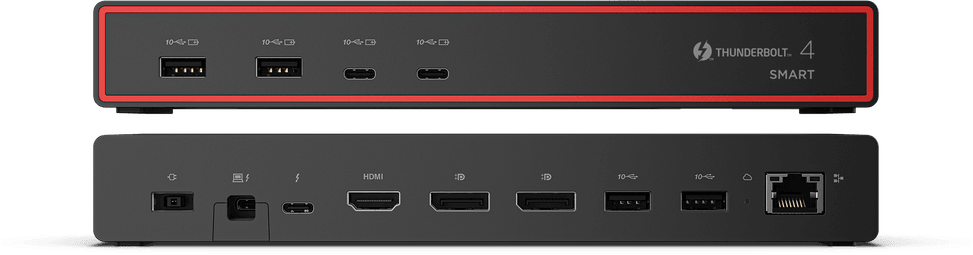
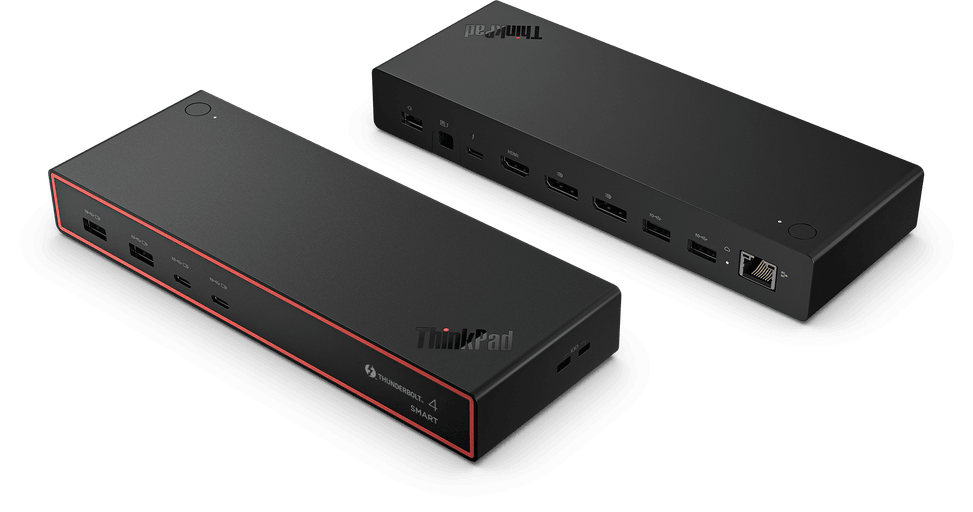
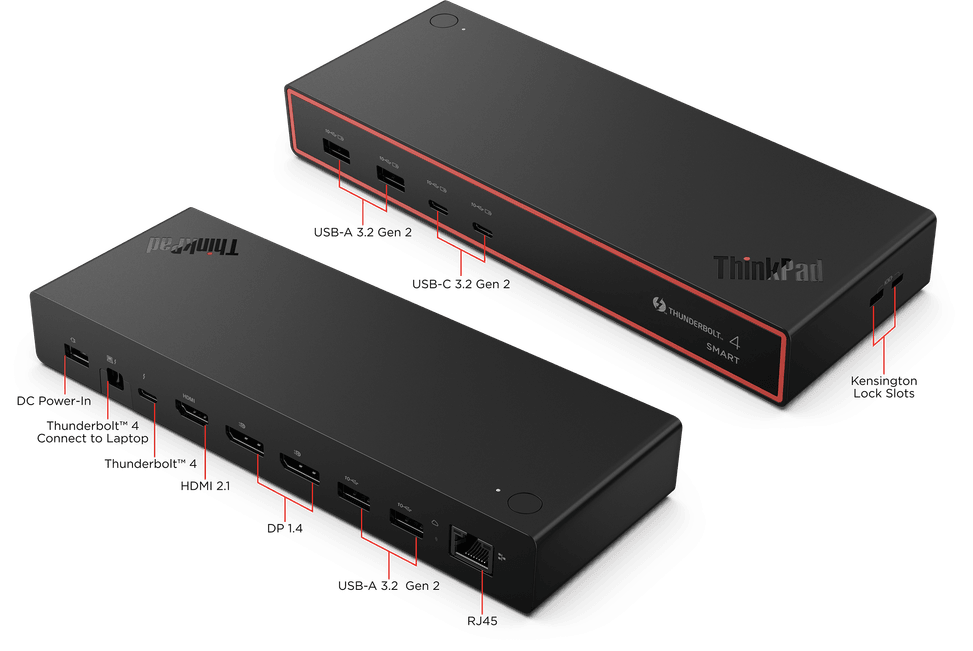
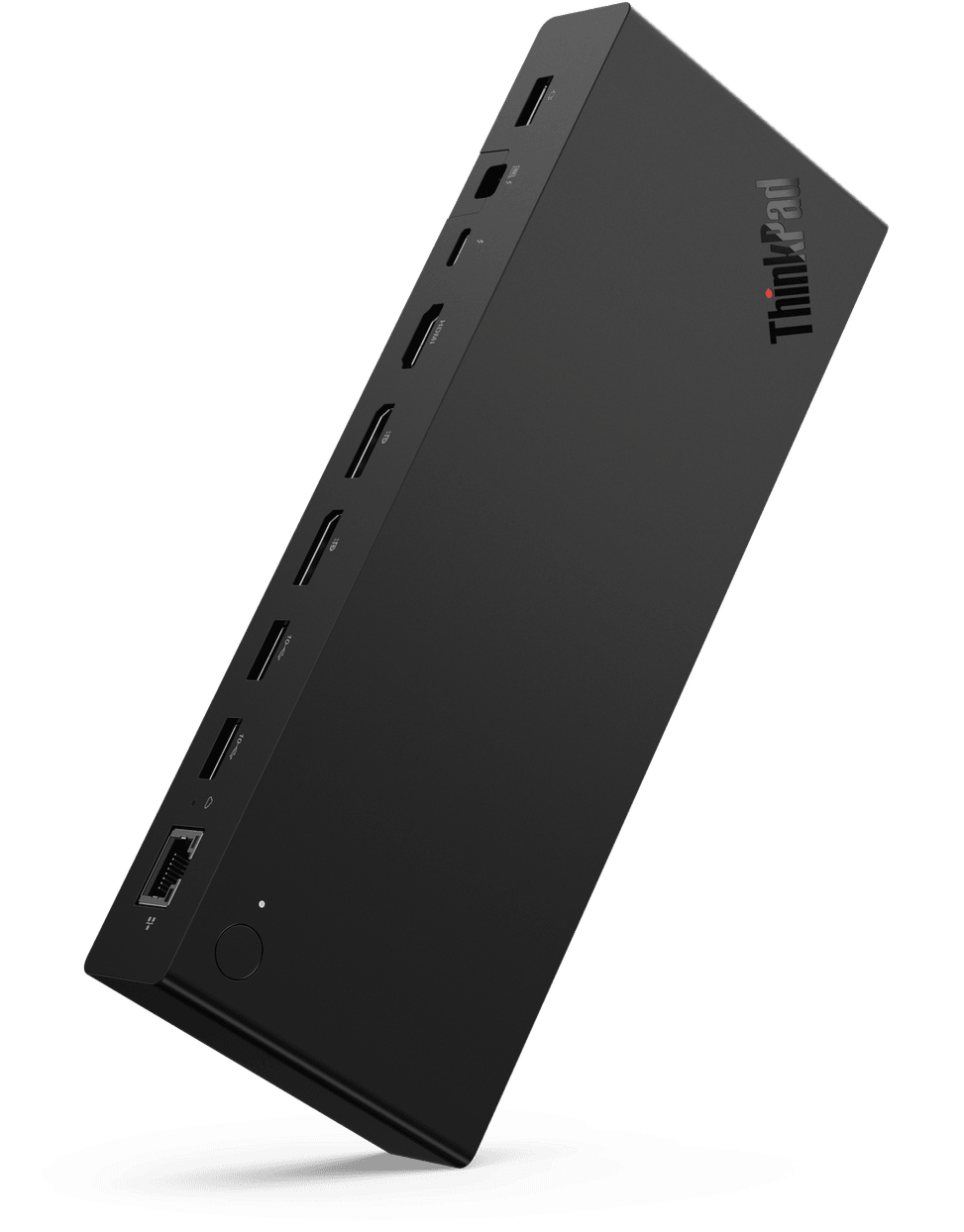
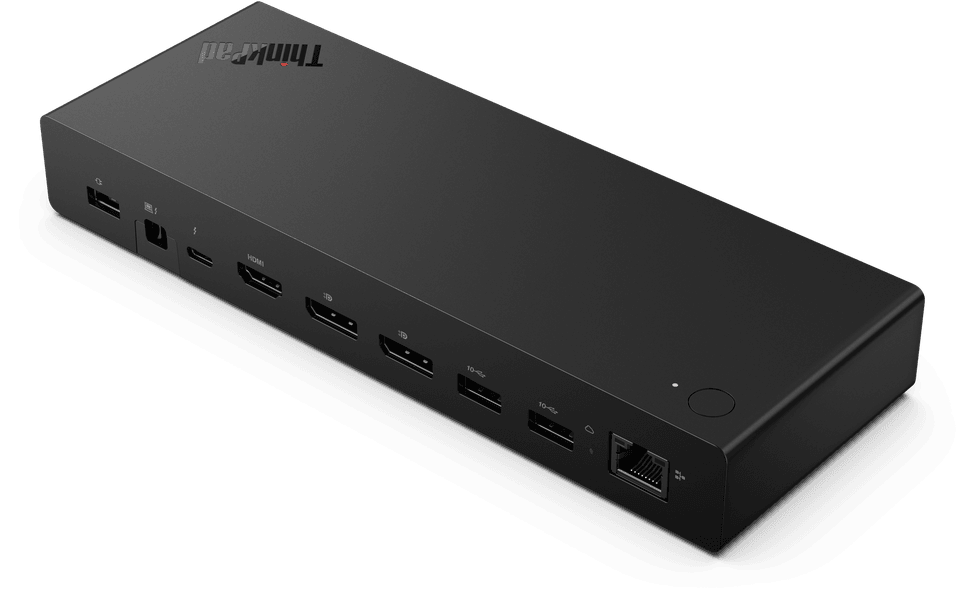
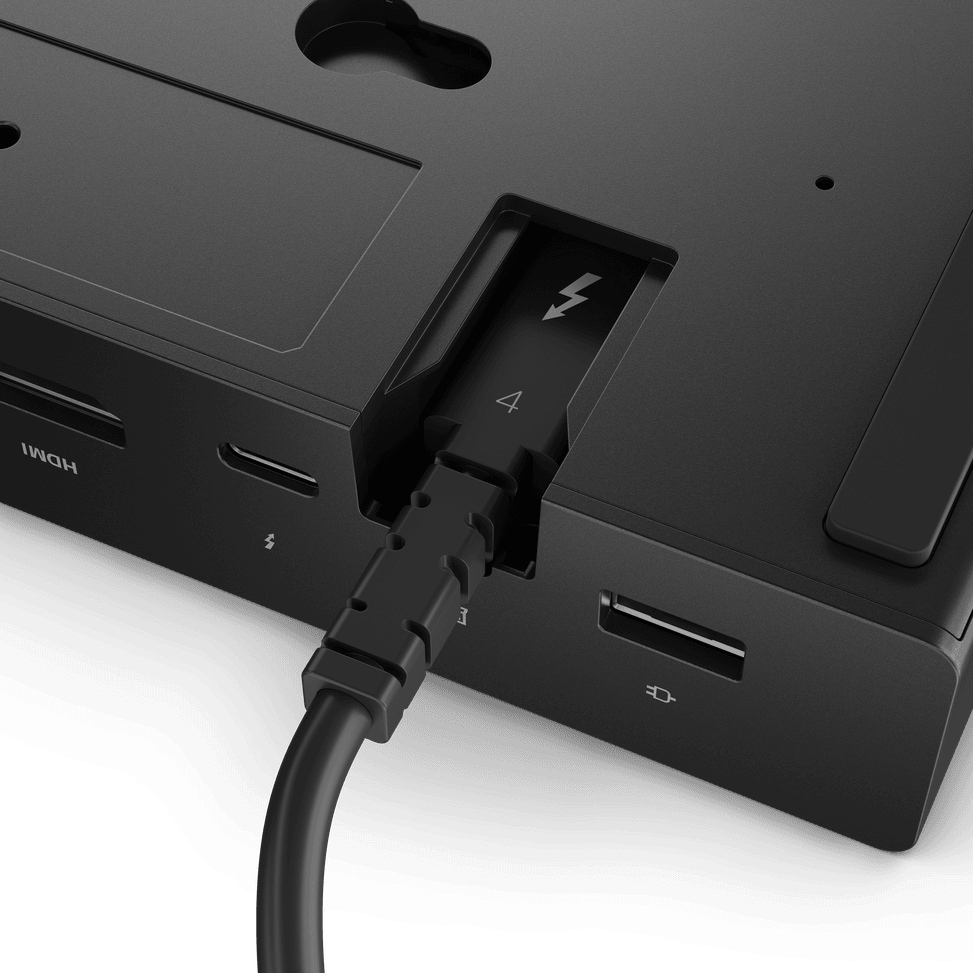
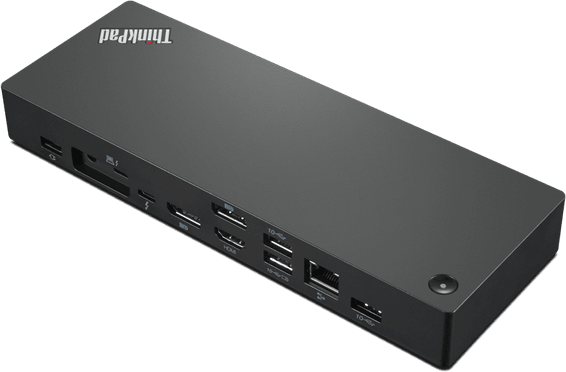
Four outputs: 2 × DisplayPort 1.4, 1 × HDMI 2.1 and 1 × full-function Thunderbolt 4, the latter also serving as a 15 W data port. A separate Thunderbolt 4 port, with its integrated cable, is reserved for connecting the laptop.
Does it work with a laptop that is not a ThinkPad?
Yes, as long as its Type-C port supports USB-C Alt Mode, DisplayLink or Thunderbolt. However, the advanced features — MAC address pass-through, Wake on LAN and mirrored power button — are designed for Lenovo ThinkPad laptops and may not be available on a machine from another brand.
Does it charge the laptop, and which power adapter is included?
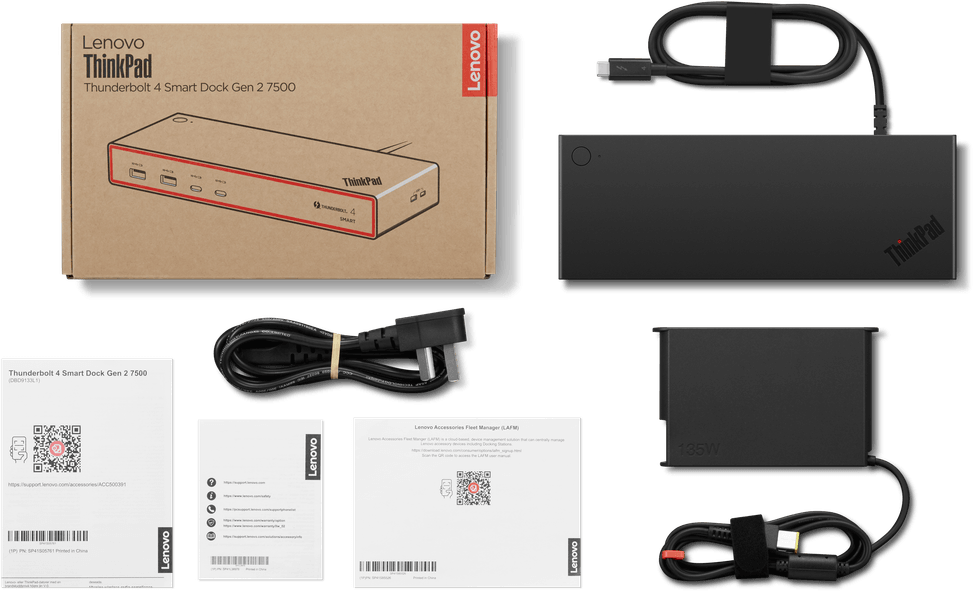
Yes, up to 100 W via Power Delivery 3.1, over the single Thunderbolt cable. The supplied power adapter delivers 135 W. The power cord, user guide and warranty document are in the box.
Can the front ports charge a phone continuously?
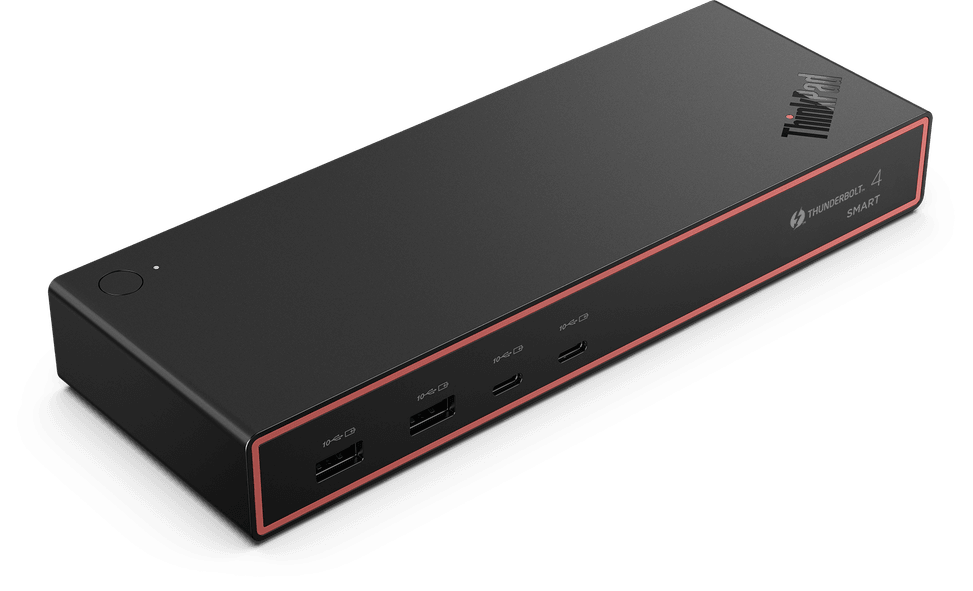
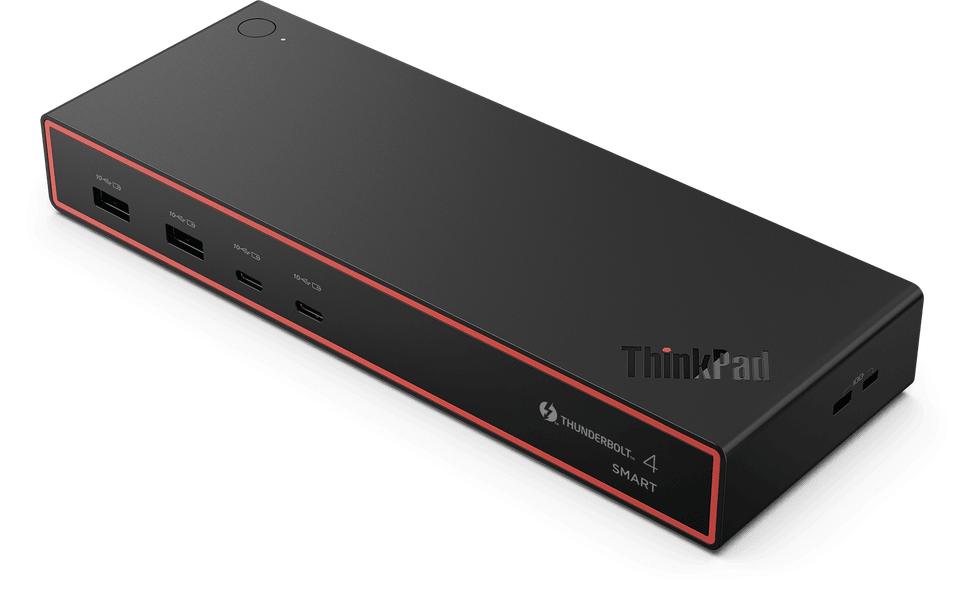
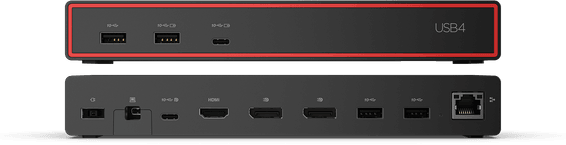
Yes: the four front-panel ports provide permanent charging (always-on), two USB-A at 12 W and two USB-C at 15 W. At the same time, they remain 3.2 Gen 2 data ports.
Do the rear ports deliver the same power as the front ones?
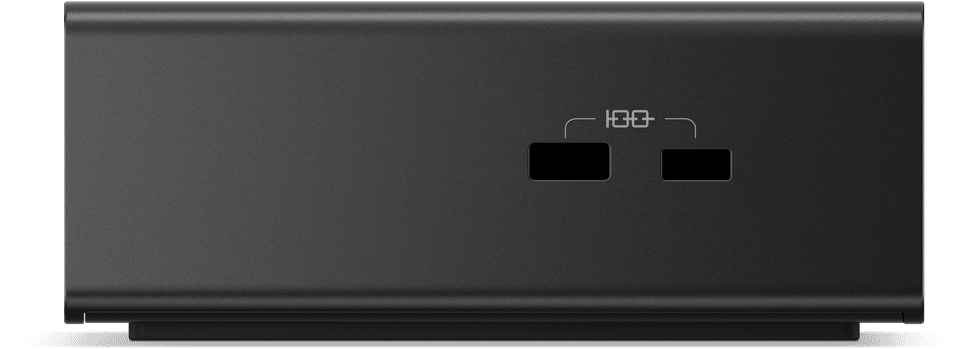
No. The two rear USB-A ports are limited to 5 W, compared with 12 W at the front, and the rear Thunderbolt 4 port goes up to 15 W. All the USB ports are, however, 3.2 Gen 2, rated at a theoretical 10 Gbps; actual throughput varies with the peripherals.
Does the network port offer anything more than Gigabit?
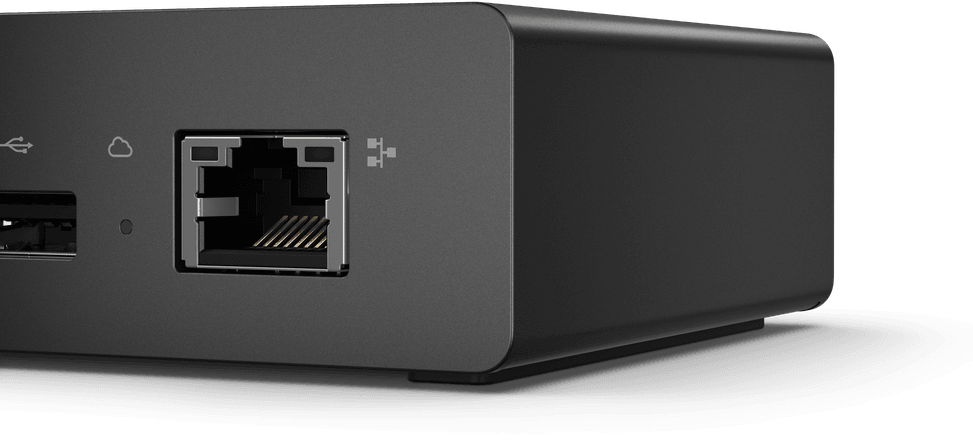
Yes: the RJ-45 port runs at 2.5 Gbps, two and a half times the speed of a Gigabit port, designed for video conferencing, large file transfers and streaming. It supports Wake on LAN, PXE boot and MAC address pass-through on ThinkPad laptops.
Is the connection cable included, and how much space does the unit take up?
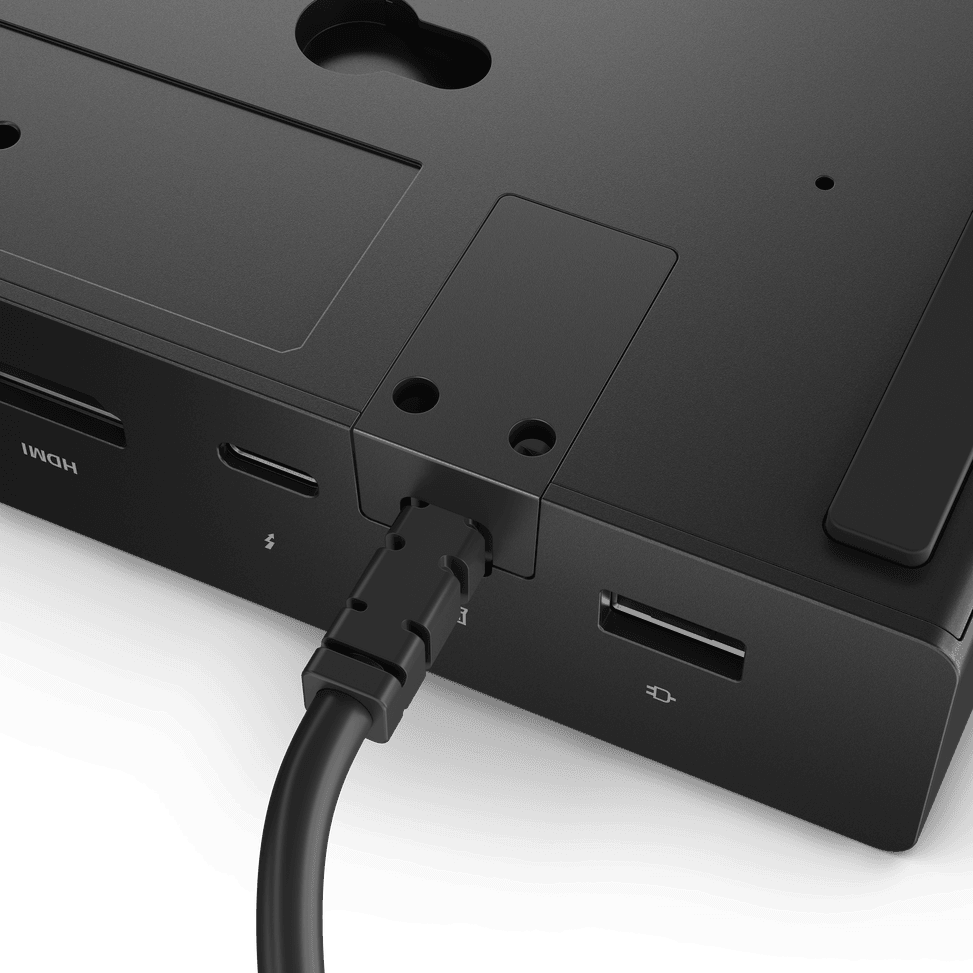
The 1 m Thunderbolt 4 cable is built into the dock: nothing extra to buy. The unit measures 220 × 80 × 30 mm and weighs 547.5 g, cable included, plus 353 g for the power adapter. Packaged, the whole set fits in 237.8 × 141 × 75.8 mm.
Can an IT team manage the dock remotely?
Yes, with Lenovo Accessories Fleet Manager, a cloud console accessible from a web browser and hosted on Amazon AWS. It provides an overview of the fleet, firmware updates, diagnostics, batch reporting and remote access to connected devices.
Is it compatible with a Mac?
Yes: macOS Sonoma and macOS Sequoia are supported, as are Windows 10 and later. The hardware requirement remains the same: a Type-C port that supports the USB-C Alt Mode, DisplayLink or Thunderbolt protocols.
What is its environmental record?
It is quantified and certified: the outer casing is made from 90% post-consumer recycled materials, the packaging is a plain cardboard box that is plastic-free, 90% recycled and FSC-certified, and the product's carbon footprint is TÜV-certified.
Is it certified, and can it be physically secured?
Yes to both. It carries, among others, the CE, FCC, TÜV, CB, cULus and ANRT approvals, Thunderbolt certification and Intel Evo certification. Two lock slots, MicroSaver and NanoSaver, allow it to be secured to the workstation.
Is the Lenovo ThinkPad Thunderbolt 4 Smart Dock Gen 2 7500 new and covered by warranty?
Yes: it is
new and sealed in its original packaging, supplied with its invoice, which serves as the warranty document for
1 year. The user guide and warranty document are included. Details of the ports and resolutions are given in the
Lenovo datasheet (PDF).