Is the GX6140's print head permanent or replaceable?
It is replaceable: the GX6140 works with a single print head, which can be changed when worn without scrapping the whole machine. A real asset on a printer rated for a volume of up to 45,000 pages per month.
Is there a consumable to buy besides the ink bottles?
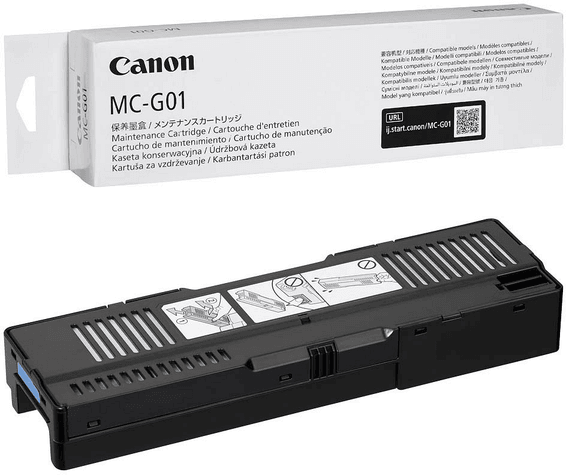
Yes, the MC-G01 maintenance cartridge, separate from the ink bottles. Good news: it is user-replaceable, so you change it yourself, with no technician visit and without taking the printer out of service.
How many pages can you print with the ink supplied?
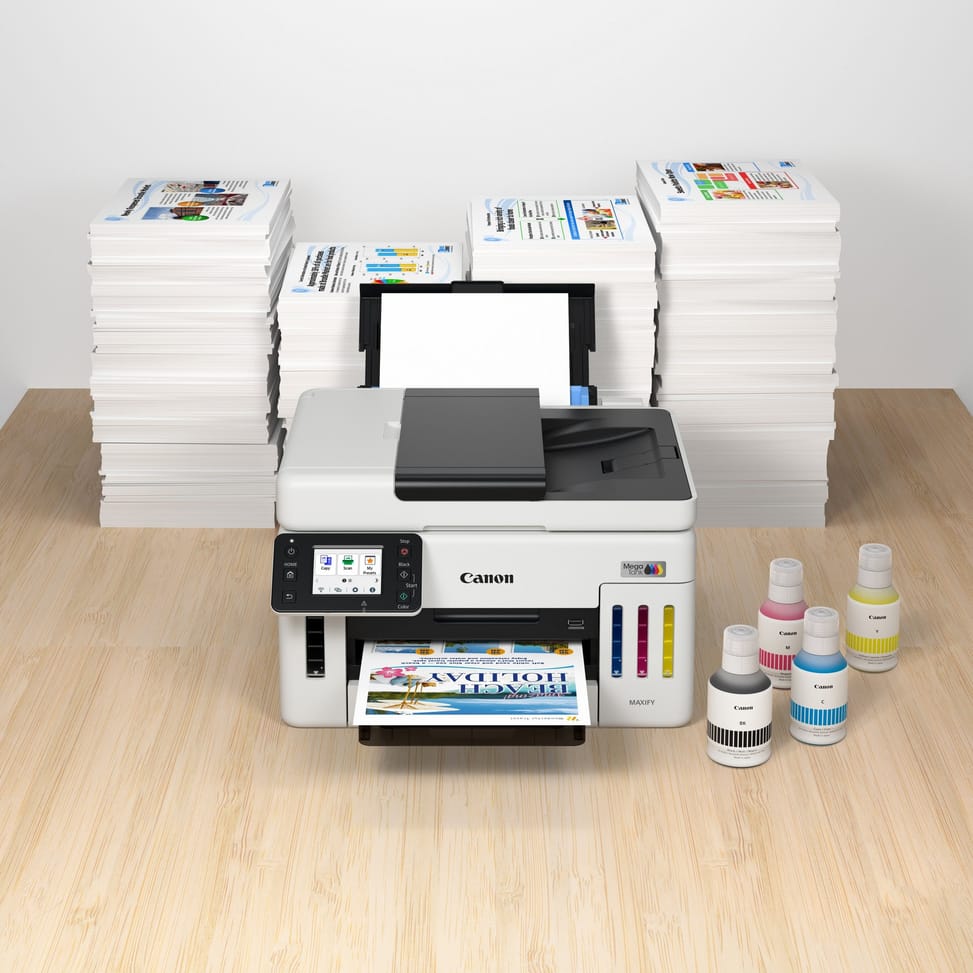
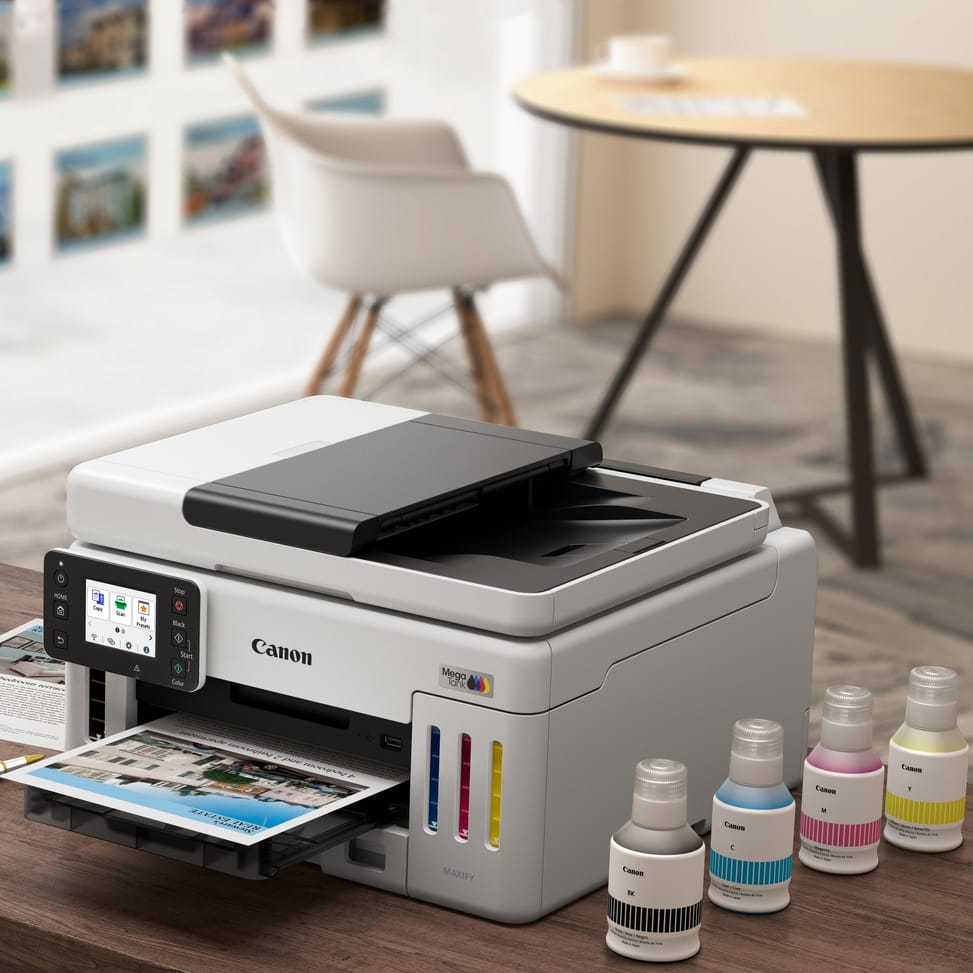
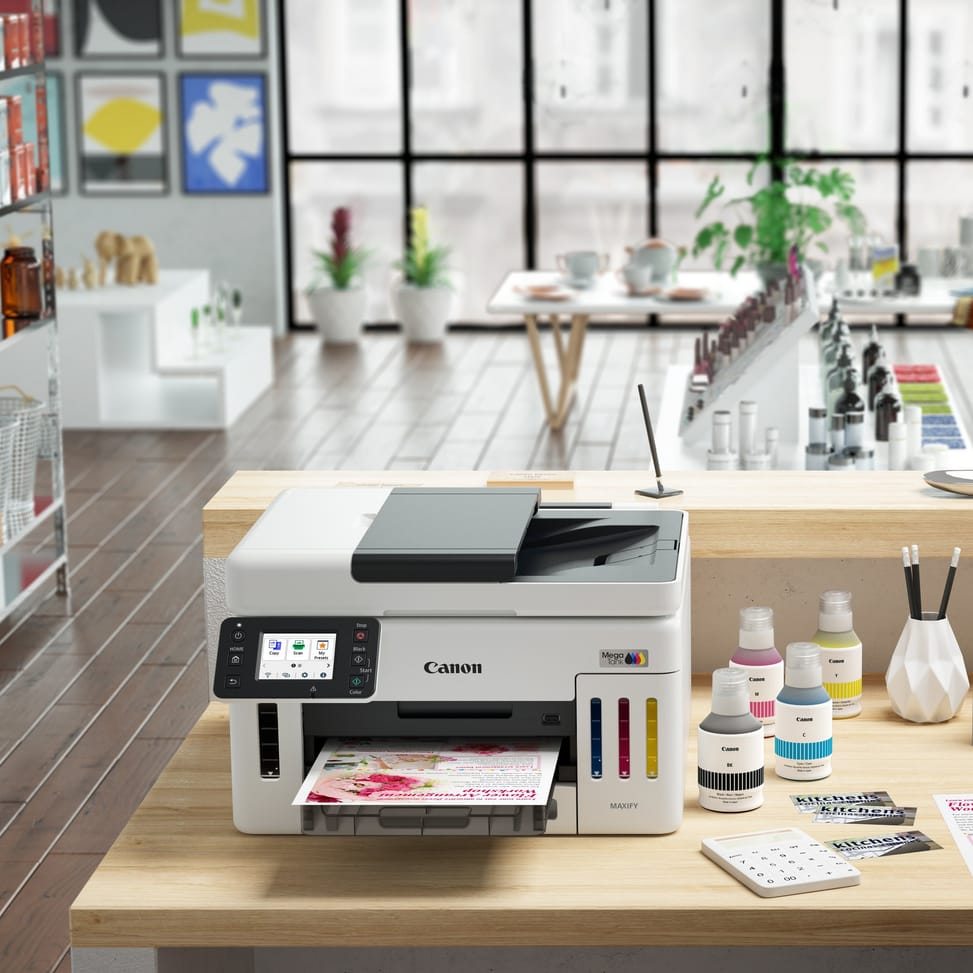
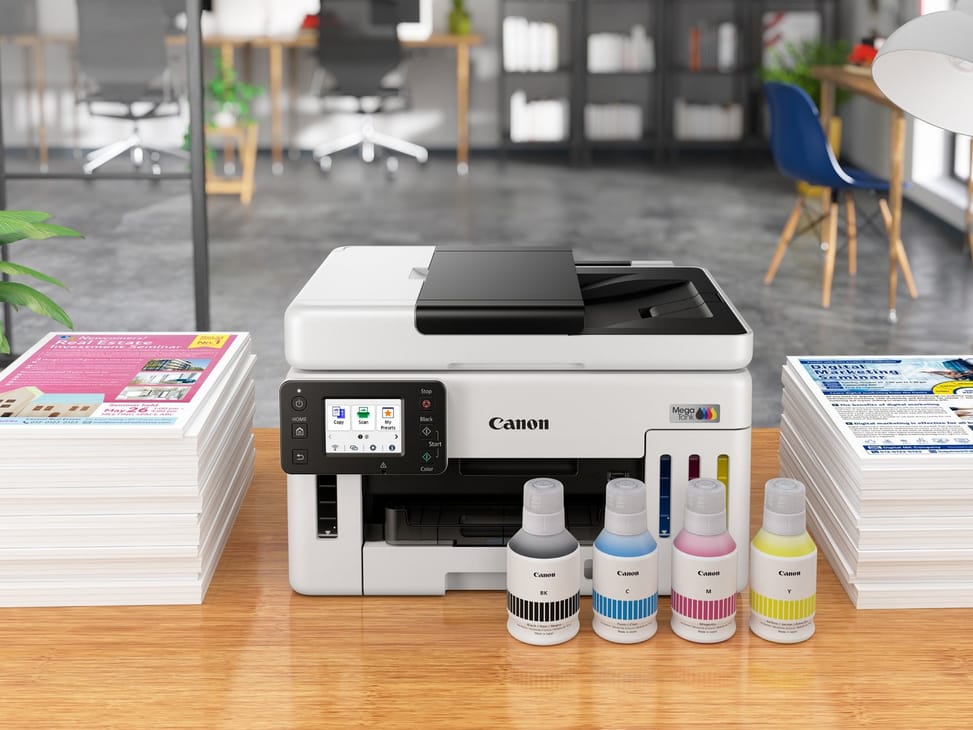
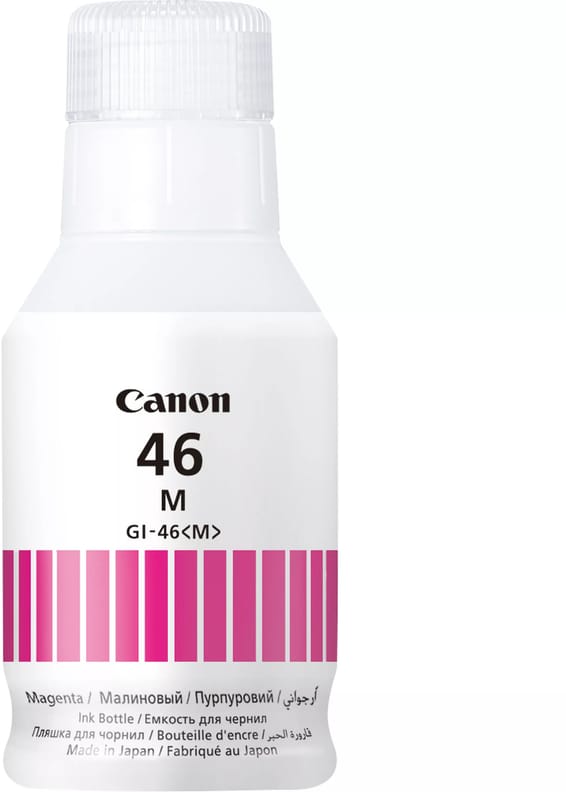
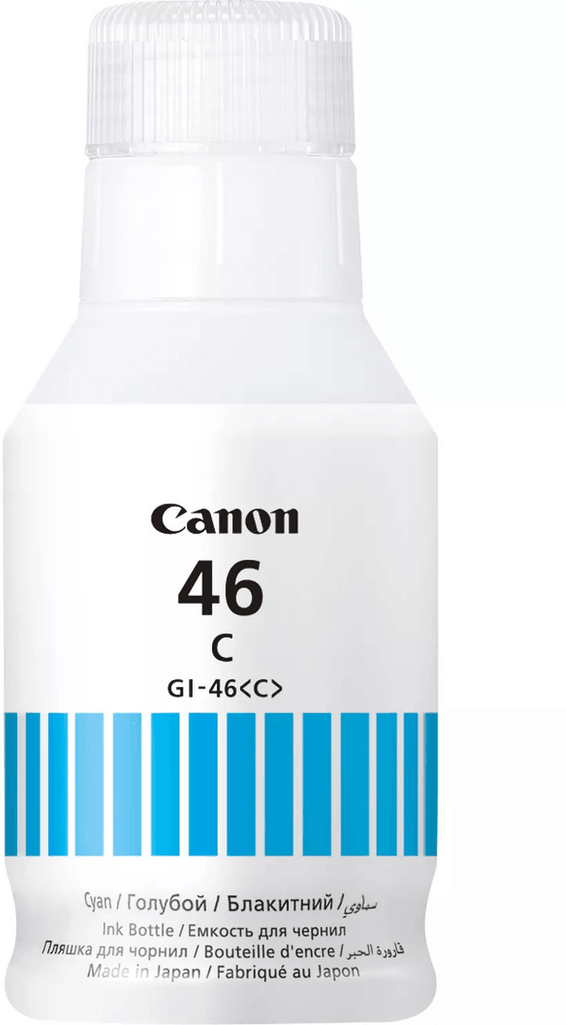
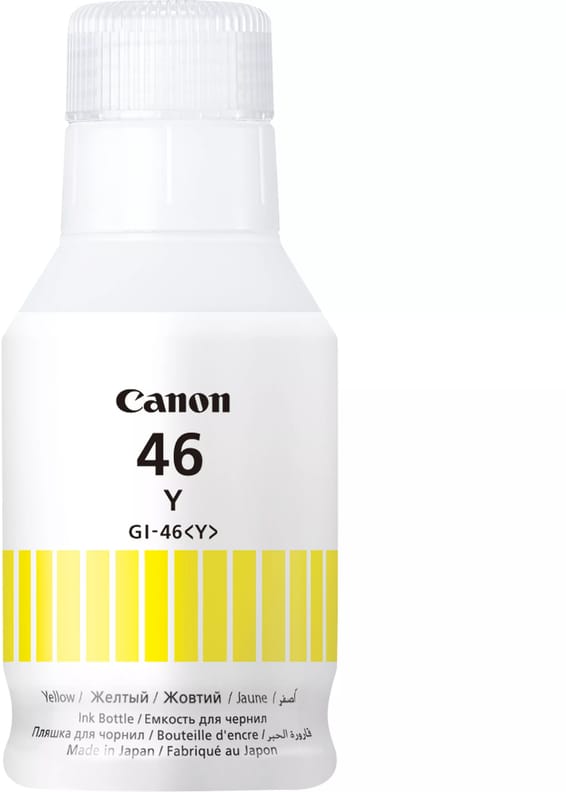
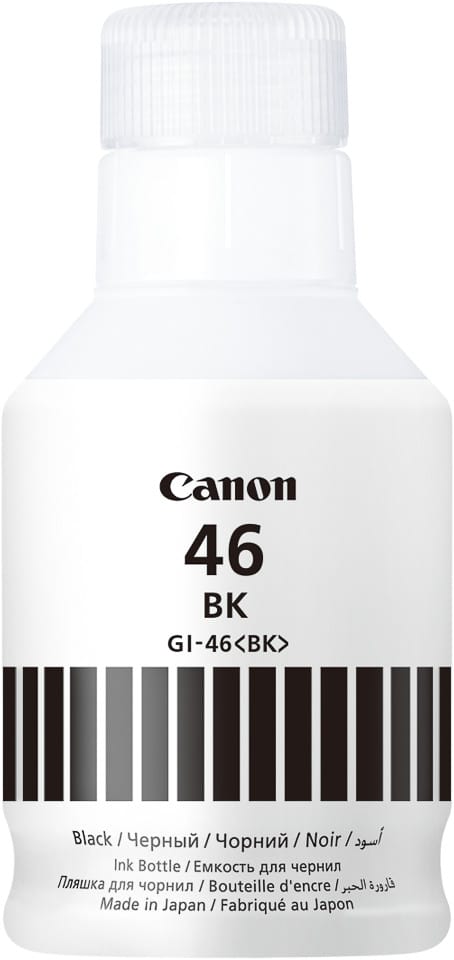
The 4 supplied bottles cover 6,000 pages in black and 14,000 in colour, and up to 9,000 / 21,000 pages in Economy mode. After that, you only buy GI-46 bottles (black, cyan, magenta, yellow): the tanks themselves stay in place and are refilled.
Does automatic duplex printing work with all paper types?
No: it is limited to A4 and Letter, on 64 g/m² plain paper. For any other size or a heavier paper weight, you turn the stack over by hand. Duplex copying, on the other hand, can be automatic or manual as you prefer, with 2-in-1 and 4-in-1 modes.
Can it print borderless photos?
No: borderless printing is not supported, and a 5 mm margin remains on all four sides. It does, however, print on lustre, glossy, satin or matte photo paper, in 10 × 15, 13 × 18, 18 × 25 and 20 × 25 cm sizes — with a white border to trim.
Does the MAXIFY GX6140 also fax?
No, this model has no fax function. It prints, copies and scans, sending scans directly to a network folder, an e-mail address or a USB flash drive: the workflow that has replaced fax in most offices.
Which cables do you need to get in addition?
The box contains the printer, the 4 ink bottles, the power cord, the setup CD-ROM and the manuals. So make sure you have your own USB or Ethernet cable if you do not plan to set it up over Wi-Fi: the power cord is the only cable supplied.
How much space does it really take up on a desk?
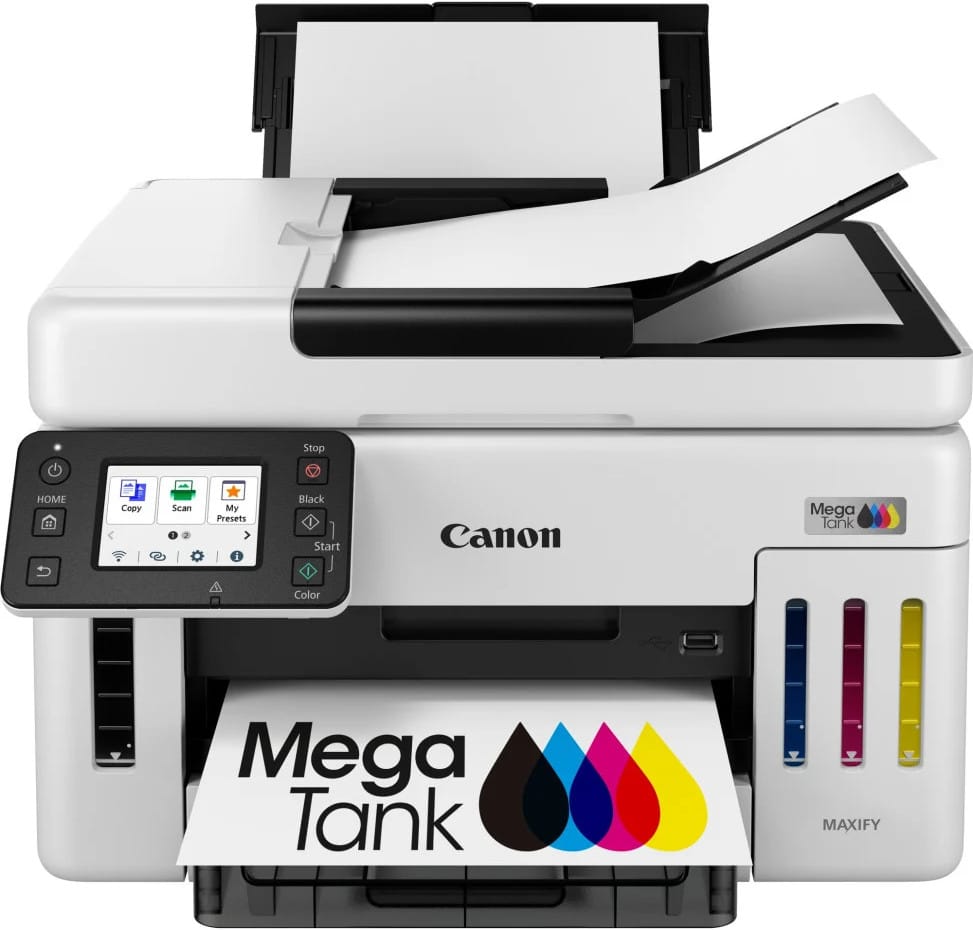
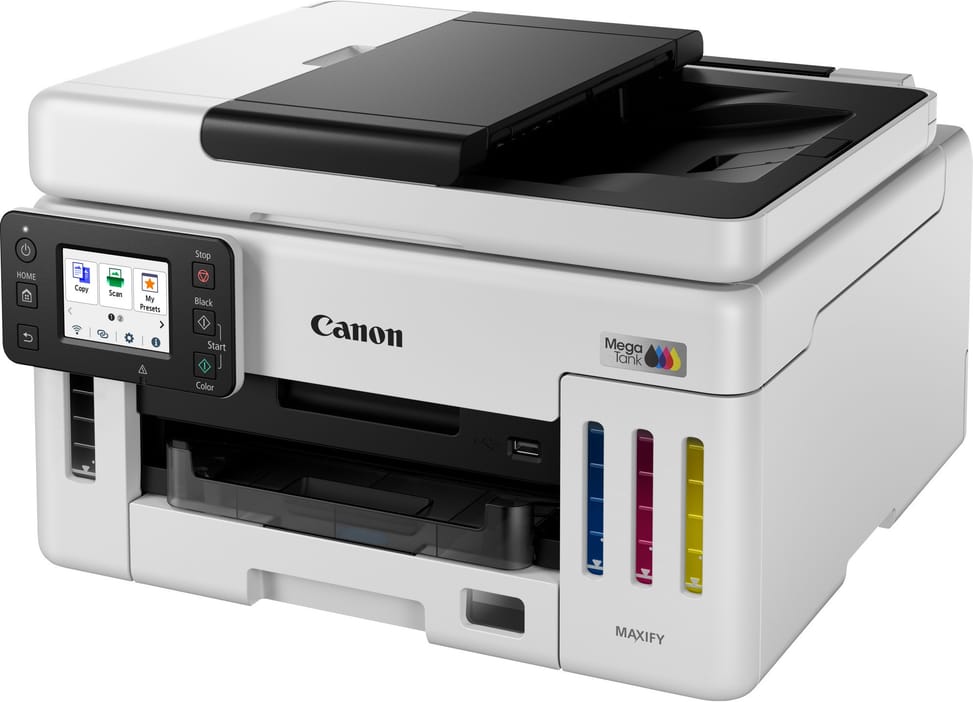
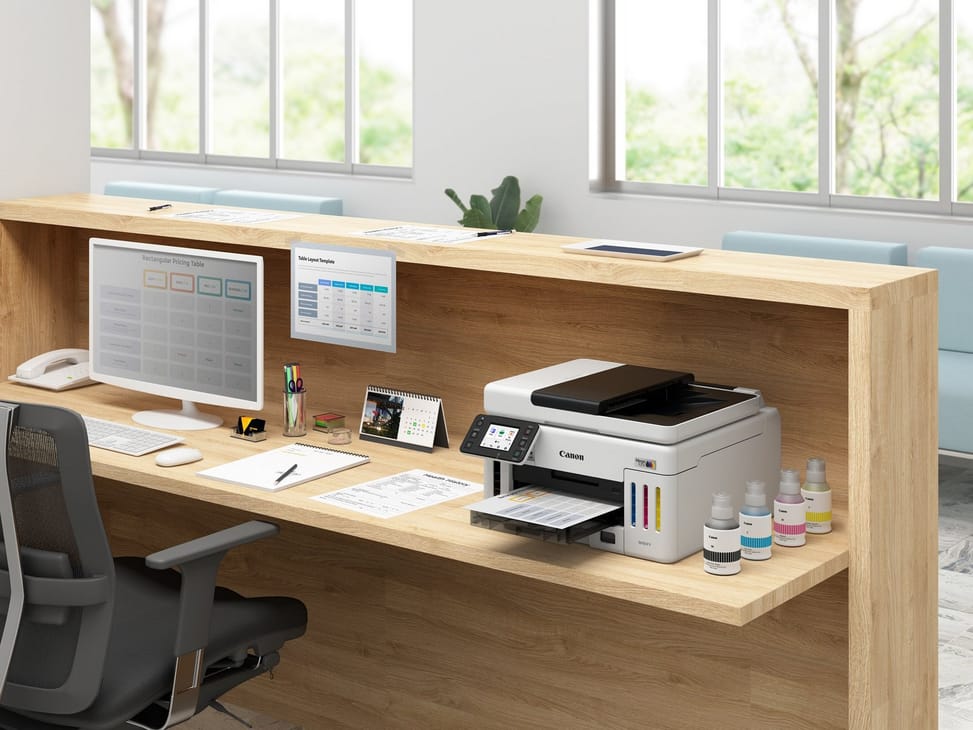
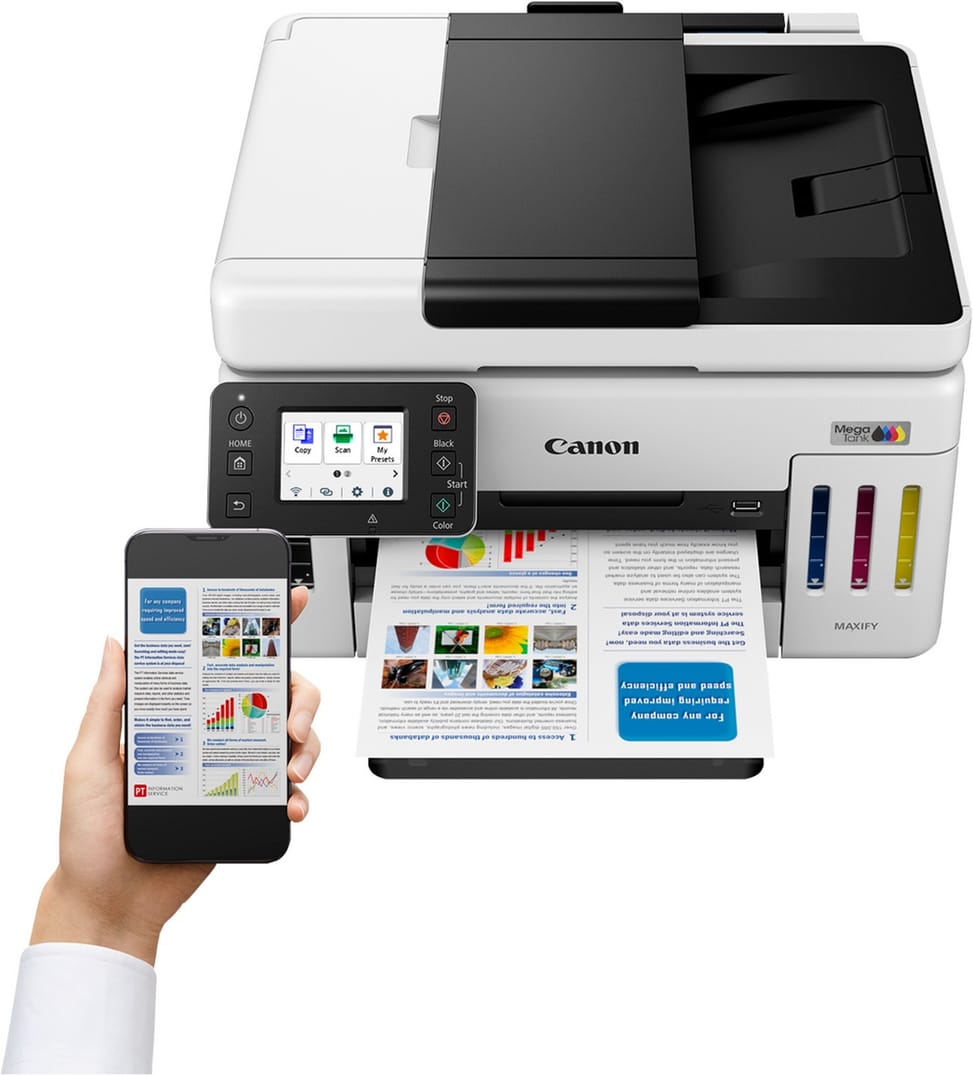
399 × 410 × 254 mm with the trays closed, but 399 × 645 × 327 mm once extended: so allow nearly 65 cm of depth in actual use, versus 41 cm at rest. Add 11.6 kg on the worktop, and plan for suitable furniture.
Can it print banners or envelopes?
Yes: custom sizes range from 89 × 127 mm up to 216 × 1,200 mm, i.e. banners 1.20 m long, and it accepts DL, COM10 and C5 envelopes. The rear tray also takes Canon paper up to around 265 g/m², for business cards and promotional labels.
Is it noisy and power-hungry in a shared office?
No: around 49 dB(A) in operation, 20 W when copying, 0.9 to 1.4 W in sleep mode and 0.05 W when switched off, for a typical consumption of 0.157 kWh. You can leave it on permanently in an open-plan office.
Can it be used on a secure corporate network?
Yes. Wired: 10/100 Mbps Ethernet, IPv4/IPv6, TLS 1.3 and IEEE 802.1X authentication (EAP-TLS, EAP-TTLS, PEAP). Wireless: dual-band Wi-Fi and WPA3, including in Enterprise mode. Firmware updates are applied automatically, making it deployable in a managed IT fleet.
Can you print from a smartphone or a Chromebook?
Yes: AirPrint on iOS and iPadOS, Mopria on Android, the Canon PRINT app and Cloud Link for printing from your online services. On the computer side, Chrome OS, Windows 11 to Windows 7 SP1, Windows Server and macOS up to Sequoia 15 are supported, and it even responds to the Amazon Alexa voice assistant.
How many sheets can you load before having to top it up?
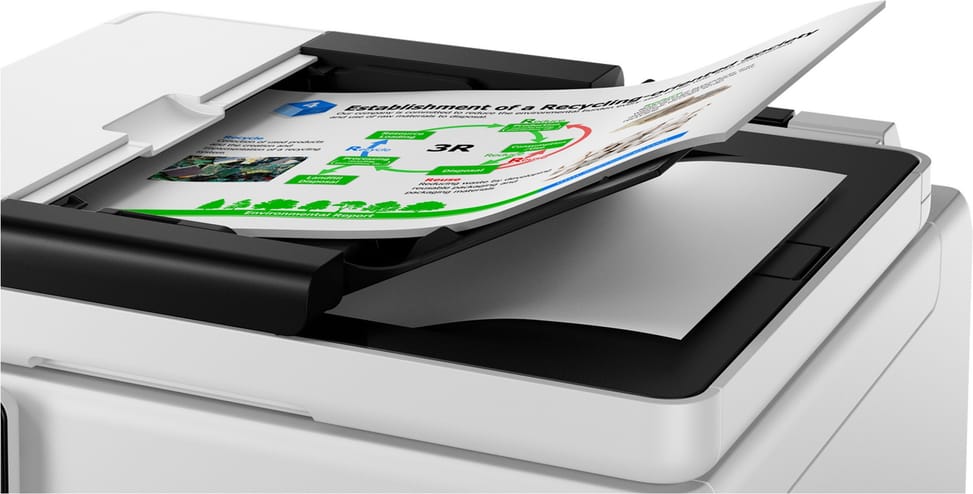
350 sheets of input: 250 in the cassette and 100 in the rear tray, plus a 50-sheet automatic feeder for scanning and copying document sets — but only 10 sheets in Legal size. The first page comes out in 5.5 s in black, then the pace holds at 24 images/min, enough to run print jobs back to back without watching the tray.
How good are the scanner and copier functions?
The scanner is a colour flatbed CIS backed by the automatic feeder, with an optical resolution of 1,200 × 1,200 dpi and a speed of 22.2 images/min in black. For copying: zoom from 25 to 400%, up to 99 copies in a row, collated copying, 2-in-1, 4-in-1, frame erase and ID card copy.
Is this Canon MAXIFY GX6140 new and under warranty?
Yes: a new printer (reference 6882C009AA), supplied with its 4 high-yield ink bottles, its power cord, its manuals and its invoice. The invoice serves as the warranty document for 1 year.