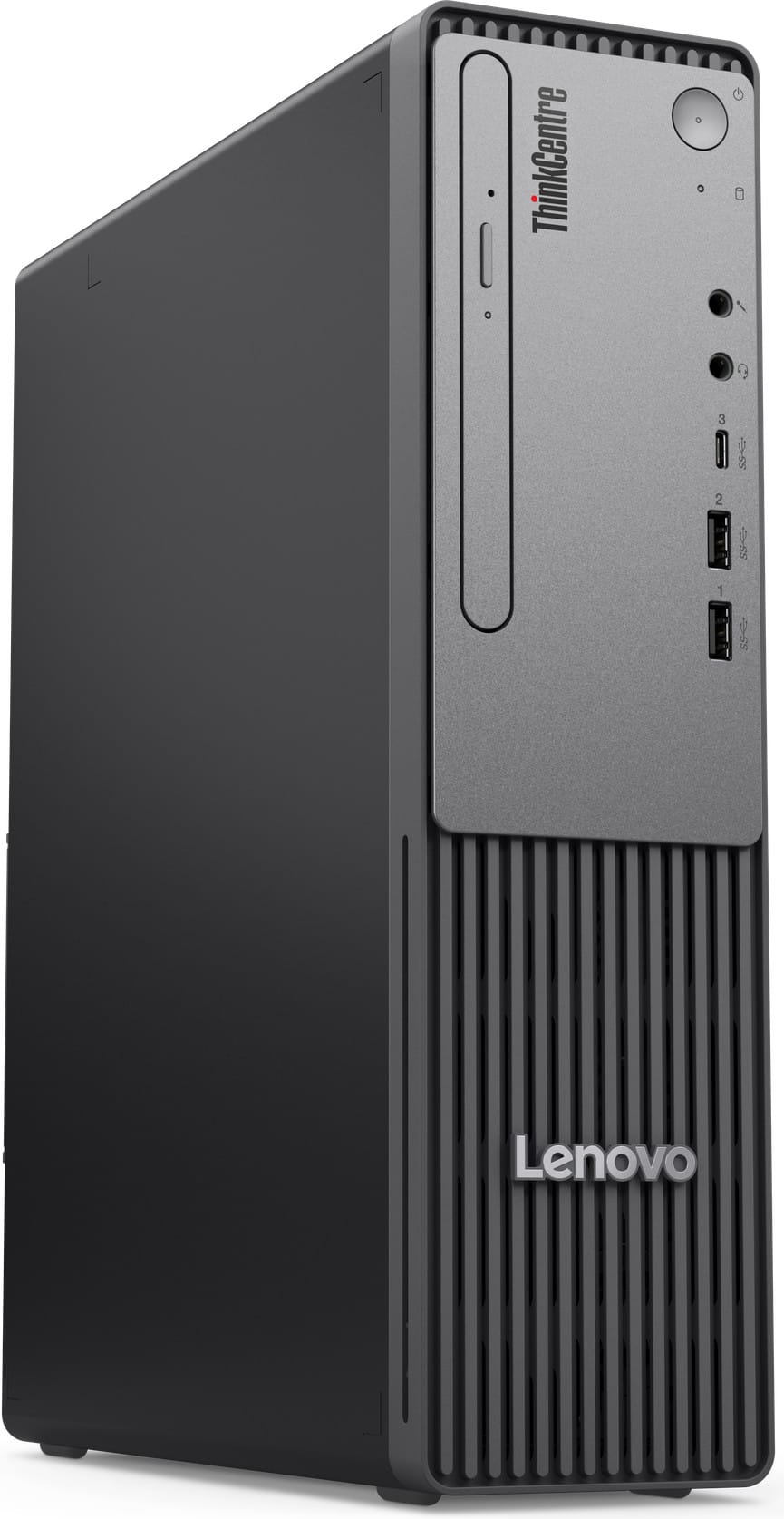
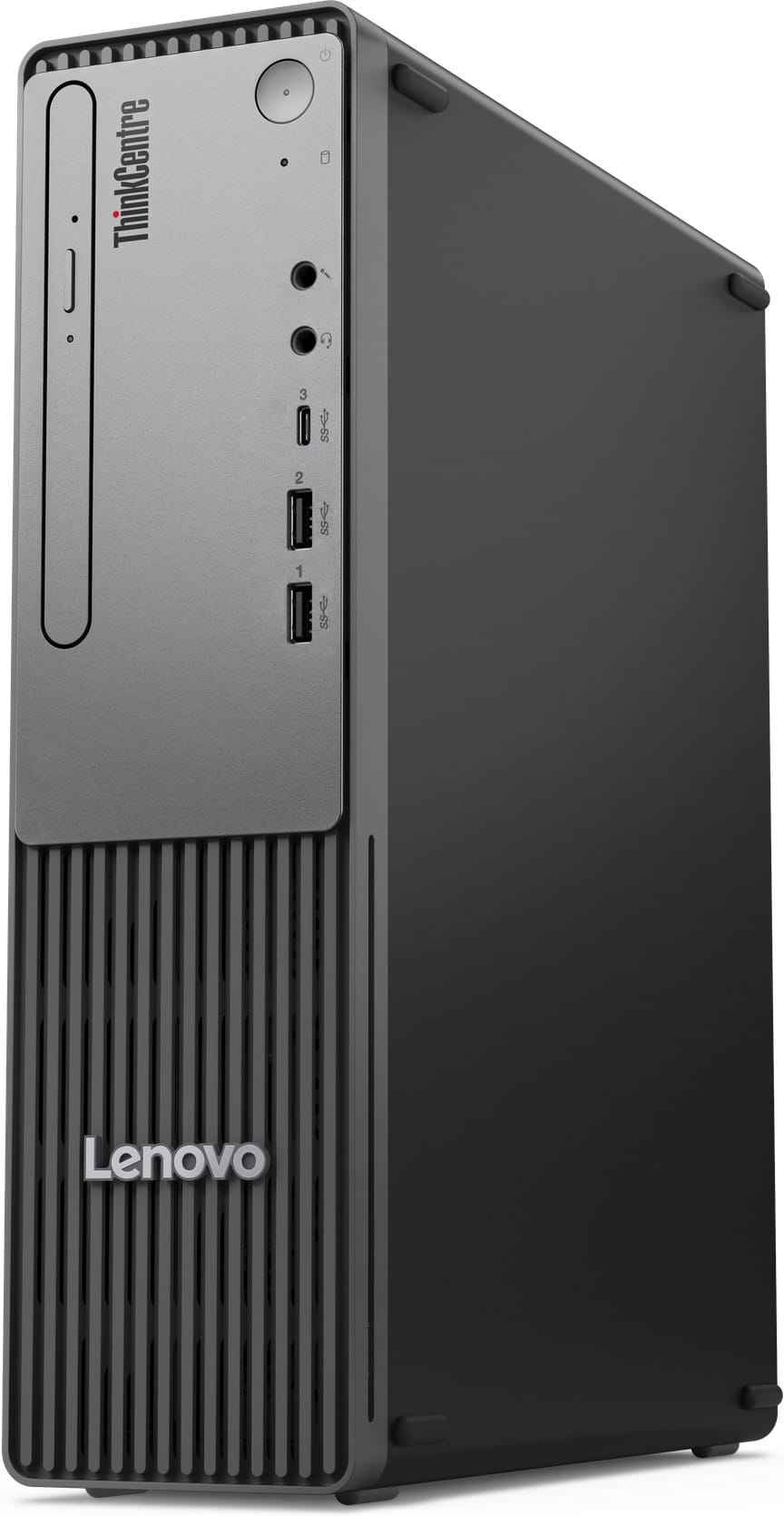
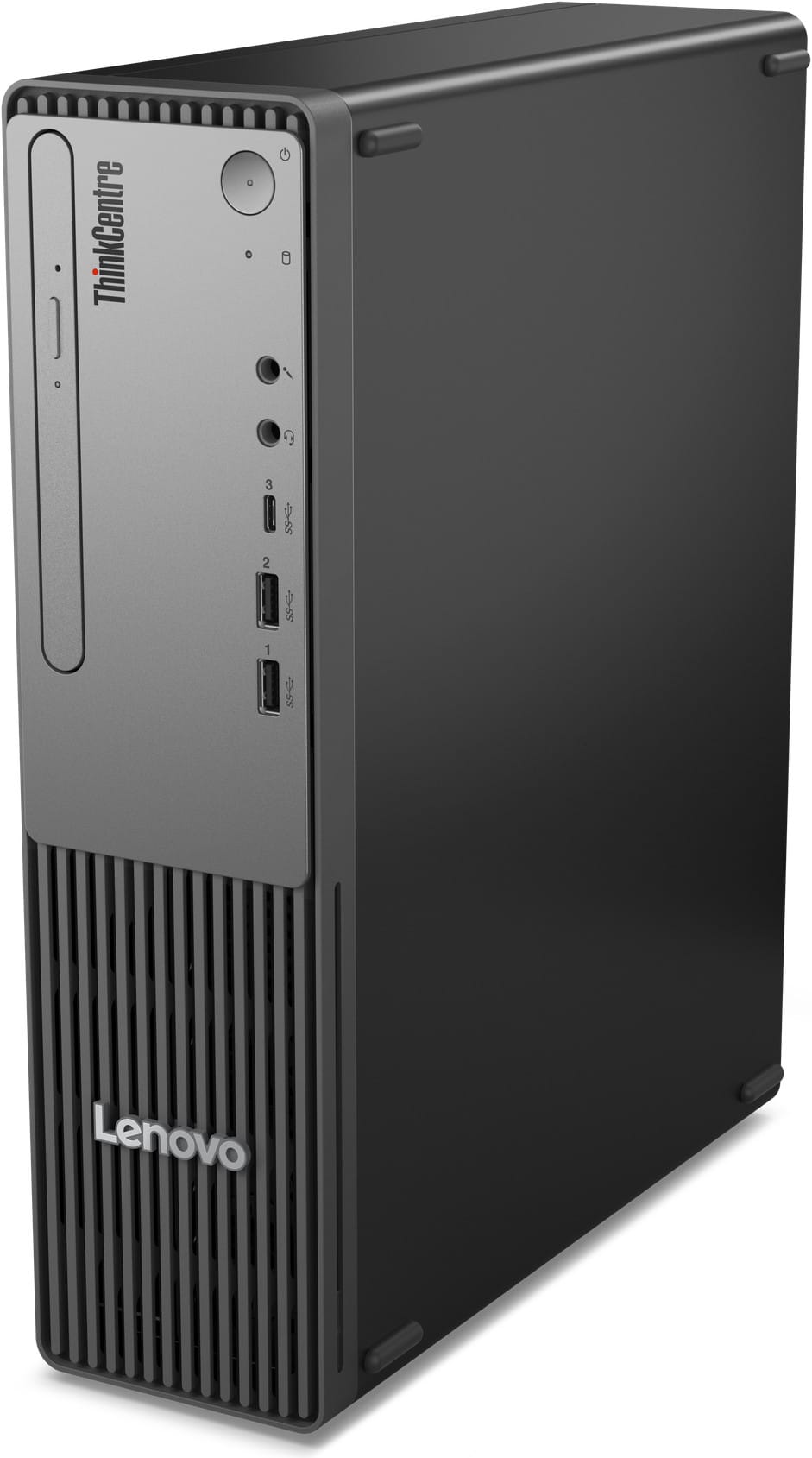
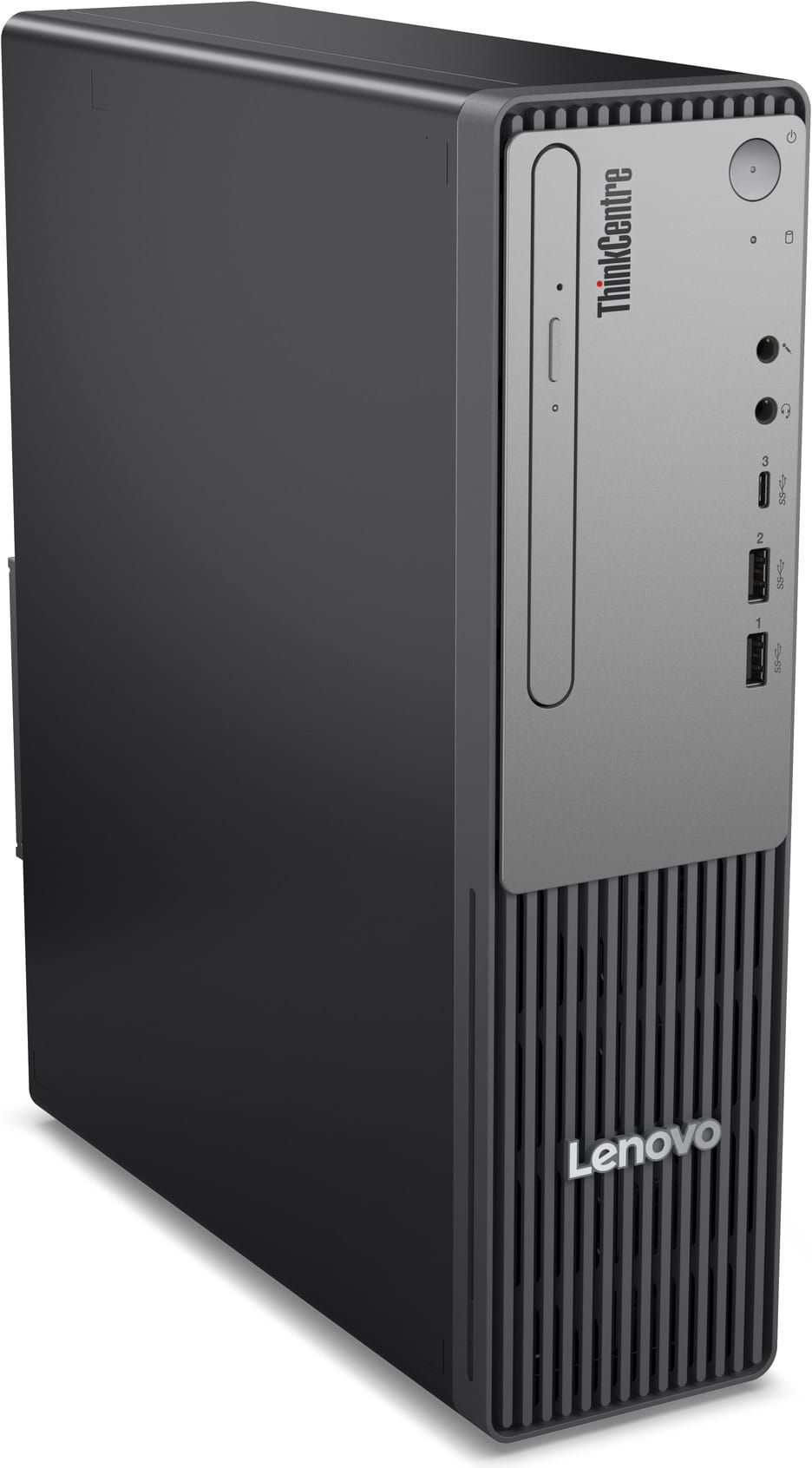
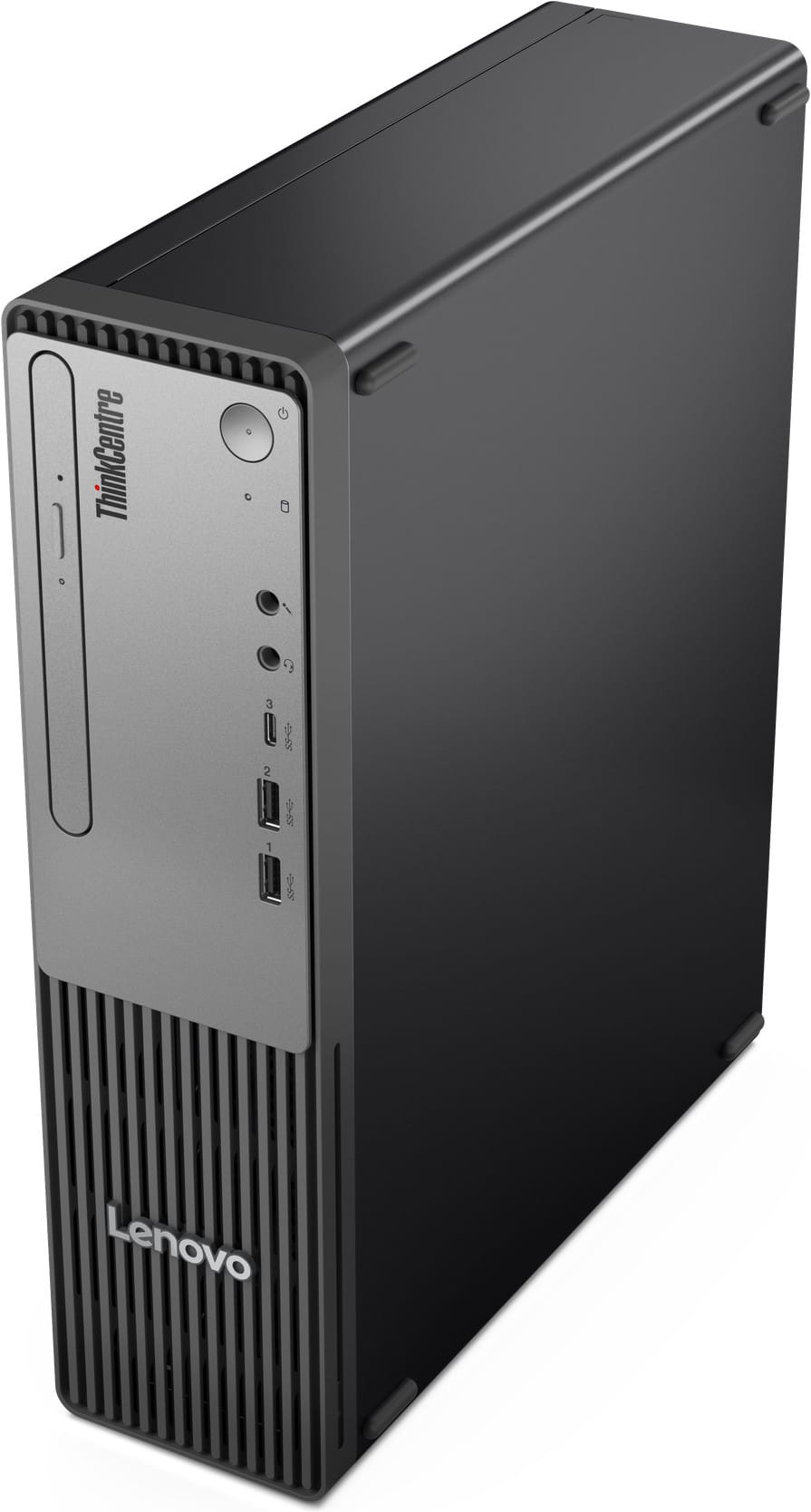
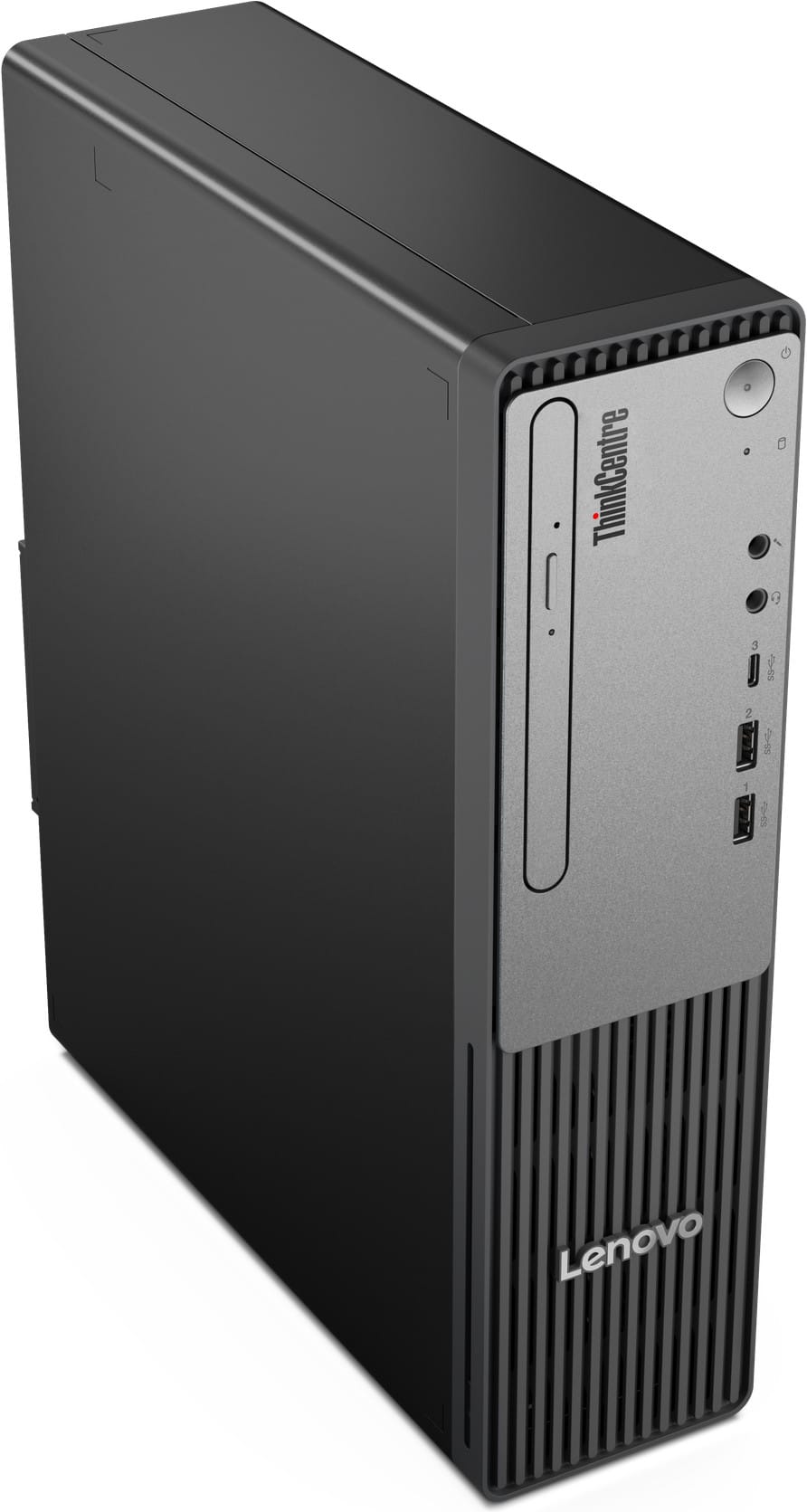
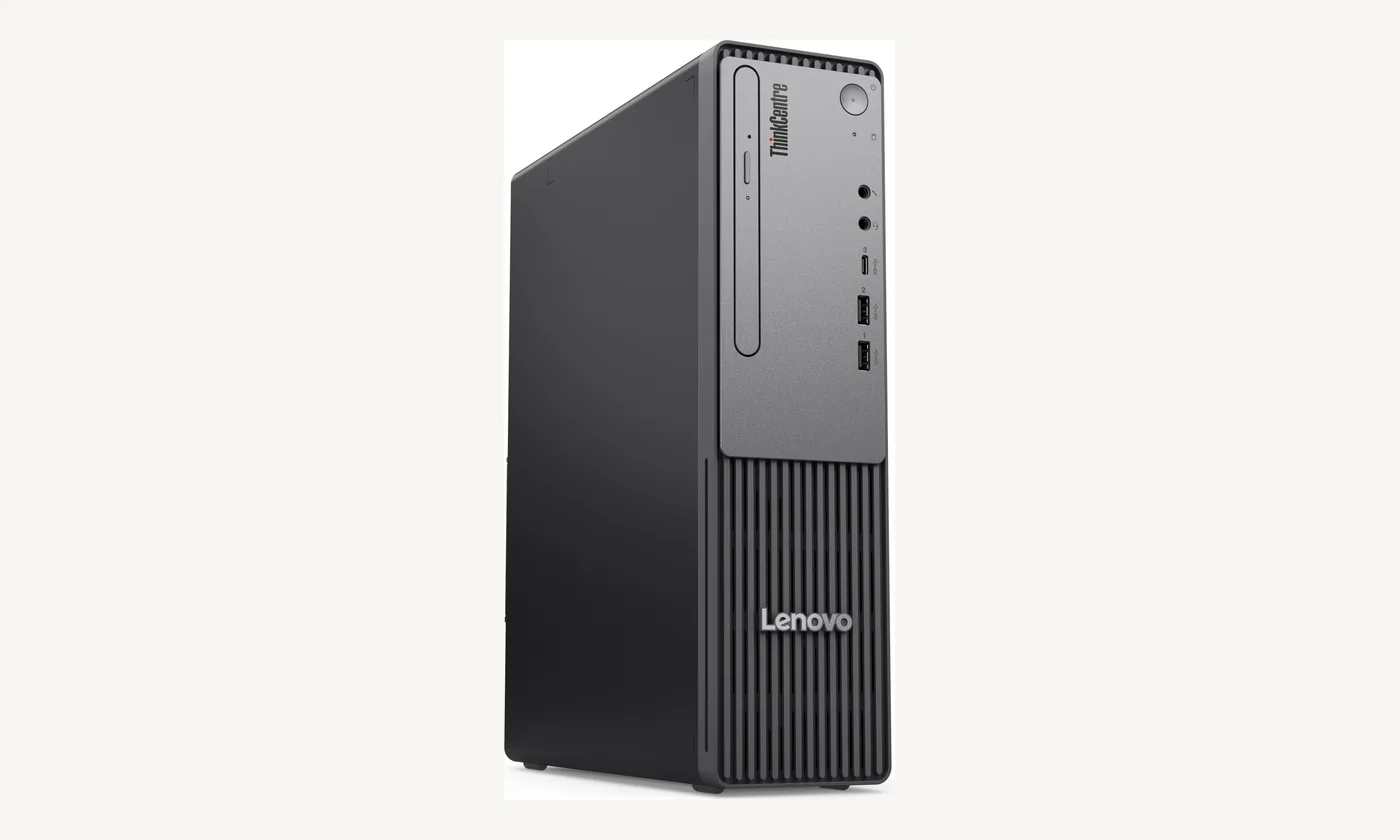
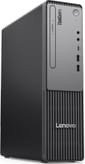
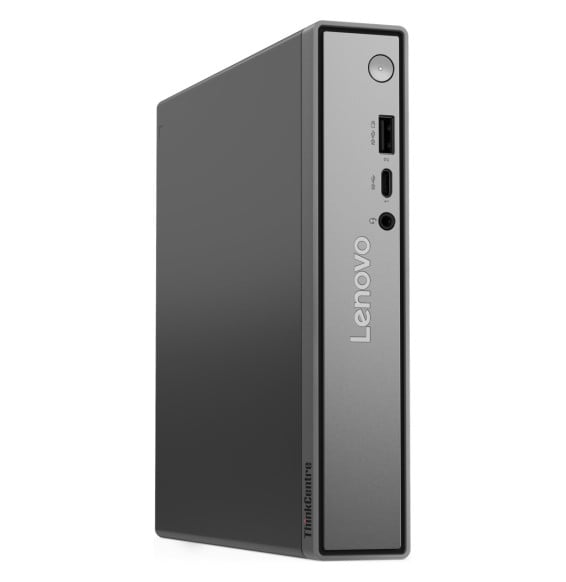
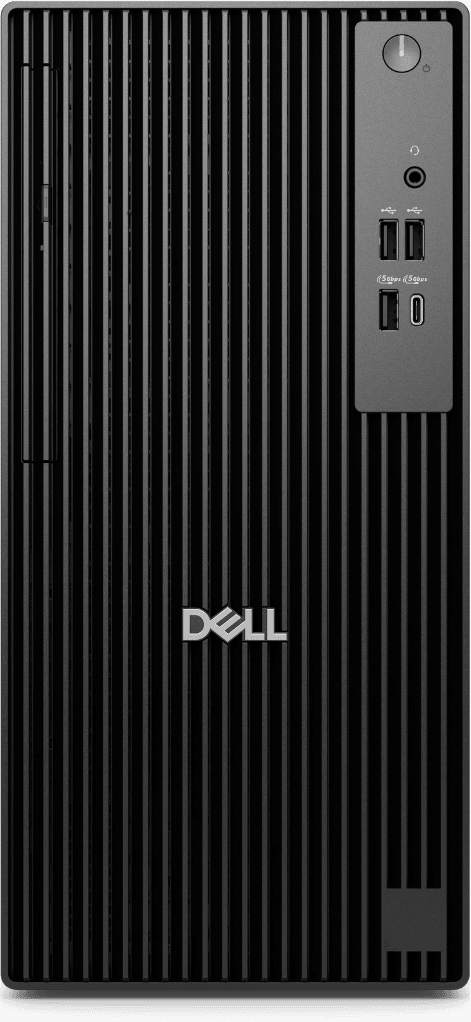
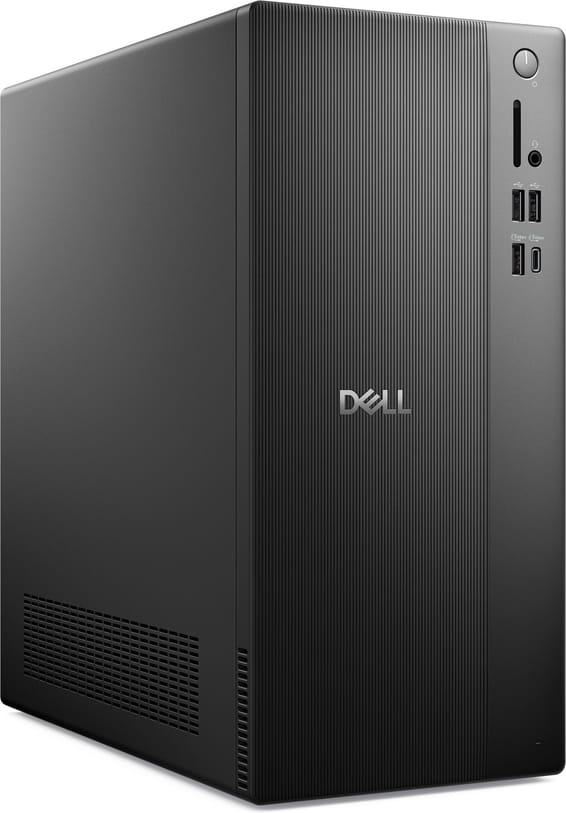
Lenovo ThinkCentre neo 30s Gen 5 Desktop (13DK0060FM)
Compact 8.2-litre desktop tower supplied without an operating system, with a Lenovo USB keyboard and mouse. 13th-generation Intel Core i3-1315U, 8 GB DDR5 expandable to 64 GB, 512 GB SSD, HDMI 2.1, VGA, Wi-Fi 6 and Gigabit RJ-45.
A compact tower that slides under the screen, with its keyboard and mouse in the box. It ships with no operating system: install yours, clone the image, and the machine goes to the desk. Two video outputs, a wired network port, and room inside for whatever comes later.
8.2 Lof chassis, for 4.63 kg
64 GBof memory at most, across two slots
2independent screens, over HDMI 2.1 and VGA
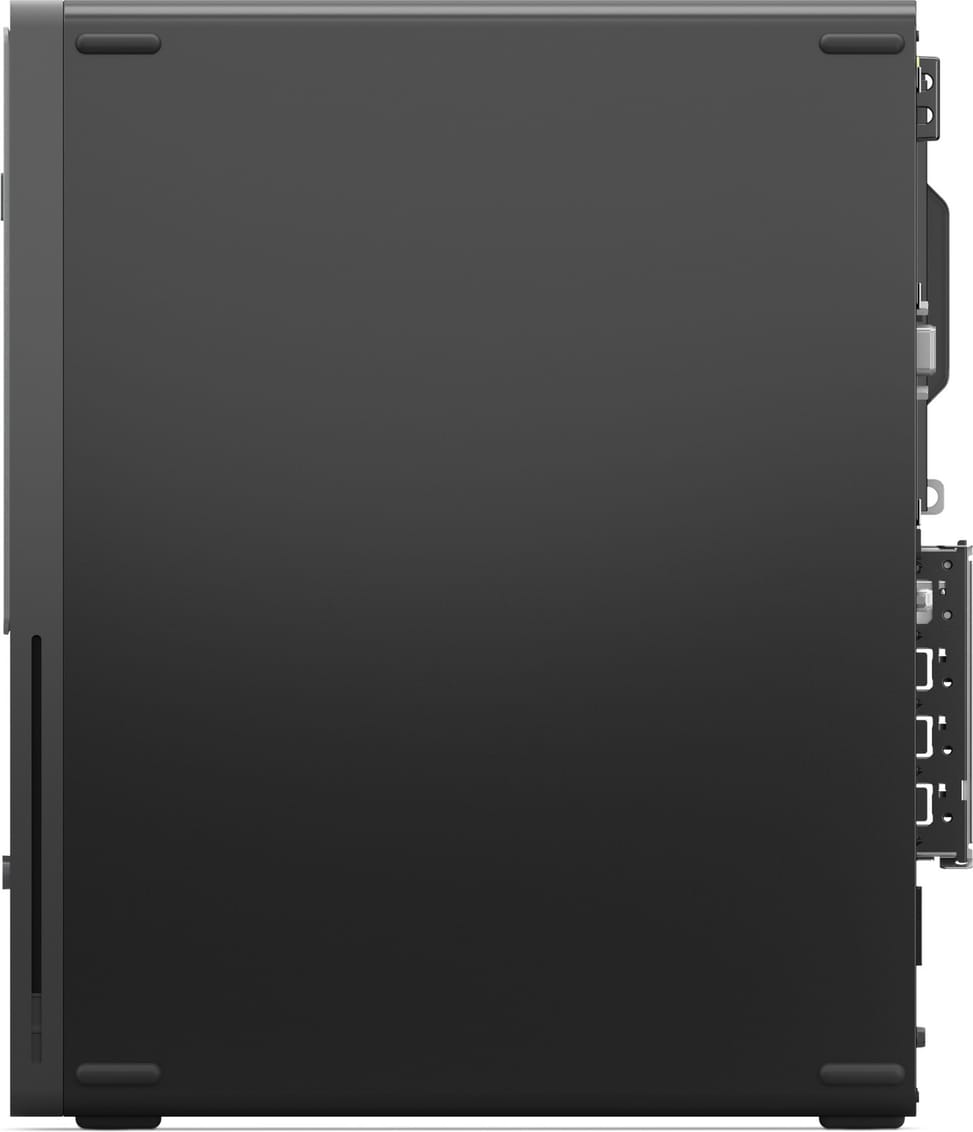
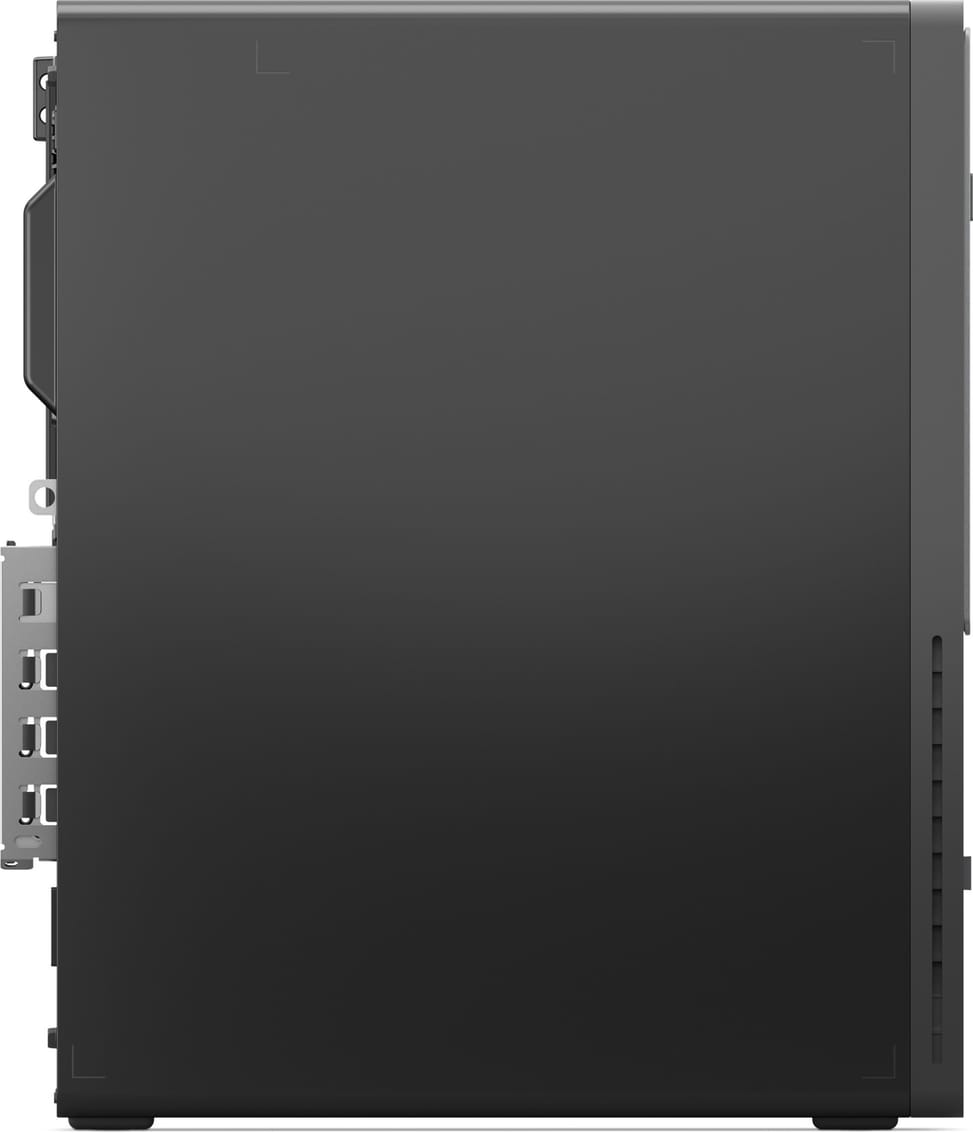
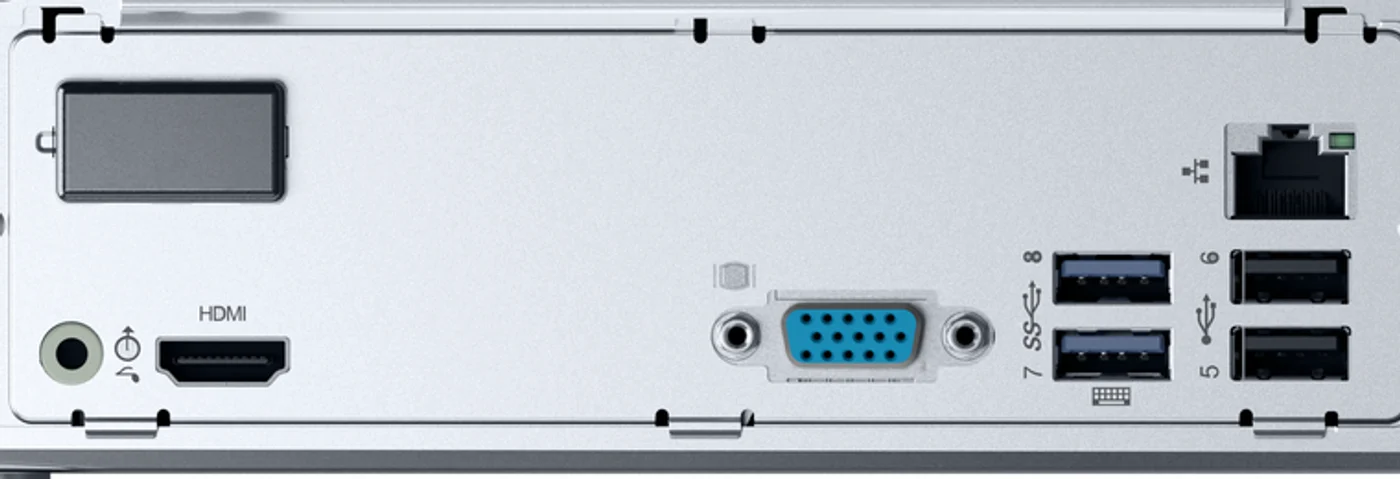
The rear panel, port by port
Everything you plug in once and forget sits on this panel, shown here turned on its side. Both video outputs work together: HDMI 2.1 reaches 3,840 × 2,160 at 60 Hz, VGA reaches 1,920 × 1,200 — enough to keep an older screen as a second display. The two blue USB-A ports run at 5 Gbps, and one of them wakes the machine from the keyboard.
3.5 mm line-outHDMI 2.1: 3,840 × 2,160 at 60 HzVGA: 1,920 × 1,200 at 60 Hz2 USB-A at 5 Gbps, one wakes the PC2 USB 2.0 for keyboard and mouseWired network, 100/1000 Mbps
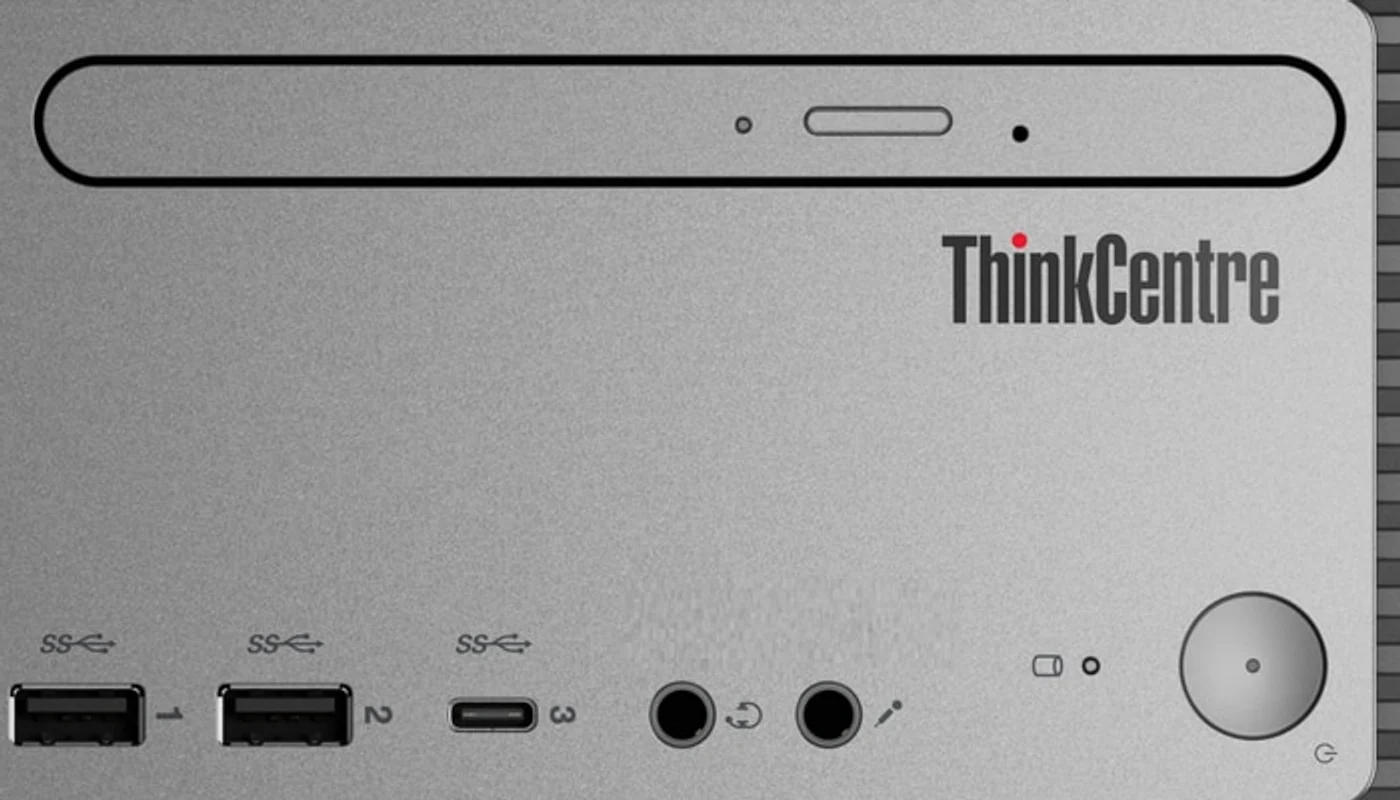
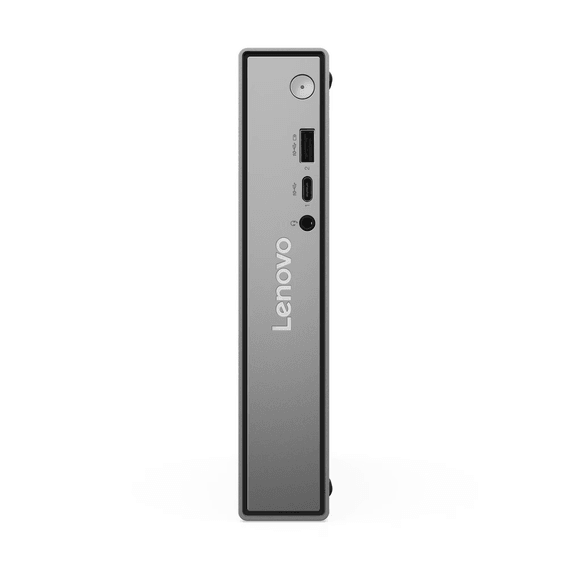
What you plug in daily stays at the front
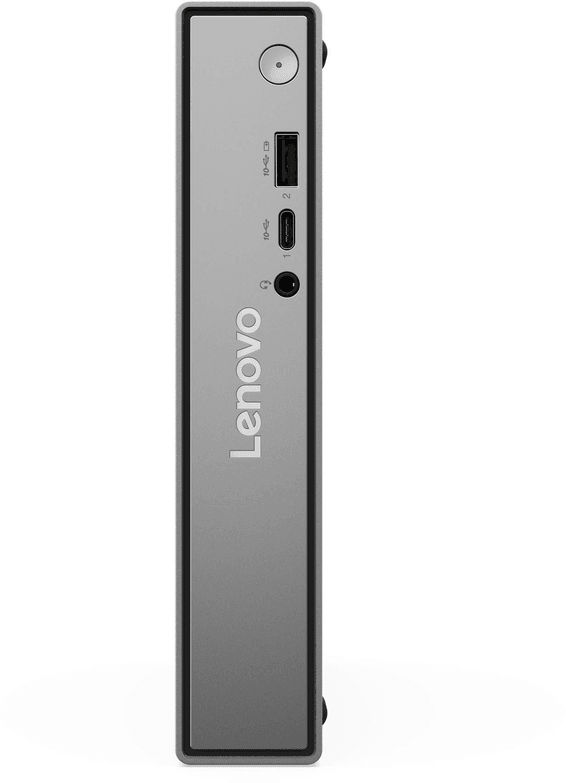
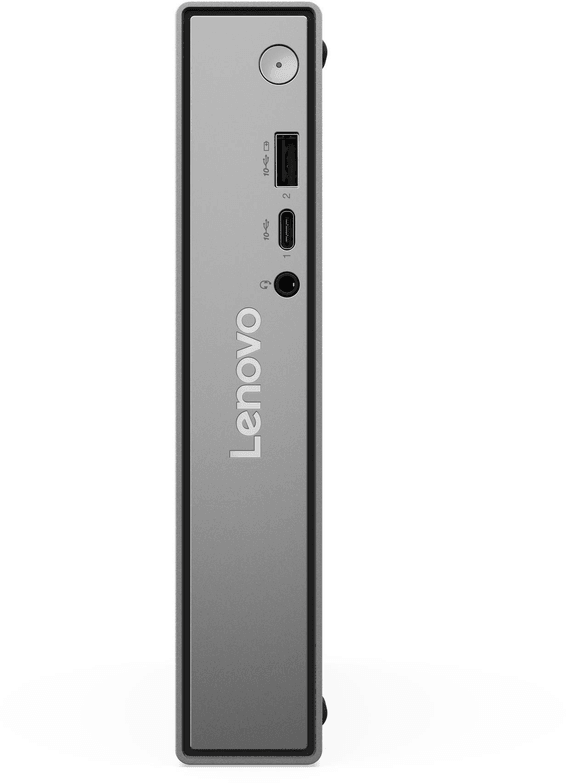
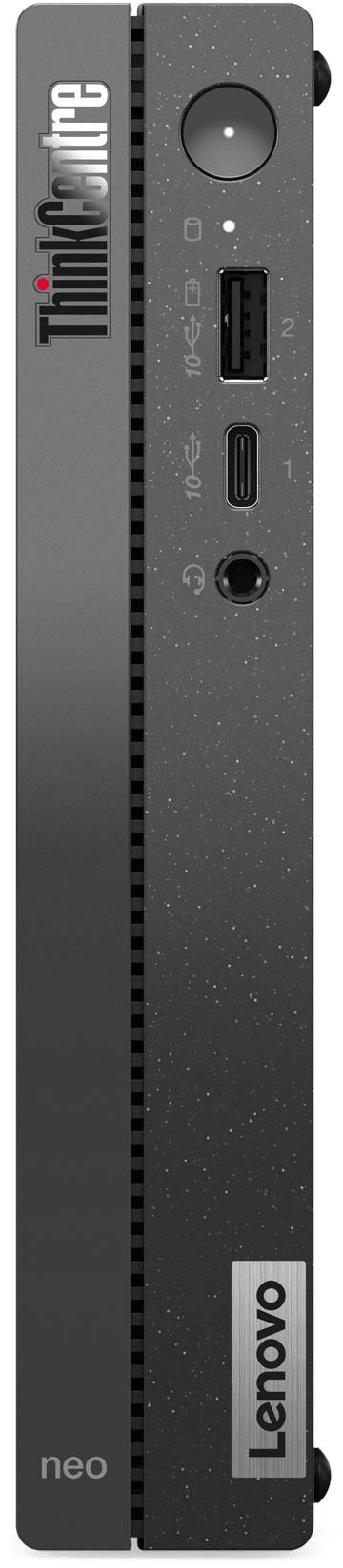
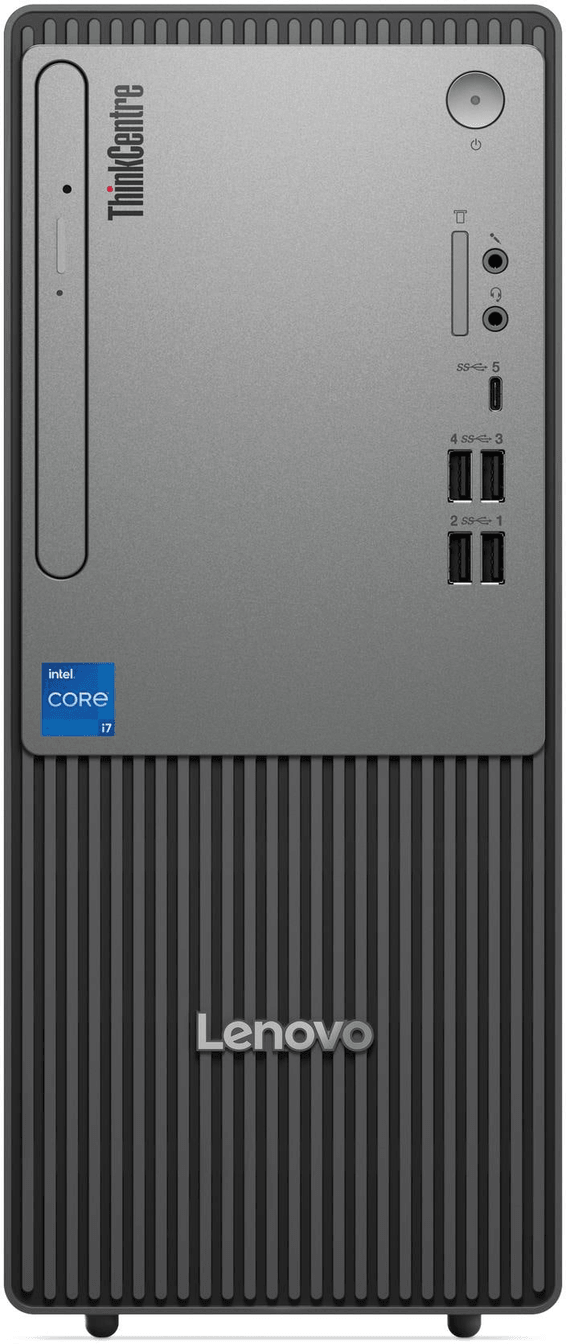
The front panel keeps within reach a 5 Gbps USB-C port that charges a phone at up to 15 W, two USB-A ports at the same speed, a headphone-microphone jack and a separate microphone jack — handy for a two-jack call-centre headset. The power button and the drive activity light sit on the same grey strip.
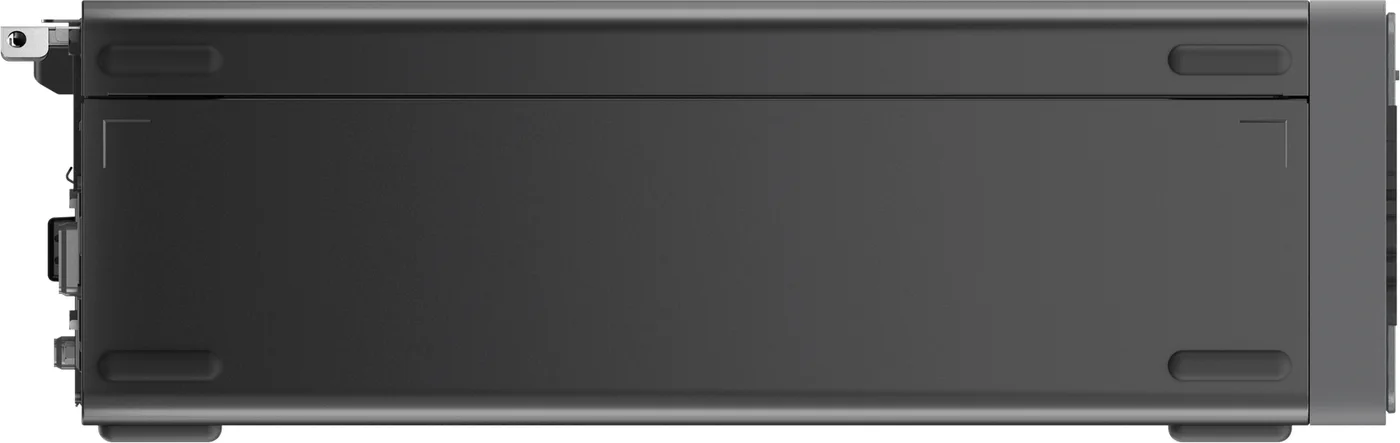
A chassis that is not closed off
The machine leaves with 8 GB of memory and a 512 GB SSD, but nothing is maxed out: there is room inside for four additions, and Lenovo sells the mounting kits separately.
A second SSDThe second M.2 slot stays free — up to 1 TB.
One more stickThe second DDR5-5200 SO-DIMM slot is empty, up to 64 GB in total.
A 3.5-inch driveIts bay is there; the screw and grommet kit is ordered separately.
A slim optical driveThe slim bay is provided, and so is the bracket kit.
A short expansion card also fits, but only one: models with the Core i3-1315U have a single PCIe 3.0 x1 connector, a limit of the processor rather than of the chassis.
The BIOS protects before the system exists
A machine delivered bare is secured first at firmware level. It can accept keyboard and mouse only on the USB ports and block every storage device, ask for a power-on or hard-disk password, report that the cover has been opened, wipe the drive securely and repair itself if it is corrupted. The TPM 2.0 chip is built into the processor; the chassis takes a Kensington cable or a padlock.
Processor
13th-generation Intel Core i3-1315U, 6 cores and 8 threads, up to 4.5 GHz
Memory
8 GB DDR5-5200 across 2 SO-DIMM slots (64 GB maximum)
Storage
512 GB SSD in M.2 2280 format, NVMe PCIe 4.0; second M.2 slot free
Graphics
Integrated Intel UHD Graphics
System
none — the machine boots into FreeDOS
Video
HDMI 2.1 up to 3,840 × 2,160 at 60 Hz, VGA up to 1,920 × 1,200
Network
RJ-45 100/1000 Mbps, Wi-Fi 6 2x2 (Intel AX203), Bluetooth 5.2
Power
internal 180 W supply, 85% efficiency
Chassis
8.2-litre SFF, 92.5 × 291.7 × 339.5 mm, 4.63 kg
Included
Calliope USB keyboard and Calliope USB mouse
The machine ships with no operating system: plan for the Windows licence or the Linux distribution you will install. The keyboard and mouse, on the other hand, are in the box.
Figures taken from the manufacturer's specification sheet for part 13DK0060FM and from the ThinkCentre neo 30s Gen 5 series specifications document. The 3.5-inch and slim optical bays require mounting kits sold separately.
Technical specifications
Technical specifications
Processor
Intel Core i3-1315U (13th generation)
Processor details
6 cores (2P + 4E), 8 threads, P-cores up to 4.5 GHz, E-cores up to 3.3 GHz, 10 MB cache
Processor frequency
up to 4.5 GHz
External cache memory
10 MB Intel Smart Cache
Installed RAM
8 GB DDR5-5200 (1 x 8 GB SO-DIMM)
Maximum RAM
64 GB DDR5-5200
Hard drive capacity
512 GB M.2 2280 NVMe PCIe 4.0 x4 SSD
Hard drive type
M.2 2280 NVMe PCIe 4.0 SSD
Optical drive
None (slim bay available)
Graphics card
Intel UHD Graphics (integrated)
Video outputs
1 HDMI 2.1 TMDS (3840 x 2160 at 60 Hz), 1 VGA (1920 x 1200 at 60 Hz), 2 independent displays
Weight (kg)
Approx. 4.63 kg (6.83 kg packaged)
Memory card reader
None
Built-in webcam
None
Audio
HD Audio, Realtek ALC623-CG codec, 1 x 1 W internal speaker
Ethernet network card
Integrated 100/1000 Mbps Ethernet (RJ-45)
Bluetooth
Bluetooth 5.2
Wireless communication
Wi-Fi 6 (802.11ax, 2x2, Intel AX203 card)
Connectors
Rear: 2 USB-A 5 Gbps (incl. 1 Smart Power On), 2 USB 2.0 Type-A, 1 HDMI 2.1 TMDS, 1 VGA, 1 RJ-45, 1 x 3.5 mm audio out
Biometric recognition
None
Battery type / battery life
None (mains powered)
Technical specifications (continued)
Operating system
FreeDOS (no Windows)
Dimensions (W x D x H) (mm)
92.5 x 291.7 x 339.5 mm
Box contents
System unit, USB Calliope keyboard, USB Calliope mouse
Display
No display
Product colour
Black (chassis), grey (front panel)
Pointing device
Lenovo Calliope USB mouse, black
Special features
Smart Power On (power on from the USB keyboard), compact 8.2-litre form factor
Power supply
180 W internal power supply, 85% efficiency, 100-240 V
Security management
Firmware TPM 2.0 (integrated in the SoC), Kensington slot, padlock loop; BIOS: Intel BIOS Guard, self-healing BIOS, smart USB protection, secure boot
Keyboard
Lenovo Calliope USB keyboard, black, French (AZERTY)
Memory slots
2 DDR5 SO-DIMM slots, dual channel, 1 free
Expansion slots
1 low-profile PCIe 3.0 x1 (only slot on Core i3-1315U models, processor limitation), 3 M.2 slots (1 Wi-Fi, 2 SSD up to 1 TB), 1 bay (3.5") and 1 slim optical bay (kits required)
Chipset
Intel SoC (chipset integrated into the processor)
Storage type
SSD
Included accessories
Lenovo Calliope USB keyboard and mouse
Form factor
SFF (Small Form Factor), 8.2 litres
With built-in AI
No
Front ports
1 USB-C 5 Gbps (15 W charging), 2 USB-A 5 Gbps, 1 headphone/microphone jack (3.5 mm), 1 microphone jack (3.5 mm)
Be the first to review this product and help other customers.
Write a review
Frequently asked questions about this product
Who is this ThinkCentre neo 30s Gen 5 (13DK0060FM) for?
Business office workstations: office work, accounting, management tasks, web browsing. Its 8.2-litre case fits under a monitor or behind it, and the keyboard and mouse are in the box. It comes without an operating system, to be installed to match your company's fleet.
Is Windows supplied with this machine?
No. Lenovo supplies it without an operating system: it boots into FreeDOS and awaits yours, whether Windows purchased separately or a Linux distribution. The price is lower accordingly, which appeals to companies whose machines are already covered by volume licensing.
How far can the memory be increased?
Up to 64 GB. The machine comes with a single 8 GB DDR5-5200 module and keeps a second SO-DIMM slot free: adding an identical module doubles the capacity and runs the memory in dual-channel mode.
Can a second drive be added?
Yes, in two ways: a second M.2 SSD in the remaining free slot, up to 1 TB, or a 3.5-inch drive in the dedicated bay, provided you add Lenovo's screw and rubber-mount kit. There is also a slim optical drive bay.
How many monitors can be connected?
Two: one over HDMI 2.1, which goes up to 3840 × 2160 pixels at 60 Hz, the other on the analogue VGA port, up to 1920 × 1200 at 60 Hz. That VGA port comes in handy when the company's monitors are a little dated.
Can a graphics card be installed in it?
Barely: models with a Core i3-1315U offer only a low-profile PCIe 3.0 x1 connector, a limitation of the processor itself. It accepts a short expansion card — serial port, network — but not a modern graphics card.
Which ports are on the front?
A 5 Gbps USB-C port that charges a phone at up to 15 watts, two USB-A ports at the same speed, a headset jack and a separate microphone jack. The rear adds four USB-A ports, HDMI, VGA, the network port and an audio output.
How does it protect company data?
With a TPM 2.0 chip built into the processor, secure boot, a self-healing BIOS and Smart USB Protection, which only accepts the keyboard and mouse and blocks USB storage drives. The case accepts a Kensington cable or a padlock.
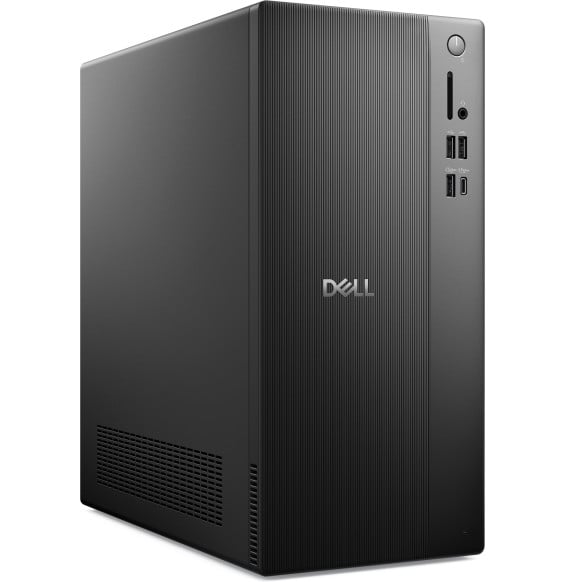
A reliable entry-level machine for open-plan offices, in a compact 14.6-litre chassis: Core i3 processor, fast NVMe SSD and added security from a TPM 2.0 chip. Wired Dell keyboard and mouse included.
•Compact 14.6-litre chassis
•Intel Core i3-14100 (4 cores, 8 threads, up to 4.7 GHz)
AI-ready desktop PC for professionals: Intel Core Ultra 5 225, Wi-Fi 7, fast SSD. Form factor: MSI PRO DP180 AI tower, compact and upgradeable. Performance: Intel® Core™ Ultra 5 225 processor with built-in NPU for AI, 8GB DDR5 RAM expandable up to 128GB, integrated Intel Arc graphics. Storage: 512GB
It slides into the display's OPS slot, with no cable and no external box. 8 GB of DDR4 RAM, a 256 GB SSD, 4K 60 Hz output, Wi-Fi 6 and Windows 11 IoT Enterprise.
One litre, 1.13 kg and a VESA mount: it hides behind the monitor. An 8-core Core 5, a fast NVMe SSD and Wi-Fi 6E, with keyboard and mouse included. Supplied without Windows, memory expandable up to 64 GB.
A reliable entry-level machine for open-plan offices, in a compact 14.6-litre chassis: Core i3 processor, fast NVMe SSD and added security from a TPM 2.0 chip. Wired Dell keyboard and mouse included.
1 069,00 DHincl. VAT
Delivery everywhereDelivered all over Morocco
Delivery everywhereDelivered all over Morocco
799 DHincl. VAT
799,00 DHincl. VAT
849 DH849,00 DH
Delivery everywhereDelivered all over Morocco
In stock
89 DHincl. VAT89,00 DHincl. VAT129 DH129,00 DH
Delivery everywhereDelivered all over Morocco
74 DHincl. VAT74,00 DHincl. VAT
159 DH159,00 DH
Delivery everywhereDelivered all over Morocco
Delivery everywhereDelivered all over Morocco
1 199 DHincl. VAT
1 199,00 DHincl. VAT
Delivery everywhereDelivered all over Morocco
Delivery everywhereDelivered all over Morocco
•Compact 14.6-litre chassis
•Intel Core i3-14100 (4 cores, 8 threads, up to 4.7 GHz)
Versatile machine for everyday professional needs: Core i7 processor, fast 512 GB SSD, integrated Intel graphics for office work. Ships with FreeDOS, Windows is yours to install.
HP Pro 290 G9 PCI desktop tower with a 14-core Core i5-14500, 8 GB of DDR4, a 512 GB NVMe SSD and a DVD writer. Its PCI slot takes an older expansion card, next to HDMI, DisplayPort and VGA outputs. Supplied on FreeDOS.
A rugged business machine in a compact 14.6-litre chassis: 20-core Core i7 processor, RAM upgradeable up to 64 GB, security reinforced by a TPM 2.0 chip. Full USB-C, HDMI 2.1 and DisplayPort connectivity.
•Compact 14.6-litre chassis
•Intel Core i7-14700 (20 cores, 28 threads, up to 5.4 GHz)
A compact business machine (14.6 litres) built for AI: Core Ultra 5 processor with a dedicated NPU, RAM upgradeable up to 64 GB, security reinforced by a TPM 2.0 chip. Full USB-C and HDMI 2.1 connectivity.
•Compact 14.6-litre chassis
•Intel Core Ultra 5 225 (10 cores, up to 4.9 GHz, Intel AI Boost NPU)