How long does the Zone Vibe 100 last without recharging?
Two figures for two uses: up to 20 h of listening and 18 h of talk time. The second is the one to remember if the headset is mainly used for meetings, as the microphone electronics use power on top of playback.
What can you do if the battery is flat just before a meeting?
5 minutes of charging gives up to one hour of listening, enough to get through a team briefing while charging continues. Charging is via USB, with the USB-C to USB-C cable included.
How far can you move away from the computer with this headset?
Up to 30 m over Bluetooth 5.2: you can leave your desk to fetch a document without leaving the meeting. The headset also has a physical on/off button, so it does not drain in a bag.
Can you stay connected to the computer and the phone at the same time?
Yes, that is what Bluetooth multipoint allows: two devices stay paired at the same time, the computer for the video call and the mobile for the call that comes in. Android and iOS are supported, as are Windows, macOS and ChromeOS.
Do the ear cups sit on the ear or around it?
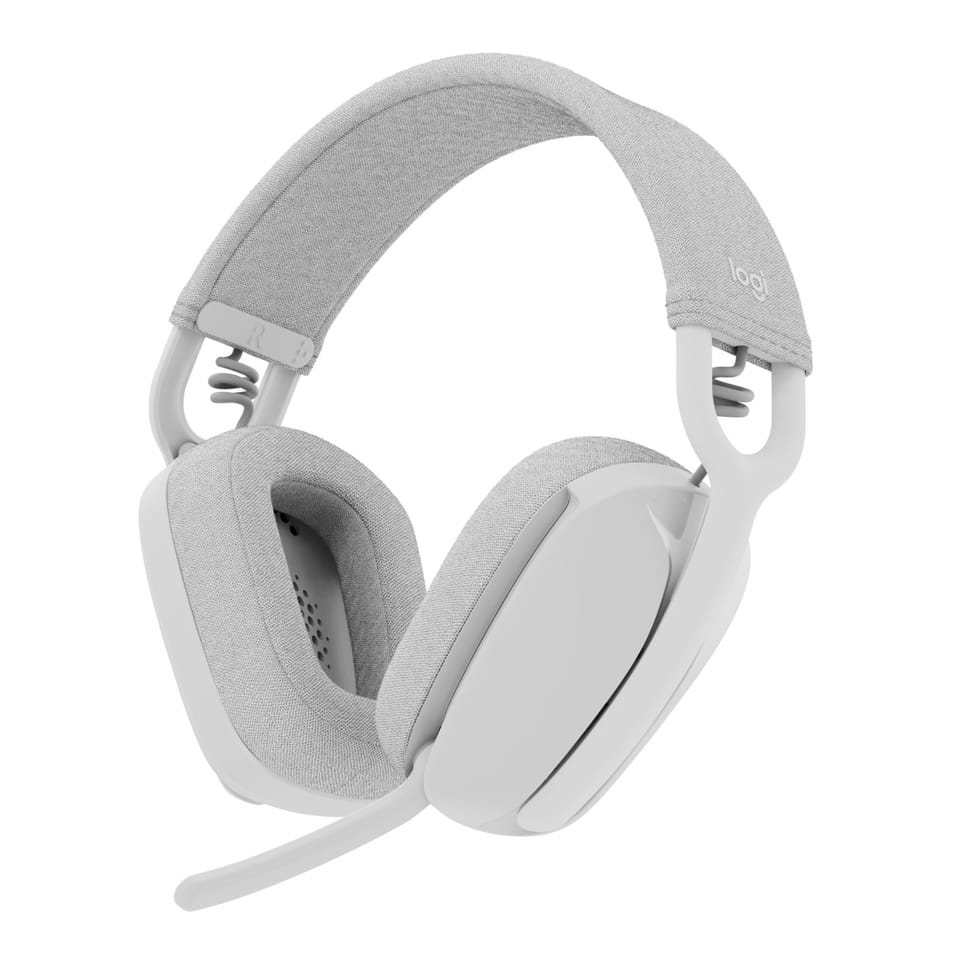
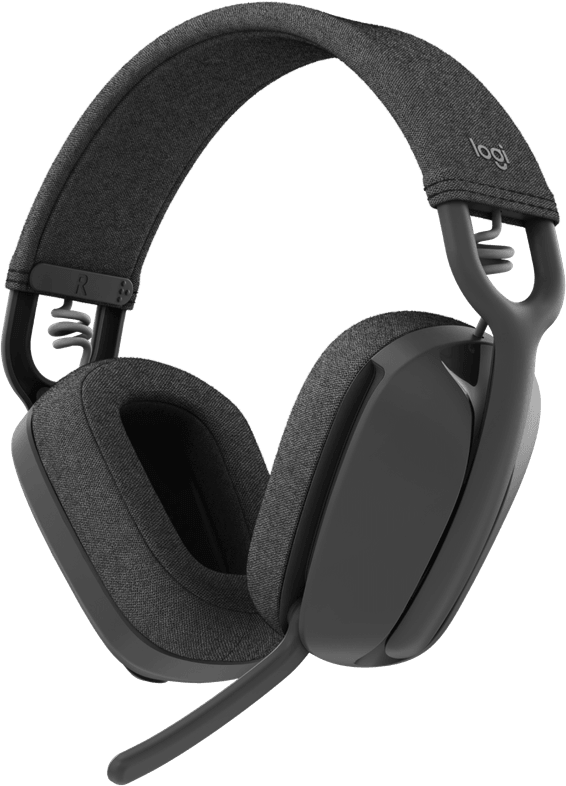
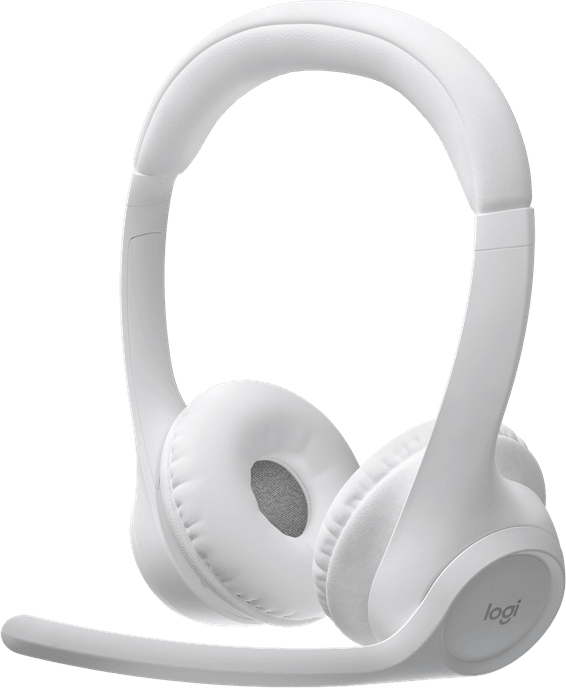
They go around it: the Zone Vibe 100 is an over-ear headset, and its memory foam ear cushions enclose the ear instead of pressing on it. At 185 g, this design blocks out noise better and spreads the pressure over long days.
How do you mute the microphone on the Zone Vibe 100?
By flipping up the boom: flip-to-mute is triggered by the movement, with no button to look for. The boom folds away: once stowed along the headband, the headset becomes a listening headset again for a film or music.
How many microphones does the Zone Vibe 100 have?
Two noise-cancelling MEMS microphones, mounted on the boom and working over 100 to 8,000 Hz, the useful range of speech. This is what filters out the background so that the person you are talking to hears only your voice.
Is the Zone Vibe 100 as good for music as for meetings?
Its 40 mm drivers cover 20 Hz to 20 kHz in music mode, compared with 100 Hz to 8 kHz in talk mode: the frequency response opens up as soon as the headset moves beyond the voice range, with deep bass and low distortion.
Where are the controls on this wireless headset?
On the ear cups, on both sides: play and pause, answering and ending calls, volume and Bluetooth pairing are all done directly on the headset, as is powering on. Nothing to look for on screen during a meeting.
Is this headset optimised for Microsoft Teams and Zoom?
Yes, it is stated to be optimised for Microsoft Teams, Google Meet and Zoom, and is Works With Chromebook certified. The Logi Tune app also lets you join a meeting in one click from your desktop or mobile.
What is in the box of the Logitech Zone Vibe 100?
The headset, a carrying case and a USB-C to USB-C cable for charging. The case matters on a headset designed to travel back and forth between the office and home.
What is the Logi Tune app for with this headset?
For adjusting the tone, the microphone level and the equaliser, keeping the headset up to date and joining a meeting in one click. It comes in a desktop version and a mobile version, so it follows the headset from one device to another.
Is this white Zone Vibe 100 new and under warranty?
Yes, new in its original Logitech packaging. Your invoice serves as the warranty document and covers 1 year. The headset is also stated to contain 25% recycled materials, with a built-in rechargeable lithium-ion battery.