Does this Reyee RG-EG105G-V3 router broadcast Wi-Fi itself?
It is a wired gateway with 5 Gigabit ports: Wi-Fi comes from access points that it controls in AC (access controller) mode — up to 300 access points in AC mode, 32 in router mode — with SSID, channel, mesh and roaming settings in the same interface. So plan for at least one access point if you are starting from scratch.
How many devices can be plugged directly into it?
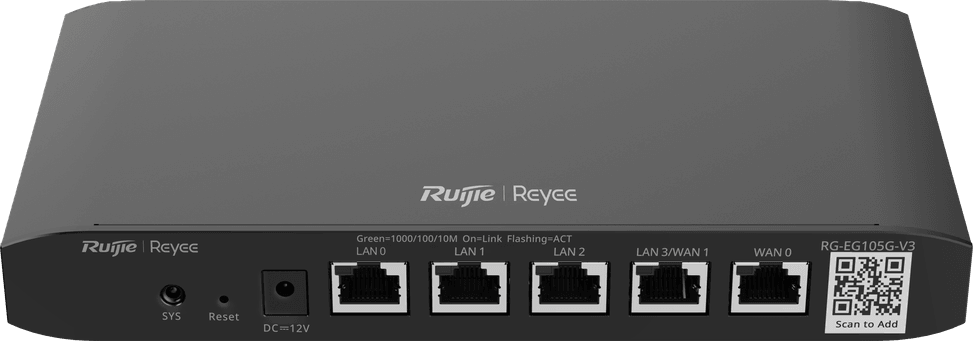
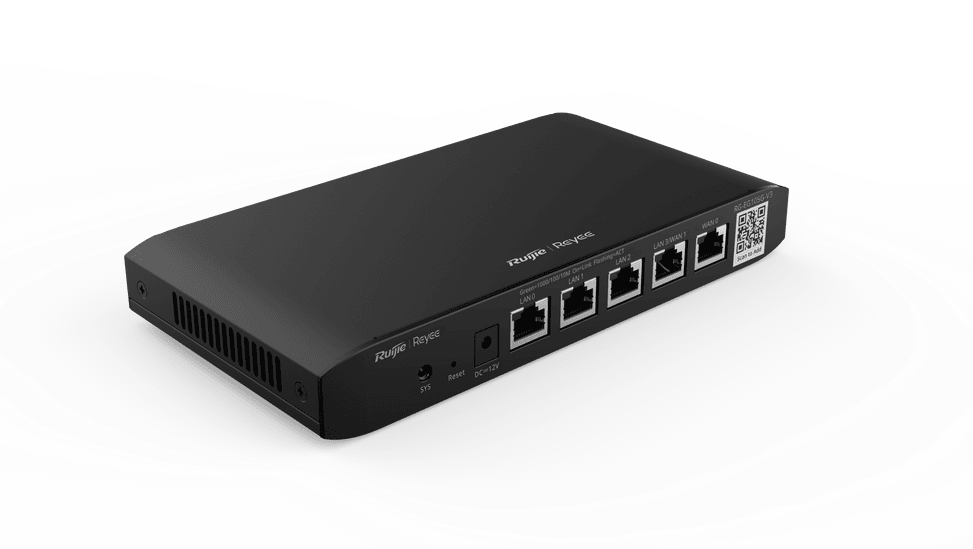
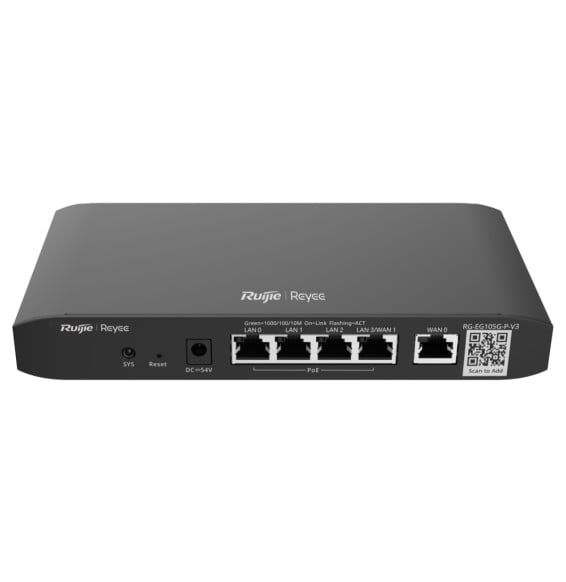
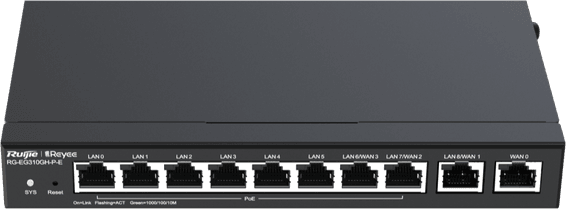
Four at most: 1 fixed WAN port, 3 fixed LAN ports and 1 switchable LAN/WAN port, all 10/100/1000. If you enable the second WAN, only 3 LAN ports remain. Beyond that, you will need to add a switch — the router can in fact manage up to 128 of them from its interface.
What do the advertised 600 Mbps really amount to?
Three figures, depending on what you enable: 1,000 Mbps in Turbo mode, 600 Mbps with NAT and flow auditing, and 500 Mbps when authentication, application identification and flow control all run together. The more analysis features you enable, the lower the throughput; the recommended number of concurrent users remains 100.
How fast does the built-in VPN run?
Well below the local throughput, and it depends on the protocol: 28 Mbps with IPSec, 190 Mbps with L2TP or PPTP and 20 Mbps with OpenVPN. Something to bear in mind for file transfers between sites. In terms of capacity, allow for 8 tunnels for IPSec or L2TP/PPTP, 16 tunnels for OpenVPN and 50 VPN accounts.
What happens if the main Internet connection goes down?
The second link takes over automatically: the router supports active/standby failover and load balancing by source IP, by session or by real-time load. This requires two separate Internet connections and the switchable port configured as WAN.
Can it power cameras or Wi-Fi access points over PoE?
No: this RG-EG105G-V3 version has no PoE ports. To power access points or cameras over the network cable, you need a PoE switch or injectors. It is the RG-EG105G-P-V3 variant that has 4 PoE ports and a 54 W budget: check carefully for the letter P before ordering.
Can it replace my ISP's modem-router?
Its five ports are RJ-45, with no optical port: it goes behind the ISP's modem-router or the fibre ONT, as a PPPoE client, DHCP client or with a static IP, in both IPv4 and IPv6. Line termination is still handled by the ISP's equipment, with the router taking care of the internal network, VLANs and security.
Can I open a guest Wi-Fi network with SMS or ticket authentication?
Yes: the portal accepts authentication by account, SMS, QR code, one click or voucher, locally or via Ruijie Cloud, with a page customisable in the venue's colours. WiFiDog and WISPr third-party portals and RADIUS authentication, as both client and proxy, are also supported.
Can I block streaming or social media during working hours?
Yes: application identification (layer 7 DPI) recognises more than 300 applications and lets you block them by schedule, by IP address or by user, with web filtering and URL auditing. The application library updates automatically, with no maintenance on your part.
Is remote management of this router a paid service?
No: Ruijie Cloud is free and lets you monitor, configure, update and restart the router remotely, from the mobile app or a browser. The local web interface is also available, in languages including French and Arabic, which makes on-site setup easier.
Is it noisy, and where can it be installed?
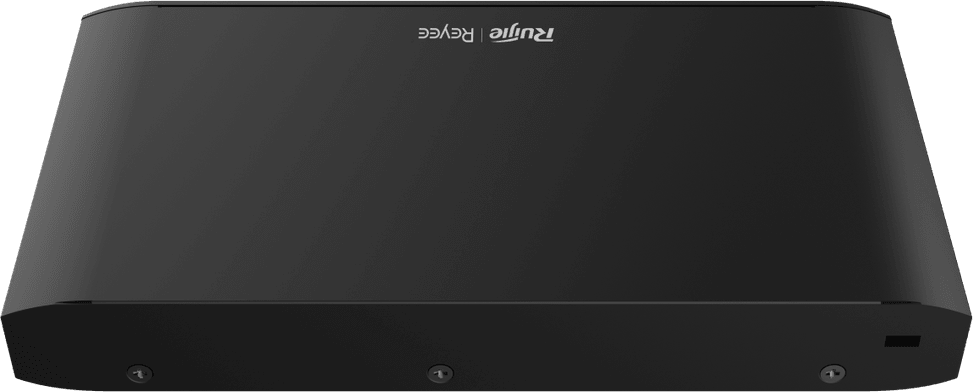
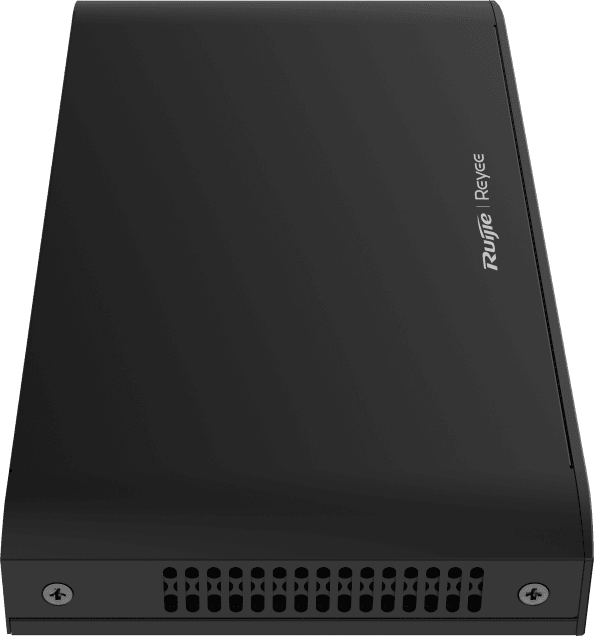
No noise at all: cooling is passive, fanless. It measures 206.5 × 108.5 × 28 mm and weighs 406 g, sits on a desk or mounts on a wall, draws less than 12 W and operates from 0 to 40 °C. A counter, a checkout or a small equipment room suits it well, with 4 kV surge protection on its ports.
What exactly is in the box, and how do I access the interface?
The router, its 12 V / 1 A power adapter, four non-slip feet, a quick start guide and a warranty card — wall brackets and desktop use are catered for. Initial access is at 192.168.110.1 with the password admin, which you should change at the very first login.
Is this router new, and what is its warranty?
It is
new, supplied with its invoice, which serves as the warranty document for
1 year. Details of throughputs, VPN performance and security features are given in the
datasheet (PDF).