
Welcome to the new iris.ma

We rebuilt everything for you

Same team, same standards

Pay nowView my order
Visit the TP-Link store

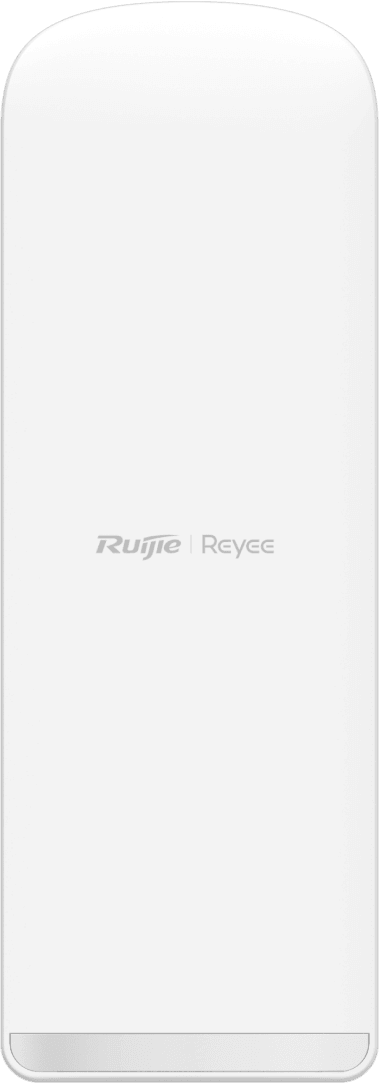
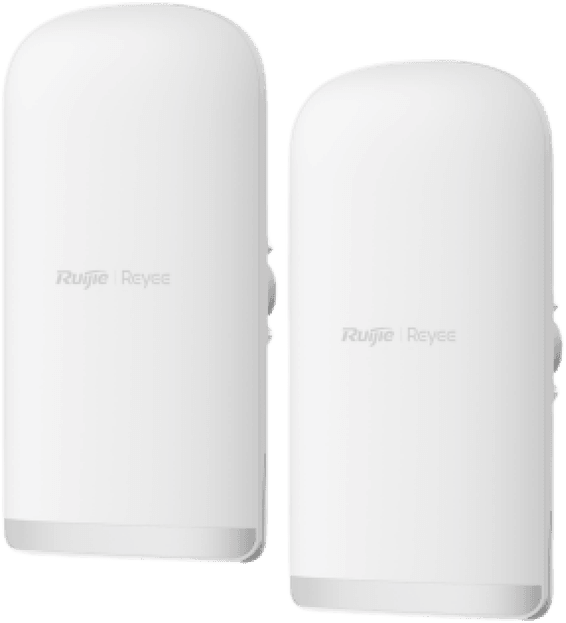
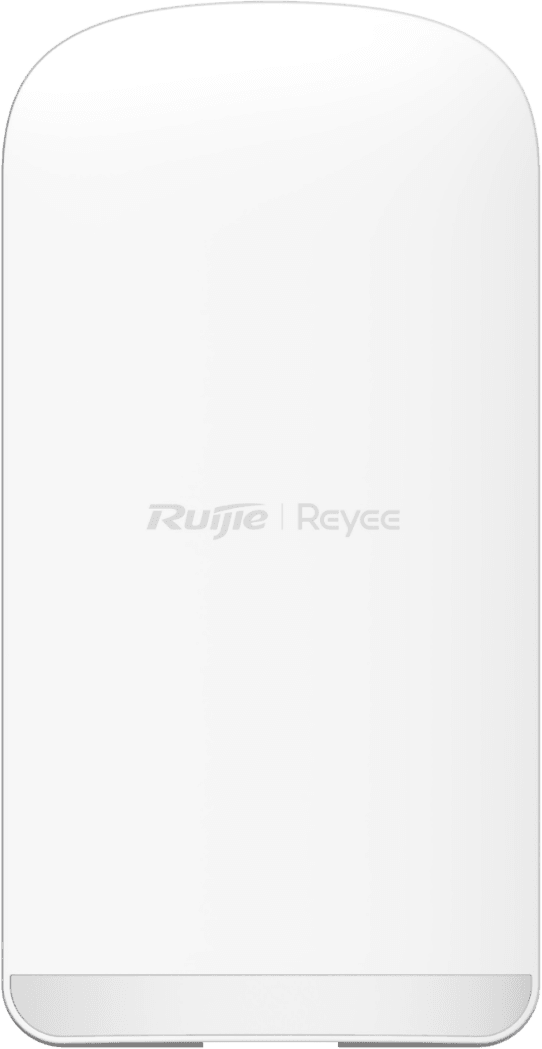
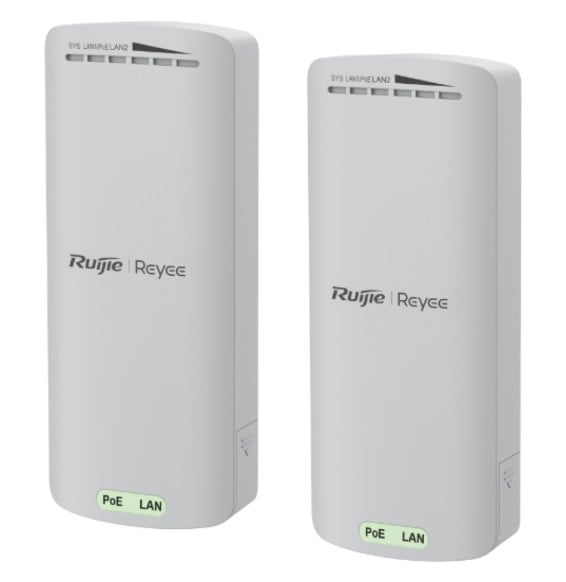
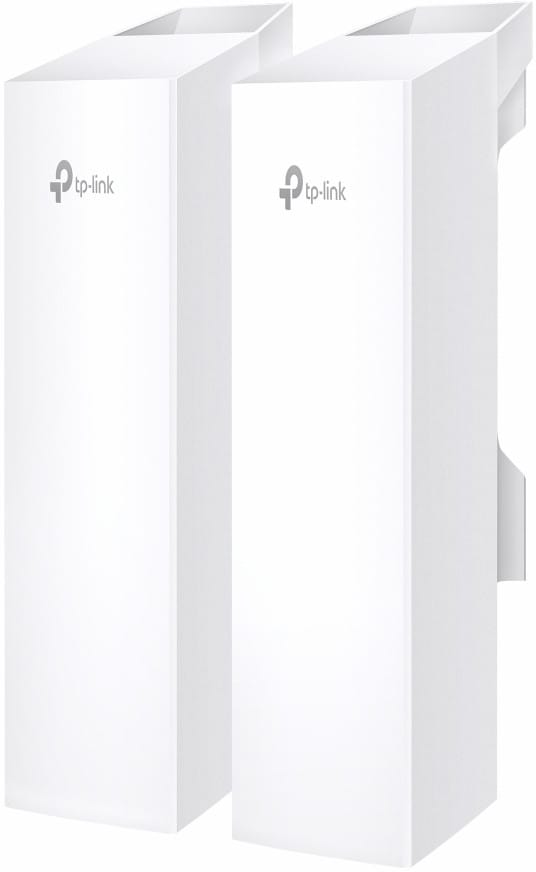
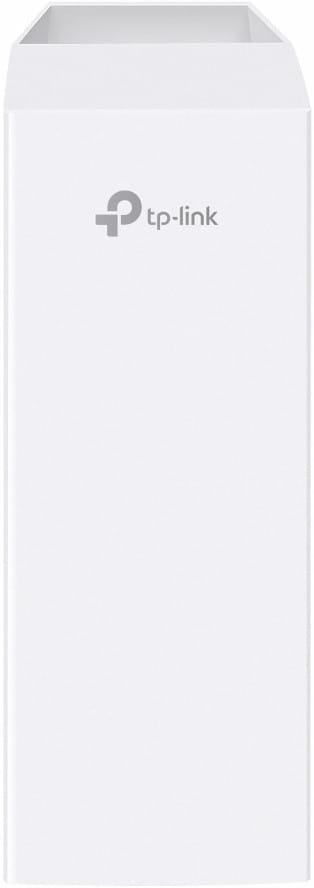
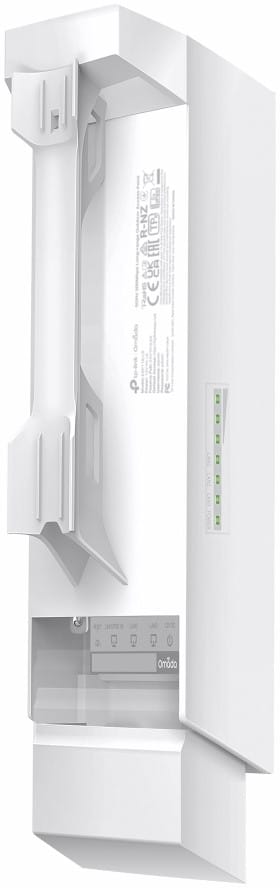
TP-Link EAP215-Bridge KIT 5GHz 867 Mbps Long-Range Wireless Bridge

Paired at the factory, the kit only needs power to bring the link up. Range up to 5 km, 14 dBi directional antenna, three Gigabit ports per unit and a weatherproof housing that holds from -40 to 70 °C.

  • Kit of 2 units preconfigured and paired at the factory
  • Transmission range up to 5 km
  • 14 dBi directional antenna, dual-polarised 2×2 MIMO
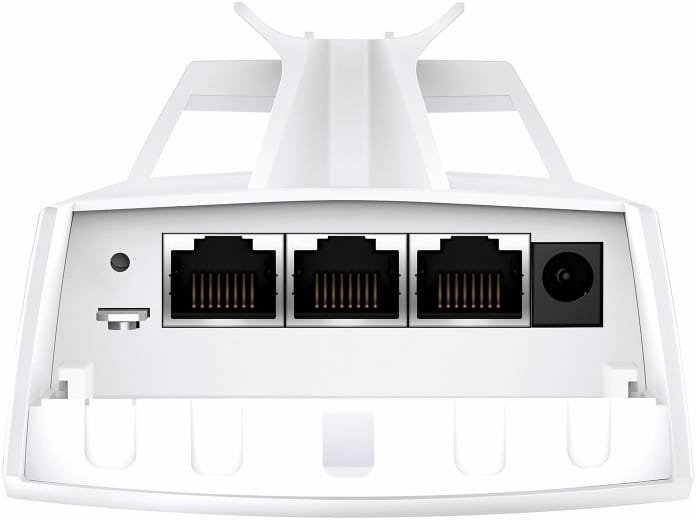
  • 3 Gigabit Ethernet ports per unit
  • IP65 housing, from -40 to 70 °C
  • Choice of power: 802.3af PoE, 24 V passive PoE or 12 V DC
  • Automatic pairing of extra units in point-to-multipoint
  • Guided alignment and throughput test from the app
  • Standalone management or centralised through the Omada platform
  • Maximum power consumption 11.5 W
Ref.: EAP215-BRIDGE KIT
1 299,00 DHincl. VAT

Out of stock

Under Law 09-08, you have the right to access, rectify and object to the processing of your personal data. This processing has been authorised by the CNDP under no. D-CE-389/2015. Learn more

Can’t wait?

Ask for an alternative on WhatsApp

Quick reply

Manufacturer's datasheetView the PDF · 2,4 Mo — downloadable

Product overview

TP-Link EAP215-Bridge 5 GHz long-range wireless bridge kit: extend your network from one building to another with a stable throughput.
Link: 2 pre-paired units, up to 867 Mbps on 5 GHz, to reach an area the cable cannot.
Deployment: rugged and built for outdoor use, PoE powered, quick to set up.
Management: centralised through Omada SDN.
Use cases: site-to-site links, sharing a connection between outbuildings, remote cameras.
A reliable long-range 5 GHz Wi-Fi bridge for demanding deployments.

See all the specifications ↓
Request a quoteShare:

Technical specifications

Technical specifications
Package contentsEAP215-Bridge kit, installation guide, pole mounting kit, passive PoE adapter
IP protection ratingIP65, ±6 kV common-mode surge protection (10/700 waveform)
Electrostatic discharge protection±8 kV air, ±4 kV contact
Interfaces3 Gigabit Ethernet RJ45 ports, 1 reset button, 1 role switch
Network standardsIEEE 802.11a/n/ac
Advanced Wi-Fi technologiesMCS0 to MCS9 modulation, beamforming, 2×2 downlink MU-MIMO
Maximum channel width20/40/80 MHz on 5 GHz
Spatial streams and MU-MIMO2×2 MIMO on 5 GHz, 2×2 downlink MU-MIMO
Maximum Wi-Fi throughput per band867 Mbps on 5 GHz
Management modesLocal web interface, Omada app, SSH, SNMP, Omada hardware or software controller
Installation and alignment toolsAutomatic pairing of the preconfigured kit, button-based multi-bridge pairing, app-guided alignment, instant throughput test
Cloud management platformOmada SDN
Layer 2 featuresVLAN, rate limiting, guest network; no WMM QoS or client isolation
Roaming and meshOmada Mesh; no seamless roaming
Power consumption11.5 W maximum
Weight430 g
Technical specifications (continued)
Dimensions (W x D x H)79 x 60 x 276 mm
Frequency bands5 GHz only
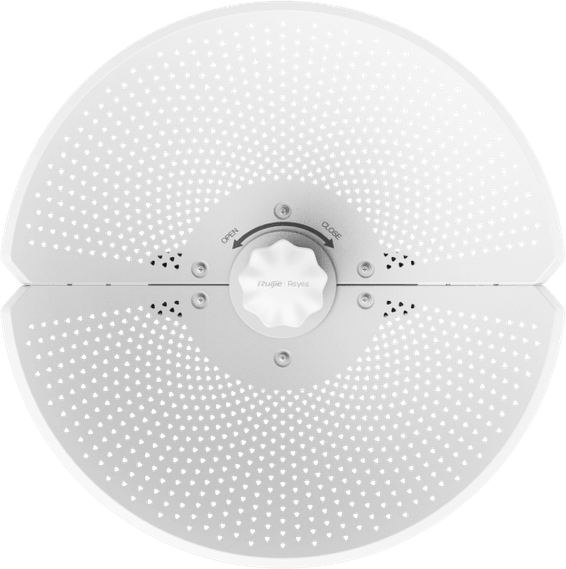
AntennasBuilt-in 2×2 dual-polarised directional antenna, 14 dBi gain on 5 GHz
Antenna beamwidth43° horizontal, 18° vertical
Stated rangeUp to 5 km
Number of PTMP linksUp to 4 PTMP links per master bridge (1-to-4)
Maximum transmit powerLess than 23 dBm EIRP in bands 1 and 2, less than 30 dBm EIRP in band 3 (CE marking)
Receiver sensitivity20 MHz channel: -94 dBm (MCS0) to -71 dBm (MCS8) · 40 MHz channel: -90.5 dBm to -66.5 dBm (MCS9) · 80 MHz channel: -87.5 dBm to -63 dBm (MCS8)
Security featuresWireless encryption, rogue access point detection, MAC filtering up to 4,000 entries; no 802.1X or captive portal
Power supply12 V DC, 802.3af PoE (pairs 1-2 and 3-6) or 24 V passive PoE, passive PoE adapter included
CertificationsCE, FCC, RoHS
Operating temperature-40 to 70 °C
Operating humidity10 to 90% non-condensing
Simultaneously connected devices8 wireless clients
Operating modePTP and PTMP wireless bridge, role selected by a switch
Warranty1 year

Customer reviews

No reviews yet

Be the first to review this product and help other customers.

Write a review
Your rating
5/5

Shown publicly with your review.

Never published — a confirmation email will be sent to you.

Tell us about the product — in a few lines:

  • what you liked in everyday use;
  • the quality and performance you found;
  • who you would recommend it to, and why.

A question about an order, a delivery or a payment? Write to us and we will reply to you directly.

Under Law 09-08, you have the right to access, rectify and object to the processing of your personal data. This processing has been authorised by the CNDP under no. D-CE-389/2015. Learn more

Frequently asked questions

What are the delivery times and fees?
Delivery all over Morocco within 1 to 5 working days, at the same rate in every city for parcels up to 30 kg — and free delivery from 3 000 dh of purchases. Above 30 kg, the rate follows the weight and is shown on the product page and in the basket. You are notified by SMS, then called by the courier.
Is the product new and under warranty?
Yes: a new, genuine product, delivered in its original packaging with an invoice. The invoice serves as the warranty document (1 year) with the manufacturer's after-sales service in Morocco.
Can I collect my order in store?
Yes, at the Casablanca store (Mon–Fri 10am–7pm · Sat 10am–2pm) or the Témara collection point (Mon–Fri 8.30am–1pm / 2–6pm · Sat 8.30am–12.30pm). Payment on site: cash, bank card via terminal, certified cheque.
Which payment methods do you accept?
Bank card online (secure Attijari Payment), cash on delivery, bank transfer and certified cheque. All our prices are in dirhams, VAT included.
Can I get an invoice in my company's name (with its ICE)?
Yes. Provide your company's legal name and ICE when ordering: the invoice is issued in its name and enclosed with the parcel (handed over with the order for in-store collection). Companies and public bodies can also request a quote — reply within 24 working hours.

Trending

View the TP-Link archive

Chat on WhatsApp

Scan with my phone

The simplest way: open your phone camera and point it at this code. The chat opens with your message ready.

Open WhatsApp Web

Works if your phone is already linked to this computer.

Prefer to call? (+212) 05 30 31 64 21