Welcome to the new iris.ma

We rebuilt everything for you

Same team, same standards

Pay nowView my order
Visit the Insta360 store

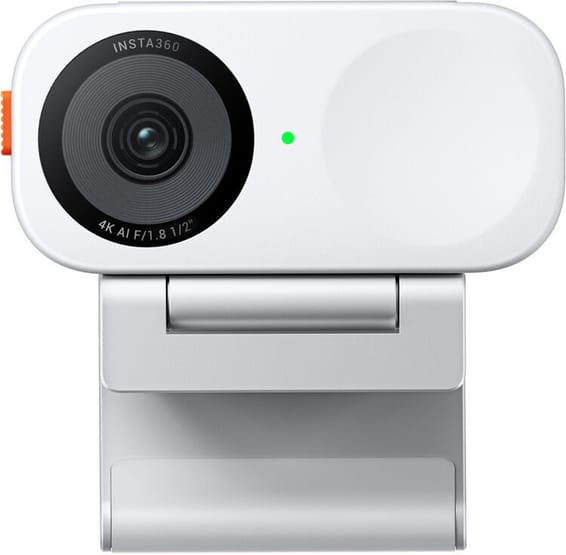
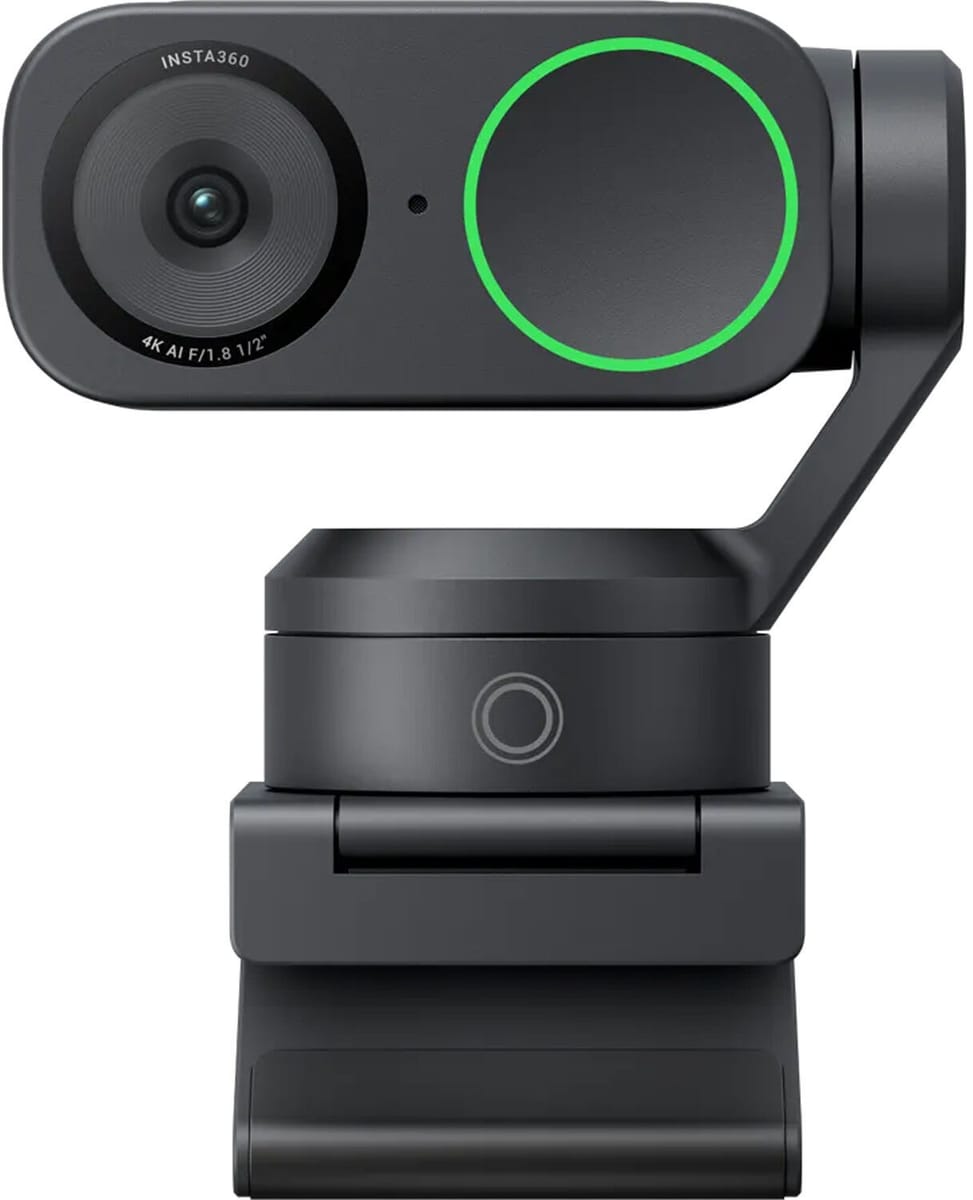
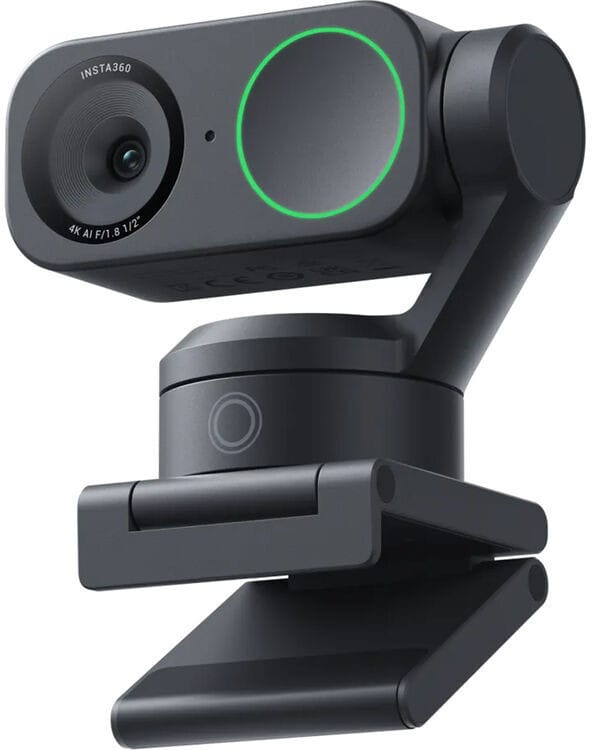
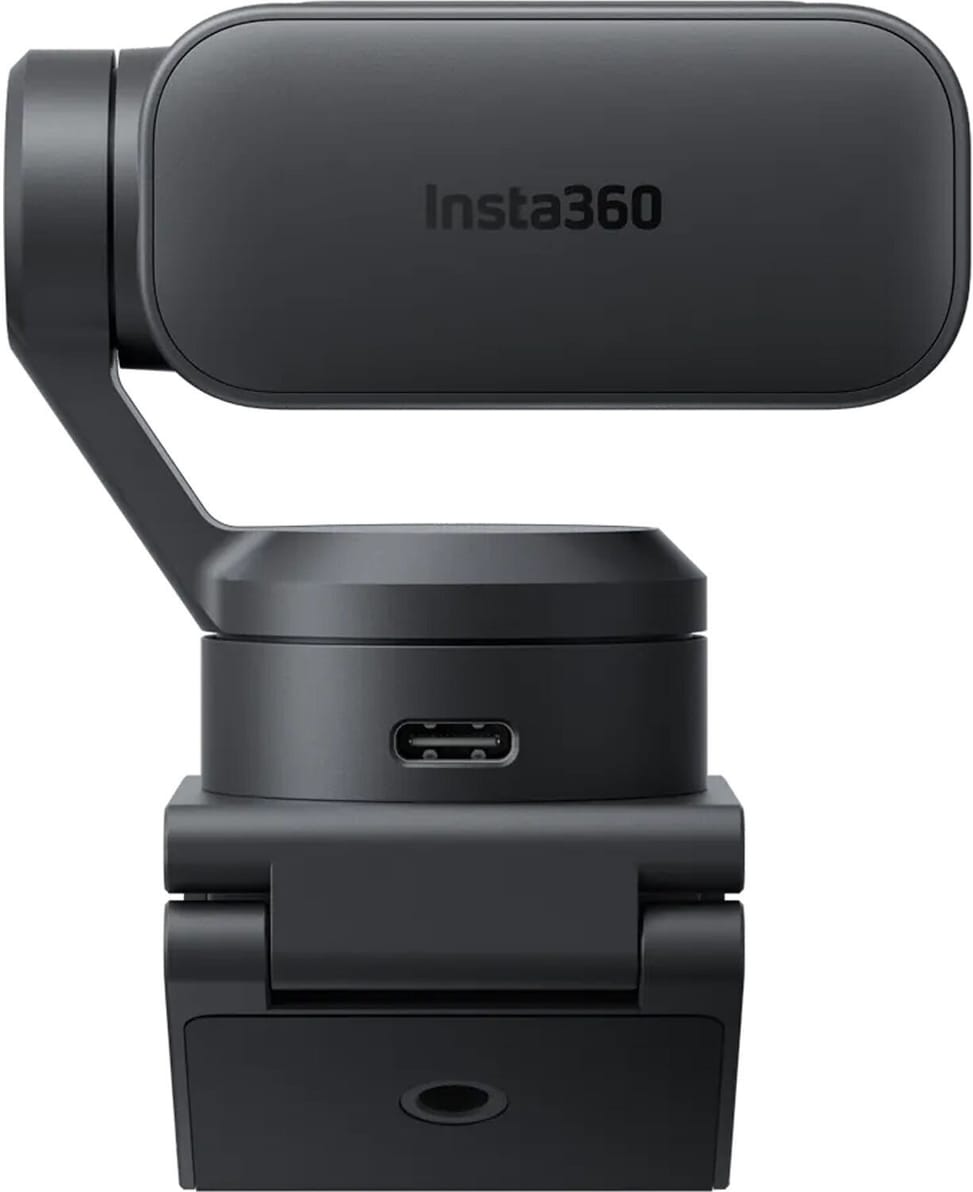
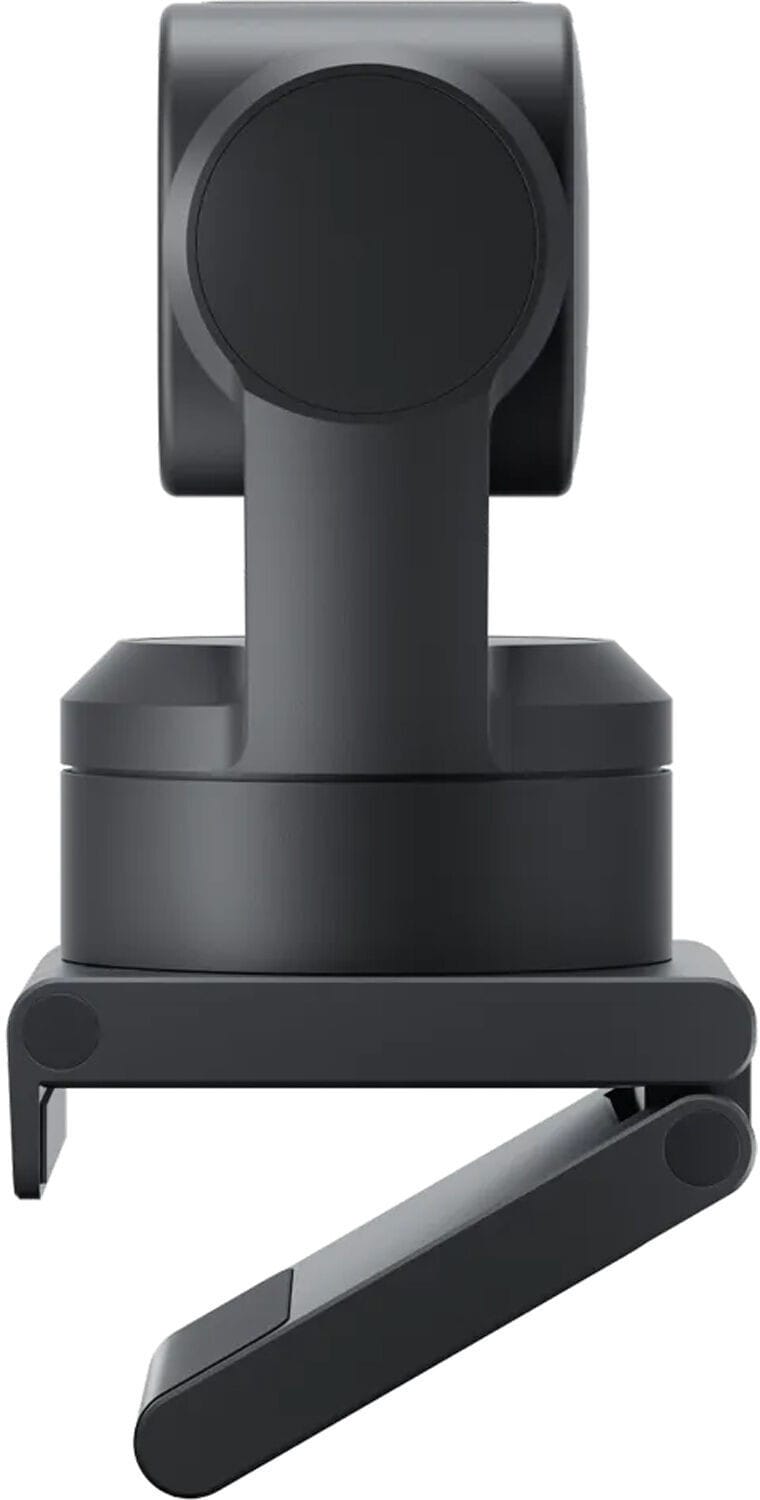
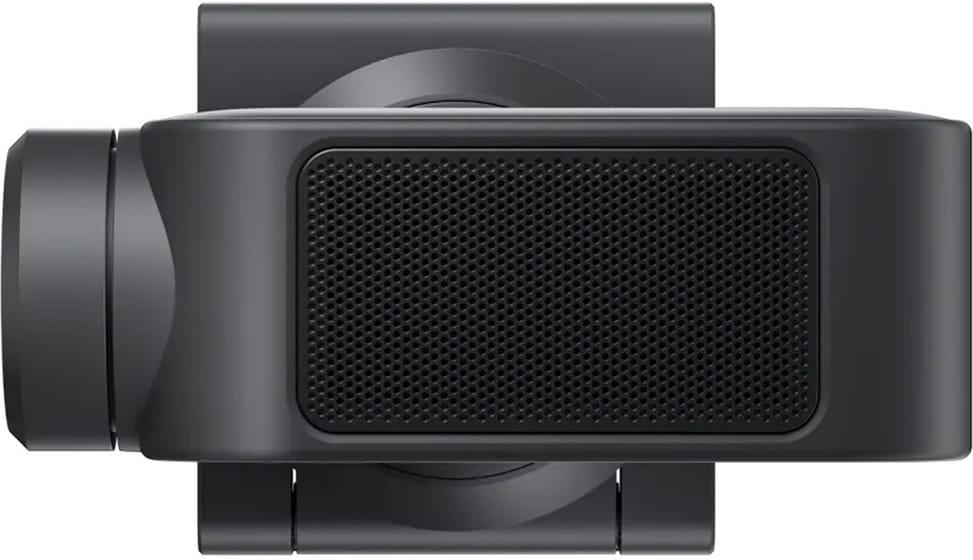
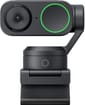
Insta360 Link 2 4K AI Webcam CINSABNB (6970357858750)

A 1/2" sensor with HDR, a built-in gimbal with AI tracking, fast autofocus and noise-cancelling microphones.

  • 1/2" sensor
  • Built-in gimbal with AI tracking
  • Fast autofocus
  • Noise-cancelling microphones
Ref.: 6970357858750
2 499,00 DHincl. VAT

Out of stock

Under Law 09-08, you have the right to access, rectify and object to the processing of your personal data. This processing has been authorised by the CNDP under no. D-CE-389/2015. Learn more

Can’t wait?

Ask for an alternative on WhatsApp

Quick reply

Product overview

Transform your video conferences with the Insta360 Link 2 4K AI webcam, built for exceptional picture and sound. With Ultra HD 4K resolution, a 1/2" sensor and HDR technology, enjoy a sharp, bright image, even in low light. AI smart tracking and the built-in gimbal keep you perfectly framed at all times, while fast autofocus ensures consistent precision. Noise-reducing microphones deliver clear sound in any situation. Ideal for working from home, streaming or professional presentations, this webcam offers performance, smoothness and total control.

See all the specifications ↓
Request a quoteShare:

Technical specifications

Technical specifications
Dimensions (W x D x H)71.3 x 38 x 58.9 mm
Video resolution4K at 30, 25 and 24 fps, 1080p and 720p at 60, 50, 30, 25 and 24 fps, 360p at 30, 25 and 24 fps
Field of view79.5° diagonal, 67° horizontal
Optical zoomNone (digital zoom only)
InterfaceUSB-C (USB 2.0), USB-A adapter
Built-in speakersNone
Sensor size1/2-inch
Lens apertureF1.8, 26 mm equivalent focal length
Supported video formatsH.264 and MJPEG (H.264 not supported in portrait 4K and 1080p at 60 fps)
Digital zoomUp to 4x
Auto framingAuto framing, smart whiteboard and desk view
Privacy shutterNone (the camera automatically folds down after 10 s of inactivity)
Camera motorisation2-axis motorised gimbal (pan and tilt)
FocusPhase-detection autofocus, 10 cm to infinity
Technical specifications (continued)
Light correctionHDR supported at all resolutions and frame rates
Box contents2-in-1 magnetic mount and mini tripod included
Weight101.5 g without magnetic mount, 166.5 g with
Power supplyVia the computer's USB port, 5 V / 1 A
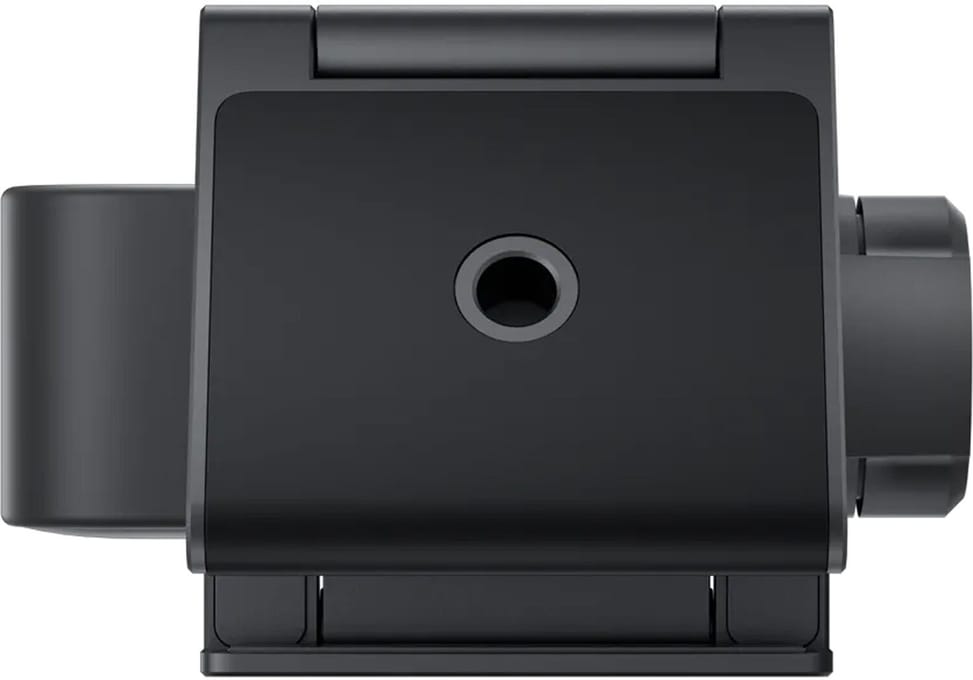
MountingMagnetic mount with 1/4-inch mounting point for an external tripod
Product type4K USB webcam
ConnectivityUSB-C
Audio processingAI noise reduction, 3 audio modes (voice focus, voice suppression, music balance)
Controls1 touch button, gesture controls
Platform certificationsNo certification announced
Operating modeComputer-controlled USB peripheral, configured with Link Controller software
Management softwareLink Controller
Warranty1 year

Specific references

EAN6970357858750

Customer reviews

No reviews yet

Be the first to review this product and help other customers.

Write a review
Your rating
5/5

Shown publicly with your review.

Never published — a confirmation email will be sent to you.

Tell us about the product — in a few lines:

  • what you liked in everyday use;
  • the quality and performance you found;
  • who you would recommend it to, and why.

A question about an order, a delivery or a payment? Write to us and we will reply to you directly.

Under Law 09-08, you have the right to access, rectify and object to the processing of your personal data. This processing has been authorised by the CNDP under no. D-CE-389/2015. Learn more

Frequently asked questions about this product

What does the Insta360 Link 2's gimbal do during a call?
It physically moves, panning and tilting to follow you around the room — two motorised axes, not just a digital crop. From Link Controller, you choose whether it tracks a single person or a group.
Can you stop the Link 2 from following you all over the room?
Yes, with tracking pause zones, a feature specific to the Link 2. You set the boundaries beyond which the camera stops tracking: you move around freely and only appear in the frame when you want to.
How does the Link 2 show what is on your desk?
With Desk View mode: it automatically tilts downwards using its gimbal to frame the work surface while you show a sketch or a document. No manual adjustment of the mount is needed.
Does the Link 2 close by itself when you stop using it?
Yes, it closes automatically after ten seconds of inactivity, and you can also position it by hand. This is mechanical protection: the lens physically turns away, independently of any software.
What resolutions does the Insta360 Link 2 offer?
4K at up to 30 frames per second, 1080p and 720p at up to 60, in both landscape and portrait. Note: H.264 is not available in 4K portrait or in 1080p at 60 frames per second; encoding switches to MJPEG in those modes.
How good are the Link 2's optics and focusing?
A 1/2-inch sensor, an aperture of f/1.8, a 26 mm equivalent focal length and a 79.5° diagonal field of view. Phase-detection autofocus focuses from 10 cm to infinity, and digital zoom goes up to 4×.
What computer do you need for the Insta360 Link 2?
A 5th-generation Core i5 or newer for everyday use, and a 10th-generation i5 or later for certain advanced features — natural bokeh and virtual backgrounds among them. It connects via USB-C, with an adapter to USB-A.
How much does the Insta360 Link 2 weigh and what are its dimensions?
101.5 g without the magnetic mount, 166.5 g with it, for a body measuring 71.3 × 58.9 × 38 mm. The motorised gimbal accounts for this size: it is the price of mechanical rather than digital tracking.
Can you shoot vertical video with the Link 2 for social media?
Yes, a portrait mode lets you capture 9:16 video in 4K, with no cropping afterwards: you simply rotate the camera. It is used on a tripod — sold separately.
Is the Insta360 Link 2 webcam new and covered by a warranty?
New, in original Insta360 packaging, code 6970357858750. The invoice serves as the warranty document for 1 year. The magnetic mount and the 2-in-1 mini tripod are included in the box.

Trending

Chat on WhatsApp

Scan with my phone

The simplest way: open your phone camera and point it at this code. The chat opens with your message ready.

Open WhatsApp Web

Works if your phone is already linked to this computer.

Prefer to call? (+212) 05 30 31 64 21