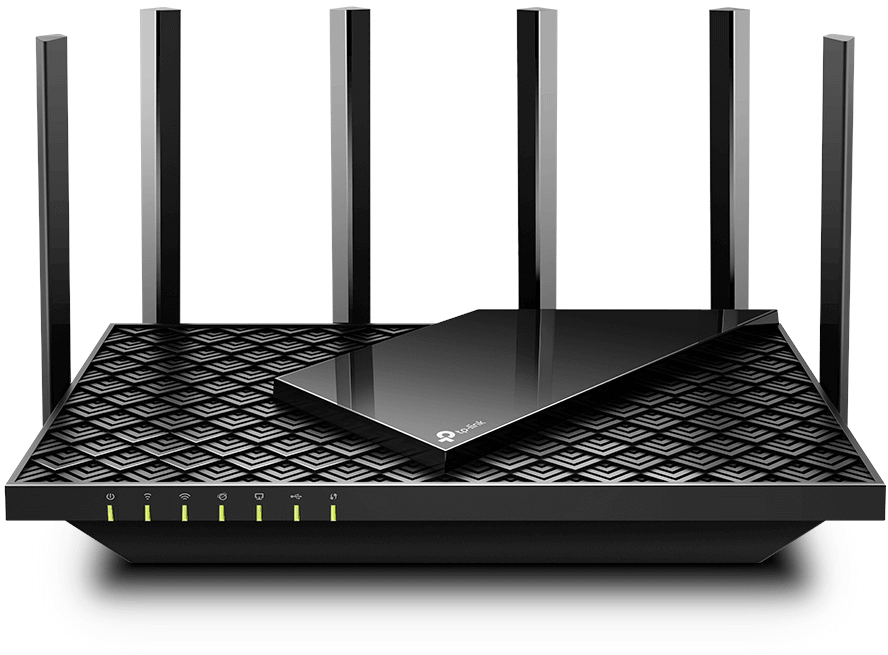
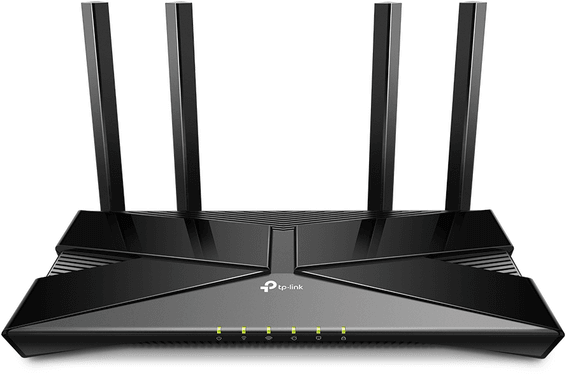
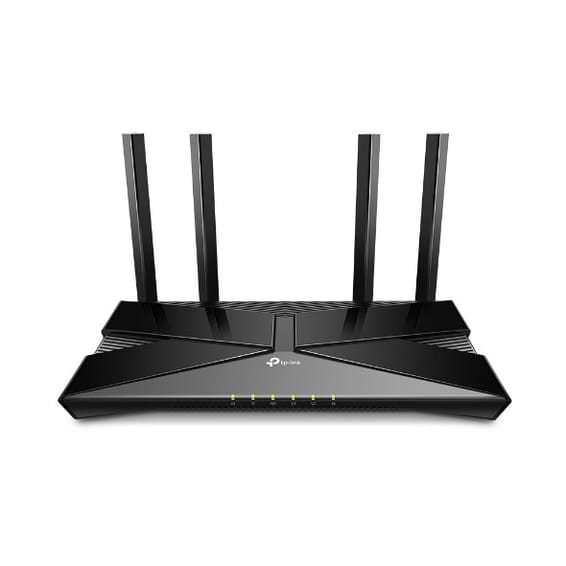
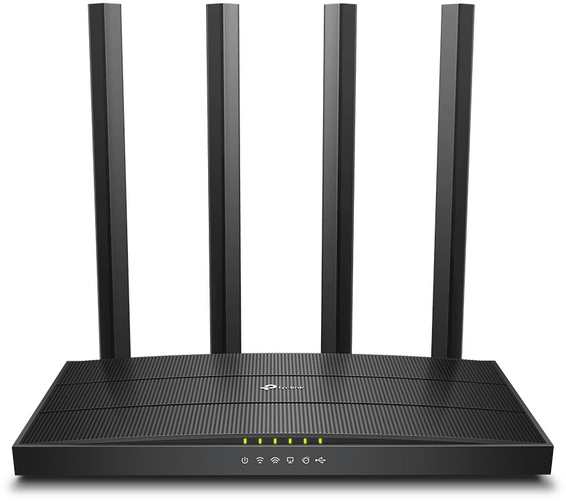
Up to 4,804 Mbps on the 5 GHz band and more than 200 devices connected at the same time. Six antennas, a 1.5 GHz triple-core processor and aggregation of two LAN ports for large transfers.
Up to 4,804 Mbps on 5 GHz and 574 Mbps on 2.4 GHz
More than 200 simultaneous devices: 128 on 5 GHz and 96 on 2.4 GHz
6 high-performance antennas with Beamforming
Triple-core processor at 1.5 GHz
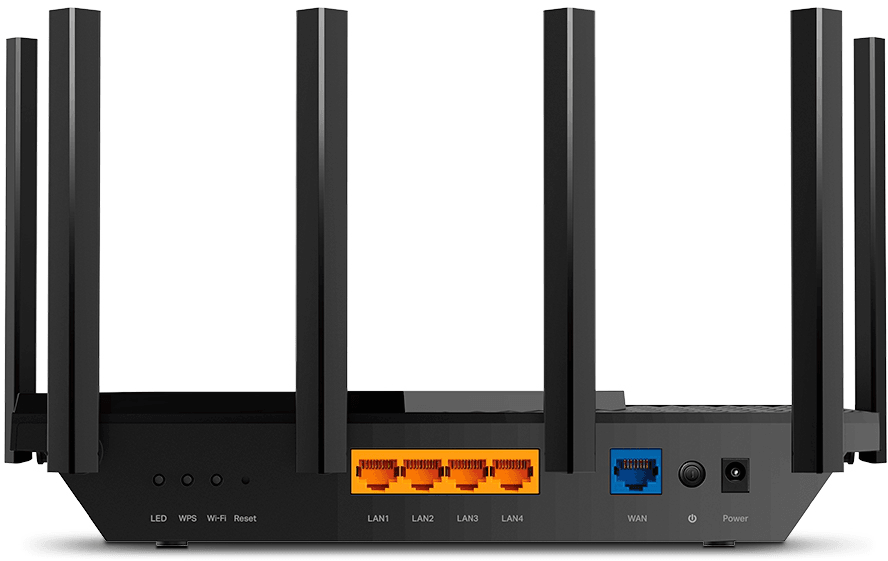
1 Gigabit WAN port and 4 Gigabit LAN ports
Static aggregation of two LAN ports
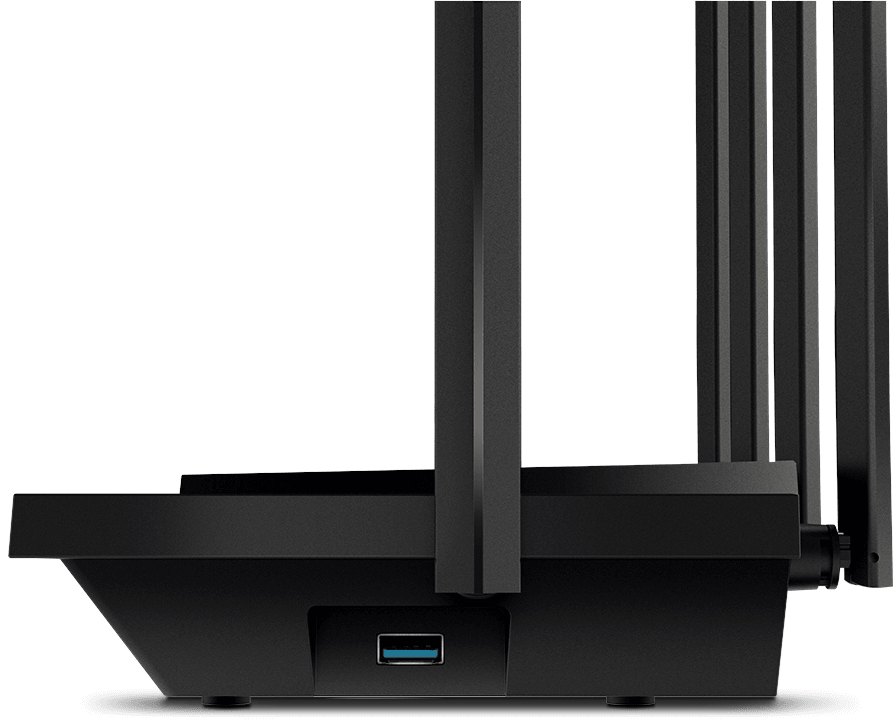
USB 3.0 port: drive sharing, media server, Time Machine
OpenVPN, PPTP and L2TP VPN server and client
HomeShield parental controls and connected device protection
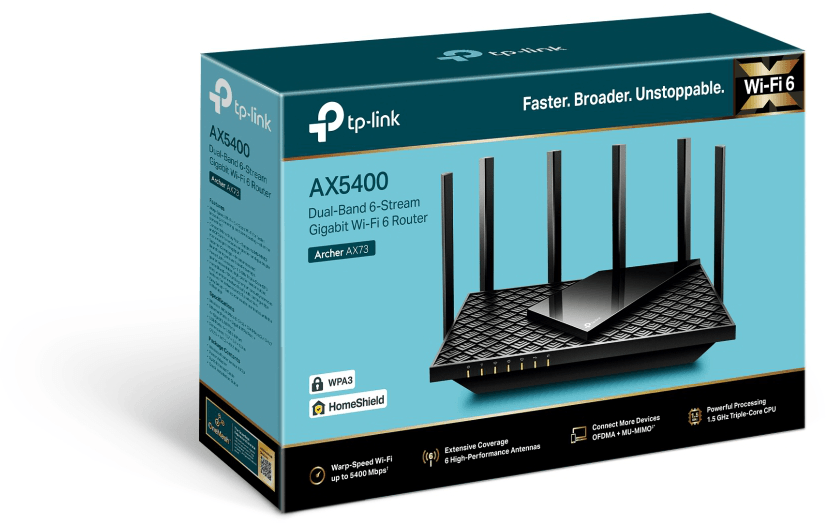
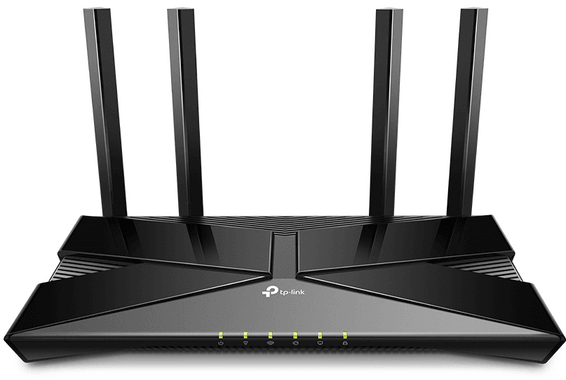
Choose the TP-Link AX5400 dual-band Gigabit WiFi 6 router and upgrade your internet experience. Enjoy ultra-fast 5400 Mbps gigabit WiFi for smooth browsing, seamless 8K streaming and fast downloads. Connect more than 200 devices at the same time and get extended coverage from its 6 antennas and beamforming. Keep your home network secure with HomeShield's advanced services. Set it up in minutes with the Tether app. Choose speed, freshness and security with the Archer AX73 router.
Be the first to review this product and help other customers.
Write a review
Frequently asked questions about this product
What does Wi-Fi 6 bring to the TP-Link Archer AX73 (AX5400) router?
Based on the 802.11ax (Wi-Fi 6) standard, it reaches speeds of up to 4,804 Mbps on the 5 GHz band + 574 Mbps on 2.4 GHz. The result: more throughput, lower latency and more devices connected simultaneously.
How many devices can the Archer AX73 handle at once?
Thanks to OFDMA + MU-MIMO, it can connect more than 200 devices (up to 128 on the 5 GHz band and 96 on 2.4 GHz), while reducing network congestion.
What ports does the Archer AX73 router offer?
It has 1 Gigabit WAN port + 4 Gigabit LAN ports and a USB 3.0 port. An RJ45 Ethernet cable is included.
What is the USB 3.0 port on the Archer AX73 for?
It lets you share files and media and create a private cloud or a backup, with support for Samba, FTP, media servers and Apple Time Machine.
Does the Archer AX73 offer wide Wi-Fi coverage?
Yes: 6 high-performance antennas, Beamforming technology and 4T4R focus and extend the signal, for coverage suited, for example, to a 3-bedroom home.
Can you create a mesh network with the Archer AX73?
Yes: it supports TP-Link OneMesh to form unified Wi-Fi coverage throughout the home, with no drop-outs or loss of speed as you move around.
Is the Archer AX73 router secure?
Yes: HomeShield (free basic plan, paid Pro plan), WPA3 encryption, SPI firewall, parental controls and protection against DDoS attacks and malicious websites.
Does the Archer AX73 offer a VPN?
Yes: it includes a VPN server and client compatible with OpenVPN, PPTP and L2TP, for secure remote access without installing software on each device.
Is the Archer AX73 router compatible with my ISP router?
Yes: it sits behind your ISP router/modem to boost your Wi-Fi (router or access point mode). It requires a cable or DSL modem and a subscription with an internet service provider.
Is the Archer AX73 router easy to set up?
Yes: setup takes a few minutes via the Tether app (Android/iOS) or the web interface. A 1.5 GHz triple-core processor ensures stable performance.
Is the TP-Link Archer AX73 router new and under warranty?
Yes, a new and genuine TP-Link product: your invoice serves as the warranty document for 1 year. See the datasheet for full details.
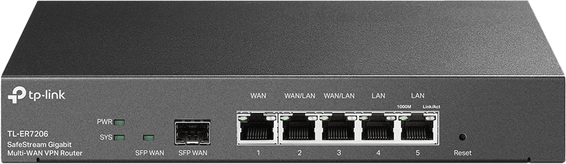
Acts as the network head for a 200-user site: one gigabit WAN port, four gigabit LAN ports, load sharing across WAN links, DHCP, NAT and PPPoE. 1U format and passive cooling, so it stays quiet.
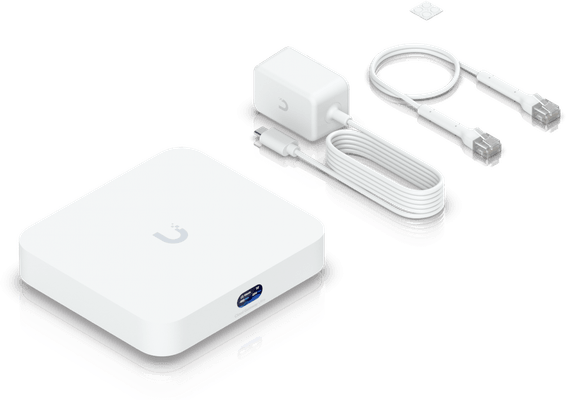
The heart of an SME UniFi network: it routes, filters and supervises more than 300 clients and more than 30 UniFi devices. Its 2.5 Gbps WAN port is faster than the four Gigabit ports, and everything is driven from the app or the cloud.
Several internet lines combined, with automatic failover if one drops. Up to 100 IPSec tunnels, a captive portal for guests and monitoring through the Omada platform, in the cloud or on site.
•1 SFP fibre WAN port, 1 RJ45 WAN port, 2 configurable WAN/LAN ports and 2 LAN ports
•Load balancing across several internet lines and automatic failover
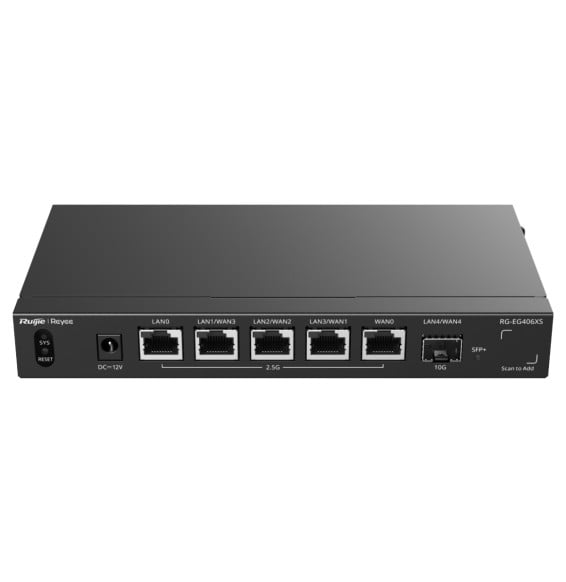
Multi-Gig in a silent desktop unit: every RJ45 socket handles 2.5 Gbps and the SFP+ fibre port reaches 10G. Designed for an SME or a shop with up to 400 users, with multi-WAN load balancing and VPN to 100 sites.
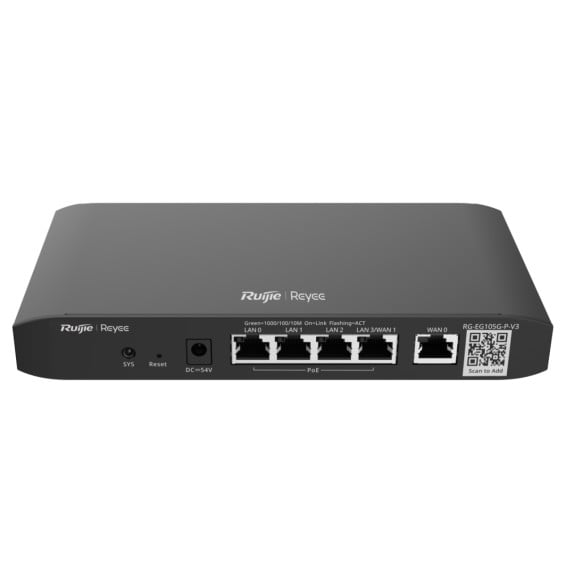
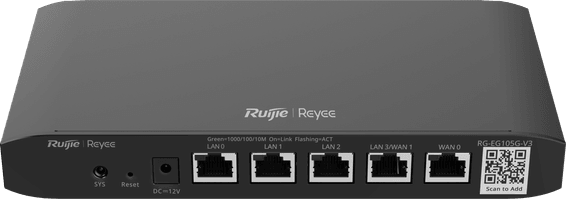
Powers up to four cameras or Wi-Fi access points while handling 100 users: dual WAN with failover, IPsec, OpenVPN, L2TP and PPTP VPN, customisable captive portal. Remote management via Ruijie Cloud, fanless.
The LAN/WAN switchable SFP slot takes fibre, and up to four WAN links share the load with automatic failover. Bandwidth is allocated by application or by user group, for 200 recommended clients.
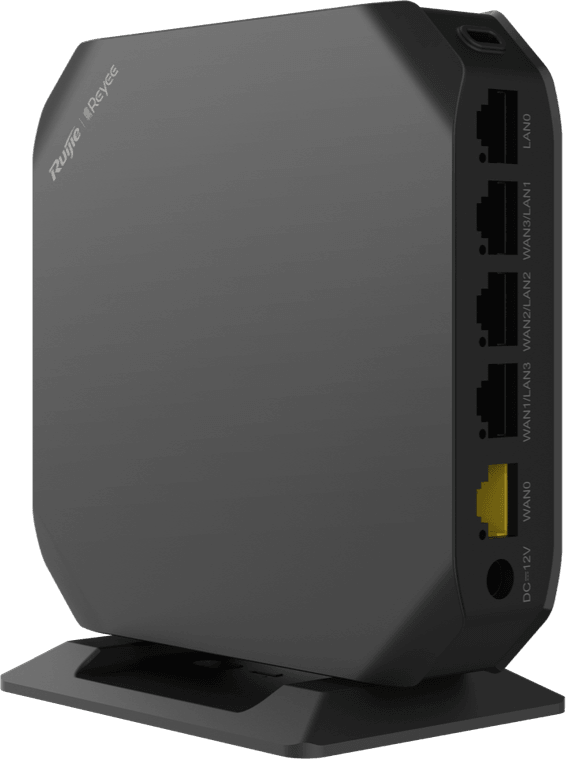
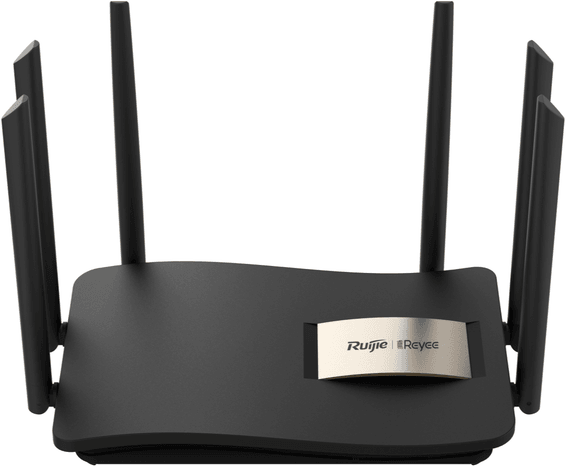
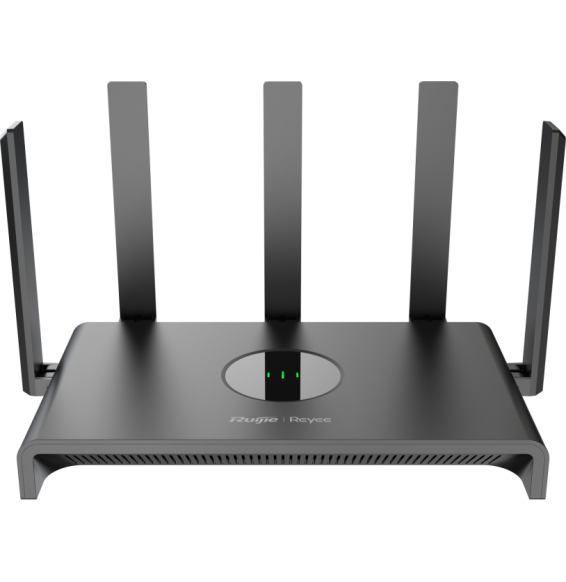
One button is enough to extend coverage over Reyee Mesh, with no extra cabling. 867 Mbps on the 5 GHz band and 400 Mbps on 2.4 GHz, up to 4 balanced WAN links and free cloud management from the app.
Two internet connections coexist with load balancing and automatic failover, so a till or a counter is never left offline. Up to 100 users, built-in VPNs, a customisable captive portal and free cloud management.
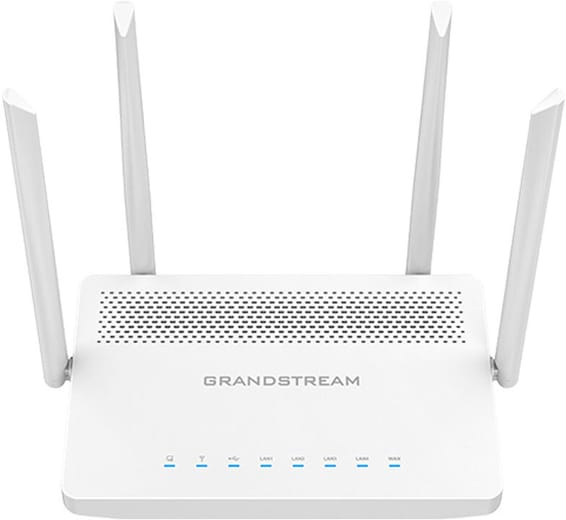
The internet connection comes in over fibre, on a Gigabit SFP port, and the 4 copper ports can be set as WAN or LAN. Aggregate wireless throughput of 1.27 Gbps for 100 devices, with a built-in controller driving up to 50 GWN access points.
•Wi-Fi 5 (802.11ac): up to 867 Mbps on 5 GHz and 300 Mbps on 2.4 GHz
Designed for a 2 to 3 bedroom home, it reaches 1,201 Mbps on the 5 GHz band and holds steady when a dozen devices connect. VPN server, parental controls and guest network are set from the Tether app.
•Up to 1,201 Mbps on the 5 GHz band
2.5 GbE WAN port, faster than the 4 Gigabit ports
•Up to 4 WAN links, with load balancing and automatic failover
•More than 300 simultaneous clients and more than 30 UniFi devices managed
In stock
1 759 DHincl. VAT1 759,00 DHincl. VAT
Delivery everywhereDelivered all over Morocco
•Up to 100 IPSec VPN tunnels
In stock
1 769 DHincl. VAT1 769,00 DHincl. VAT
Delivery everywhereDelivered all over Morocco
5 x 2.5 Gigabit ports and 1 x 10G SFP+ port
•Up to 3.5 Gbps in Turbo mode
•400 clients recommended, 120,000 sessions
In stock
2 279 DHincl. VAT2 279,00 DHincl. VAT
Delivery everywhereDelivered all over Morocco
1 079 DHincl. VAT1 079,00 DHincl. VAT
1 349 DH1 349,00 DH
Delivery everywhereDelivered all over Morocco
1 fibre SFP port switchable between LAN and WAN
•Up to 4 WAN ports with load balancing and automatic failover
Everything runs through the five Gigabit sockets and the two bands: 2,402 Mbps on 5 GHz, a built-in VPN server and OneMesh networking to widen coverage later on.
•Up to 2,402 Mbps on 5 GHz and 574 Mbps on 2.4 GHz
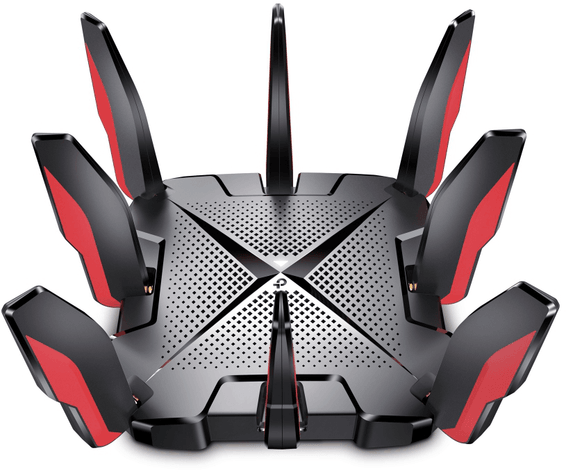
Consoles and gaming PCs get their own band at 4,804 Mbps, away from the rest of the home. 2.5 Gbps port, quad-core processor and latency displayed in real time.
Designed for a 2 to 3 bedroom home, it reaches 1,201 Mbps on the 5 GHz band and holds steady when a dozen devices connect. VPN server, parental controls and guest network are set from the Tether app.
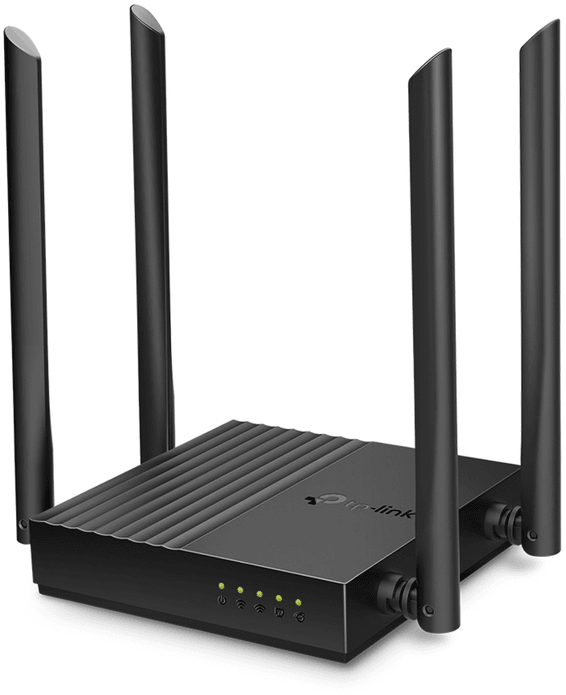
Five Gigabit ports and four external antennas to cover a whole home, wired as well as wireless. 867 Mbps on the 5 GHz band, 400 Mbps on 2.4 GHz, WPA3 encryption and control from the Tether app.
Six 6 dBi antennas backed by amplifiers push the signal through to the most distant rooms. Up to 96 connected devices, parental controls from the app and a health mode that turns the lights off for the night.
•Up to 867 Mbps on the 5 GHz band and 400 Mbps on 2.4 GHz
One button is enough to extend coverage over Reyee Mesh, with no extra cabling. 867 Mbps on the 5 GHz band and 400 Mbps on 2.4 GHz, up to 4 balanced WAN links and free cloud management from the app.
A drive plugged into the USB 2.0 port becomes shared storage and a media server. MU-MIMO serves several devices at once, and the five Gigabit sockets hold the throughput over cable.
The internet connection comes in over fibre, on a Gigabit SFP port, and the 4 copper ports can be set as WAN or LAN. Aggregate wireless throughput of 1.27 Gbps for 100 devices, with a built-in controller driving up to 50 GWN access points.
•Wi-Fi 5 (802.11ac): up to 867 Mbps on 5 GHz and 300 Mbps on 2.4 GHz
WPA3 encryption and an isolated guest network to host visitors without opening up your own network. Five foldable antennas, 4 Gigabit ports and up to 96 connected devices; parental controls cap each device's connection time and bandwidth.
•Up to 867 Mbps on the 5 GHz band and 400 Mbps on 2.4 GHz
Wi-Fi 6 at 1,201 Mbps on the 5 GHz band, compatible with most operator plans thanks to PPPoE, L2TP and PPTP. Parental controls block URLs and set time slots.
•Wi-Fi 6 (802.11ax)
•Up to 1,201 Mbps on 5 GHz and 574 Mbps on 2.4 GHz
•1 WAN port and 4 LAN ports
In stock
599 DHincl. VAT599,00 DHincl. VAT958 DH958,00 DH
Delivery everywhereDelivered all over Morocco
•Second 5 GHz band at 1,201 Mbps and 2.4 GHz band at 574 Mbps
•1 WAN/LAN port at 2.5 Gbps, 1 Gigabit WAN/LAN port and 3 Gigabit LAN ports
In stock
2 789 DHincl. VAT2 789,00 DHincl. VAT
Delivery everywhereDelivered all over Morocco
•Up to 300 Mbps on the 2.4 GHz band
•Coverage stated for a 2 to 3 bedroom home
In stock
709 DHincl. VAT709,00 DHincl. VAT
Delivery everywhereDelivered all over Morocco
Up to 867 Mbps on the 5 GHz band
•Up to 400 Mbps on the 2.4 GHz band
•1 Gigabit WAN port and 4 Gigabit LAN ports
In stock
360 DHincl. VAT360,00 DHincl. VAT
Delivery everywhereDelivered all over Morocco
•Up to 96 connected devices, 32 users recommended
•6 external 6 dBi antennas with signal amplifiers
In stock
409 DHincl. VAT409,00 DHincl. VAT499 DH499,00 DH
Delivery everywhereDelivered all over Morocco
•
Up to 400 Mbps on the 2.4 GHz band
•Up to 150 recommended network clients, 60 simultaneous wireless clients
In stock
949 DHincl. VAT949,00 DHincl. VAT969 DH969,00 DH
Delivery everywhereDelivered all over Morocco
1 Gigabit WAN port and 4 Gigabit LAN ports
•USB 2.0 port: file sharing, FTP server, media server
In stock
579 DHincl. VAT579,00 DHincl. VAT
Delivery everywhereDelivered all over Morocco
1 Gigabit SFP WAN port and 4 Gigabit ports configurable as WAN or LAN