How long do the Galaxy Buds3 last with noise cancellation turned on?
Up to 5 h per earbud with noise cancellation turned on, and 24 h in total with the case. With it turned off, this rises to 6 h and 30 h. It is the 5 h that matters when you are buying earbuds for their ANC.
Is the Galaxy Buds3's noise cancellation active from first use?
No, it is disabled by default. You therefore need to turn it on yourself after pairing, otherwise you end up judging the earbuds on a mode they are not using. The “pinch and hold” gesture is set to noise control by default.
Can the Galaxy Buds3 case be charged wirelessly?
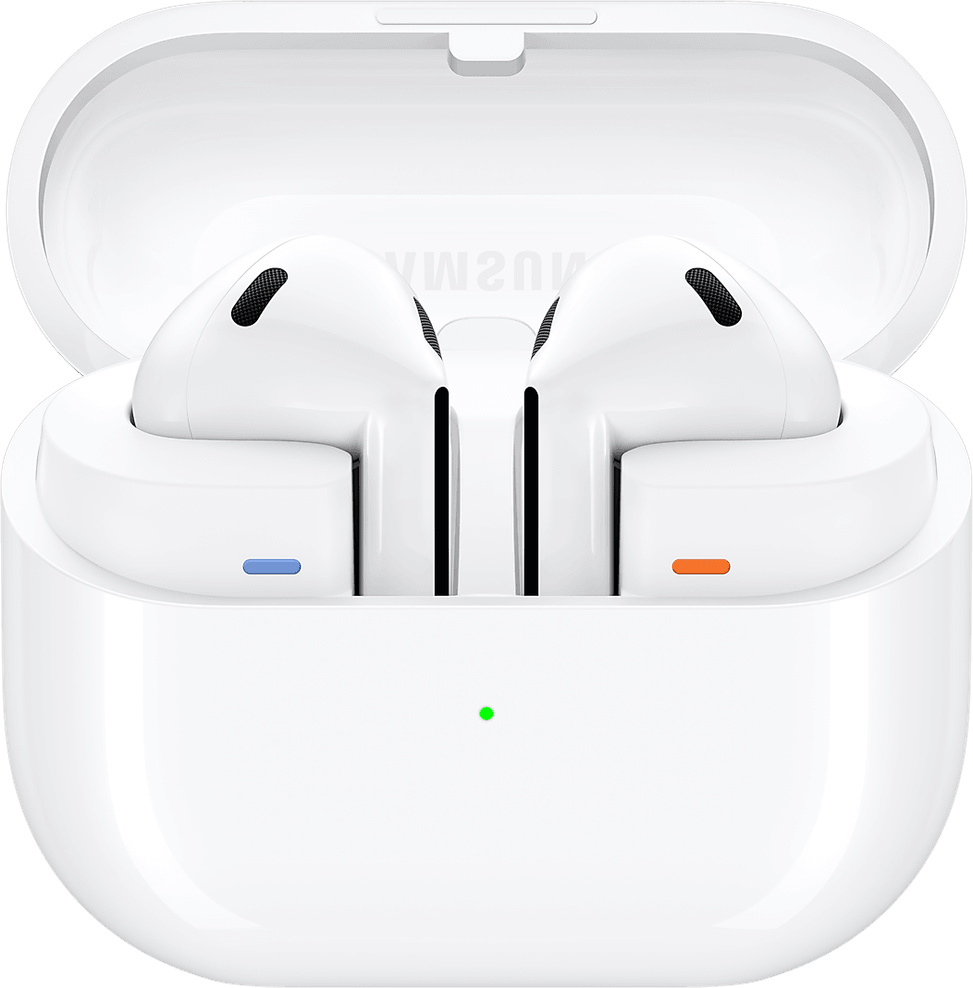
Yes, it supports inductive charging: placed on a compatible charging pad, it recharges without a cable. Handy at the office or on a bedside table that is already equipped, and it saves tying up one more port in the evening.
Can you wear them in the rain or during a workout?
They are rated IP57: the 5 indicates protection against dust, the 7 resistance to temporary immersion. Sweat and showers therefore pose no problem, which makes them usable every day as well as during training.
Is the open design of the Galaxy Buds3 comfortable over long periods?
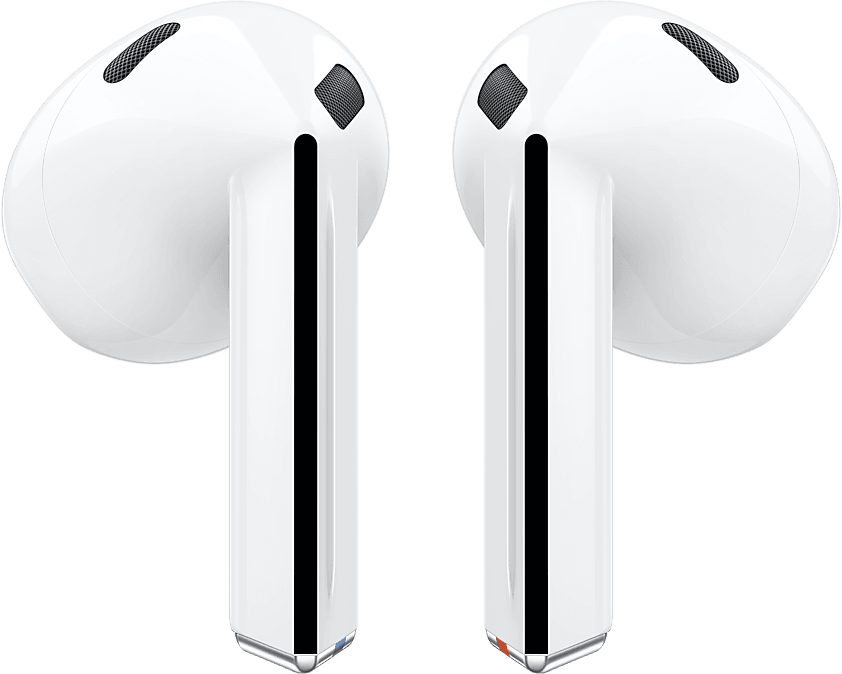
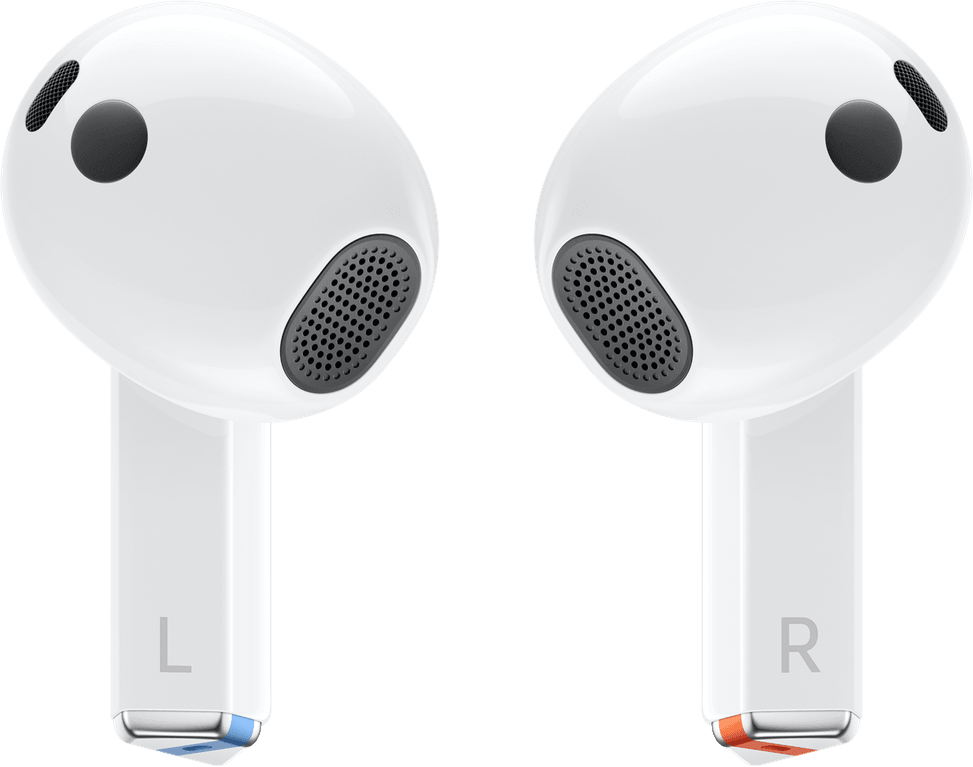
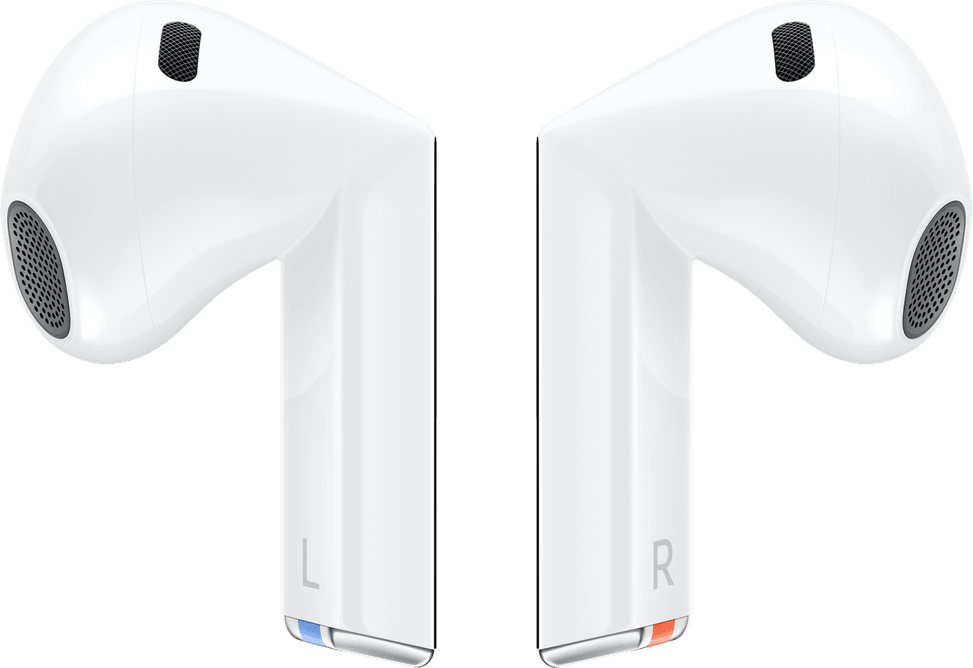
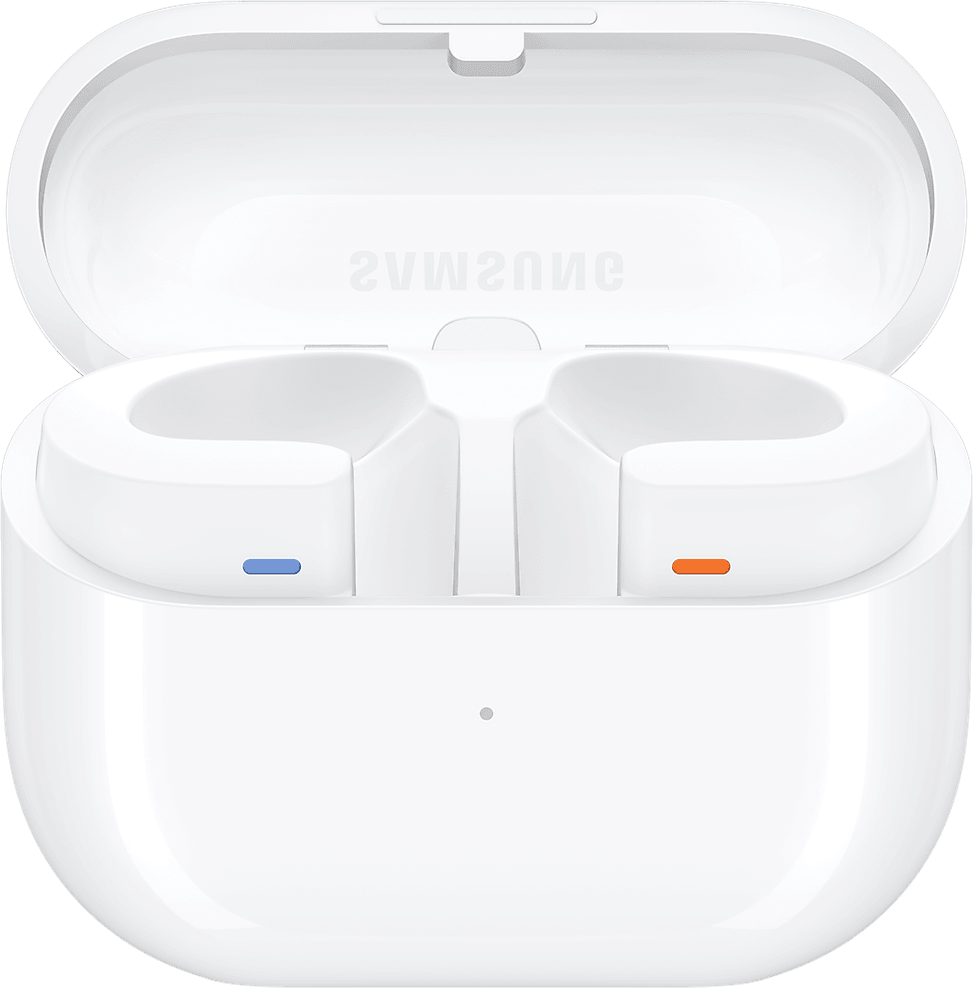
That is its aim: the angled shape was designed using 3D ear data to bring the sound closer to the ear canal while reducing pressure inside it. A point that matters for those who find conventional in-ear earbuds tiring after an hour.
How good is the Galaxy Buds3's speaker?
11 mm, a generous diameter for an earbud, with a 1.5× amplified diaphragm. A large diaphragm moves more air: this is what delivers the stated bass and dynamics, where a smaller driver holds back.
Which phones let you enjoy 24-bit/96 kHz sound?
The Galaxy S24, S23, Z Fold6, Z Flip6, Z Fold5, Z Flip5 and Tab S9, running One UI 6.1.1 or later. The Samsung Seamless Codec encodes up to 24-bit/96 kHz and then decodes in the earbud, maintaining high resolution across the whole chain.
Does 360 Audio really follow your head movements?
Yes: it identifies the direction of the sound as you tilt your head, for a surround-style experience. It requires a Galaxy smartphone or tablet running One UI 3.1 or later, or certain Samsung TVs. Head tracking also depends on the app and the content.
What does Auracast broadcasting allow on the Galaxy Buds3?
It lets you share the same audio stream with other listeners: a TV, smartphone or Galaxy tablet becomes the source, and everyone tunes in to it. Compatible broadcasting devices are limited to a list of recent Galaxy models and Samsung TVs.
Do the earbuds switch automatically between my PC and my phone?
Yes, with PC Auto Switch, subject to conditions: a Galaxy Book running One UI 6.0 or later, and Galaxy smartphones and tablets running One UI 4.1.1 or later, all linked to the same Samsung account. On a Samsung TV, switching only applies to calls.
Can you skip tracks without touching your phone?
Yes, by voice: a command such as “next song” or “volume up” is enough, and the earbuds carry it out. On top of that there are the gestures on the earbud, including “pinch and hold”, which is set to noise control by default.
Does real-time translation work without a Samsung smartphone?
No: Interpreter is part of Galaxy AI and requires a compatible Samsung Galaxy smartphone, as well as a Samsung account. Without the earbuds connected, the translated text appears on the phone screen, and some languages require a language pack to be downloaded.
Are there other colours besides silver?
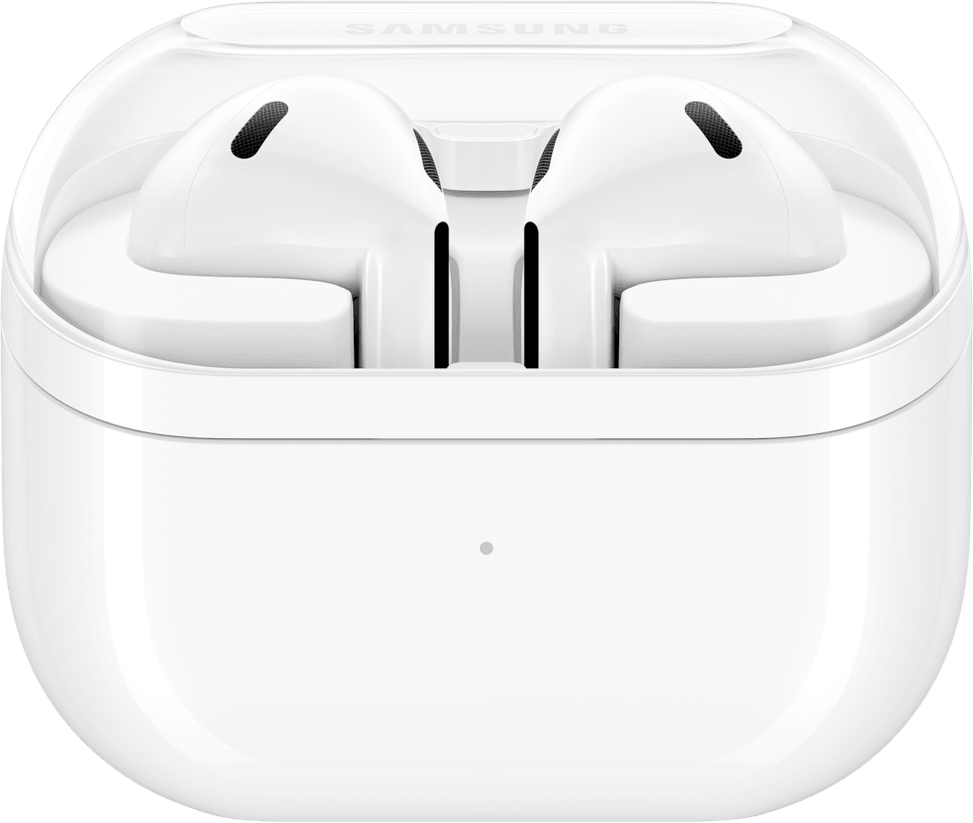
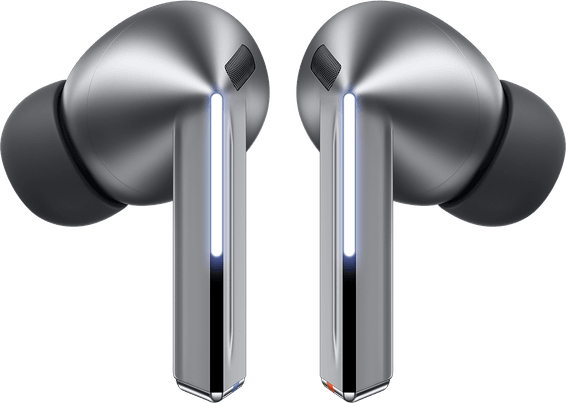
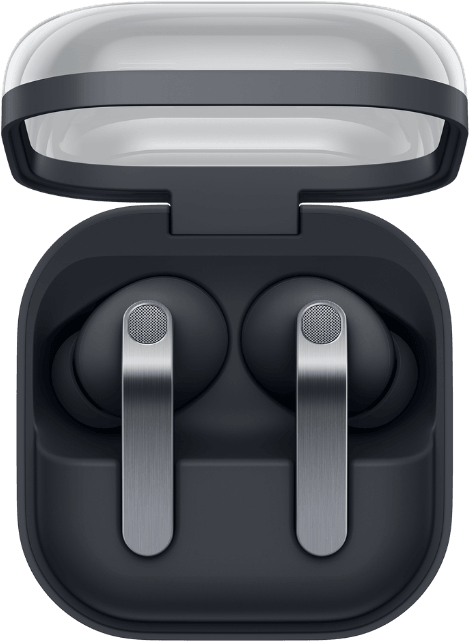
Yes, these Galaxy Buds3 come in silver and white, selectable on the product page. Both share the same Samsung base reference, apart from the colour suffix: SM-R530NZAA for silver, SM-R530NZWA for white.
Are the Galaxy Buds3 new and under warranty?
Yes, new and genuine, with the invoice serving as the warranty document for 1 year. Each earbud weighs just 4.7 g, and the reference for this silver colour is SM-R530NZAAMEA — the one to quote in the event of a warranty claim.