

Best seller
Logitech
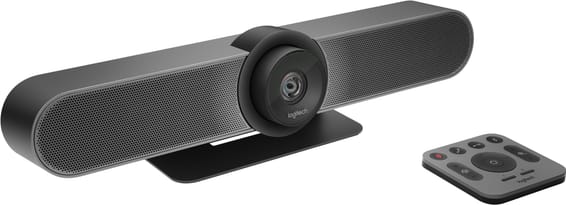
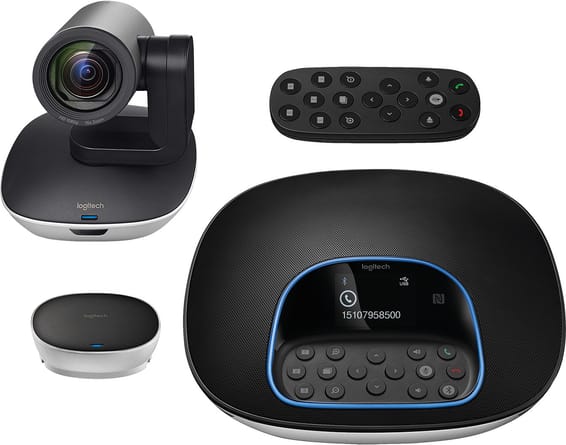
Logitech MeetUp All-in-One ConferenceCam for small conference rooms (960-001102)
In stock
6 399 DHincl. VAT6 399,00 DHincl. VAT
Delivery everywhereDelivered all over Morocco
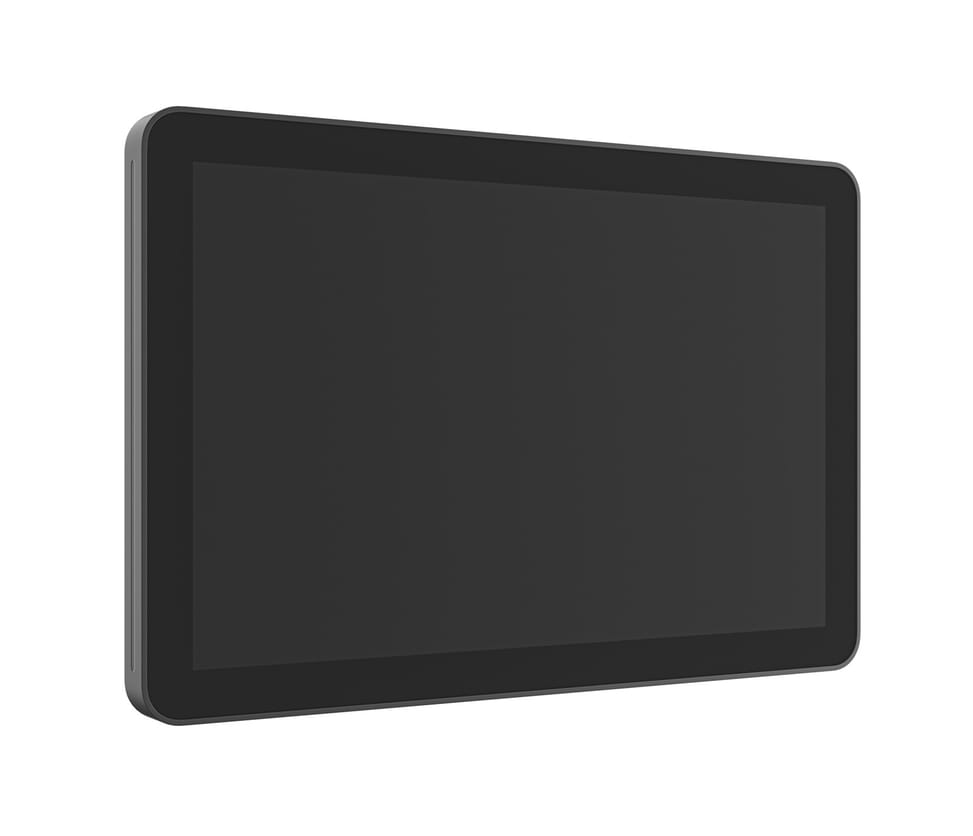
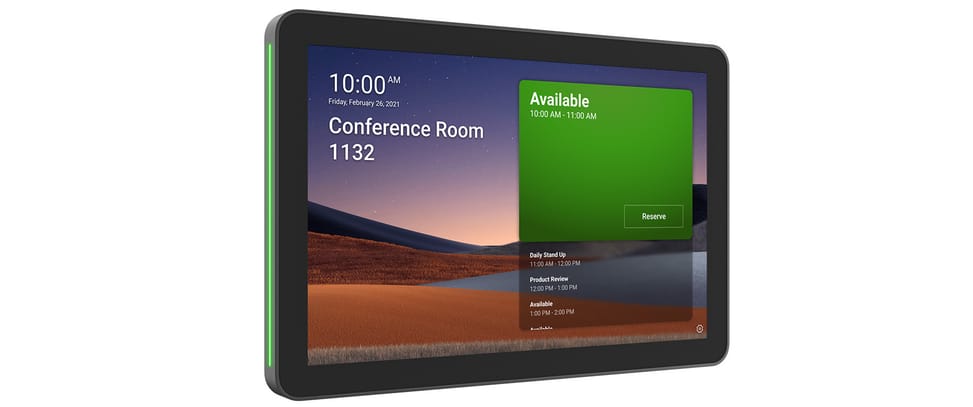
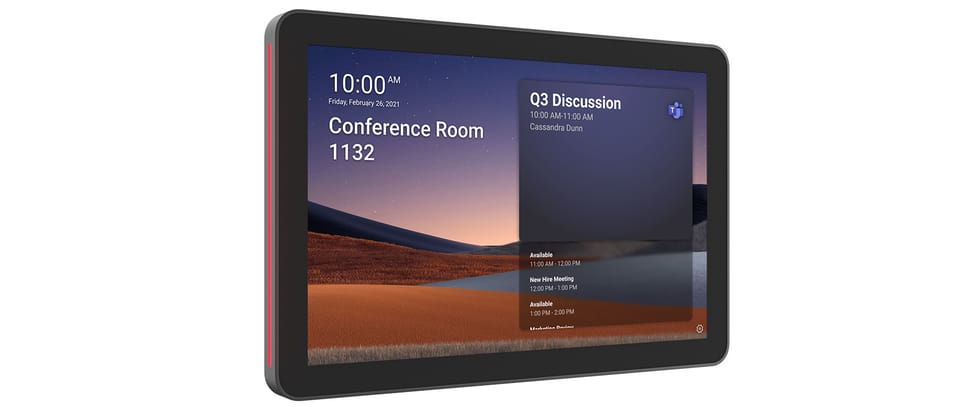
Displayed at the entrance to the room, it signals with a coloured light whether it is free and allows it to be booked on the spot. 10.1 inch IPS screen, power over the network cable, wall and mullion mounts included.

Out of stock
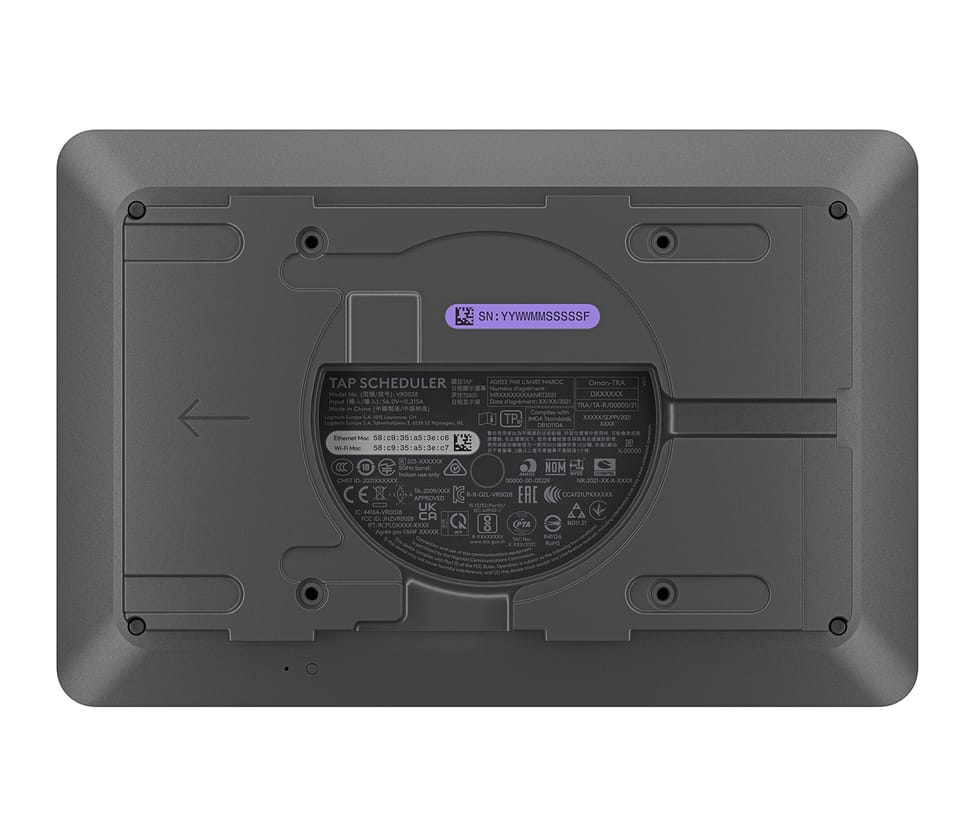
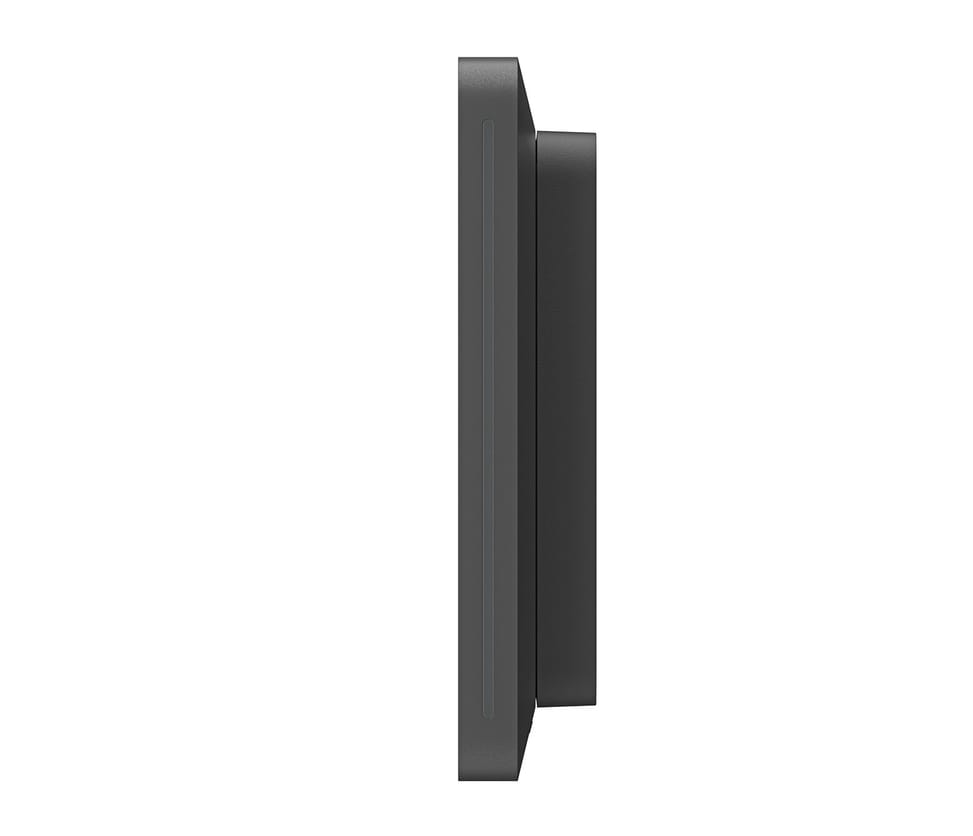
Schedule your meetings efficiently with the Logitech Tap Scheduler. With a 25.6 cm (10.1") IPS touchscreen and 400 cd/m² brightness, this scheduling panel combines Wi-Fi 5, Bluetooth and Ethernet for optimal connectivity. Mount it easily with the included VESA mount, ideal for a clean, professional installation. Its sturdy build and intuitive interface make booking rooms easy, making it the ideal scheduling solution for every meeting space.
| Dimensions (W x D x H) | 246.2 x 28.5 x 165 mm |
|---|---|
| Video resolution | None (device has no camera) |
| Field of view | None (device has no camera) |
| Camera range | None (device has no camera) |
| Optical zoom | None (device has no camera) |
| Digital zoom | None (device has no camera) |
| Camera sensor | None (device has no camera) |
| Auto framing | None (device has no camera) |
| Camera motorisation | None (device has no camera) |
| Wireless technology | Wi-Fi 802.11ac |
| Talk time | None (device is permanently powered) |
| Standby time | None (device is permanently powered) |
| Built-in display | 10.1-inch IPS touchscreen, 1280 x 800 |
|---|---|
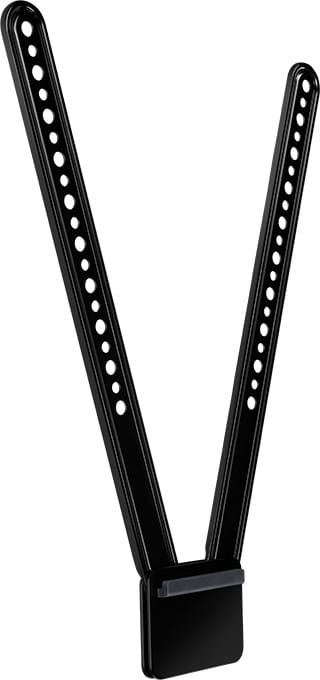
| Box contents | Tap Scheduler, surface mount, mullion mount |
| Product colour | Graphite |
| Power supply | PoE (power over the network cable) |
| Mounting | Wall, mullion or glass mount (mounts included), VESA 100 x 100 mm standard |
| Product type | Room scheduling panel |
| Recommended room size | All room sizes, from acoustic booth to large room |
| Controls | 10.1-inch touchscreen, coloured room availability LEDs |
| Operating mode | Standalone IP panel connected to the room network |
| Management software | Logitech Sync |
| Connectivity | 1 RJ-45 |
| Warranty | 1 year |
| EAN | 97855169990 |
|---|
No reviews yet
Be the first to review this product and help other customers.
Logitech
In stock
Delivery everywhereDelivered all over Morocco
Logitech
In stock
Logitech
In stock
Logitech
In stock
Logitech
In stock
Logitech
In stock
Logitech
In stock
Delivery everywhereDelivered all over Morocco
Delivery everywhereDelivered all over Morocco
Delivery everywhereDelivered all over Morocco
Delivery everywhereDelivered all over Morocco
Delivery everywhereDelivered all over Morocco
Delivery everywhereDelivered all over Morocco
Our in-stock alternatives, in a similar range.

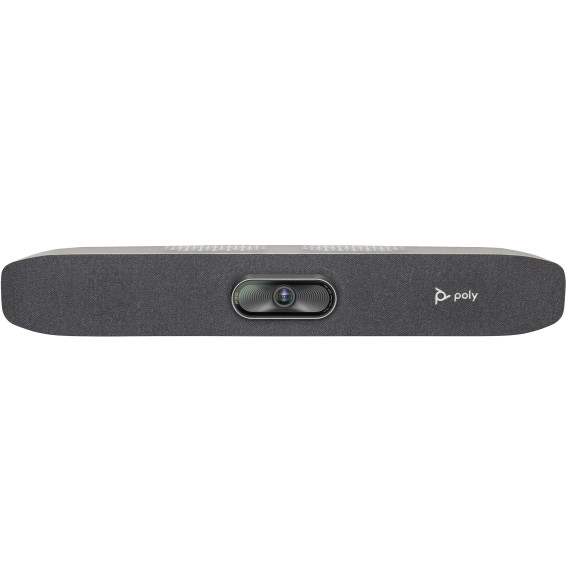
POLY Studio R30 USB Video Conferencing Bar (842D2AA)
Plugs into any computer, with no driver to install. A 120° field, 4K Ultra HD image and Poly DirectorAI automatic framing, with background noise filtering by NoiseBlock AI and Acoustic Fence.
10 199,00 DH incl. VATIn stock

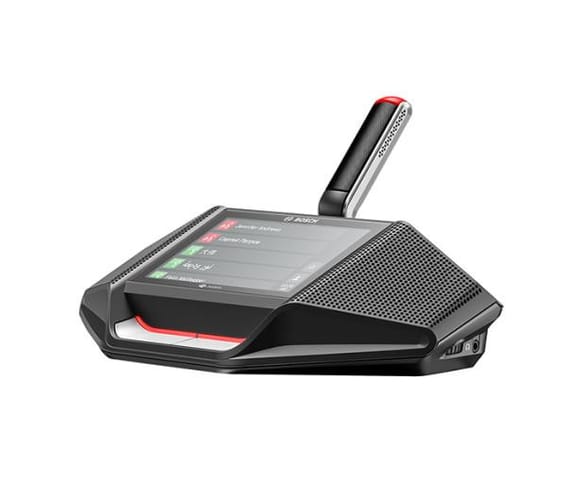
Bosch Teleconferencing Equipment 1 person (DCNM-WDE)
90 dB signal-to-noise ratio and 90 dB dynamic range, with an 80 dB output level.
11 499,00 DH incl. VATIn stock

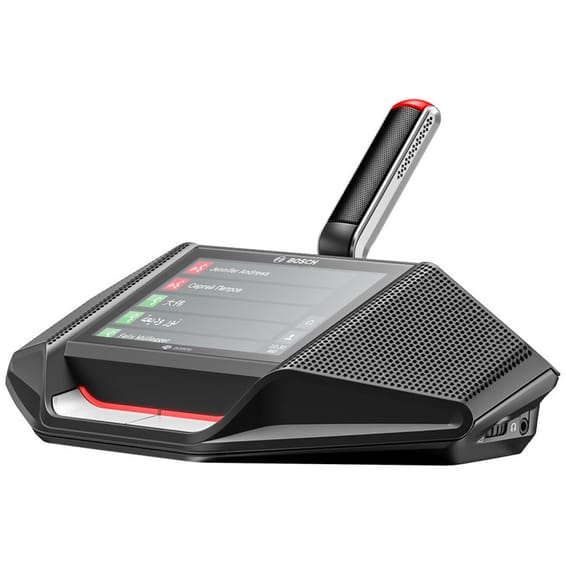
Bosch DICENTIS DCNM-DE Conference Device 4.3" Touchscreen (DCNM-DE)
Each participant reads the agenda, votes and picks a language from their seat, and identifies themselves with an NFC badge. Two headphone outputs with separate volumes and two OMNEO network ports to chain the units together.
8 690,00 DH incl. VATIn stock
Models available from 3 579 DH incl. VAT, in a similar range.
POLY
Plugs into any computer, with no driver to install. A 120° field, 4K Ultra HD image and Poly DirectorAI automatic framing, with background noise filtering by NoiseBlock AI and Acoustic Fence.
In stock
Delivery everywhereDelivered all over Morocco
Bosch
90 dB signal-to-noise ratio and 90 dB dynamic range, with an 80 dB output level.
In stock
Bosch
Each participant reads the agenda, votes and picks a language from their seat, and identifies themselves with an NFC badge. Two headphone outputs with separate volumes and two OMNEO network ports to chain the units together.
Bosch
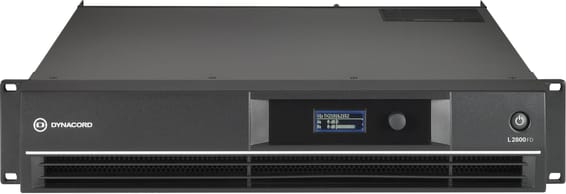
Stable into 2 ohms, with a speaker processor using FIR filters, a parametric equaliser and an independent delay on each channel. Up to 4,400 W bridged into 4 ohms, front panel display and control through the SONICUE software.
Logitech
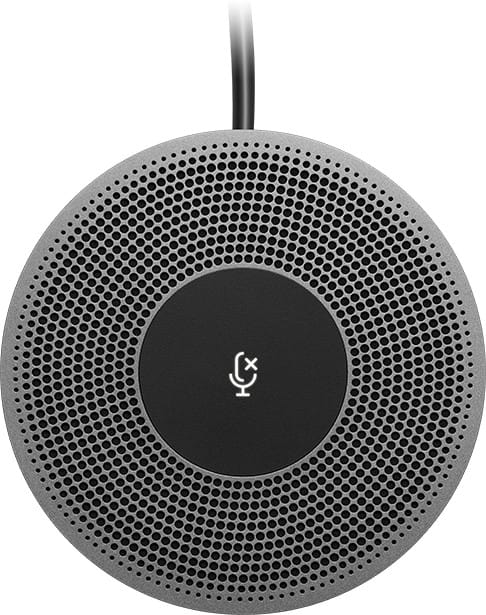
Up to 20 participants around one table: the four microphones cover a 6 m diameter, extended to 8.5 m with the expansion. A single USB cable links the hub to a PC or a Mac, with no driver to install.
Logitech
A 120° field of view: every seat stays visible, even right next to the lens. Three microphones and a speaker tuned for the acoustics of small spaces, all in a single unit connected over USB.
Logitech
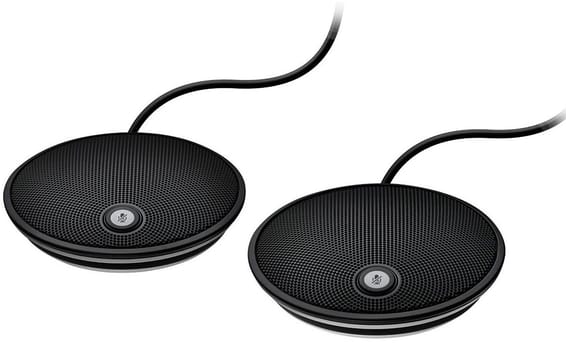
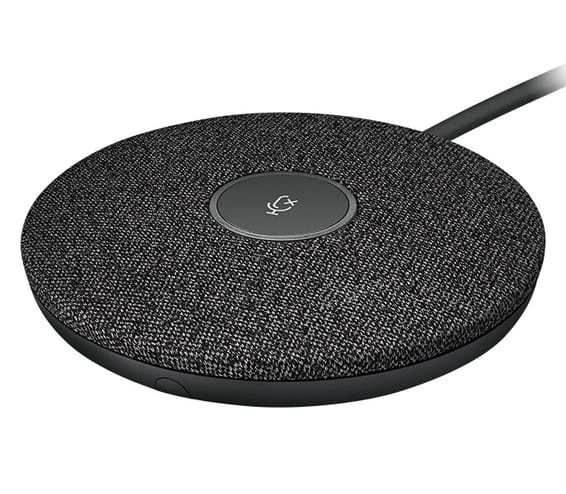
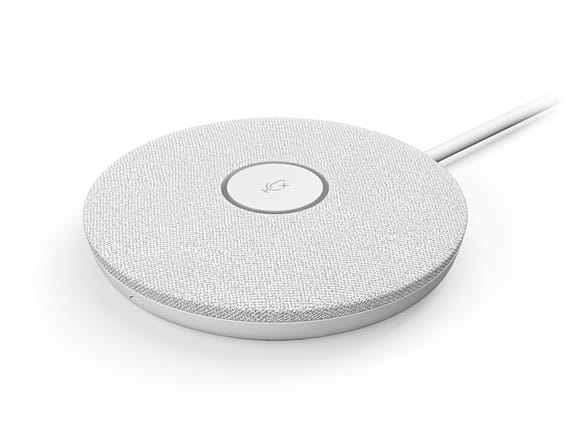
Each pod picks up voices over a 4.5 metre diameter thanks to four microphones forming eight acoustic beams. Voice levels are evened out automatically and background noise filtered, with a mute key within reach.
Logitech
Omnidirectional, it picks up voices up to 4.5 m from the centre of the table, with noise reduction and echo cancellation. 2.95 m cable, a mute key, and a flat housing 10.2 cm across.
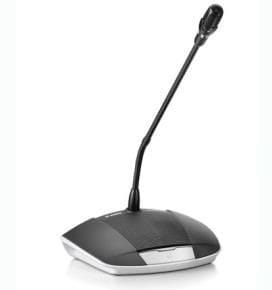
Bosch
The ready-to-speak indicator shows when the microphone can be switched on, and a second one when the request to speak is queued. It can be set up as a delegate or chairman unit and connects hot, without restarting the installation.
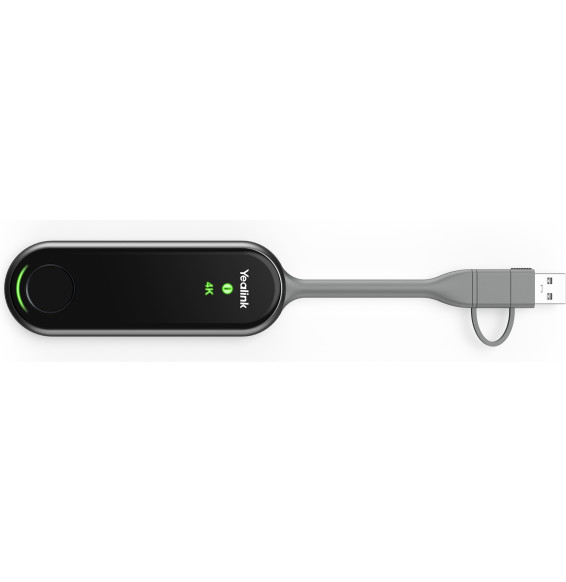
Yealink
A wireless pod that plugs into a laptop via USB-C or USB-A and shares its screen in up to 4K on a Yealink room display, with no software or driver to install.
Delivery everywhereDelivered all over Morocco
In stock
Delivery everywhereDelivered all over Morocco
In stock
Delivery everywhereDelivered all over Morocco
In stock
Delivery everywhereDelivered all over Morocco
In stock
Delivery everywhereDelivered all over Morocco
In stock
Delivery everywhereDelivered all over Morocco
In stock
Delivery everywhereDelivered all over Morocco
In stock
Delivery everywhereDelivered all over Morocco
In stock
Delivery everywhereDelivered all over Morocco