

Oray
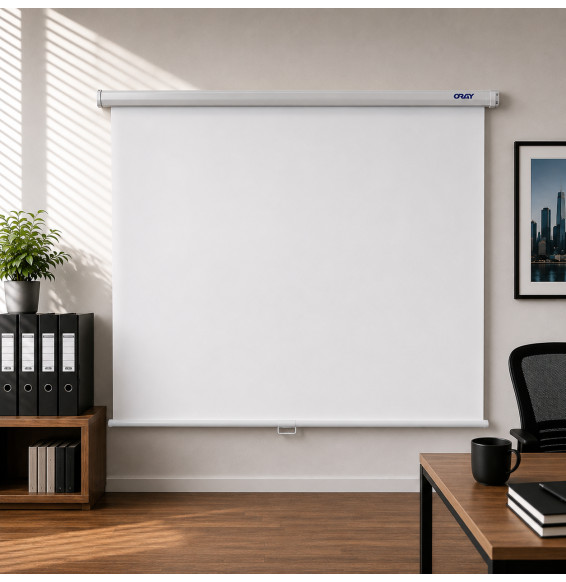
ORAY Cineflex 180 x 180 cm Manual Wall Projection Screen - Matte White
In stock
779 DHincl. VAT779,00 DHincl. VAT
Delivery everywhereDelivered all over Morocco
Diagonal up to 375 inches and 4,000 lumens to stay readable in a lit room. It switches on by itself as soon as a source is connected, shows two pieces of content side by side, and weighs only 2.5 kg.
In stock
Earn 62 DH in loyalty credit with this purchaseHow does it work?Loyalty credit capped at 300 DH per order.
Delivery anywhere in Morocco
free
Casablanca store
Free pickup
Témara pickup point
Free pickup
1 year warranty — free repair in Morocco if it breaks down during the warranty period
100% secure payment: Bank transfer · Bank card · Cash on delivery (deposit of 920 DH by card or bank transfer) · Certified cheque
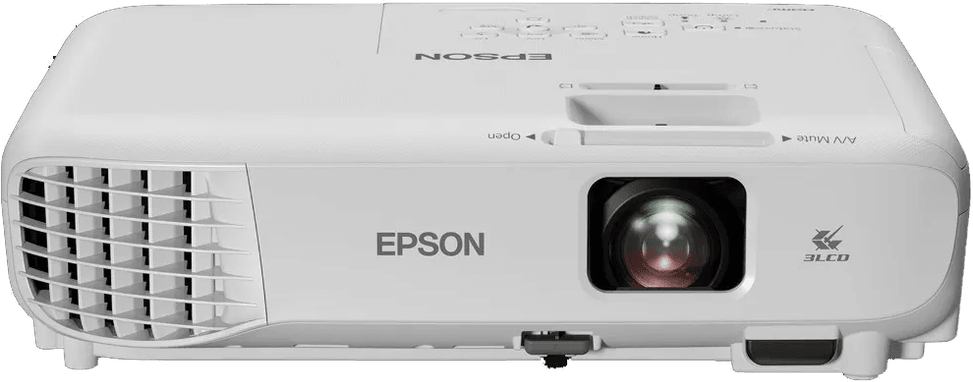
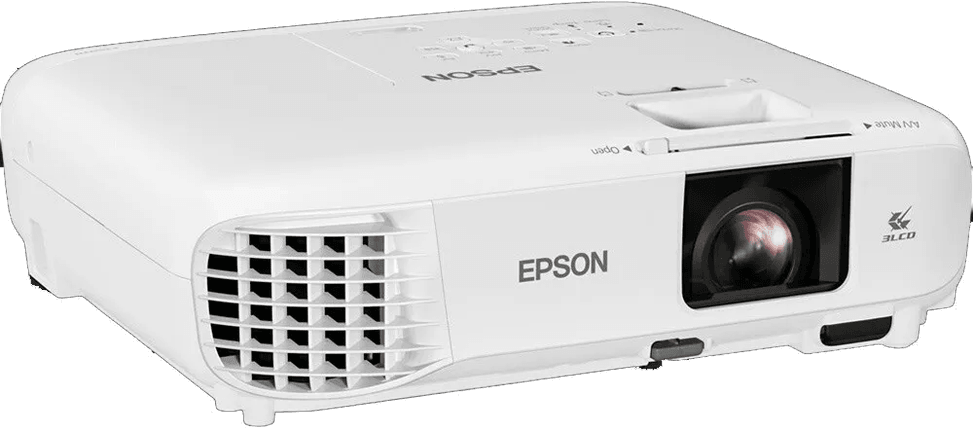
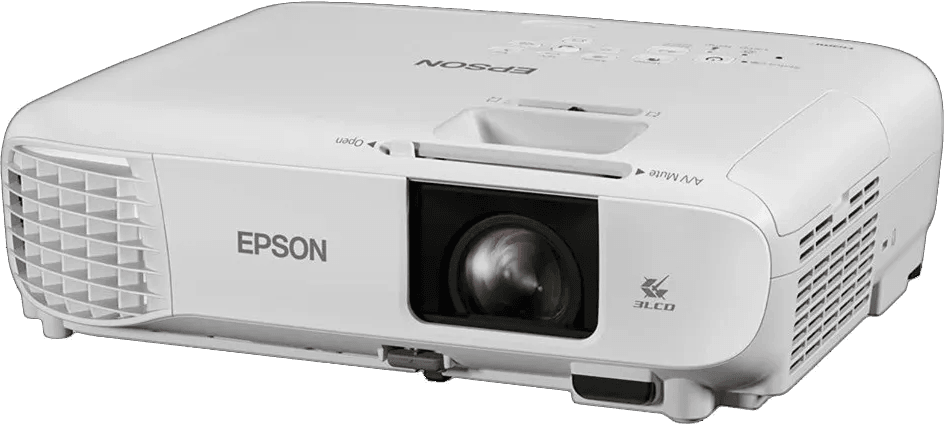
Versatile projector for presentations and entertainment: WXGA, 4,000 lumens and a big screen.
Picture: WXGA (1280 × 800), 3LCD technology for vivid colours.
Brightness: 4,000 lumens (white and colour), 2,600 lumens in eco mode.
Contrast: 16,000:1 contrast ratio.
Light source: UHE lamp, up to 6,000 h (12,000 h in eco mode).
Projection: standard throw, image from 33 to 375 inches, throw ratio 1.27–2.54:1.
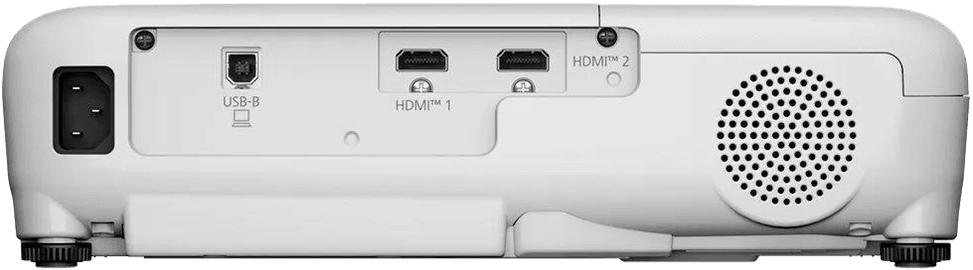
Ports: 2 HDMI inputs, USB 2.0 Type-B (service).
Sound: built-in 2 W speaker.
Who it's for: ideal for meeting rooms, classrooms or home cinema.
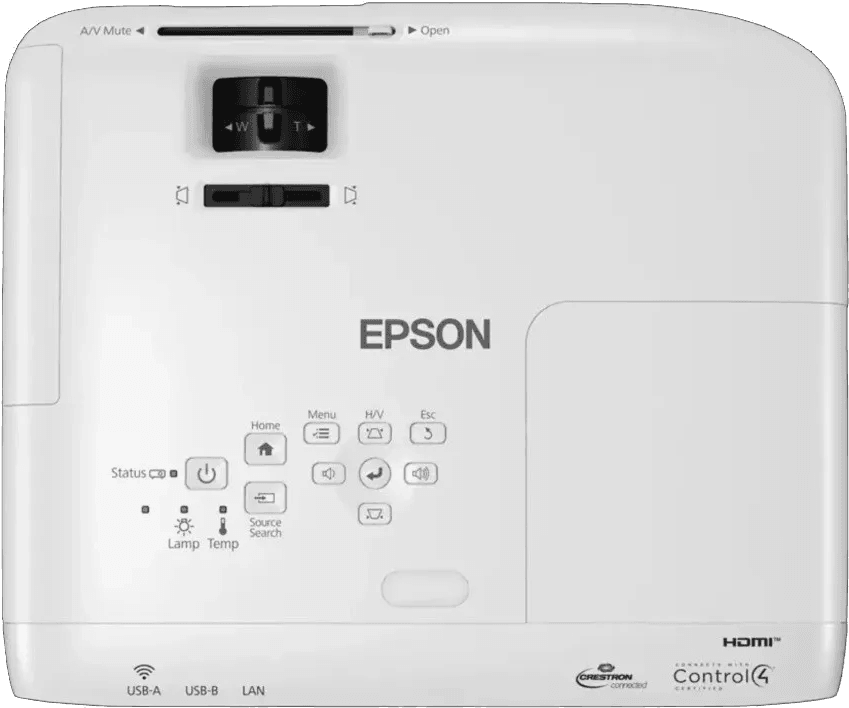
Manual horizontal and vertical keystone correction, split-screen function, automatic power-on.
Enjoy easy setup and great flexibility for all your projection needs.
| Ethernet network card | None |
|---|---|
| Bluetooth | None |
| Brightness | 4,000 lumens (IDMS15.4) |
| Brightness in eco mode | 2,600 lumens (IDMS15.4) |
| Contrast ratio | 16,000 : 1 |
| Keystone correction | Manual vertical ± 30°, manual horizontal ± 30° |
| Resolution | WXGA (1280 x 800) |
| Focal length | 16.77 mm |
| Projection lens | Aperture f/1.44 |
| Projection distance | 1.64 m for a 60-inch image |
| Zoom | None |
| Digital zoom | 2x |
| Displayable colours | 16.77 million colours |
| Light source | UHE lamp, 210 W |
| Light source life (eco mode) | 12,000 h |
| Light source life (normal mode) | 6,000 h |
| Audio input | None |
| Audio output | None |
| Dimensions (W x D x H) | 302 x 237 x 82 mm |
| Weight | 2.5 kg |
| Box contents | Projector, power cable, quick start guide, remote control with batteries, warranty card |
| Aspect ratio | 16:10 |
|---|---|
| Wi-Fi | None |
| Focus | Manual |
| Throw ratio | 1.27 - 2.54:1 |
| Projection size | 33 inches - 375 inches |
| Offset | 7:1 |
| Speaker | 2 W |
| USB | 1 USB 2.0 Type-B port (service only) |
| Display technology | 3LCD technology, RGB liquid crystal shutter |
| Security | Kensington lock, padlock, security cable hole, password protection |
| Noise level | 37 dB(A) |
| Noise level in eco mode | 28 dB(A) |
| Ethernet | No |
| Use | Meeting room, Classroom & training, Home cinema |
| HDMI | 2 HDMI ports |
| VGA | None |
| Projection technology | 3LCD |
| Throw type | Standard throw |
| Interactive projector | No |
| Warranty | 1 year |
No reviews yet
Be the first to review this product and help other customers.
Oray
In stock
Delivery everywhereDelivered all over Morocco
Delivery everywhereDelivered all over Morocco
Epson
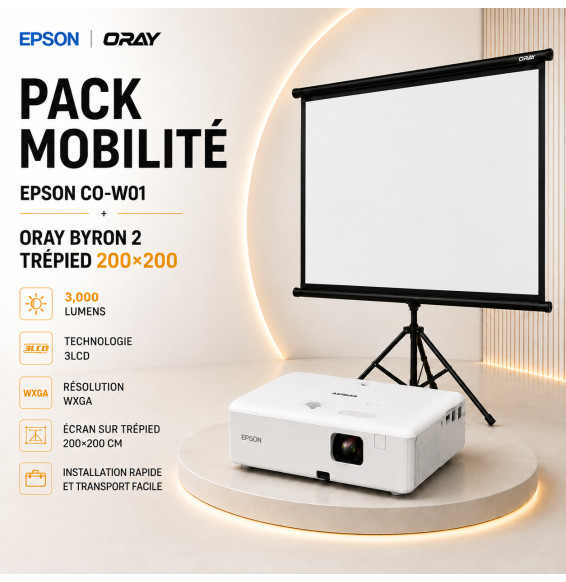
Height-adjustable tripod mounting, to unfold in the garden, on the terrace or on holiday. 3,000 lumens and 3LCD colour hold up at dusk, with a built-in 5 W speaker and a projector weighing only 2.4 kg.
In stock
Save 1 439 DHSave 1 439,00 DH incl. VAT
Delivery everywhereDelivered all over Morocco
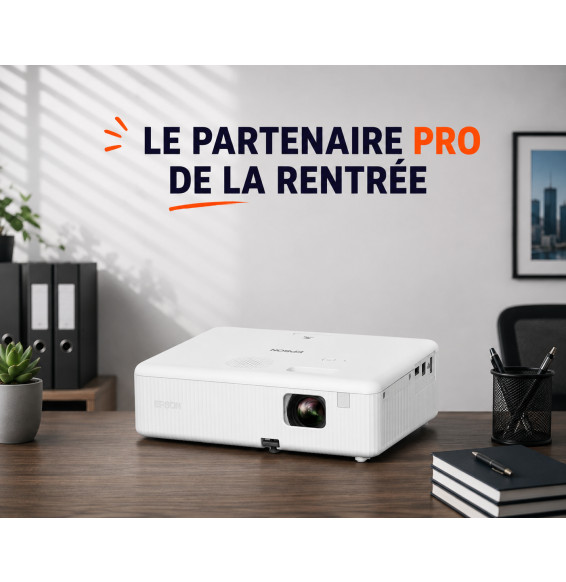
Epson
One HDMI cable is enough to start the show: 3,000 lumens, an image adjustable from 25 to 378 inches and 2.4 kg to move from room to room. The lamp is rated for 6,000 hours, 12,000 in eco mode.
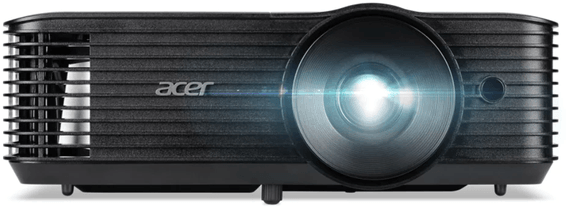
Acer
5,000 ANSI lumens in standard mode: the image stays crisp in a lit meeting room. An ambient light sensor adjusts the picture on its own, and the lamp reaches 15,000 hours in ExtremeEco mode.
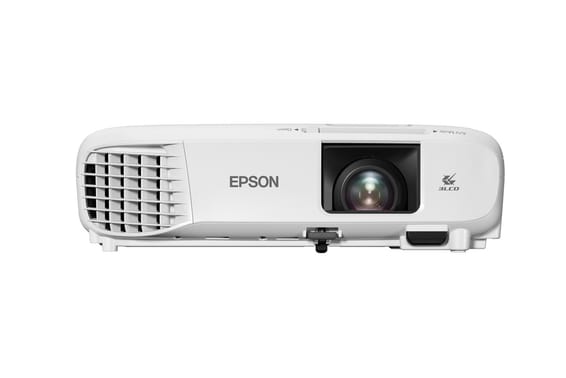
Epson
A lamp rated for 12,000 hours in eco mode keeps the running cost of a classroom down. 3,600 lumens in XGA, an image of up to 350 inches, and HDMI and VGA inputs to connect both recent and older computers.
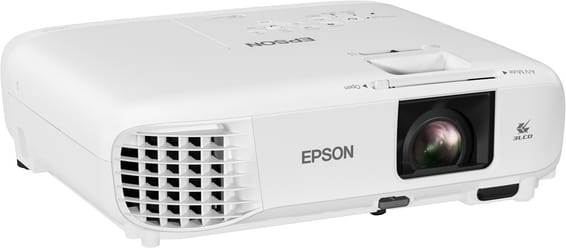
Epson
Up to 17,000 hours of lamp life in eco mode, and 3,800 lumens to stay readable in a lit room. Optical zoom and an image of up to 320 inches, with maintenance kept to a minimum.
Epson
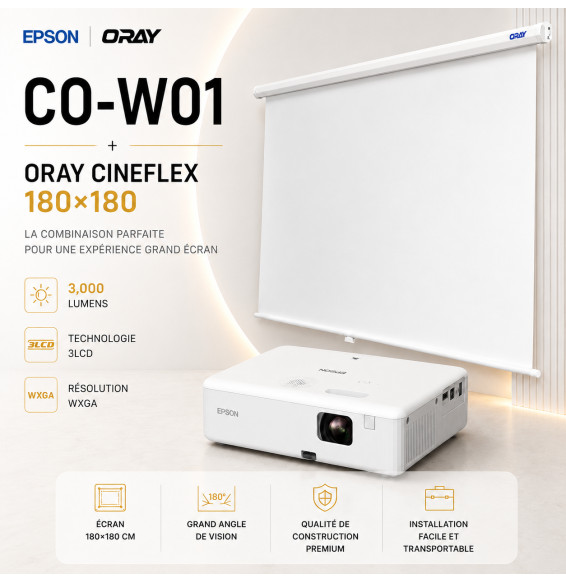
A 2.40 m wide image on matt white fabric, which renders blacks deeper than a painted wall. 3,000 lumens and 3LCD colour stay readable with the lights on; HDMI, a 5 W speaker and keystone correction are enough to get started.
Epson
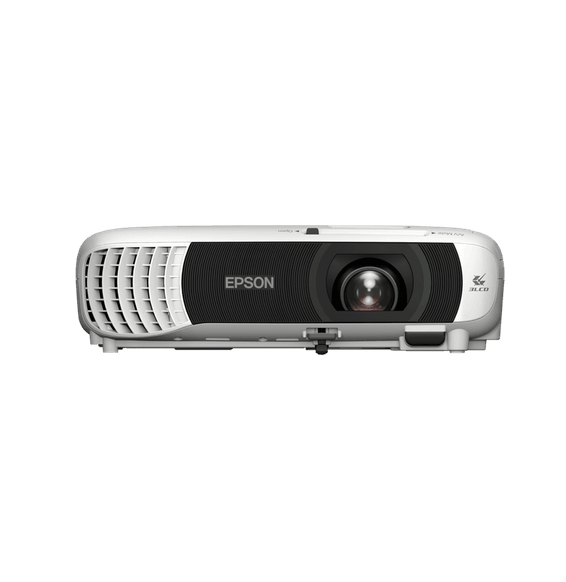
Wireless from a smartphone or a tablet thanks to built-in Wi-Fi. 4,000 lumens and 3LCD technology for colours that hold up in a lit room, automatic keystone correction and 2.6 kg to carry.
Epson
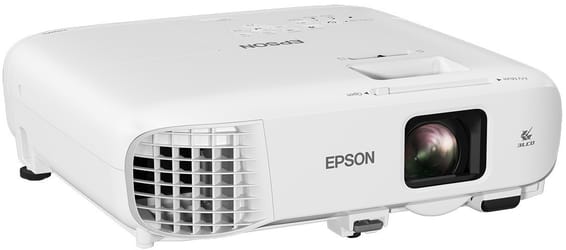
4:3 format and 3,600 lumens: the classic of classrooms and meeting rooms, readable even with the blinds open. Lamp rated for 6,000 hours, 12,000 in eco mode, and an image of up to 300 inches.
Epson
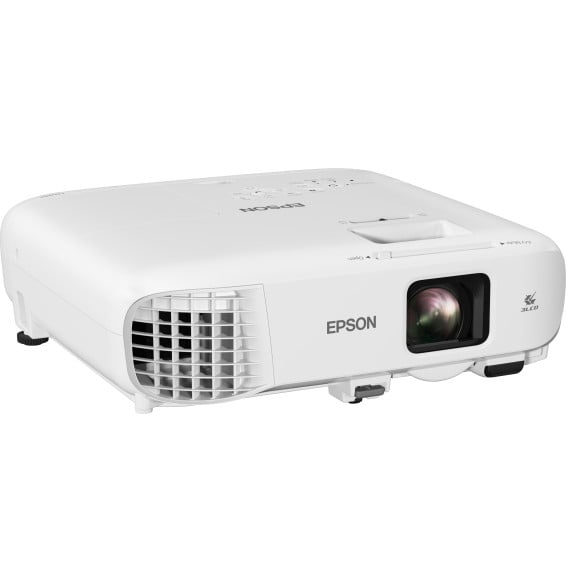
x1.6 optical zoom: the unit goes where the room allows, without moving the screen. 4,200 lumens, 16,000:1 contrast and a lamp rated for 17,000 hours in economy mode, meaning years of meetings with no maintenance.
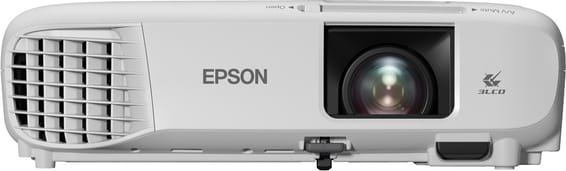
Epson
Films, sport or presentations: 3,500 lumens is enough to project up to 332 inches without waiting for nightfall. The lamp is rated for 12,000 hours in eco mode, and 2.7 kg moves easily from room to room.
In stock
Delivery everywhereDelivered all over Morocco
In stock
Delivery everywhereDelivered all over Morocco
In stock
Delivery everywhereDelivered all over Morocco
In stock
Delivery everywhereDelivered all over Morocco
In stock
Save 1 469 DHSave 1 469,00 DH incl. VAT
Delivery everywhereDelivered all over Morocco
In stock
Delivery everywhereDelivered all over Morocco
In stock
Delivery everywhereDelivered all over Morocco
In stock
Delivery everywhereDelivered all over Morocco
In stock
Delivery everywhereDelivered all over Morocco