How does the detachable keyboard of the Zenbook Duo attach?
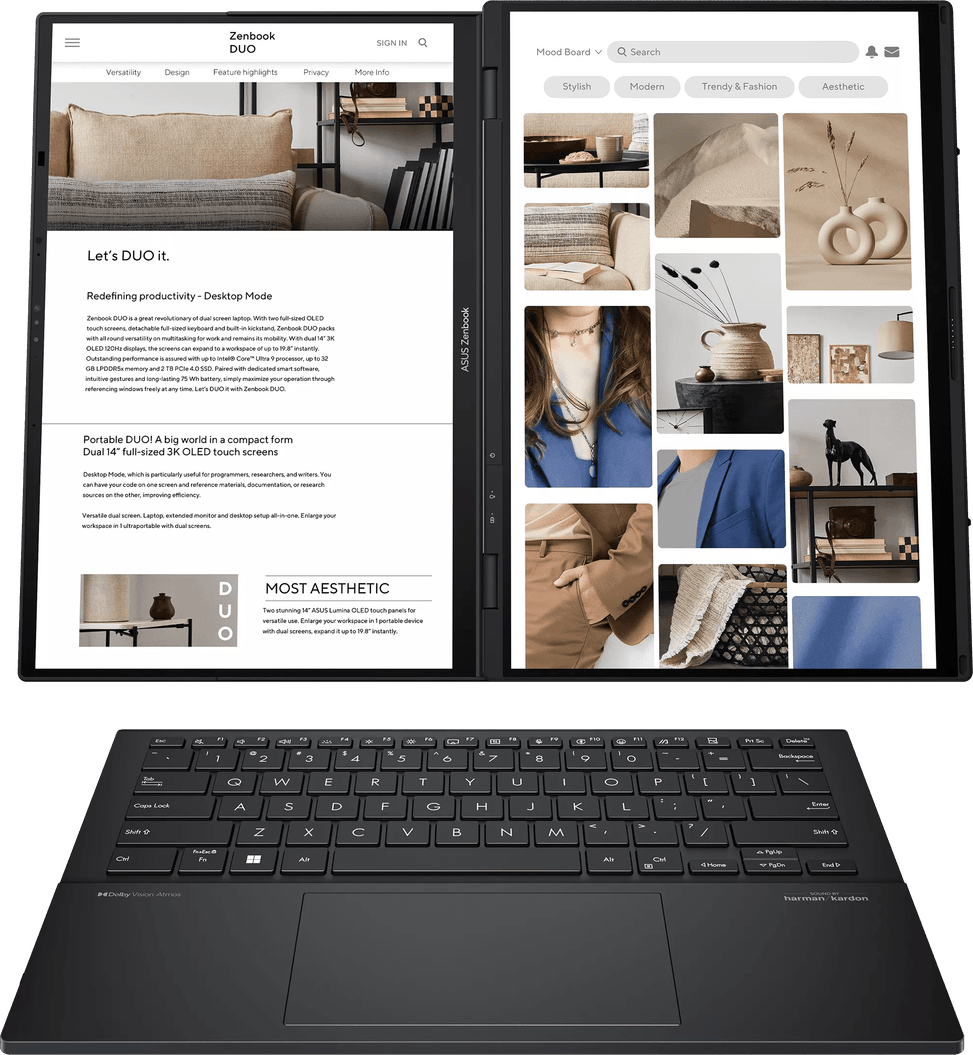
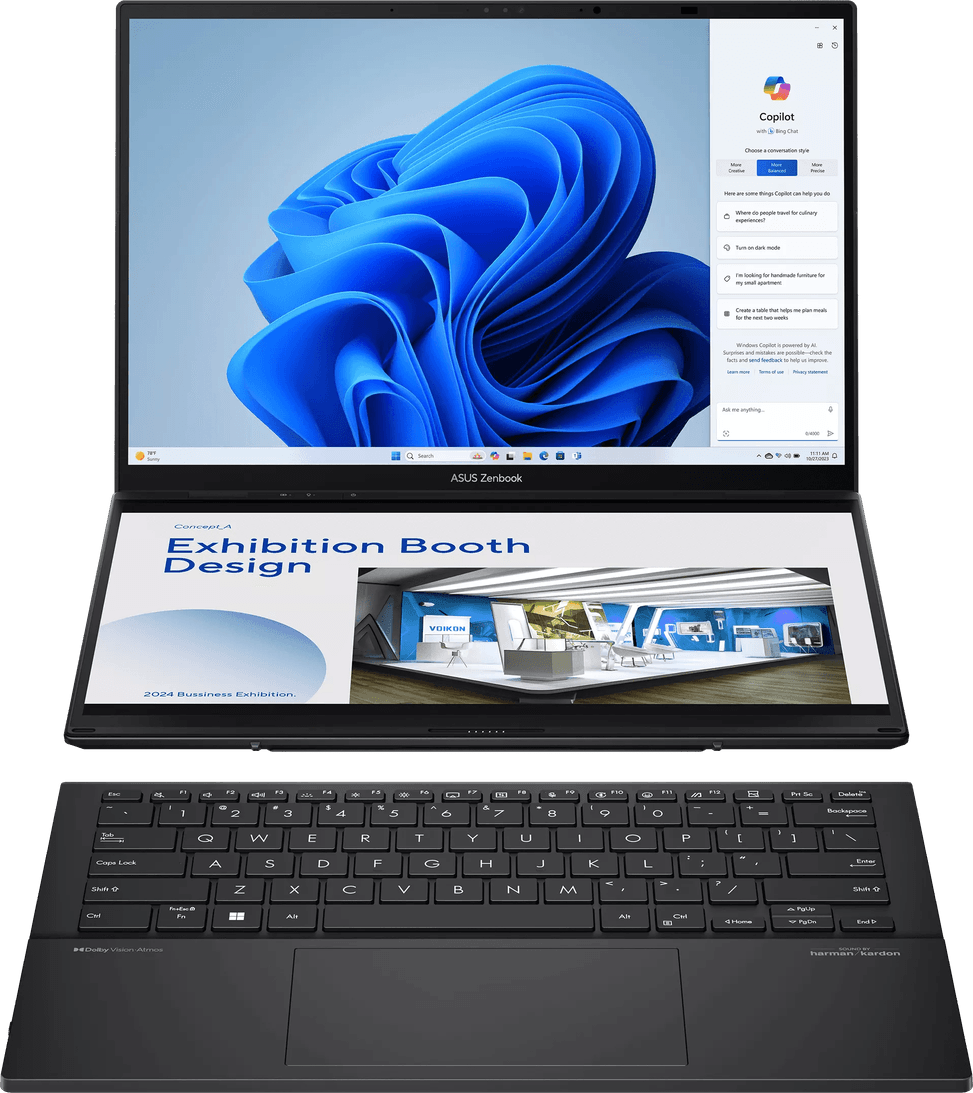
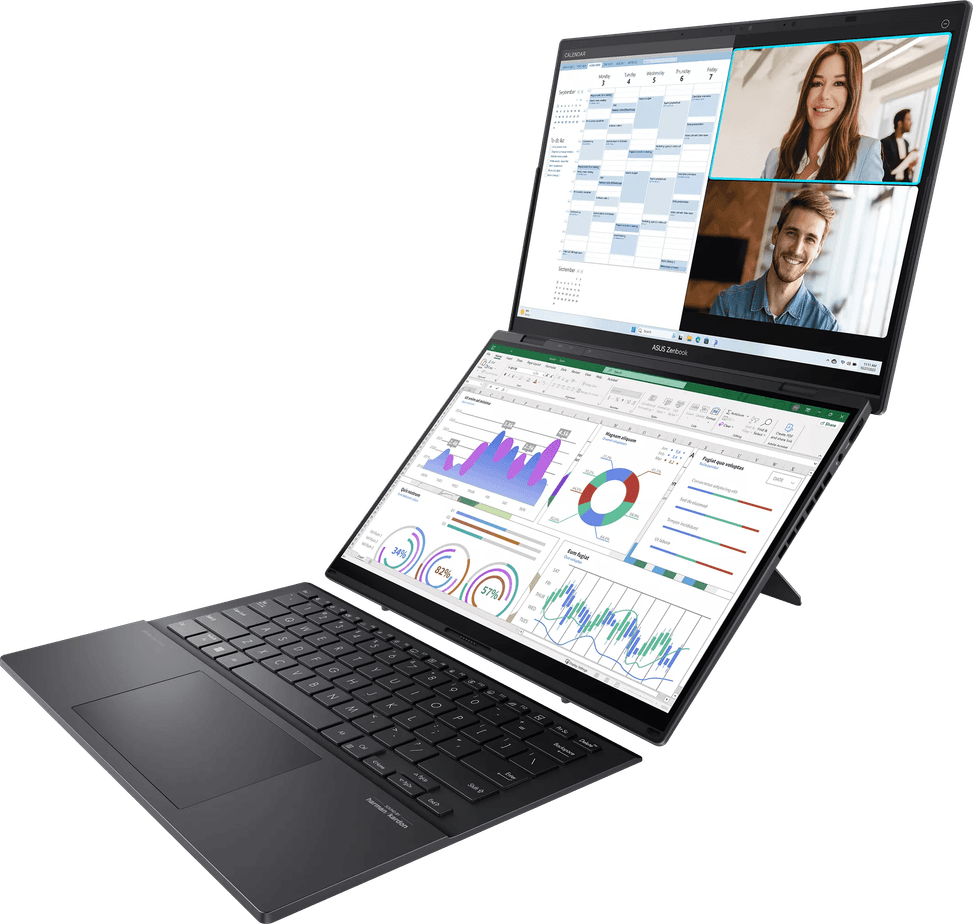
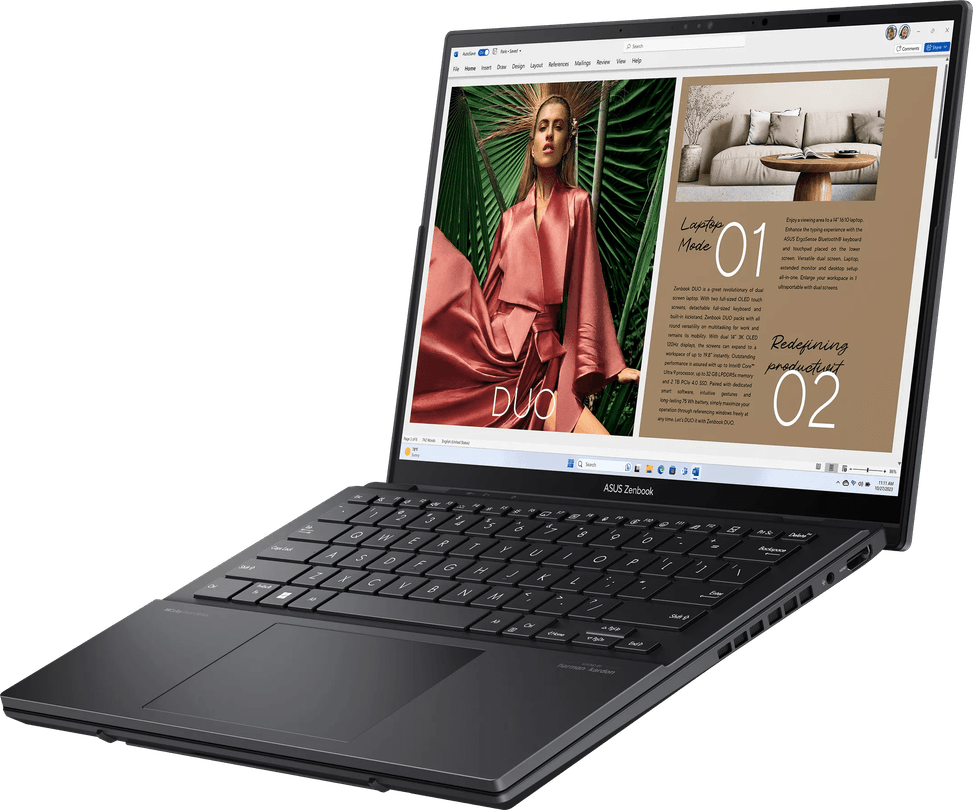
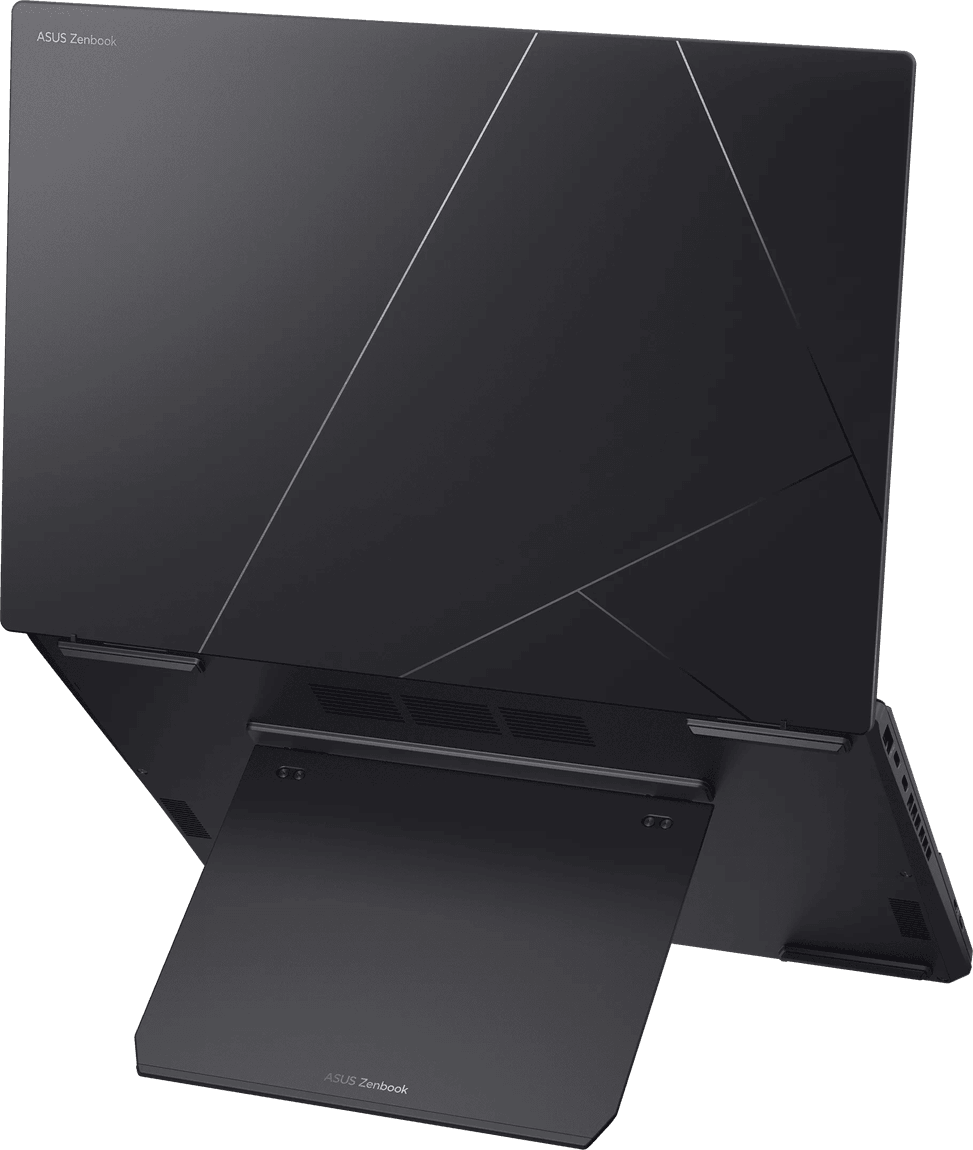
It clips on magnetically, with self-aligning magnets that lock it into place on their own: you are back to a conventional laptop in one move, with no adjustment. Once removed, it frees up the second screen and the built-in kickstand holds the machine upright, allowing both dual-screen mode and desktop mode.
Is the keyboard AZERTY and backlit?
It is indeed French AZERTY, but not backlit: worth knowing if you often work in the evening or in dim light. It is, however, a full-size ErgoSense keyboard with a precision touchpad, which detaches completely from the chassis to free up the second screen.
Which usage modes does this dual screen allow?
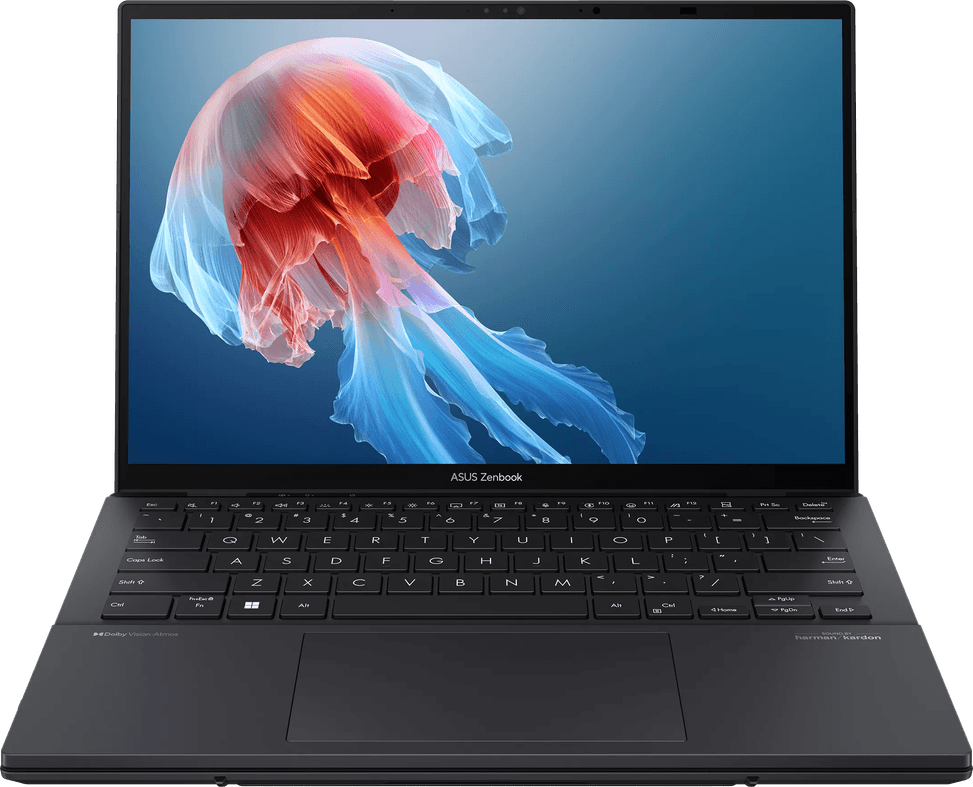
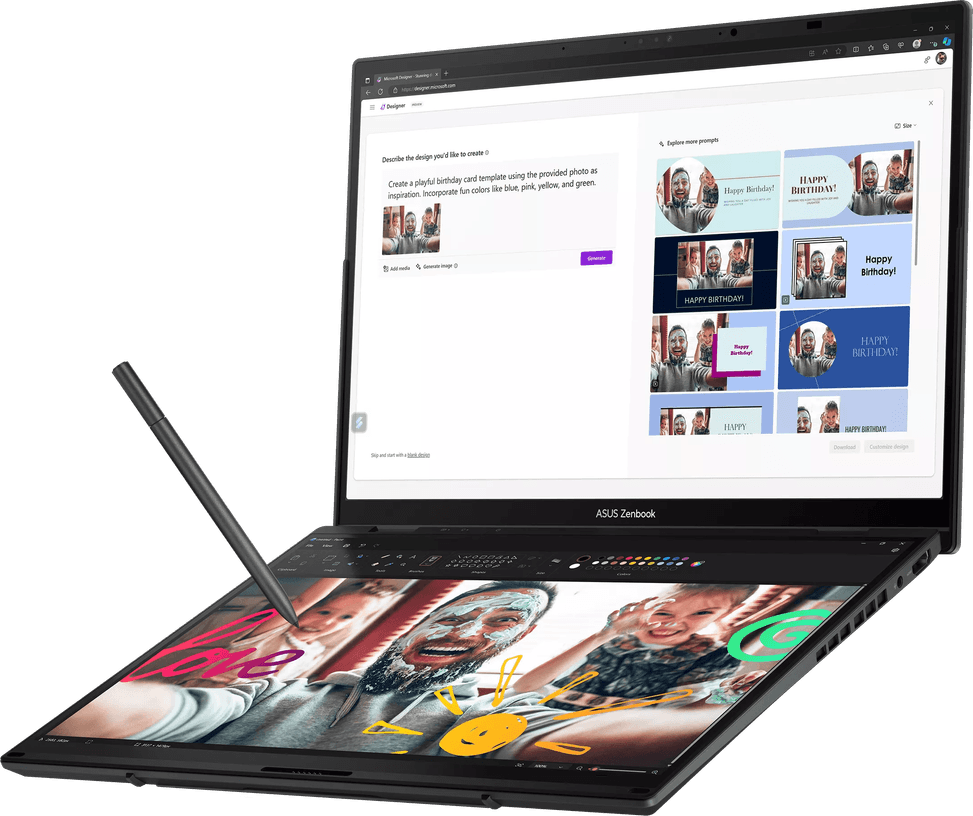
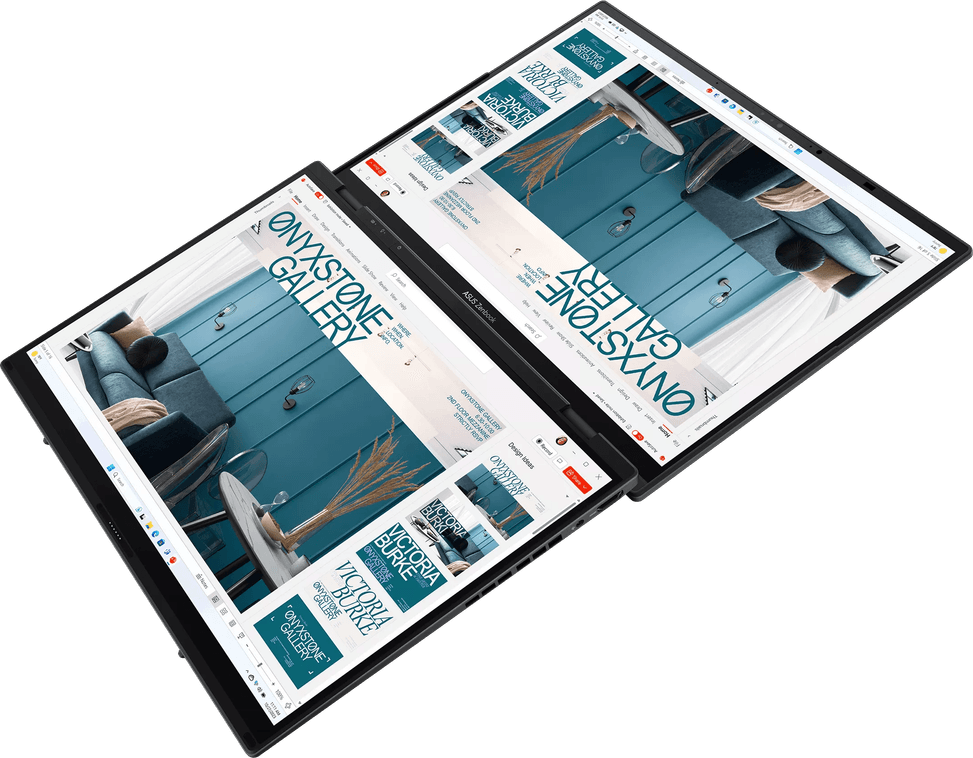
Five: laptop, dual screen, tablet, desktop with the keyboard detached in front of the machine standing on its kickstand, and sharing, to show content to the person sitting opposite. It is controlled with gestures, just like a smartphone.
How much display area do you really gain with two screens?
Stacked, the two 14-inch OLED panels bring the workspace to 19.8 inches. Each displays 1920 × 1200 in 16:10 at 400 nits, covers 100% of DCI-P3 and supports HDR: a document at the top and your tools at the bottom, a video call on one side and your notes on the other.
Is the stylus included, and how precise is it?
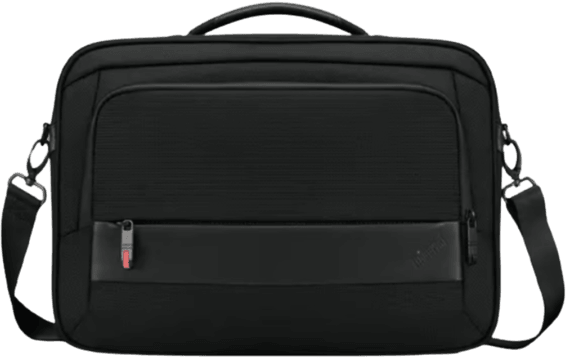
Yes, the stylus is included free with the machine, along with a backpack and a sleeve — three accessories you do not have to buy separately. It supports 4,096 pressure levels: enough to annotate a PDF, sign a document or draw with genuinely usable variations in line thickness.
Can the memory of this Zenbook Duo be upgraded?
No: the 32 GB of LPDDR5X is soldered to the motherboard. That amount remains comfortable for multitasking and creative work, and the 2 TB PCIe 4.0 SSD means you will not need to add storage any time soon: the machine is therefore bought in its final configuration.
Is there a wired network port, and what connectivity does it have?
No Ethernet port. Networking is handled by tri-band Wi-Fi 7 (2×2) and Bluetooth 5.4. As for ports: two Thunderbolt 4 at 40 Gbps handling both an external monitor and power, one 5 Gbps USB-A for older peripherals, one HDMI 2.1 and a 3.5 mm audio combo jack.
Can it be charged via USB-C with a compact charger?
Yes: both Thunderbolt 4 ports handle power delivery, and the supplied unit is precisely an ultra-compact 65 W USB-C adapter (20 V / 3.25 A, 100-240 V mains), together with a Type-C cable rated for up to 240 W. The battery is a four-cell 75 Wh unit.
Is a dual-screen PC still portable for everyday use?
It weighs 1.65 kg for 31.35 × 21.79 cm and a thickness of 14.6 to 19.9 mm, keyboard included. Its weight puts it just above the ultraportable category, a deliberate trade-off for the second screen — and the supplied sleeve and backpack save you an extra purchase.
Does it stand up to frequent travel?
The magnesium-aluminium alloy chassis is validated to the US military standard MIL-STD-810H, including high and low temperature, shock, vibration and altitude tests. This testing regime targets operation in harsh environments and, beyond that, the machine's longevity.
How good is it for video calls?
The Full HD webcam with infrared sensor signs you in with Windows Hello facial recognition, and a privacy shutter covers the lens. The AiSense camera and AI noise reduction clean up both picture and sound; ASUS Adaptive Lock locks the screen when you walk away.
Is the computer new and under warranty?
Yes: a new Zenbook Duo, supplied with its invoice, which serves as the 2-year warranty document. Windows 11 Home is preinstalled, and the box contains the stylus, the sleeve and the backpack as well as the 65 W USB-C adapter and its cable.