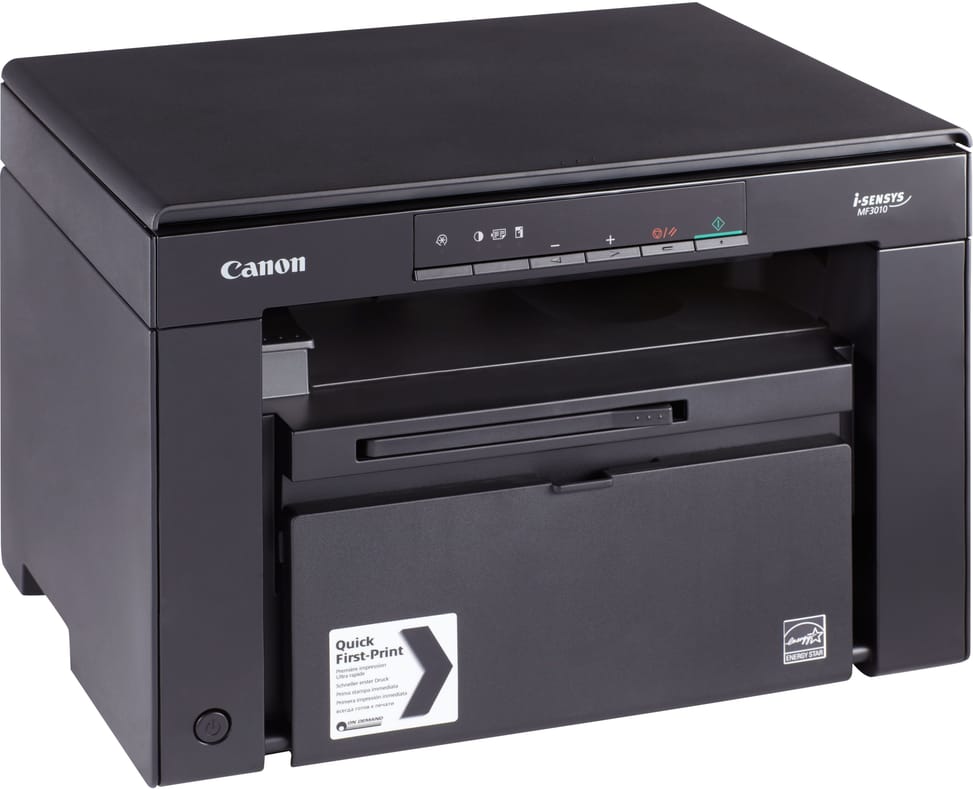
Does the cartridge supplied with the printer really print 1,600 pages?
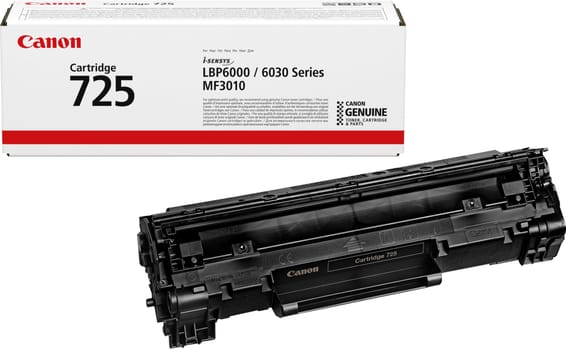
No: the machine comes with a 700-page 725 starter cartridge. It is the replacement 725 cartridge that lasts 1,600 pages according to the ISO/IEC 19752 standard. So plan for a replacement toner sooner than the stated yield might suggest.
How does manual duplex printing actually work?
There is no automatic duplex unit: the first side prints, then the sheets go back into the tray after being turned over by hand. Same approach for copying and scanning, as the machine has no automatic document feeder — originals are placed one at a time on the flatbed scanner glass.
Can it be used on a network, or print from a smartphone?
No. The MF3010 connects to a computer via a single Hi-Speed USB 2.0 port: no Wi-Fi, no Ethernet, and no fax. It is designed for a single computer, at home or in a small office.
Can you scan in colour even though it prints in black and white?
Yes. The flatbed scanner is 24-bit colour, with an optical resolution of 600 × 600 dpi (up to 9,600 × 9,600 dpi interpolated) and a usable width of 216 mm. It is recognised via TWAIN and WIA, the two standard scanning interfaces.
What is the actual print resolution of the Canon MF3010?
The laser engine prints at 600 × 400 dpi; with automatic image refinement, output rises to the equivalent of 1,200 × 600 dpi. The machine uses the UFRII-LT language with 64 MB of memory, and observes margins of 5 mm at the sides and top, 6 mm at the bottom.
How long do you have to wait for the first page?
7.8 seconds for the first print and about 12 seconds for the first copy, after a warm-up of about 10 seconds at power-on. After that, output holds at 18 pages per minute in A4, for printing and copying alike.
How much power does it use, and is it noisy?
About 450 W in operation (960 W at peak) and only 1.4 W in sleep mode, for a typical electricity consumption of 0.6 kWh. When printing, it measures 65.3 dB sound power and 50.4 dB sound pressure; in sleep mode, it is inaudible.
How much space do you really need on the desk?
The machine measures 372 × 276 × 254 mm and weighs 8.2 kg, but the space required for installation is 572 × 632 × 608 mm. It is this second figure you need to allow for, not just the footprint of the chassis. The location must stay between 10 and 30 °C and 20 to 80% relative humidity, without condensation.
Which papers and envelopes does it accept?
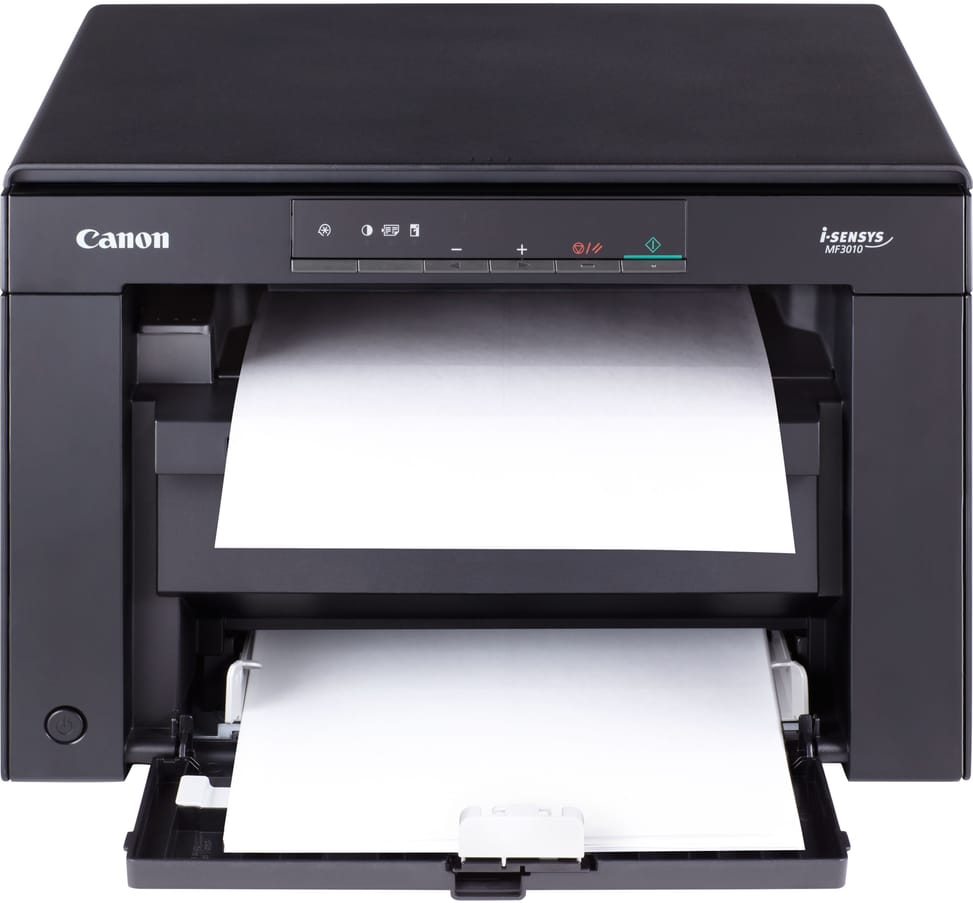
The 150-sheet tray takes 60 to 163 g/m²: plain, heavy and recycled paper, transparencies, labels, index cards and envelopes (COM10, Monarch, DL, B5, C5). As for sizes: A4, B5, A5, Executive, LTR, LGL, Statement and custom sizes from 76 × 127 to 216 × 356 mm. The output tray holds 100 sheets.
Which operating systems does it work with?
The drivers cover Windows 2000, XP, Vista and 7 as well as Mac OS X 10.4.9 to 10.7. Under Linux, only printing is supported, not scanning. The supplied CD contains the user software; the Mac and Linux drivers are available online only and date from 2011-2012.
Is there a control screen on the machine?
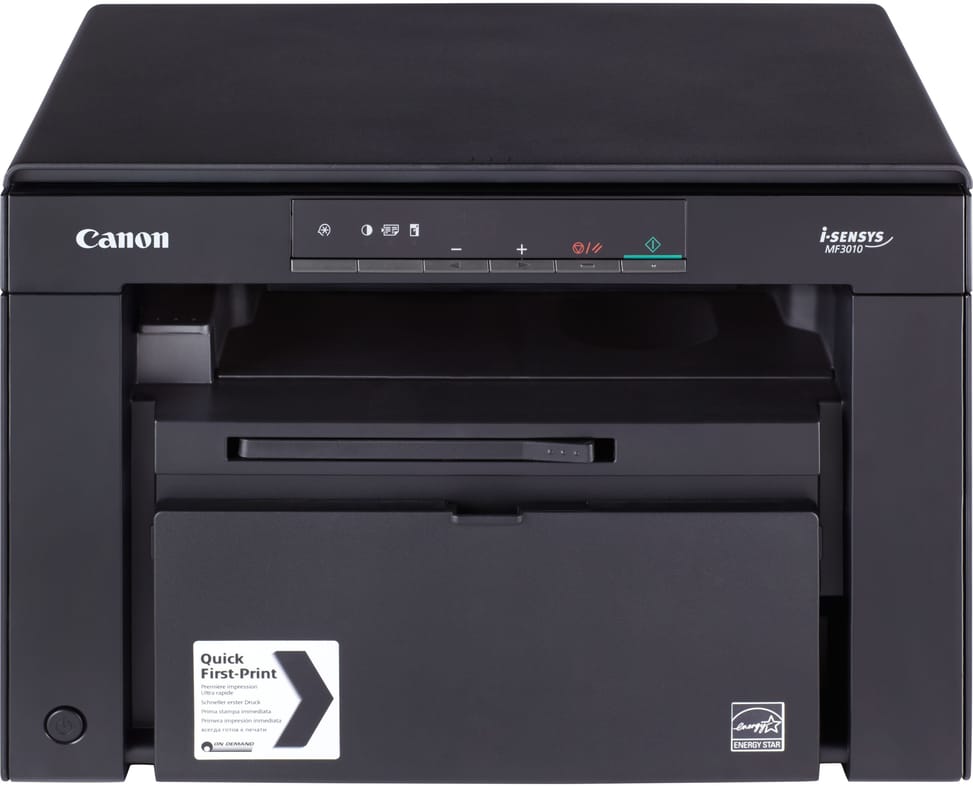
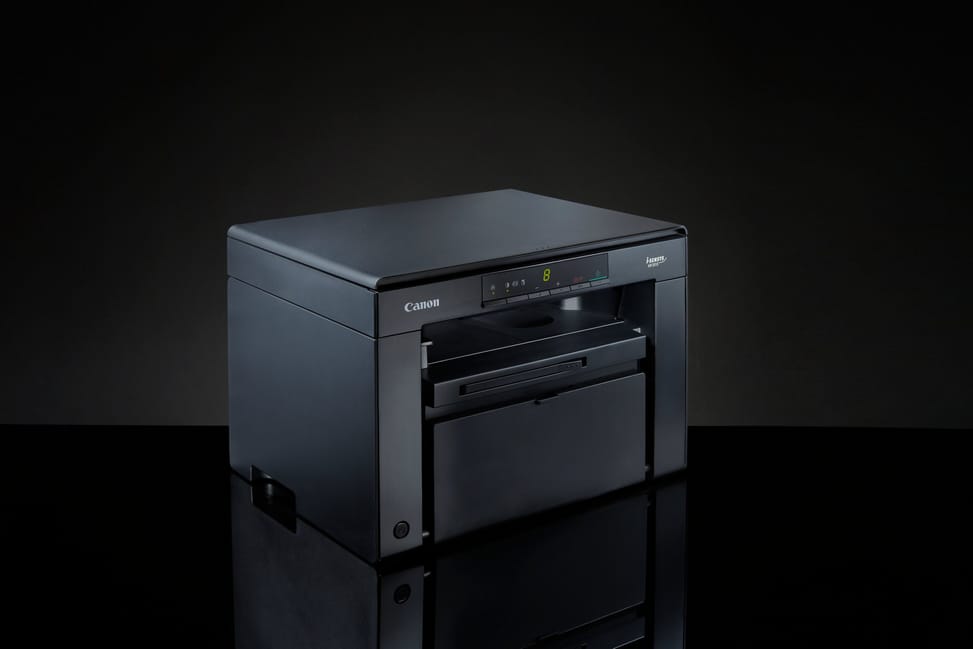
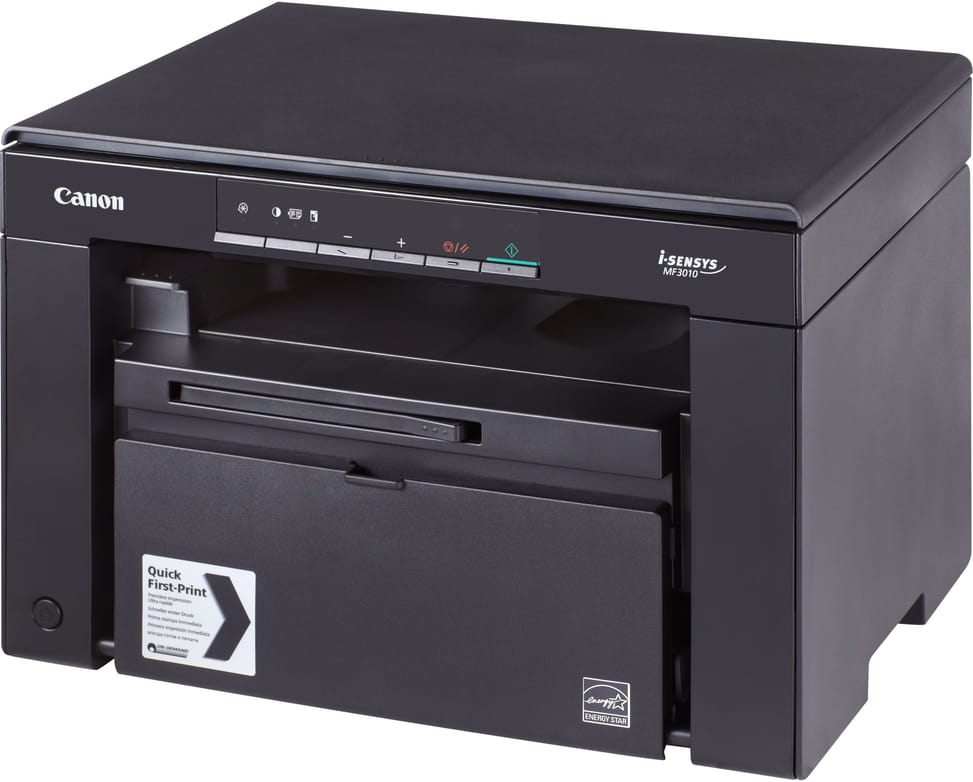
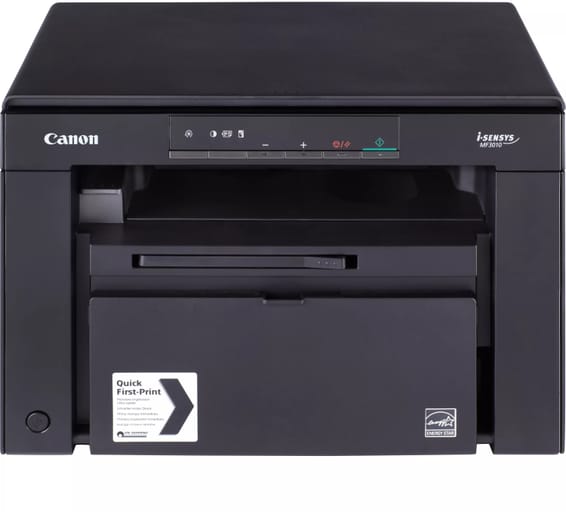
No, there is no screen: the control panel is limited to a single-digit LED, with settings handled through the MF Toolbox and Presto! PageManager utilities. For copying, the machine handles up to 9 copies in a row, zoom from 50 to 200% in 10% steps and an ID card copy mode.
What print volume can it handle each month?
Its duty cycle is 8,000 pages per month maximum, with a 150-sheet tray and a 100-sheet output tray. It is sized for an individual or a very small office, on short print runs. A toner saving mode is available for printing — but not for copying.
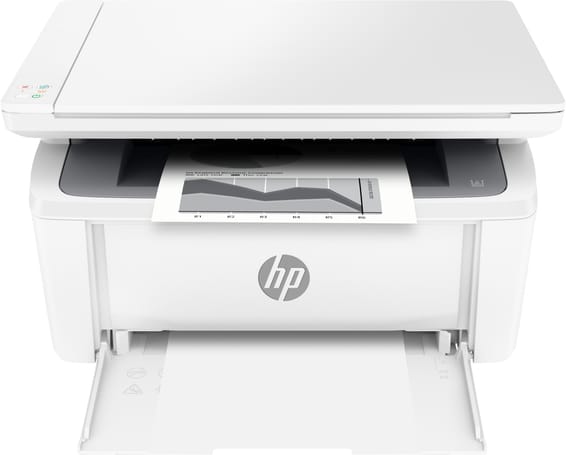
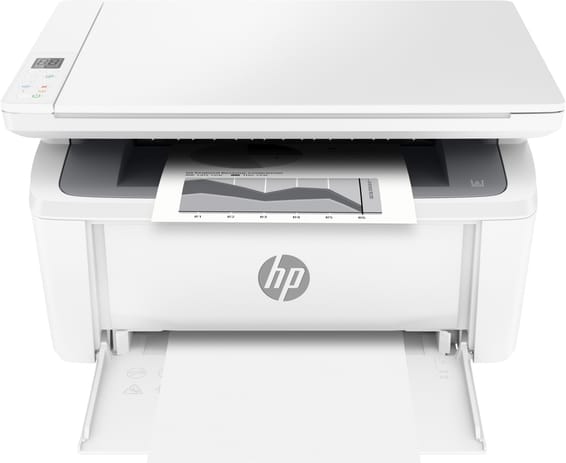
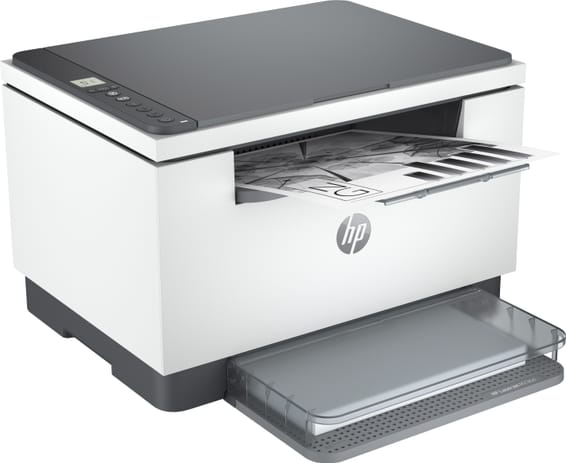
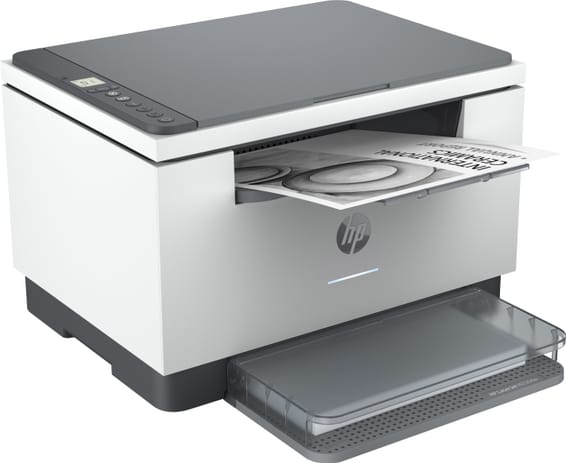
What is in the box of the Canon i-SENSYS MF3010?
The multifunction printer, a 725 starter cartridge, the power cable, the quick start guide and the software and user manual CD. It connects to the computer via the Hi-Speed USB 2.0 port. Expect 8.2 kg to lift out of the box, for a device measuring 372 × 276 × 254 mm.
Is the printer new and under warranty?
Yes: it is
new and genuine, in its original packaging, supplied with its invoice, which serves as the warranty document for
1 year. The full specifications are in the
Canon datasheet (PDF).