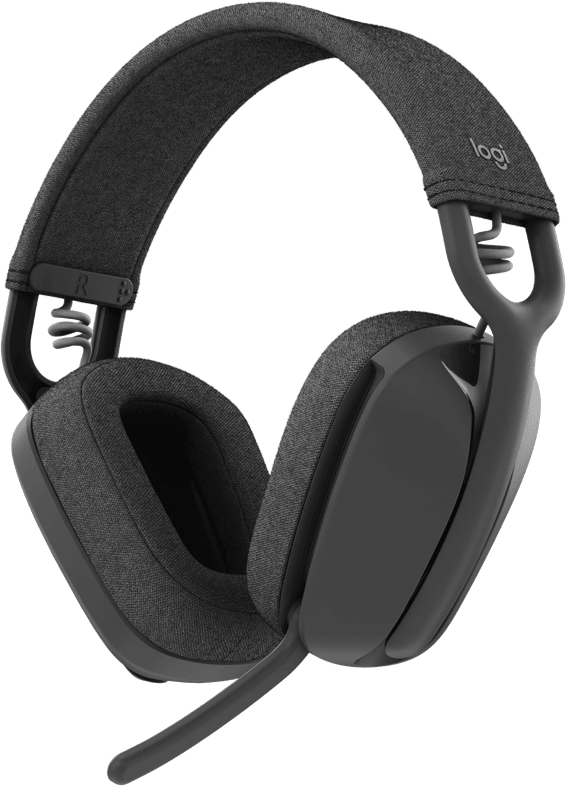
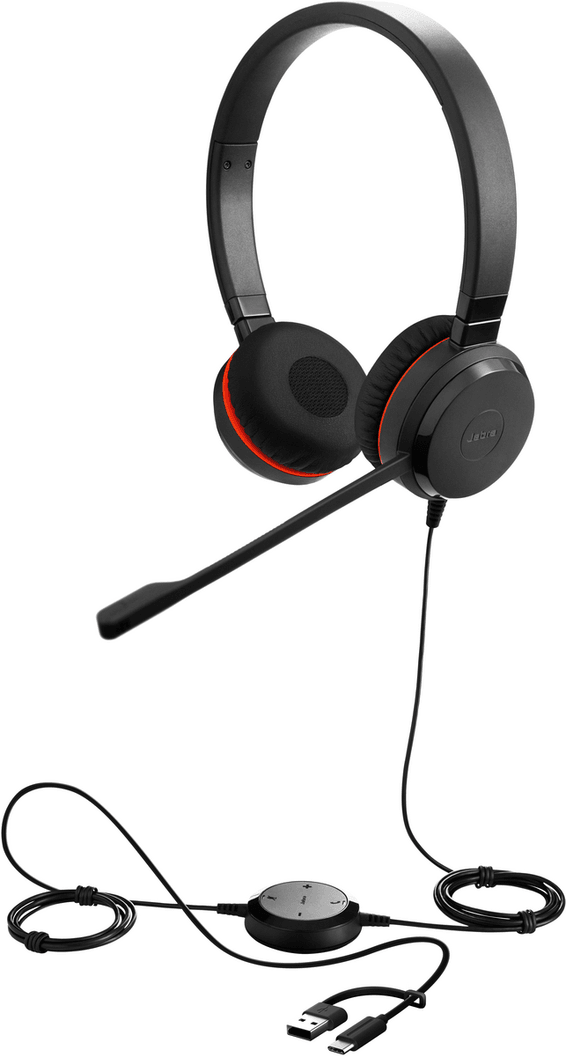
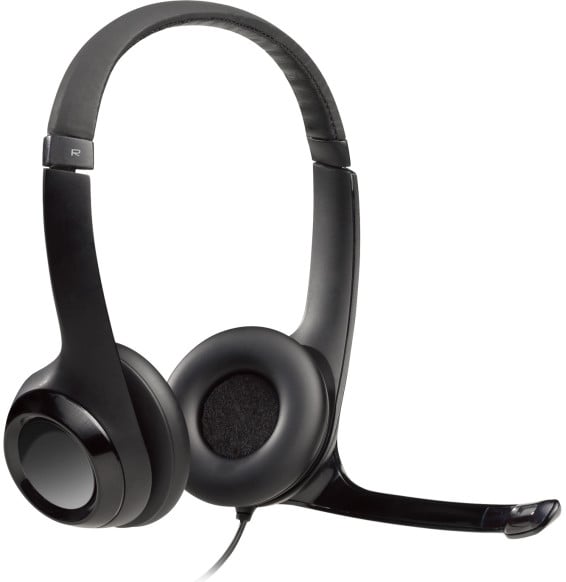
Logitech Zone Wired Teams Wired Headset - USB-C & USB-A (981-000870)
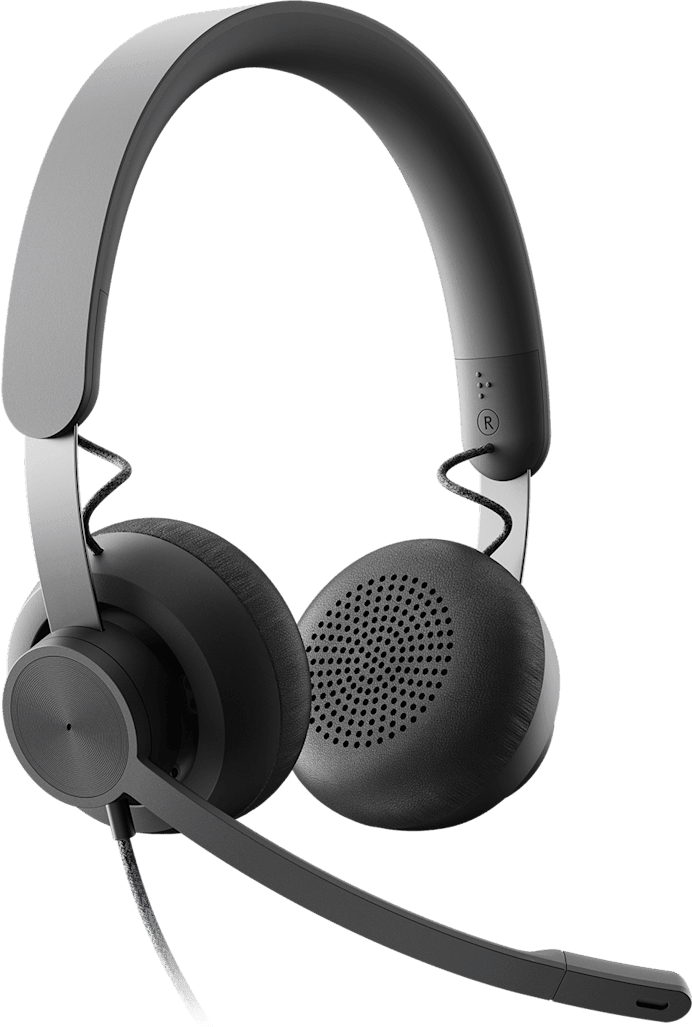
Stereo, built for busy open-plan offices: the dual noise-cancelling microphone removes keyboard noise and voices within 60 cm, and the boom flips up to mute in one movement.
Microsoft Teams, Zoom, Google Meet and Skype for Business certified
Dual noise-cancelling microphone: removes keyboard noise and nearby voices at 60 cm
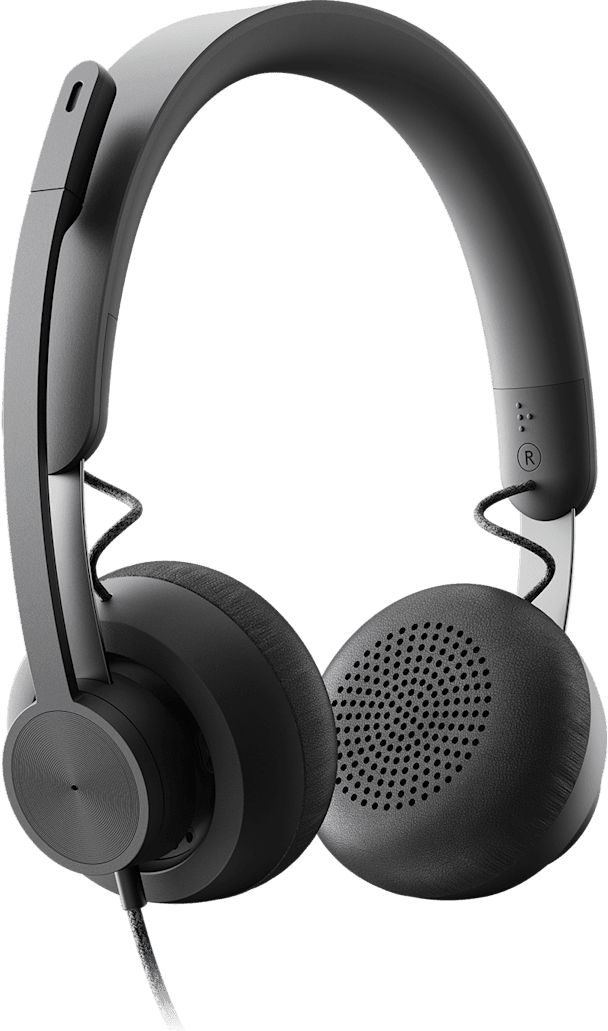
Flexible boom arm rotating through 270°, worn on the left or the right
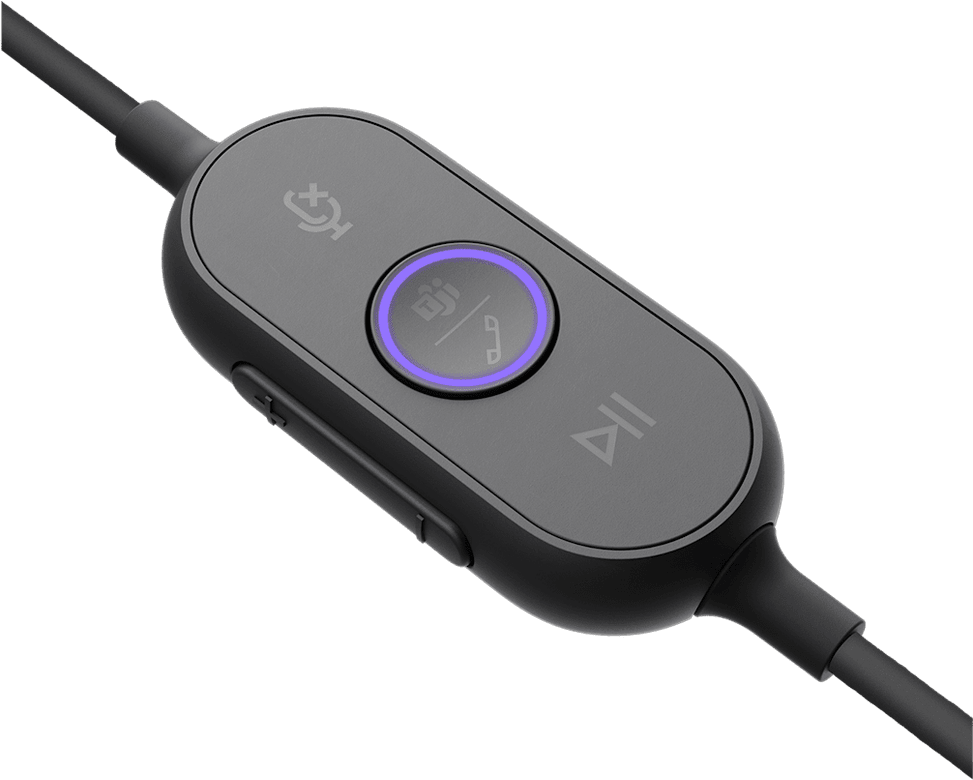
Mute by flipping up the microphone boom, or with the button on the controller
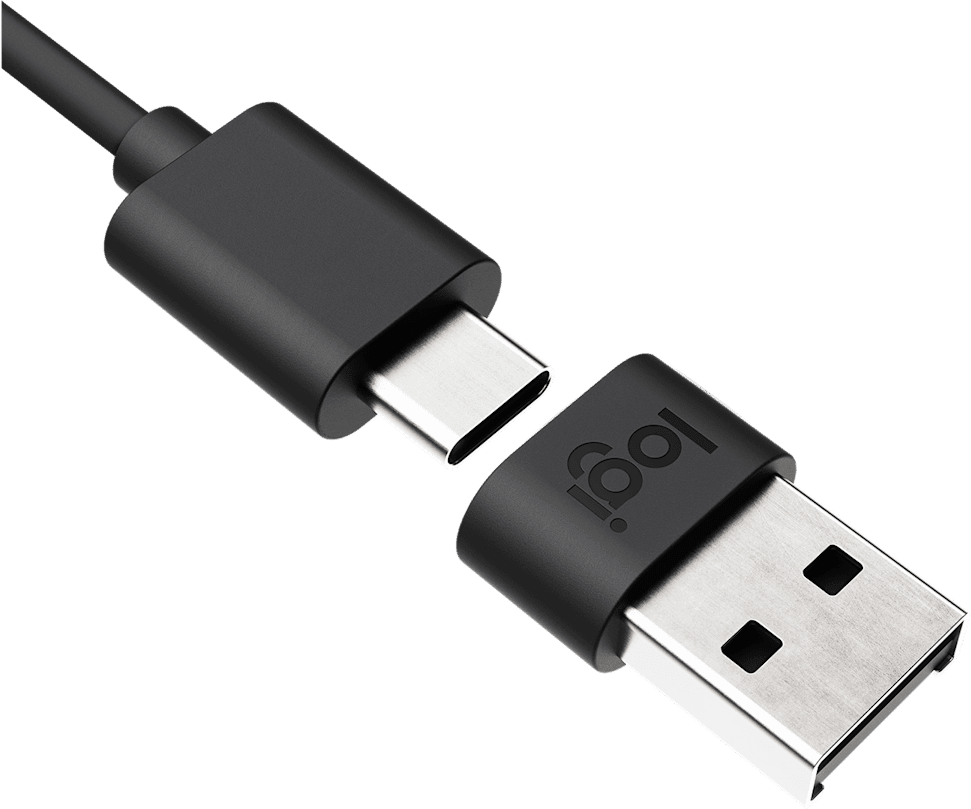
USB-A adapter included in addition to the USB-C connection
In-line controls on the cable: volume, mute, calls, play/pause
40 mm drivers
Passive noise isolation up to 12 dB
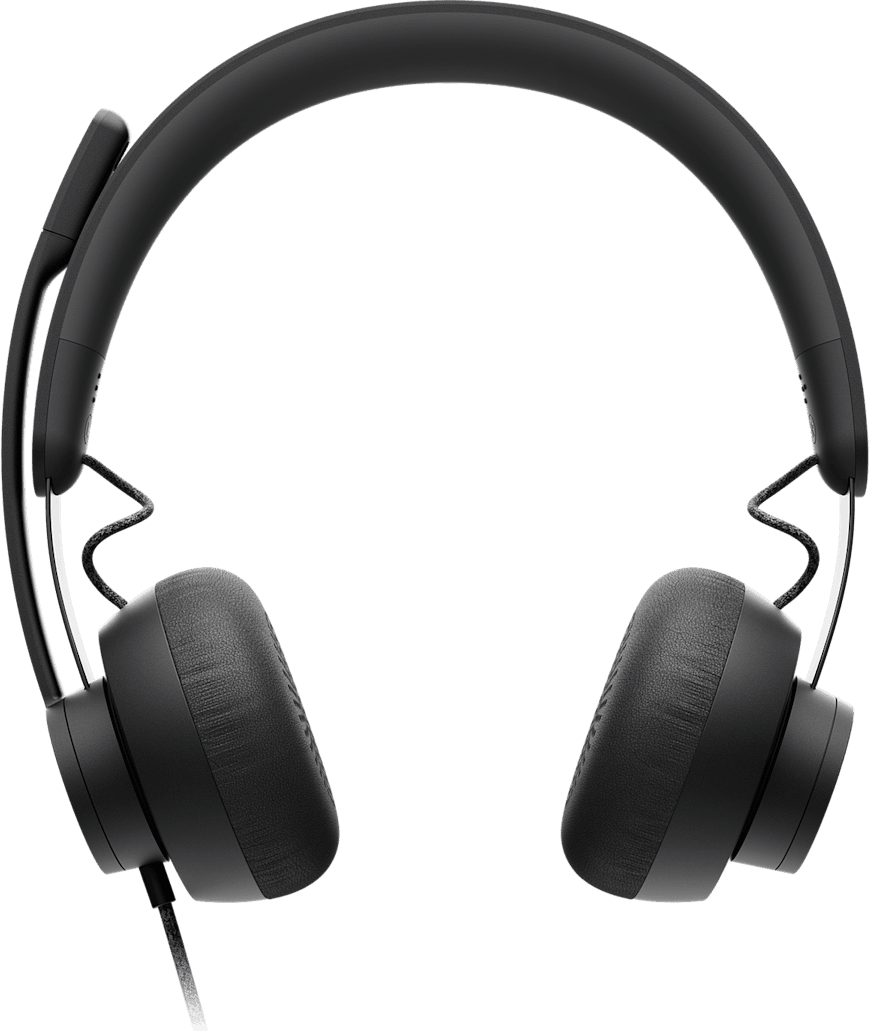
Generous leatherette earcups with memory foam
Padded silicone headband
Equaliser and sidetone adjustable with the Logi Tune app
Compatible with Cisco Webex, BlueJeans and GoToMeeting
Logitech Zone Wired stereo wired headset: a Microsoft Teams-certified USB headset designed for busy open workspaces. Connectivity: wired over USB-C with a USB-A adapter included, ready to use on Windows, macOS and ChromeOS. Microphone: flexible boom that rotates through 270°, with dual noise-cancelling mics that filter out keyboard noise and voices as close as 60 cm; flip the boom up to mute. Online meetings: certified for Microsoft Teams, Zoom and Google Meet, one-touch Teams launch and compatible with Cisco Webex and other apps. Also: 40 mm drivers, up to 12 dB of passive noise isolation, in-line controls on the cable, memory foam ear cups, Logi Tune app, centralised management with Logitech Sync.
Be the first to review this product and help other customers.
Write a review
Frequently asked questions about this product
What is the difference between the Zone Wired Teams and the Zone Wired UC?
The certification, and therefore how the button behaves. This reference, 981-000870, is the Microsoft Teams version, which launches the Teams app with one press from the headset; the UC version has the reference 981-000875.
Does the Zone Wired mic filter out keyboard noise?
Yes. Its dual noise-cancelling mic technology, using directional electret mics backed by digital signal processing, specifically targets keyboard noise, the voices of nearby colleagues and air conditioning within a radius of 60 cm.
How much does the headset reduce noise for the wearer?
Up to 12 dB, through passive isolation: the generously sized faux leather ear cups filled with memory foam block out sound without any electronics. That is the quiet half of the system, the other being the dual mic facing the person you are speaking to.
How do you mute the mic during a call with the Zone Wired?
In two ways: by swinging the mic boom up along the headband, or with the mute button on the in-line controller on the cable. A voice prompt confirms when mute is switched on and off, and the indicator lights show it at a glance.
Can the mic boom be worn on the right rather than the left?
Yes, the flexible boom rotates through 270° and can be worn on either side. A workstation shared by several people therefore adapts to each of them without taking anything apart.
Does the Zone Wired plug into a computer without a USB-C port?
Yes, a USB-A adapter is included in addition to the wired USB-C connection. The headset works on Windows, macOS and ChromeOS, with nothing to install first.
What is in the box of the Logitech Zone Wired?
The headset with its wired USB-C connection, the USB-A adapter, a carrying bag and the user documentation. The braided, tangle-free cable is 1.9 m long.
What is the adjustable sidetone on this headset?
It is the volume of your own voice in your ears during a call, adjustable in the Logi Tune app. Well-set sidetone stops you from speaking too loudly without realising it, which happens quickly with closed ear cups.
What is the Logi Tune app used for with the Zone Wired?
To adjust the equaliser, with presets by music genre or custom profiles, test the mic and speaker levels, adjust the mic gain and install firmware updates. It runs on Windows and macOS.
Is the Zone Wired also suitable for listening to music?
Its 40 mm drivers cover 20 Hz to 16 kHz in music mode, against 150 Hz to 7 kHz in talk mode: the headset opens up towards the bass as soon as it leaves the vocal range, with very low stated distortion.
How is the Zone Wired built to last?
Its frame is made of Teflon-coated stainless steel, the headband is padded with silicone and the cable is braided so it does not tangle. The headset is rated at 211 g for 166 × 180 × 67 mm.
Which meeting apps is the Zone Wired certified for?
It is certified for Microsoft Teams, Skype for Business, Google Meet and Voice, as well as Zoom, and works with other widely used apps such as Cisco Webex, BlueJeans and GoToMeeting.
Can several Zone Wired headsets be managed remotely?
Yes, with Logitech Sync: the platform monitors personal collaboration devices from a single console, supports company-wide deployments and pushes firmware updates.
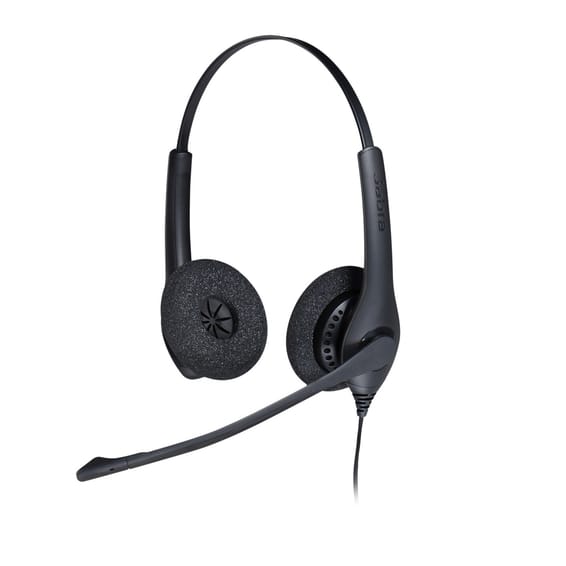
Affordable and sturdy for the contact centre: over 10,000 desk phone models recognised, as well as the Cisco, Avaya and Genesys platforms. Two ear cups to shut out the hubbub, in a light design made for long days.
•Compatible with over 10,000 desk phone models
•Compatible with softphones and call centre platforms (Cisco, Avaya, Genesys)
Plugs straight into the computer, ready to use with no software and no settings: an affordable, long-lasting contact centre solution, compatible with the main softphones and platforms in the field.
•Ready to use, with no installation
•Stereo, two earpieces — you shut out the noise of the open-plan floor
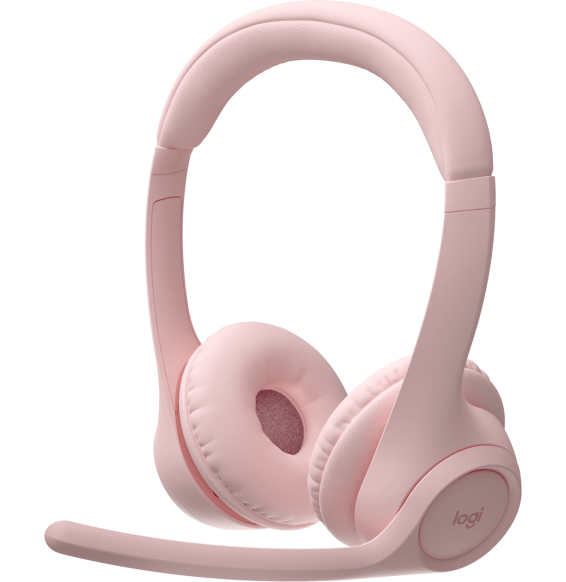
Memory foam cushions and soft mesh fabric for stringing video meetings together. You flip the boom up to mute the mic, and it stays connected to two devices at once.
Built to last in a contact centre: Kevlar-reinforced cord and a boom arm that rotates 360° without risk of breaking. The connector unclips in one move when you leave your desk.
The red light comes on as soon as you are on a call: your colleagues know not to interrupt you. Unidirectional boom microphone that folds up when not in use, and a 3.5 mm jack to connect a phone or tablet too.
4 microphones and Acoustic Fence technology for a clear voice in open-plan offices, with earcups that surround the ear to help you focus. Wireless and stereo, 50 m range and 24 h of talk time.
Two microphones share the work in a contact centre: one erases the background noise, the other conveys your voice. Built-in call control unit, busylight and real-time call analysis with the Engage+ software.
Built for heavy contact-centre use: Kevlar-reinforced cord, a 360° rotating boom arm that will not break and an Air Shock noise-cancelling microphone. A control unit handles volume, mute and calls.
Compatible with more than 10,000 desk phone models and with the Cisco, Avaya or Genesys platforms, to equip a contact centre. The connector unclips in one movement when you leave your desk.
Two beamforming microphones on an extended boom filter out office noise during calls. Up to 20 h of listening or 16 h of talk time, and 5 minutes of charging gives back 1 h of call time.
•Up to 20 h listening, 16 h talk time
•Fast charging: 5 min for 1 h of call time
•Microphone boom that lets through your voice alone
In stock
1 029 DHincl. VAT1 029,00 DHincl. VAT
Delivery everywhereDelivered all over Morocco
Multipoint: two devices connected at the same time
In stock
999 DHincl. VAT999,00 DHincl. VAT
Delivery everywhereDelivered all over Morocco
•Connects to a desk phone or a computer through a QD cord or a Jabra Link adapter
•Connector that unclips in one move to leave your desk
•Air Shock noise-cancelling microphone, filtering out breath sounds and sudden noises
In stock
1 639 DHincl. VAT1 639,00 DHincl. VAT
Delivery everywhereDelivered all over Morocco
•Microsoft Teams certified
•Two earcups — you shut out the background noise
•Unidirectional boom microphone, folds up along the headband
In stock
869 DHincl. VAT869,00 DHincl. VAT
Delivery everywhereDelivered all over Morocco
•
Stereo, two earcups
•Pre-paired dongle for the computer, direct link to the smartphone
•Adjustable microphone boom with 4 microphones
In stock
1 719 DHincl. VAT1 719,00 DHincl. VAT
Delivery everywhereDelivered all over Morocco
•Two microphones: the first removes the background noise, the second conveys your voice
•Built-in control unit: answer, mute the mic, adjust the volume
Plugged into a USB port, it works with no driver to install. The microphone boom swivels through 270° to move from one ear to the other, and the in-line remote sets the volume and mutes the microphone.
•Plug and play: no driver to install
•Boom microphone swivelling through 270°, for left- and right-handed users
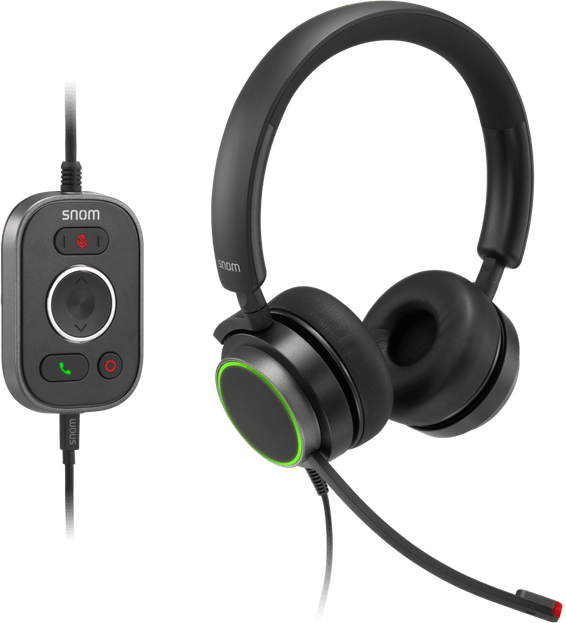
Two connections in one: one for an IP desk phone, the other for the computer and video-conferencing platforms, with HD audio across the whole voice spectrum. In-line remote control with five keys and indicator lights.
•Two earcups, to shut out the office
•Connects to an IP desk phone as well as to a computer
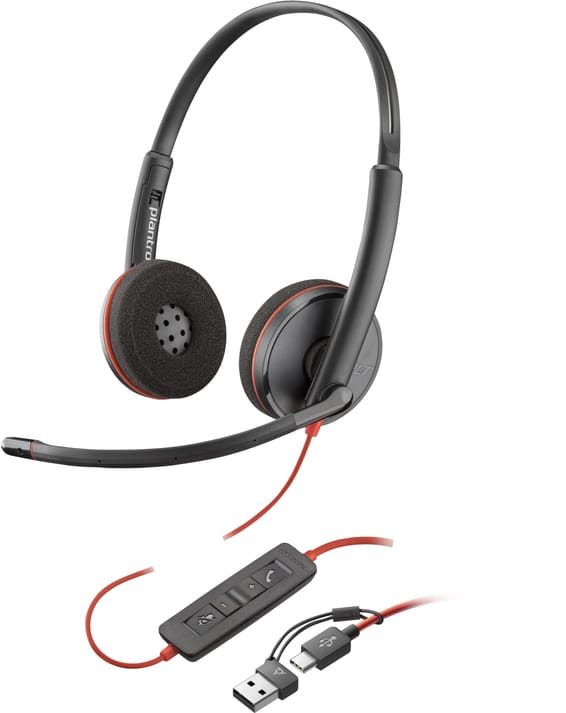
Wired stereo headset for contact centres and offices, in a UC version certified for Zoom, Google Meet, Cisco and Unify: three MEMS microphones, Busylight indicator and a Link control unit that plugs into USB-C or USB-A.
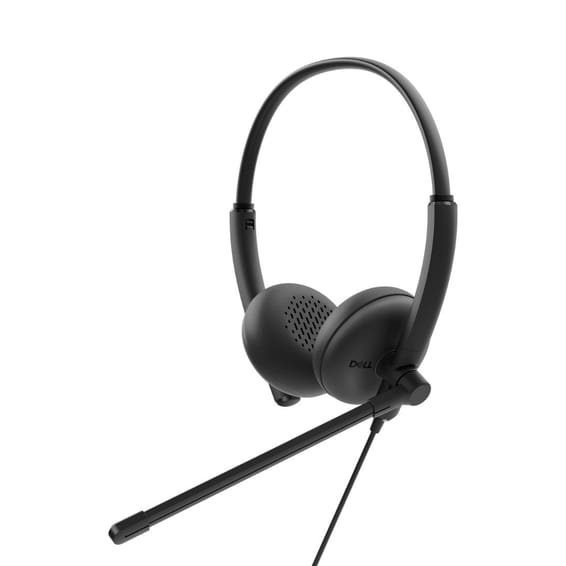
Microsoft Teams certified, for calls and concentration in an open-plan office: noise-cancelling microphone, leatherette ear cushions that damp the background noise and an in-line controller for volume, calls and mute.
Join the meeting with one press of the dedicated button. The noise-cancelling swivel boom filters out background noise, both earcups shut it out, and there is nothing to install.
The red light comes on as soon as you are on a call: your colleagues know not to interrupt you. Unidirectional boom microphone that folds up when not in use, and a 3.5 mm jack to connect a phone or tablet too.
Wired business headset with HD sound: the noise-cancelling mic on a boom rotating through 270° keeps the hubbub out, and the dynamic equaliser switches by itself between calls and multimedia. Call and volume controls on the cord.
Volume and mute are set straight on the cable, with an indicator light as a reminder that the mic is off. Padded leatherette earpads and 2.4 m of cable to stand up during a call.
Compatible with Microsoft Teams, Google Meet, Zoom, Slack, Skype and 3CX
In stock
735 DHincl. VAT735,00 DHincl. VAT
Delivery everywhereDelivered all over Morocco
•UC version: Zoom, Google Meet, Cisco, Unify
•Link USB-C control unit, USB-A adapter
•3 MEMS microphones
In stock
2 699 DHincl. VAT2 699,00 DHincl. VAT
Delivery everywhereDelivered all over Morocco
•
Microsoft Teams certified
•Two earcups — you shut out the background noise
•Noise-cancelling microphone
In stock
469 DHincl. VAT469,00 DHincl. VAT
Delivery everywhereDelivered all over Morocco
POLY Voyager Focus 2 Microsoft Teams Certified USB-C-C Headset +USB-C/A Adapter +Charging Stand (9T9J6AA)
A dedicated button to open Teams, and an alert warns you when you speak with the mic muted. Up to 16 h of talk time with active noise cancelling, 25 h without.
•Hybrid active noise cancelling, 3 levels
•Up to 16 h in conversation with noise cancelling, 25 h without
•Up to 24 h of music listening with noise cancelling, 40 h without
In stock
3 599 DHincl. VAT3 599,00 DHincl. VAT
Delivery everywhereDelivered all over Morocco
•Dedicated Microsoft Teams button to join a meeting with one press
•Two earcups — you shut out the background noise
•Noise-cancelling microphone boom, flexible and 280° swivelling
In stock
539 DHincl. VAT539,00 DHincl. VAT
Delivery everywhereDelivered all over Morocco
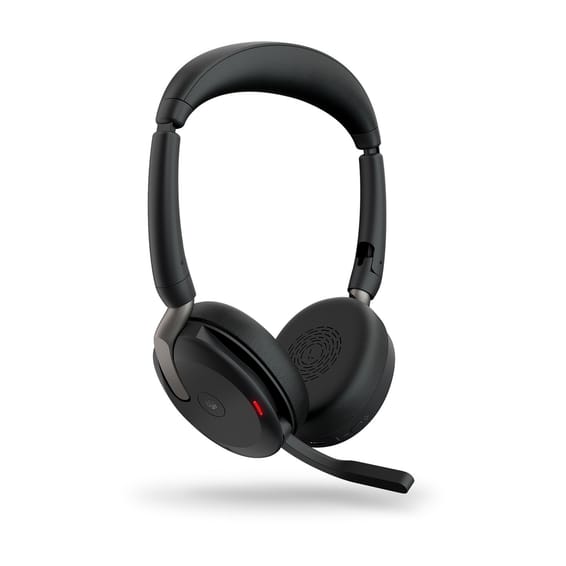
Jabra Evolve2 65 Flex Wired & Wireless Headband Headset Office/Call Centre Bluetooth Black (26699-999-999)
Charges by induction and folds flat to fit in a bag. Stereo with hybrid active noise cancelling, with a ClearVoice boom mic, a dedicated Microsoft Teams button and a busylight visible through 360°.
•Stereo, two earpieces
•Hybrid active noise cancelling (ANC)
•Certified for Microsoft Teams, Google Meet and Zoom
In stock
2 869 DHincl. VAT2 869,00 DHincl. VAT
Delivery everywhereDelivered all over Morocco
•Microsoft Teams certified
•Two earcups — you shut out the background noise
•Unidirectional boom microphone, folds up along the headband
In stock
869 DHincl. VAT869,00 DHincl. VAT
Delivery everywhereDelivered all over Morocco
•Two earpieces - you shut out the hubbub
•Noise-cancelling mic on a flexible boom rotating through 270°