How many participants does the Logitech Rally system cover?
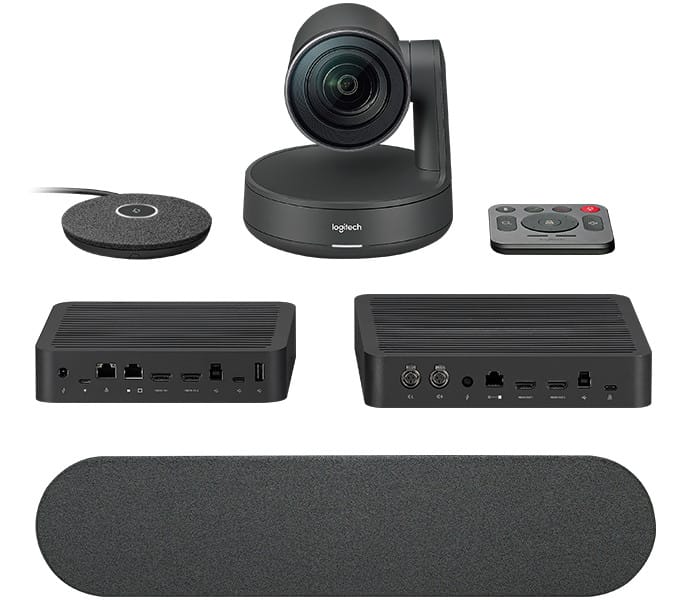
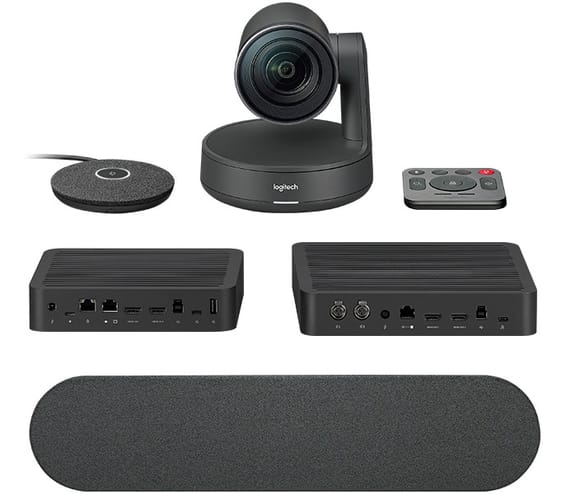
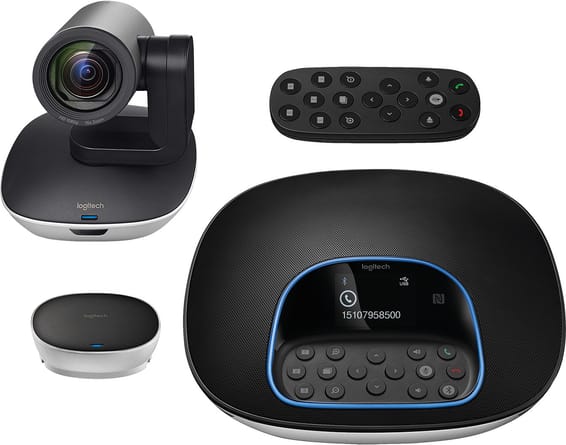
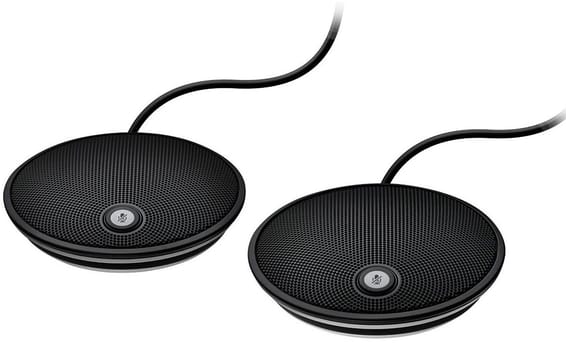
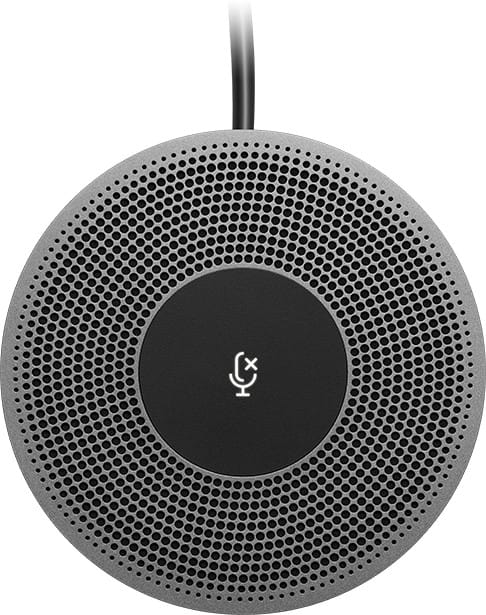
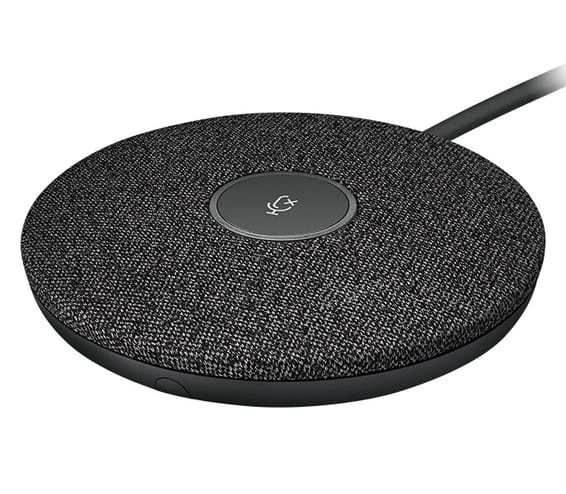
Sixteen with the two mic pods it comes with. Each additional pod adds six seats, up to seven pods in total — i.e. 46 participants in a very large room.
How far does a Rally mic pod pick up?
A 4.5-metre diameter around the pod. Each one contains four microphones with eight beamforming elements and a mute button with an indicator light.
What does the Rally system's RightSight technology do?
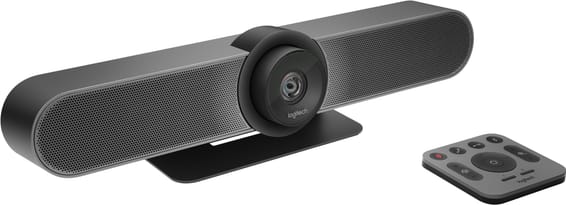
It frames participants automatically: the camera moves and adjusts its zoom on its own. It detects body shapes, not just faces — nobody is left out of frame because they are in profile.
What does RightLight correct in the Rally's image?
The lighting: the technology prioritises faces over the background, reduces video noise and adjusts colour balance to render all skin tones naturally, even when backlit in front of a window.
Why place the Rally speakers at the front of the room?
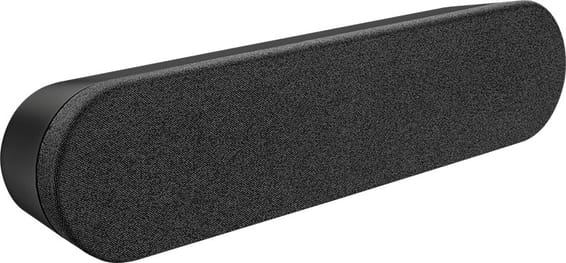
Because the voice needs to come from the same side as the picture. Microphones on the table, speakers near the screen: the sound never comes from behind the participants, and the conversation feels natural.
What does the Rally camera do when it goes into standby?
It turns downwards, to -90°. The lens no longer faces the room: this is physical privacy assurance, not just an indicator light switched off.
What is the Rally camera's range of movement?
90° either side in pan, from +50° to -90° in tilt, with a 15x HD zoom over a 90° field of view. The speed adapts: fast at wide angle, slow once zoomed in.
Can the Rally camera be mounted upside down?
Yes, it has automatic inversion detection: the image and controls reorient themselves when the camera is mounted upside down, near the ceiling.
How long is the cable connecting the table hub to the display hub?
A 5-metre CAT6A network cable is supplied, and the system accepts a customer-supplied cable of up to 50 metres. The room can therefore be cabled well beyond what is in the box.
What resolutions does the Rally system support?
4K, 1440p, 1080p, 900p, 720p and SD at 30 frames per second, as well as 1080p and 720p at 60 frames. 60 frames applies to the lower resolutions: that is the trade-off to be aware of if smoothness is the priority.
Do you need to install a driver to use the Rally system?
No. It connects via USB to the room computer and works with most video conferencing applications: it is Skype for Business certified, Teams-ready, and certified for Google Meet and Zoom.
Does the Rally remote control need to be pointed at the camera?
No, it is a radio remote control: it works without a direct line of sight, even if someone is sitting between it and the camera.
How can you avoid cables running across the room?
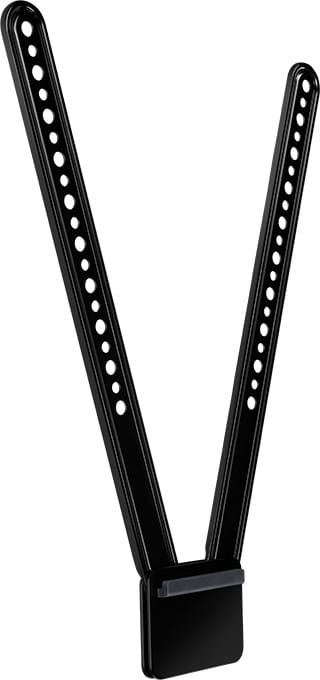
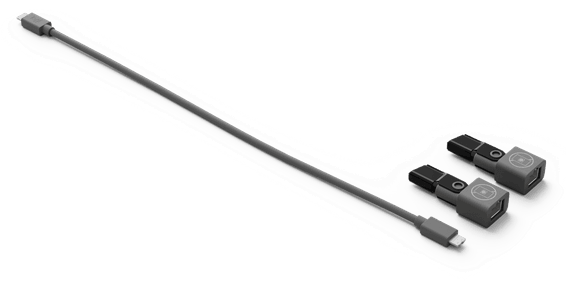
The system includes a table hub and a display hub: each group of devices connects to the nearest hub, and a single cable links the two. A Logitech mounting kit is also available as an option.
Is this Logitech Rally system new and under warranty?
Yes, it is a new Logitech product, reference
960-001242. The invoice serves as the warranty document, for
1 year. Datasheet:
Logitech Rally Ultra HD.