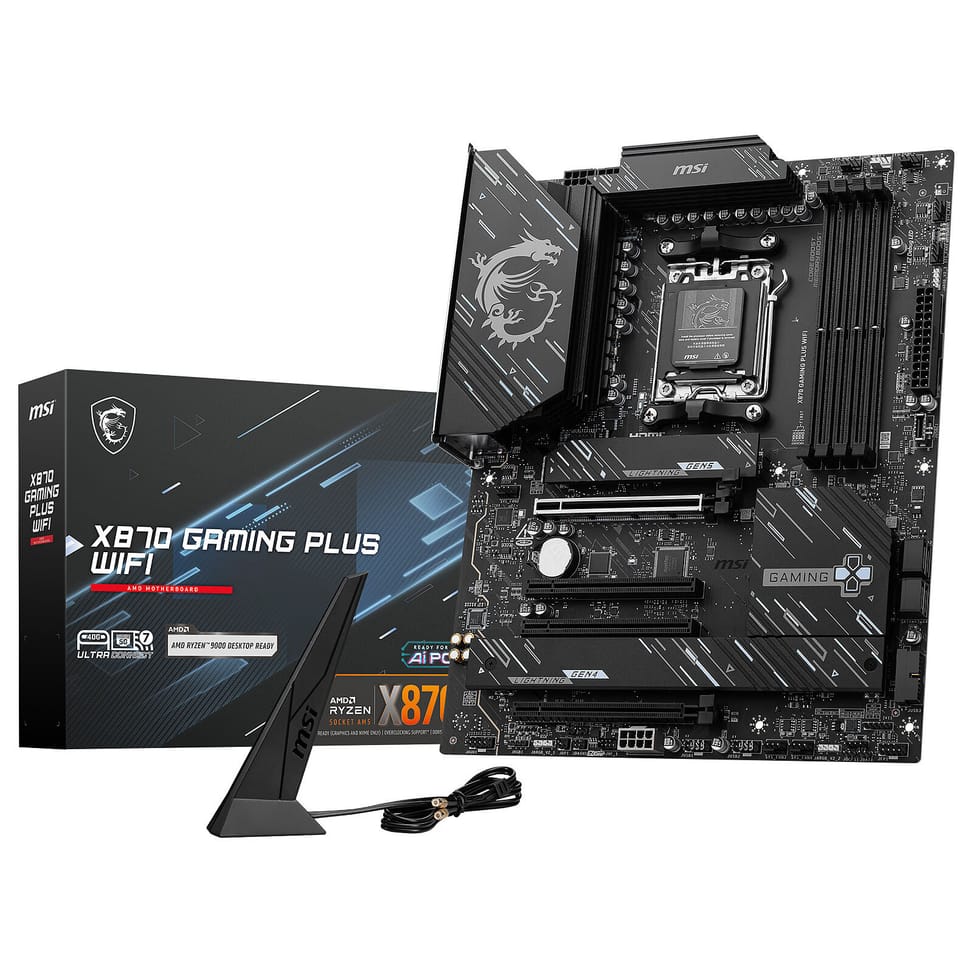
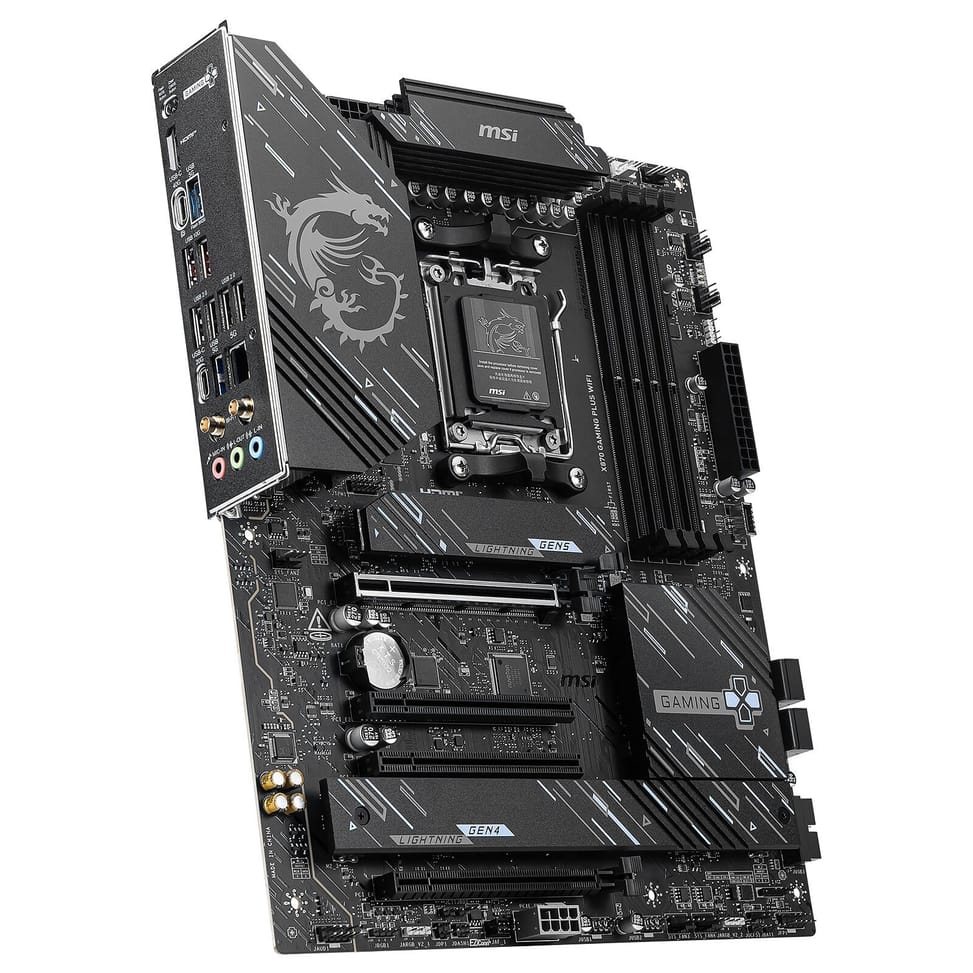
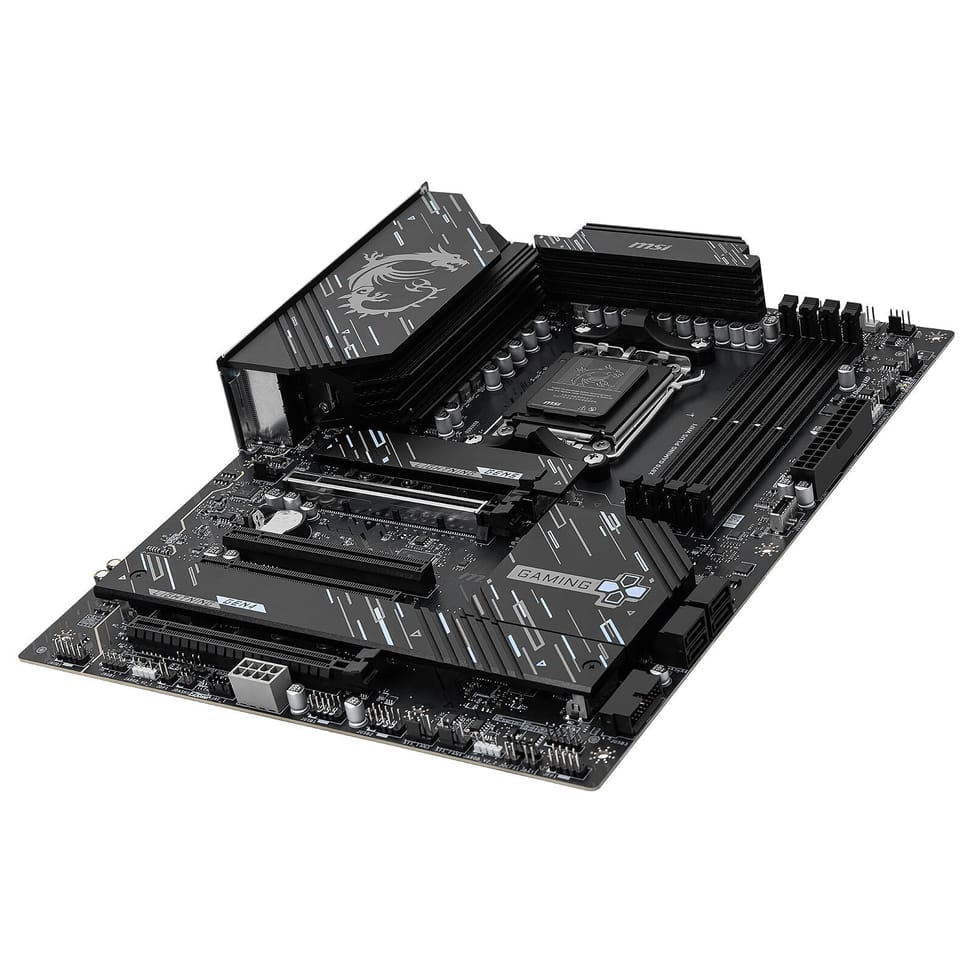
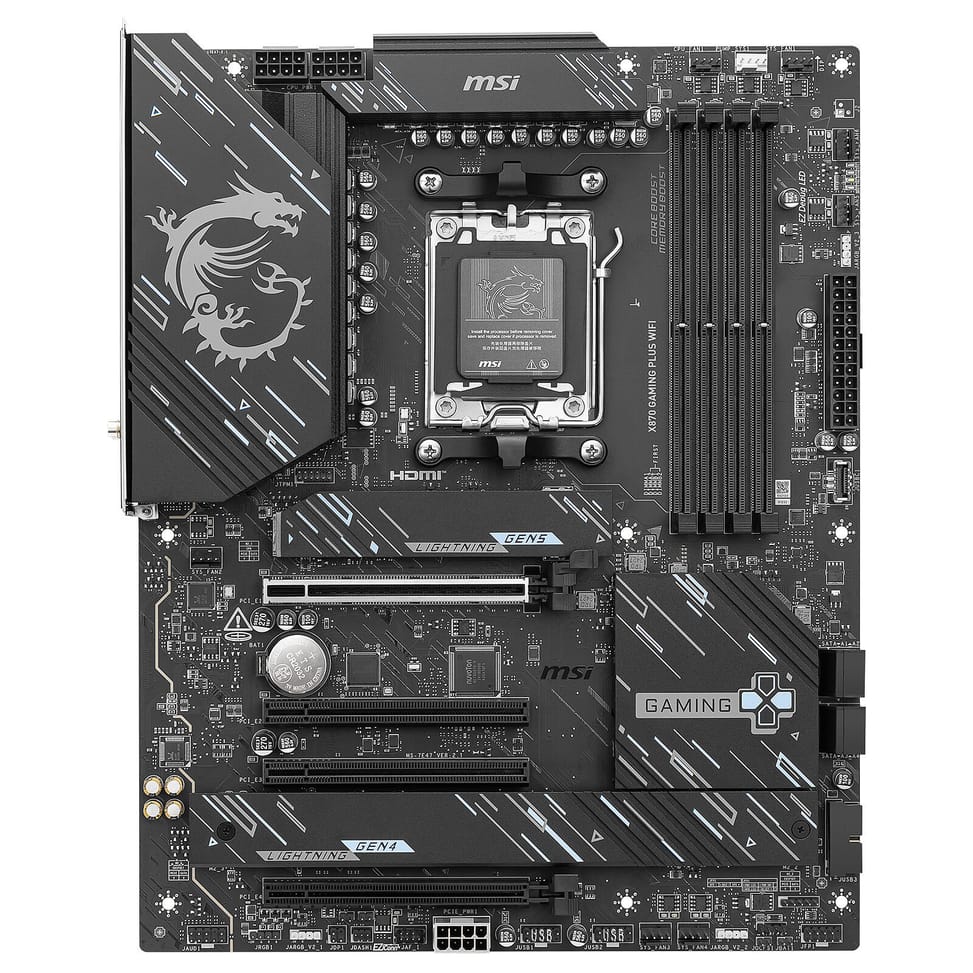
Which processors does the MSI X870 GAMING PLUS WIFI support?
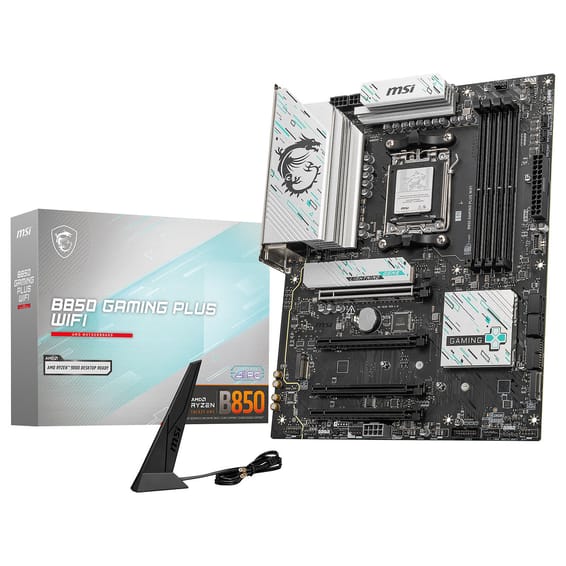
AMD Ryzen 7000, 8000 and 9000 series processors, on socket AM5. The board takes only one processor; an AM4 Ryzen does not fit this socket.
Can I connect a monitor to the HDMI output without a graphics card?
Only if your processor has an integrated graphics core: the motherboard has no graphics controller of its own, it passes through the Ryzen's. With a processor without integrated graphics, a graphics card becomes essential.
How much memory does this MSI motherboard support?
4 DDR5 slots in dual-channel, 64 GB per module, i.e. 256 GB in total. Speeds range from 4,800 to 8,200 MHz, with EXPO and A-XMP profiles.
How many M.2 SSDs can I install on this motherboard?
Three: one PCIe 5.0 x4, one PCIe 4.0 x4 and one PCIe 4.0 x2. The first is the fastest — that is where the system SSD goes if you have a Gen5-compatible one.
Do I need screws to mount an M.2 SSD on this board?
No: the EZ M.2 Shield Frozr II system secures the SSD without screws and places it under a heatsink, which prevents it from slowing down as it heats up.
How many SATA drives does this motherboard support?
4 SATA 6 Gbps ports, with RAID 0, 1 and 10 support. Enough to add storage hard drives alongside the M.2 SSDs.
What is the speed of this motherboard's USB4 port?
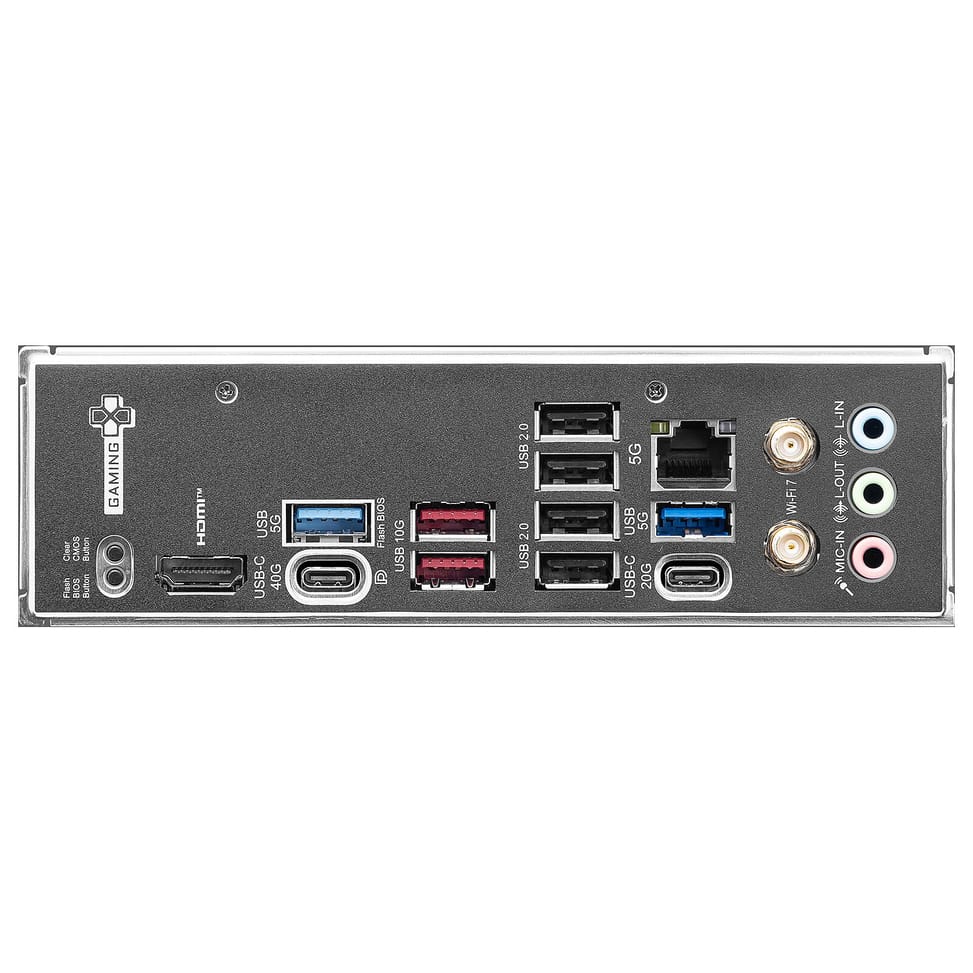
Up to 40 Gbps, on a USB4 Type-C port on the rear panel. This is the port to use for a fast external storage enclosure or a USB-C monitor.
What are the network connections on the X870 GAMING PLUS WIFI?
A 5 Gbps wired port (Realtek RTL8126 controller), Wi-Fi 7 and Bluetooth 5.4. Two SMA antenna connectors are provided at the rear.
Will this motherboard fit in a mid-tower case?
It is a standard ATX form factor measuring 305 × 244 mm. Any case listed as ATX-compatible will take it; simply check that yours is not limited to micro-ATX.
What power supply does this MSI motherboard need?
It requires the 24-pin ATX connector and two 8-pin 12 V connectors for the processor. Check that your power supply has both: a single cable is not enough.
Can I update the BIOS without a processor installed?
Yes: the board has a Flash BIOS button on the rear panel, as well as a Clear CMOS button. Handy when a recent processor needs a newer BIOS version than the factory one.
How is the processor power delivery designed?
As a dual-rail 14+2+1 phase design, with 60 A power stages, on an 8-layer PCB with 2 oz copper. An enlarged heatsink with a 7 W/mK thermal pad covers the power delivery stage.
Can I connect LED strips to this motherboard?
Yes: three addressable RGB LED headers and one standard RGB header are on the board, in addition to a chassis intrusion header.
Is this MSI X870 motherboard new and under warranty?
Yes, it is a new MSI product, reference 911-7E47-005, with a pre-installed I/O shield. The invoice serves as the warranty document, for 1 year. Keep it in case a defect is found.