

Best seller
Ugreen
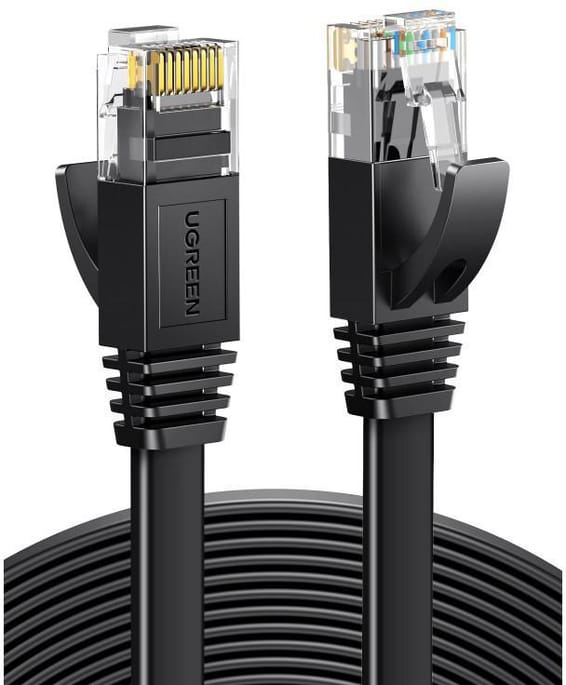
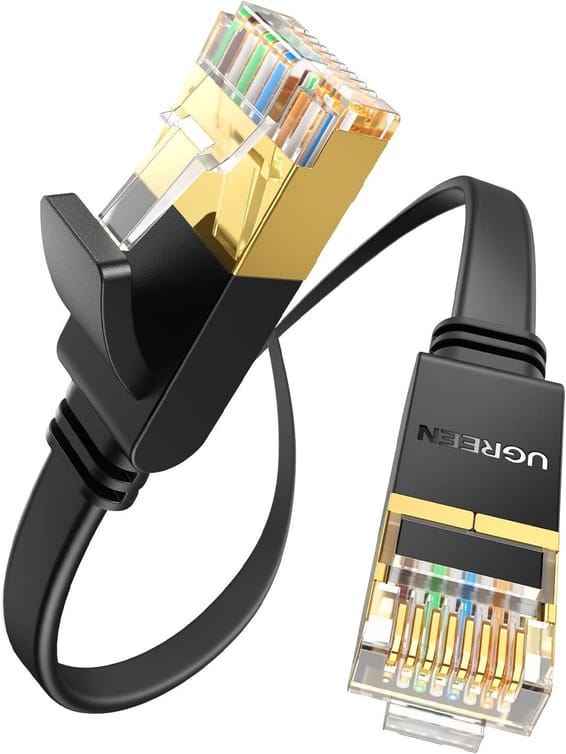
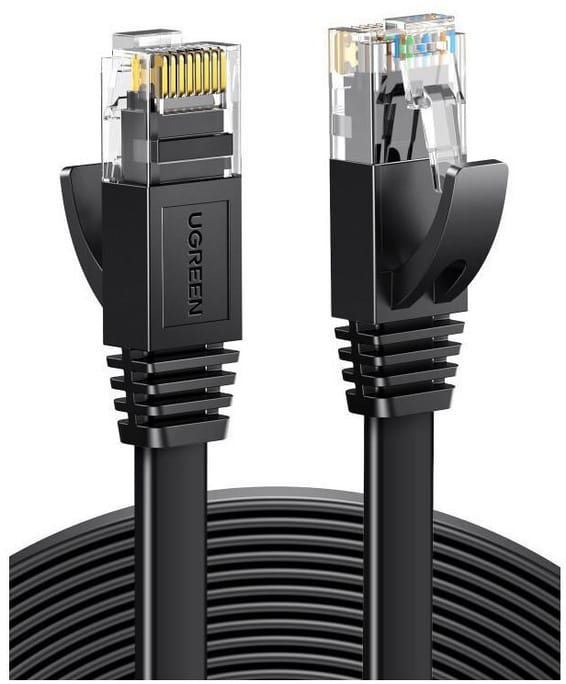
Ugreen RJ45 Flat CAT6 Ethernet Cable - 1 metre (50173)
In stock
15 DHincl. VAT15,00 DHincl. VAT
Delivery everywhereDelivered all over Morocco
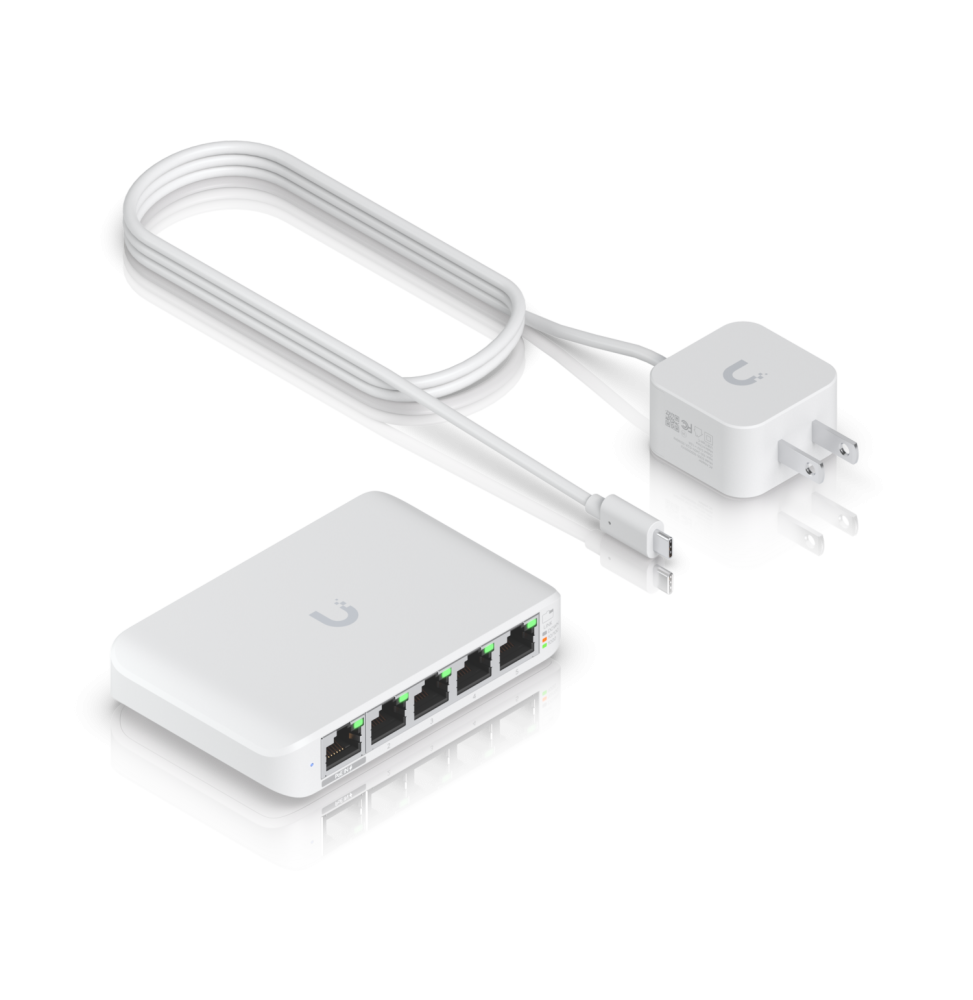
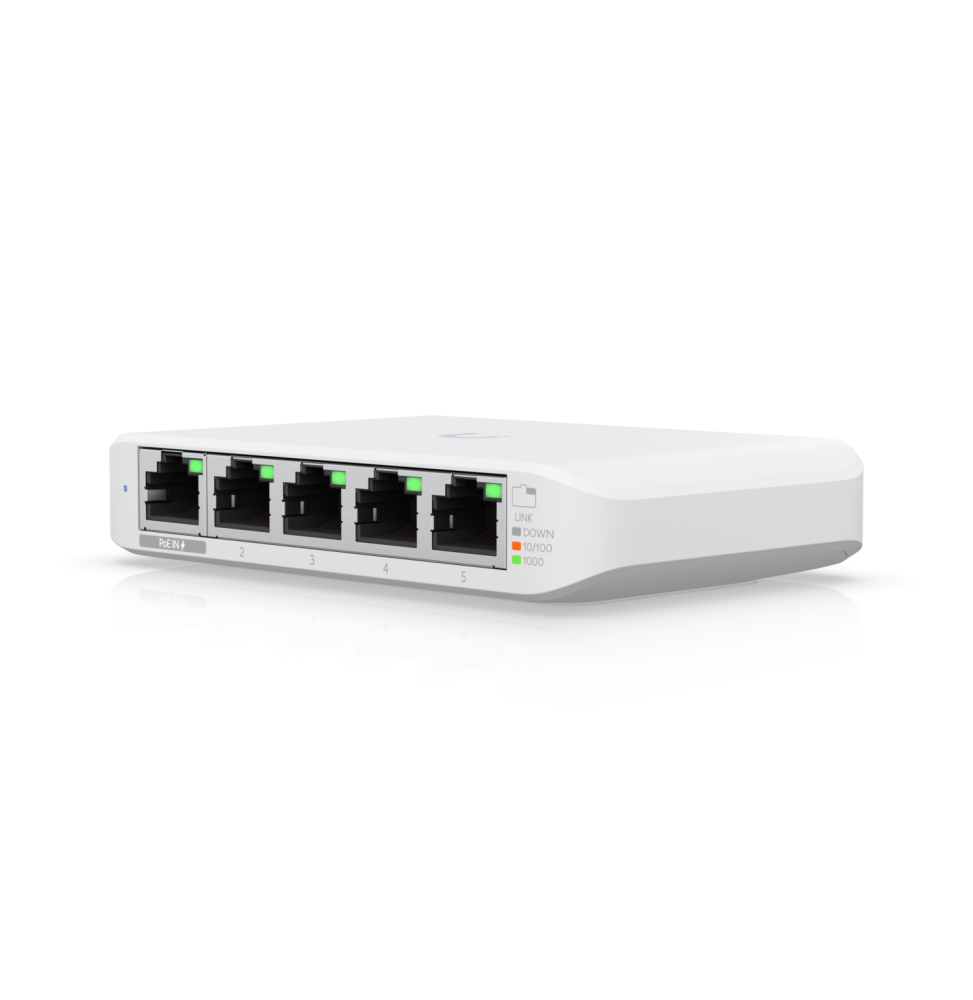
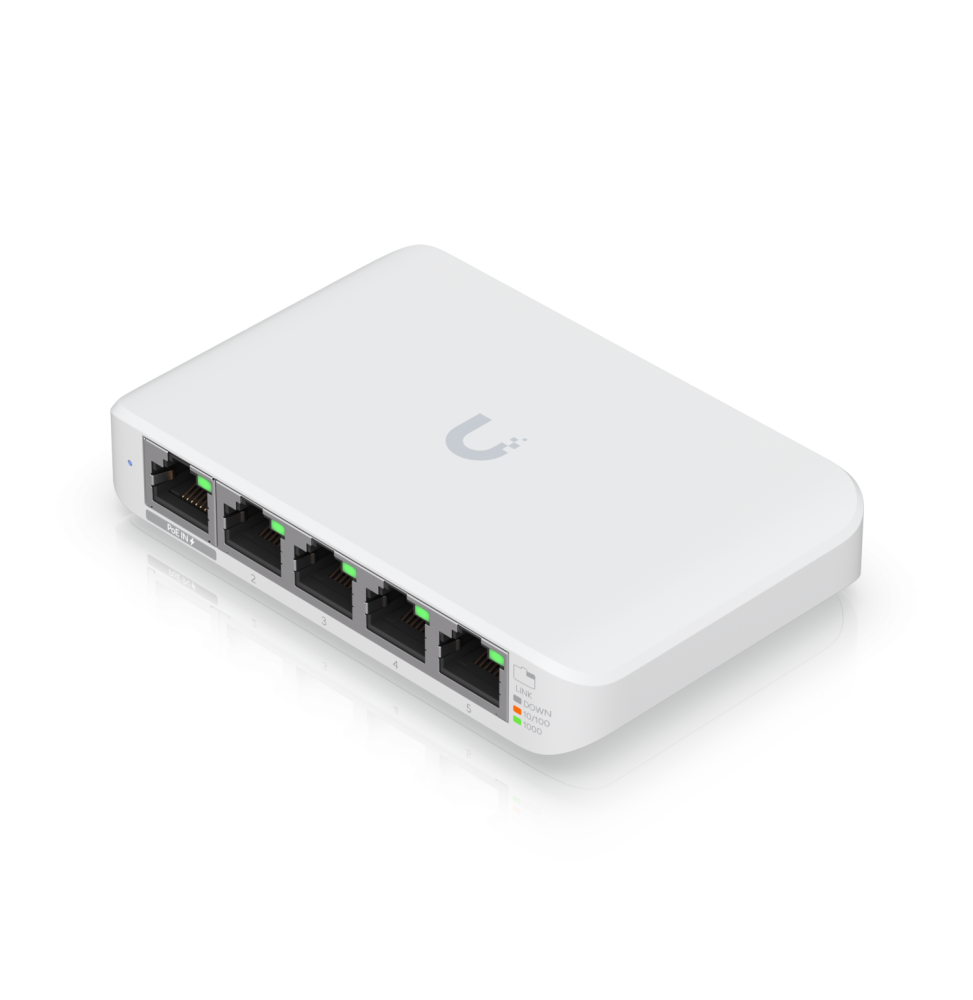
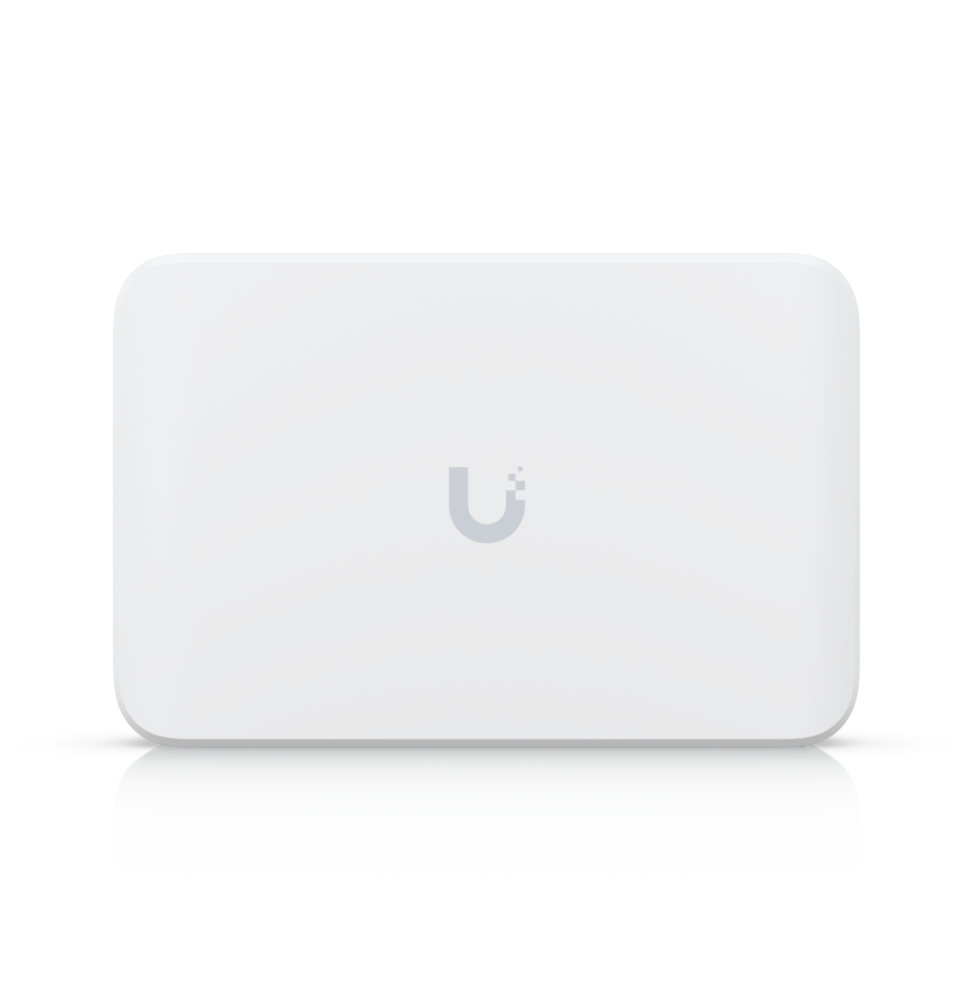
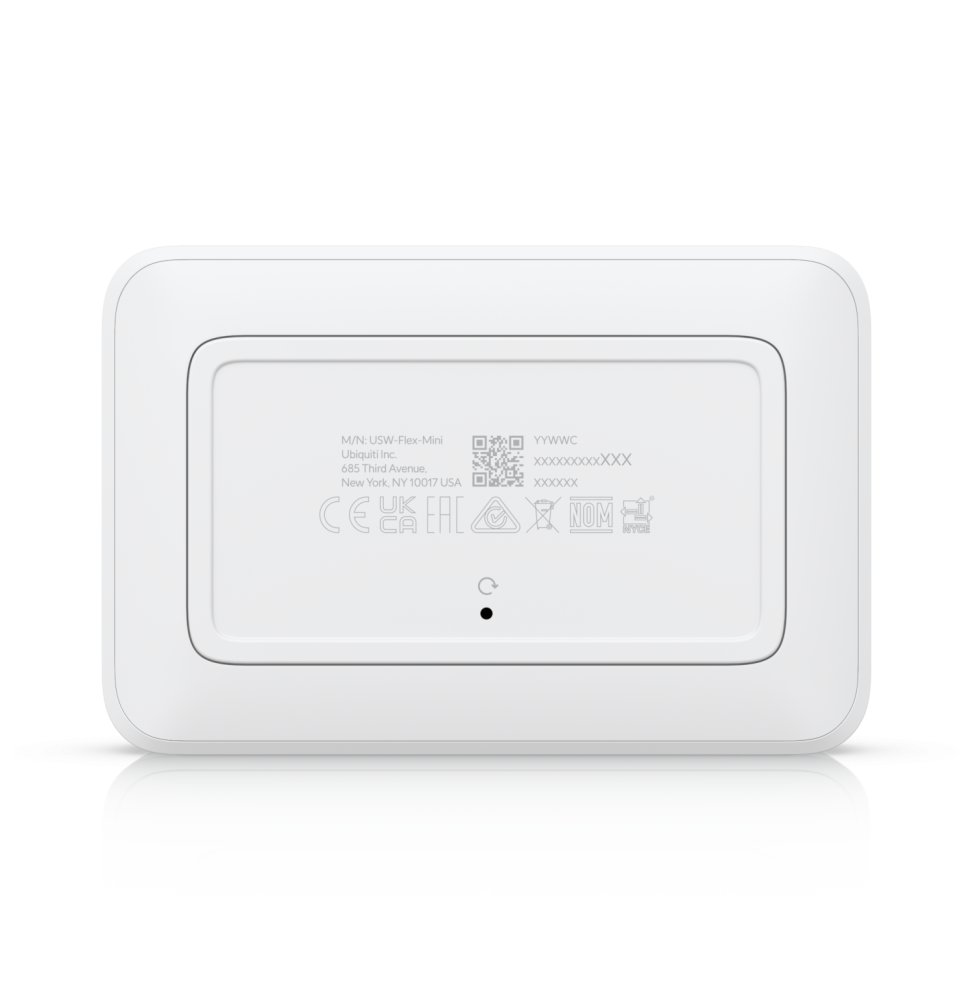
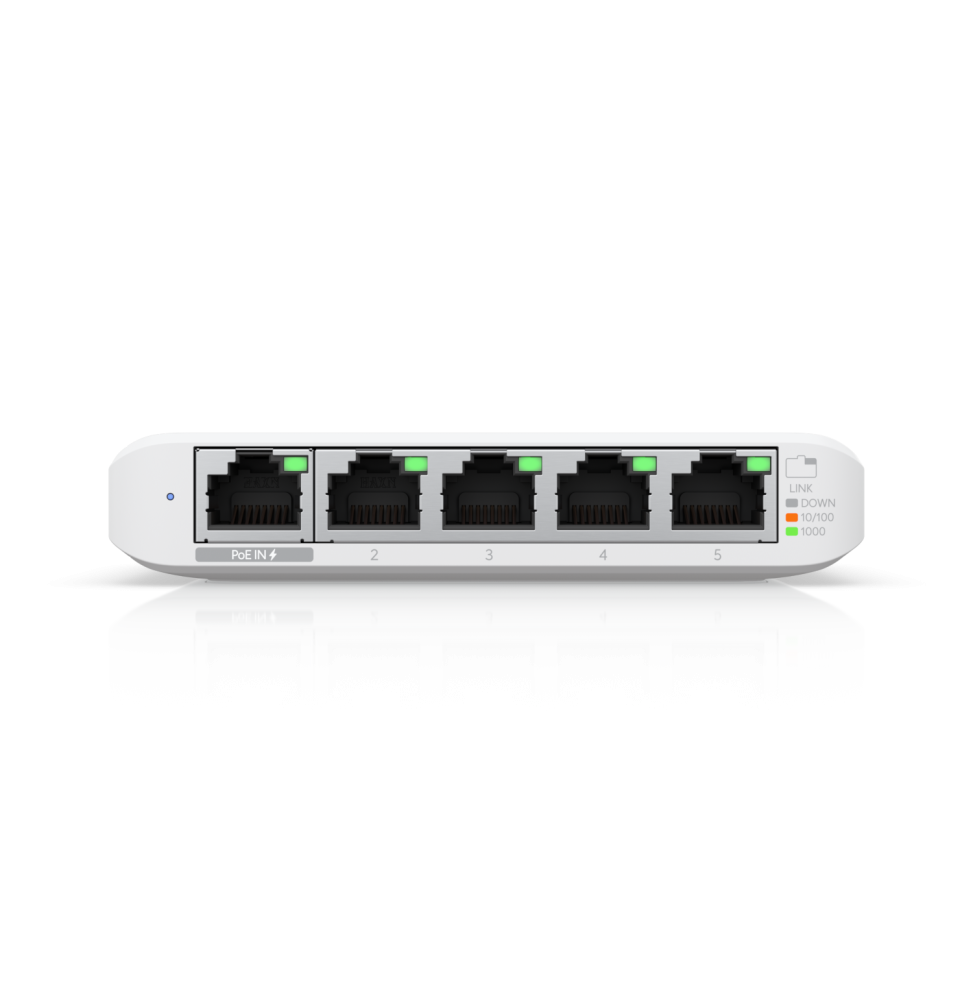
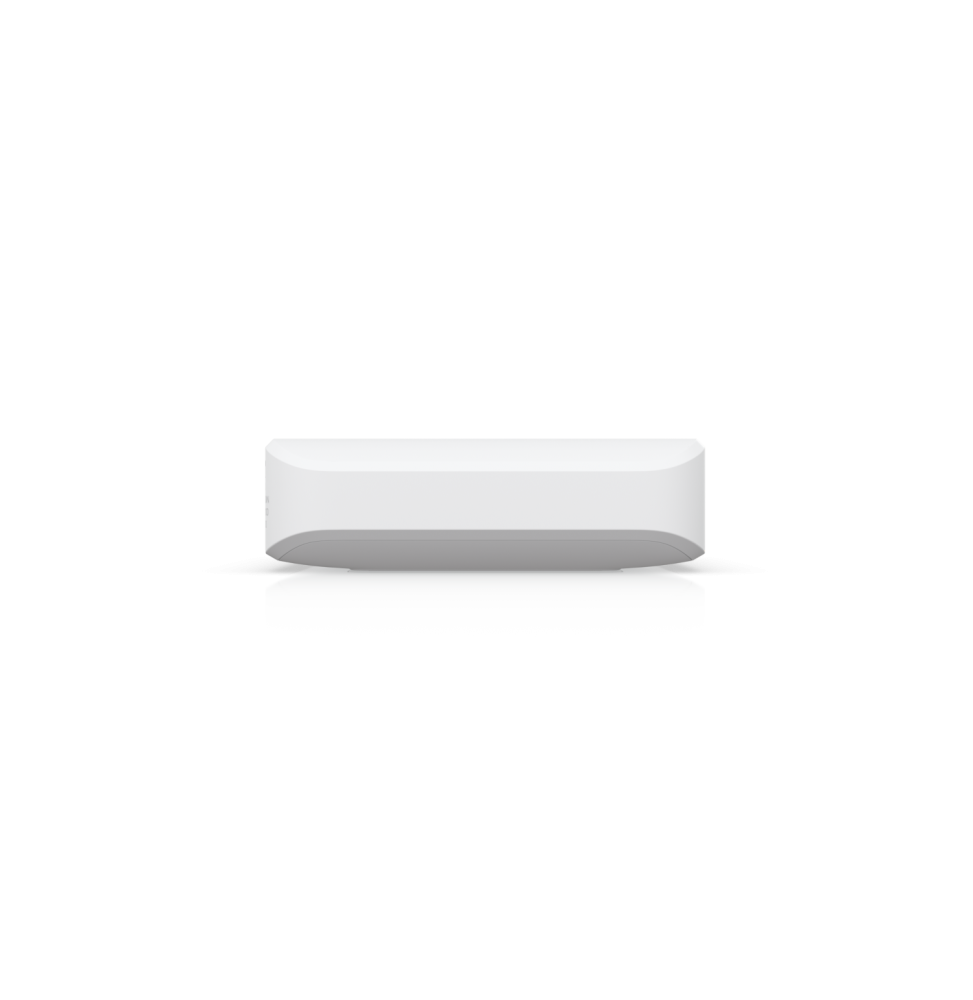
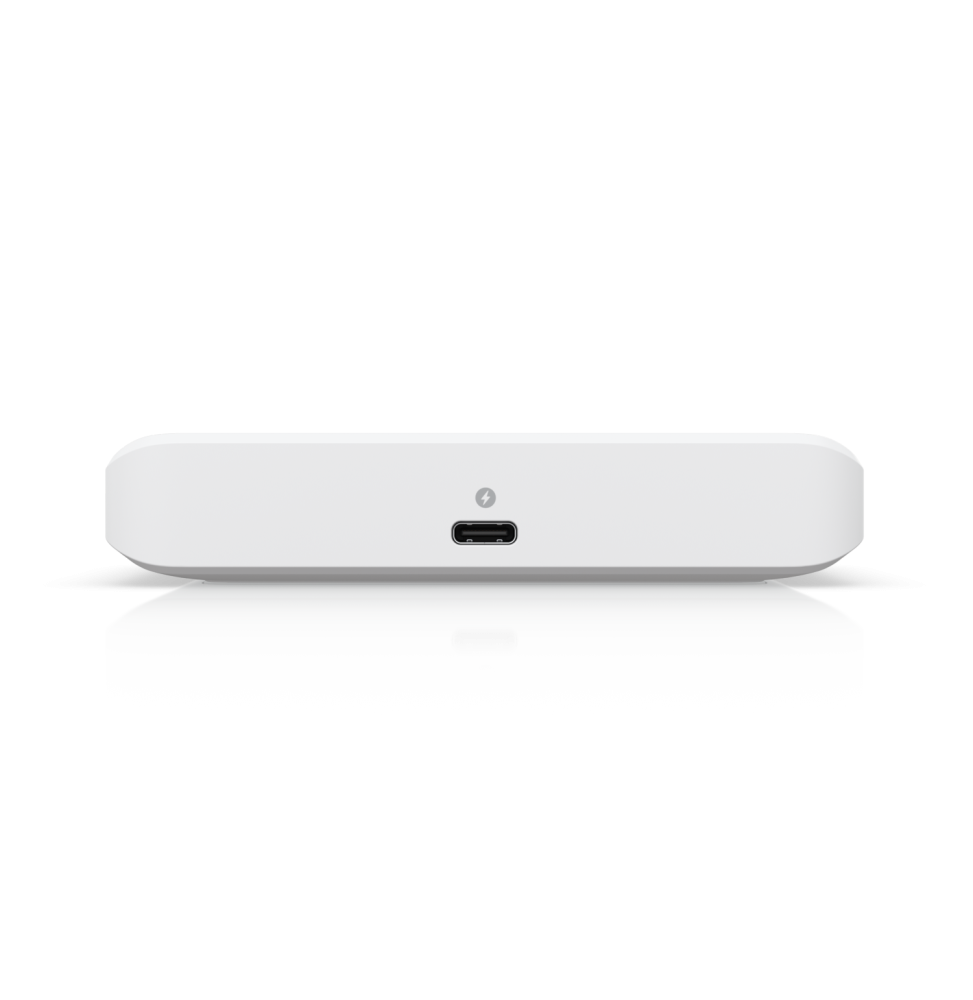
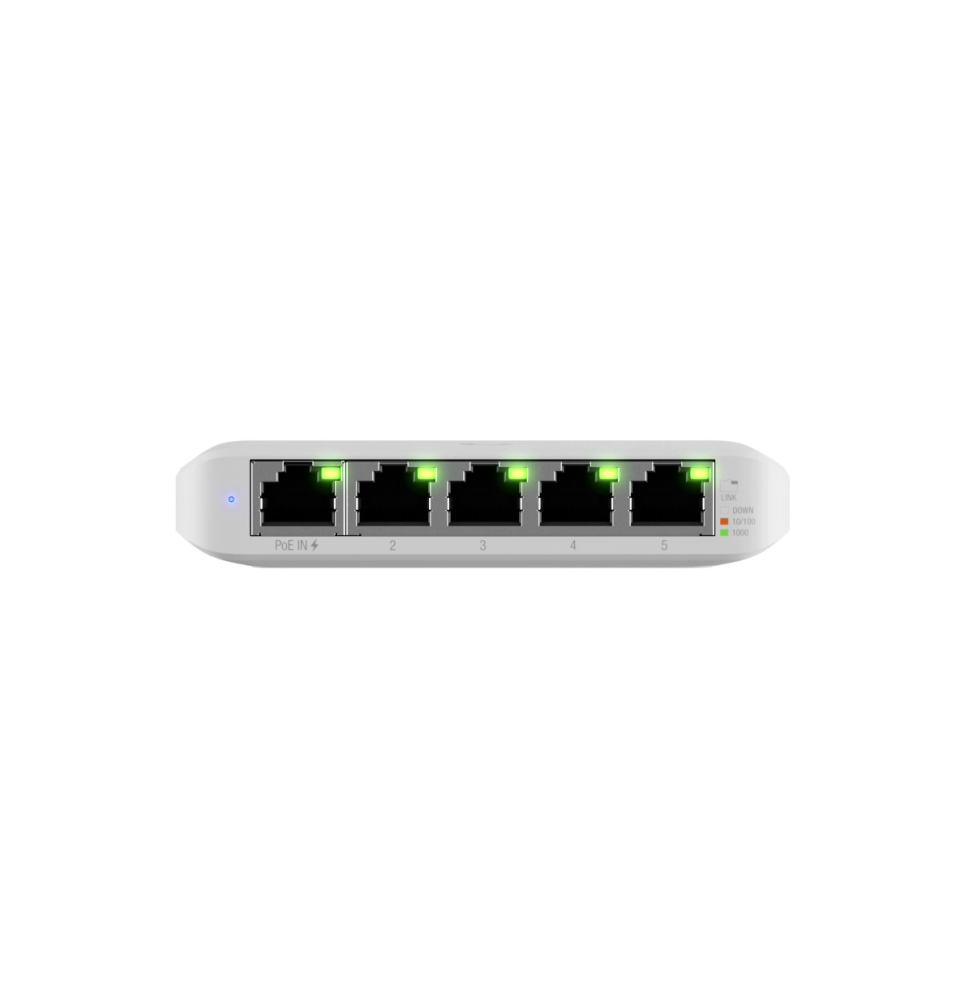
UniFi managed mini switch with 5 Gigabit ports, powered by USB-C or by PoE from another switch, to extend the UniFi network on a desk, behind a TV or in a meeting room. Managed through UniFi Network, 150 g, 2.5 W.
In stock
Earn 7 DH in loyalty credit with this purchaseHow does it work?Loyalty credit capped at 300 DH per order.
Delivery anywhere in Morocco
40 DH incl. VAT
Casablanca store
Free pickup
Témara pickup point
Free pickup
1 year warranty — free repair in Morocco if it breaks down during the warranty period
100% secure payment: Bank transfer · Bank card · Cash on delivery (deposit of 300 DH by card or bank transfer) · Certified cheque
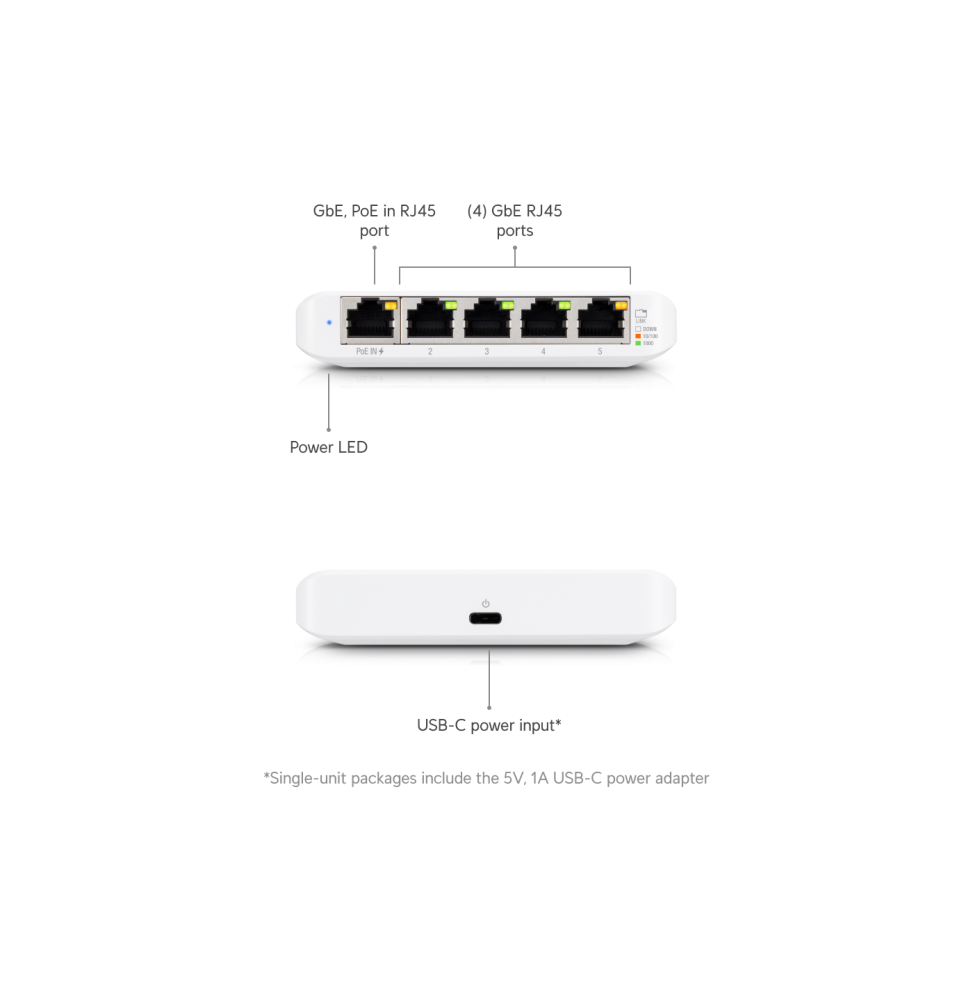
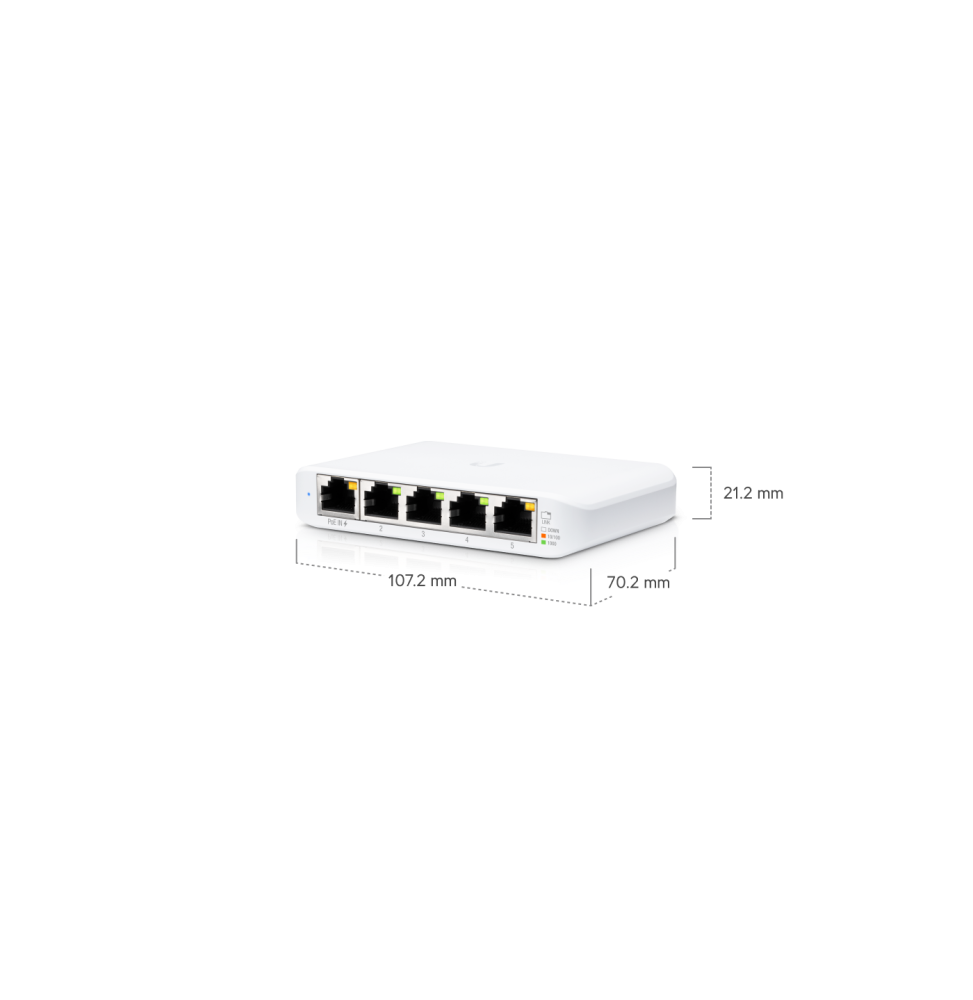
Managed mini switch to add network sockets on a desk, behind a TV or in a meeting room: 5 Gigabit ports in a 107 x 70 mm case.
Power: USB-C 5 V adapter included, or by PoE from another switch
Consumption: 2.5 W maximum
Performance: 10 Gb/s switching capacity
Management: UniFi Network application, VLAN, port isolation and mirroring
Weight: 150 g
Where an unmanaged switch would break the VLAN layout of the UniFi network.
Ubiquiti UniFi · USW-Flex-Mini
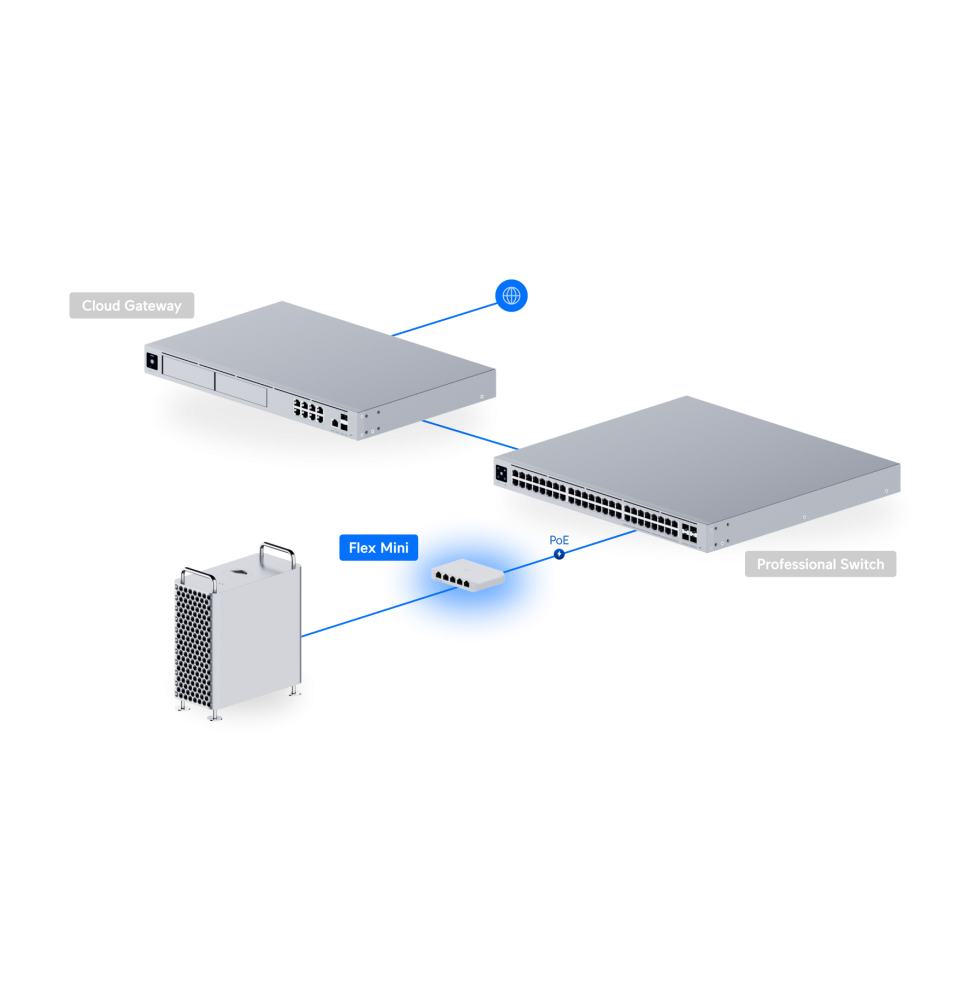
The smallest UniFi switch: 5 Gigabit ports in 107 mm, to add network sockets on a desk, behind a TV or in a meeting room. It is powered over USB-C or PoE, and appears in UniFi Network like the others.
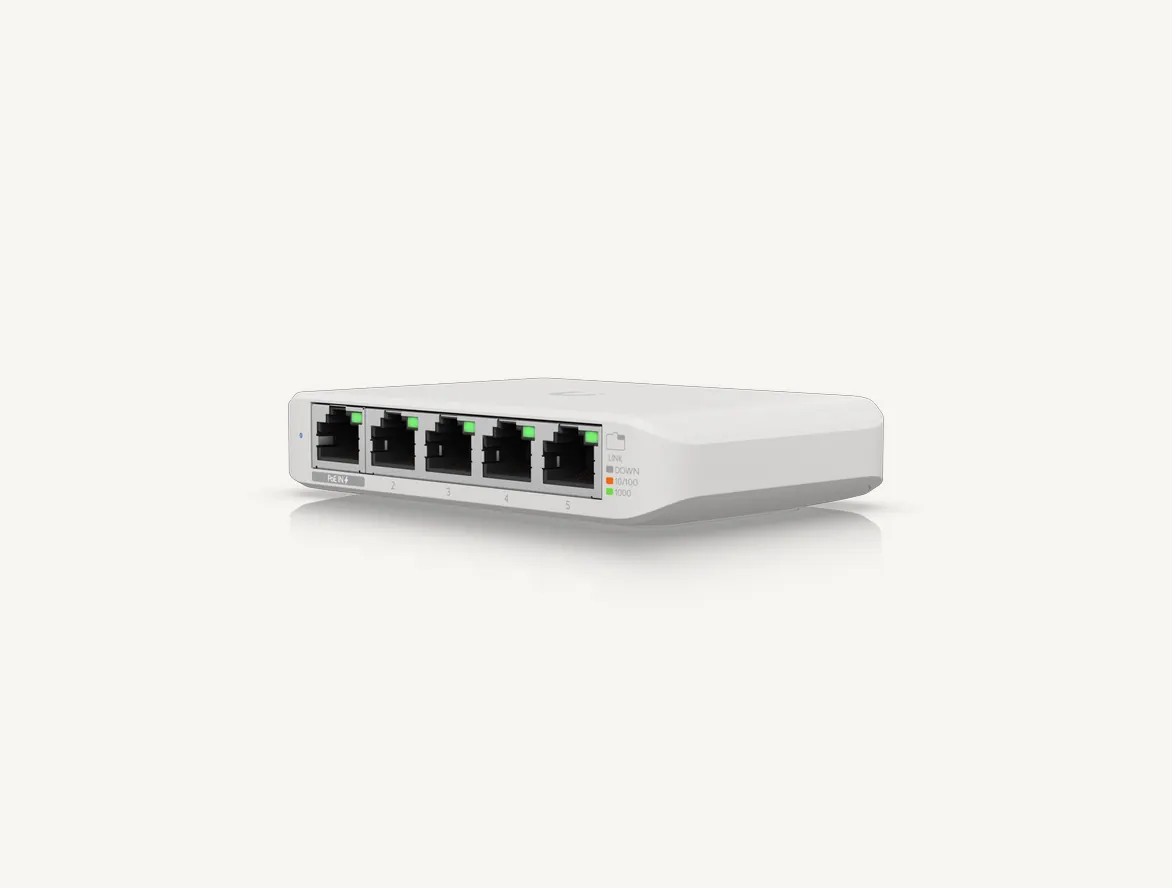
With the supplied USB-C adapter, or directly through the network cable from a 44 to 57 V PoE switch: at the end of a single cable, it then needs no power outlet. Its own ports do not supply PoE.
It is adopted in the UniFi Network app: VLANs, port mirroring, port isolation, storm control and Jumbo frames are set just as on the site's larger switches.
More ports: USW-Lite-16-PoE. All our managed switches and the Ubiquiti range.
Values taken from the Ubiquiti data sheet for reference USW-Flex-Mini.
| Electrostatic discharge protection | ±16 kV air, ±12 kV contact |
|---|---|
| MAC table size | 2,000 MAC addresses |
| Number of VLANs | 1,000 VLANs |
| Interfaces | 5 × 10/100/1000 Mb/s RJ45 ports |
| PoE ports | No PoE output; the switch itself can be powered by PoE (44 to 57 V) |
| Switching capacity | 10 Gbps |
| Forwarding rate | 7 Mpps; 5 Gb/s non-blocking throughput |
| Management modes | UniFi Network application and controller (version 5.12.5 or later) |
| Cloud management platform | UniFi Network (local controller, UniFi OS or hosted) |
| Layer 2 features | Flow control, storm control, multicast and broadcast rate limiting, port isolation, port mirroring, Jumbo frames |
| Quality of service (QoS) | Egress rate limiting, multicast and broadcast rate limiting |
| Power consumption | 2.5 W |
| Weight | 150 g |
| Dimensions (W x D x H) | 107 x 70 x 21 mm |
| Package contents | Switch, power adapter with USB-C cable |
|---|---|
| Number of ports | 5 ports or fewer |
| Managed | Yes |
| Housing material | Polycarbonate |
| Power supply | 5 W external power adapter via USB-C (5 V, 1 A), or 44 to 57 V PoE power |
| Certifications | CE, FCC, IC, Anatel; NDAA compliant |
| Operating temperature | -5 to 45 °C |
| Operating humidity | 10 to 90% non-condensing |
| PoE power | No |
| Port speed | 1 Gbps (Gigabit) |
| Management level | Layer 2 |
| Fibre slots (SFP) | No |
| Mounting | Desktop |
| Warranty | 1 year |
No reviews yet
Be the first to review this product and help other customers.
Ugreen
In stock
Delivery everywhereDelivered all over Morocco

Save 10 DH
Delivery everywhereDelivered all over Morocco
Save 28 DH
Delivery everywhereDelivered all over Morocco
Save 40 DH
Delivery everywhereDelivered all over Morocco
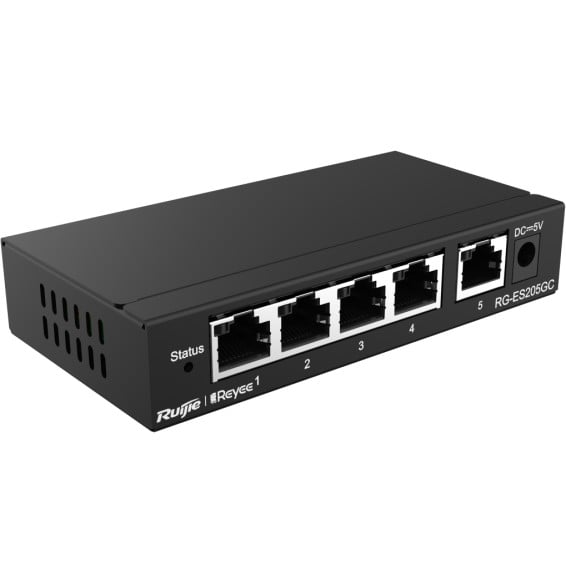
Ruijie
Reyee managed switch with 5 Gigabit ports in a metal case, managed through Ruijie Cloud, the Reyee app or the web interface: VLAN, port mirroring, IP camera detection and automatic loop prevention, fanless, 5 W maximum.
In stock
Delivery everywhereDelivered all over Morocco
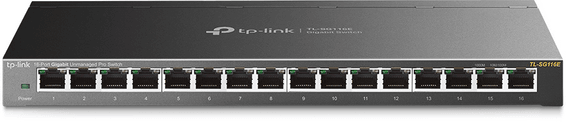
TP-Link
Desktop switch in a sturdy metal casing, with a web interface to prioritise traffic and create VLANs — a sound balance between simplicity and control for a small network.
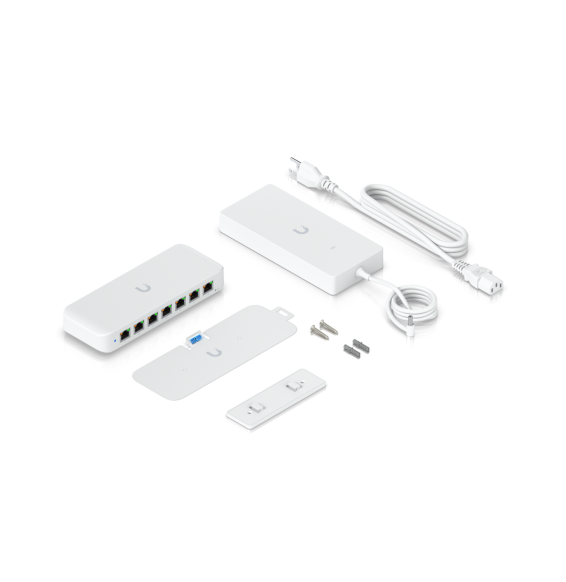
Ubiquiti
A Gigabit switch powered by its 210 W mains adapter or by PoE input, with a PoE budget reaching up to 202 W for cameras and Wi-Fi access points. Desk, wall or magnetic mounting, weight 320 g.
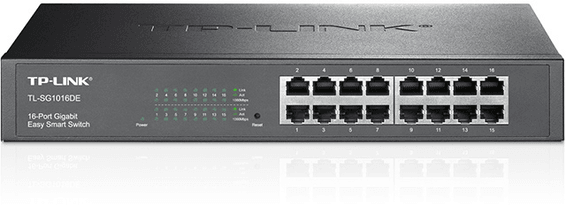
TP-Link
Rack-mountable Easy Smart switch, the middle ground for an SME that wants VLANs and QoS without the complexity of a fully managed switch, through a simple web interface.

Ruijie
Compact PoE+ access switch (802.3af/at standard) to power IP cameras, Wi-Fi access points or VoIP phones in small spaces. Gigabit/SFP combo uplink, managed through Ruijie Cloud.
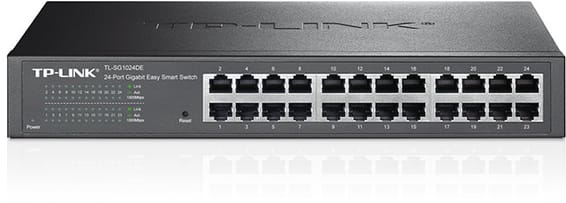
TP-Link
Rack-mountable Easy Smart switch for an SME that wants to segment and secure its network with VLANs and QoS, without the complexity of a fully managed switch — configurable from a simple web interface.

Aruba
Compact rack-mountable format, completely silent and fanless, suited to open-plan offices and conference rooms — simplified control from the Aruba Instant On app, with no subscription.

Aruba
Smart managed layer 2 switch for a dense fleet of workstations and servers, with configuration and monitoring via the Instant On mobile app, the cloud portal or a local web interface.
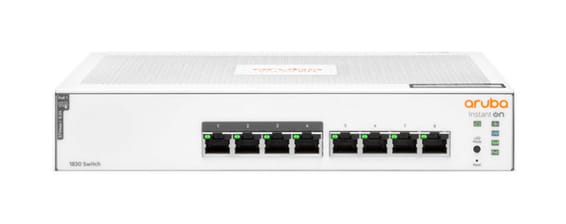
Aruba
Layer 2 managed switch for a small office powering a few Wi-Fi or IP devices over Power over Ethernet, with monitoring and scheduling via the Instant On mobile app.
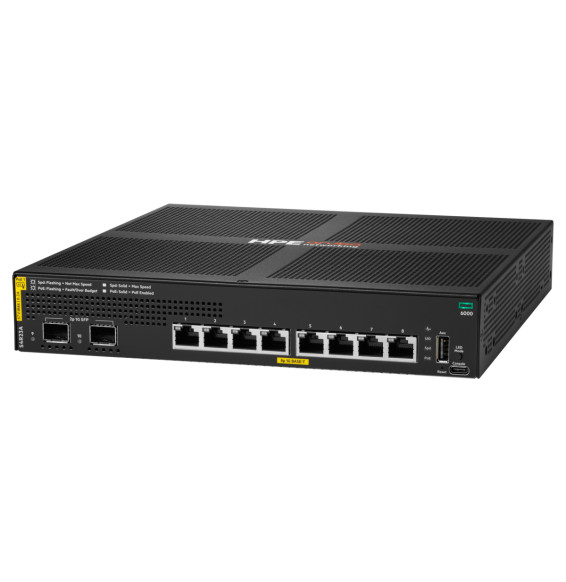
Aruba
Eight PoE+ sockets to power Wi-Fi access points, cameras and IP phones, in a compact fanless unit you forget is in the office. Enterprise-grade AOS-CX system, managed from the cloud or the command line.
In stock
Delivery everywhereDelivered all over Morocco
In stock
Black Friday
-5%Save 160 DH
Delivery everywhereDelivered all over Morocco
In stock
Black Friday
-5%Save 50 DH
Delivery everywhereDelivered all over Morocco
In stock
Delivery everywhereDelivered all over Morocco
In stock
Black Friday
-4%Save 50 DH
Delivery everywhereDelivered all over Morocco
In stock
Black Friday
-11%Save 330 DH
Delivery everywhereDelivered all over Morocco
In stock
Delivery everywhereDelivered all over Morocco
In stock
Delivery everywhereDelivered all over Morocco
In stock
Delivery everywhereDelivered all over Morocco