

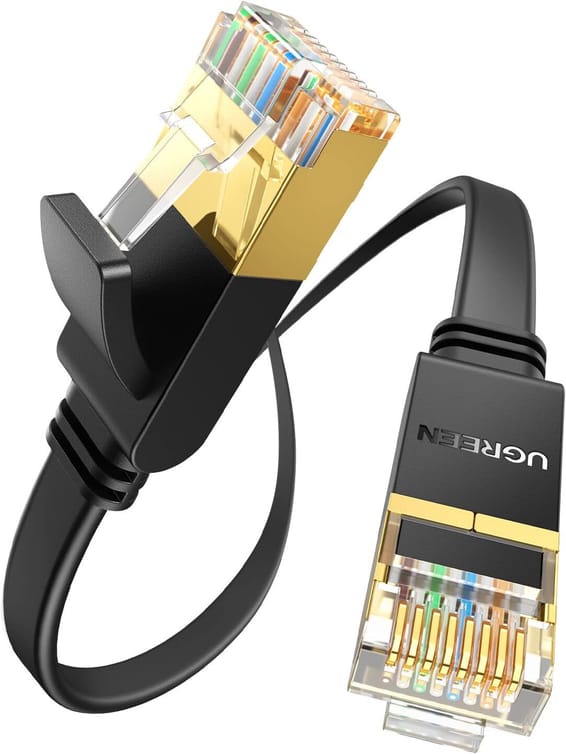
Ugreen
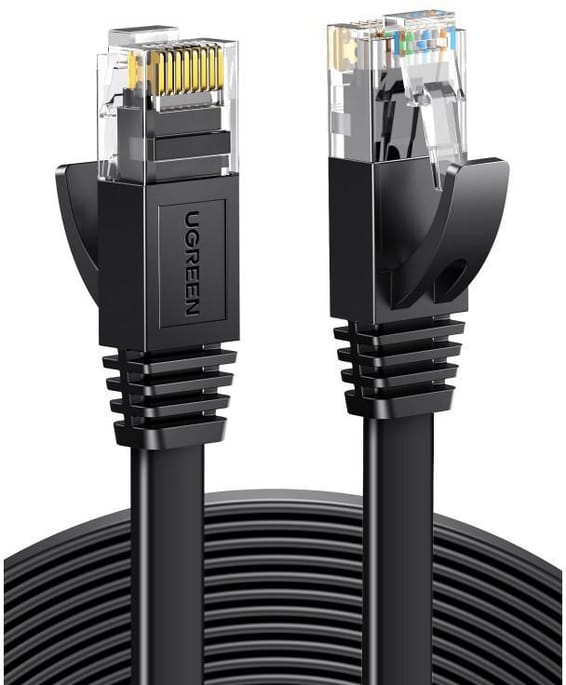
Ugreen Flat CAT7 U FTP RJ45 Ethernet Cable - 3 metres (11262)
In stock
85 DHincl. VAT85,00 DHincl. VAT
Delivery everywhereDelivered all over Morocco
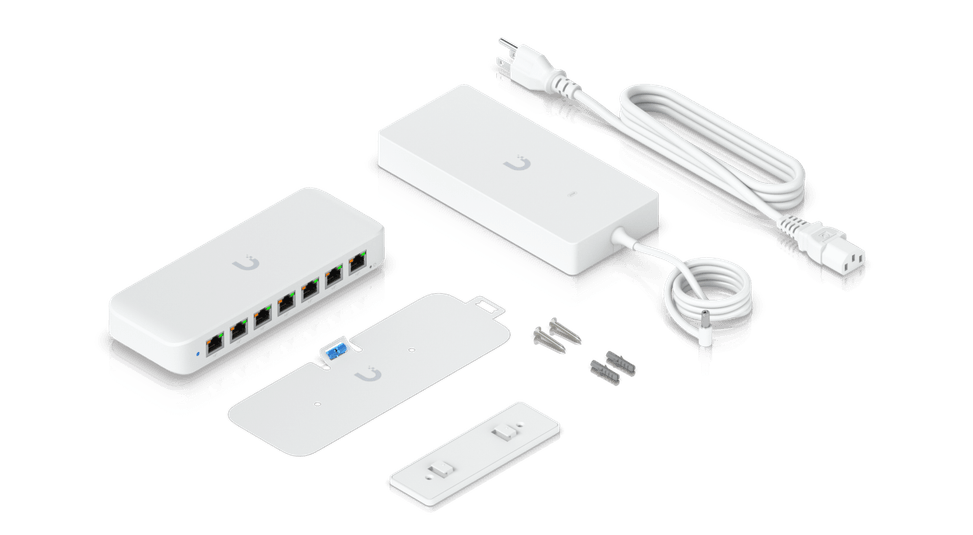
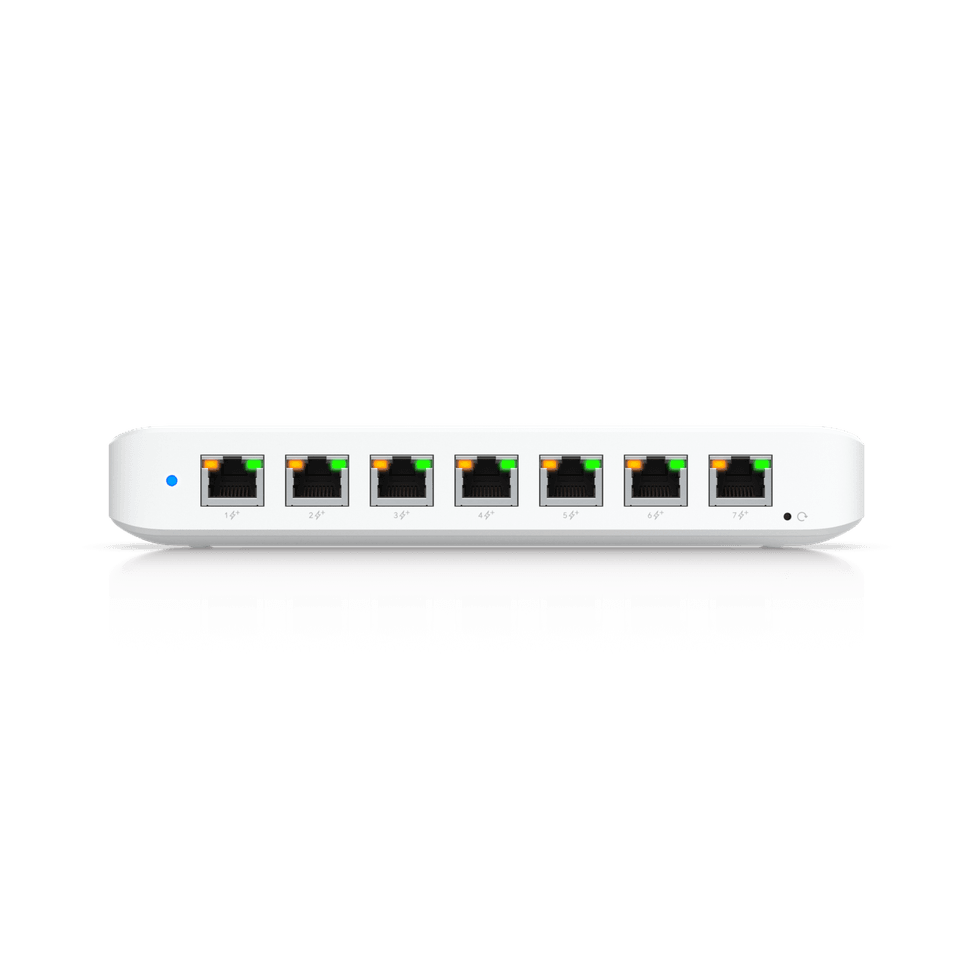
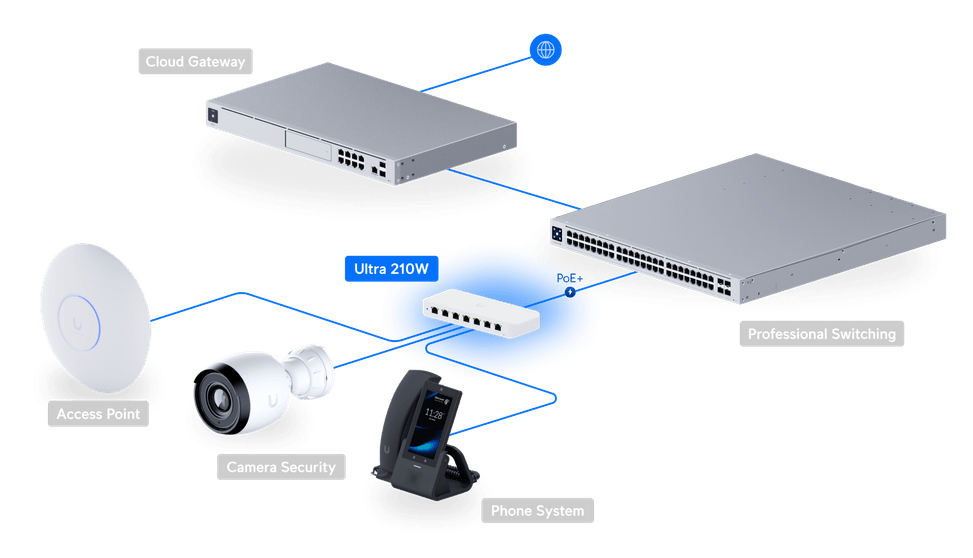
A Gigabit switch powered by its 210 W mains adapter or by PoE input, with a PoE budget reaching up to 202 W for cameras and Wi-Fi access points. Desk, wall or magnetic mounting, weight 320 g.
In stock
Earn 34 DH in loyalty credit with this purchaseHow does it work?Loyalty credit capped at 300 DH per order.
Delivery anywhere in Morocco
free
Casablanca store
Free pickup
Témara pickup point
Free pickup
1 year warranty — free repair in Morocco if it breaks down during the warranty period
100% secure payment: Bank transfer · Bank card · Cash on delivery (deposit of 510 DH by card or bank transfer) · Certified cheque
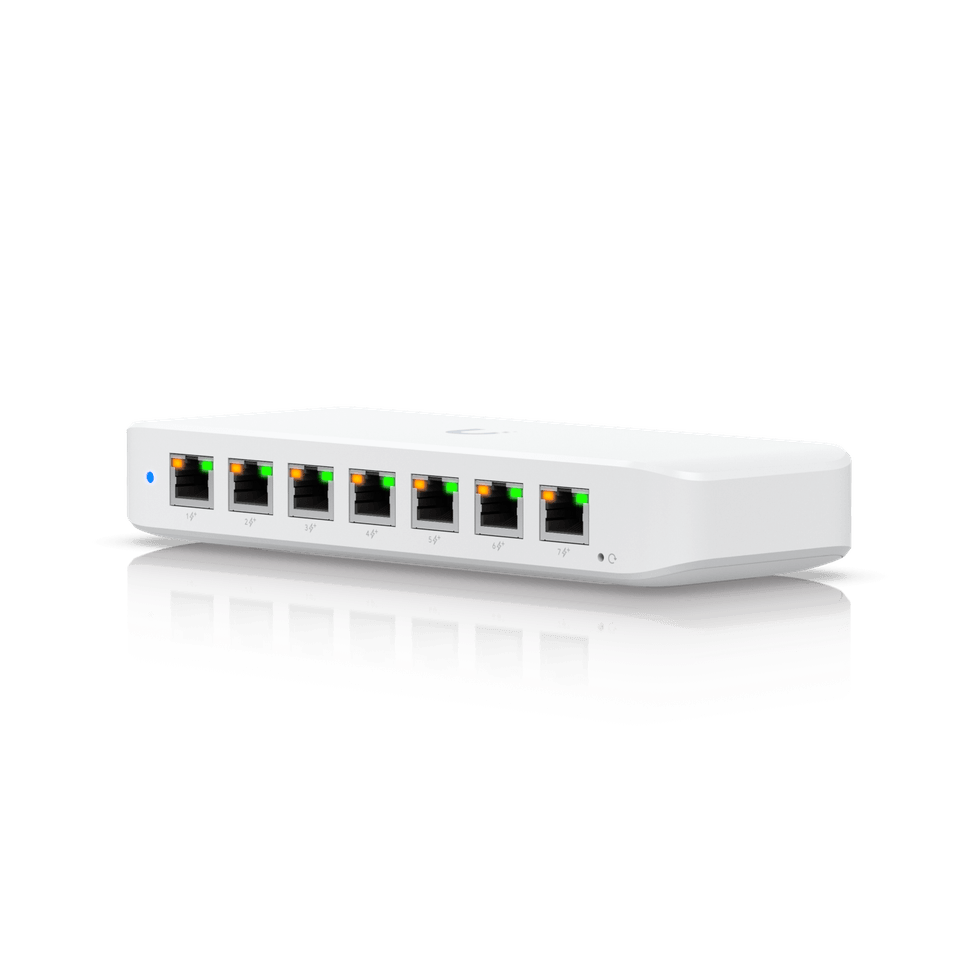
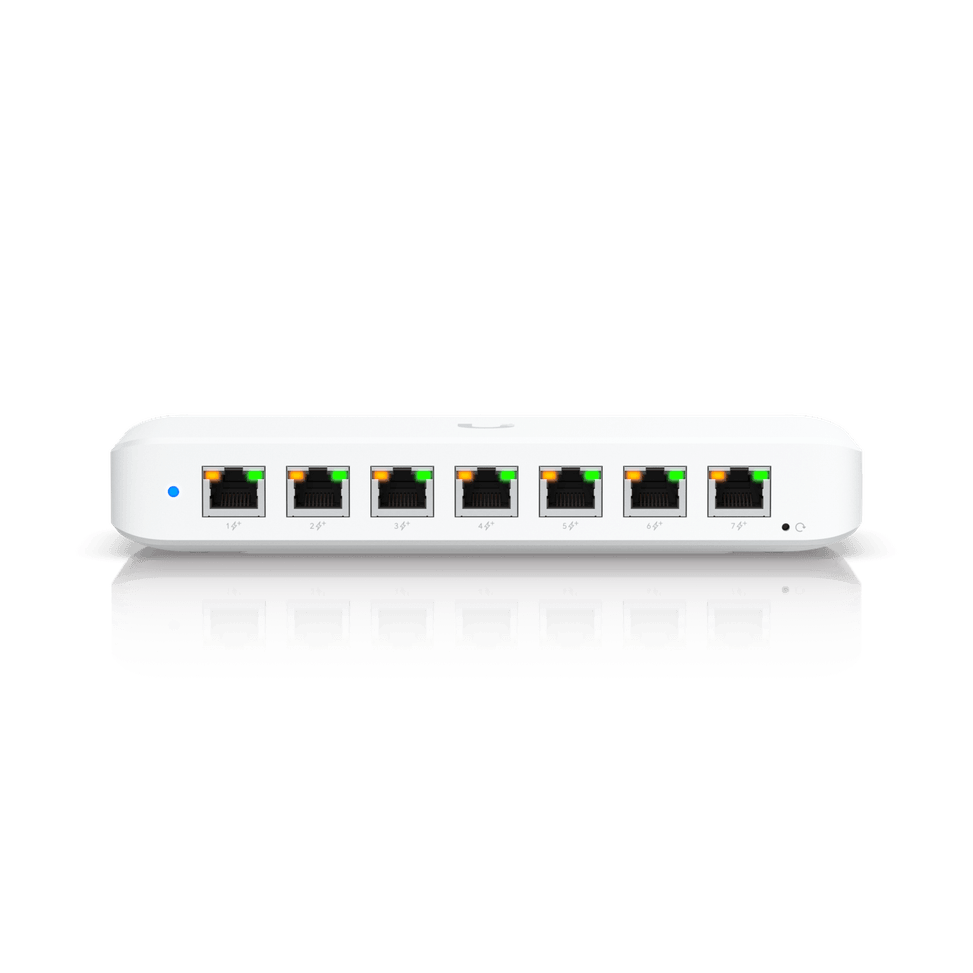
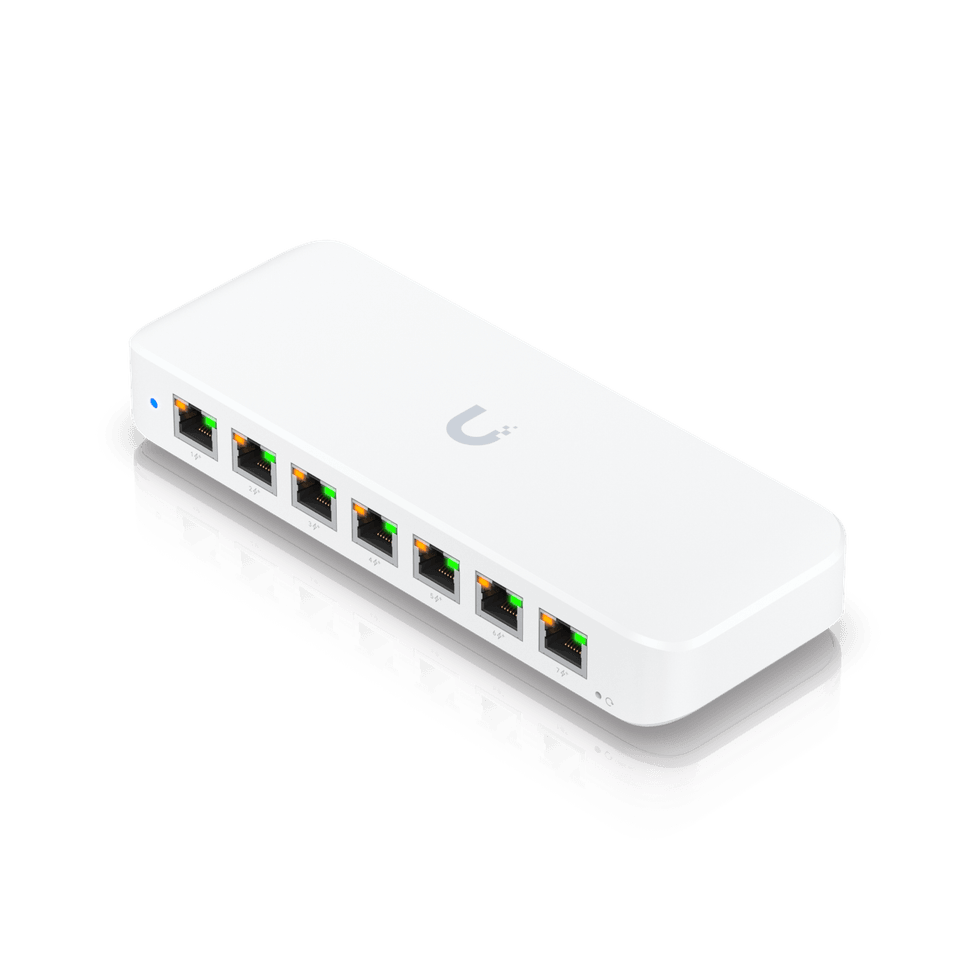
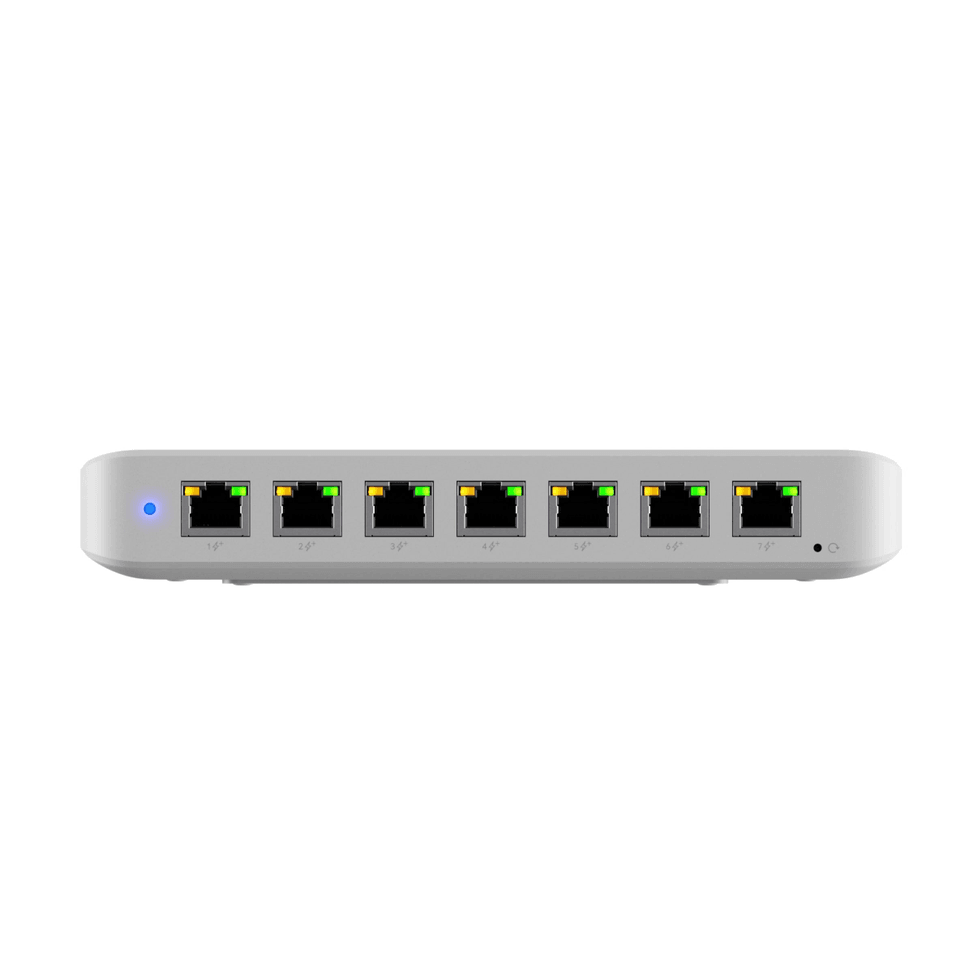
Ubiquiti UniFi Ultra 210W compact Gigabit switch: 8 Gigabit ports, including 7 PoE+, with a PoE budget of up to 210 W using the included adapter — exceptional power in a pocket-sized enclosure to power Wi-Fi hotspots, cameras and access points.
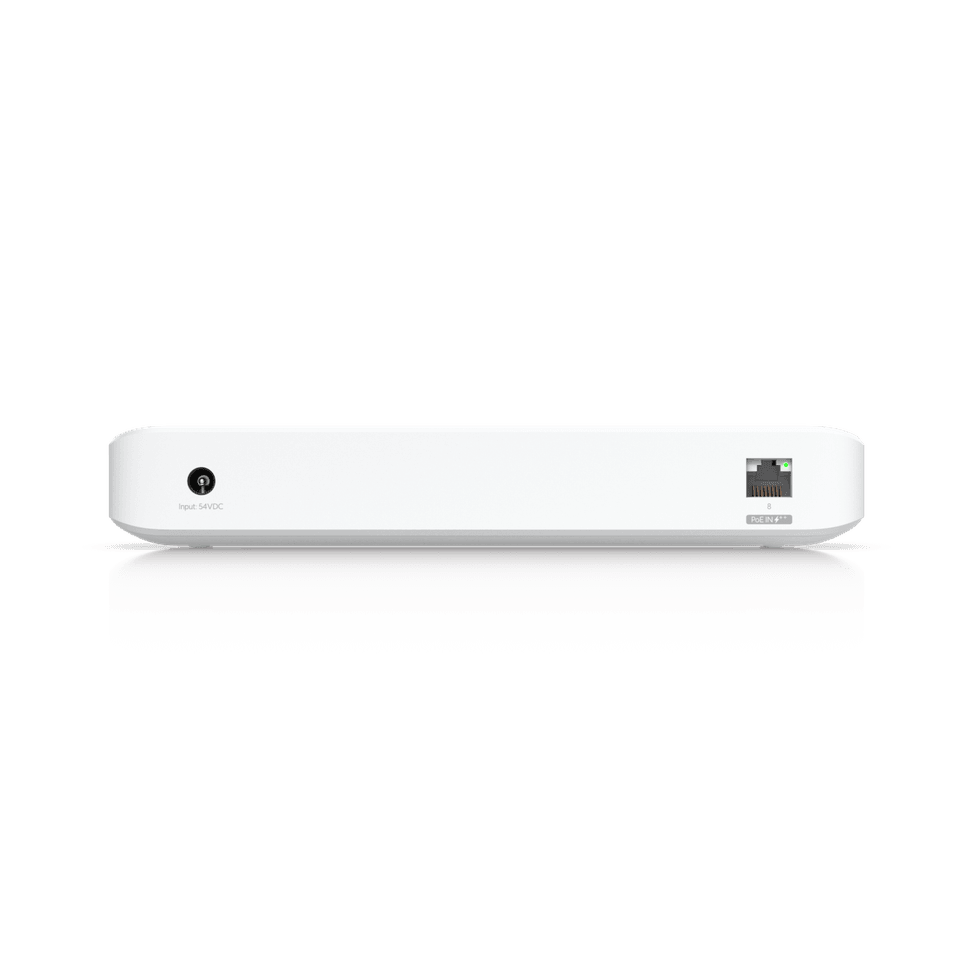
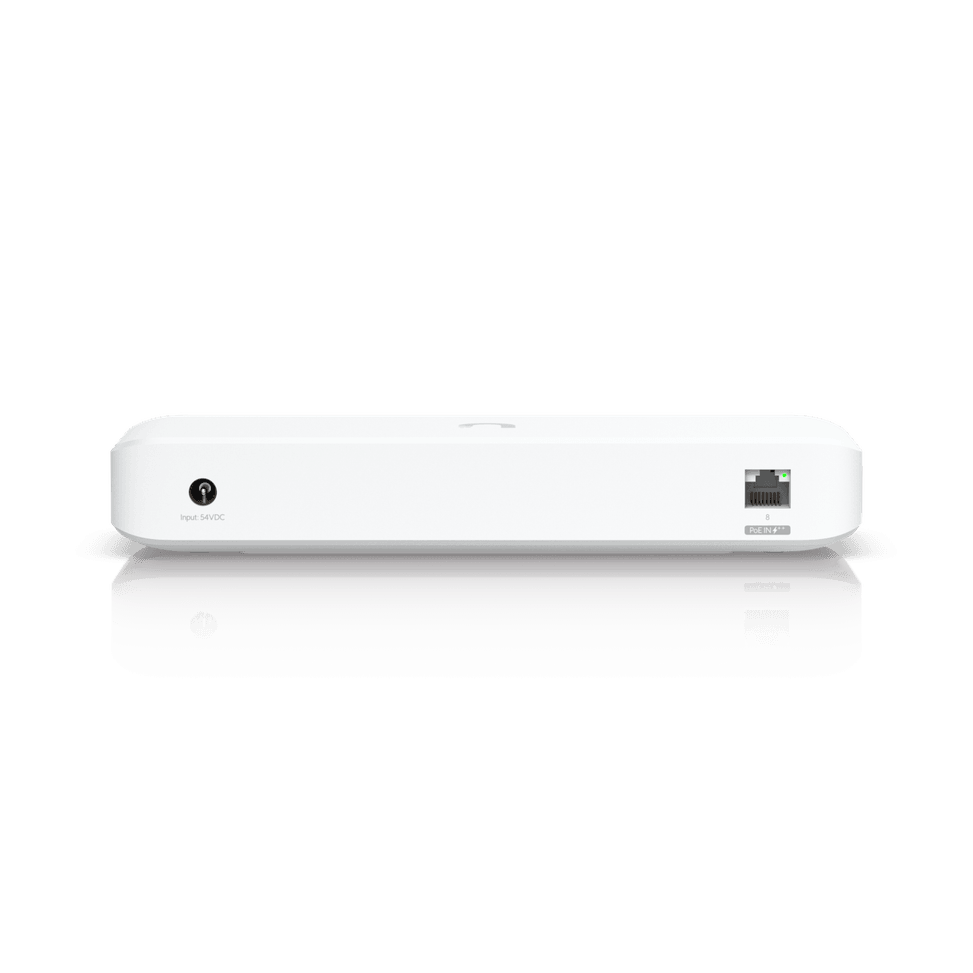
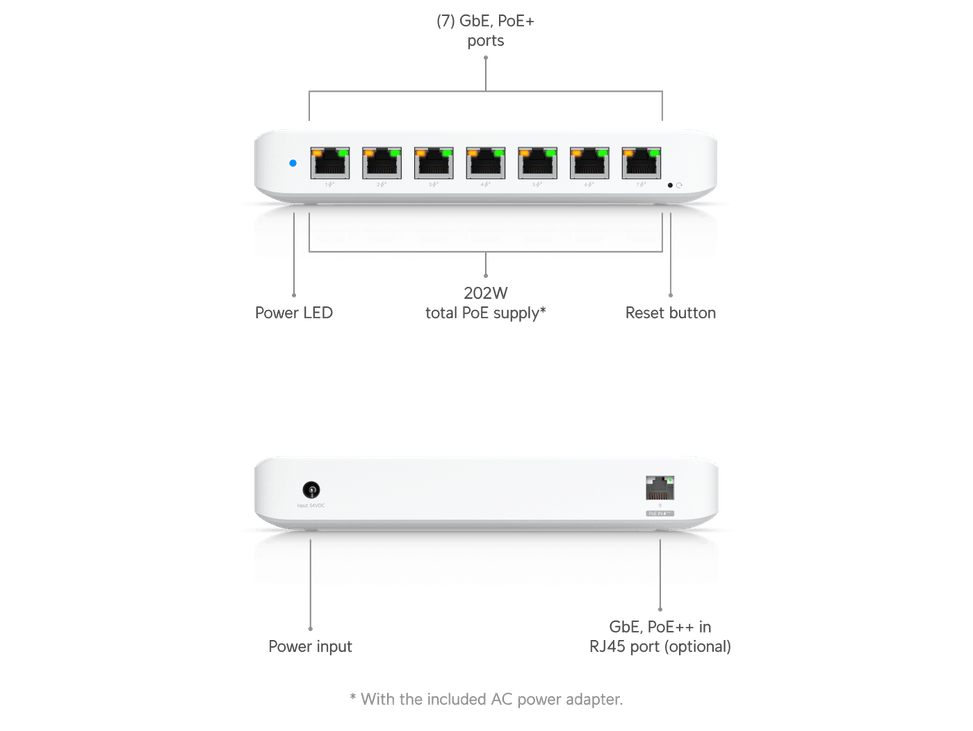
Ports: 8 Gigabit RJ45 ports (10/100/1000 Mbit/s), including 7 PoE+ ports (802.3at, up to 30 W per port); the 8th port acts as a PoE++ input to power the switch, or it runs from its included 210 W AC adapter.
PoE: available budget of up to 202 W (210 W adapter) or 42 W (PoE++ input) — choose according to the installation.
Management: Layer 2 (L2) via UniFi Network — STP/RSTP, storm control, port isolation and mirroring, flow control, 256 VLANs.
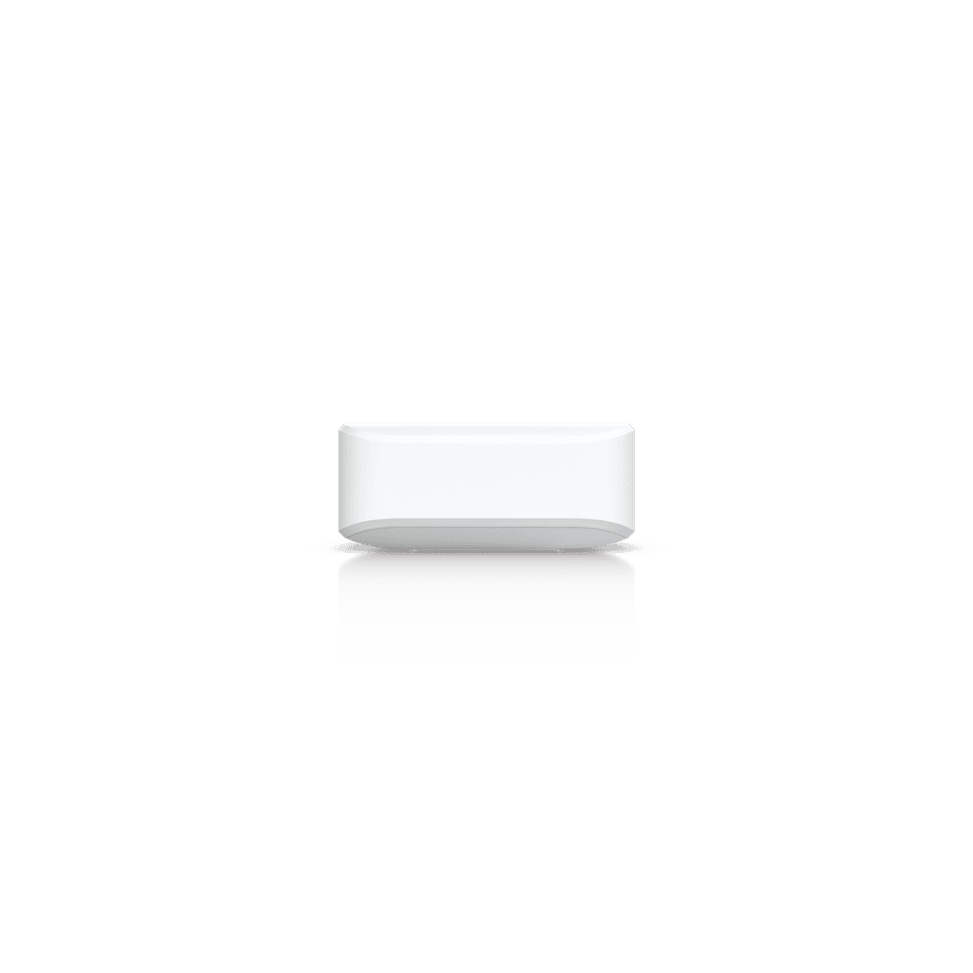
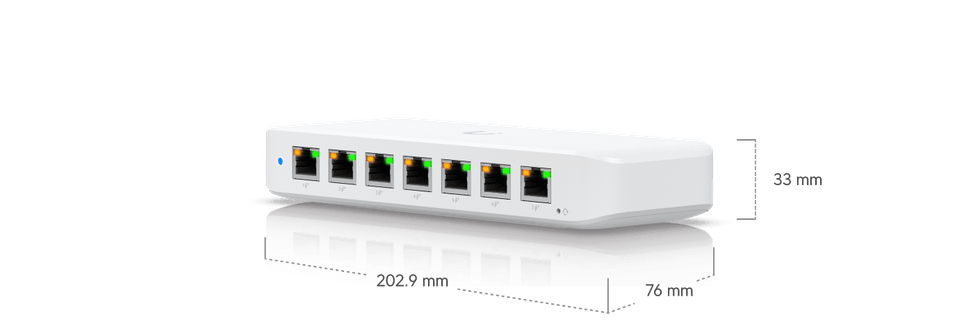
Form factor: ultra-compact (203 x 76 x 33 mm), desktop, wall or magnetic mounting.
Also: 16 Gbps switching capacity, 8 Gbps non-blocking, 12 Mpps, 4,000-entry MAC table, CE/FCC certified.
| MAC table size | 4,000 entries |
|---|---|
| Number of VLANs | 256 VLAN |
| Interfaces | 8 RJ45 1G ports including 7 PoE+ output and 1 PoE++ input |
| PoE ports | 7 PoE+ ports (30 W per port) |
| Total PoE budget | 202 W with the included 210 W AC adapter |
| Network standards | IEEE 802.3at (PoE+, 30 W per port) on output and 802.3bt (PoE++) on input |
| Switching capacity | 16 Gbps |
| Forwarding rate | 12 Mpps |
| Management modes | UniFi Network app and interface |
| Cloud management platform | UniFi Network |
| Layer 2 features | Egress rate limiting, flow control, storm control, multicast and broadcast traffic limiting, port isolation, port mirroring, jumbo frames, STP and RSTP, loop protection |
| IP routing | None |
| Power consumption | 210 W maximum with PoE load and the 210 W adapter, 8 W excluding PoE |
| Weight | 320 g |
| Dimensions (W x D x H) | 203 x 76 x 33 mm |
|---|---|
| Number of ports | 6 to 10 ports |
| Managed | Yes |
| Security features | Port isolation, storm control, multicast and broadcast traffic limiting |
| Power supply | External AC adapter 210 W, 50-57 V DC, or powered via PoE++ |
| PoE power | Yes |
| Port speed | 1 Gbps (Gigabit) |
| Management level | Layer 2 |
| PoE standard | PoE++ (802.3bt, up to 60 W/port) |
| PoE budget | 131 to 250 W |
| Fibre slots (SFP) | No |
| Mounting | Desktop |
| Warranty | 1 year |
No reviews yet
Be the first to review this product and help other customers.
Ugreen
In stock
Delivery everywhereDelivered all over Morocco
Ugreen
In stock
Eaton
In stock
Delivery everywhereDelivered all over Morocco
Delivery everywhereDelivered all over Morocco

Ruijie
Compact PoE+ access switch (802.3af/at standard) to power IP cameras, Wi-Fi access points or VoIP phones in small spaces. Gigabit/SFP combo uplink, managed through Ruijie Cloud.
In stock
Delivery everywhereDelivered all over Morocco
Aruba
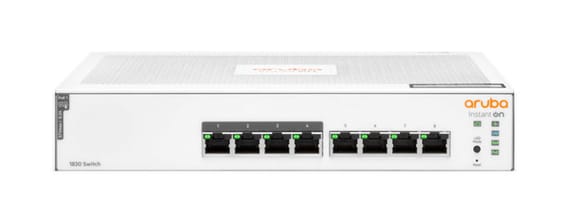
Layer 2 managed switch for a small office powering a few Wi-Fi or IP devices over Power over Ethernet, with monitoring and scheduling via the Instant On mobile app.
Aruba
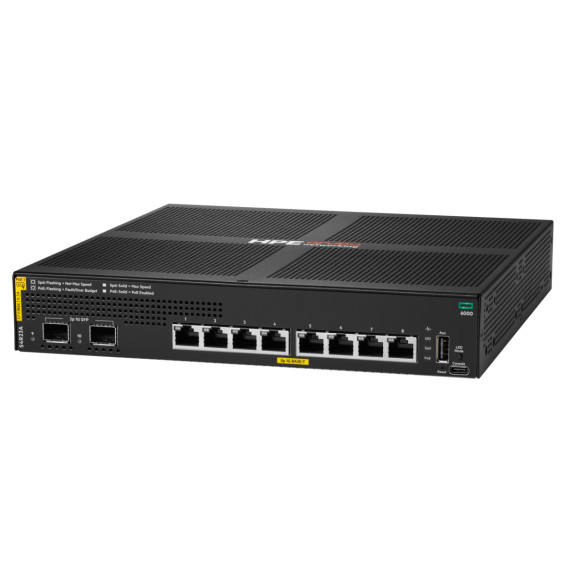
Eight PoE+ sockets to power Wi-Fi access points, cameras and IP phones, in a compact fanless unit you forget is in the office. Enterprise-grade AOS-CX system, managed from the cloud or the command line.

Aruba
24 Gigabit ports, half of them PoE+ (ports 1 to 12) for medium-sized offices — simplified control from the Aruba Instant On app, with no subscription.
Grandstream
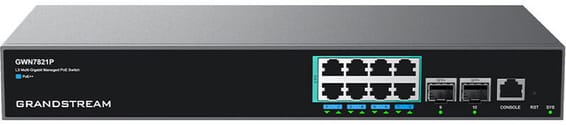
Very fast, fully managed enterprise network: Multi-Gigabit 2.5 Gbps ports with PoE++ up to 60 W to power the most demanding Wi-Fi 6E access points and PTZ cameras. Full L3 routing.
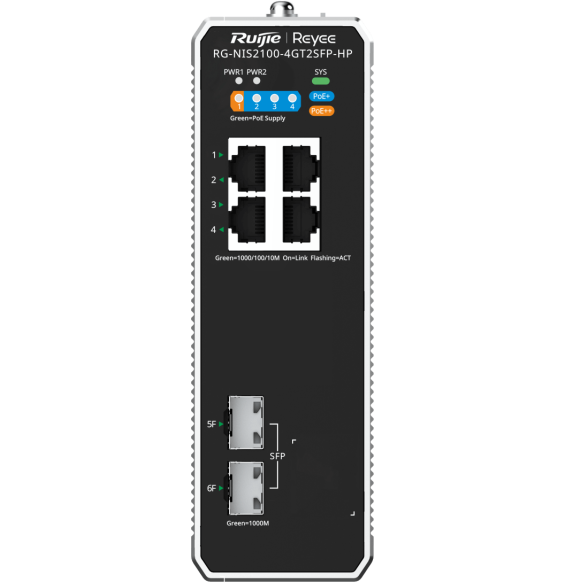
Ruijie
Designed for harsh environments: an IP40 aluminium housing operating from -40 °C to +75 °C, fanless. ERPS ring redundancy and remote management through Ruijie Cloud.
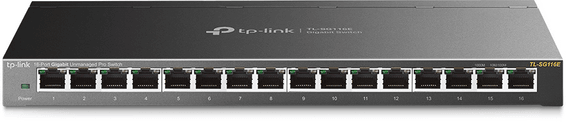
TP-Link
Desktop switch in a sturdy metal casing, with a web interface to prioritise traffic and create VLANs — a sound balance between simplicity and control for a small network.
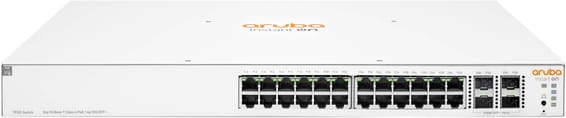
Aruba
Aruba Instant On switch for small businesses: full L2+ managed from the mobile app, the cloud portal or a local web interface, with a more measured PoE budget for flexible deployment of Wi-Fi access points and IP cameras.

Ruijie
Designed for SMEs and video surveillance: automatic IP camera recognition, loop prevention and remote port restart through Ruijie Cloud. Extension up to 250 m in camera mode.

Grandstream
Each PoE+ port delivers up to 30 W, for a total budget of 120 W, rounded out by two fibre links. Managed from the GWN.Cloud platform or locally, with VLANs and advanced security.
In stock
Delivery everywhereDelivered all over Morocco
In stock
Delivery everywhereDelivered all over Morocco
In stock
Delivery everywhereDelivered all over Morocco
In stock
Delivery everywhereDelivered all over Morocco
In stock
Delivery everywhereDelivered all over Morocco
In stock
Delivery everywhereDelivered all over Morocco
In stock
Delivery everywhereDelivered all over Morocco
In stock
Delivery everywhereDelivered all over Morocco
In stock
Delivery everywhereDelivered all over Morocco