

Ugreen
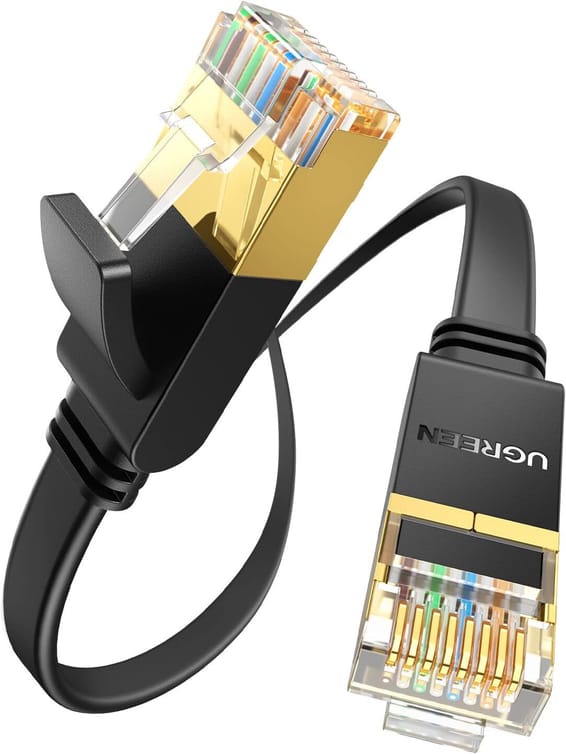
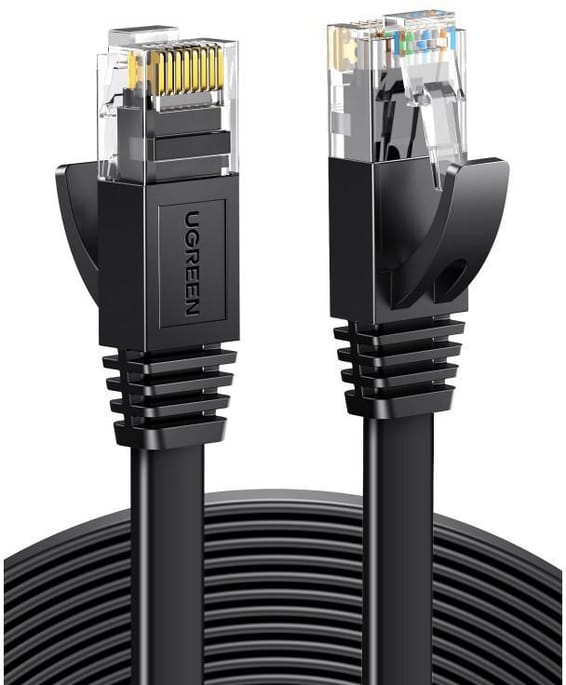
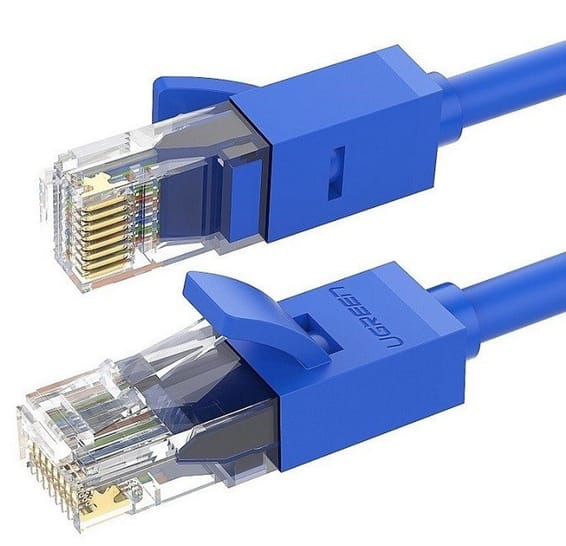
Ugreen Flat CAT7 U FTP RJ45 Ethernet Cable - 3 metres (11262)
In stock
85 DHincl. VAT85,00 DHincl. VAT
Delivery everywhereDelivered all over Morocco
Designed for video surveillance: a 384 W PoE+ budget shared across the powered ports, transmission up to 250 m and power maintained even when the switch restarts. Rackable metal housing, VLAN and automatic loop prevention.
In stock
Earn 23 DH in loyalty credit with this purchaseHow does it work?Loyalty credit capped at 300 DH per order.
Delivery anywhere in Morocco
40 DH incl. VAT
Casablanca store
Free pickup
Témara pickup point
Free pickup
1 year warranty — free repair in Morocco if it breaks down during the warranty period
100% secure payment: Bank transfer · Bank card · Cash on delivery · Certified cheque
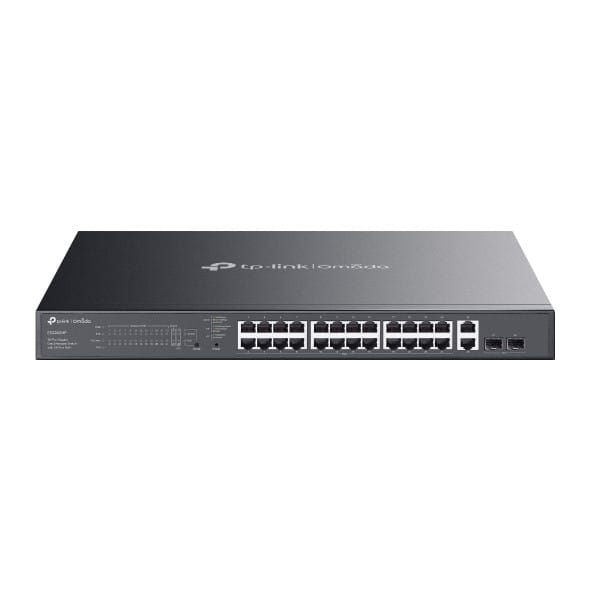
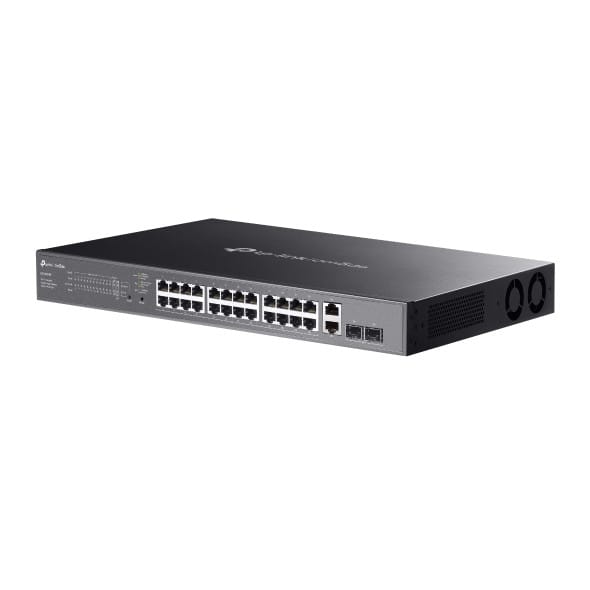
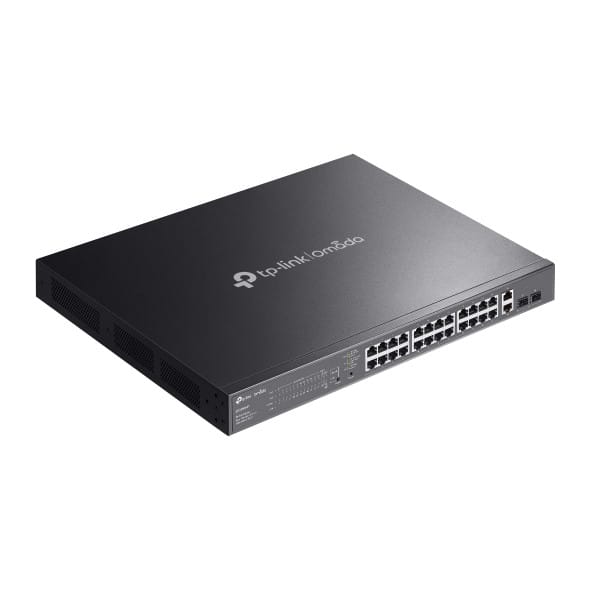
TP-Link ES228GMP Omada 28-port Gigabit Easy Managed switch: expand your PoE network with ease.
Ports: 24 Gigabit PoE+ ports + SFP slots for fibre links.
PoE: powers cameras, Wi-Fi access points and phones over a single cable, with a generous PoE budget.
Functions: VLAN, QoS, port isolation, remote camera reboot.
Management: Easy Managed through the Omada cloud.
Use cases: video surveillance, Wi-Fi networks, SMEs.
A managed Gigabit PoE+ switch that brings everything together in Omada.
| MAC table size | 8,000 entries |
|---|---|
| Number of VLANs | 32 VLAN groups (802.1Q), port-based and MTU VLAN |
| Internal memory | 64 Mbit flash memory |
| Interfaces | 24 RJ45 10/100/1000 Mbps PoE+ ports, 2 RJ45 10/100/1000 Mbps ports, 2 Gigabit SFP slots |
| PoE ports | 24 PoE+ ports (802.3af/at), up to 30 W per port |
| Total PoE budget | 384 W |
| Network standards | IEEE 802.3, 802.3i, 802.3u, 802.3ab, 802.3z, 802.3x, 802.1p, 802.1q, 802.1ab, 802.3af, 802.3at |
| Switching capacity | 56 Gbps |
| Forwarding rate | 41.66 Mpps |
| Packet buffer | 4 Mbit |
| Management modes | Web interface, Omada app |
| Cloud management platform | Omada SDN (hardware, software or cloud controller) |
| Layer 2 features | IGMP snooping, automatic loop prevention, Fast PoE and Perpetual PoE, PoE transmission up to 250 m |
| IP routing | None |
| Quality of service (QoS) | 802.1p/DSCP, 8 queues, WRR scheduling, per-port rate limiting, storm control |
| Power consumption | 454.8 W maximum with 384 W PoE load |
| Weight | 5 kg |
|---|---|
| Dimensions (W x D x H) | 440 x 330 x 44 mm |
| Number of ports | 19 to 28 ports |
| Managed | Yes |
| Security features | Port isolation to segment traffic |
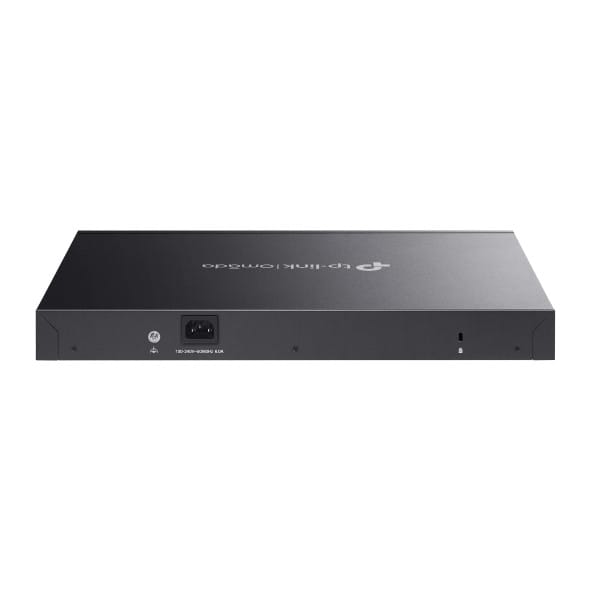
| Power supply | Internal 100-240 V AC power supply, 50/60 Hz |
| Cooling system | 2 fans |
| PoE power | Yes |
| Port speed | 1 Gbps (Gigabit) |
| Management level | Web interface (Smart) |
| PoE standard | PoE+ (802.3at, up to 30 W/port) |
| PoE budget | 251 to 400 W |
| Fibre slots (SFP) | Yes |
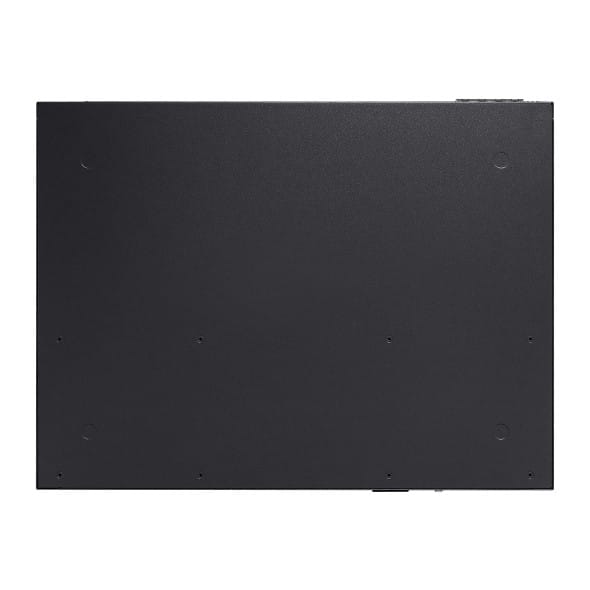
| Mounting | 19-inch rack-mountable |
| Warranty | 1 year |
No reviews yet
Be the first to review this product and help other customers.
Ugreen
In stock
Delivery everywhereDelivered all over Morocco
Ugreen
In stock

Eaton
In stock
Delivery everywhereDelivered all over Morocco
Delivery everywhereDelivered all over Morocco
Aruba
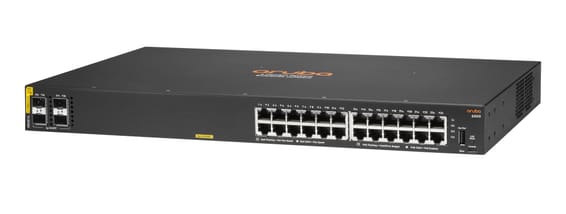
Managed access switch designed for SMEs and branch offices: powers workstations, Wi-Fi access points and IP cameras over Power over Ethernet, with centralised control from Aruba Central and automated deployment.
In stock
Delivery everywhereDelivered all over Morocco
Huawei
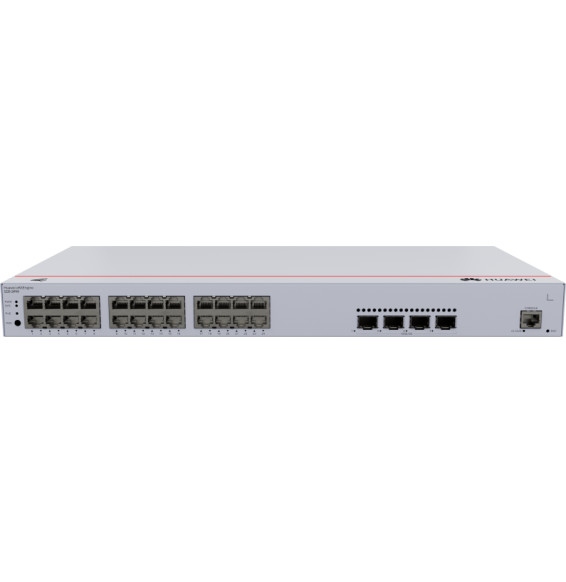
Fast PoE instantly powers cameras, Wi-Fi access points and IP phones over the network cable, with no break on restart. Four 10G links absorb traffic to the network core. Web, cloud app or command line control, built-in DoS/802.1X security.

Huawei
Managed switch that powers its ports over PoE+ through the network cable, with two 2.5 Gbps combo ports for recent Wi-Fi access points. Configurable through the HUAWEI eKit App cloud or locally.
Cisco Systems
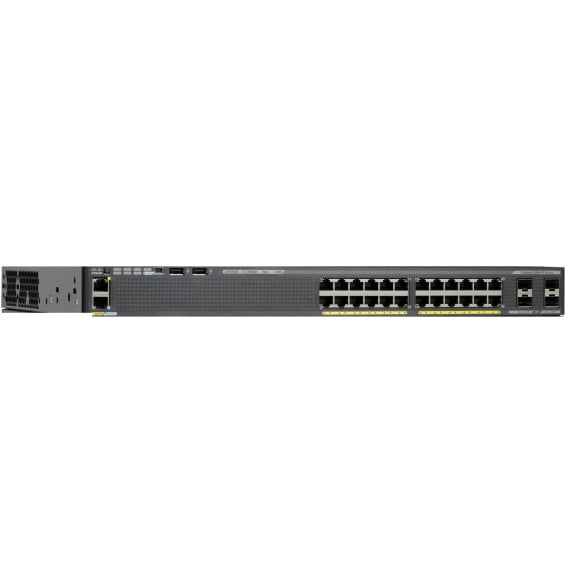
Cisco Catalyst 2960-X managed switch with LAN Base image: 24 Gigabit PoE+ ports with a 370 W budget, 4 SFP 1 Gbps uplink ports and FlexStack-Plus stacking of up to 8 switches. 1U, 5.8 kg, for a 19-inch rack.
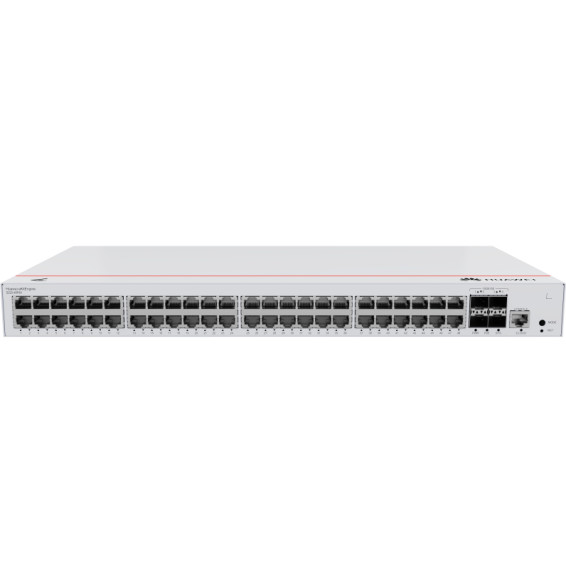
Huawei
Covers a whole floor of cameras, Wi-Fi access points and IP phones on a single device, without multiplying power units. 10G links and a capacity of 176 Gbps absorb the combined traffic. VLANs, security and administration of enterprise equipment.
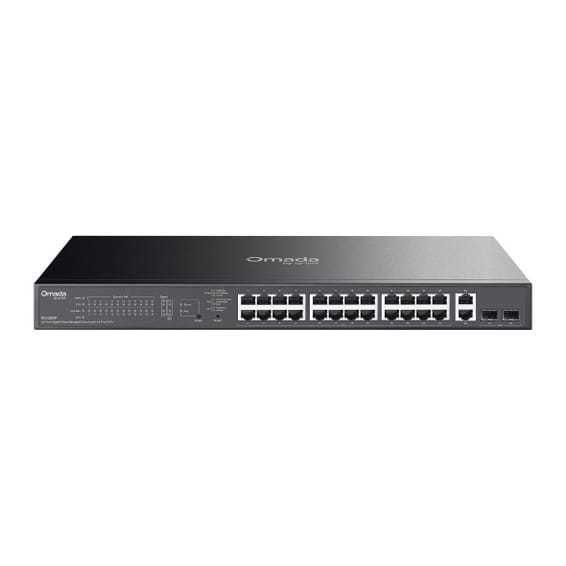
TP-Link
A 250 W PoE+ budget for video surveillance, with transmission up to 250 m and remote camera restart. Compact 180 mm depth, rackable metal housing.

Ruijie
Designed for SMEs and video surveillance, in a 19″ rackable format: automatic IP camera recognition, PoE consumption alarm and remote port restart through Ruijie Cloud.
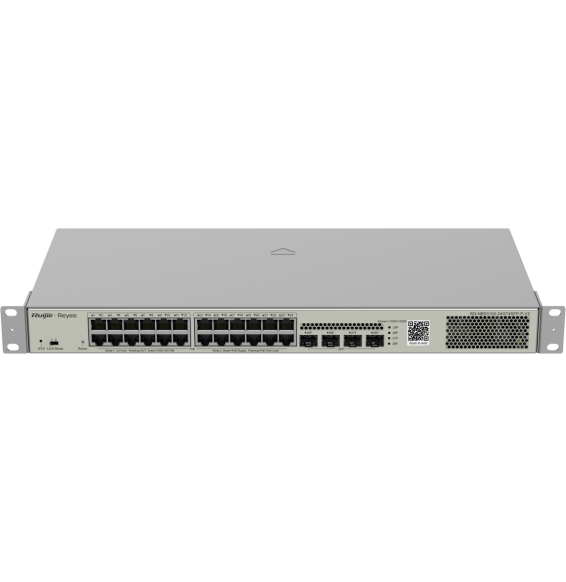
Ruijie
Designed for enterprise networks, with advanced security and automatic recognition of IP cameras. Lifetime management through Ruijie Cloud for monitoring and remote updates.

Aruba
24 Gigabit ports, half of them PoE+ (ports 1 to 12) for medium-sized offices — simplified control from the Aruba Instant On app, with no subscription.
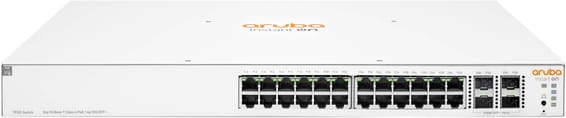
Aruba
Aruba Instant On switch for small businesses: full L2+ managed from the mobile app, the cloud portal or a local web interface, with a more measured PoE budget for flexible deployment of Wi-Fi access points and IP cameras.
In stock
Delivery everywhereDelivered all over Morocco
In stock
Delivery everywhereDelivered all over Morocco
In stock
Delivery everywhereDelivered all over Morocco
In stock
Delivery everywhereDelivered all over Morocco
In stock
Delivery everywhereDelivered all over Morocco
In stock
Delivery everywhereDelivered all over Morocco
In stock
Delivery everywhereDelivered all over Morocco
In stock
Delivery everywhereDelivered all over Morocco
In stock
Delivery everywhereDelivered all over Morocco