

Ugreen
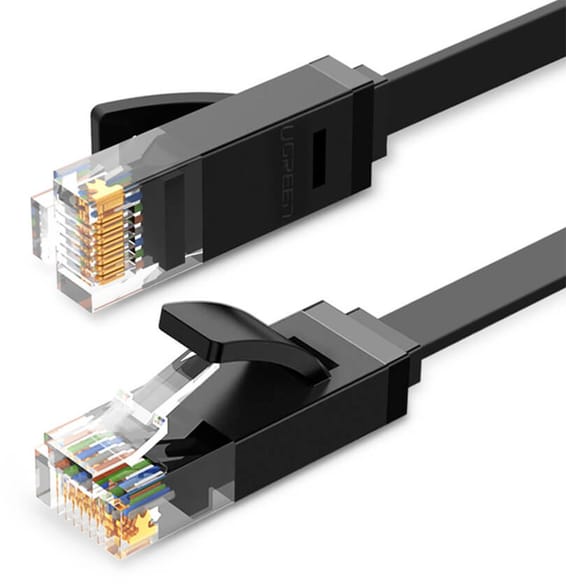
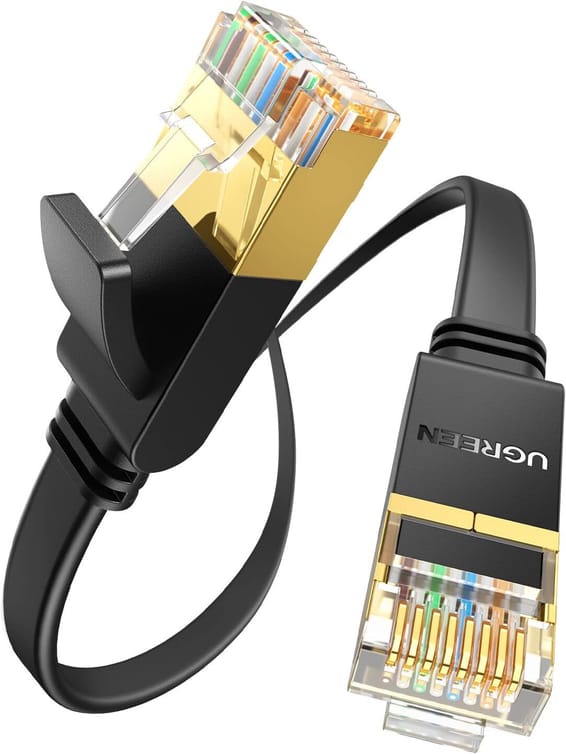
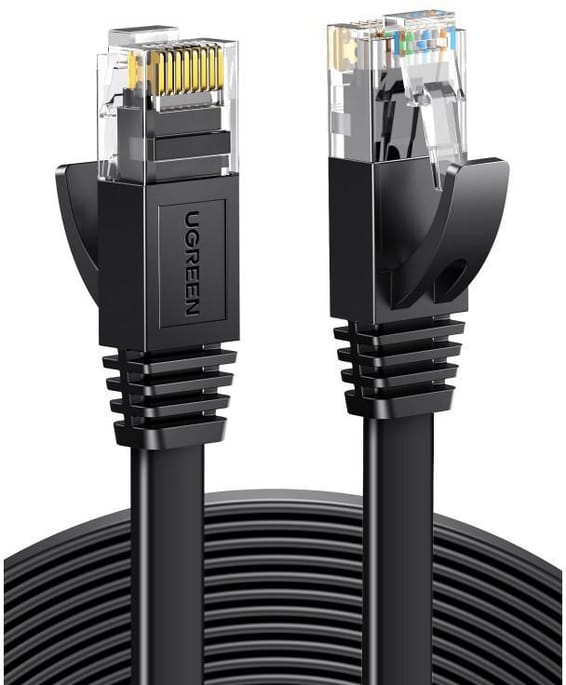
Ugreen Flat CAT6 RJ45 Ethernet Cable - 20 metres (50181)
In stock
169 DHincl. VAT169,00 DHincl. VAT
Delivery everywhereDelivered all over Morocco
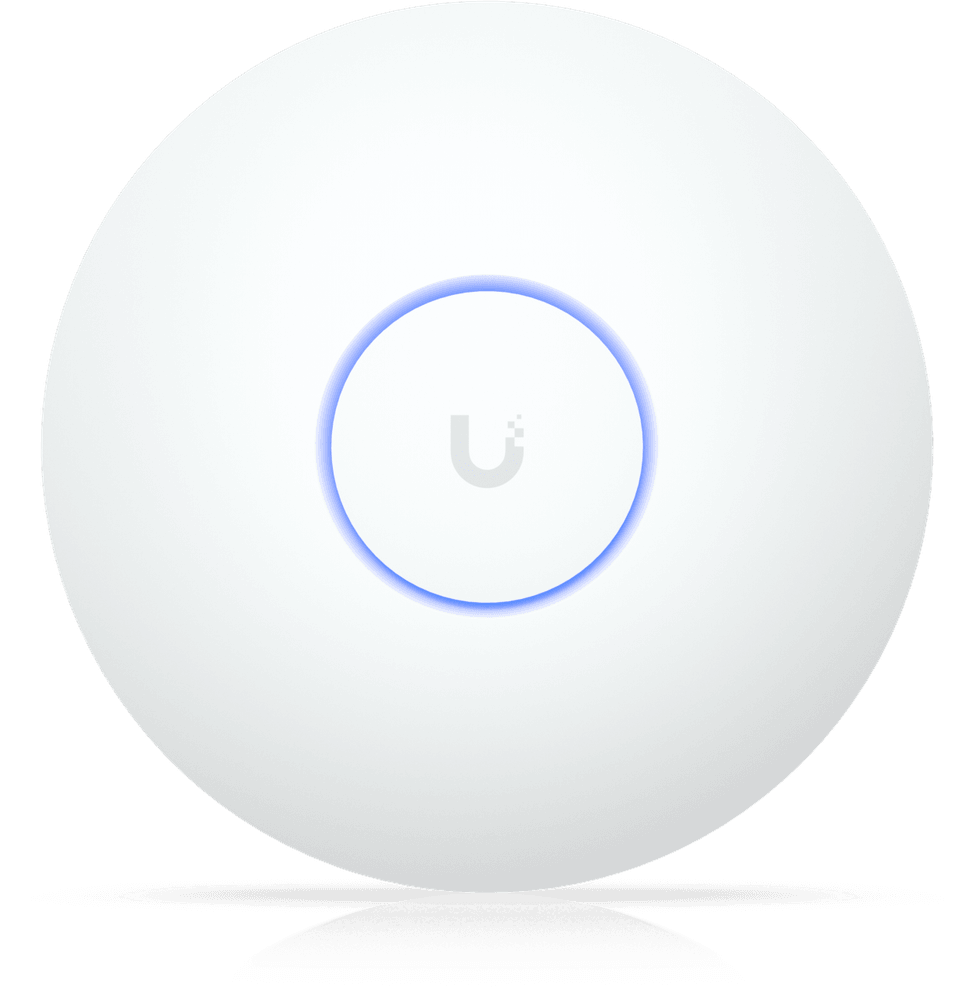
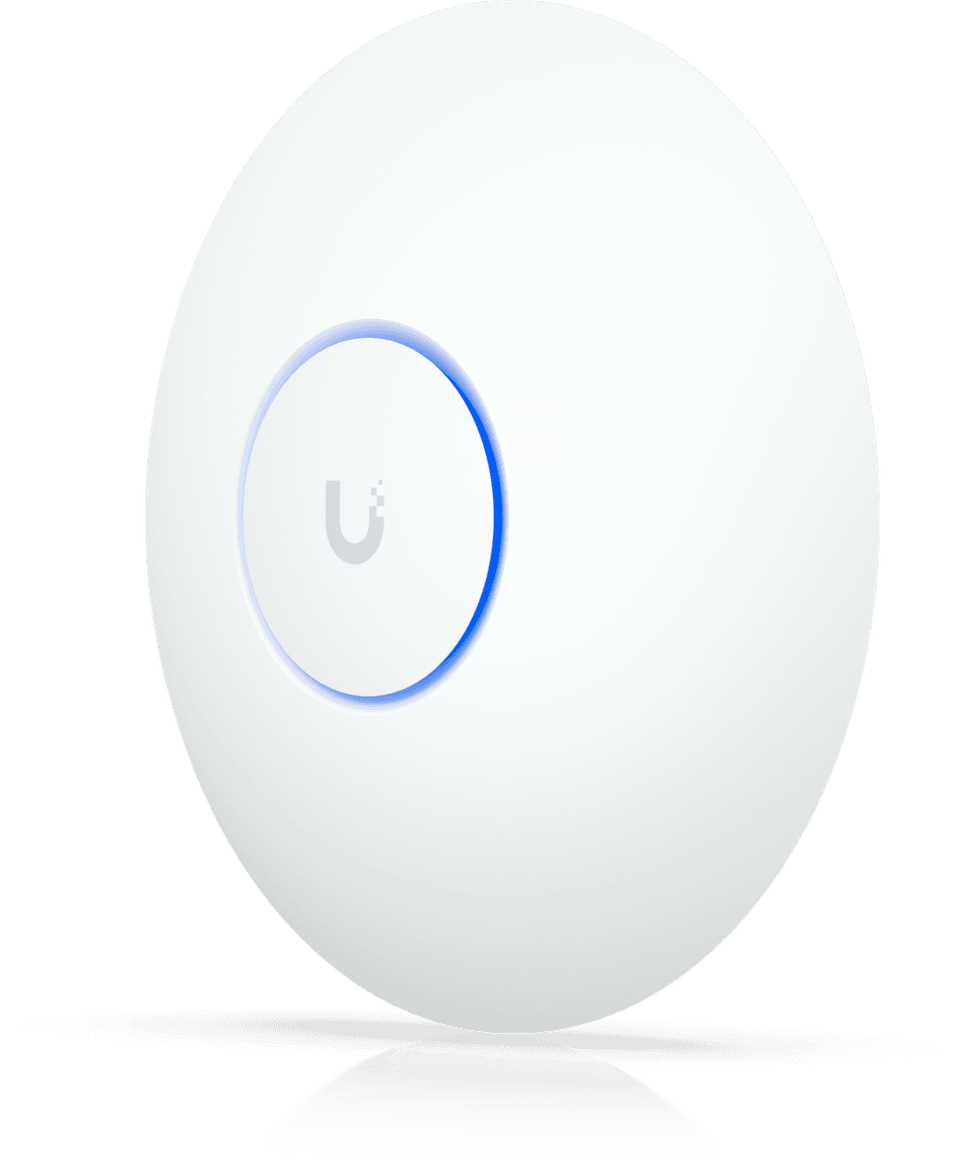
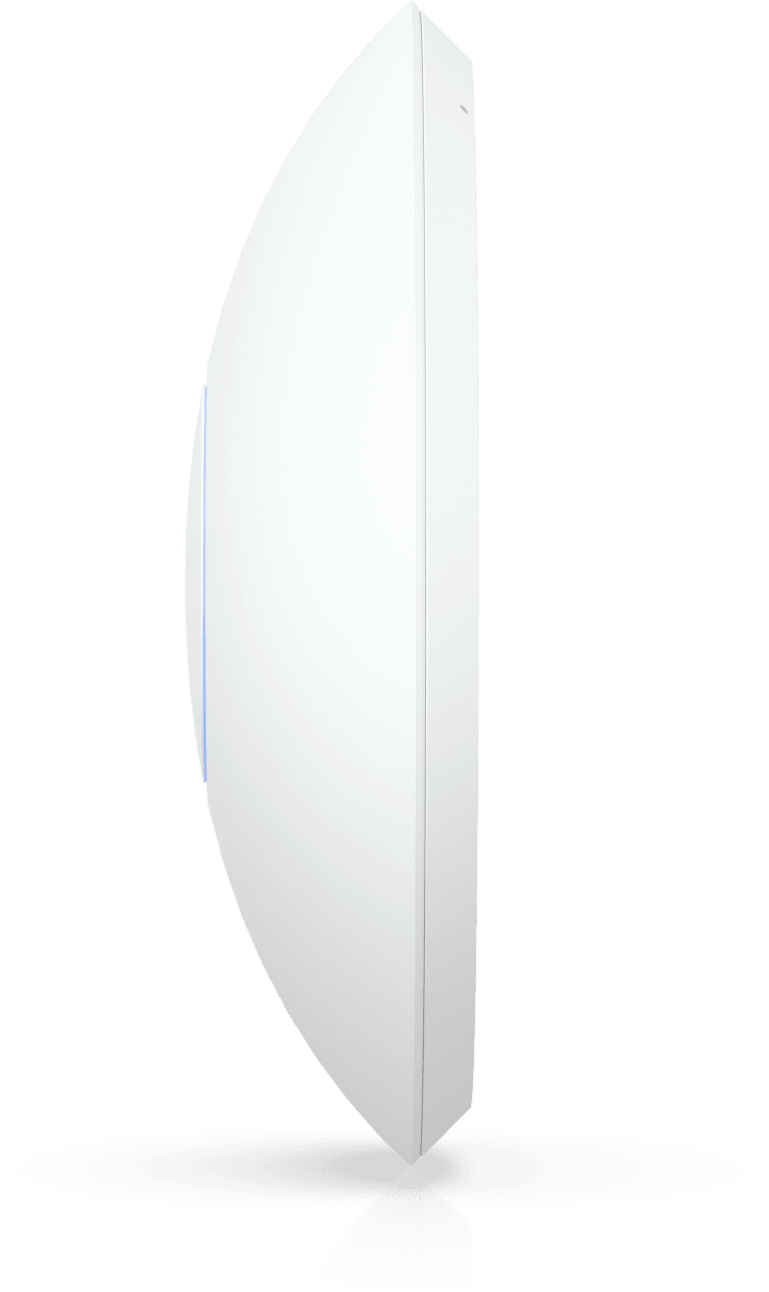
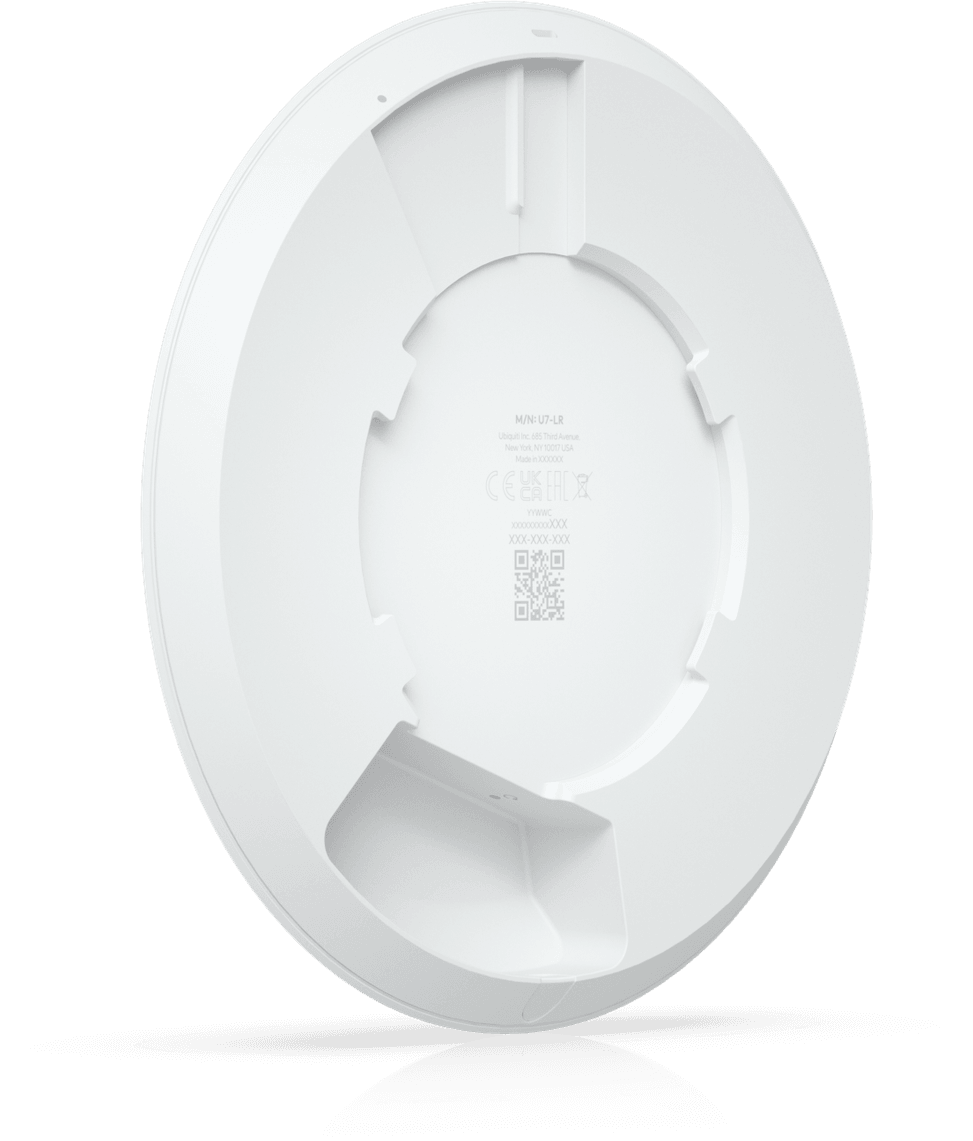
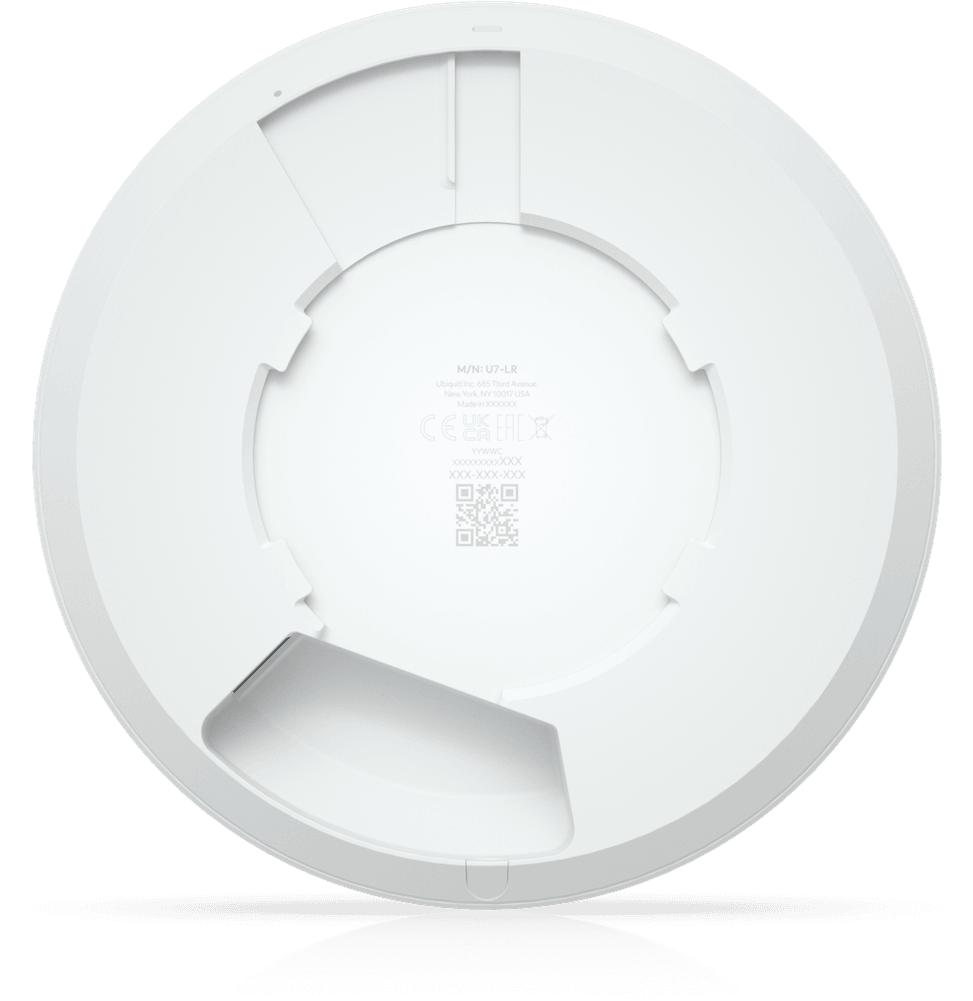
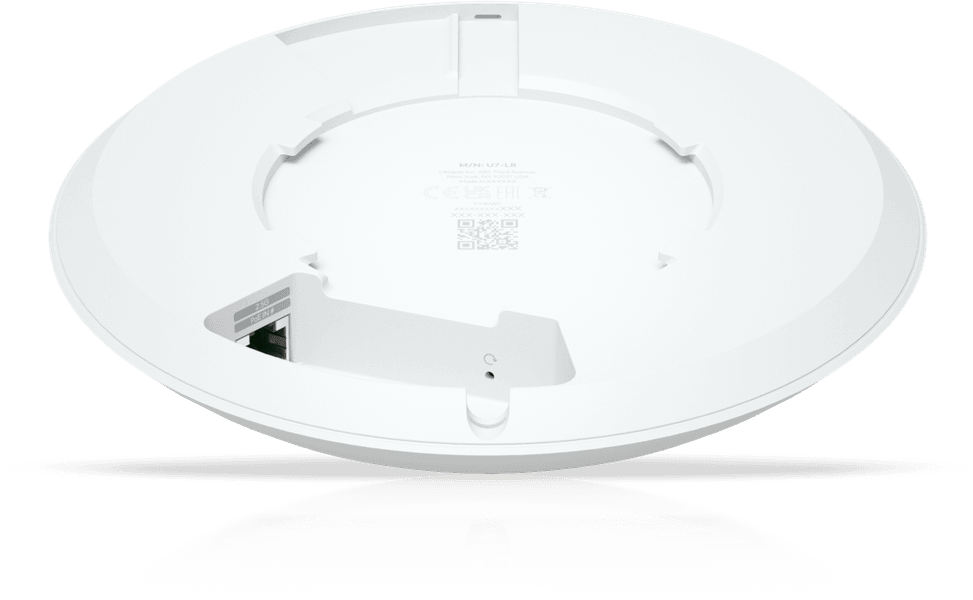
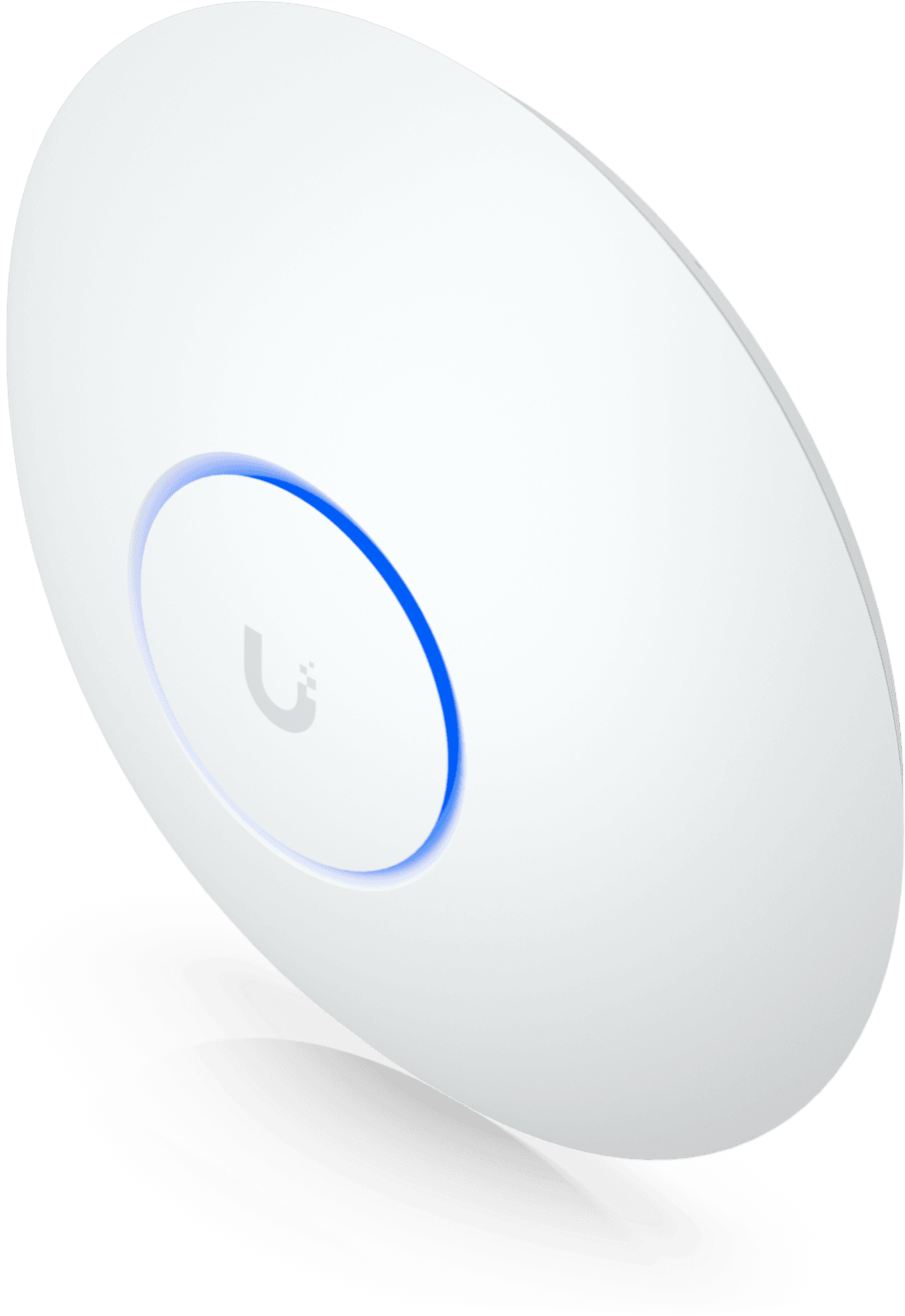
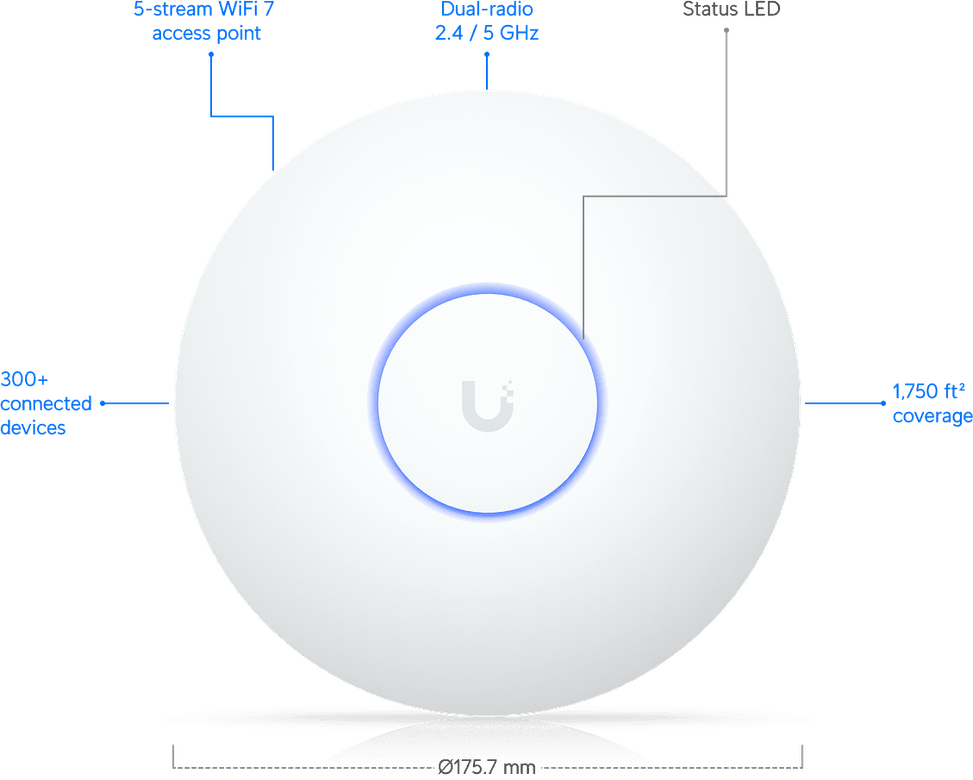
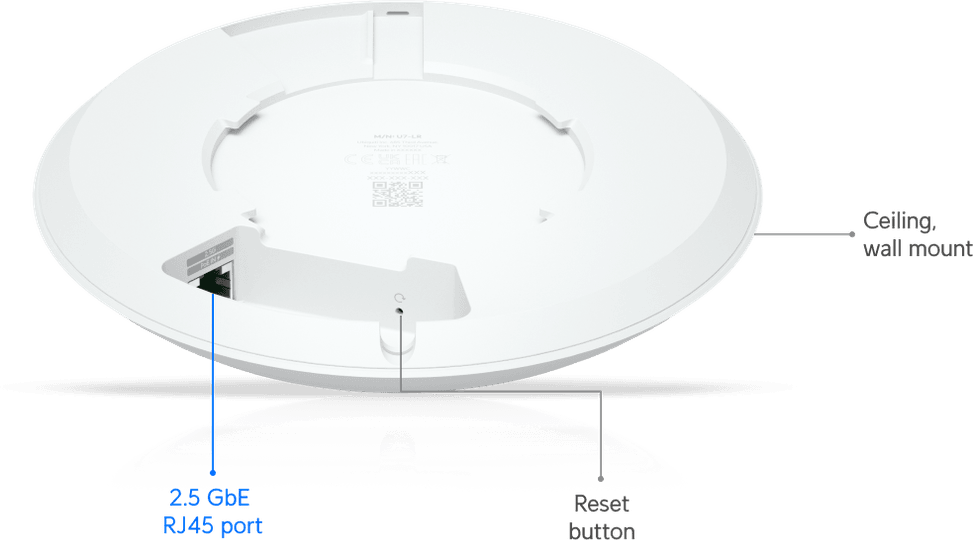
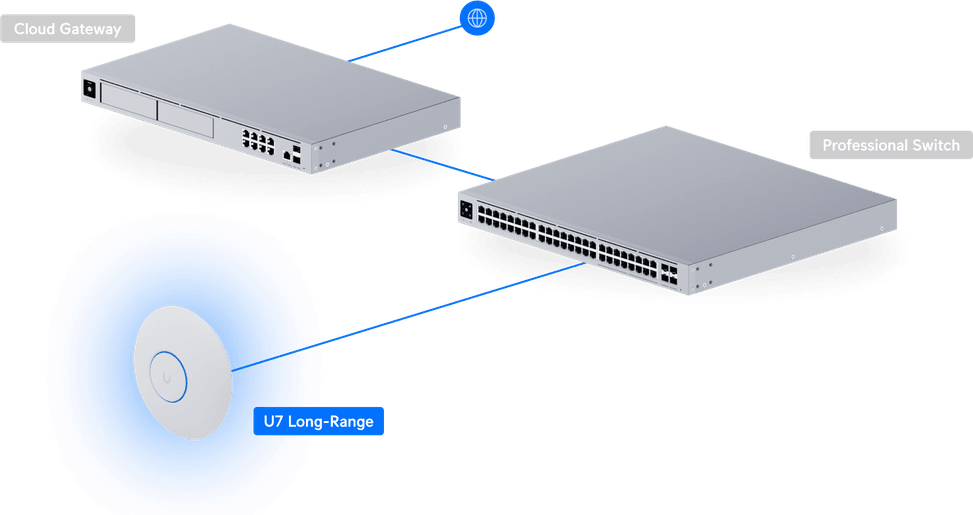
Five spatial streams, three of them on the 5 GHz band at 4.3 Gbps, for 160 m² covered and more than 300 devices connected. A 2.5 Gbps port and power over the network cable, with no mains socket nearby.

Black Friday
-5%You save 130,00 DH incl. VAT
In stock
Earn 25 DH in loyalty credit with this purchaseHow does it work?Loyalty credit capped at 300 DH per order.
Delivery anywhere in Morocco
40 DH incl. VAT
Casablanca store
Free pickup
Témara pickup point
Free pickup
1 year warranty — free repair in Morocco if it breaks down during the warranty period
100% secure payment: Bank transfer · Bank card · Cash on delivery (deposit of 370 DH by card or bank transfer) · Certified cheque
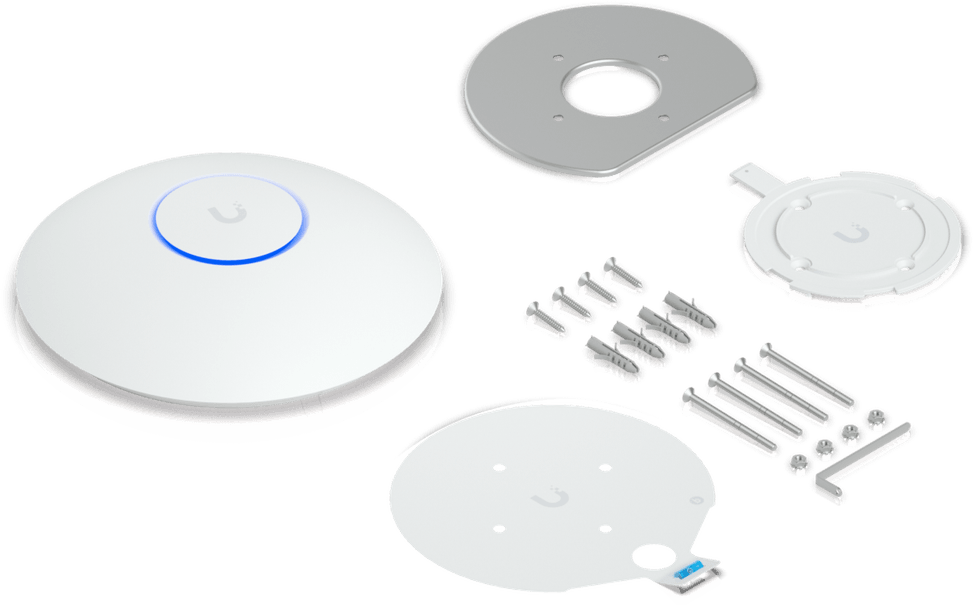
| Package contents | Access point and plastic mounting plate included |
|---|---|
| Interfaces | 1 x 2.5 GbE RJ45 port |
| Network standards | IEEE 802.11be (Wi-Fi 7), compatible with 802.11ax, 802.11ac and 802.11n |
| Advanced Wi-Fi technologies | EHT, HE, VHT and HT modulations, advanced radio management, band steering |
| Maximum channel width | 160 MHz on 5 GHz, 40 MHz on 2.4 GHz |
| Spatial streams and MU-MIMO | 2×2 at 2.4 GHz, 3×3 at 5 GHz, uplink and downlink MU-MIMO, 5 spatial streams |
| Maximum Wi-Fi throughput per band | 688 Mbps at 2.4 GHz, 4.3 Gbps at 5 GHz |
| Management modes | UniFi Network app and interface, management over Ethernet |
| Cloud management platform | UniFi Network |
| Layer 2 features | RADIUS-assigned dynamic VLAN, client device isolation, Wi-Fi rate limiting |
| Roaming and mesh | 802.11k, 802.11r and 802.11v, wireless mesh, band steering |
| Power consumption | 14 W maximum |
| Weight | 448 g |
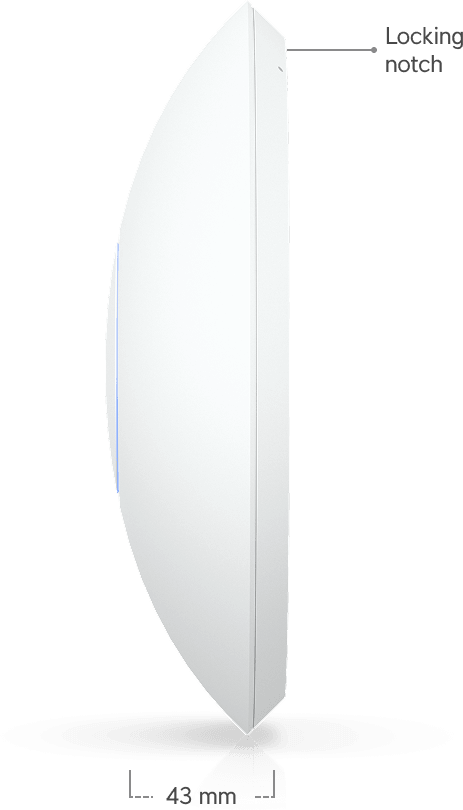
| Dimensions (W x D x H) | Ø 175.7 x 43 mm |
|---|---|
| Antennas | Gain 4 dBi at 2.4 GHz, 6 dBi at 5 GHz |
| Advertised coverage area | 160 m² |
| Maximum transmit power | 26 dBm on 2.4 GHz, 27 dBm on 5 GHz |
| Security features | Private pre-shared key (PPSK), RADIUS over TLS (RadSec), Passpoint (Hotspot 2.0), captive portal |
| Power supply | PoE, voltage range 42.5 to 57 V DC |
| Operating temperature | -30 to 50 °C |
| Operating humidity | 5 to 95% non-condensing |
| Wi-Fi standard | Wi-Fi 7 |
| Mounting type | Multiple |
| Bands | Dual-band |
| Simultaneously connected devices | 300+ clients |
| Warranty | 1 year |
No reviews yet
Be the first to review this product and help other customers.
Ugreen
In stock
Delivery everywhereDelivered all over Morocco
Ugreen
In stock
Delivery everywhereDelivered all over Morocco
Huawei
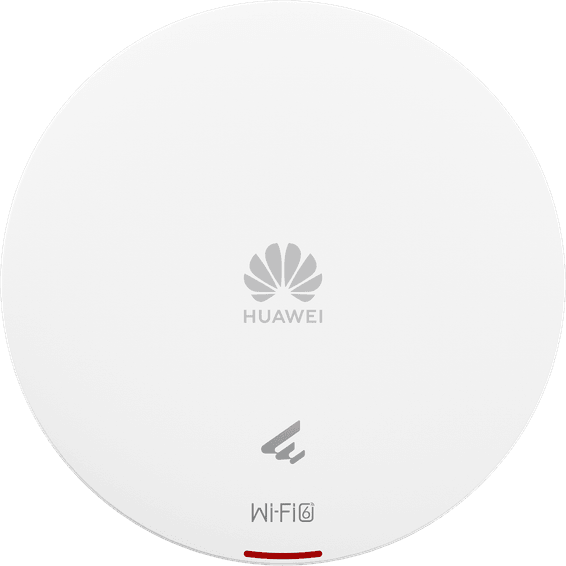
Wall, ceiling or rail mounting, as you prefer. 1.775 Gbps combined, MU-MIMO and OFDMA to hold many users at once, and a single network cable that powers it and connects it.
In stock
Delivery everywhereDelivered all over Morocco
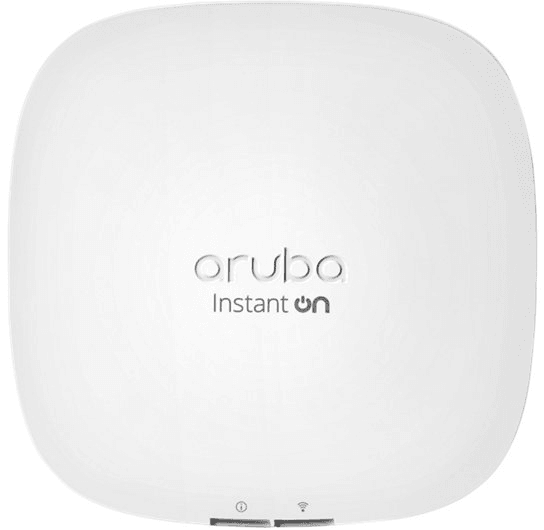
HP
75 devices served at once per radio and 1.2 Gbps of combined throughput, with Instant On management from an app or a browser. The network cable is enough to power it.
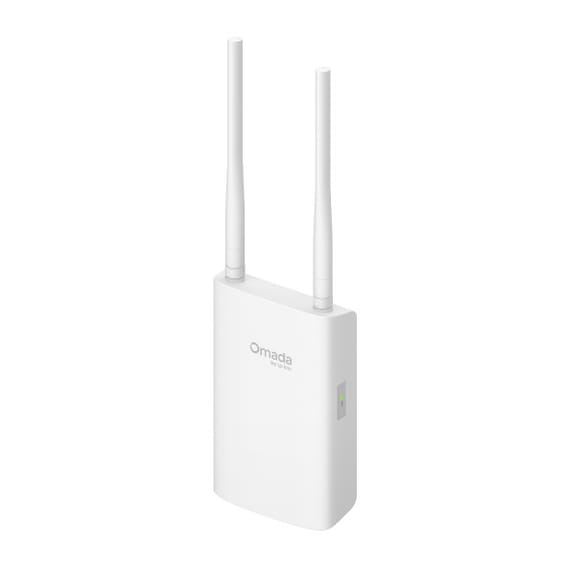
TP-Link
IP66 sealing when wall-mounted, IP65 on a pole and 6 kV lightning protection: the yard, the car park or the warehouse are covered. Up to 300 m of range on 5 GHz, and it works from -30 to +70 °C.
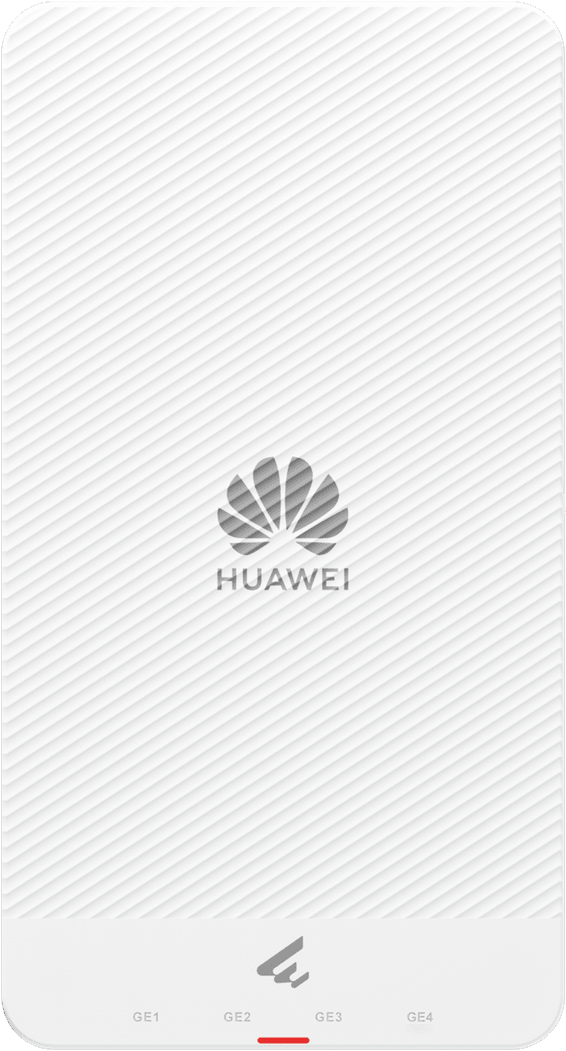
Huawei
Five Gigabit ports in a slim housing: one for the network feed, four for the TV, the PC or the phone in the room. Up to 2,400 Mbps on the 5 GHz band and 128 devices accepted.
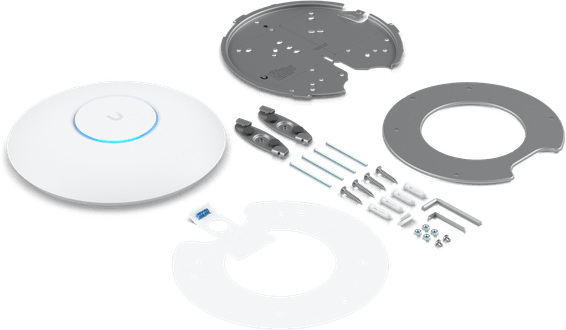
Ubiquiti
More than 350 devices over 140 m², and up to 4.8 Gbps on the 5 GHz band thanks to four dedicated streams. IP54-rated housing, ceiling and wall mounts included, powered by the network cable alone.
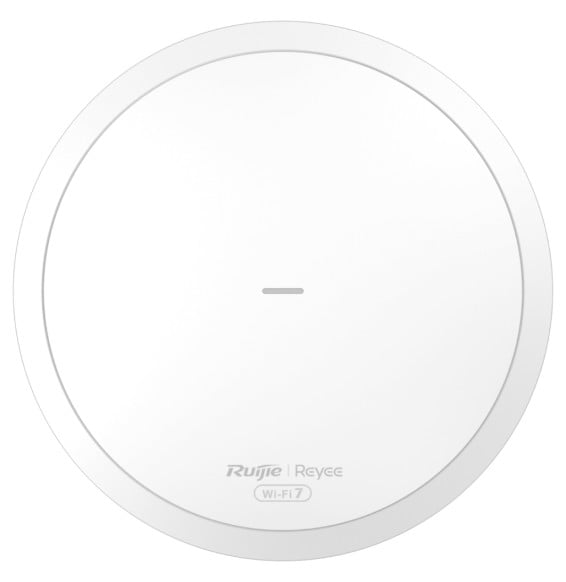
Ruijie
Round, discreet unit for ceiling or wall mounting: up to 3,570 Mbps combined, MLO and 4K-QAM, AI roaming between Reyee Mesh access points. Managed for free from Ruijie Cloud or the Reyee app, powered over PoE.
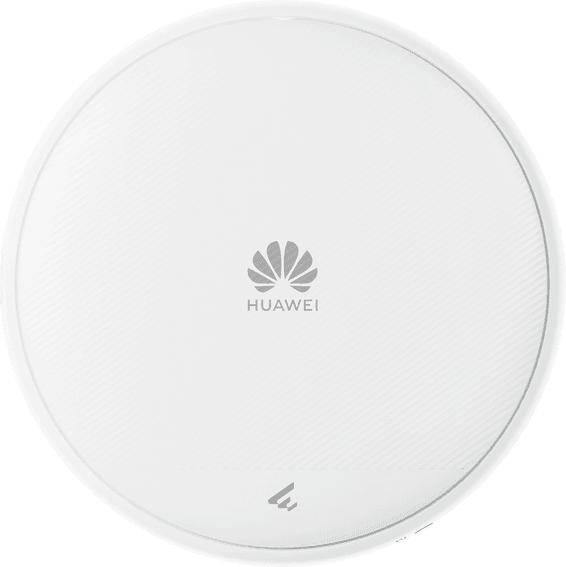
Huawei
Compact (180 mm across, 35 mm thick), it steers its own signal with smart antennas. Up to 2,880 Mbps on the 5 GHz band and a 2.5 Gbps port, all powered over the network cable.
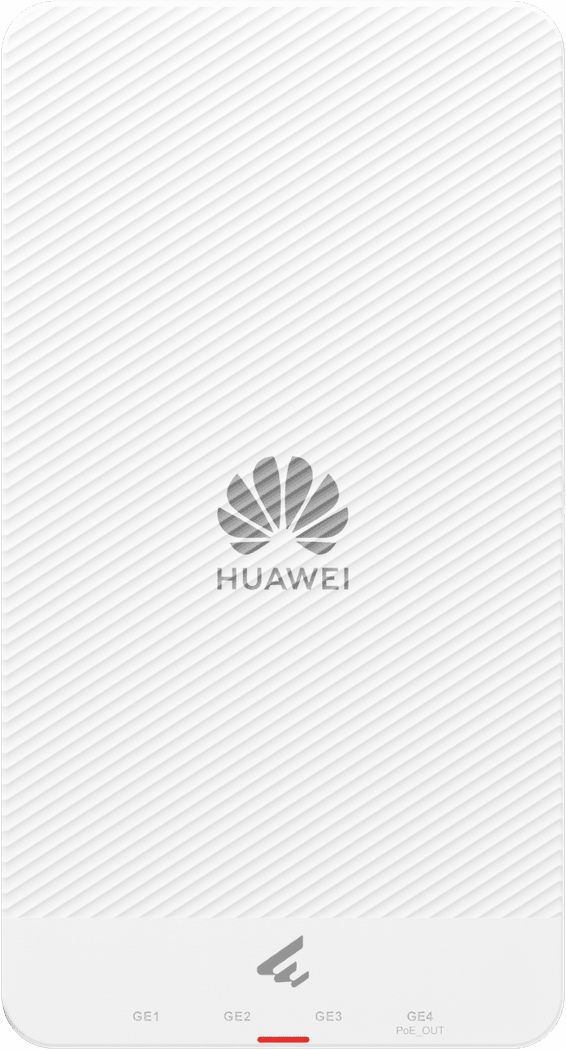
Huawei
Powered over PoE+, it in turn powers a wired device through one of its four outgoing ports: a camera or an IP phone connects with no mains socket. Up to 2,400 Mbps on the 5 GHz band.
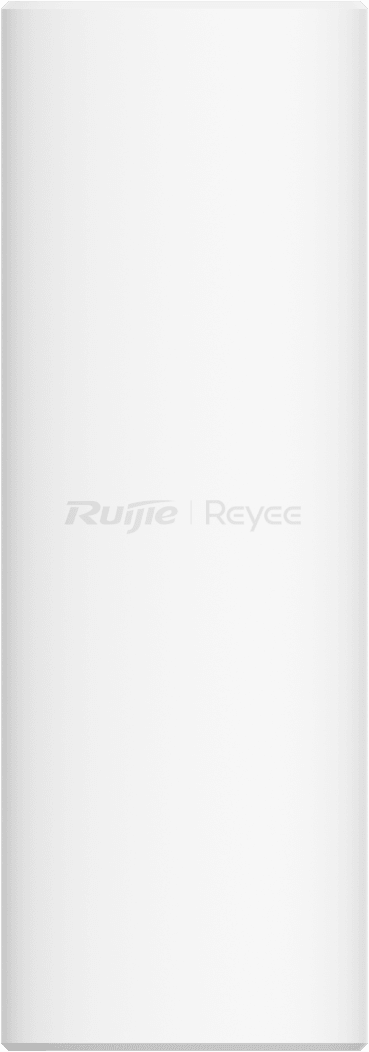
Ruijie
Indoors as well as out: IP65 housing, operation from -30 to +65 °C and 4 kV lightning protection. Up to 2,401 Mbps on the 5 GHz band, 110 recommended clients and around 150 m² covered, wall or pole mounted.
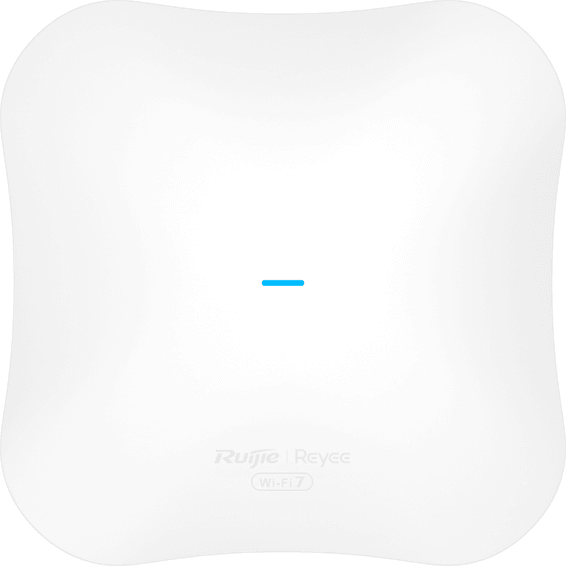
Ruijie
Up to 4,323 Mbps on the 5 GHz band and a 2.5 Gbps port so the wired side is not held back. MLO moves data over several links at once, for 8K streaming and video calls.
In stock
Delivery everywhereDelivered all over Morocco
In stock
Delivery everywhereDelivered all over Morocco
In stock
Delivery everywhereDelivered all over Morocco
In stock
Delivery everywhereDelivered all over Morocco
In stock
Delivery everywhereDelivered all over Morocco
In stock
Delivery everywhereDelivered all over Morocco
In stock
Delivery everywhereDelivered all over Morocco
In stock
Delivery everywhereDelivered all over Morocco
In stock
Delivery everywhereDelivered all over Morocco