

Asus
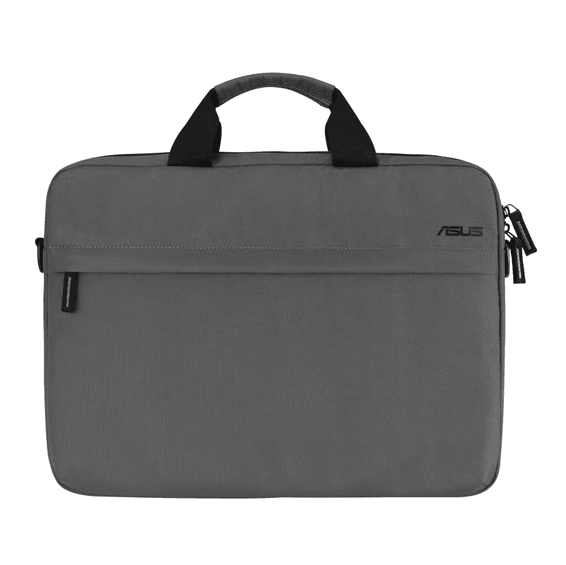
Asus AC1600 16" Bag (90XB0A60-BSL000)
In stock
379 DHincl. VAT379,00 DHincl. VAT
Delivery everywhereDelivered all over Morocco
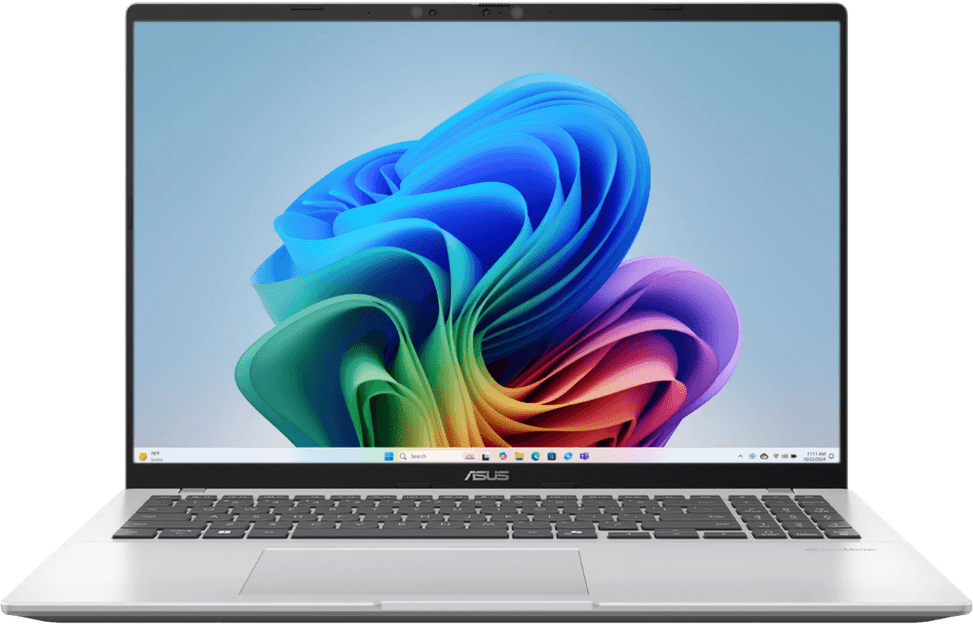
A Copilot+ PC on a Snapdragon X ARM chip, very low power with an NPU dedicated to AI. Up to 27 h of battery life and just 1.88 kg for everyday use on the move.
On order — extended delivery time
Earn 125 DH in loyalty credit with this purchaseHow does it work?Loyalty credit capped at 300 DH per order.
Delivery anywhere in Morocco
free
Casablanca store
Free pickup
Témara pickup point
Free pickup
1 year warranty — free repair in Morocco if it breaks down during the warranty period
100% secure payment: Bank transfer · Bank card · Cash on delivery (deposit of 620 DH by card or bank transfer) · Certified cheque
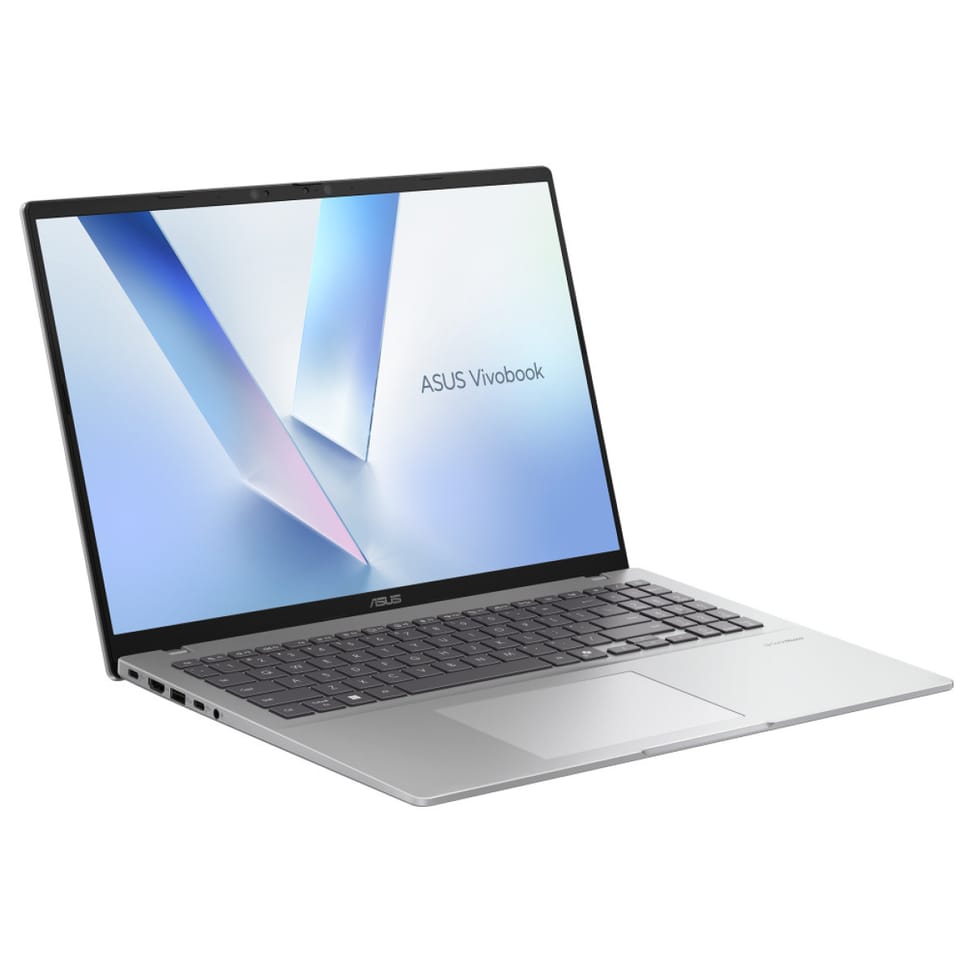
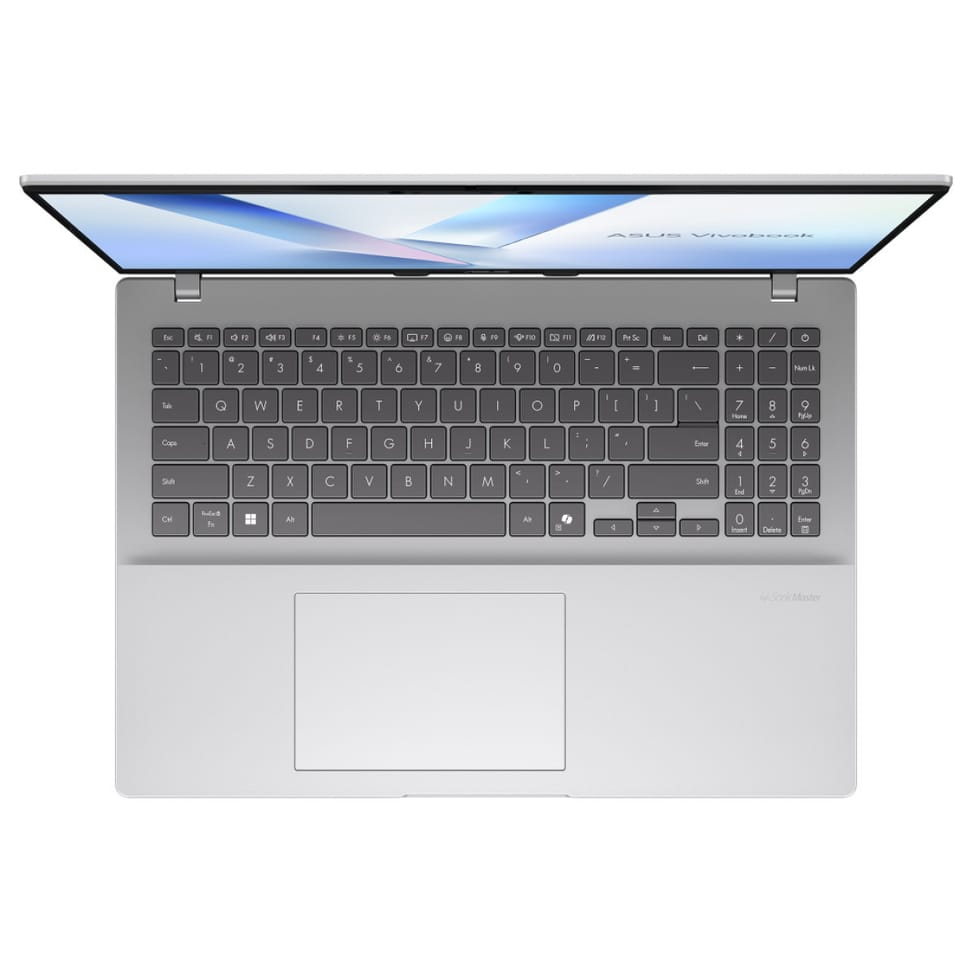
A Copilot+ PC laptop powered by the Snapdragon X (X1-26-100) chip, with an NPU delivering up to 45 TOPS for AI features, and long battery life.
Large 16-inch WUXGA 16:10 anti-glare display, comfortable for work and entertainment alike.
16 GB of LPDDR5X memory and a fast 512 GB NVMe SSD.
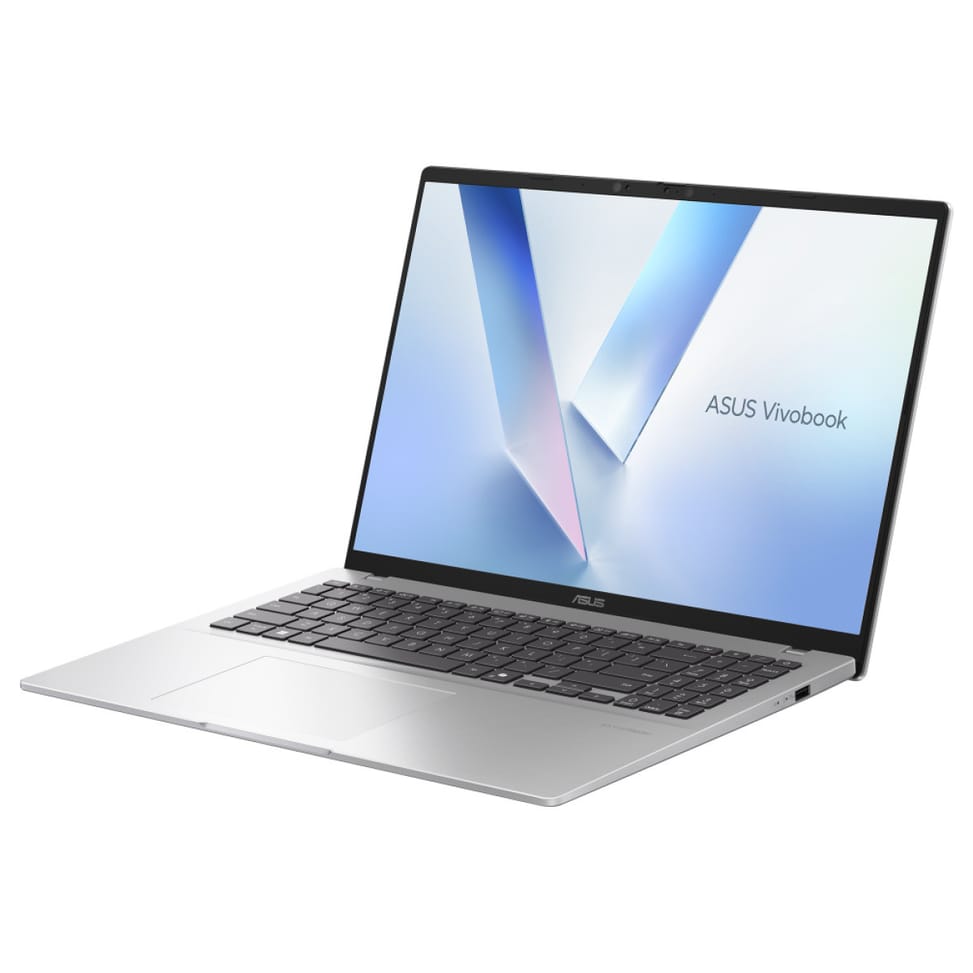
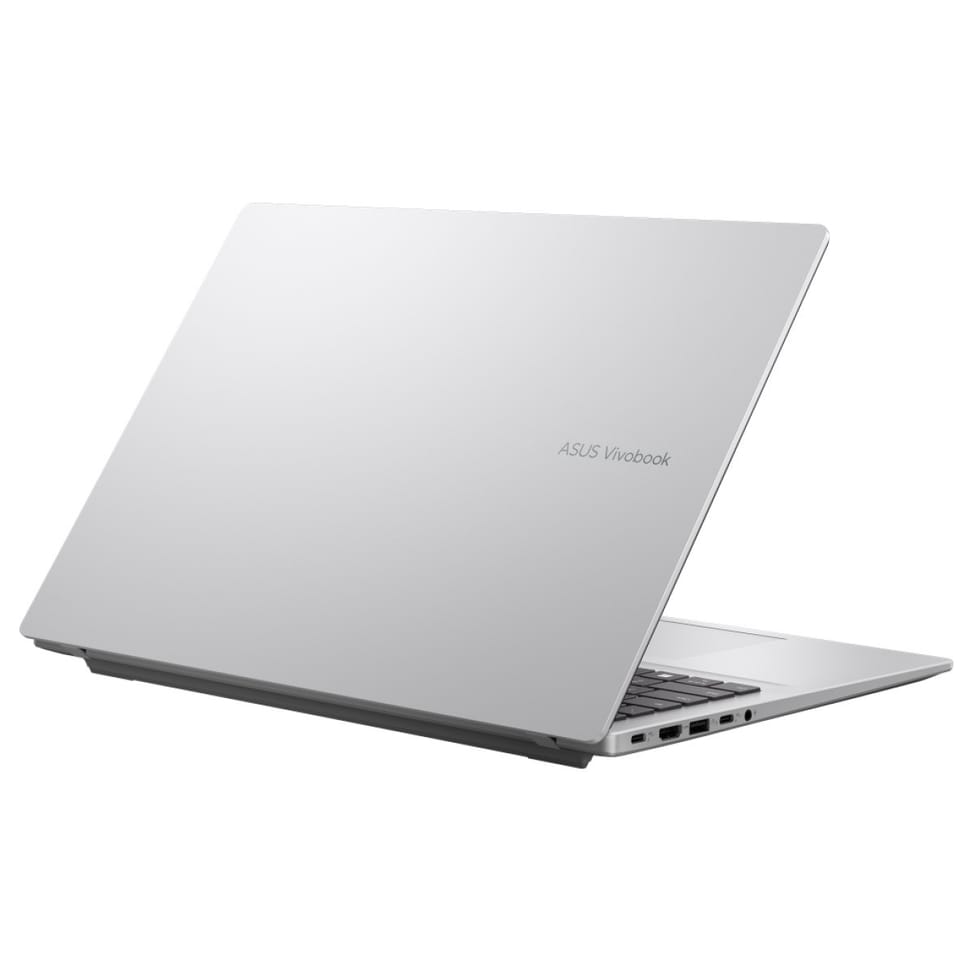
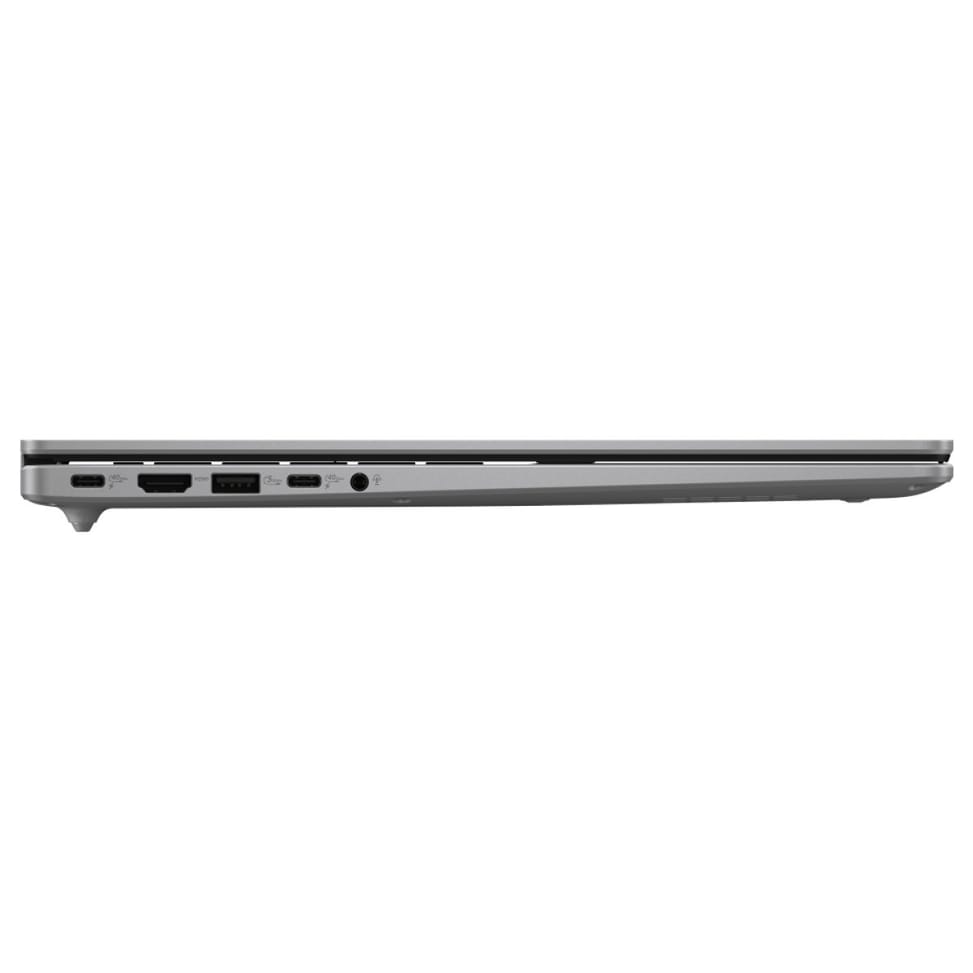
Slim, lightweight chassis, comfortable keyboard, Wi-Fi 6E and high-speed USB-C ports.
Running Windows 11, it is ideal for office work, browsing and everyday productivity.
| Processor | Qualcomm Snapdragon X1-26-100 |
|---|---|
| Processor details | Up to 2.97 GHz, NPU 45 TOPS |
| Installed RAM | 16 GB LPDDR5x (soldered) |
| Hard drive capacity | 512 GB NVMe PCIe Gen 4 SSD |
| Optical drive | None |
| Graphics card | Qualcomm Adreno (integrated) |
| Screen size | 16 inches |
| Screen type | WUXGA (1920 x 1200), IPS-Level, anti-glare |
| Built-in webcam | HD 720p |
| Audio | Built-in speakers, SonicMaster |
| Ethernet network card | None |
| Bluetooth | Bluetooth 5.3 |
| Wireless communication | Wi-Fi 6E (802.11ax) |
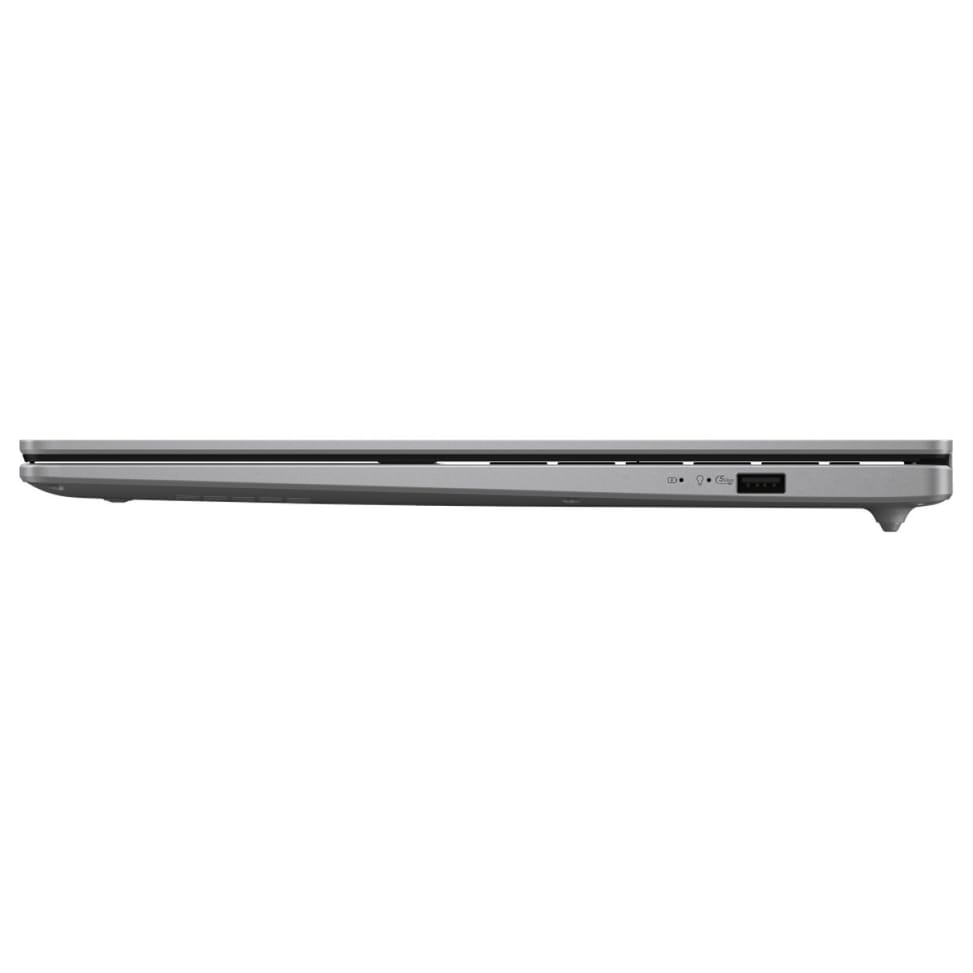
| Connectors | 1 USB 2.0, 2 USB-A 5 Gbps, 1 USB-C 5 Gbps, 1 HDMI 1.4, 1 jack (3.5 mm), 1 power connector |
| Biometric recognition | None |
| Battery type / battery life | Li-ion, 42 Wh, 3 cells |
|---|---|
| Operating system | Windows 11 Home |
| Dimensions (W x D x H) (mm) | 359.7 x 232.5 x 19.9 mm |
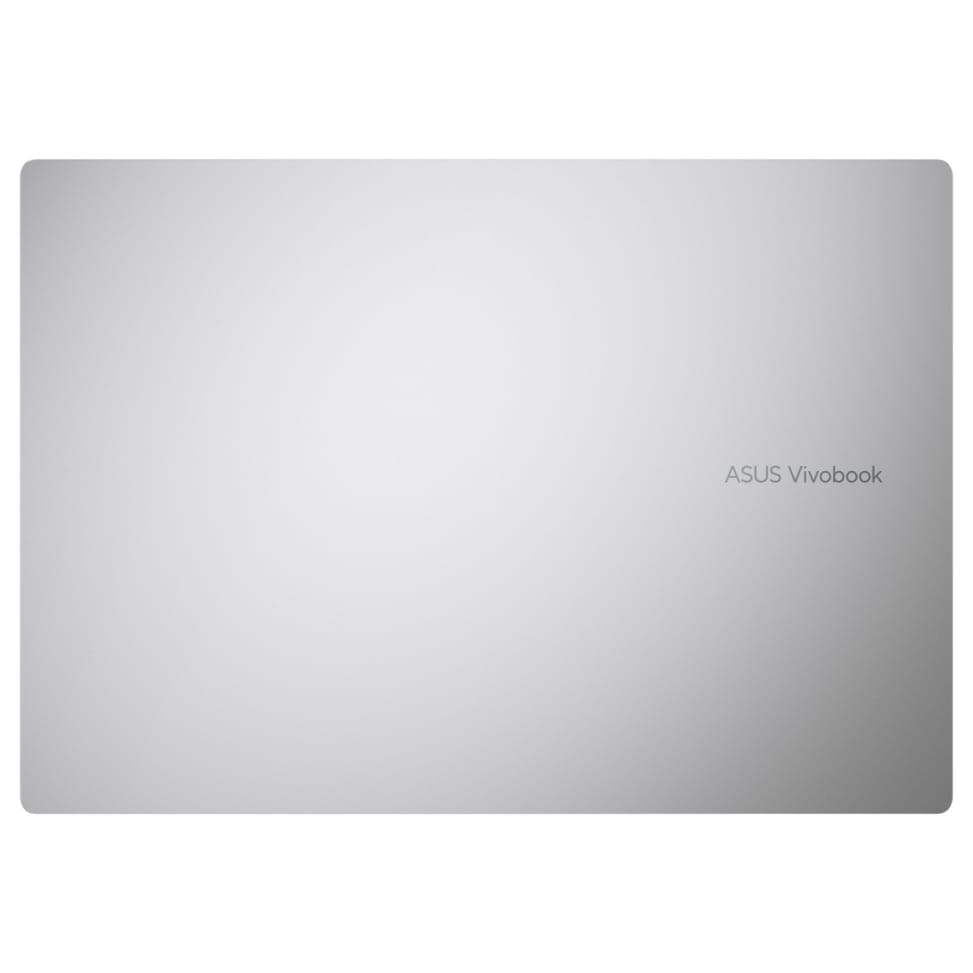
| Product colour | Silver |
| Pointing device | Precision touchpad |
| Power supply | 65 W, round connector — output 19 V / 3.42 A, input 100-240 V, 50/60 Hz |
| Keyboard | AZERTY, backlit, with numeric keypad, 1.4 mm key travel |
| Storage type | SSD |
| Touchscreen | No |
| With built-in AI | Yes |
| Backlit keyboard | Yes |
| Screen resolution | Full HD+ (1920x1200) |
| Screen aspect ratio | 16:10 |
| Warranty | 1 year |
| EAN | 4711636573290 |
|---|
No reviews yet
Be the first to review this product and help other customers.
Asus
In stock
Delivery everywhereDelivered all over Morocco
Logitech
Blanc
In stock
HIKSEMI
In stock
Logitech
In stock
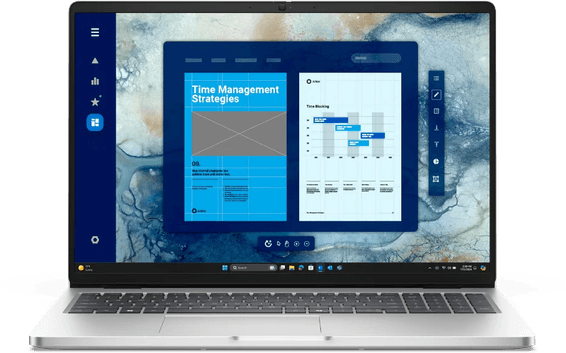
Dell
A professional laptop with a large screen, built for everyday work: RAM expandable up to 64 GB and a Thunderbolt 4 port, infrared Windows Hello webcam and Gigabit Ethernet built in.
Delivery everywhereDelivered all over Morocco
Delivery everywhereDelivered all over Morocco
In stock
Delivery everywhereDelivered all over Morocco
Delivery everywhereDelivered all over Morocco
Delivery everywhereDelivered all over Morocco
Delivery everywhereDelivered all over Morocco
In stock
Delivery everywhereDelivered all over Morocco
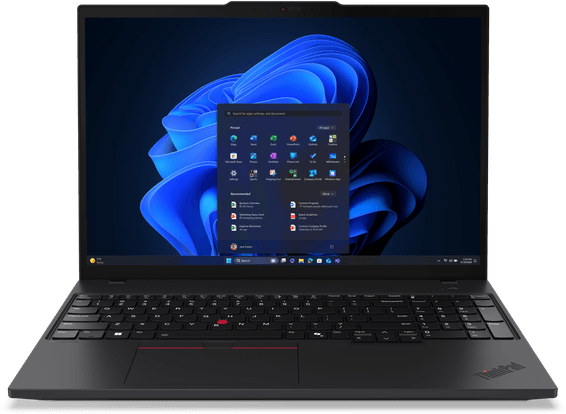
Lenovo
Professional 16" laptop for office work: a large, bright WUXGA display, a chassis certified to military durability standards, built-in RJ45 Ethernet.
In stock
Delivery everywhereDelivered all over Morocco
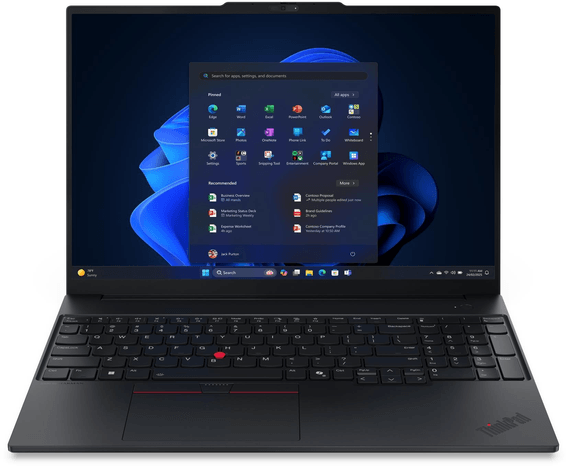
Lenovo
Professional 16" laptop for work: a high-performance 16-core processor, an aluminium chassis, sound by Harman Kardon. FreeDOS — operating system to be installed.
In stock
Delivery everywhereDelivered all over Morocco
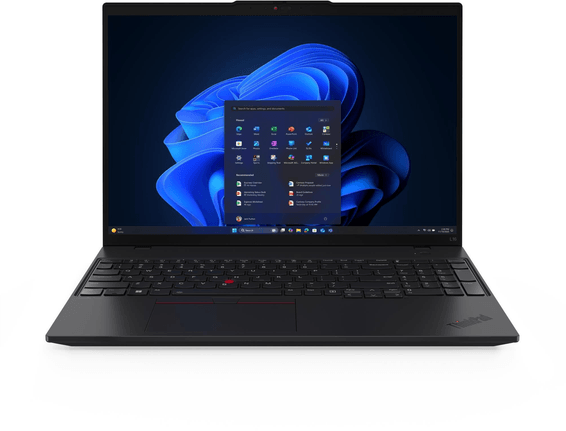
Lenovo
16" business laptop for work at the office: large, bright WUXGA display, reinforced security (fingerprint reader, infrared webcam), dual Thunderbolt 4.
In stock
Delivery everywhereDelivered all over Morocco
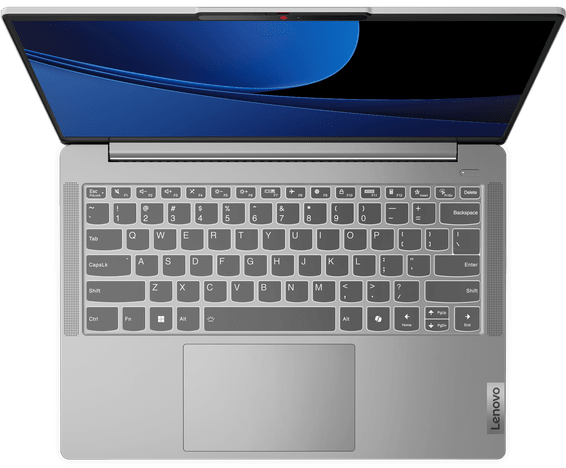
Lenovo
Ultrabook with an aluminium chassis certified to military standards (MIL-STD-810H): bright OLED display, Core Ultra processor with an AI accelerator. 16 GB RAM soldered, not upgradable.
In stock
Delivery everywhereDelivered all over Morocco
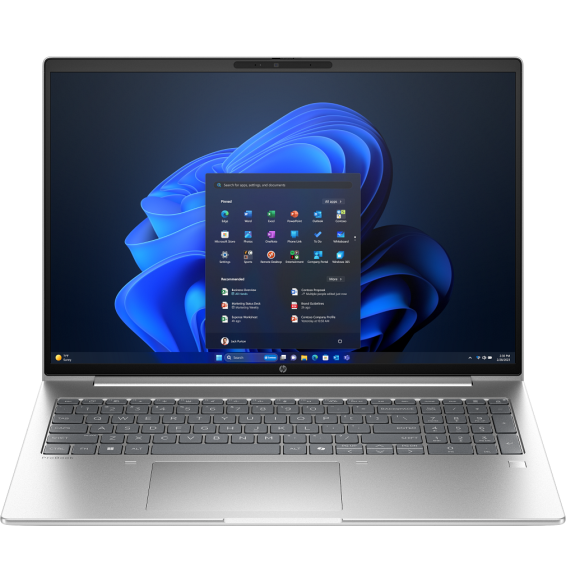
HP
A 14-inch business laptop with an AI accelerator chip and 16 GB of RAM, light (1.40 kg). Fingerprint unlocking, supplied with FreeDOS (without Windows, to be installed).
In stock
Delivery everywhereDelivered all over Morocco
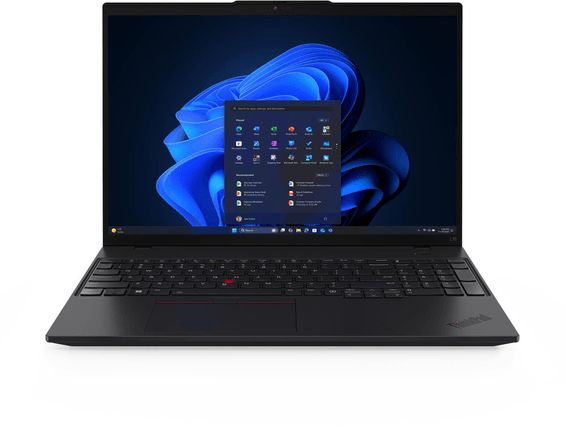
Lenovo
16" professional laptop for work at the office: large bright screen, MIL-STD-810H certified ruggedness, RAM expandable to 64 GB. Fingerprint reader and infrared webcam.
In stock
Delivery everywhereDelivered all over Morocco
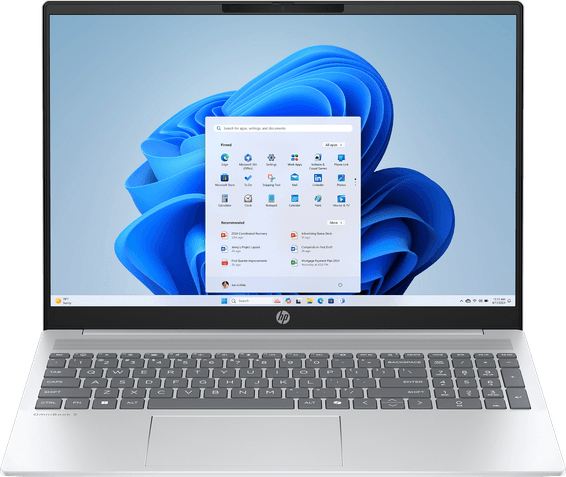
HP
Large 16-inch display for work and heavy multitasking, with 32 GB of RAM for a large memory reserve.
In stock
Delivery everywhereDelivered all over Morocco
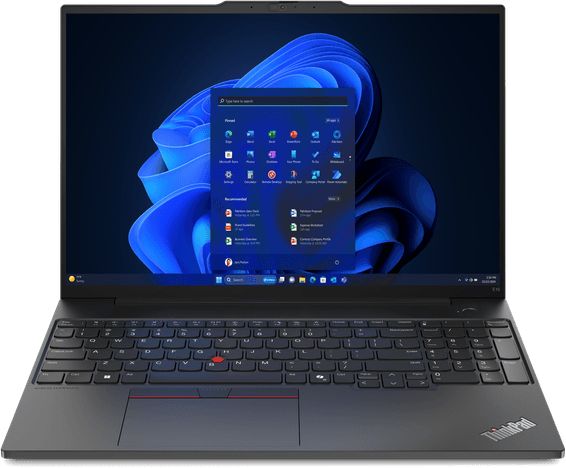
Lenovo
Professional ultrabook with an aluminium chassis certified to military resistance standards (MIL-STD-810H), with RAM expandable to 64 GB and a Thunderbolt 4 port.
In stock
Delivery everywhereDelivered all over Morocco
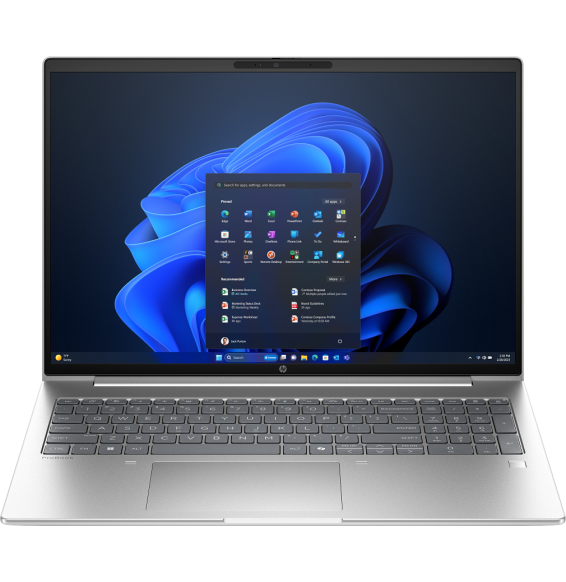
HP
A 14-inch business laptop with 16 GB of RAM, light (1.40 kg), for mobile multitasking. Fingerprint unlocking, supplied with FreeDOS (without Windows, to be installed).
In stock
Delivery everywhereDelivered all over Morocco