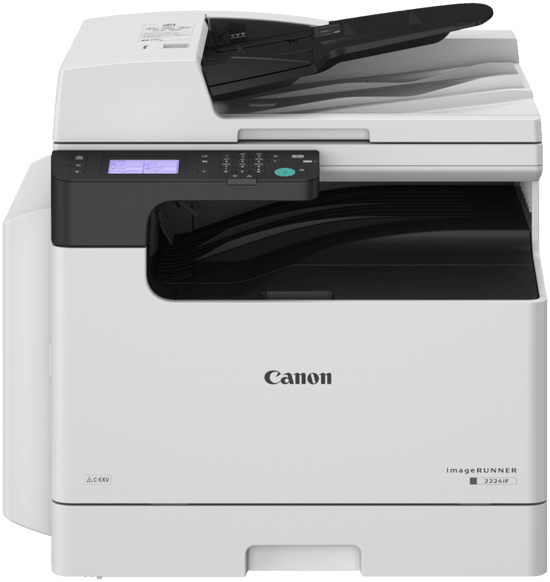
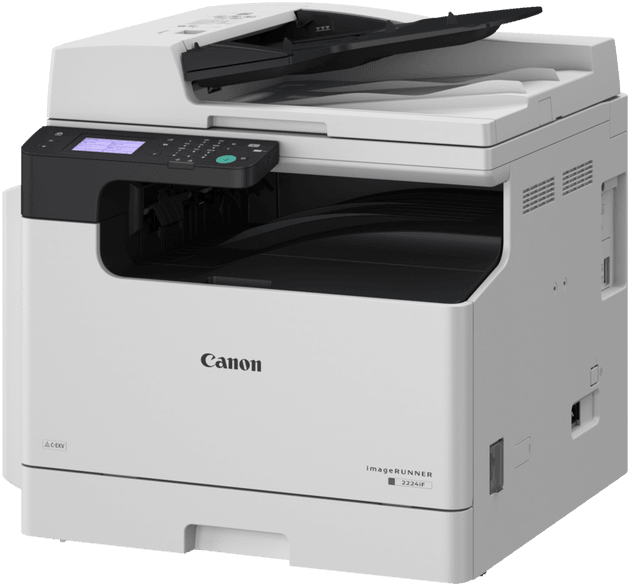
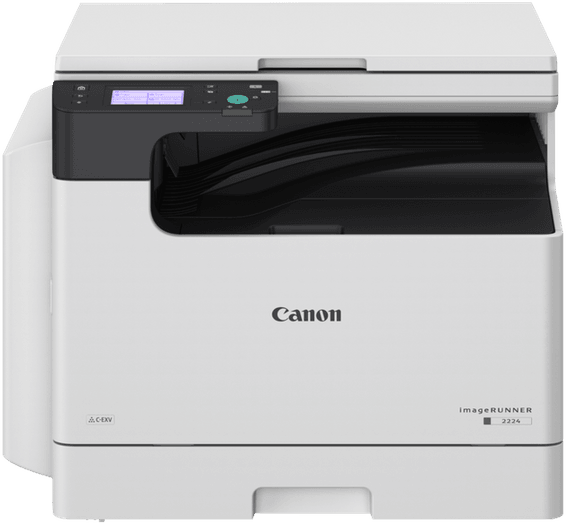
Does the imageRUNNER 2224iF have a document feeder as standard?
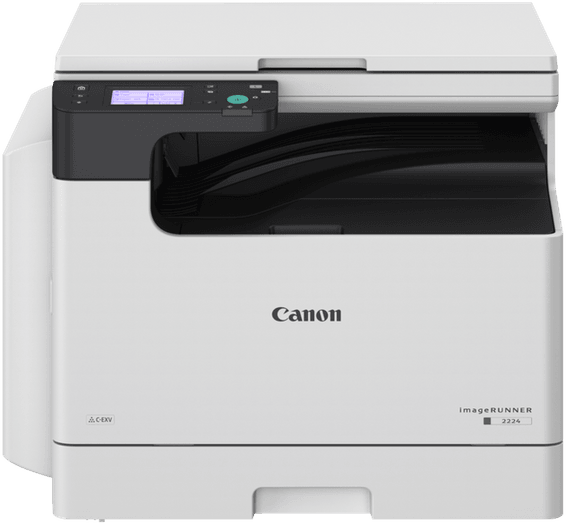
Yes, a 50-sheet duplex document feeder, factory-fitted on this “iF” version — that is what sets it apart from the other models in the series, which come with a simple platen cover. It accepts originals from 52 to 105 g/m², up to A3 size.
Is automatic duplex printing included on the imageRUNNER 2224iF?
Yes, as standard. Allow for 16.7 pages per minute in A4 duplex and 7.5 in A3, compared with 24 and 12 single-sided. Duplex printing accepts paper weights from 60 to 90 g/m²: above that, the paper goes single-sided only through the multi-purpose tray.
Is fax included on the imageRUNNER 2224iF?
Yes, as standard — that is the meaning of the “F” in the model name. The modem reaches 33.6 kbps in Super G3, the memory holds up to 512 pages, the address book accepts 296 speed-dial numbers and sequential broadcast reaches 310 recipients. A K1 telephone handset is available as an option.
Can you scan to e-mail or a network folder on the 2224iF?
Yes, with no option needed. Sending is standard on this version: scan to SMTP and to an SMB 3.0 share, with an address book of 50 LDAP entries and 300 local entries. Files are output as TIFF, JPEG, PDF or compact PDF, and the preview before sending prevents recipient errors.
What is the toner yield of the imageRUNNER 2224iF?
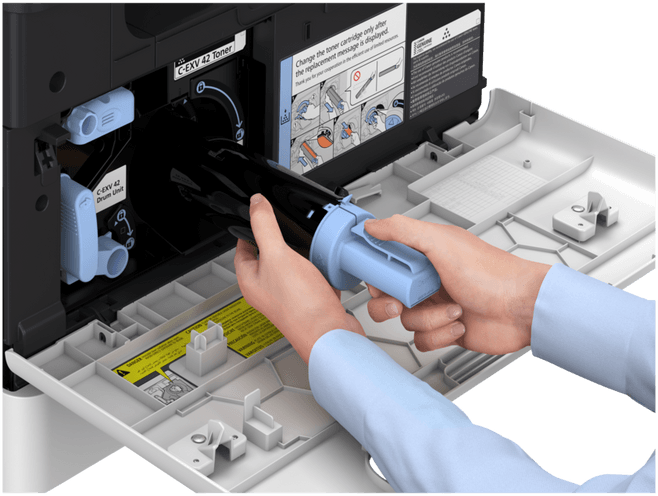
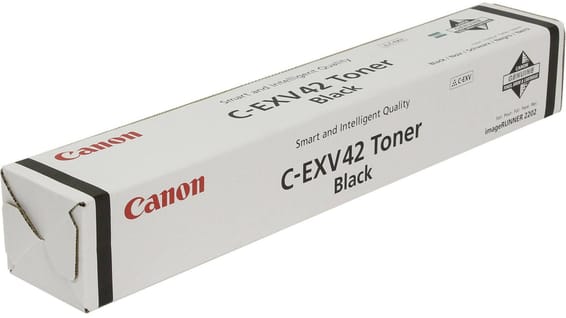
The C-EXV 42 black toner is rated at approximately 10,200 A4 pages at 5% coverage. The drum has the same reference but is a separate part, replaceable independently: an empty cartridge does not mean throwing away the whole imaging unit. A toner is installed at setup.
Is the 2224iF's network connection Gigabit?
No, the network port is 100Base-TX/10Base-T, supplemented by 802.11 b/g/n Wi-Fi. This speed covers monochrome office work, but batch scanning to a server will be slower than on a machine wired for Gigabit. Mobile printing is via AirPrint, Mopria and Canon PRINT Business.
Does the 2224iF really print and scan in A3?
Yes, both ways, and the feeder itself accepts A3: a stack of drawings or newspapers can be copied without placing them sheet by sheet on the glass, which for its part goes up to 297 × 432 mm. Allow for 12 pages per minute in A3 compared with 24 in A4, with a print resolution of up to 1,200 × 1,200 dpi.
Which papers can go through the 2224iF's multi-purpose tray?
From 60 to 157 g/m²: thin, plain, recycled, heavy, coloured and bond paper, transparencies, labels, pre-punched paper and COM10, Monarch, DL and ISO-C5 envelopes, in custom sizes from 95 × 148 to 297 × 431.8 mm. The cassettes are limited to 64-90 g/m² and plain paper.
How many sheets can the imageRUNNER 2224iF hold?
350 sheets as standard, increased to 600 with the AK1 Cassette Feeding Module, which adds 250 sheets up to A3 size, weighs 5.8 kg and is powered from the main unit. Output remains limited to 250 sheets whatever the configuration.
Can you copy an ID card or a passport on the 2224iF?
Yes, two dedicated modes bring both sides together on a single page. Copying also offers N-on-1, sorting, frame erase against binding shadows, 9-level density adjustment, up to 999 copies and a zoom from 25 to 400% in single-percent steps.
How much space should you allow for the imageRUNNER 2224iF?
627 × 607 × 606 mm for approximately 37.5 kg excluding toner, and an installation space of 1,065 × 1,285 mm with covers open. It is a machine to be set up permanently, and installation takes several people; an optional J-2 type stand is available to raise it without furniture.
How long does the 2224iF take to start up, and how much power does it use?
13 seconds or less from power-on to ready to copy, and 4.3 seconds when waking from sleep — there is no quick start-up mode on this series. On the electrical side: 1,500 W at peak, 15.5 W in standby and 0.9 W in sleep mode, with 55 dB(A) in operation.
Is the 2224iF's touchscreen colour?
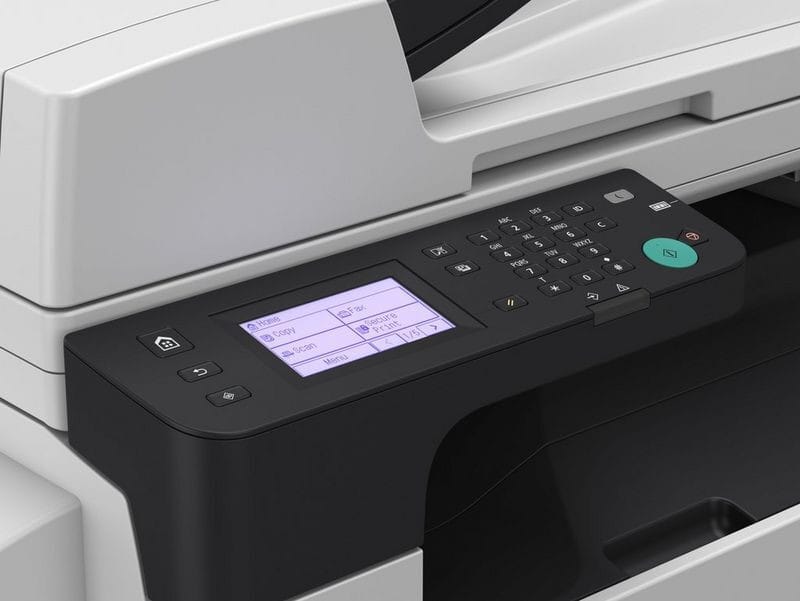
No, it is monochrome, with an 8.9 cm (3.5-inch) diagonal. It is enough for copy, scan and fax settings, but more basic than a colour panel for browsing an address book. Otherwise, the machine can be managed remotely through its web interface, encrypted with TLS 1.3.
What warranty covers the imageRUNNER 2224iF?
1 year, with the invoice serving as the warranty document, on a new machine. The machine checks the integrity of its software at every start-up, in line with the NIST SP800-193 recommendation. All the specifications of the series are listed in the
manufacturer documentation.