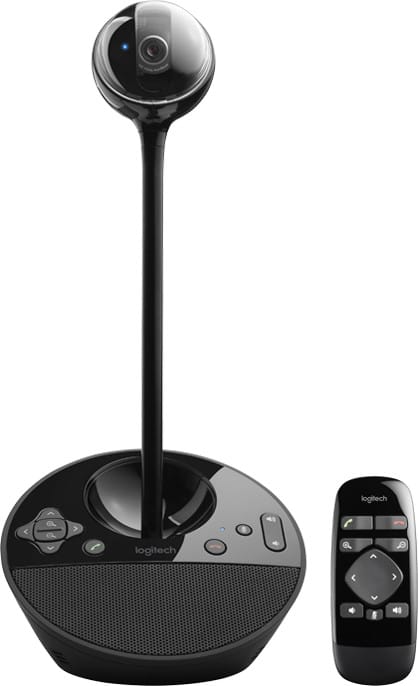
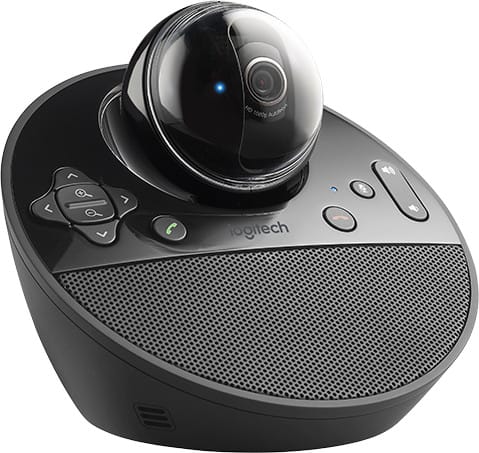
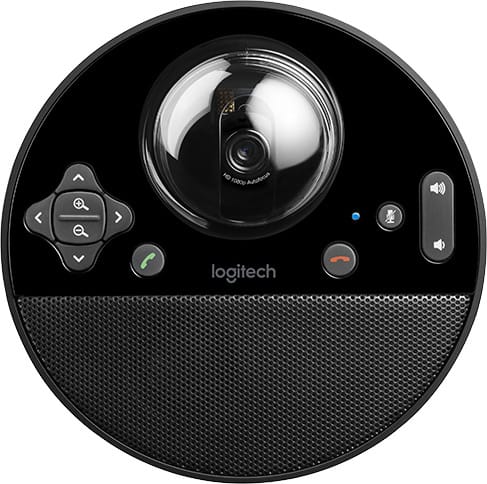
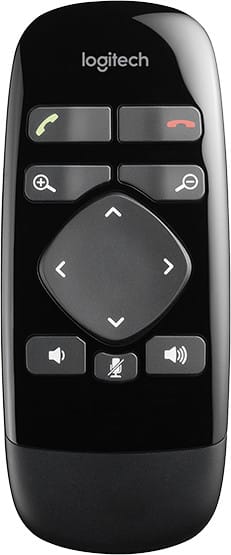
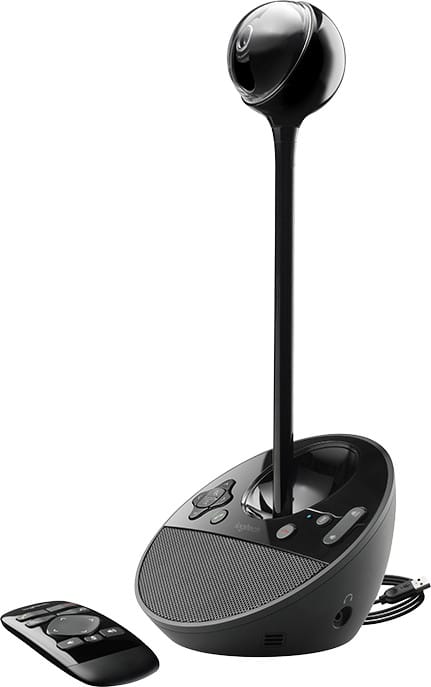
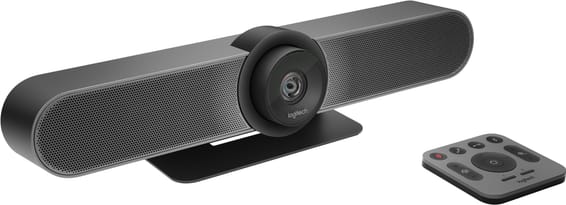
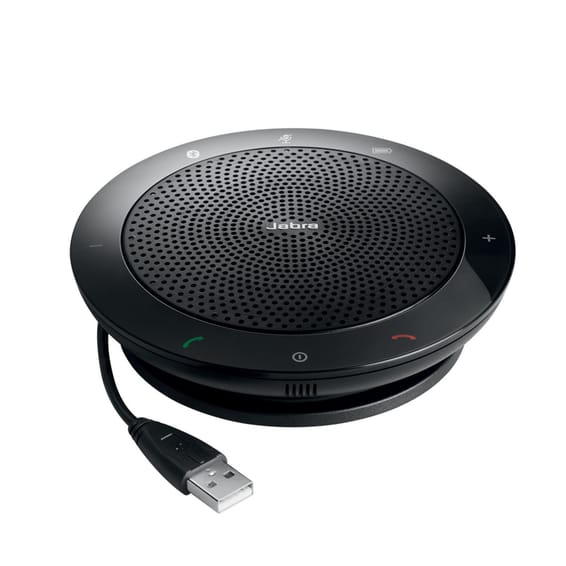
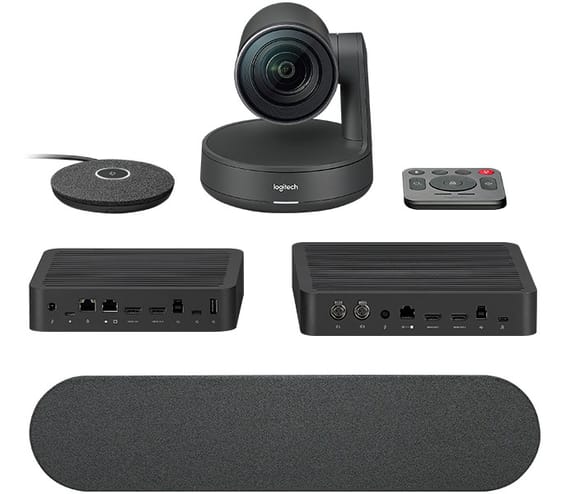
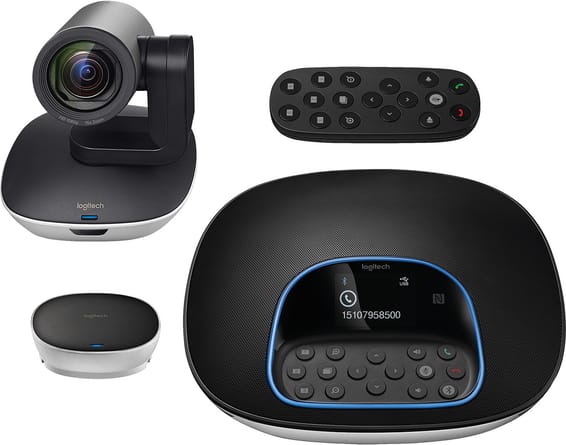
Logitech BCC950 ConferenceCam - Webcam and speakerphone for groups of 1 to 4 people (960-000867)
Height-adjustable to bring the lens to eye level, with a full-duplex speakerphone that picks up voices as far as 2.50 m from the base. No driver to install: the USB connection is enough.
Omnidirectional microphone picking up as far as 2.50 m from the base
78° field of view
1080p video at 30 frames per second
Full-duplex speakerphone with echo cancellation
Digital pan zoom
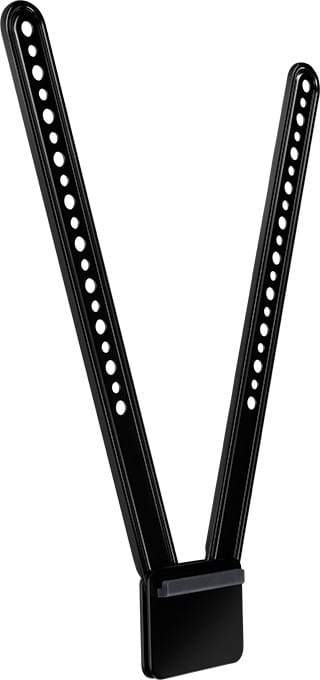
Height extension to bring the focal point to eye level
Automatic focus
Remote control and control buttons on the base
RightLight 2 technology for poorly lit environments
UVC compatible: works without a driver on Windows and Mac
A desktop video conferencing solution for private offices, home offices and most semi-private spaces The first all-in-one audio and video device designed specifically for small groups.
- Easy-to-use, space-saving all-in-one design - Plug-and-play system for Windows and Mac - High-definition video and audio at an affordable price - Remote control and buttons on the base to control calls from anywhere in the room.
Be the first to review this product and help other customers.
Write a review
Frequently asked questions about this product
How many people is the Logitech BCC950 ConferenceCam designed for?
For small groups of 1 to 4 people: private offices, home offices and small meeting spaces.
Does the BCC950 have a built-in microphone and speaker, or is separate equipment needed?
It is an all-in-one device: HD camera + full-duplex speakerphone + noise-cancelling omnidirectional microphone with echo cancellation. Voices are picked up up to 2.50 m from the base. No additional audio accessory is needed.
What is the video quality of the Logitech BCC950?
Full HD 1080p at up to 30 frames per second (H.264 compression), 78° field of view, autofocus and RightLight 2 technology, which improves the picture in low light or backlit conditions.
Does the Logitech BCC950 work with common video conferencing software?
Yes: thanks to its UVC compatibility, it works without drivers with most video conferencing platforms (optimised for Skype and Microsoft Lync), on PC and Mac.
Can the camera be controlled remotely during a call with the BCC950?
Yes: a remote control and buttons on the base let you control pan and zoom, volume, microphone mute and answering/ending calls.
Do I need to install drivers to use the Logitech BCC950?
No, it is plug-and-play (UVC) on PC (Windows 7/8 or later) and Mac (OS X 10.6 or later).
How is the Logitech BCC950 powered?
Through the computer's USB port, or via the supplied AC adapter.
Can the BCC950's camera be raised to eye level?
Yes: a built-in height extender brings the lens to eye level, for a more natural and flattering viewing angle.
What is in the box of the Logitech BCC950?
the BCC950 ConferenceCam
a remote control
an AC adapter
user documentation
Is the Logitech BCC950 ConferenceCam new and under warranty?
Yes, a new and genuine Logitech product. Your invoice serves as the warranty document for 1 year. See the datasheet.
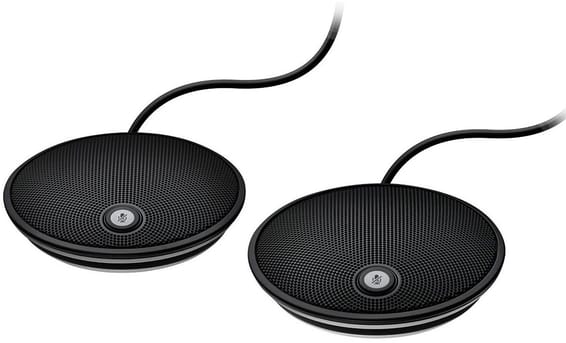
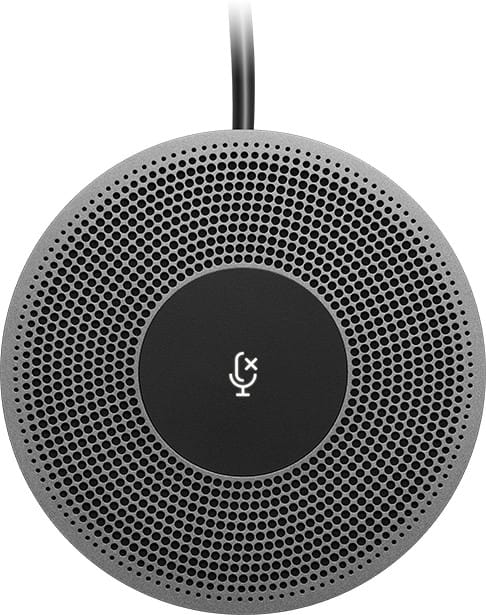
Two microphones to place further down the table so that people sitting away from the hands-free unit are heard, for up to 20 people in the room. They plug into the speaker and configure themselves.
•Seats up to 20 people in a large room
•Plugs straight into the speaker of the GROUP system
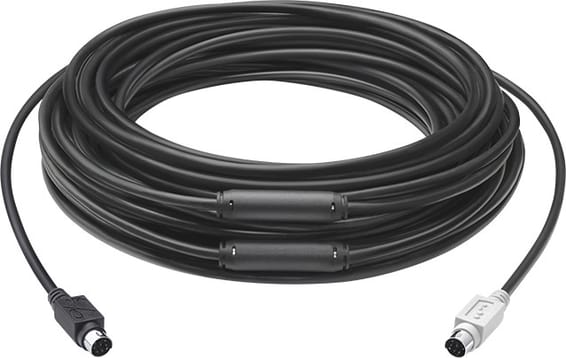
Fifteen metres of fire-rated cable to move the hub away from the camera or the speaker, three times the original GROUP system cable. It runs through a conduit or a false ceiling.
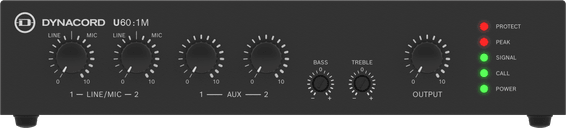
Compatible with 4Ω, 8Ω, 70V and 100V, with 4 inputs including 2 mic/line with phantom power, high-pass filters and a VOX Ducking function to give announcements priority.
Audio range pushed from 2.4 to 3.7 metres around the MeetUp ConferenceCam: people sitting at the far end of the table stay audible, with a mute control within reach.
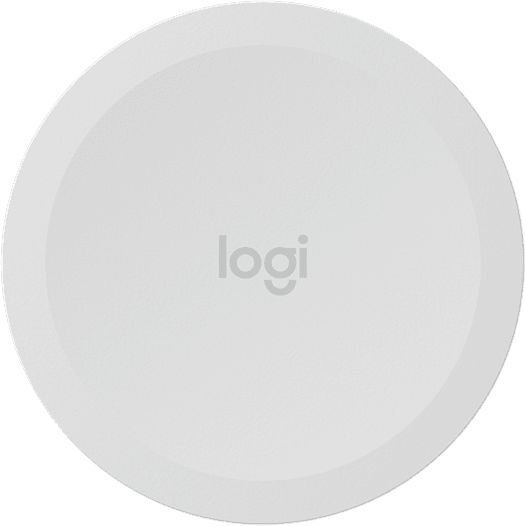
A press of a finger, an elbow or a marker is enough to send the whiteboard into the meeting, then to stop sharing. Bluetooth Low Energy link, adhesive mounting and two CR2032 batteries. White finish.
•Starts and stops whiteboard sharing with one press
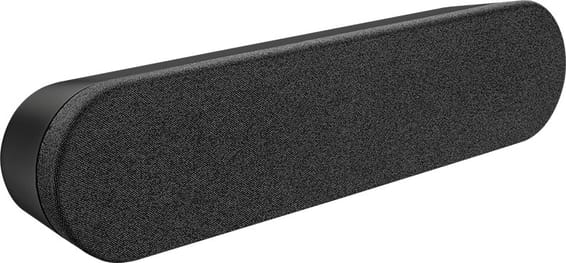
A second speaker to add to the Rally system: sound comes from both sides of the display and carries across the room at a moderate volume, which Logitech recommends from 17 participants upwards.
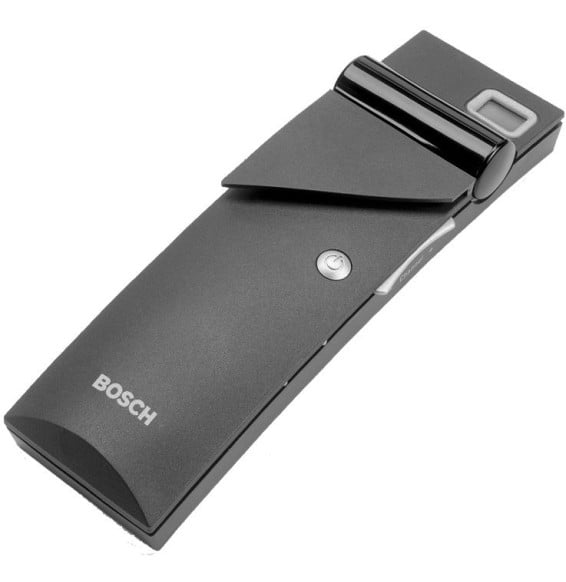
Bosch Integrus LBB4540/04 4-channel infrared pocket receiver: each participant chooses their interpretation language on a 2-digit screen. AA batteries or rechargeable pack, up to 200 h of listening, 3.5 mm jack headphone output.
Swivels through 180° to be used from both sides of the table, without changing the 14° screen angle. The cable drops through the grommet and disappears under the top.
•180° rotation for use from both sides of the table
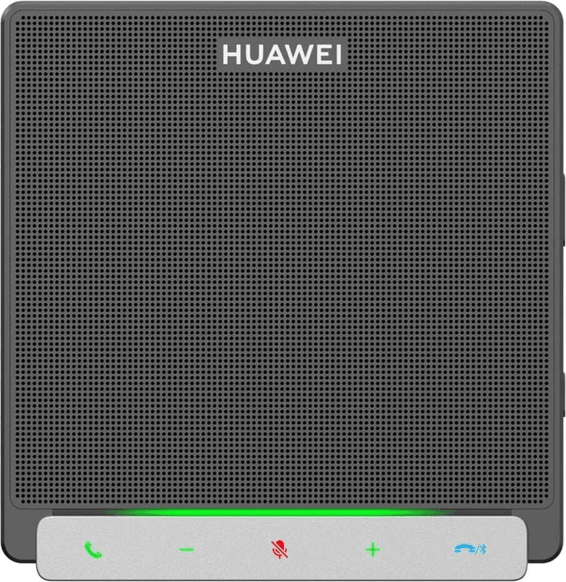
Placed in the middle of the table, it picks up voices up to 4.5 metres away and links to the existing system wirelessly or over a USB cable. Ready to use straight away, with no prior setup.
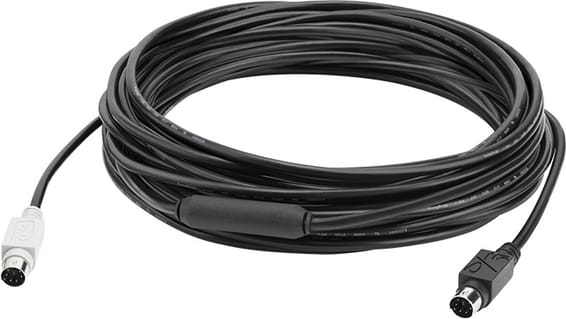
Ten metres between the hub and the camera or the speaker, instead of the 5 m cable supplied with the GROUP system. It runs through a conduit for a tidy meeting room installation.
•
Replaces the 5 m cable supplied with Logitech GROUP
•Moves the hub up to 15 m from the camera or the speaker
•Fire-rated cable, routable through a conduit or a false ceiling
In stock
2 849 DHincl. VAT2 849,00 DHincl. VAT
Delivery everywhereDelivered all over Morocco
70 Hz and 120 Hz high-pass filters
In stock
2 969 DHincl. VAT2 969,00 DHincl. VAT
Delivery everywhereDelivered all over Morocco
Takes the MeetUp audio range from 2.4 m to 3.7 m
•Built-in mute control
•Plugs straight into the MeetUp ConferenceCam
In stock
2 299 DHincl. VAT2 299,00 DHincl. VAT
Delivery everywhereDelivered all over Morocco
•
White finish, as an alternative to the standard purple
In stock
3 179 DHincl. VAT3 179,00 DHincl. VAT
Delivery everywhereDelivered all over Morocco
Second speaker of a Rally system, two at most
•Recommended from 17 participants upwards
•76 mm transducer with a rare-earth magnet
In stock
3 219 DHincl. VAT3 219,00 DHincl. VAT
Delivery everywhereDelivered all over Morocco
2-digit LCD screen
•Up to 200 h on AA batteries
In stock
2 259 DHincl. VAT2 259,00 DHincl. VAT
Delivery everywhereDelivered all over Morocco
2 249 DHincl. VAT2 249,00 DHincl. VAT
Delivery everywhereDelivered all over Morocco
•
Connection of your choice: wireless or over USB
•Hands-free operation
In stock
2 169 DHincl. VAT2 169,00 DHincl. VAT
Delivery everywhereDelivered all over Morocco
Replaces the 5 m DIN cable supplied with Logitech GROUP
•Moves the hub up to 10 m from the camera or the speaker
A 120° field of view: every seat stays visible, even right next to the lens. Three microphones and a speaker tuned for the acoustics of small spaces, all in a single unit connected over USB.
•120° field of view, up to 170° with the motorised pan
•Ultra HD 4K image sensor
•Three omnidirectional Beamforming microphones with echo cancellation
One microphone pod and one speaker cover ten participants out of the box, and up to 46 by adding pods. Automatic framing follows the people in the room, whatever their distance from the lens.
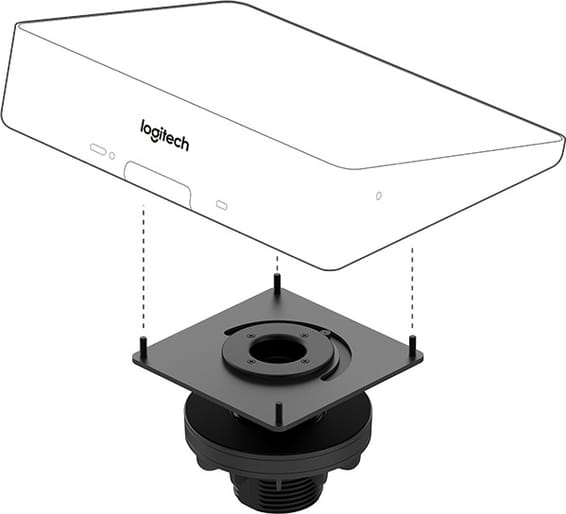
Above or below the flat screen, the MeetUp ConferenceCam stays in place without taking up the table, fixing to the VESA points found on most TVs and monitors.
•Mounting above or below a flat screen
•Fits the standard VESA mounting points of TVs and monitors
Up to 20 participants around one table: the four microphones cover a 6 m diameter, extended to 8.5 m with the expansion. A single USB cable links the hub to a PC or a Mac, with no driver to install.
Two microphones to place further down the table so that people sitting away from the hands-free unit are heard, for up to 20 people in the room. They plug into the speaker and configure themselves.
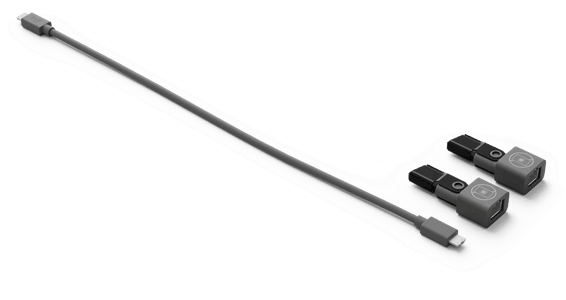
Extends the link between a mic pod and its bar with standard off-the-shelf CAT6 cable, up to 20 metres. Two couplers and a patch cable are included, with a reversible interface.
Audio range pushed from 2.4 to 3.7 metres around the MeetUp ConferenceCam: people sitting at the far end of the table stay audible, with a mute control within reach.
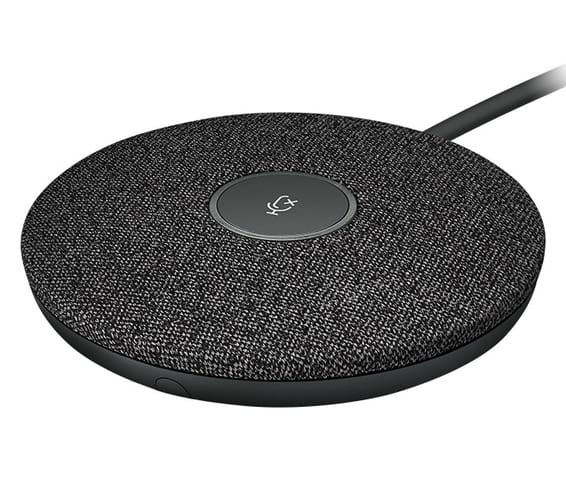
Each pod picks up voices over a 4.5 metre diameter thanks to four microphones forming eight acoustic beams. Voice levels are evened out automatically and background noise filtered, with a mute key within reach.
A second speaker to add to the Rally system: sound comes from both sides of the display and carries across the room at a moderate volume, which Logitech recommends from 17 participants upwards.