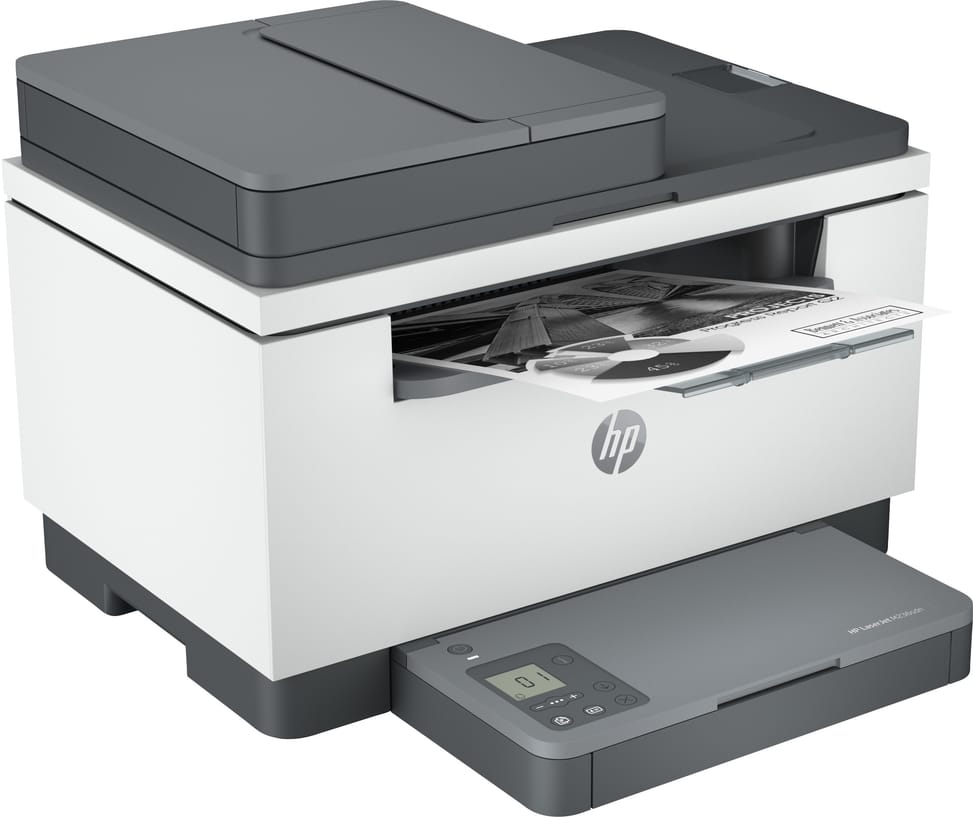
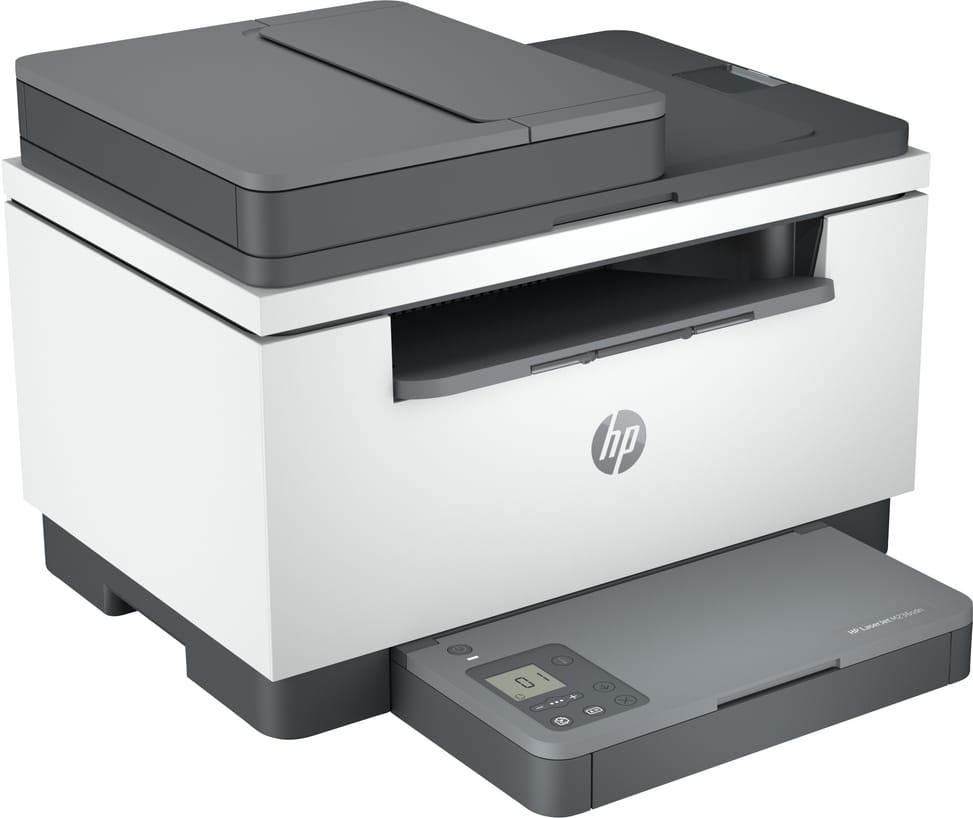
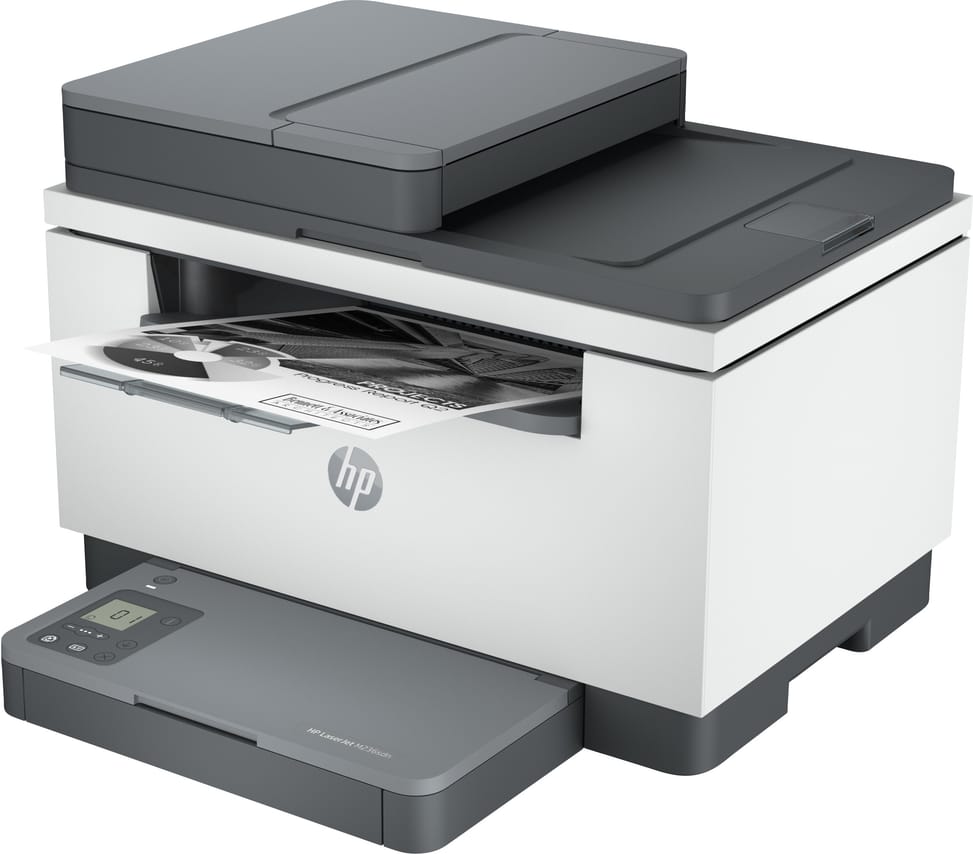
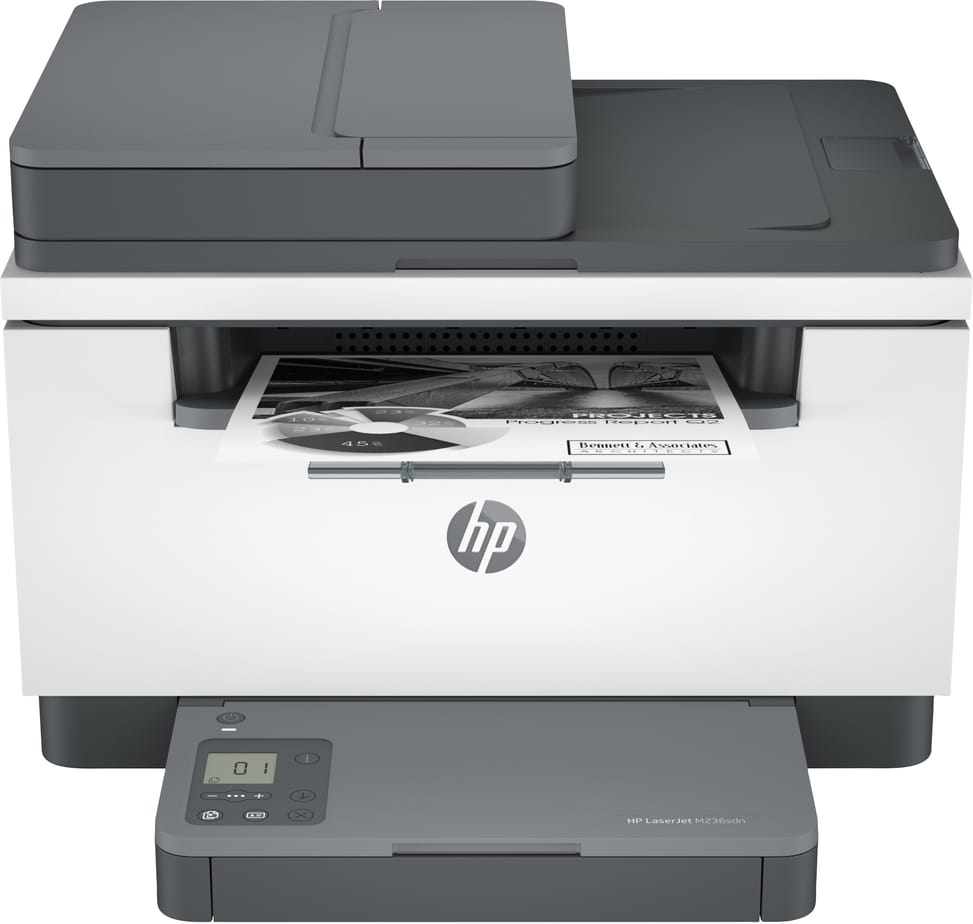
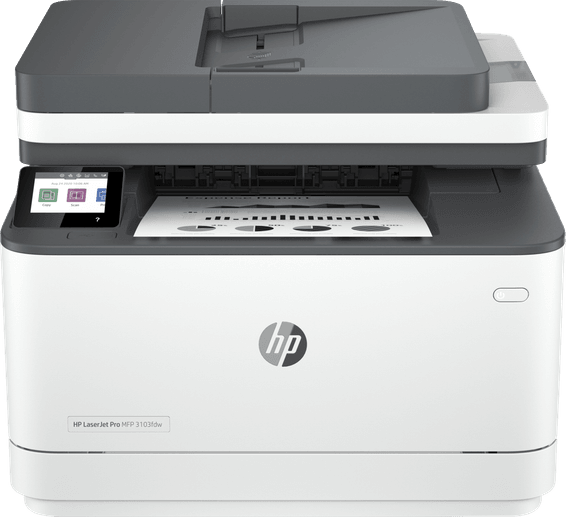
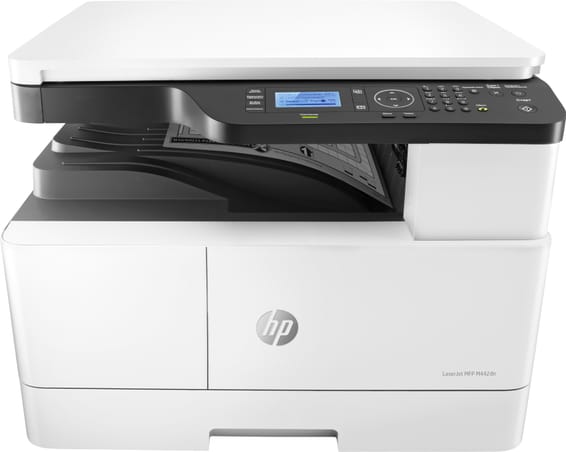
Is the toner supplied with the HP LaserJet M236sdn a full toner?
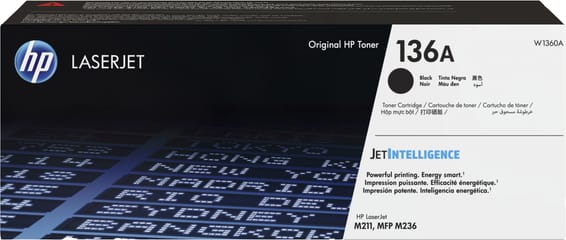
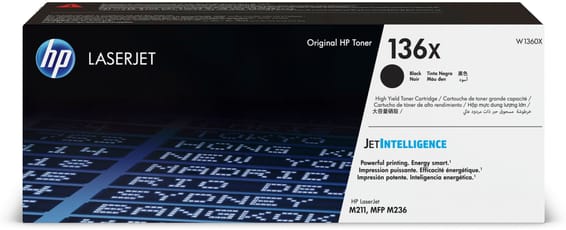
No, it is a starter toner of approximately 700 pages. The standard 136A (W1360A) replacement lasts 1,150 pages and the high-capacity 136X (W1360X) version 2,600 pages. In an office that prints every day, the cartridge supplied with the printer runs out quickly: plan for its replacement from the outset.
Do a USB cable and an installation CD come with the M236sdn?
Neither. The box contains the printer, its starter toner, the power cord and the documentation. The USB cable must be bought separately, and there is no CD: the drivers are downloaded from HP, which means you need Internet access on the day of installation.
Does the HP LaserJet M236sdn have Wi-Fi?
No. This model connects via 10/100Base-TX Fast Ethernet or USB 2.0. The wireless versions of the series carry the “dw” suffix; the “sdn” has neither an antenna nor Wi-Fi Direct. Once on the wired network, it remains accessible via AirPrint, Mopria and the HP Smart app.
Does the M236sdn's document feeder scan both sides?
No. The 40-sheet feeder reads only one side: to scan a reverse side, you have to turn the stack over or use the glass. It accepts originals from 60 to 90 g/m², from 148 × 210 mm up to Legal (216 × 356 mm). Duplex printing, on the other hand, is indeed automatic.
Does the M236sdn's scanner scan in colour?
Yes, in 24-bit, whereas printing is black and white only. Expect up to 19 pages per minute in monochrome and 10 in colour, at 600 dpi optical. Files are saved as JPEG, TIF, PDF, BMP or PNG, and the HP Smart app lets you send them to Dropbox, Google Drive or an email.
What speed does the M236sdn reach in duplex?
18 pages per minute in A4 duplex, versus 29 single-sided. The first page comes out in 7 seconds from ready, and in 7.6 seconds from sleep mode: the difference is small, so warming up does not slow down small one-off jobs.
How many sheets can the M236sdn hold?
150 sheets in a single tray, with a 100-sheet output. This is the machine's only tray: no additional cassette is offered in the catalogue, so the maximum capacity remains 150 sheets. At 2,000 pages a month, this means reloading paper regularly.
Can it print on envelopes or cardstock?
Yes, the tray accepts 60 to 163 g/m² and up to 10 envelopes. Supported media range from plain paper to tough paper, vellum, cardstock, labels and postcards, in custom sizes from 101.6 × 152.4 to 216 × 356 mm.
What monthly volume can the M236sdn handle?
The recommended volume is 200 to 2,000 pages per month, with a maximum duty cycle of 20,000 pages. For scanning, the recommended range is 150 to 1,500 pages. It is a small-office machine: beyond 2,000 pages a month, service life and consumable replacement intervals suffer.
Can a non-HP compatible toner be used in the M236sdn?
It uses HP Dynamic Security: it is designed to work with cartridges that have a new or reused HP chip, and cartridges with a non-HP chip may not work. Firmware updates maintain this blocking. The machine's Blue Angel ecolabel is, moreover, only guaranteed with genuine HP supplies.
What display does the M236sdn have, and how is it operated?
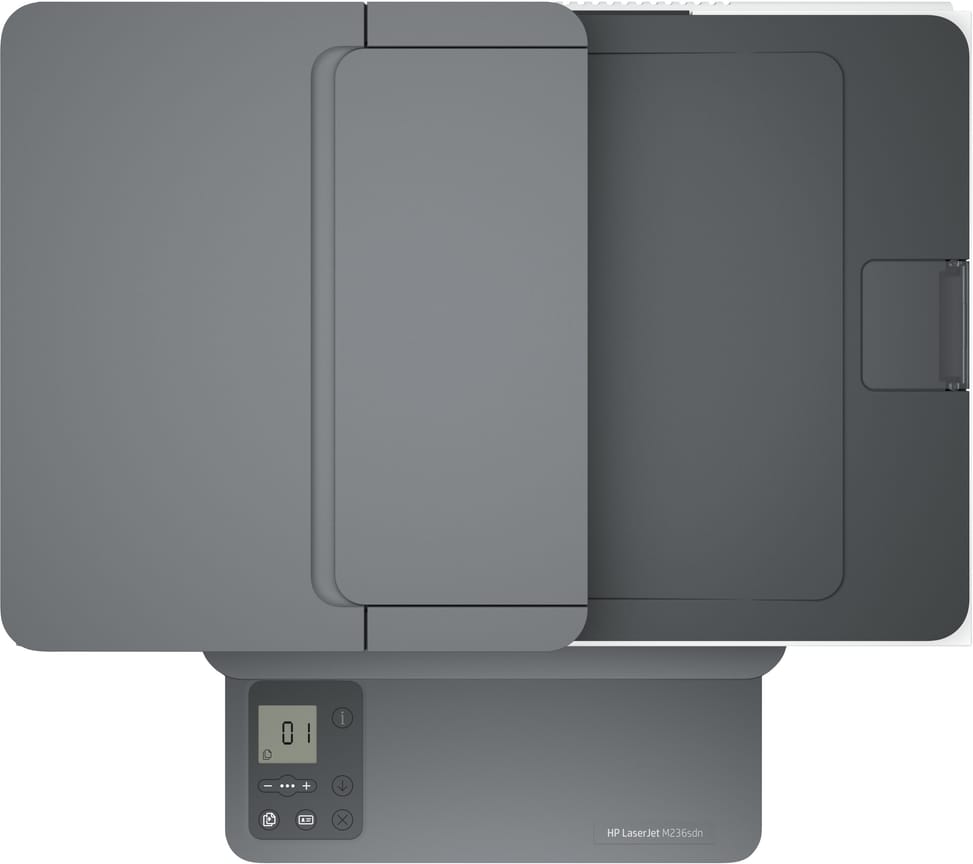
A 4 cm icon LCD display, not touch-enabled, surrounded by 5 indicator lights and 9 buttons, including one dedicated to ID card copying. The buttons only appear depending on the context. The number of copies per job is capped at 99, with zoom from 25 to 400%.
Does the M236sdn fit on a small desk?
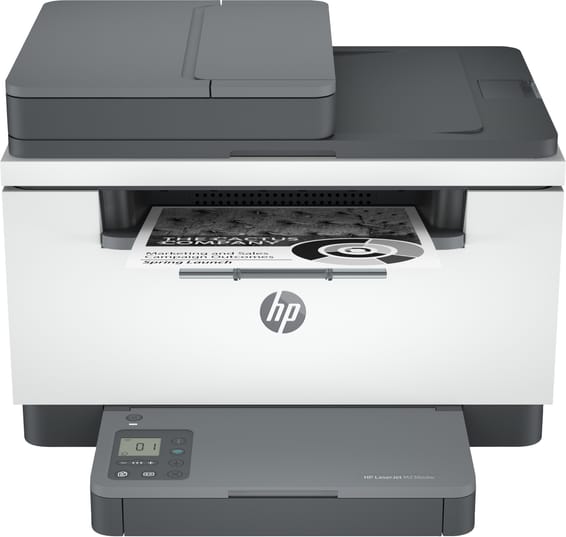
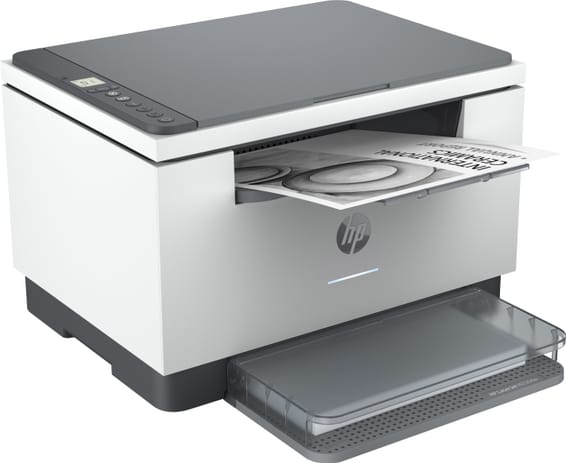
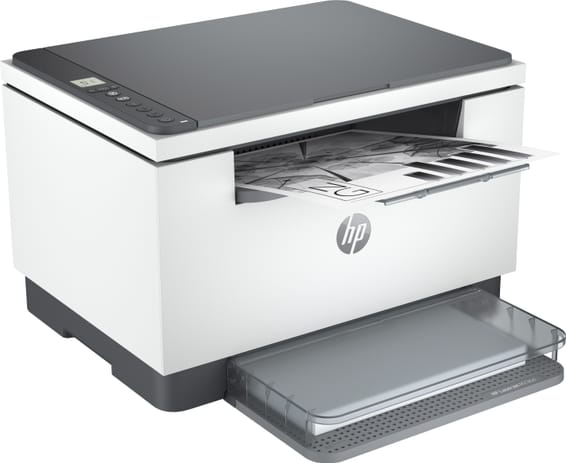
Yes: 418 × 308 × 294 mm and 9.5 kg, with covers closed. Allow 418 × 468 × 453 mm with the trays and covers opened. Sound pressure is 51 dB(A) during operation, and the machine operates between 15 and 32.5 °C.
How much power does the HP LaserJet M236sdn use?
453 W when actively printing, 3.3 W when ready and 0.6 W in sleep mode, on 220-240 V. HP Auto-On/Auto-Off technology switches the machine on and off as needed, which limits power consumption in an office where the printer is used intermittently.
Does the M236sdn work with macOS and Linux?
Yes to both. macOS is supported from Mojave to Sequoia, Linux is supported through the HPLIP driver, and on the Windows side compatibility ranges from Windows 7 to Windows 11, with Server editions 2008 R2 to 2016. The machine is new and covered by a
1-year warranty, with the invoice serving as the warranty document. Full details are in the
datasheet.