Pay nowView my order
Visit the Lenovo store

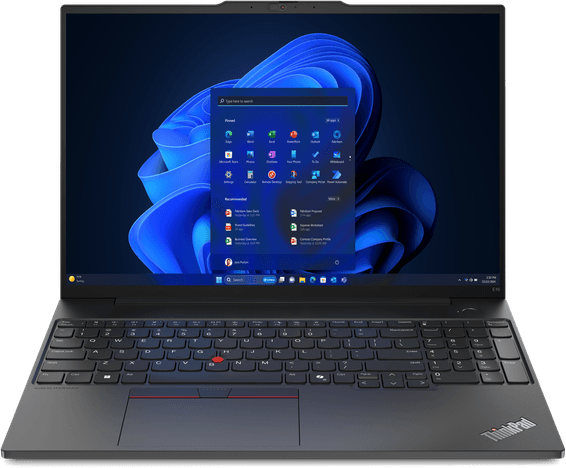
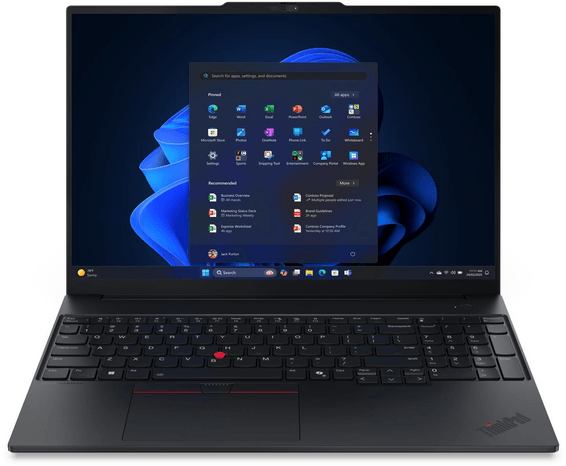
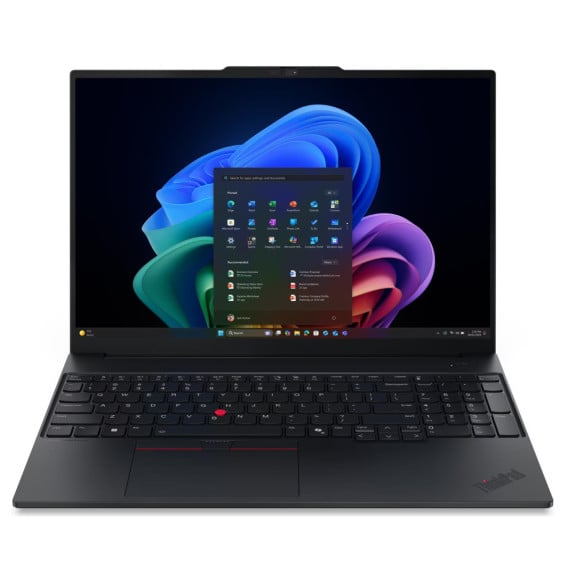
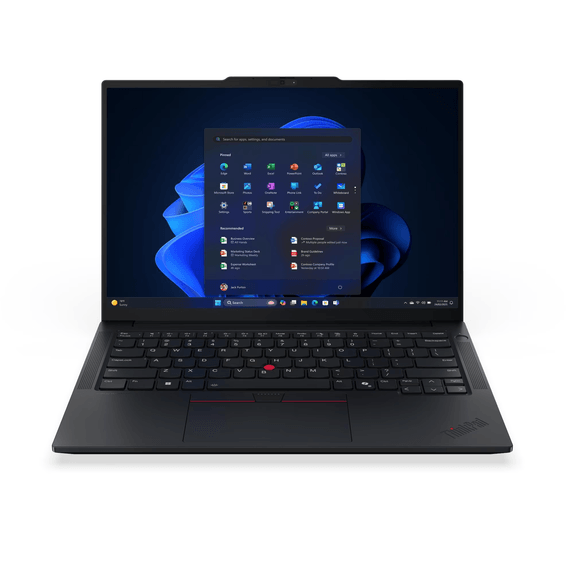
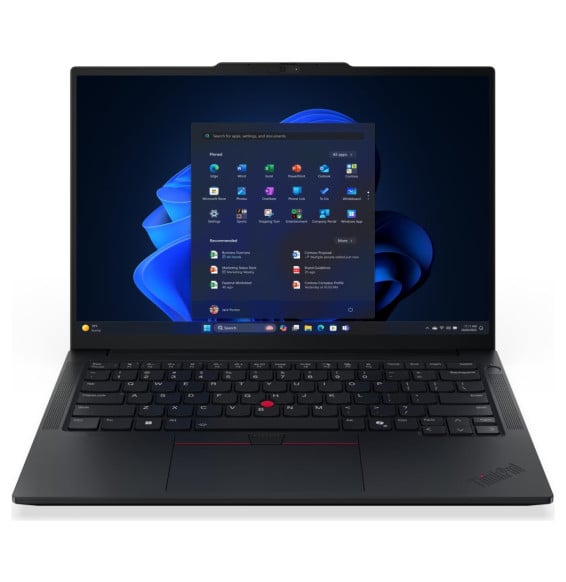
Lenovo ThinkPad E14 Gen 7 Laptop (21T00041FE)

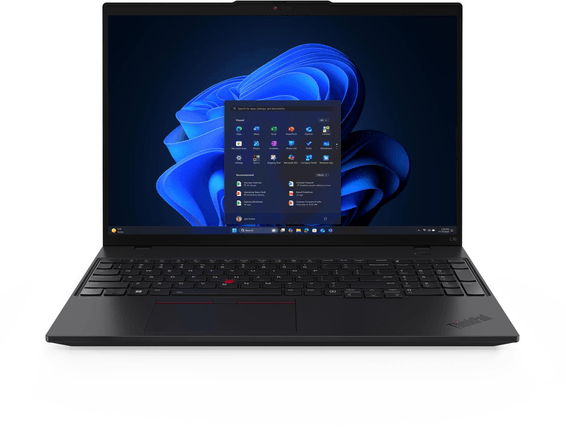
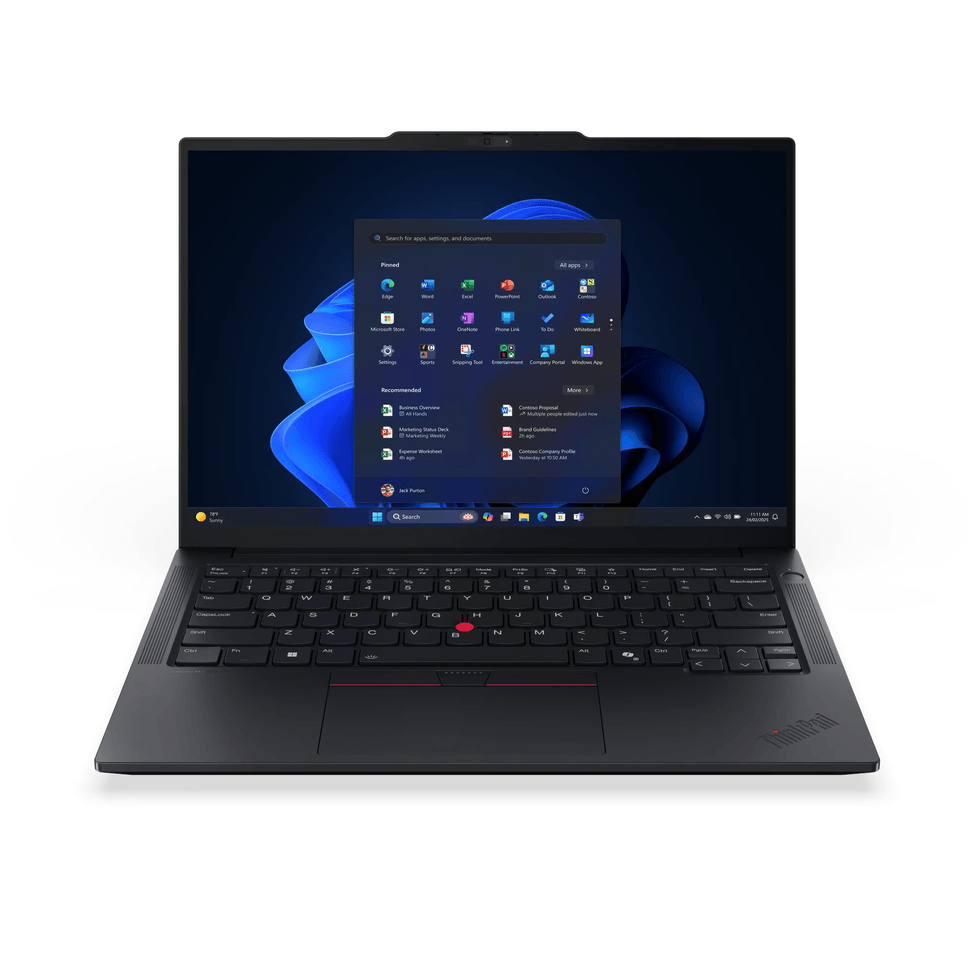
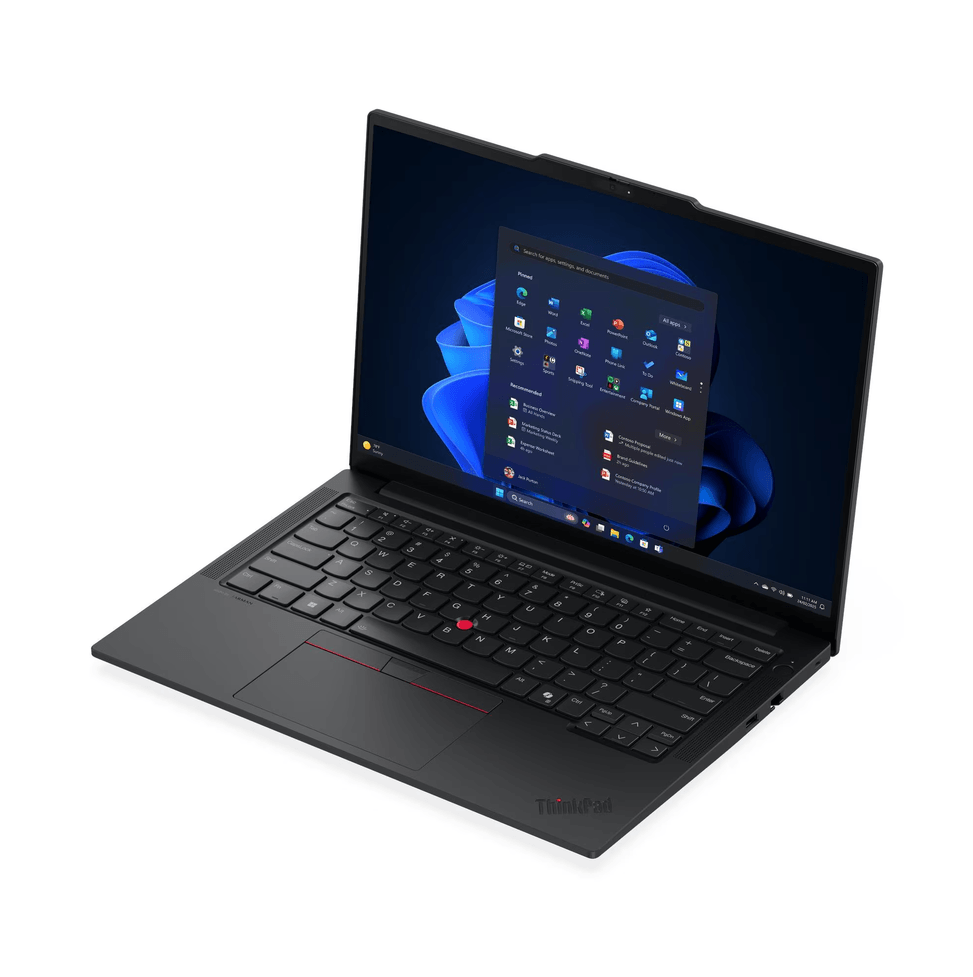
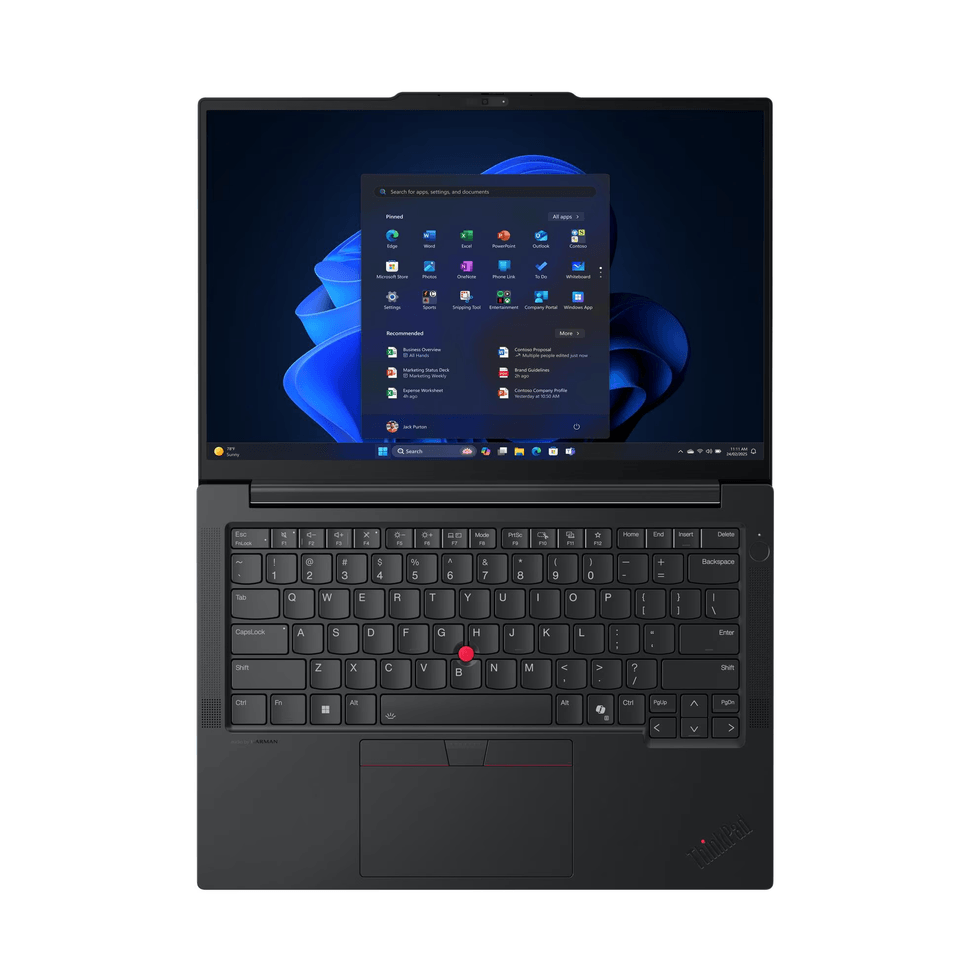
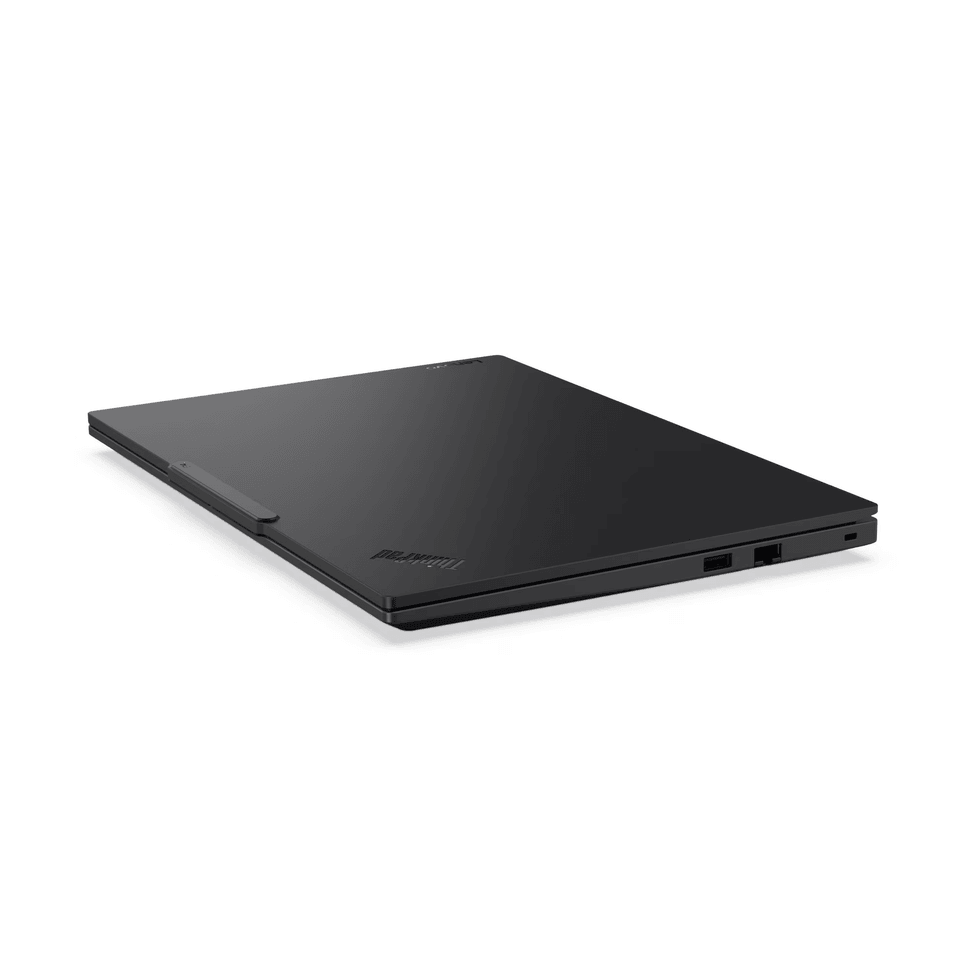
Light professional laptop (1.41 kg), MIL-STD-810H certified aluminium chassis. Fingerprint reader and Windows Hello infrared webcam. Expandable RAM and SSD (free slots).

  • AMD Ryzen 5 220 (6 cores / 12 threads)
  • RAM 16 GB DDR5, expandable up to 64 GB
  • 512 GB NVMe SSD, 2nd M.2 slot free
  • FreeDOS — supplied without Windows (to be installed)
  • 14" WUXGA IPS display, 300 nits, anti-glare
  • MIL-STD-810H certified aluminium chassis
  • Fingerprint reader and Windows Hello infrared webcam
  • Wi-Fi 6E
  • Weight 1.41 kg
  • 48 Wh battery
Ref.: 21T00041FE
16 099,00 DHincl. VAT

Configuration · Lenovo ThinkPad E14

Out of stock

Under Law 09-08, you have the right to access, rectify and object to the processing of your personal data. This processing has been authorised by the CNDP under no. D-CE-389/2015. Learn more

Can’t wait?

Ask for an alternative on WhatsApp

Quick reply

Manufacturer's datasheetView the PDF · 752 Ko — downloadable

Product overview

AMD Ryzen™ 5 220 (6C / 12T, 3.2 / 4.9GHz, 6MB L2 / 16MB L3)
RAM: 1x 16GB SODIMM DDR5-5600
Storage: 512GB SSD M.2 2242 PCIe® 4.0x4 NVMe® Opal 2.0
Display: 14" WUXGA (1920x1200) IPS 300nits Anti-glare, 45% NTSC, 60Hz
Graphics card: AMD Radeon™ 740M Graphics
FreeDOS (no Windows)
Keyboard: Backlit, French (AZERTY)

See all the specifications ↓
Request a quoteShare:

Technical specifications

Technical specifications
ProcessorAMD Ryzen 5 220
Processor details6 cores, 12 threads, 3.2 GHz base, up to 4.9 GHz, 6 MB L2 cache and 16 MB L3 cache
Installed RAM16 GB DDR5-5600 (1 x 16 GB SO-DIMM), expandable to 64 GB across 2 slots
Hard drive capacity512 GB SSD M.2 2242 NVMe PCIe 4.0 x4, Opal 2.0 — 2 M.2 slots (2242 and 2280)
Optical driveNone
Graphics cardAMD Radeon 740M Graphics (integrated)
Weight (kg)From 1.41 kg
Screen size14 inches
Screen typeWUXGA (1920 x 1200), IPS, 60 Hz, 300 nits, anti-glare, 45% NTSC
Built-in webcamFull HD 1080p, hybrid infrared, privacy shutter
Audio2 × 2 W speakers, Dolby Atmos, HARMAN audio, Senary SN6147 HD audio, 2 array microphones
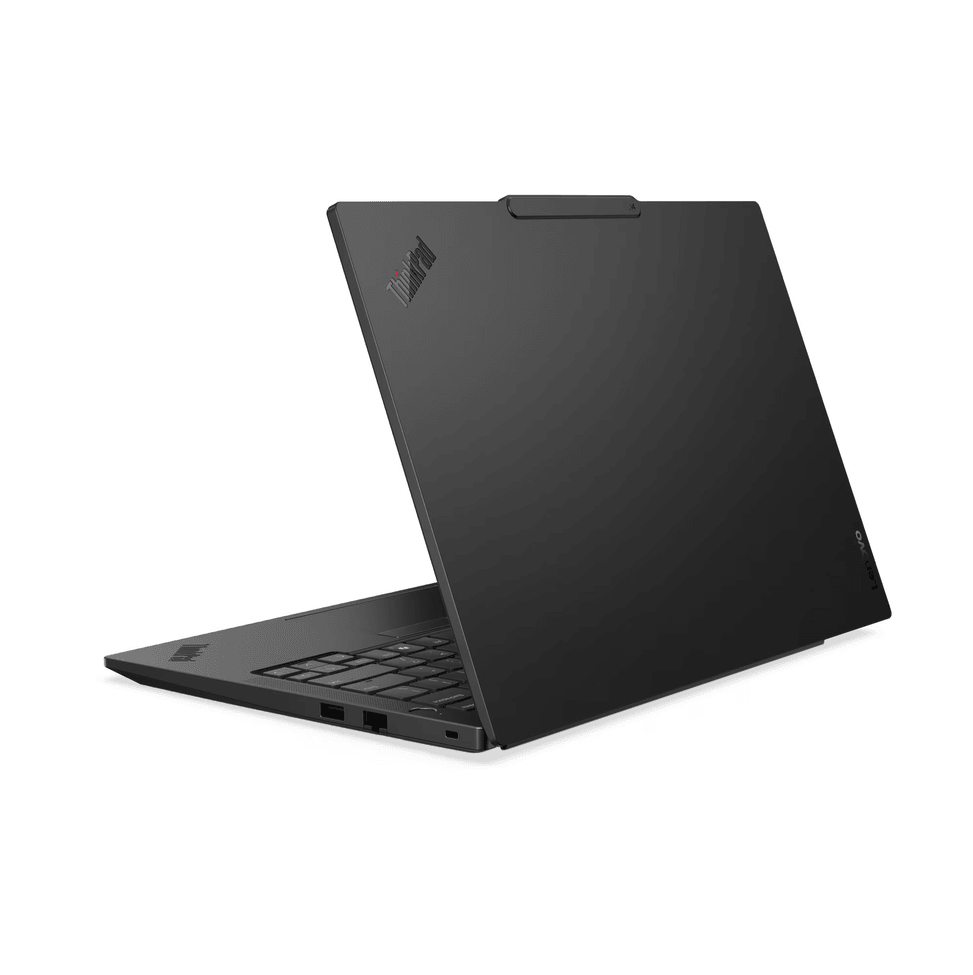
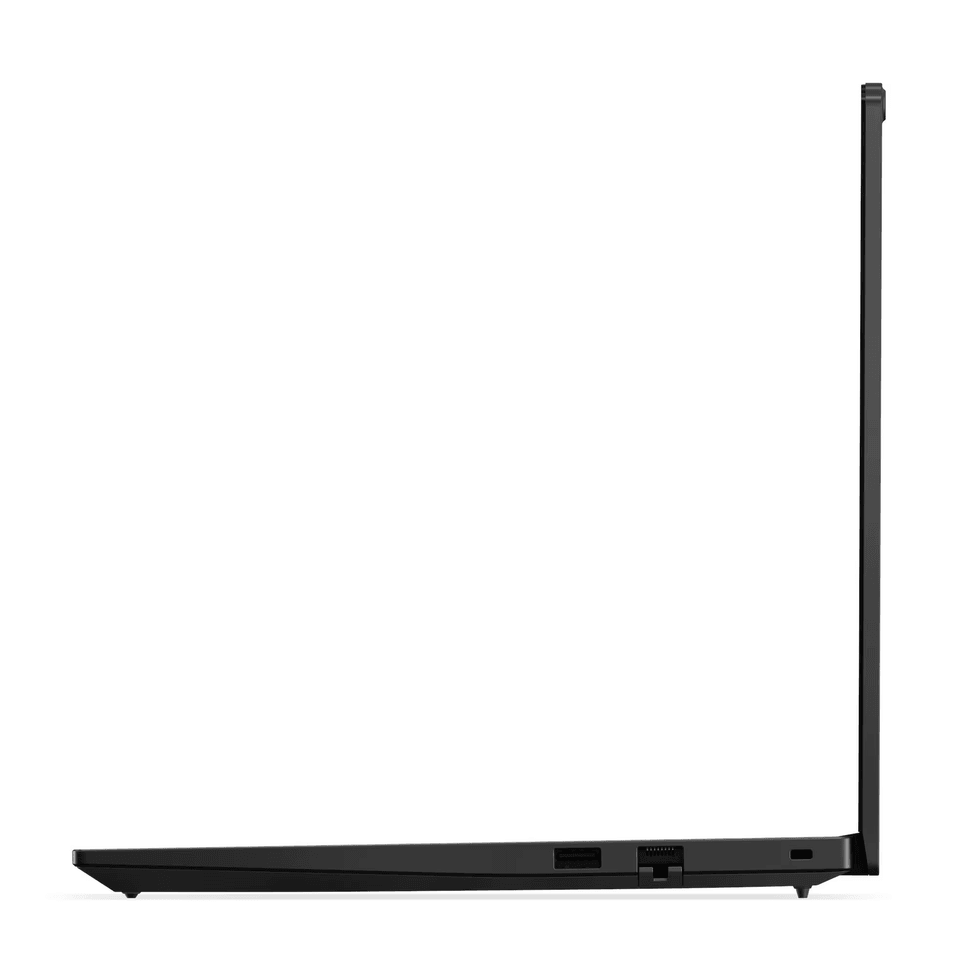
Ethernet network cardIntegrated 100/1000 Mbps Ethernet (RJ-45)
BluetoothBluetooth 5.3
Technical specifications (continued)
Wireless communicationWi-Fi 6E (802.11ax, 2x2)
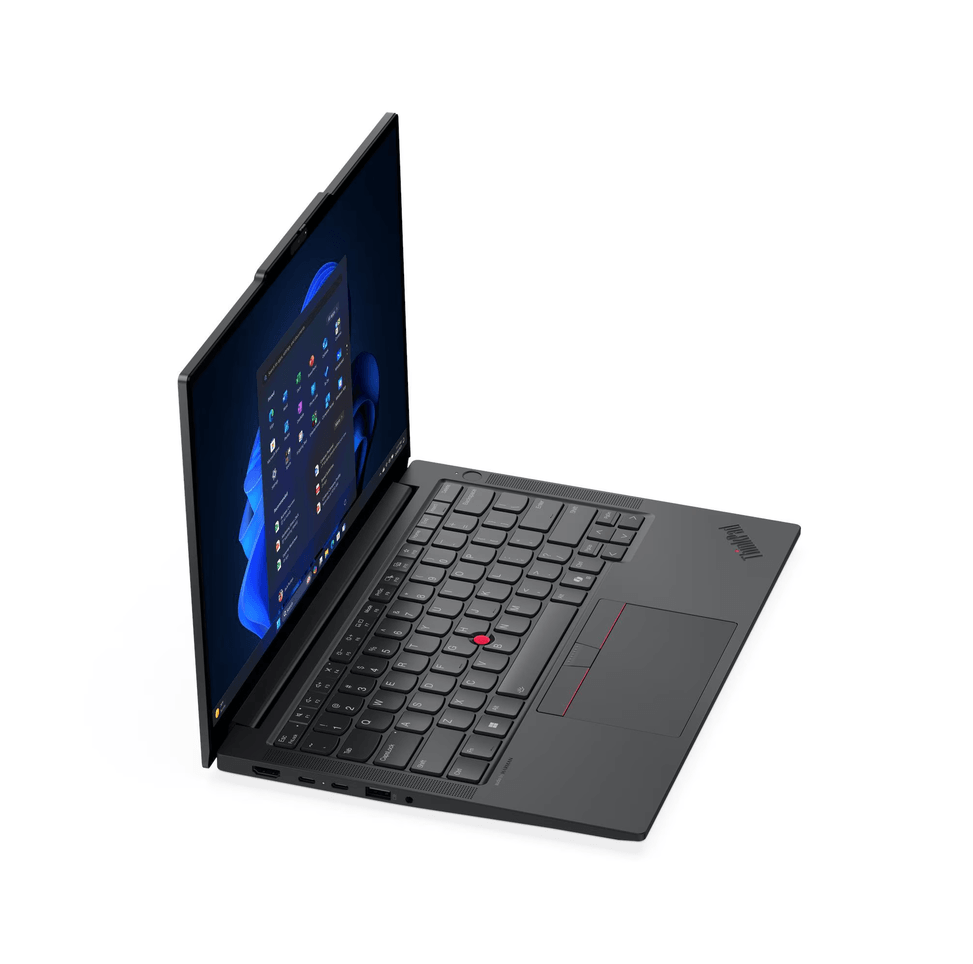
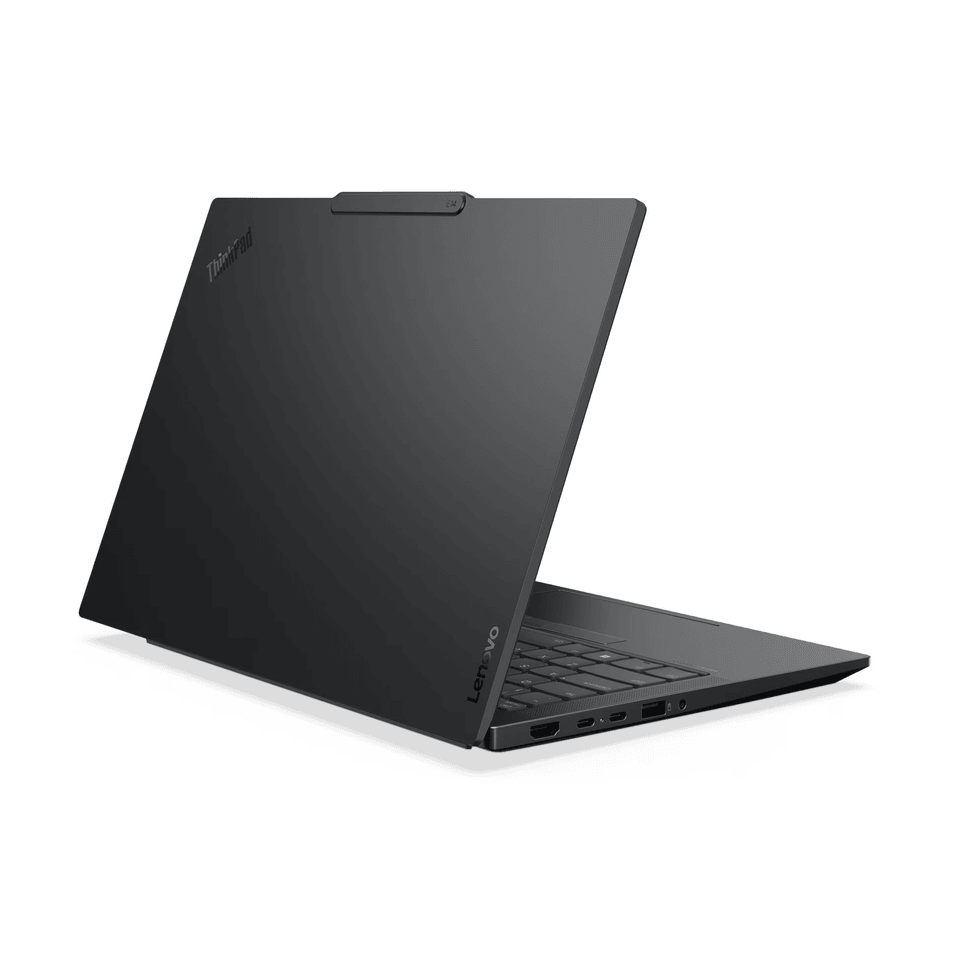
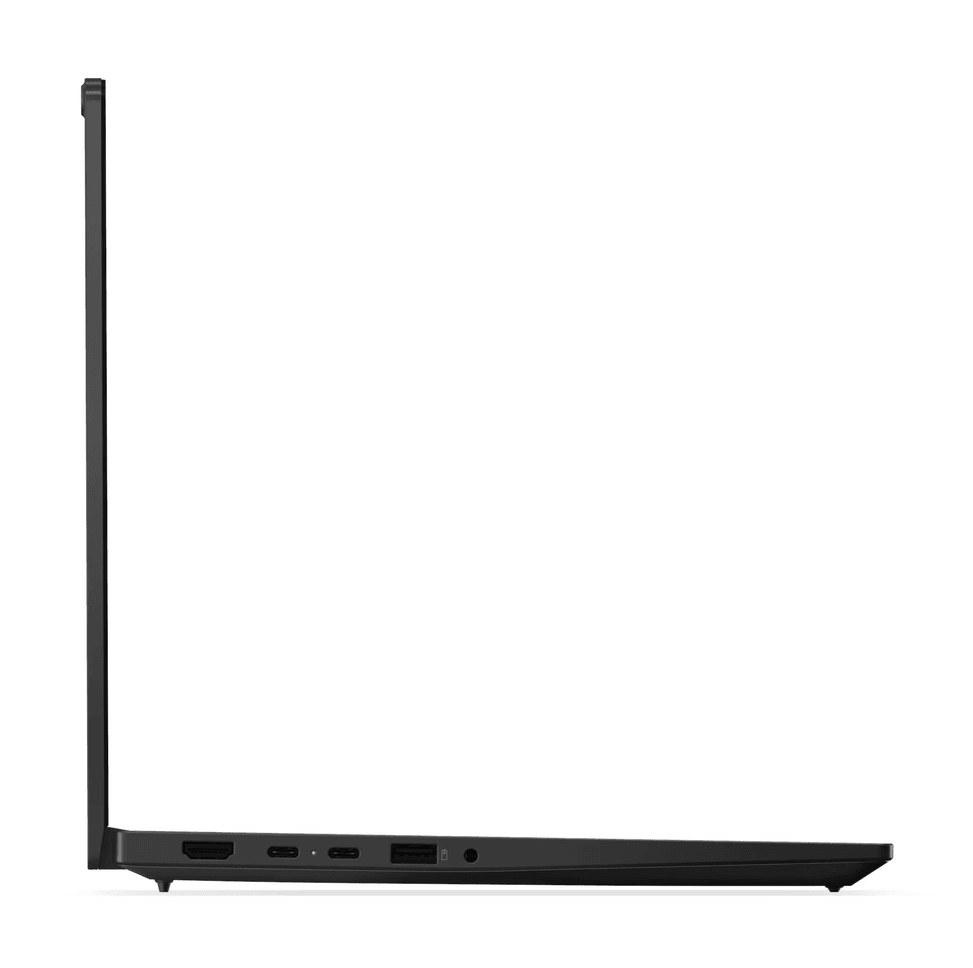
Connectors1 USB-A 5 Gbps, 1 USB-A 10 Gbps (always-on), 1 USB-C 5 Gbps, 1 USB-C USB4 40 Gbps, 1 HDMI 2.1 (4K 60 Hz), 1 headphone/microphone combo jack (3.5 mm), 1 RJ-45 — USB-C: Power Delivery 15-65 W and DisplayPort 1.4 and 1.4a
Biometric recognitionFingerprint reader built into the power button and infrared facial recognition
Battery type / battery life48 Wh
Operating systemFreeDOS (no Windows)
Dimensions (W x D x H) (mm)313 x 220.3 x 10.1/15.25 mm (front/rear), 19.7 mm maximum
Product colourBlack
Power supply65 W, USB-C (3-pin)
KeyboardAZERTY, backlit
Storage typeSSD
TouchscreenNo
With built-in AINo
Warranty1 year

Customer reviews

No reviews yet

Be the first to review this product and help other customers.

Write a review
Your rating
5/5

Shown publicly with your review.

Never published — a confirmation email will be sent to you.

Tell us about the product — in a few lines:

  • what you liked in everyday use;
  • the quality and performance you found;
  • who you would recommend it to, and why.

A question about an order, a delivery or a payment? Write to us and we will reply to you directly.

Under Law 09-08, you have the right to access, rectify and object to the processing of your personal data. This processing has been authorised by the CNDP under no. D-CE-389/2015. Learn more

Frequently asked questions about this product

Is Windows installed on this Lenovo ThinkPad E14 Gen 7?
No, it ships with FreeDOS, without Windows. Plan for your own licence or a Linux distribution before first use. This is a common configuration in businesses, where the IT department deploys its own image on each workstation.
Can you add memory to this Lenovo ThinkPad E14 Gen 7?
Yes, without removing anything. The 16 GB is fitted on a single SO-DIMM module, in a chassis that has two slots supporting dual-channel and takes up to 64 GB. A second module therefore simply complements the one already installed.
Can you add a second SSD to this Lenovo ThinkPad E14 Gen 7?
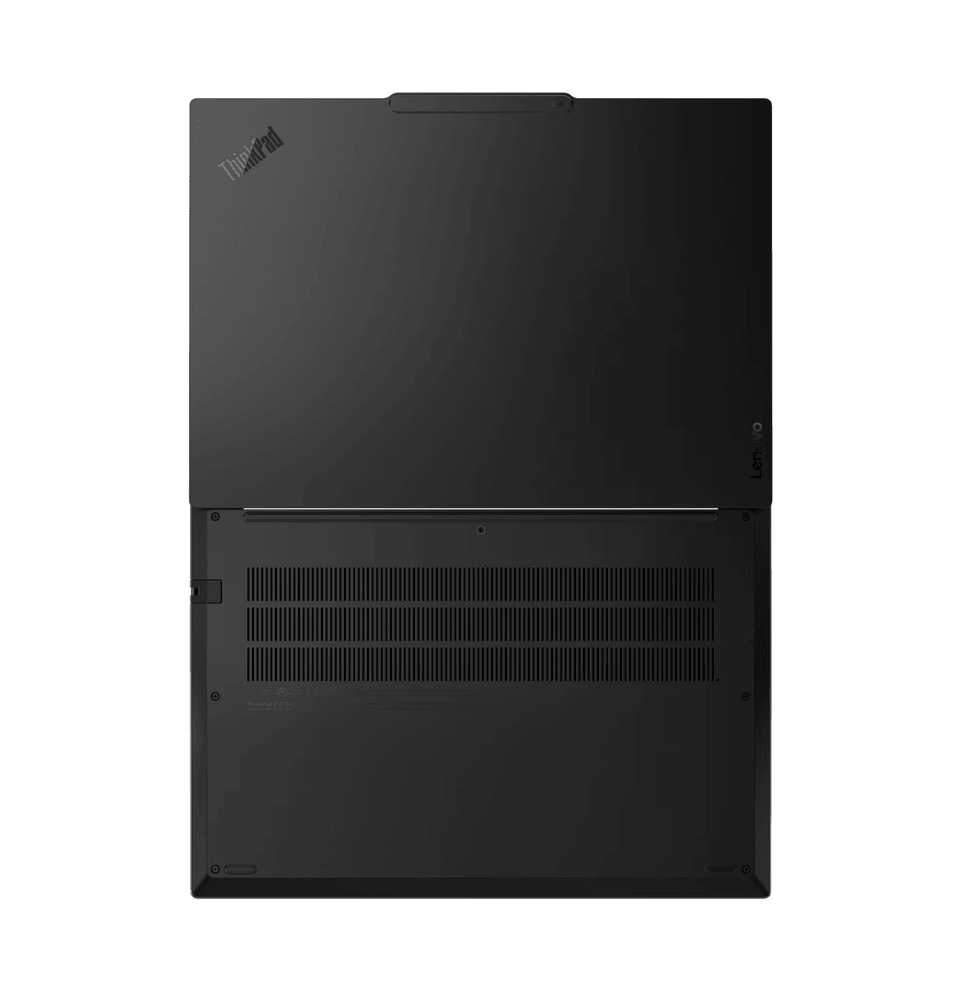
Yes: the chassis has two M.2 slots — a short one in 2242 format, occupied by the supplied 512 GB drive, and a second one in 2280 format, the most common. Take care to choose the right format when buying.
Does this Lenovo ThinkPad E14 Gen 7 have an RJ-45 network port?
Yes, a 100/1000M Ethernet port is built in, something most recent 14-inch laptops have dropped. It is an expected feature on a business workstation, where wired networking remains the norm across office floors.
Is the screen of this Lenovo ThinkPad E14 Gen 7 matte or glossy?
Matte: the 14-inch IPS panel is anti-glare and reaches 300 nits, at 1920 × 1200 in 16:10 format — taller than 16:9, so more lines are visible per page. It covers 45% of the NTSC colour space.
Can this Lenovo ThinkPad E14 Gen 7 withstand the rigours of travel?
It is stated to be MIL-STD-810H certified, the battery of military tests covering shocks, vibrations, humidity and temperature variations, with an aluminium chassis top and bottom. That is the level expected of a business machine.
How do you unlock this Lenovo ThinkPad E14 Gen 7?
In two ways: with the fingerprint reader, or by face with the infrared webcam compatible with Windows Hello — once the operating system is installed, since the machine ships without Windows.
How do you charge this Lenovo ThinkPad E14 Gen 7?
Via USB-C, with the supplied 65 W adapter: the same connector handles charging, display and data. The internal battery is rated at 48 Wh, and the graphics are AMD Radeon 740M, integrated into the processor.
Is this Lenovo ThinkPad E14 Gen 7 new and under warranty?
Yes, it is new and sealed, covered by a 1-year warranty for which the purchase invoice serves as the certificate. It features a 6-core, 12-thread Ryzen 5 220, a 512 GB SSD and a backlit AZERTY keyboard.

Trending

View the Lenovo archive

Chat on WhatsApp

Scan with my phone

The simplest way: open your phone camera and point it at this code. The chat opens with your message ready.

Open WhatsApp Web

Works if your phone is already linked to this computer.