
Original item, the quality is perfect as described, good service, fast delivery. Im very satisfied with my purchase, thank you team Iris.
Oussama F.Verified purchase
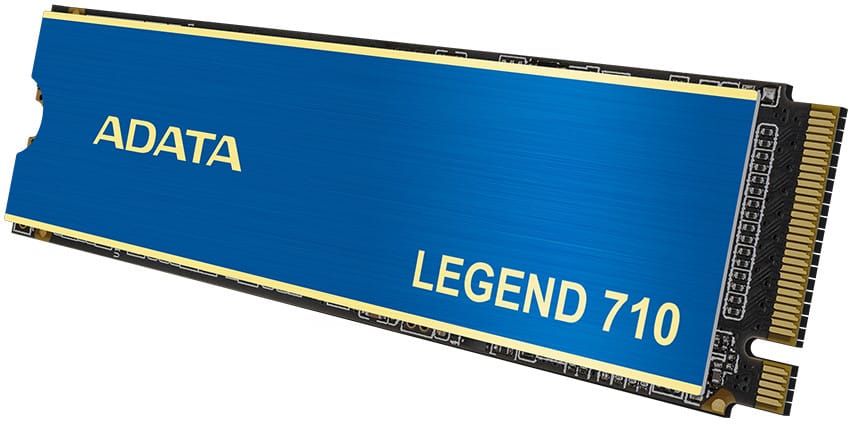
256-bit AES hardware encryption and LDPC error correction to keep data intact, with an included heatsink that lowers the temperature by 15%. Read up to 2,400 MB/s on recent Intel and AMD platforms.
Out of stock
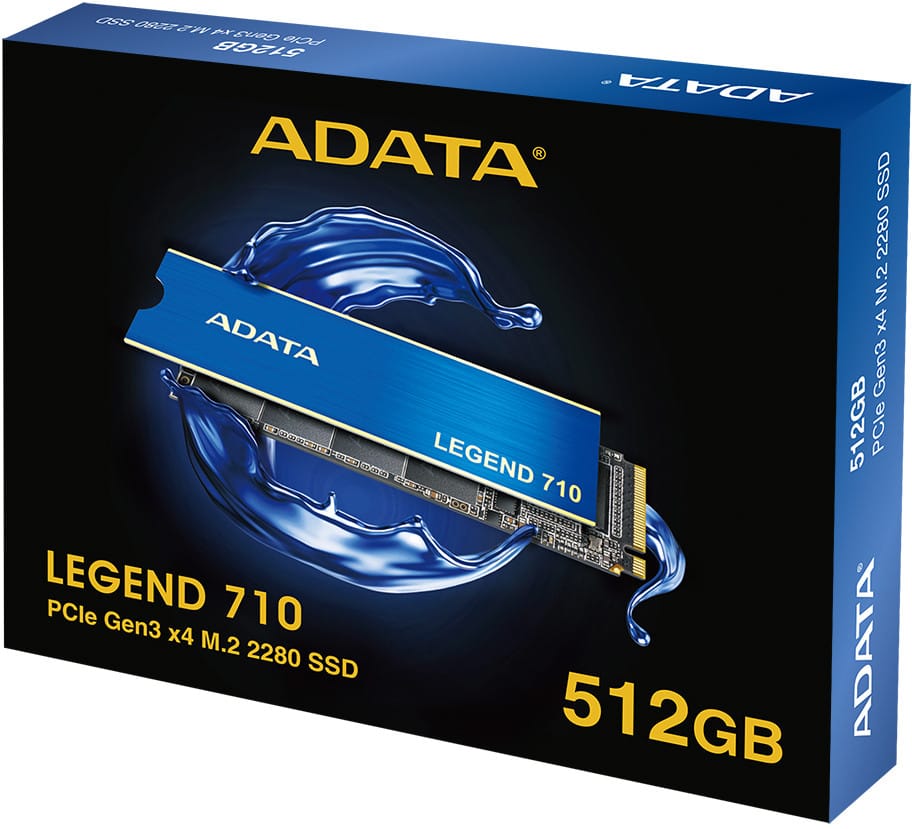
ADATA LEGEND 710 512 GB M.2 2280 SSD, PCIe Gen3 x4 NVMe: breathe new life into a sluggish PC with a reliable, silent entry-level NVMe drive.
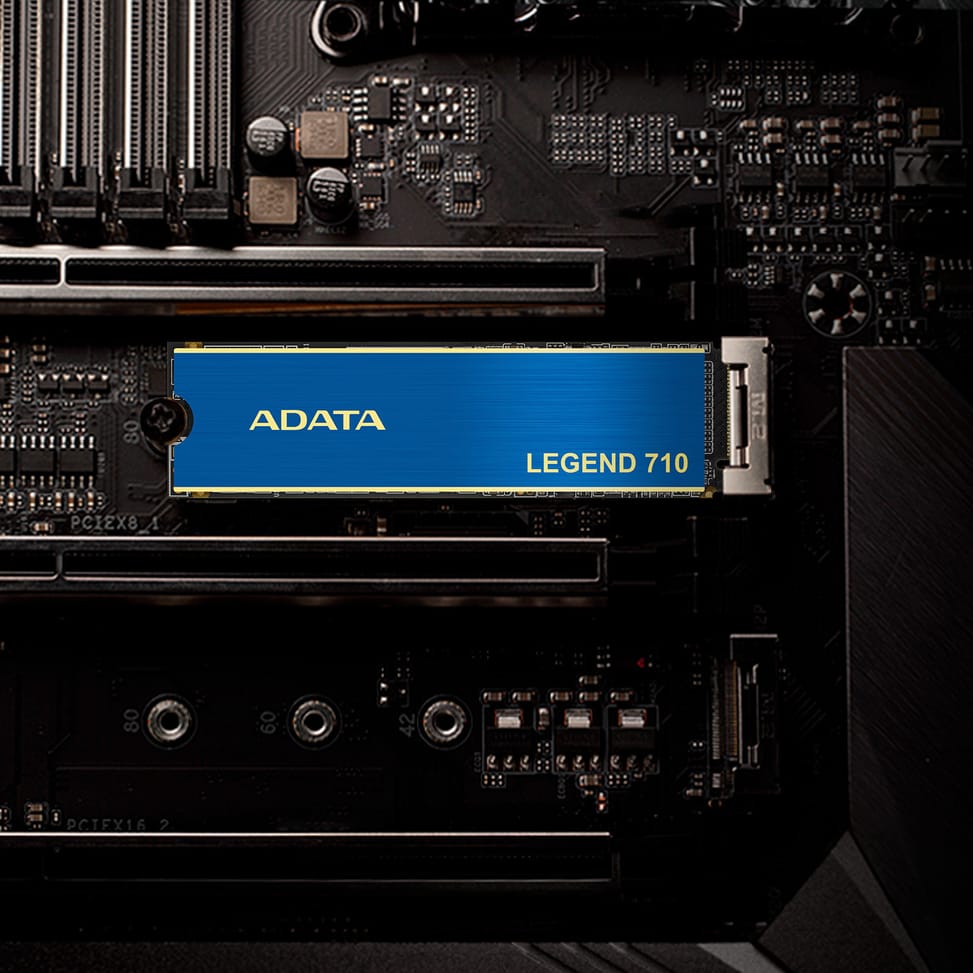
Compatibility: M.2 2280 form factor, PCIe Gen3 x4 NVMe 1.4 interface, recent Intel and AMD platforms, desktop and laptop computers, Windows and Linux.
Technology: 3D NAND memory, Realtek RTS5766DL controller, SLC cache, HMB (Host Memory Buffer), LDPC ECC, 256-bit AES encryption, included heatsink that lowers the temperature by 15%.
Performance: read speeds up to 2,400 MB/s, write speeds up to 1,600 MB/s, 4K IOPS up to 90K read and 150K write.
Endurance: TBW 130 TB, MTBF 1,500,000 h.
Ideal for upgrading a sluggish laptop or desktop PC, as a fast second drive, for backups and demanding office work.
An affordable NVMe drive to boost an ageing PC without breaking the bank.
| Hardware encryption | Yes, 256-bit AES |
|---|---|
| Dimensions (W x D x H) | 80 x 22 x 2.15 mm without heatsink, 80 x 22 x 3.13 mm with |
| Net weight | 6.2 g without heatsink, 9 g with |
| Compatible operating systems | Windows 8.1 or later (Windows 10 recommended), Linux Fedora, SUSE, Ubuntu and Red Hat |
| Read speed | Up to 2,400 MB/s sequential read (512 GB and 1 TB) |
| Write speed | Up to 1,600 MB/s (512 GB) or 1,800 MB/s (1 TB) sequential write |
| Random performance (IOPS) | 90,000 (512 GB) or 180,000 (1 TB) IOPS 4 KB read, 150,000 IOPS 4 KB write |
| Endurance | 130 TB (512 GB) or 260 TB (1 TB) written (TBW) |
| MTBF | 1.5 million hours |
| Operating temperature | 0 °C to 70 °C |
| Storage temperature | -40 °C to 85 °C |
| Shock resistance | 1,500 G for 0.5 ms |
|---|---|
| Storage capacity | 512 GB or 1 TB depending on variant |
| Cache size | Host Memory Buffer (HMB) and SLC cache |
| Interface | PCIe Gen3 x4 (NVMe 1.4) |
| Certifications | CE, FCC, BSMI, KC, EAC, RCM, Morocco, UKCA, RoHS |
| Storage type | SSD, 3D NAND flash memory |
| SSD controller | Realtek RTS5766DL |
| Drive form factor | M.2 2280 |
| Heatsink | Heatsink included, lowers temperature by 15% |
| Use | Office |
| Warranty | 1 year |
1 customer review
Original item, the quality is perfect as described, good service, fast delivery. Im very satisfied with my purchase, thank you team Iris.
Oussama F.Verified purchase
Our in-stock alternatives, in a similar range.
Kingston KC3000 M.2 2280 PCIe Gen4 x4 NVMe 3D TLC 512 GB Internal SSD (SKC3000S/512G)
Built for 3D rendering and 4K editing: 7,000 MB/s read, 3,900 MB/s write, Phison E18 controller and DRAM cache. The low-profile aluminium-graphene heatsink prevents throughput dropping under sustained load.
1 295,00 DH incl. VATIn stock
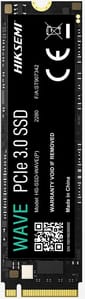
Hiksemi Wave(P) M.2 2280 PCIe 3.0 NVMe 512 GB Internal SSD (HS-SSD-WAVE-P-512G)
2,500 MB/s read and 1,025 MB/s write, with no moving parts at all: the shock- and drop-resistant design protects the data. 3D NAND memory and TRIM command support to hold the speeds over time.
1 349,00 DH incl. VATIn stock

Hiksemi Wave(S) SATA III, 2.5" 512 GB Internal SSD (HS-SSD-WAVE-S-512G)
Replacing the original hard drive of a laptop or a desktop: 530 MB/s read, 450 MB/s write and 170 TB written supported. It also fits in a PS4.
1 395,00 DH incl. VATIn stock
Models available from 969 DH incl. VAT, in a similar range.
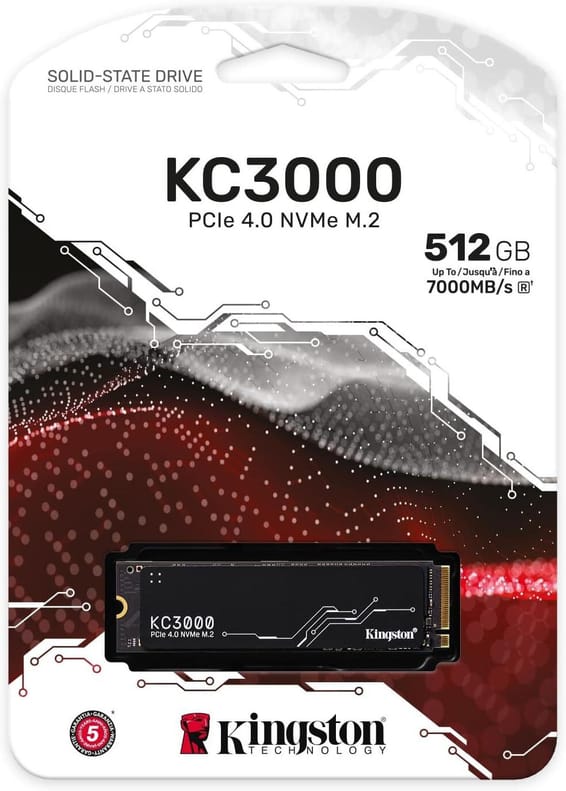
Kingston
Built for 3D rendering and 4K editing: 7,000 MB/s read, 3,900 MB/s write, Phison E18 controller and DRAM cache. The low-profile aluminium-graphene heatsink prevents throughput dropping under sustained load.
In stock
Delivery everywhereDelivered all over Morocco
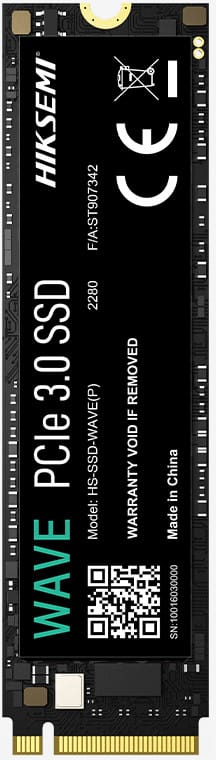
HIKSEMI
2,500 MB/s read and 1,025 MB/s write, with no moving parts at all: the shock- and drop-resistant design protects the data. 3D NAND memory and TRIM command support to hold the speeds over time.
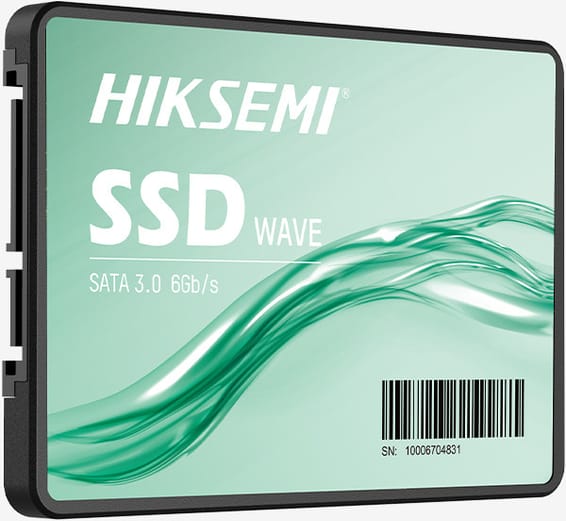
HIKSEMI
Replacing the original hard drive of a laptop or a desktop: 530 MB/s read, 450 MB/s write and 170 TB written supported. It also fits in a PS4.
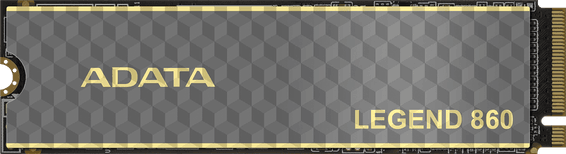
ADATA
Simple upgrade for a laptop or a tower: 5,000 MB/s read and 3,000 MB/s write, host memory buffer and SLC cache. 160 TB written of endurance and PlayStation 5 compatibility.
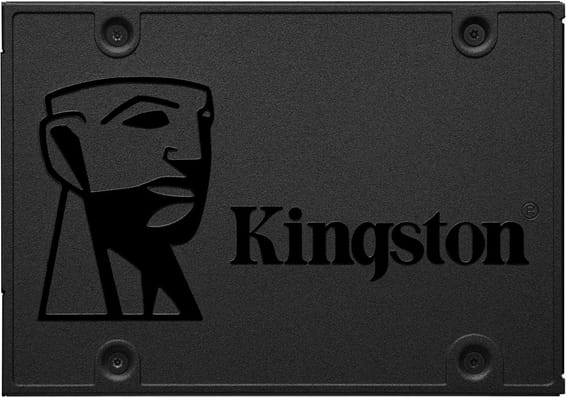
Kingston
Write up to 450 MB/s and read up to 500 MB/s: file copies and installations are far brisker than with a spinning drive. Silent, frugal with power and unaffected by vibration, in a tower or a laptop.
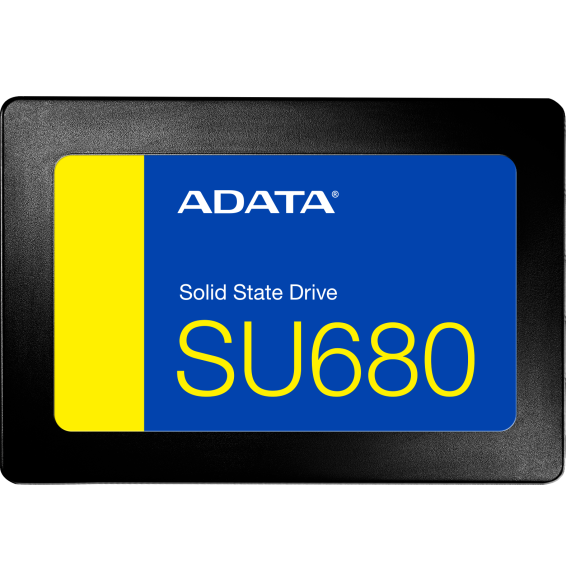
ADATA
512 GB
ADATA Ultimate SU680 2.5-inch SATA SSD with 3D NAND to give new life to a desktop or laptop PC: up to 520 MB/s read and 450 MB/s write, SLC cache, 240 GB to 1 TB depending on the version.
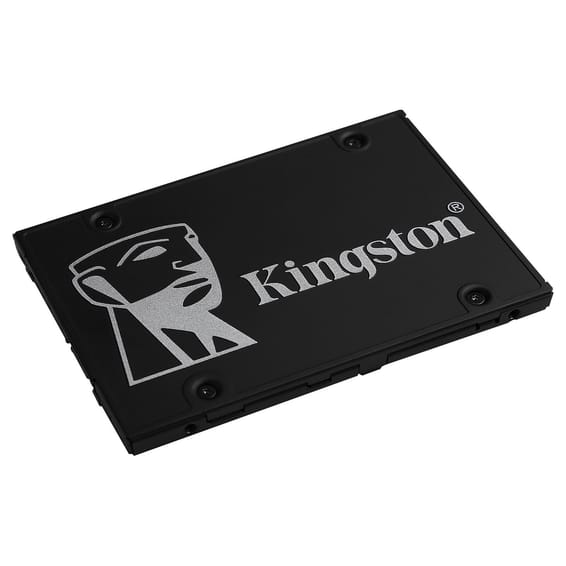
Kingston
256-bit AES hardware encryption, TCG Opal and Microsoft eDrive: the data stays unreadable to anyone who gets hold of the machine. 550 MB/s read, 520 MB/s write over SATA 6 Gb/s.
In stock
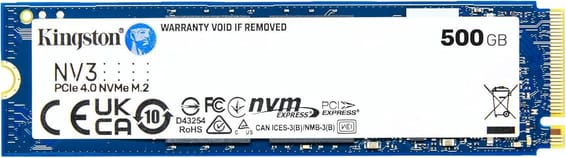
Kingston
Single-sided 7 g design, made for thin laptops and compact PCs: 5,000 MB/s read, 3,000 MB/s write, with reduced power draw and heat.
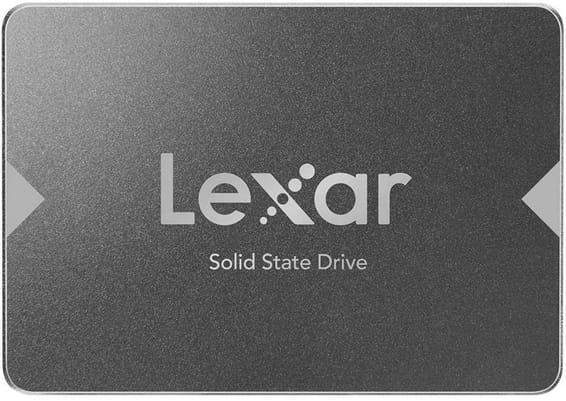
Lexar
256 GB
550 MB/s in sequential read, more than five times the speed of a spinning drive: noticeably quicker start-ups and application loading. No moving parts, so operation is silent and insensitive to knocks.
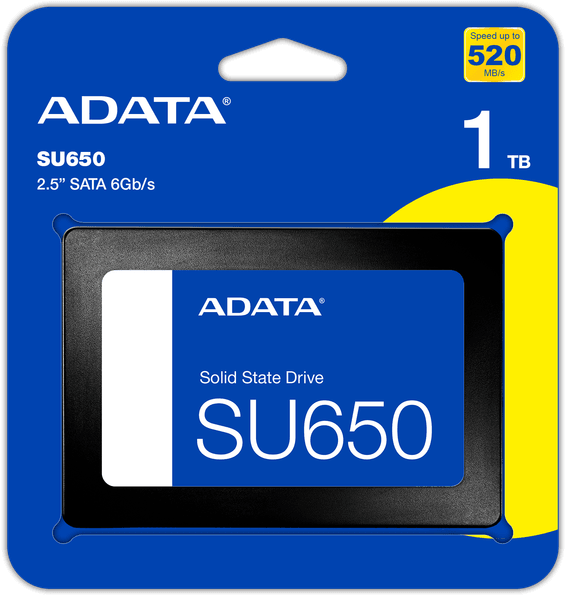
ADATA
Silent and free of vibration, it withstands 1,500 G shocks over 0.5 ms and runs from 0 to 70 °C. Read up to 520 MB/s, write up to 450 MB/s, with an SLC cache and ECC error correction to hold the pace.
In stock
Delivery everywhereDelivered all over Morocco
In stock
Delivery everywhereDelivered all over Morocco
In stock
Delivery everywhereDelivered all over Morocco
In stock
Delivery everywhereDelivered all over Morocco
In stock
Delivery everywhereDelivered all over Morocco
Delivery everywhereDelivered all over Morocco
In stock
Delivery everywhereDelivered all over Morocco
In stock
Delivery everywhereDelivered all over Morocco
In stock
Delivery everywhereDelivered all over Morocco
Ugreen
In stock
Delivery everywhereDelivered all over Morocco
2,500 MB/s read and 1,025 MB/s write, with no moving parts at all: the shock- and drop-resistant design protects the data. 3D NAND memory and TRIM command support to hold the speeds over time.
In stock
Delivery everywhereDelivered all over Morocco
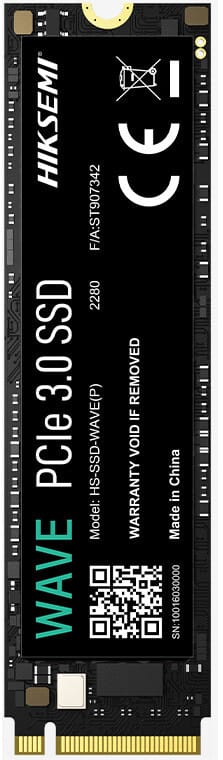
HIKSEMI
Waking up a sluggish PC: 2,280 MB/s read and 1,800 MB/s write, with no moving parts at all. 3D NAND memory and 100 TB written supported.
In stock
Delivery everywhereDelivered all over Morocco
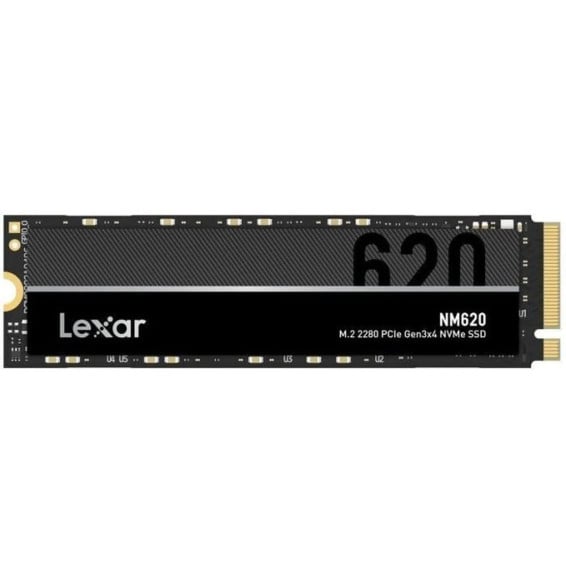
Lexar
256 GB
An M.2 2280 NVMe SSD on PCIe Gen3 x4, available in 256 GB or 2 TB, reading at up to 3,500 MB/s. Its 3D NAND TLC memory handles 125 TB of writes on the 256 GB and 1,000 TB on the 2 TB: enough to revive a laptop or desktop PC that boots slowly.
In stock
Delivery everywhereDelivered all over Morocco
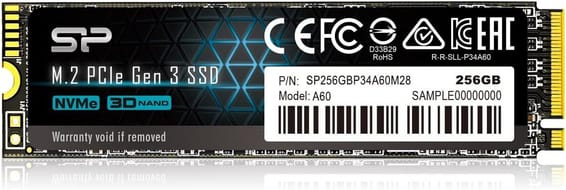
Silicon Power
A host memory buffer (HMB) and an SLC cache take read speed to 2,200 MB/s and write speed to 1,600 MB/s. LDPC error correction, end-to-end data protection and the SP Toolbox utility to monitor drive health.
In stock
Delivery everywhereDelivered all over Morocco
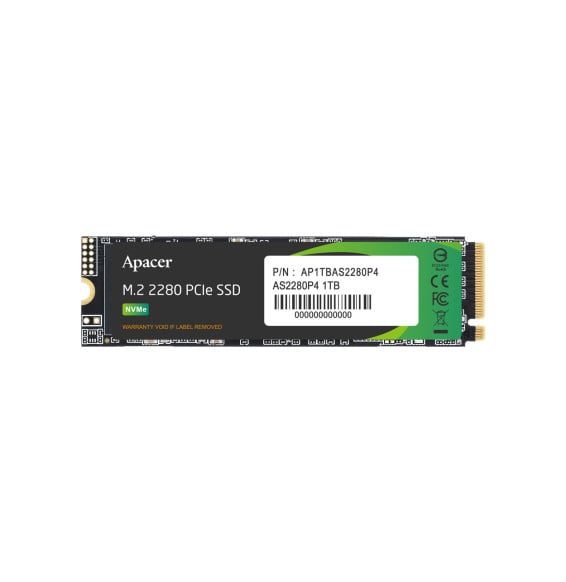
APACER
Apacer AS2280P4 256 GB internal SSD in M.2 2280 format, PCIe Gen3 x4 NVMe: up to 2,100 MB/s sequential read and 1,000 MB/s sequential write, 3D TLC memory and endurance of more than 200 TB written.
In stock
Delivery everywhereDelivered all over Morocco
ADATA
Simple upgrade for a laptop or a tower: 5,000 MB/s read and 3,000 MB/s write, host memory buffer and SLC cache. 160 TB written of endurance and PlayStation 5 compatibility.
In stock
Delivery everywhereDelivered all over Morocco
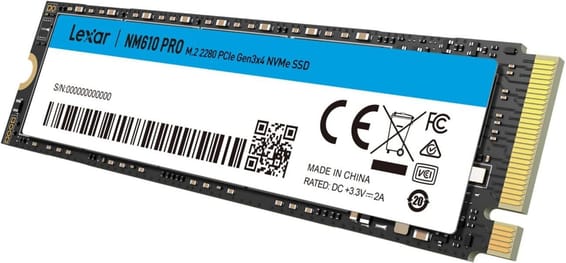
Lexar
Around six times the speed of a SATA model: 3,300 MB/s claimed in read, for instant start-ups and application launches. 240 TB written endurance and a design with no moving parts, resistant to shocks.
In stock
Delivery everywhereDelivered all over Morocco
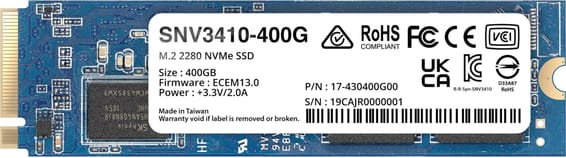
Synology
Designed to run 24/7, it takes an array's cache to 3,000 MB/s read and 750 MB/s write. 491 TB written of endurance, end-to-end data protection and wear monitoring straight in DSM.
In stock
Delivery everywhereDelivered all over Morocco
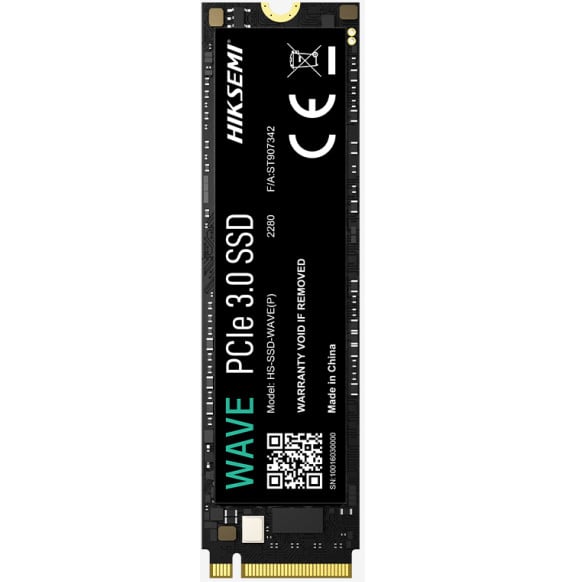
HIKSEMI
Transfers at 3,400 MB/s read and 3,000 MB/s write, with contained power draw that limits heating in a laptop as well as in a desktop PC.
In stock
Delivery everywhereDelivered all over Morocco
HIKSEMI
Replacing the original hard drive of a laptop or a desktop: 530 MB/s read, 450 MB/s write and 170 TB written supported. It also fits in a PS4.
In stock
Delivery everywhereDelivered all over Morocco
