Welcome to the new iris.ma

We rebuilt everything for you

Same team, same standards

Pay nowView my order
Visit the TP-Link store

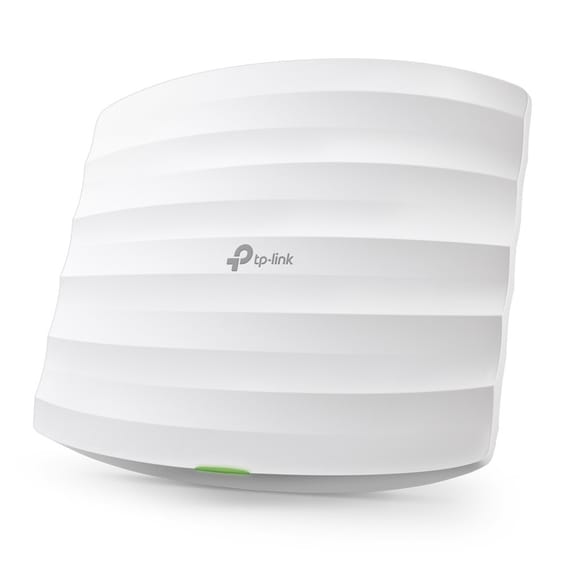
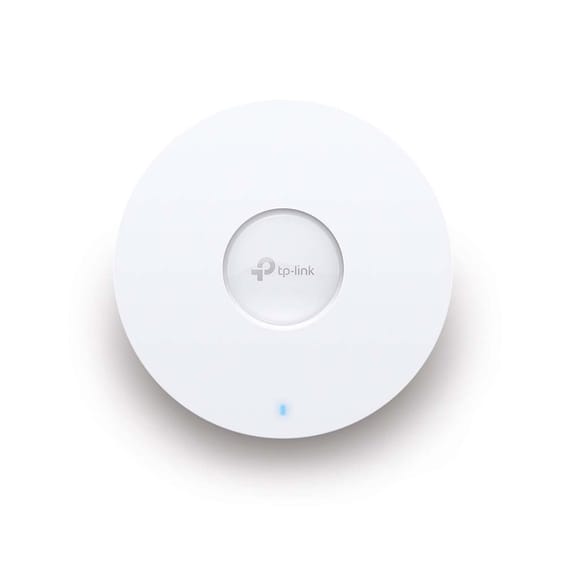
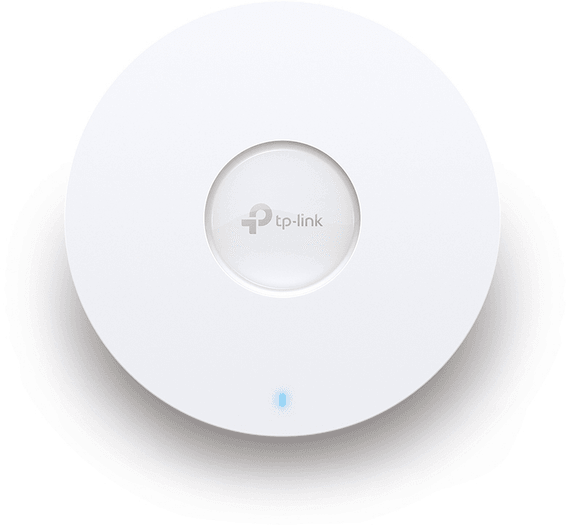
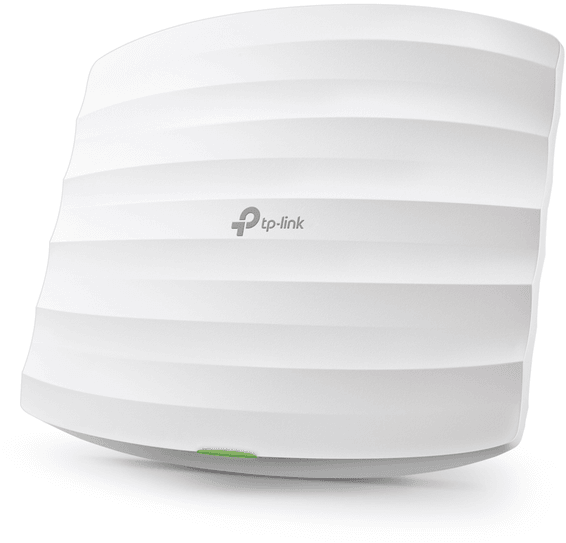
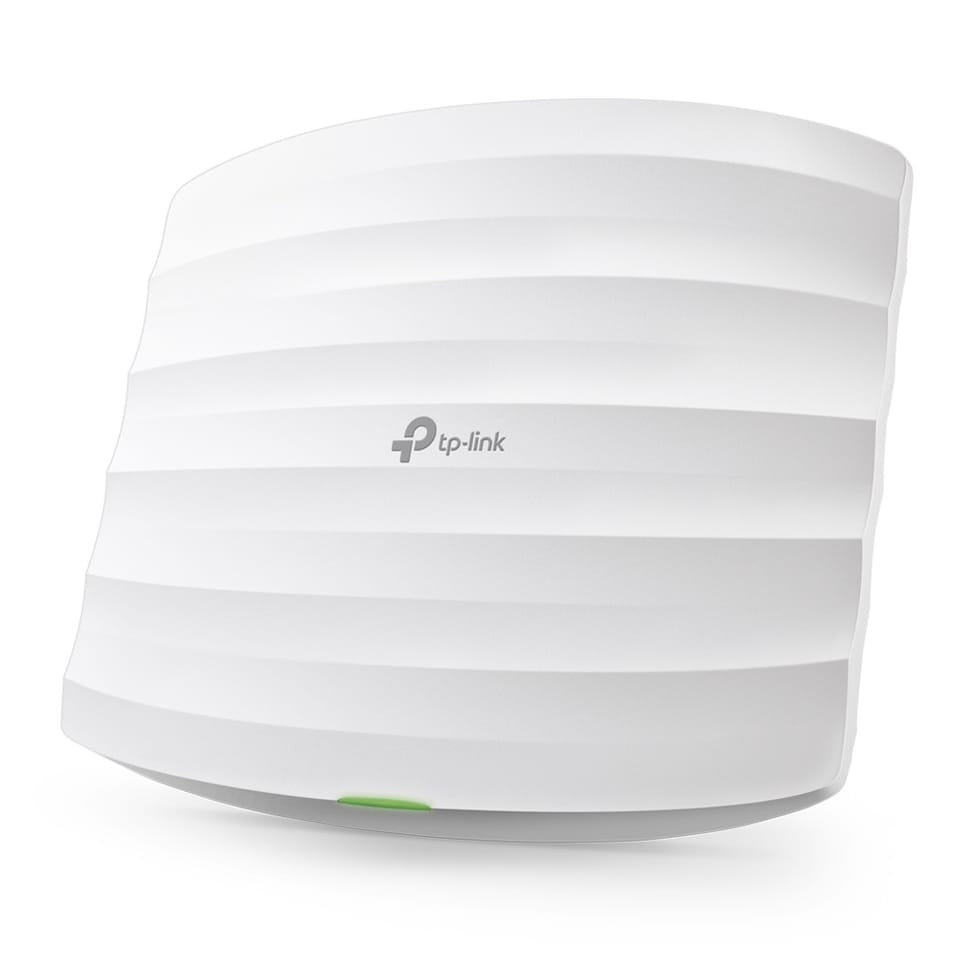
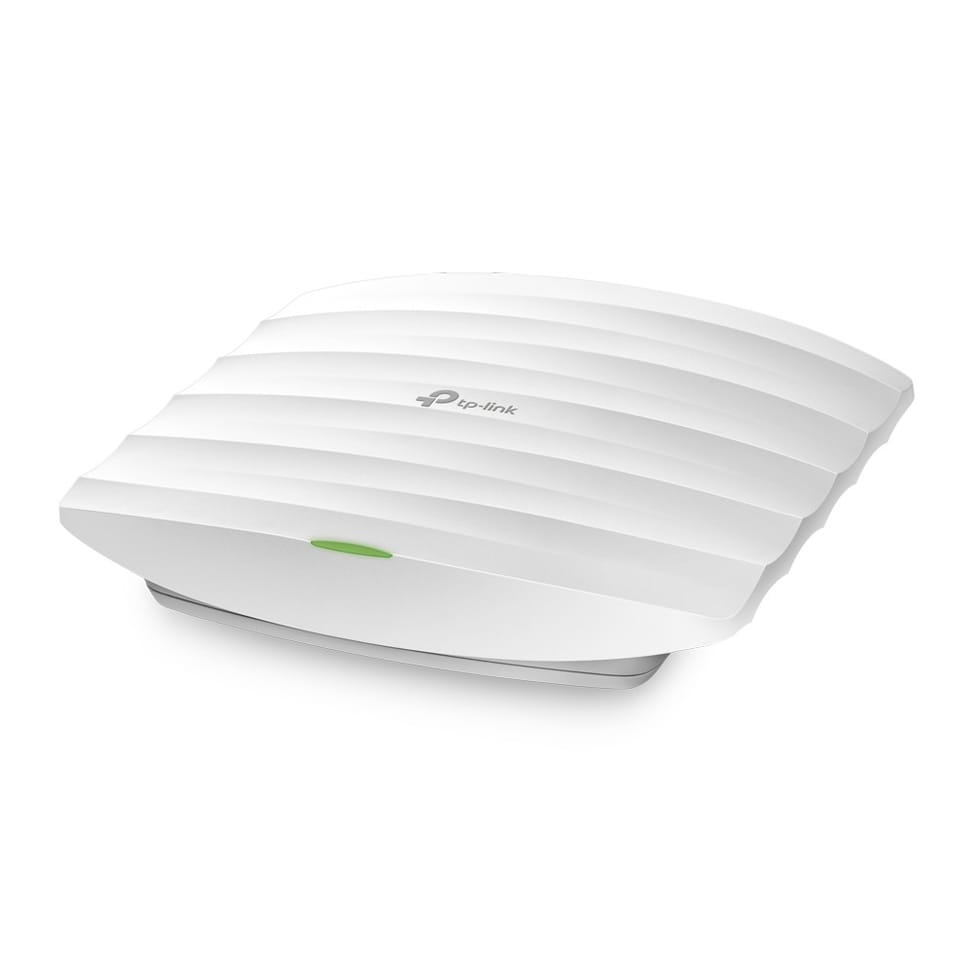
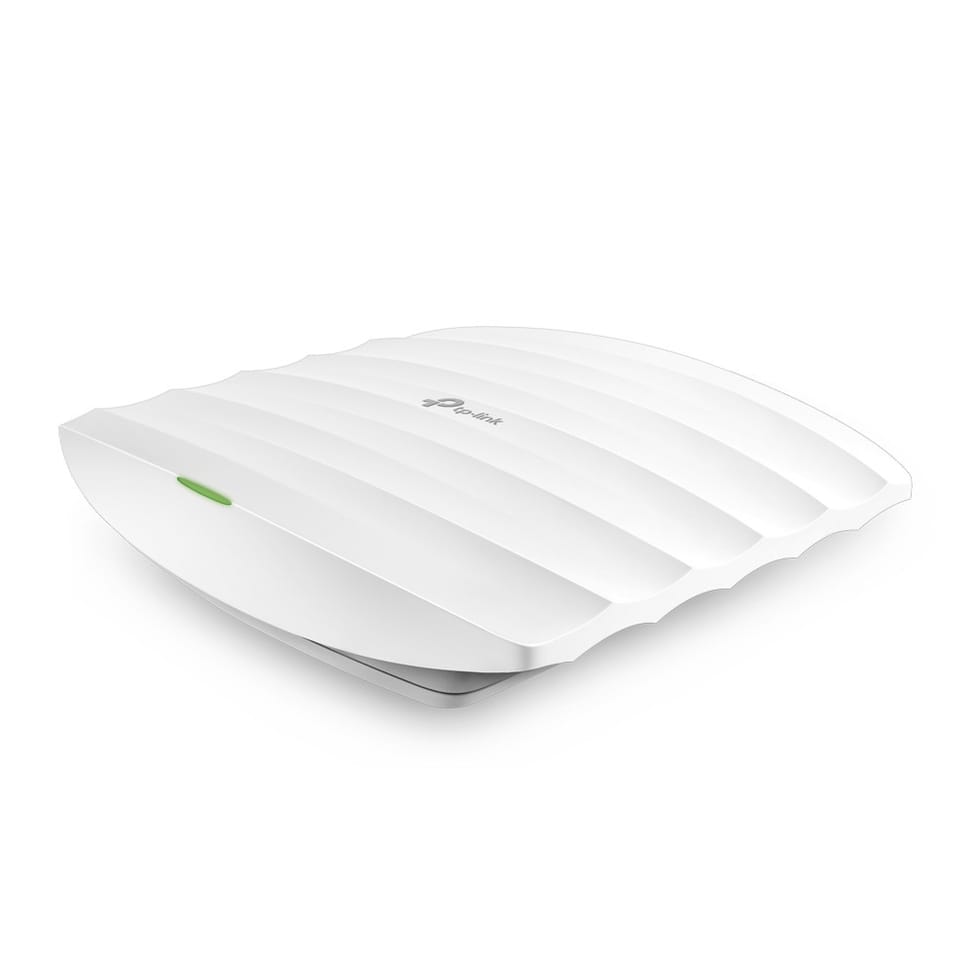
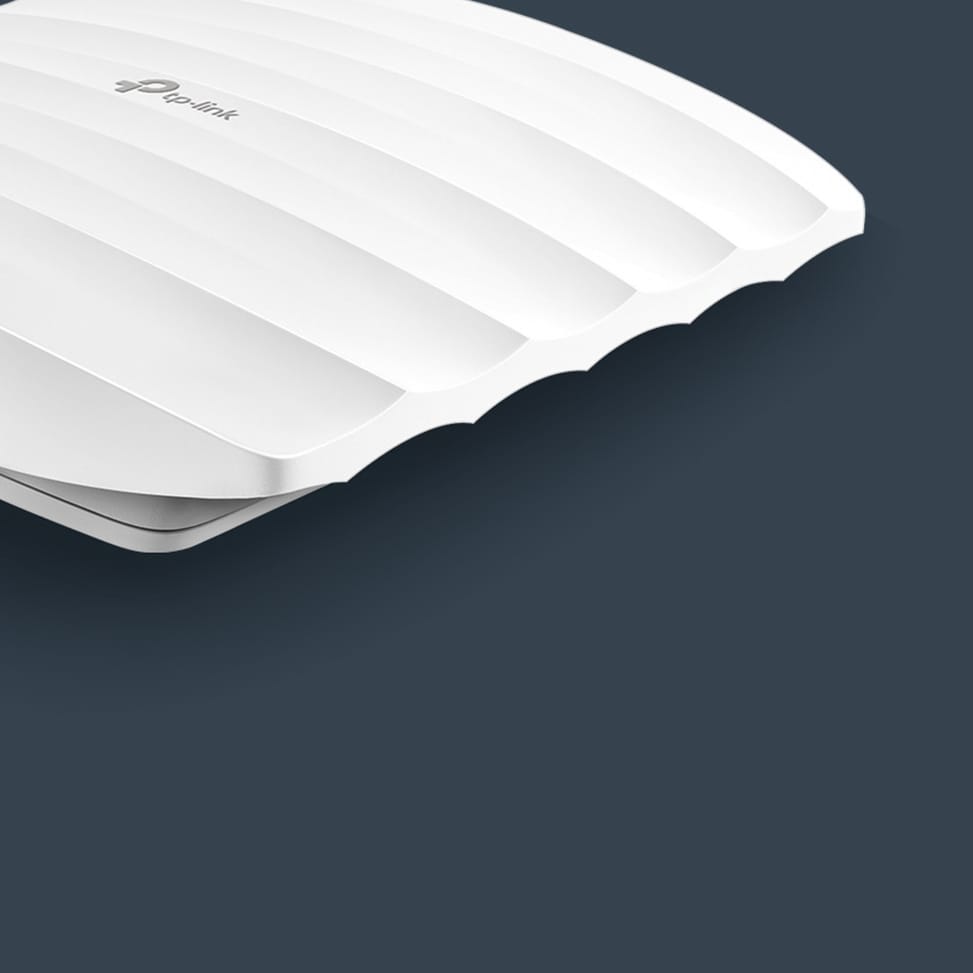
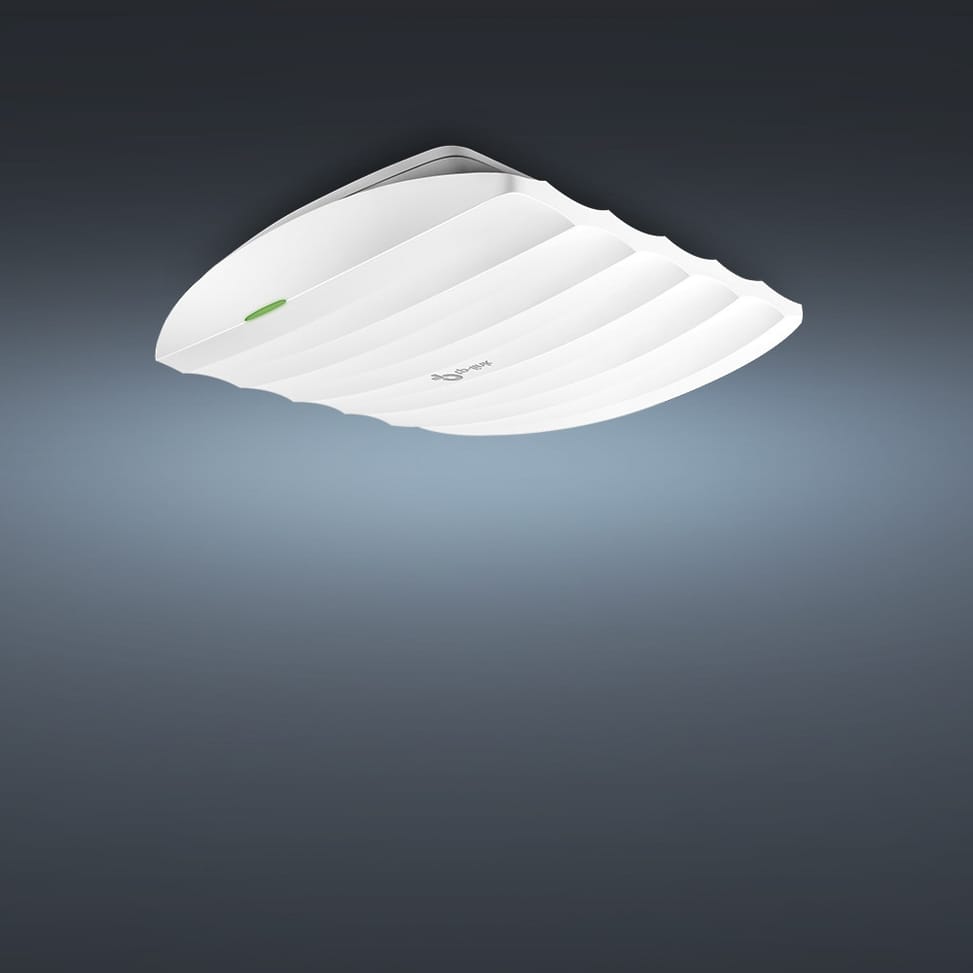
TP-Link EAP110 WiFi 4 300 Mbps White Ethernet Connection, Power over Ethernet (PoE) (EAP110 V4)

An economical option to cover a unit on 2.4 GHz: ceiling or wall mounting, PoE adapter included and management from the Omada cloud as on the higher models.

  • 2.4 GHz band, 2 omnidirectional internal antennas
  • Passive 24 V PoE power, adapter included: no mains socket needed nearby
  • 10/100 Mbps Ethernet port
  • Centralised Omada management: cloud, hardware or software controller
  • Captive portal for visitor access
  • Up to 8 Wi-Fi networks (SSIDs) and VLAN segmentation
  • WPA and WPA2 encryption, MAC address filtering
  • Power draw of 2.8 W
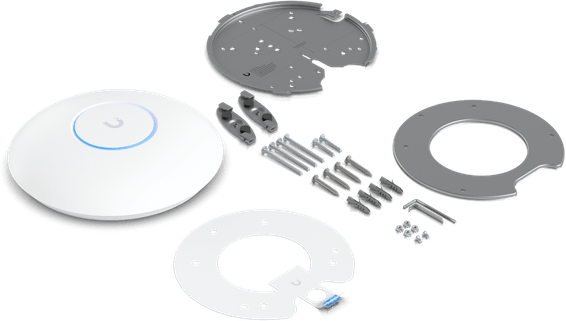
  • Ceiling or wall mounting, kit included
  • 189 x 172 x 30 mm
Ref.: EAP110
575,00 DHincl. VAT

Out of stock

Under Law 09-08, you have the right to access, rectify and object to the processing of your personal data. This processing has been authorised by the CNDP under no. D-CE-389/2015. Learn more

Can’t wait?

Ask for an alternative on WhatsApp

Quick reply

Product overview

TP-Link EAP110 ceiling-mount Wi-Fi 4 access point: a simple, affordable Wi-Fi network to cover your premises.
Wi-Fi & speed: Wi-Fi 4 (802.11n) single-band 2.4 GHz — up to 300 Mbps.
Capacity: 2 internal omnidirectional antennas — suited to low- to medium-density environments.
Installation: ceiling or wall mounting (kits included), discreet design (189×172×30 mm).
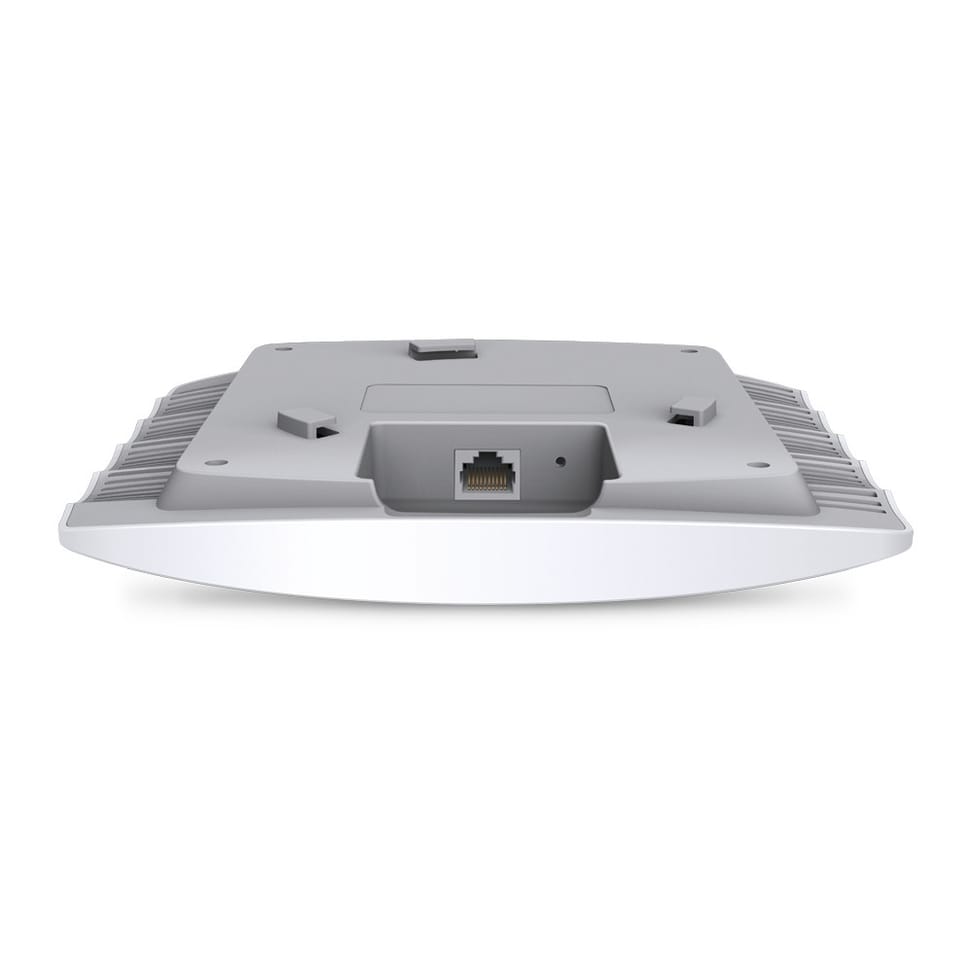
Ports & power: Fast Ethernet port (10/100 Mbps); 24 V passive PoE (PoE adapter included) — a single network cable is enough, with no power outlet needed nearby.
Management: Omada SDN platform (cloud, hardware or software controller) — VLAN, multiple SSIDs (up to 8), captive portal, WPA/WPA2, MAC filtering.
Use cases: homes, offices, cafés, shops, schools, hotels — reliable basic Wi-Fi coverage without the cost of a high-end unit.
Passive PoE and ceiling mounting for easy installation in any space.

See all the specifications ↓
Request a quoteShare:

Technical specifications

Technical specifications
Package contentsAccess point, passive PoE adapter and ceiling and wall mounting kits included
Number of SSIDsUp to 8 SSIDs
Interfaces1 x 10/100 Mbps Ethernet port (RJ45), 1 reset button
Network standardsIEEE 802.11b/g/n, 802.1X
Maximum channel width40 MHz on 2.4 GHz
Spatial streams and MU-MIMONo MU-MIMO
Maximum Wi-Fi throughput per band300 Mbps on 2.4 GHz
Management modesWeb interface, SSH, SNMP v1/v2c, Omada app, Omada hardware or software controller
Cloud management platformOmada SDN
Layer 2 featuresVLAN, client isolation, MAC filtering (4,000 entries), access control, rate limiting per SSID or per client, guest network, WMM quality of service
Roaming and meshNo mesh or seamless roaming
Power consumption2.8 W maximum
Dimensions (W x D x H)189.4 x 172.3 x 29.5 mm
Technical specifications (continued)
Antennas2 internal antennas, gain 4 dBi
Maximum transmit powerCE: < 19 dBm EIRP; FCC: < 21 dBm
Security featuresWPA and WPA2 Personal and Enterprise, 802.1X, captive portal, rogue AP detection
Power supply24 V passive PoE (+4.5; -7.8), PoE adapter included
Operating temperature0 to 40 °C
Operating humidity10 to 90% non-condensing
Wi-Fi standardWi-Fi 4
LocationIndoor
Mounting typeCeiling mount
BandsSingle-band
PoE powerPassive PoE
Simultaneously connected devices100+ clients
Warranty1 year

Specific references

EAN6935364091620

Customer reviews

No reviews yet

Be the first to review this product and help other customers.

Write a review
Your rating
5/5

Shown publicly with your review.

Never published — a confirmation email will be sent to you.

Tell us about the product — in a few lines:

  • what you liked in everyday use;
  • the quality and performance you found;
  • who you would recommend it to, and why.

A question about an order, a delivery or a payment? Write to us and we will reply to you directly.

Under Law 09-08, you have the right to access, rectify and object to the processing of your personal data. This processing has been authorised by the CNDP under no. D-CE-389/2015. Learn more

Frequently asked questions about this product

Does the EAP110 broadcast on the 5 GHz band?
No, it is a single-band access point: it only transmits on the 2.4 GHz band, in Wi-Fi 4, at up to 300 Mbps. It is a budget choice for web browsing, email or point-of-sale terminals, not for transferring large files.
How do you power the EAP110?
With a 24 V passive PoE adapter, included: a single network cable carries both power and data, with no power socket needed on the ceiling. Its typical consumption is only 2.8 W, one of the lowest in this category.
Is the EAP110's network port Gigabit?
No, it is a 10/100 Mbps Fast Ethernet port. With the radio capped at a theoretical 300 Mbps in Wi-Fi 4, the gap remains limited in real-world use, but it is worth knowing if your wired network is entirely Gigabit.
How many Wi-Fi networks can you create on the EAP110?
Up to 8 SSIDs, with VLAN segmentation, rate limiting, client isolation and access control lists. The visitor network thus stays separate from the company network.
What encryption does the EAP110 support?
WPA2-PSK and WPA2-Enterprise, the latter authenticating each user against a server via 802.1X rather than with a shared key. MAC address filtering rounds off the protection.
How do you manage several EAP110 units?
Through the Omada SDN platform — cloud, hardware or software controller — or directly through the access point's web interface. It also supports SNMP, SSH access and a system log for troubleshooting.
Are the EAP110's antennas visible?
No, its two internal omnidirectional antennas of 4 dBi are housed in the white enclosure. It measures 189.4 × 172.3 × 29.5 mm and mounts on the ceiling or the wall, with kits included.
Is the equipment new and under warranty?
Yes, new equipment, with the invoice serving as the warranty document for 1 year. The access point is CE, FCC and RoHS certified, and fits into the Omada ecosystem alongside the range's switches and gateways.

Trending

View the TP-Link archive

Chat on WhatsApp

Scan with my phone

The simplest way: open your phone camera and point it at this code. The chat opens with your message ready.

Open WhatsApp Web

Works if your phone is already linked to this computer.

Prefer to call? (+212) 05 30 31 64 21