Welcome to the new iris.ma

We rebuilt everything for you

Same team, same standards

Pay nowView my order
Visit the TP-Link store

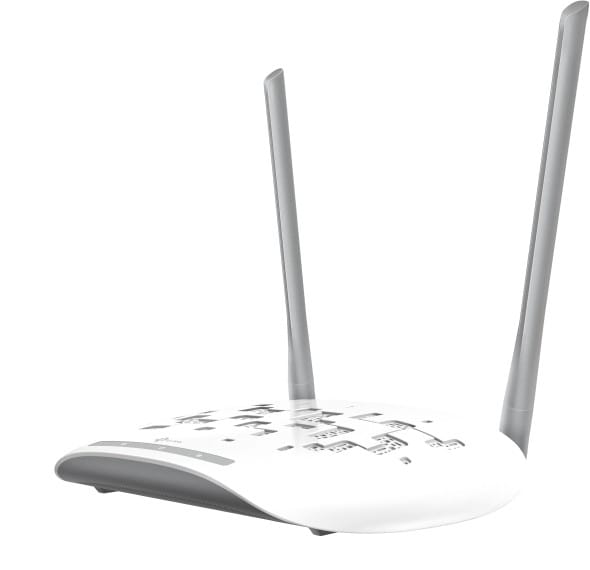
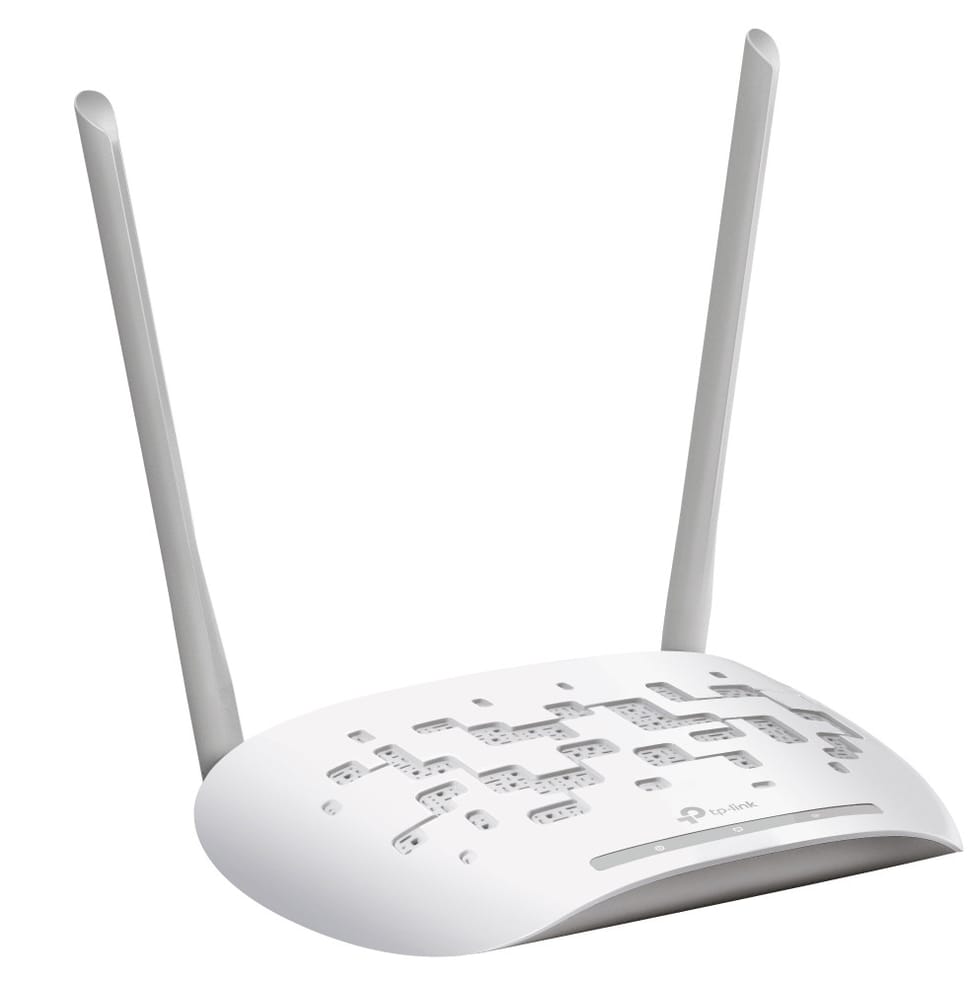
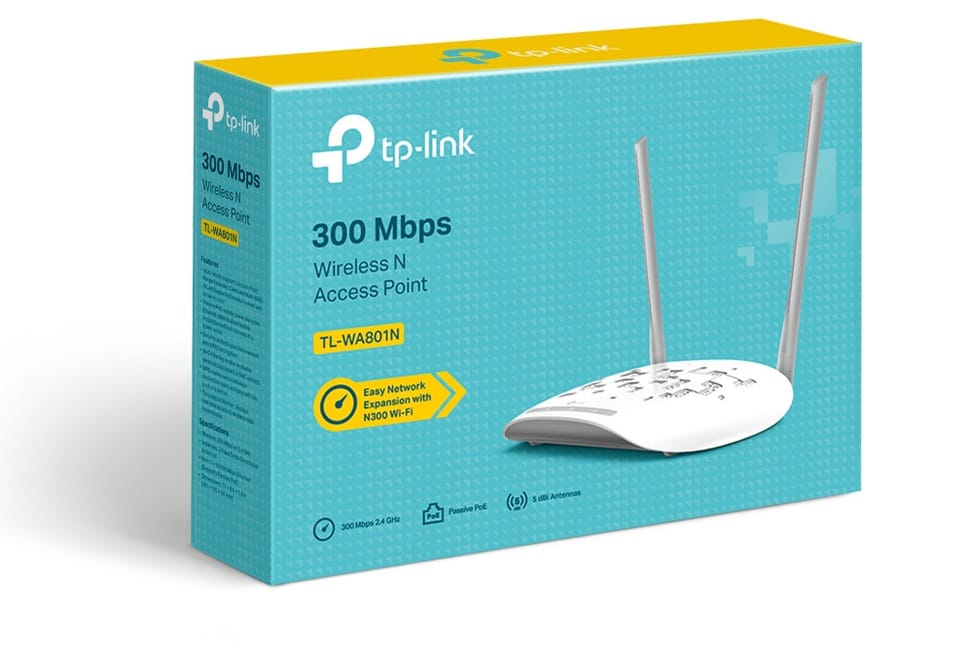
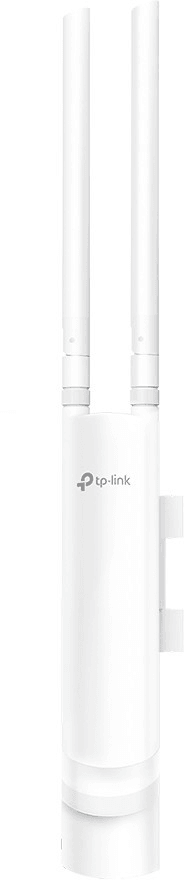
TP-Link TL-WA801N Wireless LAN Access Point 300 Mbps White Ethernet connection, Power over Ethernet supported

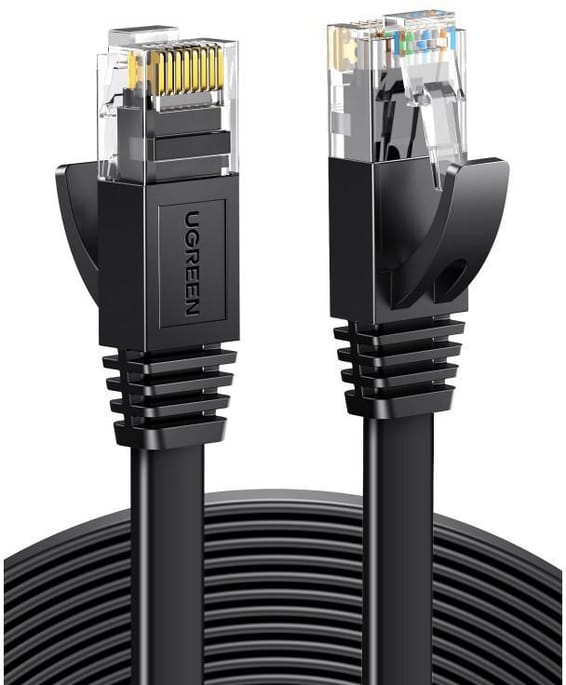
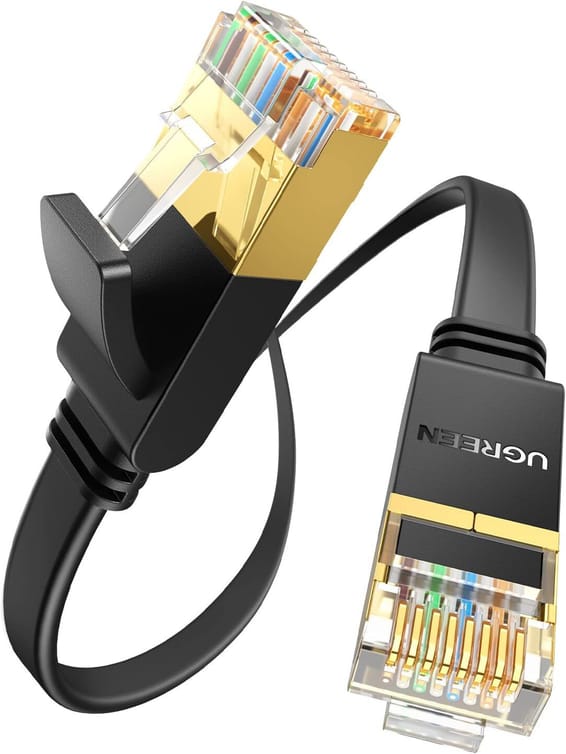
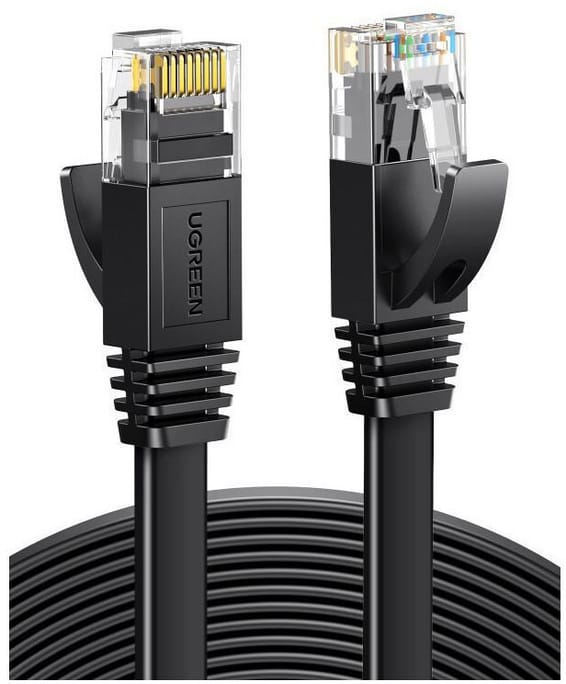
Everything is included to get going: PoE injector, mains adapter and network cable. Two external antennas broadcast the signal and WDS mode relays the Wi-Fi further without running another cable.

  • PoE injector, mains adapter and network cable included
  • Powered over the network cable (PoE 802.3af)
  • 2 omnidirectional external antennas
  • 10/100 Mbps Ethernet port
  • Signal relay over WDS to extend coverage
  • Several simultaneous Wi-Fi networks (SSIDs)
  • WPA2 security and MAC address filtering
  • Monitoring over SNMP and a web interface
  • WPS button to pair a device in one gesture
  • To sit on a table or on the floor
Ref.: TL-WA801N
375,00 DHincl. VAT

Out of stock

Under Law 09-08, you have the right to access, rectify and object to the processing of your personal data. This processing has been authorised by the CNDP under no. D-CE-389/2015. Learn more

Can’t wait?

Ask for an alternative on WhatsApp

Quick reply

Product overview

TP-Link TL-WA801N Wi-Fi 4 access point: broadcast a 300 Mbps wireless network across your premises with ease.
Wi-Fi & speed: Wi-Fi 4 (802.11n), speeds up to 300 Mbps on the 2.4 GHz band.
Ports & power: 1 x 10/100 Mbps Ethernet port; powered by PoE (802.3af) — PoE injector and power adapter included. 2 external omnidirectional antennas.
Installation: indoor unit, placed on a table or on the floor. Simple deployment with the hardware included.
Management: web interface, SNMP protocol, multiple SSIDs and WDS to extend Wi-Fi coverage.
WPA2 security and MAC filtering to protect your network.
Use cases: small homes, apartments, offices, practices, local shops or hotel rooms that need simple, reliable Wi-Fi.
An entry-level access point with everything you need included in the box.

See all the specifications ↓
Request a quoteShare:

Technical specifications

Technical specifications
Package contentsAccess point, power adapter, passive PoE injector, RJ45 Ethernet cable and quick installation guide
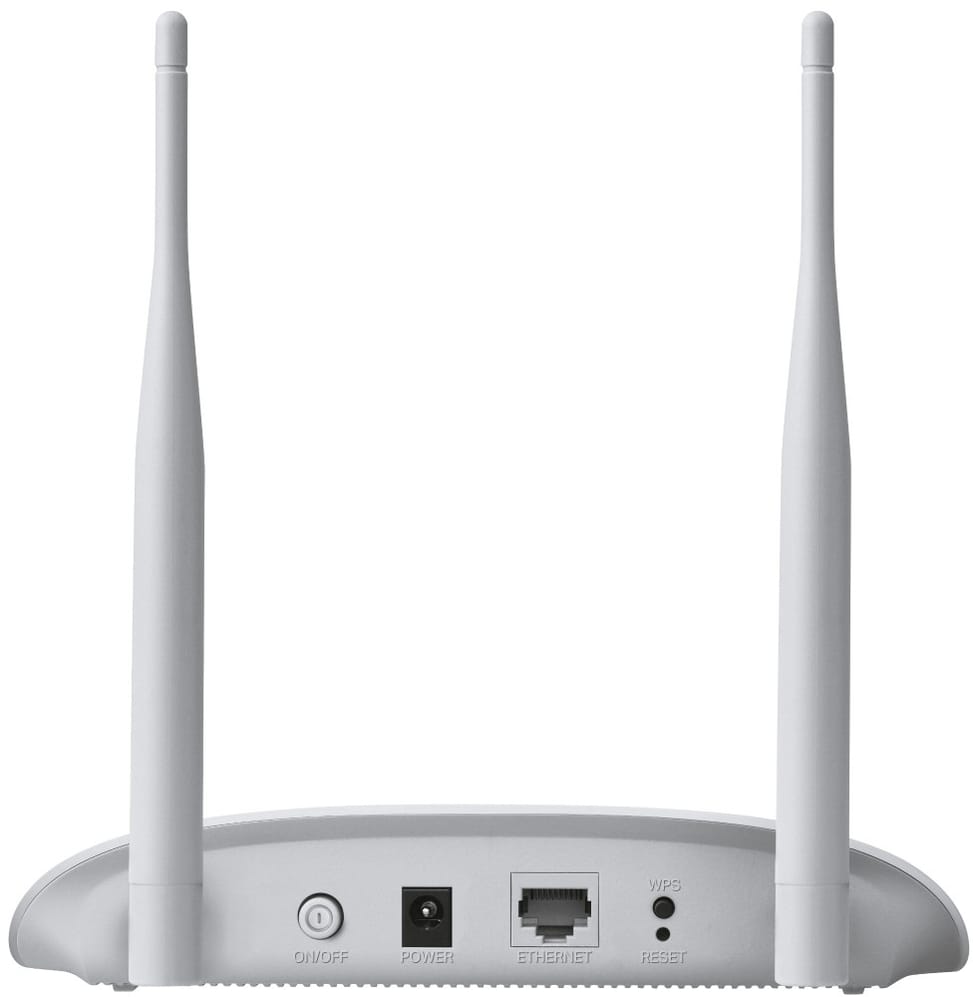
Interfaces1 x 10/100 Mbps Ethernet port (RJ45) with passive PoE power, power on/off button, WPS button, reset button
Network standardsIEEE 802.11b/g/n
Advanced Wi-Fi technologiesShort guard interval (Short GI)
Maximum channel width40 MHz on 2.4 GHz
Spatial streams and MU-MIMO2 antennas for transmit and receive (802.11n MIMO), MU-MIMO not published by the manufacturer
Maximum Wi-Fi throughput per band300 Mbps on 2.4 GHz
Management modesHTTP/HTTPS web interface, mobile app, SNMP
Layer 2 featuresAccess point isolation, WMM quality of service
Dimensions (W x D x H)181.6 x 129.5 x 36.2 mm
Antennas2 fixed omnidirectional antennas; gain not published by the manufacturer
Technical specifications (continued)
Security featuresWEP, WPA/WPA2, WPA-PSK and WPA2-PSK
Power supplyPassive PoE (injector included, up to 30 m of cable) or 9 V 0.6 A power adapter
Operating temperature0 to 40 °C
Operating humidity10 to 90% relative humidity
Wi-Fi standardWi-Fi 4
LocationIndoor
Mounting typeDesktop
BandsSingle-band
PoE powerPoE (802.3af)
Warranty1 year

Specific references

EAN6935364052461

Customer reviews

No reviews yet

Be the first to review this product and help other customers.

Write a review
Your rating
5/5

Shown publicly with your review.

Never published — a confirmation email will be sent to you.

Tell us about the product — in a few lines:

  • what you liked in everyday use;
  • the quality and performance you found;
  • who you would recommend it to, and why.

A question about an order, a delivery or a payment? Write to us and we will reply to you directly.

Under Law 09-08, you have the right to access, rectify and object to the processing of your personal data. This processing has been authorised by the CNDP under no. D-CE-389/2015. Learn more

Frequently asked questions about this product

What is in the box of the TL-WA801N?
The access point, a PoE injector and a power adapter, plus the quick start guide. You can therefore choose between a nearby socket or powering it over the network cable. Note the adapter's voltage: it is a 9 V / 0.6 A unit, not the usual 12 V.
Does the TL-WA801N broadcast on the 5 GHz band?
No, it is a single-band access point: it only transmits on the 2.4 GHz band, in Wi-Fi 4 (802.11n), at up to 300 Mbps. It is a budget choice for web browsing, email and point-of-sale terminals, not for transferring large files.
Is the TL-WA801N's network port Gigabit?
No, it is a 10/100 Mbps port. With the radio capped at a theoretical 300 Mbps in Wi-Fi 4, the gap remains limited in real-world use, but it is worth knowing if your wired network is entirely Gigabit.
Can the TL-WA801N extend an existing network wirelessly?
Yes, it supports WDS, the wireless distribution system: it relays a network from one access point to another wirelessly, without a cable. It is the simplest way to extend coverage in a home or small premises.
Are the TL-WA801N's antennas external?
Yes, two external omnidirectional antennas broadcast the signal all around the access point. The white enclosure measures 181.6 × 129.5 × 36.2 mm and sits on a table or on the floor.
What encryption does the TL-WA801N support?
WPA2 and WPA2-PSK, complemented by MAC address filtering and client isolation. A WPS button also lets you pair a device without typing in the key.
How do you configure the TL-WA801N?
Through a web interface, with no controller or app: it supports multiple SSIDs and can be monitored via SNMP. An on/off button and a reset button are on the enclosure, which few access points offer.
Is the equipment new and under warranty?
Yes, new equipment, with the invoice serving as the warranty document for 1 year. The access point comes complete — PoE injector and power adapter included — ready to plug in with no extra purchase.

Trending

View the TP-Link archive

Chat on WhatsApp

Scan with my phone

The simplest way: open your phone camera and point it at this code. The chat opens with your message ready.

Open WhatsApp Web

Works if your phone is already linked to this computer.

Prefer to call? (+212) 05 30 31 64 21