Welcome to the new iris.ma

We rebuilt everything for you

Same team, same standards

Pay nowView my order
Visit the Huawei store

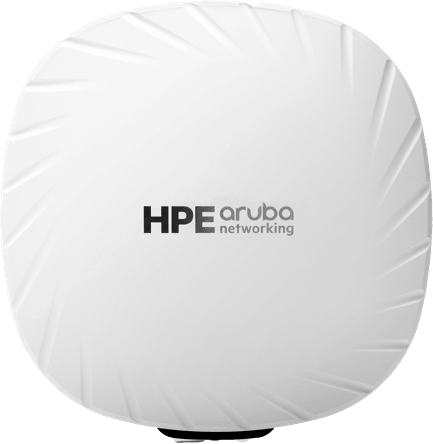
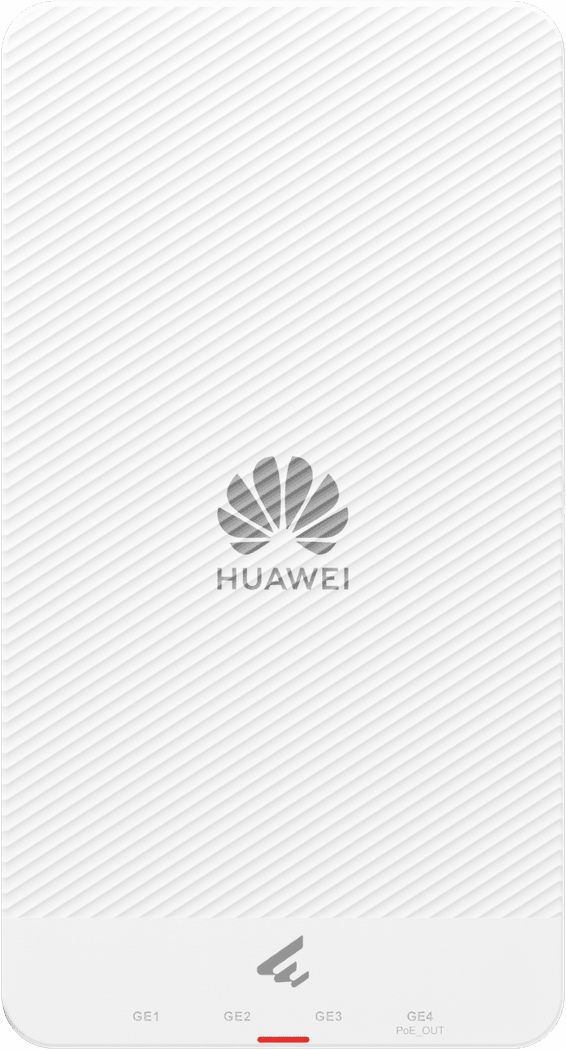
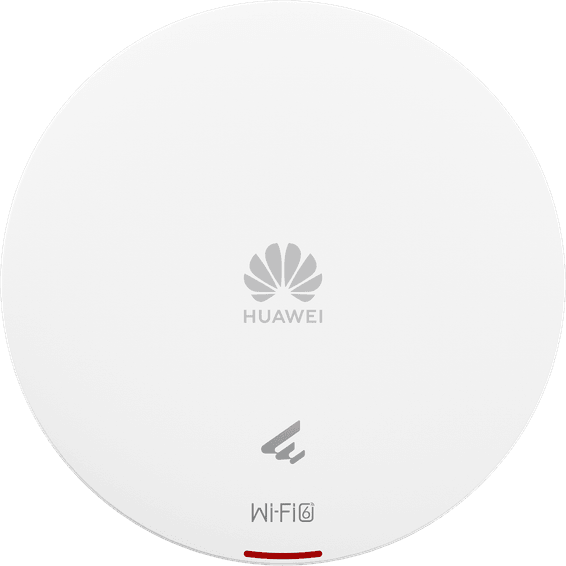
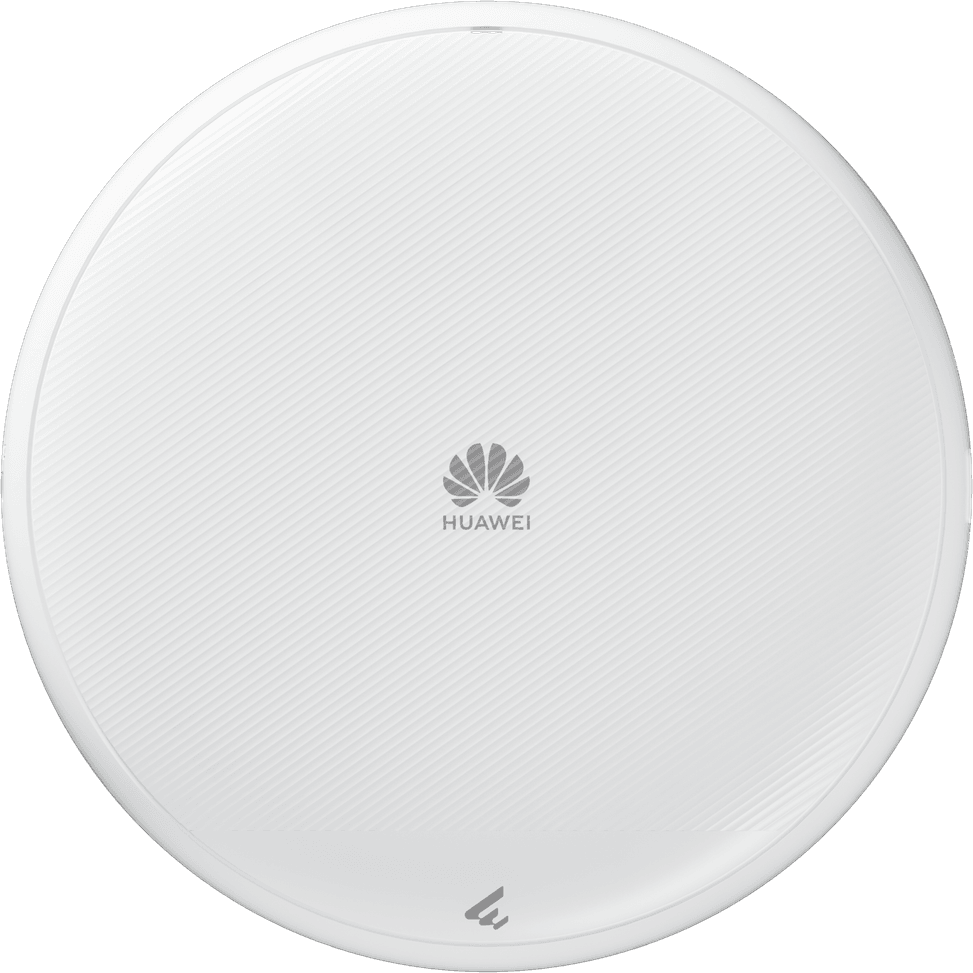
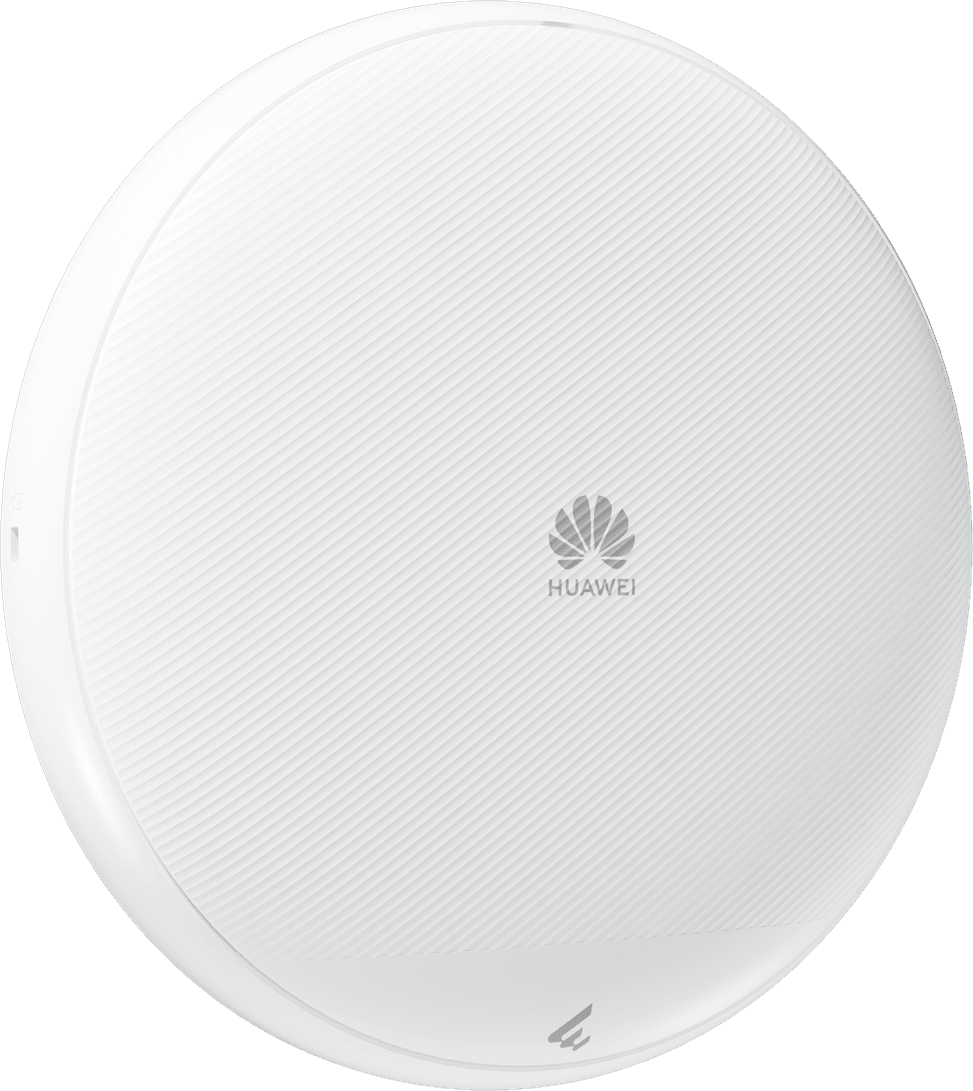
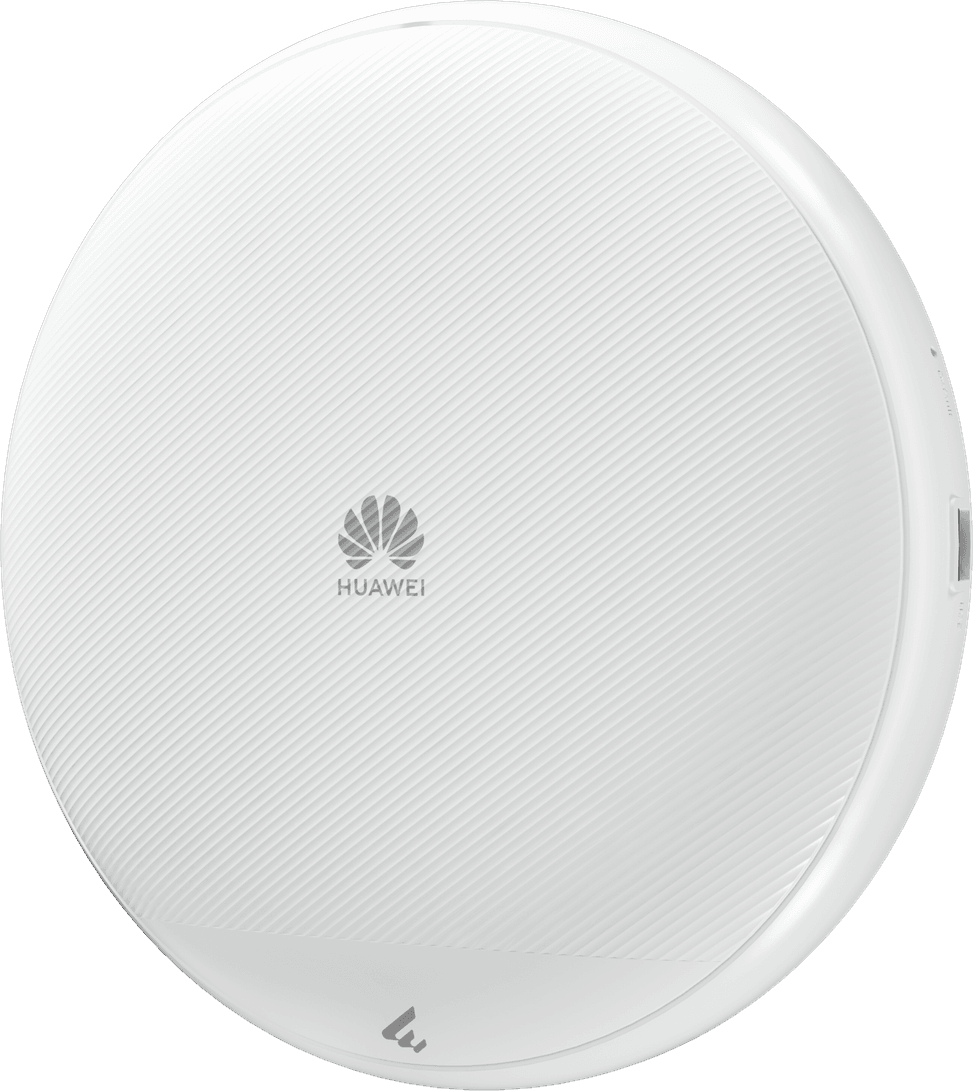
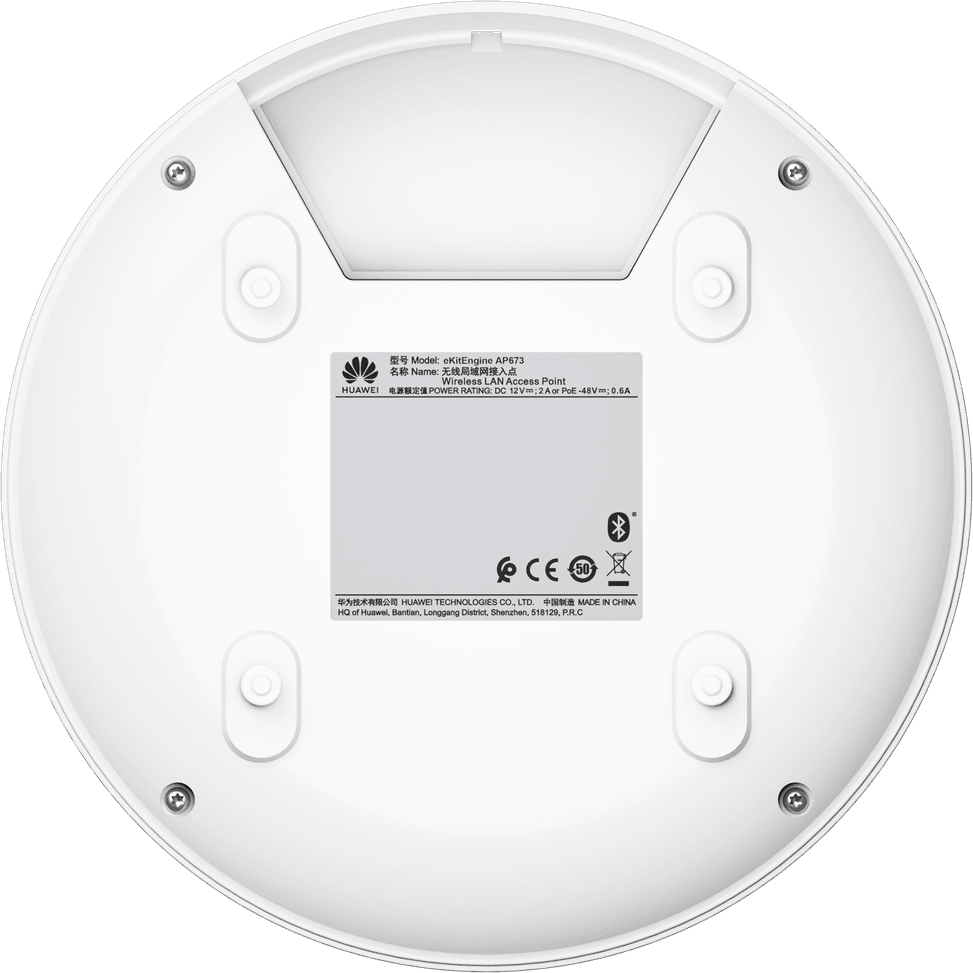
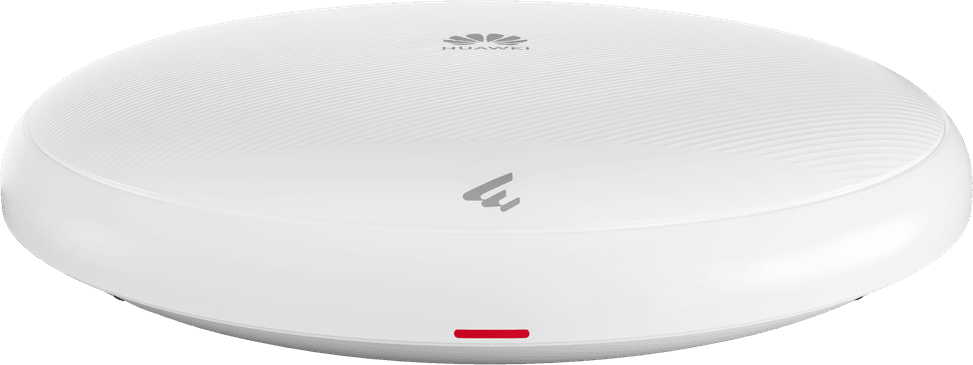
Huawei AP673 Indoor WiFi 7 Access Point (50087291)

Three bands including 6 GHz at 11.53 Gbps, 1,024 simultaneous devices and a 5 Gbps port: enough to hold the busiest spaces. Built-in smart antennas and control from the app, the web or a controller.

  • Up to 11.53 Gbps on 6 GHz, 1.44 Gbps on 5 GHz and 0.69 Gbps on 2.4 GHz, 13.66 Gbps combined
  • Up to 1,024 devices connected at the same time
  • 8 spatial streams and 4096-QAM modulation
  • MU-MIMO and OFDMA to serve several devices without making them wait
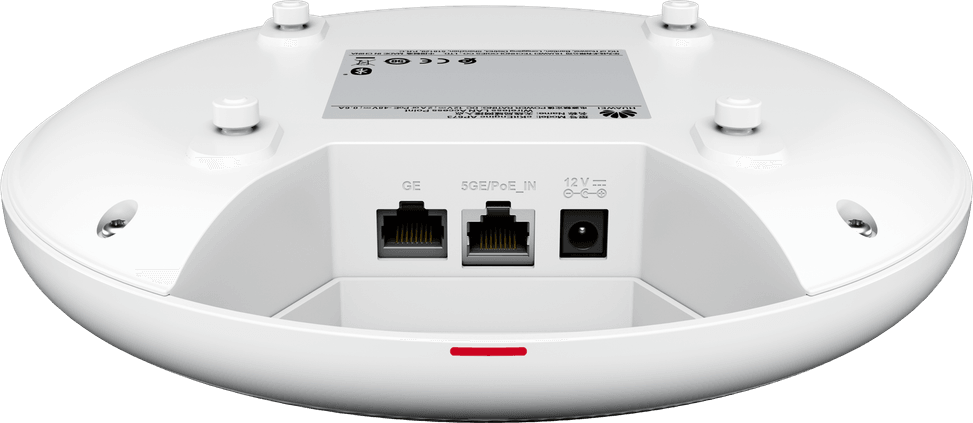
  • 5 Gbps copper port powered over PoE, plus a Gigabit port and a USB port
  • Powered by PoE+ (802.3at) or 12 V DC
  • Built-in smart antennas that steer the signal towards each device
  • Coordination between access points to limit interference
  • Fast 802.11r roaming and smart 802.11k/v roaming
  • Local management through EasyWeb or a controller, remote through the HUAWEI eKit app
  • WPA3 Personal and Enterprise security
  • Up to 30 Wi-Fi networks (SSID)
  • Compact format, 220 mm in diameter by 45 mm
  • For offices, hospitals, shopping centres, hotels and high-density campuses
Ref.: 50087291
2 599,00 DHincl. VAT

Out of stock

Under Law 09-08, you have the right to access, rectify and object to the processing of your personal data. This processing has been authorised by the CNDP under no. D-CE-389/2015. Learn more

Can’t wait?

Ask for an alternative on WhatsApp

Quick reply

Manufacturer's datasheetView the PDF · 1,2 Mo — downloadable

Product overview

Indoor tri-band Wi-Fi 7 access point for demanding SMEs: record speeds, high density and simplified management.
Wi-Fi & speed: Wi-Fi 7 (802.11be), tri-band 2.4 + 5 + 6 GHz, combined speed up to 13.66 Gbps (0.69 + 1.44 + 11.53 Gbps).
Capacity: 8 spatial streams (2x2 + 2x2 + 4x4), MU-MIMO, OFDMA, 4096-QAM; up to 1024 devices at once.
Installation: indoor; wall, ceiling or rail mounting; compact design (Ø220×45 mm).
Ports & power: 5 Gbps port (PoE IN) + Gigabit port + USB; powered by PoE+ (802.3at).
Management: via EasyWeb, a WAC controller or the HUAWEI eKit app (cloud); 802.11r fast roaming; WPA3 security.
Built-in smart antennas; multi-AP coordination for coverage with no dead zones.
Use cases: corporate offices, hospitals, shopping centres, hotels, open-plan offices, high-density campuses.
Huawei's Wi-Fi 7: record speeds, 1,024 devices handled, ready for tomorrow's networks.

See all the specifications ↓
Request a quoteShare:

Technical specifications

Technical specifications
Number of SSIDsUp to 30 SSIDs
Interfaces1 x 100M/GE/2.5GE/5GE electrical port with PoE input, 1 x 10M/100M/GE electrical port, 1 USB port
Network standardsIEEE 802.11be (Wi-Fi 7)
Advanced Wi-Fi technologiesMLO, 4096-QAM, MRU, enhanced MU-MIMO, multi-AP coordination
Maximum channel width320 MHz on 6 GHz
Spatial streams and MU-MIMO2×2 MIMO at 2.4 GHz, 2×2 MIMO at 5 GHz, 4×4 MIMO at 6 GHz, 8 spatial streams, MU-MIMO
Maximum Wi-Fi throughput per band690 Mbps at 2.4 GHz, 1,440 Mbps at 5 GHz, 11,530 Mbps at 6 GHz, 13.66 Gbps combined
Management modesLocal EasyWeb interface, WAC controller, HUAWEI eKit app and SNC platform
Cloud management platformHUAWEI eKit (cloud management)
Power consumption21.1 W maximum, excluding USB port
Dimensions (W x D x H)Ø 220 x 45 mm
AntennasIntegrated smart antennas, peak gain 4 dBi at 2.4 GHz, 5 dBi at 5 GHz and 5 dBi at 6 GHz
Technical specifications (continued)
Maximum transmit power23 dBm on 2.4 GHz, 23 dBm on 5 GHz, 26 dBm on 6 GHz, combined power
Security featuresWPA2-802.1X (WPA2-Enterprise), WPA3-SAE (WPA3-Personal), WPA3-802.1X (WPA3-Enterprise), WPA-WPA2 and WPA2-WPA3 mixed modes
Power supplyPoE 802.3af or PoE+ 802.3at, or 12 V ± 10% DC power; on 802.3af, features are limited and the USB port is unavailable
Operating temperature-10 to 50 °C
Operating humidity5 to 95% non-condensing
Wi-Fi standardWi-Fi 7
LocationIndoor
Mounting typeMultiple
BandsTri-band
PoE powerPoE+ (802.3at)
Simultaneously connected devices1,024 clients maximum
Warranty1 year

Customer reviews

No reviews yet

Be the first to review this product and help other customers.

Write a review
Your rating
5/5

Shown publicly with your review.

Never published — a confirmation email will be sent to you.

Tell us about the product — in a few lines:

  • what you liked in everyday use;
  • the quality and performance you found;
  • who you would recommend it to, and why.

A question about an order, a delivery or a payment? Write to us and we will reply to you directly.

Under Law 09-08, you have the right to access, rectify and object to the processing of your personal data. This processing has been authorised by the CNDP under no. D-CE-389/2015. Learn more

Frequently asked questions about this product

What do you lose by powering the AP673 from an 802.3af PoE port?
The access point works, but with some functions restricted: its USB port becomes unavailable. To get all its capabilities, power it with PoE+ 802.3at or 12 V DC. Its power consumption reaches 21.1 W, excluding the USB port.
Does the AP673 really use all three bands?
Yes, it is tri-band with eight spatial streams: 2×2 on 2.4 GHz, 2×2 on 5 GHz and 4×4 on the 6 GHz band, the best equipped of the three. The combined data rate reaches 13.66 Gbps, of which 11.53 Gbps on the 6 GHz band alone.
How many devices can the AP673 serve at the same time?
Up to 1,024, a figure that puts it at the top of the range in this category. That is the scale of a shopping centre, a conference hall or a hospital, where several hundred devices share the same area.
Why is the AP673's network port 5 Gbps?
Because its radios add up to 13.66 Gbps: a Gigabit port, or even a 2.5 Gbps one, could not keep up. The 5 Gbps port also receives PoE, and a second Gigabit port plus a USB port complete the connectivity.
What does Wi-Fi 7's 4096-QAM modulation bring to this access point?
Each symbol carries 12 bits instead of 10 with 1024-QAM, i.e. about 20% more throughput at equivalent coding. The gain is mainly noticeable at short range, where the signal is clean; it fades as the device moves further away.
What do the AP673's smart antennas do?
They direct the signal towards each device instead of broadcasting uniformly, adapting to movement and to the environment. Combined with coordination between access points, they limit interference when several access points cover the same area.
How many Wi-Fi networks can the AP673 broadcast?
Up to 30 SSIDs — one of the highest figures in this category. Enough to separate departments, floors, visitors and connected devices on a single access point in a healthcare facility or a shopping centre.
How is the AP673 managed day to day?
Three ways: the local EasyWeb interface, a WAC controller, or the HUAWEI eKit app for remote management. The choice is made at deployment, without changing hardware or licence.
Does the connection hold when moving between several AP673 units?
Yes: 802.11r fast roaming avoids re-authentication when switching access points, and the 802.11k and 802.11v mechanisms steer the device towards the best available access point before it even drops the connection.
Does the AP673 support WPA3?
Yes, in both Personal and Enterprise versions. The Enterprise version authenticates each user against a server, with no shared key — the mode expected in a hospital or a head office, where this model is deployed.
Where can the AP673 be installed, and how much space does it take up?
On a wall, ceiling or rail, in a housing 220 mm in diameter and 45 mm thick. It operates from -10 to +50 °C, at up to 95% non-condensing humidity and at altitudes of up to 5,000 m.
Is the equipment new and under warranty?
Yes, new equipment, with the invoice serving as the warranty document for 1 year. The manufacturer's full specifications are in this document: AP673 (PDF).

Trending

View the Huawei archive

Chat on WhatsApp

Scan with my phone

The simplest way: open your phone camera and point it at this code. The chat opens with your message ready.

Open WhatsApp Web

Works if your phone is already linked to this computer.

Prefer to call? (+212) 05 30 31 64 21