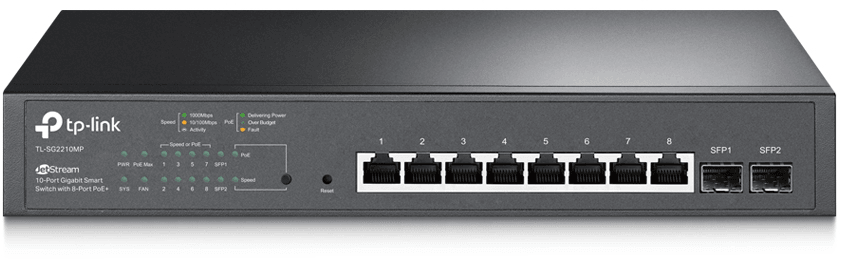
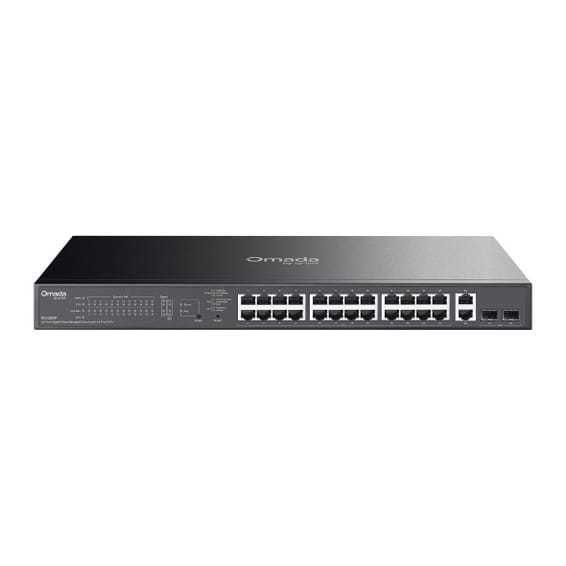
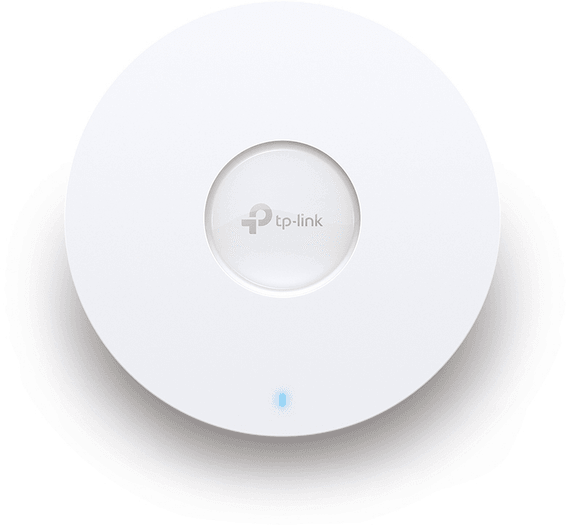
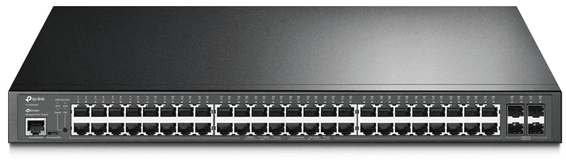
150 W PoE+ budget to power a full estate of cameras and Wi-Fi access points at the same time. 20 Gbps switching capacity, managed from the Omada SDN cloud.
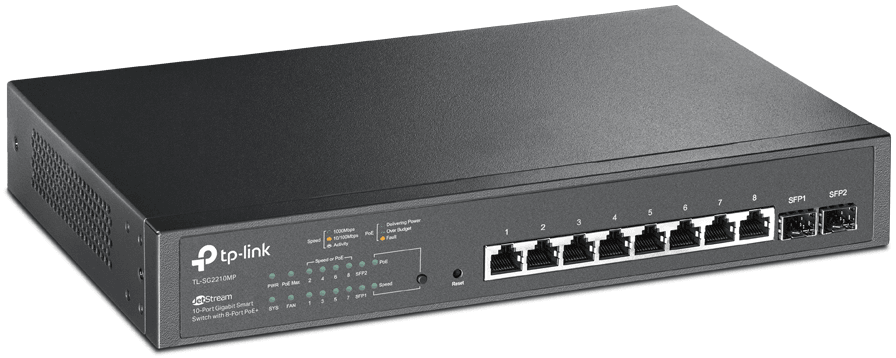
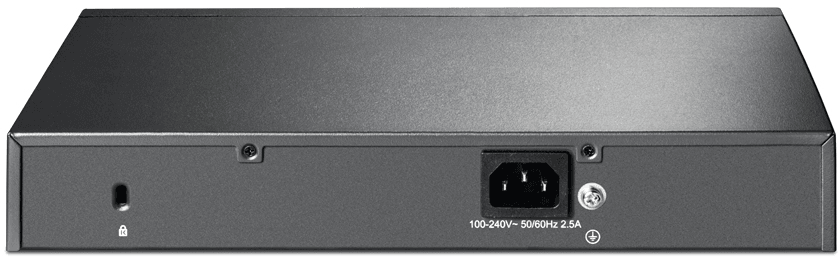
TP-Link TL-SG2210MP JetStream 10-port Gigabit Smart switch: a capable managed PoE+ switch in a compact format. Ports:8 Gigabit PoE+ ports + 2 SFP slots. PoE: IP cameras and Wi-Fi access points powered over a single network cable. Functions: VLAN, QoS, ACL, IGMP, port security. Management: centralised in the cloud with Omada SDN. Use cases: offices, shops, video surveillance. A reliable PoE+ Smart switch for a professional network that can grow.
Be the first to review this product and help other customers.
Write a review
Frequently asked questions about this product
How many of the TL-SG2210MP's ports supply power?
Eight out of ten: eight Gigabit PoE+ ports delivering up to 30 W each, within a 150 W budget, plus two SFP slots reserved for the fibre uplink. Five 30 W Wi-Fi access points already use up most of the budget.
Can this switch route between VLANs?
Yes, with static routing: up to 32 IPv4 or IPv6 routes across 16 IP interfaces, with DHCP server and relay. Traffic between segments stays inside the switch instead of going up to the router.
How can network sockets be protected from an unknown computer?
With 802.1X and a RADIUS server, IP-MAC-Port binding, port security, access control lists, protection against denial-of-service attacks, storm control and DHCP snooping.
Is an Omada controller needed to run this switch?
No, the web interface is enough. The Omada controller — OC200 or OC300 hardware, software or cloud version — adds automatic device discovery, batch configuration and updates, and centralised monitoring of multiple sites.
Is voice traffic given priority on this switch?
Yes: quality of service works by port, by 802.1p tag or by DSCP marking, across Layers 2 to 4, with a dedicated voice VLAN. IGMP snooping also prevents ports from being flooded with multicast traffic.
Where can this switch be installed?
In a rack or on a desk, as both mounting options are provided. Switching capacity reaches 20 Gbps at 14.88 Mpps, with an 8,000-entry MAC address table — the sizing of an access switch for a small organisation.
Is this switch IPv6-ready?
Yes: management, access control lists, quality of service and MLD snooping work over IPv6. Migration will therefore not require replacing the switch, which matters for equipment meant to last.
Is the switch new, and where can I view its datasheet?
Yes, new equipment, with the invoice serving as the warranty document. The manufacturer's document details the JetStream Smart range, its L2 and L2+ features and the specifications of each model: PDF datasheet.
Very fast, fully managed enterprise network: Multi-Gigabit 2.5 Gbps ports with PoE++ up to 60 W to power the most demanding Wi-Fi 6E access points and PTZ cameras. Full L3 routing.
•Multi-Gigabit 2.5 Gbps ports, beyond standard Gigabit, for Wi-Fi 6E access points and PTZ cameras
•PoE++ (IEEE 802.3af/at/bt): 240 W total budget, up to 60 W per port
Designed for enterprise networks, with advanced security and automatic recognition of IP cameras. Lifetime management through Ruijie Cloud for monitoring and remote updates.
Managed switch that powers its ports over PoE+ through the network cable, with two 2.5 Gbps combo ports for recent Wi-Fi access points. Configurable through the HUAWEI eKit App cloud or locally.
•22 Gigabit PoE+ RJ45 ports and 2 combo ports at 2.5 Gbps PoE+ (copper or fibre)
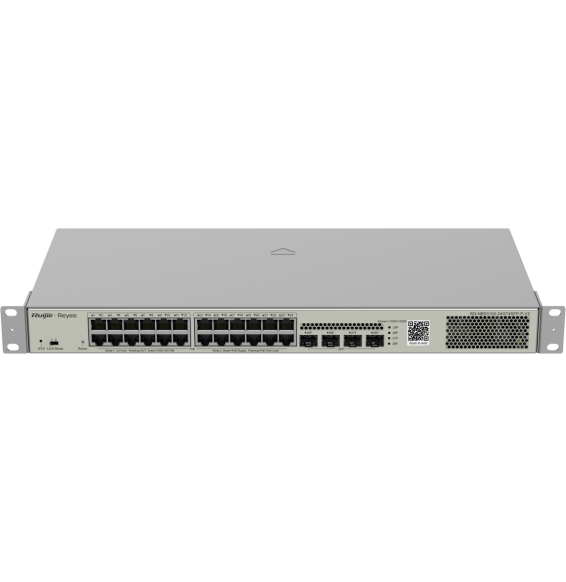
Designed for SMEs and video surveillance, in a 19″ rackable format: automatic IP camera recognition, PoE consumption alarm and remote port restart through Ruijie Cloud.
•PoE+ (802.3af/at standard)
•Managed through Ruijie Cloud, a mobile app or a web interface
Layer 3 managed enterprise switch (static routing and RIP) that powers all its ports over the network cable, for cameras and Wi-Fi access points. Switching capacity 128 Gbps, upgradable to 10 Gbps fibre.
A managed enterprise switch that powers IP cameras, Wi-Fi access points and phones on every one of its ports, with no mains socket. Switching capacity 176 Gbps, stackable, upgradable to fibre.
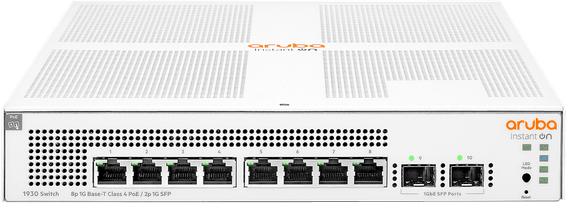
Compact rack-mountable format, completely silent and fanless, suited to open-plan offices and conference rooms — simplified control from the Aruba Instant On app, with no subscription.
Aruba Instant On switch for small businesses: full L2+ managed from the mobile app, the cloud portal or a local web interface, with a more measured PoE budget for flexible deployment of Wi-Fi access points and IP cameras.
•Class 4 PoE (802.3af/at), up to 30 W per port
•Managed through the Aruba Instant On app, the cloud or the local web interface
•802.1Q VLANs, QoS, LACP link aggregation (8 trunks), IGMP Snooping
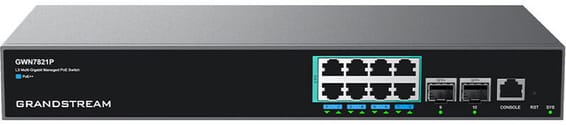
Each PoE+ port delivers up to 30 W, for a total budget of 120 W, rounded out by two fibre links. Managed from the GWN.Cloud platform or locally, with VLANs and advanced security.
•8 PoE+ ports (802.3af/at), total budget 120 W, up to 30 W per port
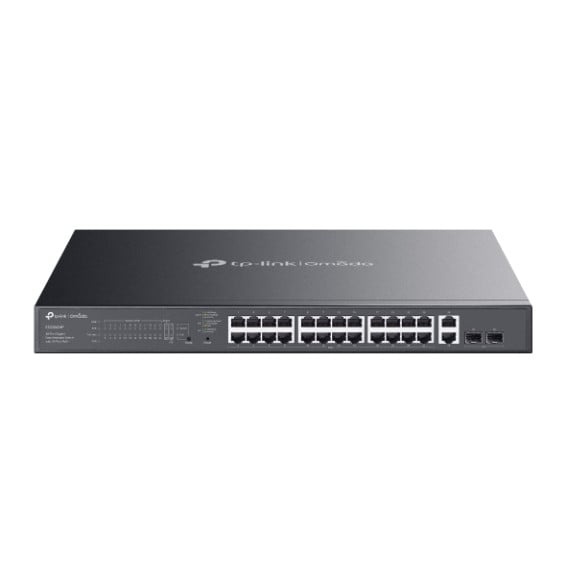
Total PoE+ budget of 384 W to power a large number of cameras, Wi-Fi access points and IP phones. 104 Gbps switching capacity, driven from the Omada SDN cloud.
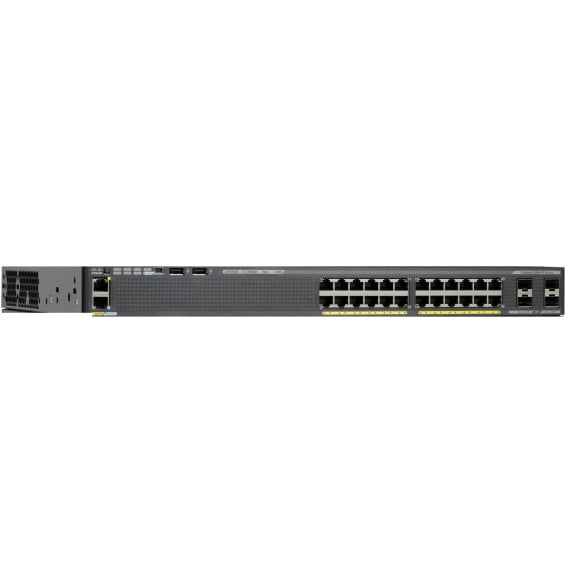
Cisco Catalyst 2960-X managed switch with LAN Base image: 24 Gigabit PoE+ ports with a 370 W budget, 4 SFP 1 Gbps uplink ports and FlexStack-Plus stacking of up to 8 switches. 1U, 5.8 kg, for a 19-inch rack.
Designed for video surveillance: a 384 W PoE+ budget shared across the powered ports, transmission up to 250 m and power maintained even when the switch restarts. Rackable metal housing, VLAN and automatic loop prevention.
•Total PoE+ budget of 384 W, up to 30 W per port (802.3af/at)
•2 Gigabit SFP ports for a fibre link
•Fast PoE and Perpetual PoE: power maintained when the switch restarts
Compact PoE+ access switch (802.3af/at standard) to power IP cameras, Wi-Fi access points or VoIP phones in small spaces. Gigabit/SFP combo uplink, managed through Ruijie Cloud.
•6 Gigabit ports (10/100/1000 Mbps), 4 of them PoE+ (802.3af/at standard)
•1 Gigabit/SFP combo port for the uplink (fibre or copper)
Designed for SMEs and video surveillance: automatic IP camera recognition, loop prevention and remote port restart through Ruijie Cloud. Extension up to 250 m in camera mode.
•PoE+ (802.3af/at standard)
•Managed through Ruijie Cloud, a mobile app or a web interface