
Pay nowView my order
Visit the TP-Link store

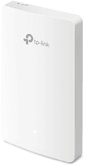
TP-Link AX1800 WiFi 6 Wall-Plate Access Point (EAP615-WALL)

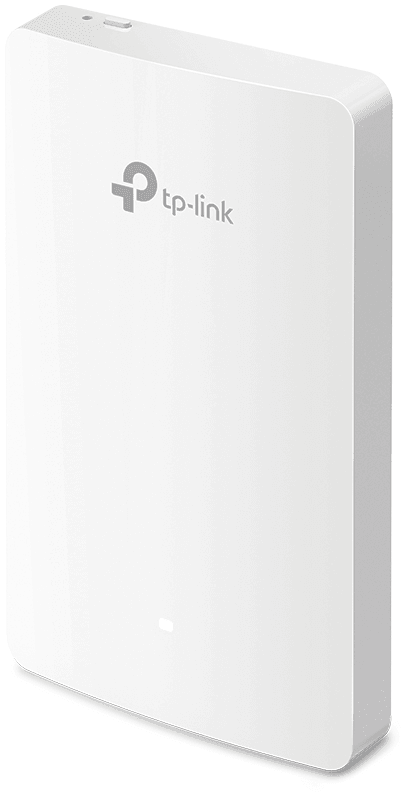
Recessed into a standard wall box, it gives back four Gigabit ports, one of which powers an IP phone, and covers around 50 m² for more than 100 connected devices.

  • Up to 1,201 Mbps on 5 GHz and 574 Mbps on 2.4 GHz
  • More than 100 devices connected simultaneously
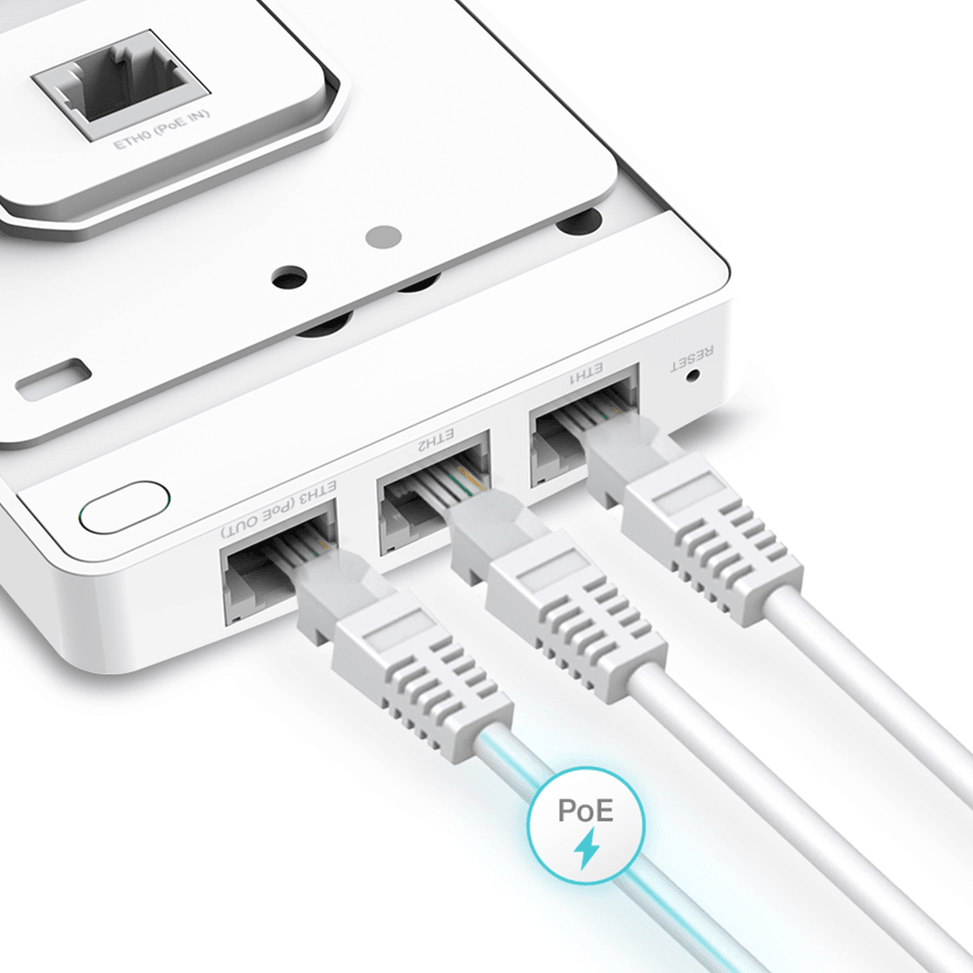
  • 4 Gigabit ports: 1 uplink and 3 downlinks
  • One downlink port powers a wired device, up to 13 W
  • 802.3af/at PoE power: no extra electrical cable
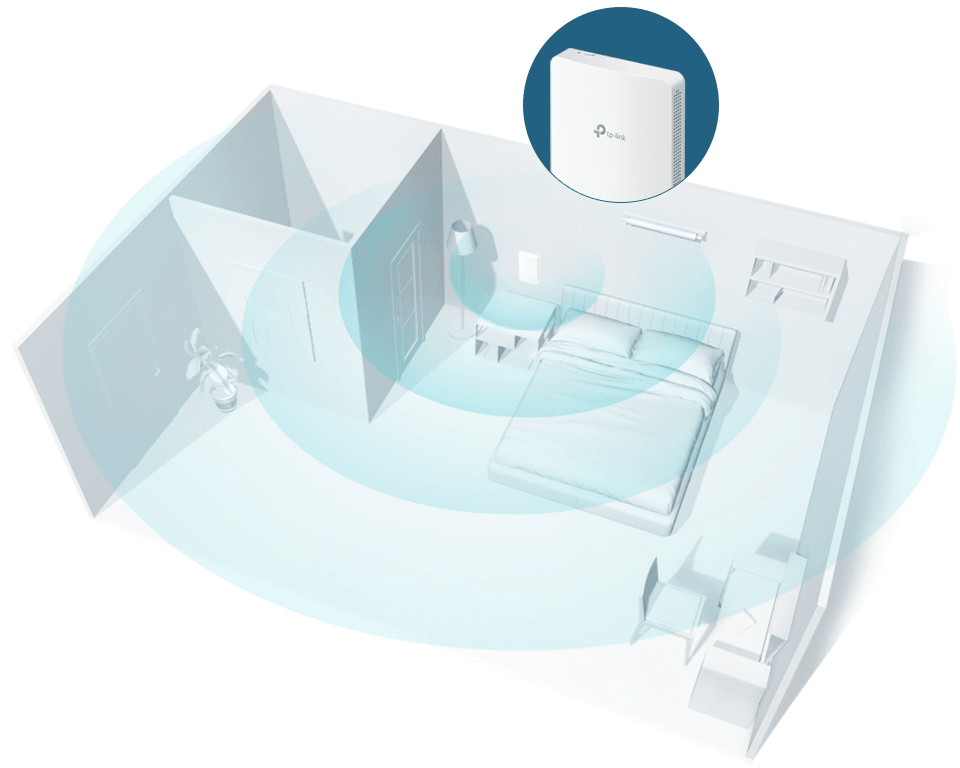
  • Coverage of around 50 m²
  • MU-MIMO, OFDMA and BSS Coloring
  • Seamless roaming from one access point to another
  • Centralised Omada SDN management and the Omada app
  • WPA3 encryption, personal or enterprise
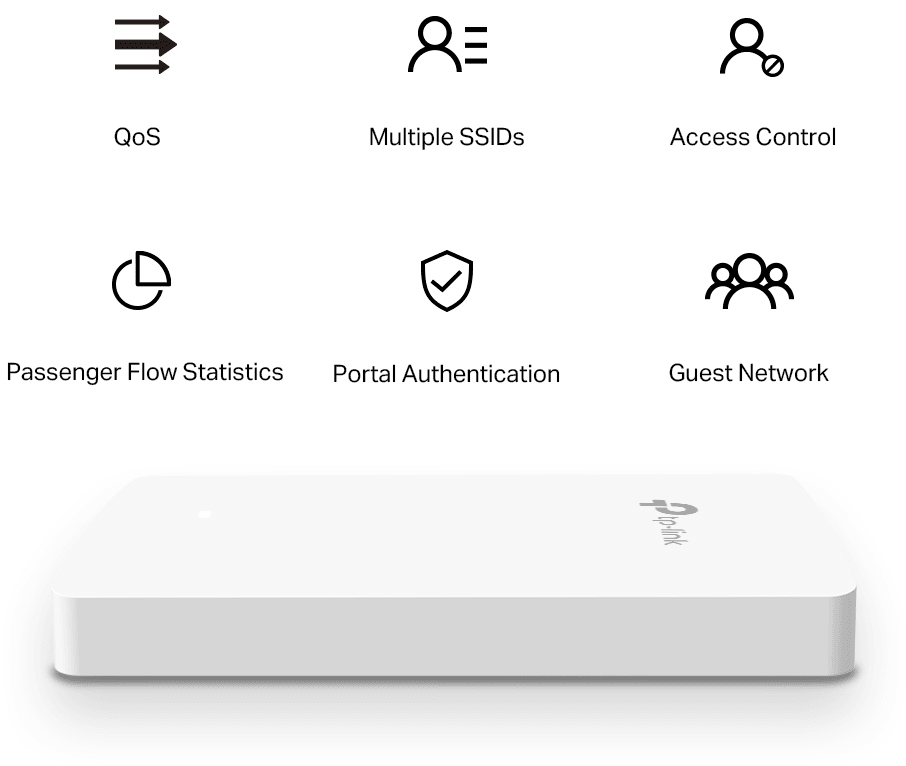
  • Captive portal (SMS, access voucher) and up to 16 Wi-Fi networks
  • 20 mm thick housing, fits 86 mm EU and US back boxes
Ref.: EAP615-WALL
1 479,00 DHincl. VAT

Out of stock

Under Law 09-08, you have the right to access, rectify and object to the processing of your personal data. This processing has been authorised by the CNDP under no. D-CE-389/2015. Learn more

Can’t wait?

Ask for an alternative on WhatsApp

Quick reply

Manufacturer's datasheetView the PDF · 48,5 Mo — downloadable

Product overview

TP-Link EAP615-Wall Wi-Fi 6 AX1800 access point: wall-plate Wi-Fi 6 that brings high-performance wireless to every room or bedroom.
Wi-Fi & speed: Wi-Fi 6 (802.11ax), dual-band — up to 1201 Mbps on 5 GHz + 574 Mbps on 2.4 GHz.
Capacity: MU-MIMO, OFDMA — 100+ clients at once.
Installation: indoor, wall mounting on a standard 86 mm EU or US junction box — ultra-slim 20 mm design.
Ports & power: 4 Gigabit ports (1 uplink + 3 downlink, including 1 with PoE pass-through to power a wired device); PoE 802.3af/at (no extra power cable).
Management: Omada SDN platform — cloud, Omada app; seamless roaming, WPA3, captive portal, guest network.
Use cases: hotel rooms, private offices, dormitories, clinics, apartments, student residences.
Four Gigabit ports in a discreet wall plate: Wi-Fi 6 and wired connections from the same outlet.

See all the specifications ↓
Request a quoteShare:

Technical specifications

Technical specifications
Package contentsEAP615-Wall access point, setup guide and mounting kits
Number of SSIDs16 SSIDs in total, 8 per band
Interfaces1 Gigabit Ethernet uplink port, 3 Gigabit downlink ports including one with PoE output (13 W maximum on EU version, 12 W on US version, 802.3at input required), reset button, physical lock
Network standardsIEEE 802.11a/b/g/n/ac/ax
Advanced Wi-Fi technologiesOFDMA, MU-MIMO, beamforming, band steering, airtime fairness
Maximum channel width80 MHz on 5 GHz, 40 MHz on 2.4 GHz
Spatial streams and MU-MIMO2 spatial streams at 5 GHz (NSS 1 to 2), MU-MIMO
Maximum Wi-Fi throughput per band574 Mbps on 2.4 GHz, 1,201 Mbps on 5 GHz
Management modesHTTP/HTTPS web interface, SSH, SNMP v1/v2c/v3, Omada app, Omada hardware (OC200, OC300) or software controller
Cloud management platformOmada SDN
Layer 2 featuresVLAN, client isolation, MAC filtering, access control, rate limiting, load balancing
Roaming and meshSeamless roaming (firmware upgrade possible); no mesh
Power consumption10 W maximum, PoE output disabled
Dimensions (W x D x H)143 x 86 x 20 mm
Technical specifications (continued)
Antennas2 internal dual-band antennas, gain 3 dBi at 2.4 GHz and 4 dBi at 5 GHz
Advertised coverage area50 m²
Maximum transmit powerCE: < 20 dBm on 2.4 GHz, < 23 dBm on 5 GHz, EIRP; FCC: < 21 dBm on 2.4 GHz and 5 GHz
Security featuresWPA/WPA2/WPA3 Personal and Enterprise, 802.1X, captive portal, rogue AP detection
Power supplyPoE 802.3af or PoE+ 802.3at
Operating temperature0 to 40 °C
Operating humidity10 to 90% non-condensing
Wi-Fi standardWi-Fi 6
LocationIndoor
Mounting typeWall mount
BandsDual-band
PoE powerPoE (802.3af)
Simultaneously connected devices100+ clients; 120+ concurrent clients
Warranty1 year

Customer reviews

No reviews yet

Be the first to review this product and help other customers.

Write a review
Your rating
5/5

Shown publicly with your review.

Never published — a confirmation email will be sent to you.

Tell us about the product — in a few lines:

  • what you liked in everyday use;
  • the quality and performance you found;
  • who you would recommend it to, and why.

A question about an order, a delivery or a payment? Write to us and we will reply to you directly.

Under Law 09-08, you have the right to access, rectify and object to the processing of your personal data. This processing has been authorised by the CNDP under no. D-CE-389/2015. Learn more

Frequently asked questions about this product

Can the EAP615-Wall power a device through its network port?
Yes, one of its three downlink ports provides PoE passthrough, with 13 W available on the European version — provided the access point itself is powered by 802.3at PoE+. An IP phone or a sensor can therefore be plugged straight into the wall plate.
How much power does the EAP615-Wall consume?
10 W on the European version, with PoE passthrough disabled, on an 802.3af or 802.3at power supply. Add the 13 W of PoE passthrough to your switch's power budget if you power a device from the wall plate.
What area does the EAP615-Wall cover?
About 50 m², for more than 120 devices connected at the same time. That is the idea behind the wall-plate format: one access point per room or per office, rather than a corridor access point whose signal struggles to get through partition walls.
What throughput does the EAP615-Wall deliver?
1,201 Mbps on the 5 GHz band and 574 Mbps on 2.4 GHz, i.e. the AX1800 level of Wi-Fi 6. OFDMA and MU-MIMO only deliver their full benefit, however, if the client device supports them too.
How much wall space does the EAP615-Wall take up?
143 × 86 mm and 20 mm thick: it replaces a wall socket without sticking out. Its two dual-band antennas are internal — 3 dBi on 2.4 GHz and 4 dBi on 5 GHz — and a physical security lock is provided.
Does the EAP615-Wall support WPA3?
Yes, in both WPA3-Personal and WPA3-Enterprise, as well as WPA and WPA2 in both variants, with 802.1X support. Rogue access point detection and MAC address filtering round off the protection.
How many Wi-Fi networks can you create on the EAP615-Wall?
16 SSIDs, eight per band, with VLANs, rate limiting and client isolation. A room or a department can thus have its own network, separate from the staff network.
Can you bill or track a user's usage?
The access point supports RADIUS accounting and MAC address authentication, in addition to the captive portal: connection time and data volume can therefore be reported to a server, as in a hotel or a residence.
How does the EAP615-Wall distribute devices between its two bands?
Band steering directs compatible devices to the 5 GHz band, airtime fairness stops a slow device from slowing down the others, and load balancing prevents one access point from becoming saturated while a neighbouring one is free.
Can you schedule the Wi-Fi to switch off at night?
Yes, time schedules switch the Wi-Fi on or off, and an automatic reboot can be scheduled for off-peak hours. The LEDs can also be turned off on demand, which matters in a bedroom.
What monitoring tools does the EAP615-Wall offer?
HTTP/HTTPS web access, SSH, SNMP v1, v2c and v3, a local or remote system log, email alerts and Layer 3 management. The OC200 and OC300 controllers or the software controller centralise management of all your devices.
What is in the box of the EAP615-Wall?
The access point, the installation guide and the mounting kits. It operates indoors, between 0 and 40 °C, at 10 to 90% non-condensing humidity.
Is the equipment new and under warranty?
Yes, new equipment, with the invoice serving as the warranty document for 1 year. The manufacturer's full specifications are in this document: EAP615-Wall (PDF).

Trending

View the TP-Link archive

Chat on WhatsApp

Scan with my phone

The simplest way: open your phone camera and point it at this code. The chat opens with your message ready.

Open WhatsApp Web

Works if your phone is already linked to this computer.