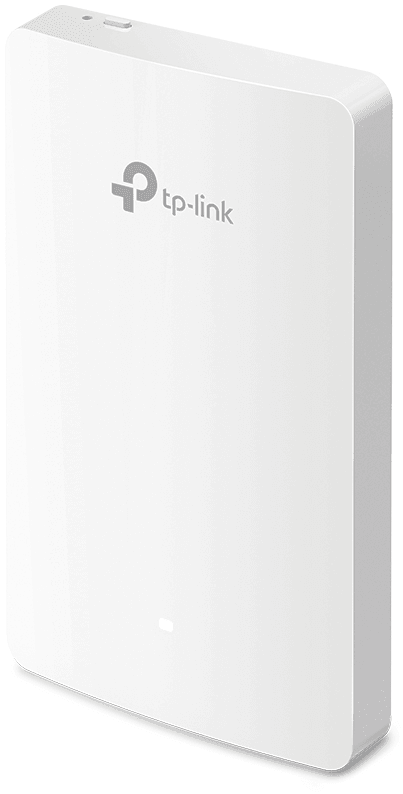
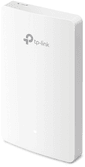
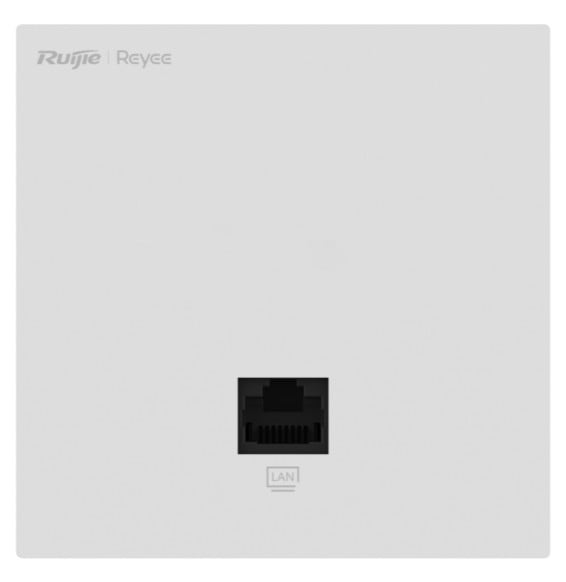
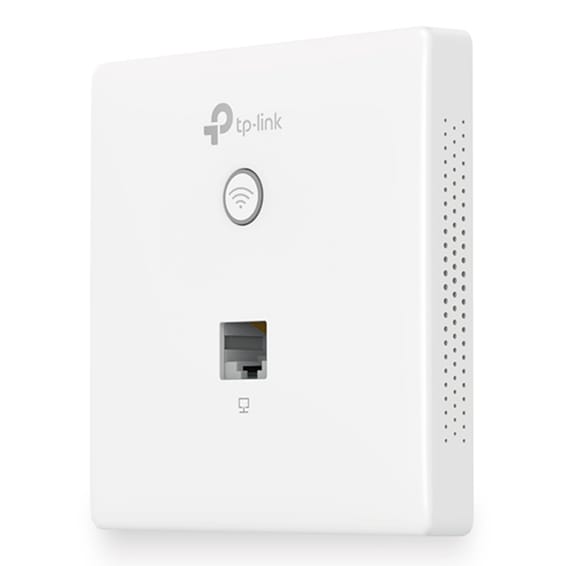
One access point per room: more than 200 devices accepted, 867 Mbps on the 5 GHz band and three network sockets on the front, in a 20 mm thick housing.
Up to 867 Mbps on 5 GHz and 300 Mbps on 2.4 GHz
More than 200 devices connected simultaneously
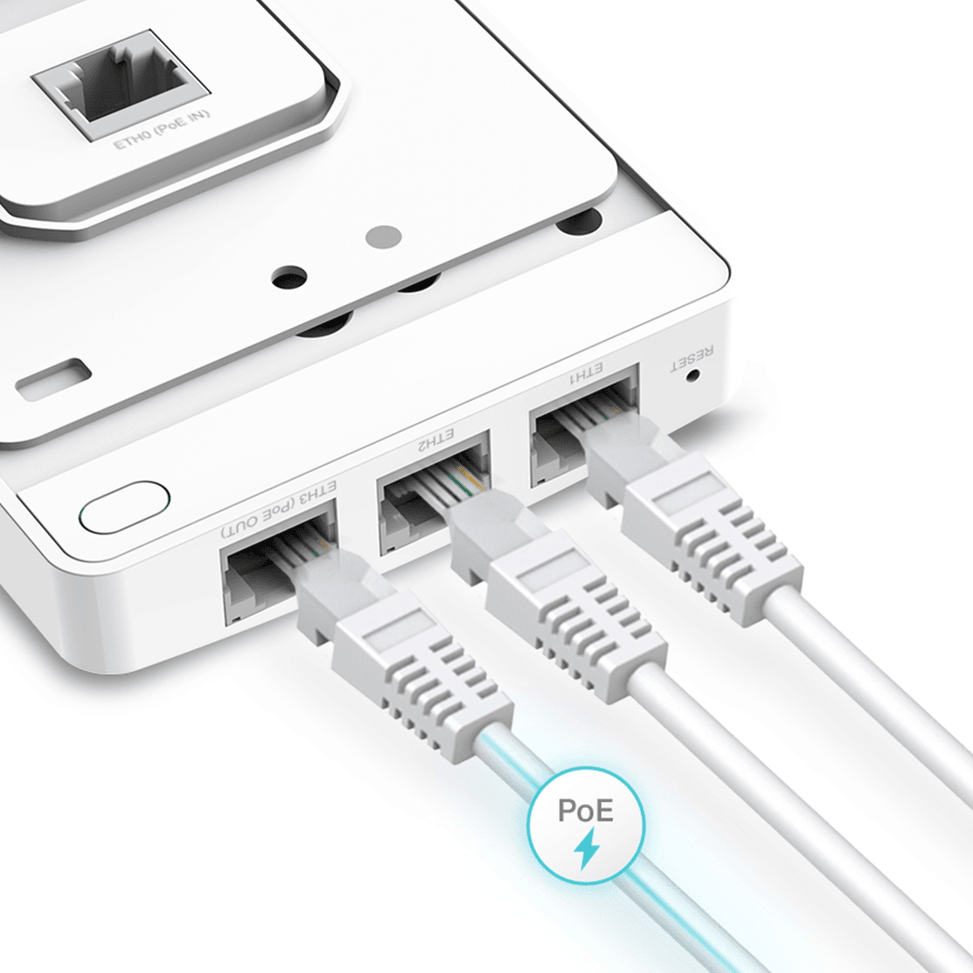
4 Ethernet ports: 1 uplink and 3 downlinks
One downlink port powers a wired device, up to 13 W
802.3af/at PoE power: no extra electrical cable
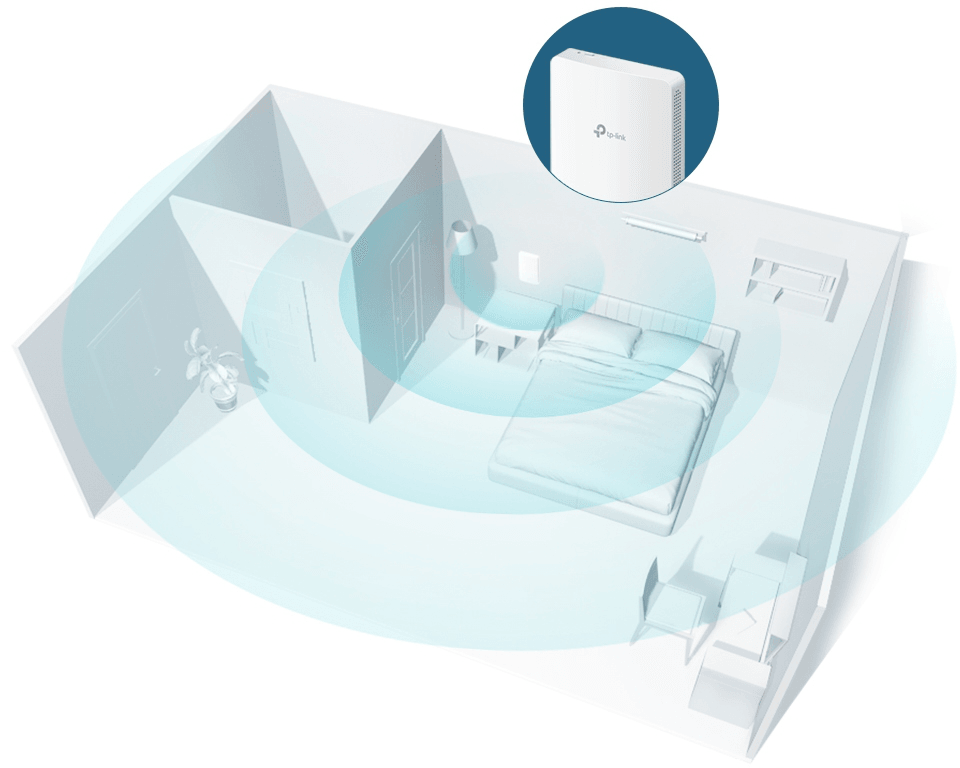
Coverage of around 25 m², one access point per room
20 mm thick housing, fits 86 mm EU and US back boxes
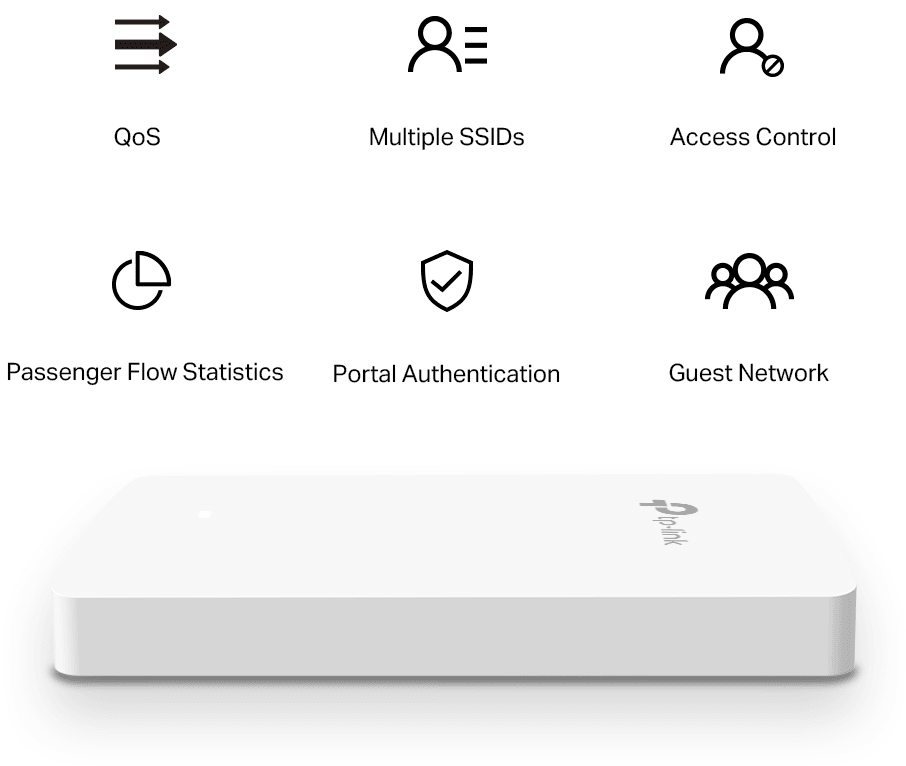
Captive portal (SMS, access voucher) for visitor access
Up to 16 Wi-Fi networks (SSID)
WPA and WPA2 encryption, personal or enterprise
VLAN segmentation and rogue access point detection
TP-Link EAP235-Wall Wi-Fi 5 AC1200 access point: a discreet wall-plate unit with 4 Gigabit ports that brings Wi-Fi and wired connections to every room. Wi-Fi & speed:Wi-Fi 5 (802.11ac), dual-band — up to 867 Mbps on 5 GHz + 300 Mbps on 2.4 GHz. Capacity:MU-MIMO — up to 200+ clients at once. Installation: indoor, wall mounting on an 86 mm junction box, EU or US — ultra-slim at 20 mm, it blends discreetly into the décor. Ports & power:4 Gigabit ports (1 uplink + 3 downlink, including 1 with PoE OUT); PoE 802.3af/at (no extra power cable). Management:Omada SDN platform — cloud, Omada app, hardware or software controller; captive portal, guest network, WPA2/WPA3. Use cases: hotel rooms, offices, corridors, dormitories, medical practices, local shops. Wi-Fi and Gigabit wired connections in a single elegant wall plate, with no extra building work.
Be the first to review this product and help other customers.
Write a review
Frequently asked questions about this product
Can the EAP235-Wall power an IP phone over the network?
Yes, one of its three downlink ports passes PoE through, with 13 W available — provided the access point itself is powered by 802.3at PoE+. An IP phone or a camera can therefore be plugged straight into the wall plate.
How many network sockets does the EAP235-Wall provide?
Three Gigabit downlink ports, in addition to the uplink port that connects it to the network — i.e. three wired devices connected from the wall plate: desktop computer, TV, phone. A VLAN can be assigned to each local port.
What power consumption should you allow for with the EAP235-Wall?
9.8 W for the access point alone, and up to 24.4 W when the PoE passthrough is powering a device. It is this second figure you should use to calculate the switch's PoE budget if you use the PoE output port.
What area does the EAP235-Wall cover?
About 25 m², i.e. a bedroom or an office. That is the principle of the wall plate: one access point per room, in place of a network socket, rather than a corridor access point whose signal struggles to get through partition walls.
How many devices does the EAP235-Wall accept?
More than 200 simultaneous clients, with MU-MIMO, beamforming and band steering. The data rate reaches 867 Mbps on the 5 GHz band and 300 Mbps on 2.4 GHz.
How much wall space does the EAP235-Wall take up?
143 × 86 mm and only 20 mm thick: it replaces a wall socket without sticking out. Its two 4 dBi dual-band antennas are internal, and a physical security lock is provided against theft.
How many Wi-Fi networks can be created on the EAP235-Wall?
16 SSIDs, eight per band, with one VLAN per SSID and rate limiting. The guest network stays separate from the staff network, and clients can be isolated from one another.
What level of security does the EAP235-Wall provide?
WPA2-PSK and WPA/WPA2-Enterprise with 802.1X: each user then authenticates against a server, with no shared key. On top of this come MAC address filtering, access control and rogue access point detection.
How can you identify guests who connect to the Wi-Fi?
Through the captive portal, which requires an action before access is granted: accepting the terms, logging in, or verification by an external server. The data rate of each network can also be capped.
Can you schedule the Wi-Fi to switch off at night?
Yes, time slots switch the Wi-Fi on or off, and an automatic reboot can be scheduled for off-peak hours. The LEDs can also be turned off, which matters in a bedroom.
How do you manage several EAP235-Wall units in a hotel?
Through the Omada platform: free software controller, OC200 and OC300 hardware controllers, or cloud controller, with a mobile app. On top of this come SNMP v1 and v2c, remote system logging and email alerts.
What is in the EAP235-Wall box?
The access point, the installation guide and the mounting screws. It is for indoor use, between 0 and 40 °C, at 10 to 90% non-condensing humidity.
Is the equipment new and under warranty?
Yes, new equipment, with the invoice serving as the warranty document for 1 year. The manufacturer's full specifications are in this document: EAP235-Wall (PDF).
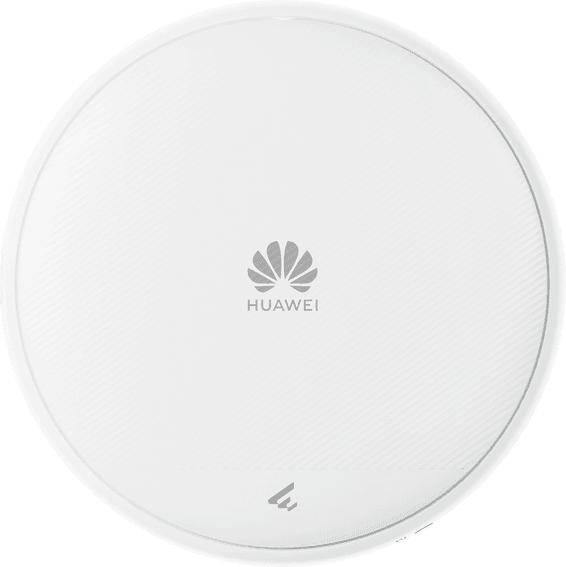
Compact (180 mm across, 35 mm thick), it steers its own signal with smart antennas. Up to 2,880 Mbps on the 5 GHz band and a 2.5 Gbps port, all powered over the network cable.
•Up to 2,880 Mbps on 5 GHz and 689 Mbps on 2.4 GHz
•Built-in smart antennas that adjust the signal direction and strength on their own
•MU-MIMO and OFDMA to serve several devices at once
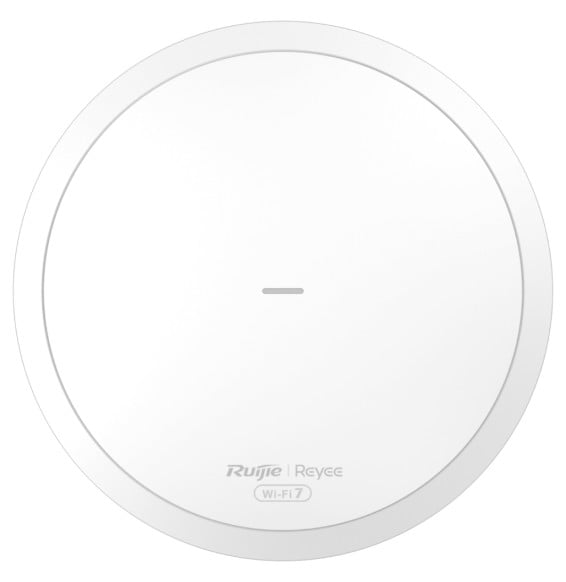
Round, discreet unit for ceiling or wall mounting: up to 3,570 Mbps combined, MLO and 4K-QAM, AI roaming between Reyee Mesh access points. Managed for free from Ruijie Cloud or the Reyee app, powered over PoE.
Indoors as well as out: IP65 housing, operation from -30 to +65 °C and 4 kV lightning protection. Up to 2,401 Mbps on the 5 GHz band, 110 recommended clients and around 150 m² covered, wall or pole mounted.
IP67 certified and rated from −30 °C to +60 °C, it reaches up to 300 m. A 2.5 Gbps SFP port links it to the network over fibre, and up to 256 devices are served at the same time.
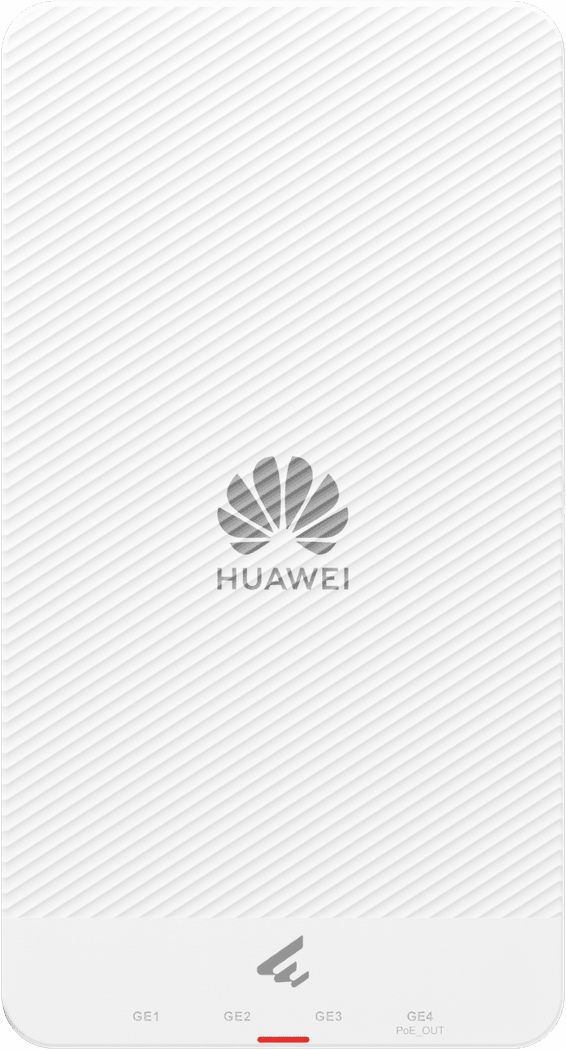
Powered over PoE+, it in turn powers a wired device through one of its four outgoing ports: a camera or an IP phone connects with no mains socket. Up to 2,400 Mbps on the 5 GHz band.
•1 incoming Gigabit port with PoE and 4 outgoing Gigabit ports, one of them PoE OUT
IP66 sealing when wall-mounted, IP65 on a pole and 6 kV lightning protection: the yard, the car park or the warehouse are covered. Up to 300 m of range on 5 GHz, and it works from -30 to +70 °C.
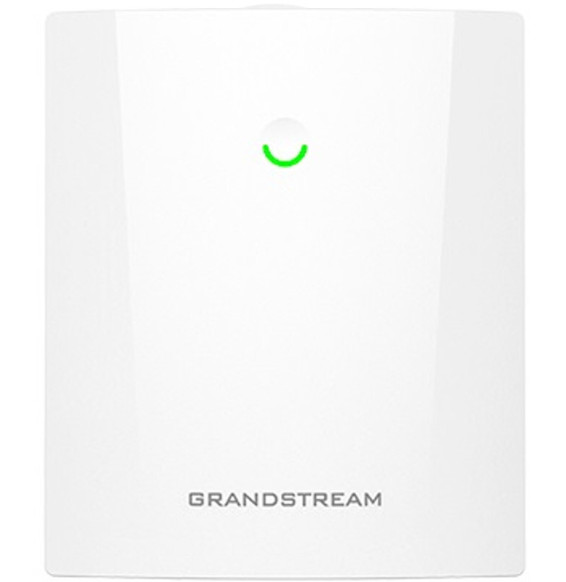
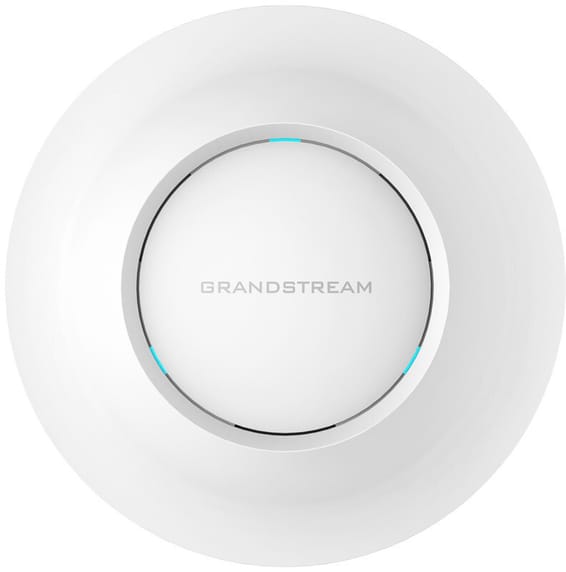
Built for busy venues: more than 200 devices served at the same time, up to 175 m of range and 1,300 Mbps available on the 5 GHz band. Fleet management is free, locally or in the cloud.
Set up from the Omada app, it delivers 1,201 Mbps on the 5 GHz band and relays in Mesh with the other access points to cover areas that are hard to cable.
•Up to 1,201 Mbps on 5 GHz and 574 Mbps on 2.4 GHz
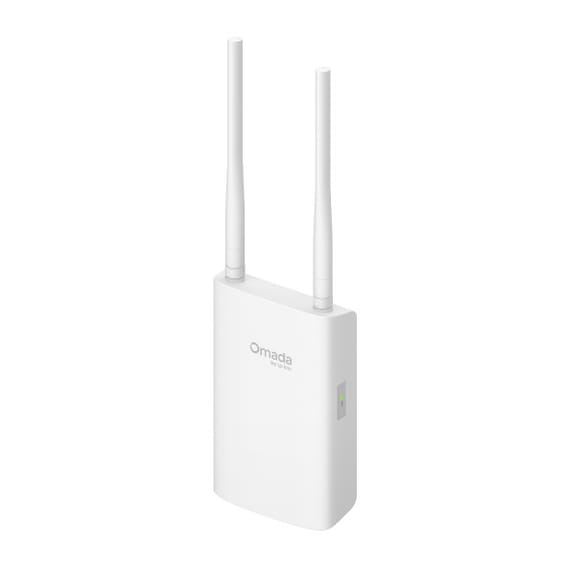
450 Mbps on the 2.4 GHz band and 867 on 5 GHz, for more than 220 devices at the same time. The free Omada software controller drives around a hundred access points from a single interface, and the power adapter is included.
Installed by a simple twist, without tools, on the ceiling. Up to 2,402 Mbps on the 5 GHz band and 110 devices served at the same time, with a single network cable that powers and connects it.
•Up to 2,402 Mbps on 5 GHz and 574 Mbps on 2.4 GHz
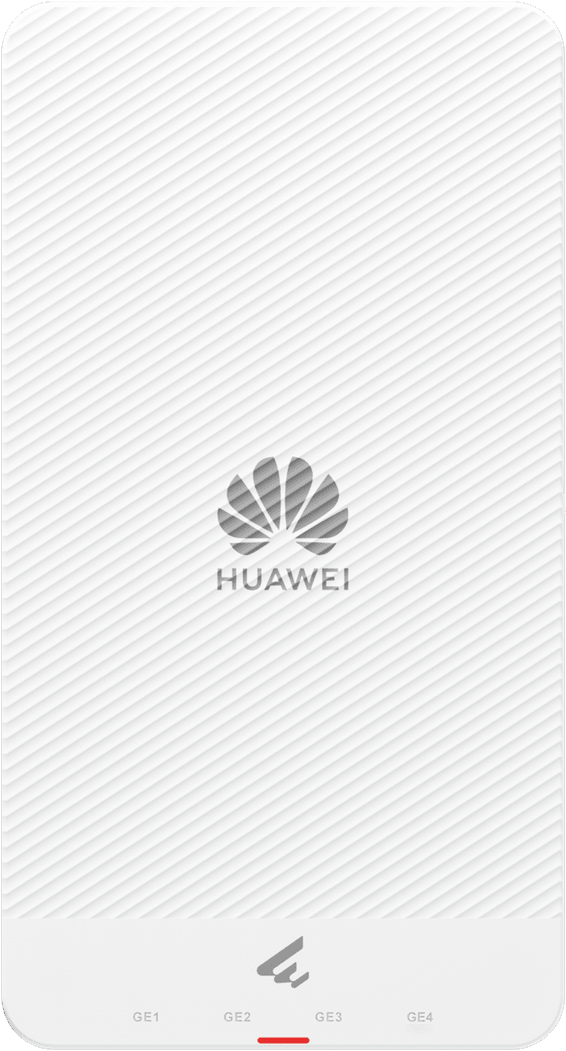
Fits on a junction box to deliver fast Wi-Fi in every hotel room or office, with two network sockets for a TV, PC or IP phone, all powered over PoE and managed from Ruijie Cloud.
450 Mbps on the 2.4 GHz band and 867 on 5 GHz, for more than 220 devices at the same time. The free Omada software controller drives around a hundred access points from a single interface, and the power adapter is included.
Deployment claimed in 3 minutes from the Ruijie Cloud app, then remote monitoring and troubleshooting. Up to 867 Mbps on the 5 GHz band, with a single network cable that both powers and connects the access point.
Two Gigabit ports, one of them PoE: a single cable powers and connects it, while the second serves a wired device nearby. Up to 867 Mbps on the 5 GHz band and set-up claimed in 3 minutes.
•2 Gigabit Ethernet ports, one of them PoE-powered
Wall, ceiling or rail mounting, as you prefer. 1.775 Gbps combined, MU-MIMO and OFDMA to hold many users at once, and a single network cable that powers it and connects it.
•Combined throughput up to 1.775 Gbps on 2.4 and 5 GHz
•2x2 MIMO on each band
•MU-MIMO and OFDMA to serve several devices at the same time
75 devices served at once per radio and 1.2 Gbps of combined throughput, with Instant On management from an app or a browser. The network cable is enough to power it.
•Combined throughput up to 1.2 Gbps across both bands
More than 250 devices connected at the same time, with 1,201 Mbps available on the 5 GHz band. The network cable alone powers it and the whole set is managed from the Omada cloud.
•Up to 1,201 Mbps on 5 GHz and 574 Mbps on 2.4 GHz
•More than 250 devices connected simultaneously
•OFDMA and MU-MIMO to serve several devices at once
Just 11 mm thick: it mounts on a standard junction box and goes unnoticed in a bedroom or an office. It takes more than 100 devices and is managed remotely with Omada.
Built for busy venues: more than 200 devices served at the same time, up to 175 m of range and 1,300 Mbps available on the 5 GHz band. Fleet management is free, locally or in the cloud.
•802.11ac Wave-2 standard, i.e. Wi-Fi 5
•Up to 1,300 Mbps on 5 GHz and 450 Mbps on 2.4 GHz
Five Gigabit ports in a slim housing: one for the network feed, four for the TV, the PC or the phone in the room. Up to 2,400 Mbps on the 5 GHz band and 128 devices accepted.
•1 incoming Gigabit port with PoE and 4 outgoing Gigabit ports
•Up to 2,400 Mbps on 5 GHz and 575 Mbps on 2.4 GHz