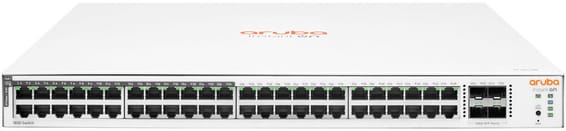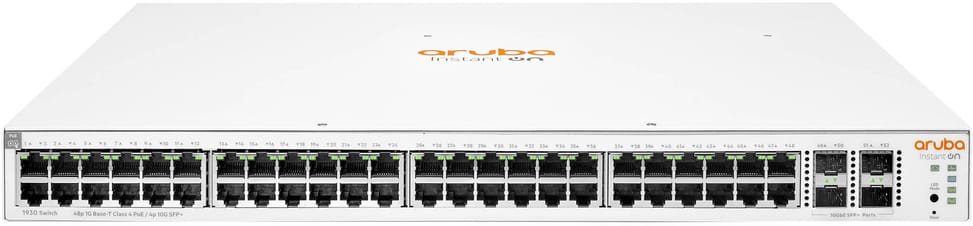
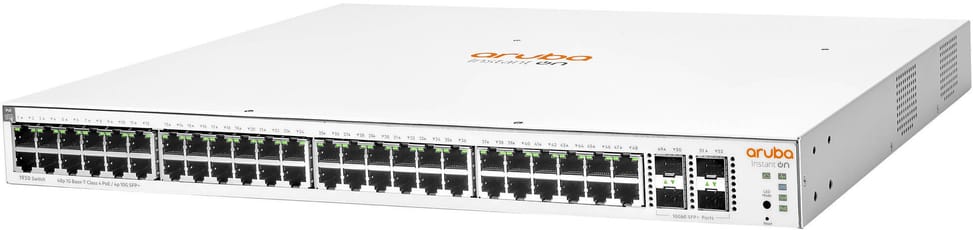
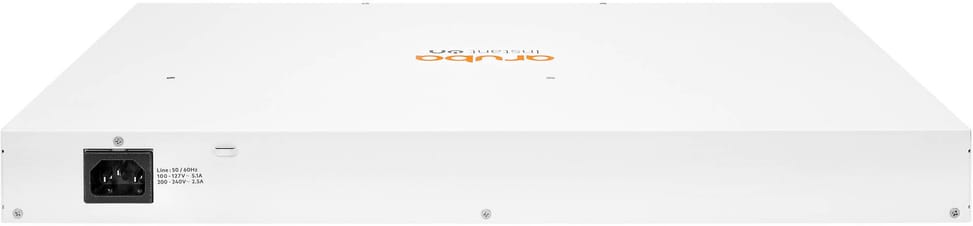
High-density Aruba Instant On switch for small businesses: L2+ managed out of the box, driven from the mobile app or the Aruba cloud, designed for large-scale rollouts of Wi-Fi access points, IP cameras and VoIP phones.
Class 4 PoE (802.3af/at), up to 30 W per port
L2+ managed, administered via the Aruba Instant On app or the cloud portal
802.1Q VLAN, QoS, LACP link aggregation (16 trunks), IGMP Snooping
The Aruba Instant On 1930 48-port PoE 370W is a high-density L2+ managed switch for businesses deploying Wi-Fi, IP surveillance and VoIP equipment at scale, with cloud management built in straight out of the box. 48 Class 4 PoE Gigabit RJ45 ports: each port supplies up to 30 W (IEEE 802.3af/at), with a total budget of 370 W to power dozens of Wi-Fi 6 access points, IP cameras and VoIP phones at the same time. 4 × 1/10 GbE SFP/SFP+ ports for very high-speed fibre uplinks to the distribution layer. Managed through the Aruba Instant On app and cloud portal: 802.1Q VLAN, QoS, 16 LACP trunks, IGMP Snooping, STP/RSTP/MSTP, 802.1X, 16,000-entry MAC table. 176 Gbps switching capacity, 130.95 Mpps throughput. 1U rack-mountable format. Ref. JL686B.
Be the first to review this product and help other customers.
Write a review
Frequently asked questions about this product
How many devices can the 370 W of PoE power across 48 ports?
370 W shared across the 48 ports, in Class 4, up to 30 W per port. Around thirty cameras at 12 W already use up most of the budget, and a dozen power-hungry Wi-Fi access points are enough to exhaust it: add up the actual consumption before filling the chassis.
What speed do the JL686B's 4 uplinks reach?
They are SFP+ 1G/10G slots: you start with a Gigabit fibre module, then move up to 10 Gigabit without changing the switch. Essential when 48 access ports feed into the same network core.
How many ports can be aggregated towards the network core?
Sixteen link aggregation groups of up to eight ports each, using LACP — twice as many as the 24-port models in the series. Enough to balance the load from several servers and keep the uplink running if a cable fails.
How many VLANs can you create, and within what ID range?
256 simultaneous VLANs, with IDs chosen between 2 and 4093: the range is wide, but the number of active networks is capped at 256. A dedicated management VLAN restricts access to the interface, and the auto voice VLAN recognises IP phones.
Can PoE power be scheduled by time of day?
Yes: PoE scheduling sets the day and time at which each port powers the connected device. Power allocation follows LLDP-MED, the PoE class or actual consumption, and the critical priority level is automatically reserved for Instant On access points.
Can this switch route traffic between two VLANs?
Yes, with static IPv4 routing: each VLAN gets its own address, set manually or via DHCP, and the switch forwards traffic from one to the other, within a limit of 32 static entries. This is the hallmark of the Layer 2+ rating stated for this model.
Which IP address should you use for the first connection?
The switch starts up as a DHCP client and takes the address provided by the router; if there is no DHCP server on the link, it falls back to the fixed address 192.168.1.1. The local web interface accepts up to five simultaneous HTTP or HTTPS sessions.
Do you need a licence to manage this switch from the cloud?
No: all features are included in the price of the hardware, with no licence or subscription. Management is done from the Instant On mobile app, the hosted web portal or the local web interface, the latter requiring no internet access.
What internal performance does this high-density model offer?
176 Gbps switching capacity and 130.95 Mpps, with a 16,000-entry MAC address table. It is sized to handle all 48 Gigabit ports and the 4 10-Gigabit links simultaneously, without internal congestion at peak times.
How do you identify this switch in a rack and monitor its status?
A locator LED can be set to on, blinking or off from the app, so the right chassis stands out among identical models. The Topology view and the site inventory flag devices that have gone down, and port mirroring feeds traffic to an analyser.
Is the switch new and covered by a warranty?
Yes, new equipment, with the invoice serving as the warranty document. This is reference JL686B, the 48-port Class 4 PoE version of the Instant On 1930 series, whose models differ in PoE budget and number of ports.
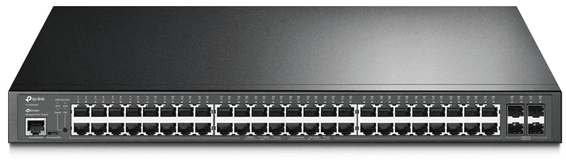
Total PoE+ budget of 384 W to power a large number of cameras, Wi-Fi access points and IP phones. 104 Gbps switching capacity, driven from the Omada SDN cloud.
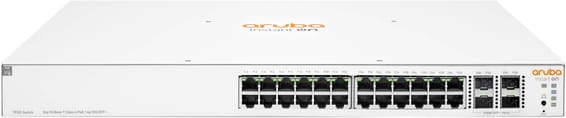
48 Gigabit ports, half of them PoE+ (ports 1 to 24), for mixed SME or campus deployments — simplified control from the Aruba Instant On app, with no subscription.
•24 of the 48 ports in PoE+ (802.3at), ports 1 to 24
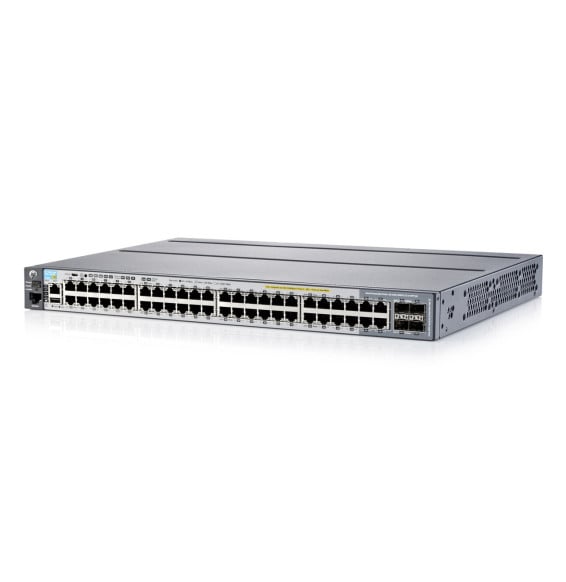
Powers a whole floor over one cable with 10 Gbps uplinks to the network core: 370 W of PoE+ across the 48 Gigabit ports, layer 3 routing and centralised management from Aruba Central.
•PoE+ (802.3at) on all 48 ports, total budget 370 W
•Up to 30 W per port — Wi-Fi access points, IP cameras, IP phones
Covers a whole floor of cameras, Wi-Fi access points and IP phones on a single device, without multiplying power units. 10G links and a capacity of 176 Gbps absorb the combined traffic. VLANs, security and administration of enterprise equipment.
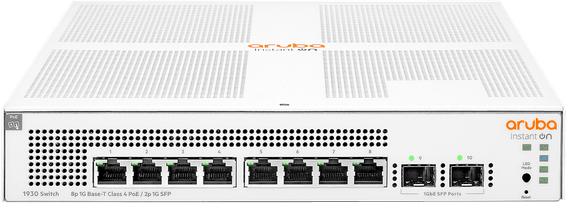
Aruba Instant On switch for small businesses: full L2+ managed from the mobile app, the cloud portal or a local web interface, with a more measured PoE budget for flexible deployment of Wi-Fi access points and IP cameras.
Each PoE+ port delivers up to 30 W, for a total budget of 120 W, rounded out by two fibre links. Managed from the GWN.Cloud platform or locally, with VLANs and advanced security.
•8 PoE+ ports (802.3af/at), total budget 120 W, up to 30 W per port
Managed access switch designed for SMEs and branch offices: powers workstations, Wi-Fi access points and IP cameras over Power over Ethernet, with centralised control from Aruba Central and automated deployment.
•Managed via Aruba Central (cloud or on-premise), web GUI, CLI and REST API
•PoE+ up to 30 W per port (IEEE 802.3af/at, class 4)