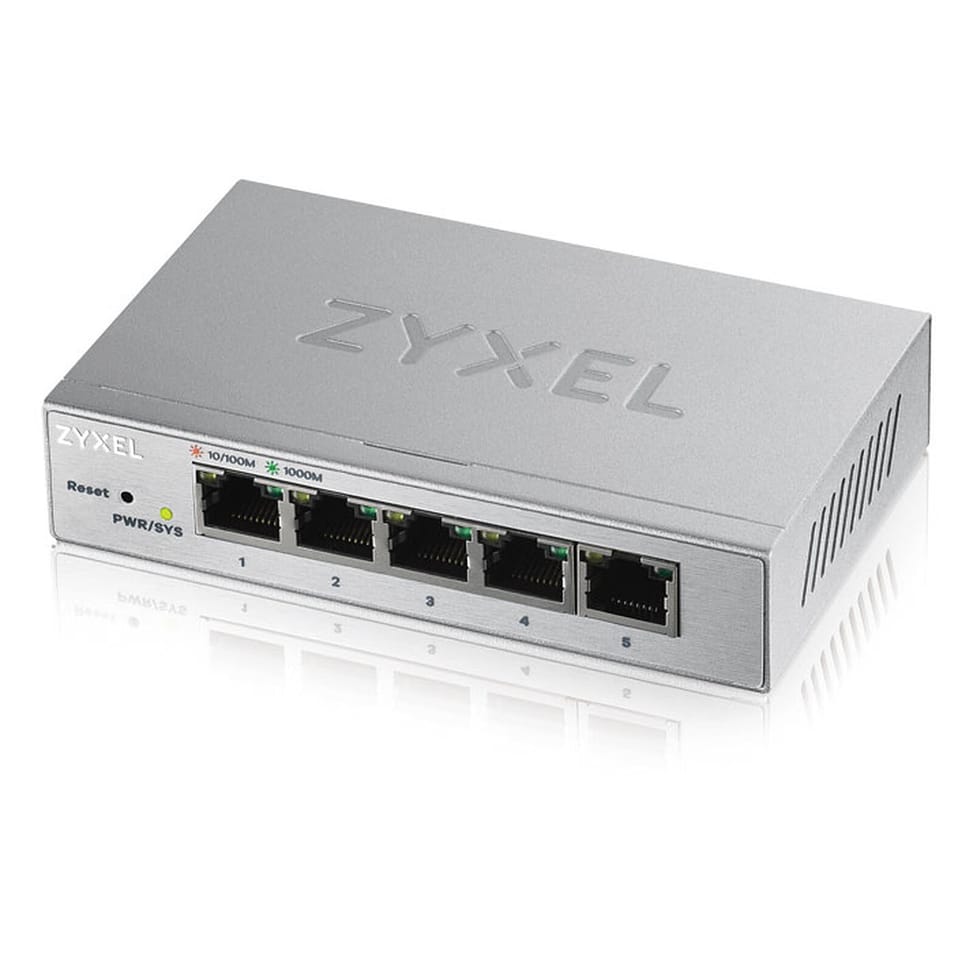
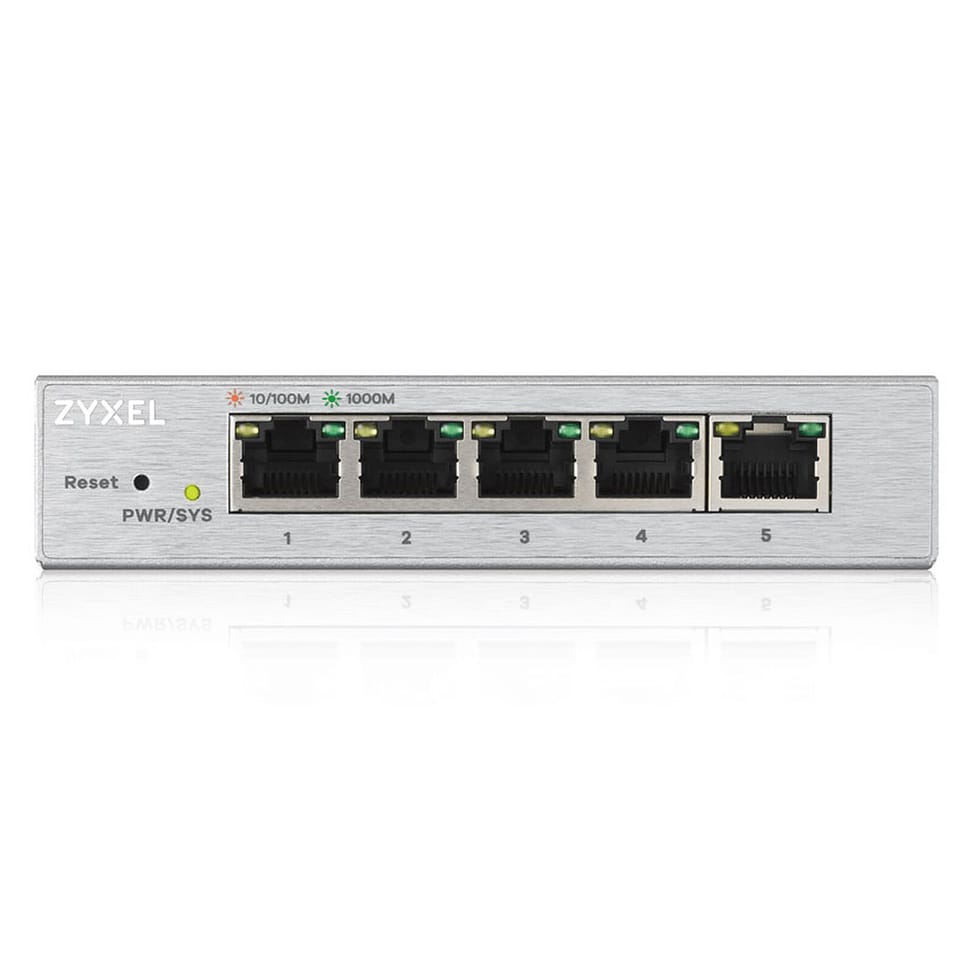
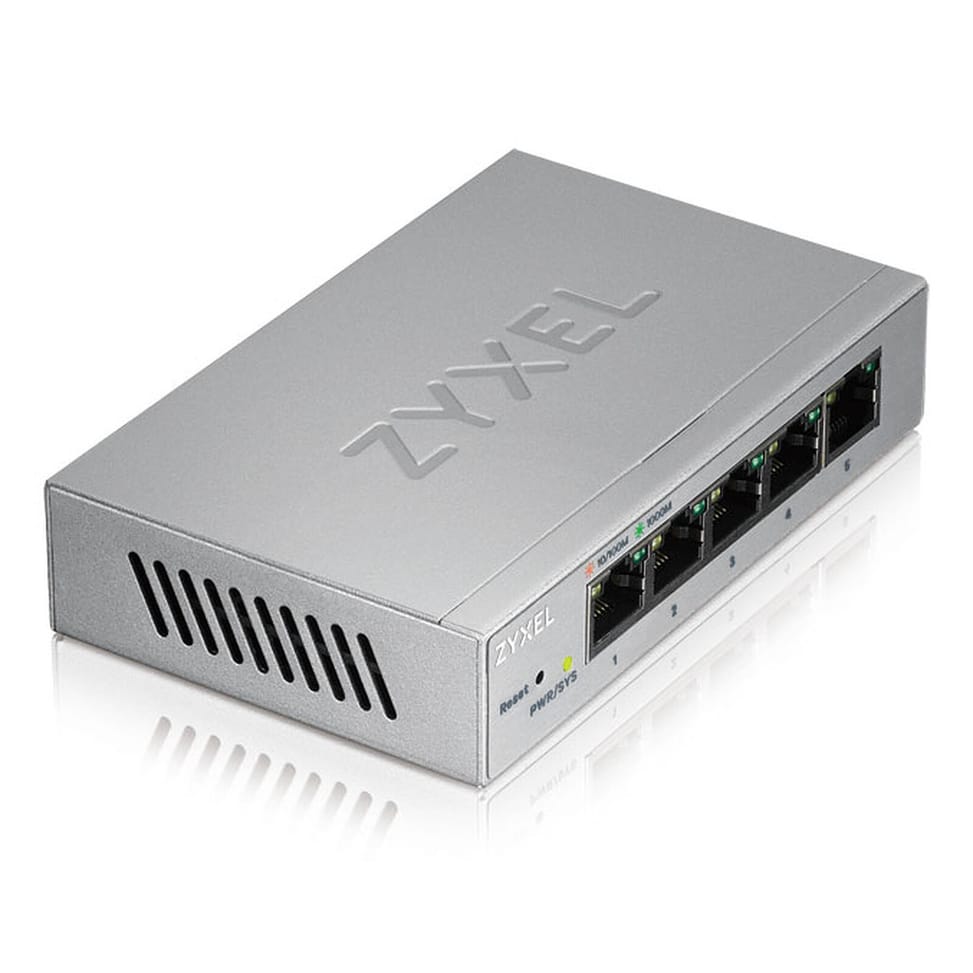
The ZyXEL GS1200-5 web-managed switch has 8 Gigabit ports. Silent thanks to its fanless design, it fits perfectly into noise-sensitive business environments. This switch features a user-friendly web interface that guides you quickly and easily.
Port-based 802.1Q VLAN, IGMP snooping v1/v2/v3 (128 groups), static link aggregation (1 group, ports 3 and 4), port mirroring, loop detection and prevention, auto MDI/MDI-X
IP routing
None
Stacking and expansion
Not stackable
Quality of service (QoS)
Port-based QoS, 802.1p CoS, WRR scheduling
Power consumption
2.03 W maximum
Technical specifications (continued)
Weight
0.233 kg
Dimensions (W x D x H)
121 x 75 x 26 mm
Package contents
Switch, AC adapter, quick start guide, safety warning and declaration of conformity, rubber feet
Number of ports
5 ports or fewer
Managed
Yes
Security features
System access password, broadcast storm control, loop detection and prevention
Power supply
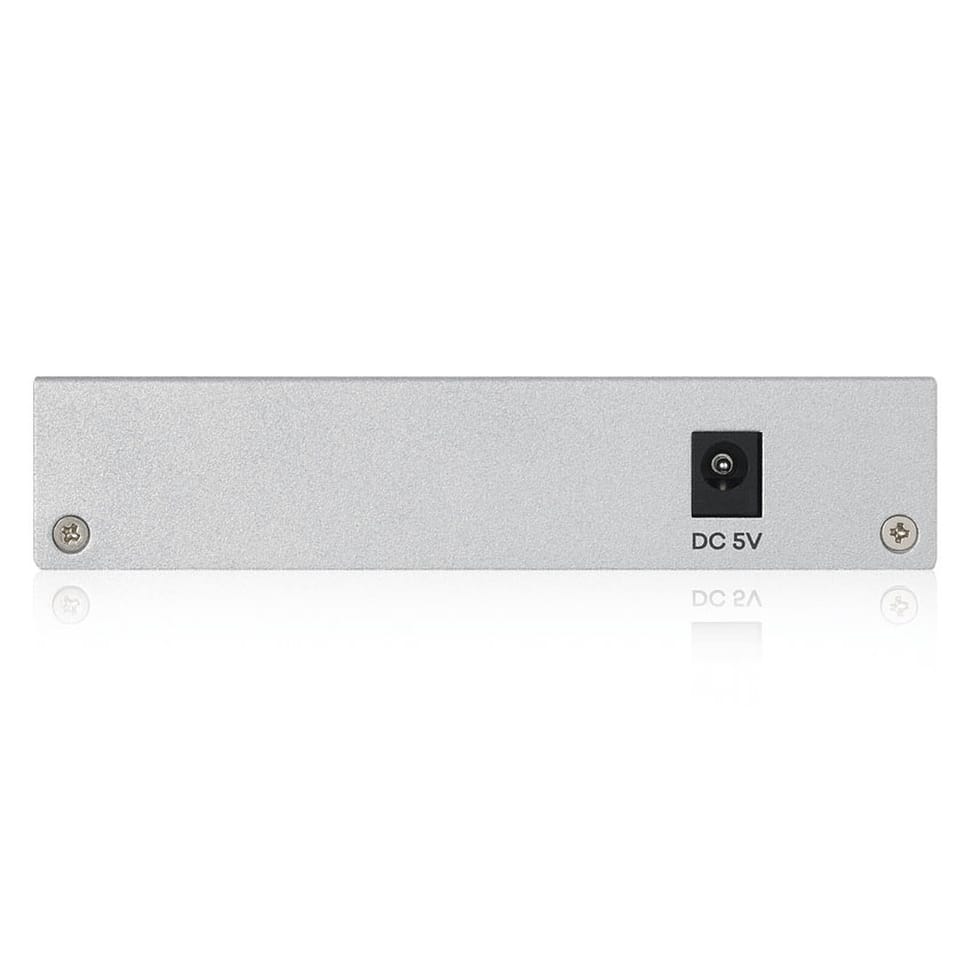
External AC adapter 5 V DC, 1 A
Cooling system
Fanless
PoE power
No
Port speed
1 Gbps (Gigabit)
Management level
Web interface (Smart)
Fibre slots (SFP)
No
Mounting
Desktop
Warranty
1 year
Customer reviews
No reviews yet
Be the first to review this product and help other customers.
Write a review
Frequently asked questions about this product
How many ports does the ZyXEL GS1200-5 have?
Five 10/100/1000 Mbps ports. It is a desktop switch for a small network: a few workstations, a printer and an uplink to the internet modem-router or the main switch, with Gigabit on every socket.
Can the GS1200-5 be configured?
Yes: it is a web-managed model. A browser is all you need to access the settings, with no software to install or command line to learn — the interface guides you through the setup step by step.
Is this switch noisy?
No: it has no fan and runs silently. That is what allows it to fit into an office, a meeting room or a studio, where a switch with a fan would be heard.
Can the GS1200-5 power a camera over PoE?
No, none of its ports supplies power. An IP camera or Wi-Fi access point connected to this switch needs its own power adapter, or a PoE injector placed on the link.
How much space and power should you allow for?
121 × 75 × 26 mm and 323 g, with 2.67 W maximum. It fits in one hand, sits behind a monitor or in a cabinet, and can stay on permanently without adding noticeably to the workstation's power consumption.
Is the switch new and covered by a warranty?
Yes, new equipment, with the invoice serving as the warranty document. This is the ZyXEL GS1200-5, reference GS1200-5-EU0101F, in desktop format.
Compact PoE+ access switch (802.3af/at standard) to power IP cameras, Wi-Fi access points or VoIP phones in small spaces. Gigabit/SFP combo uplink, managed through Ruijie Cloud.
•6 Gigabit ports (10/100/1000 Mbps), 4 of them PoE+ (802.3af/at standard)
•1 Gigabit/SFP combo port for the uplink (fibre or copper)
Desktop switch in a sturdy metal casing, with a web interface to prioritise traffic and create VLANs — a sound balance between simplicity and control for a small network.
Rack-mountable Easy Smart switch, the middle ground for an SME that wants VLANs and QoS without the complexity of a fully managed switch, through a simple web interface.
Rack-mountable Easy Smart switch for an SME that wants to segment and secure its network with VLANs and QoS, without the complexity of a fully managed switch — configurable from a simple web interface.
•802.1Q VLANs, port-based and MTU (up to 128 simultaneous VLANs)
For SMEs, hotels or schools: two uplink speeds to choose from, 2.5G or 10G fibre, to interconnect your access switches. Completely silent 1U casing, fanless.
Each PoE+ port delivers up to 30 W, for a total budget of 120 W, rounded out by two fibre links. Managed from the GWN.Cloud platform or locally, with VLANs and advanced security.
•8 PoE+ ports (802.3af/at), total budget 120 W, up to 30 W per port
Designed for harsh environments: an IP40 aluminium housing operating from -40 °C to +75 °C, fanless. ERPS ring redundancy and remote management through Ruijie Cloud.
•1 PoE++ port up to 90 W + 3 PoE+ ports at 30 W each
For SMEs, hotels, schools or industrial sites: 4 fibre links beyond standard Gigabit to connect your aggregation switches. Completely silent 1U casing, managed locally or from the cloud.
Designed for SMEs and video surveillance: automatic IP camera recognition, loop prevention and remote port restart through Ruijie Cloud. Extension up to 250 m in camera mode.
Fully managed and silent switch (fanless), with two 10 Gbps uplinks and two at 2.5 Gbps for a capable SME network core. Management through the HUAWEI eKit App, web interface or SNC.
•24 Gigabit RJ45 ports (10/100/1000)
•2 SFP+ 10 Gbps ports for uplinks
•Web interface and management utility to prioritise traffic and create VLANs
•802.1Q, port-based and MTU VLANs (up to 32 simultaneous VLANs)
•802.1p/DSCP QoS, IGMP Snooping
In stock
879 DHincl. VAT879,00 DHincl. VAT919 DH919,00 DH
Delivery everywhereDelivered all over Morocco
802.1Q VLANs, port-based and MTU (up to 128 simultaneous VLANs)
•Per-port QoS and 802.1p/DSCP to prioritise voice and video
•IGMP Snooping, static link aggregation (up to 8 groups)
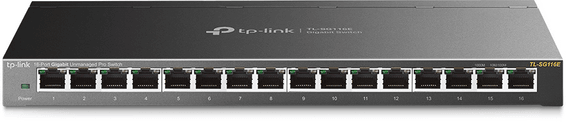
TP-Link TL-SG116E Easy Smart Pro 16-Port Gigabit Desktop Switch
Desktop switch in a sturdy metal casing, with a web interface to prioritise traffic and create VLANs — a sound balance between simplicity and control for a small network.
•Web interface and management utility to prioritise traffic and create VLANs
•802.1Q, port-based and MTU VLANs (up to 32 simultaneous VLANs)
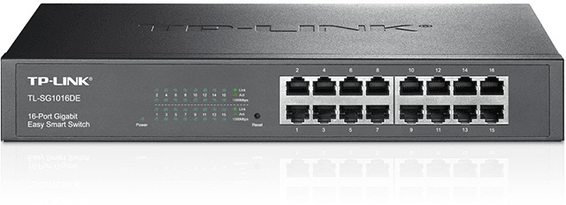
Rack-mountable Easy Smart switch, the middle ground for an SME that wants VLANs and QoS without the complexity of a fully managed switch, through a simple web interface.
•802.1Q VLANs, port-based and MTU (up to 128 simultaneous VLANs)
•Per-port QoS and 802.1p/DSCP to prioritise voice and video
•IGMP Snooping, static link aggregation (up to 8 groups)
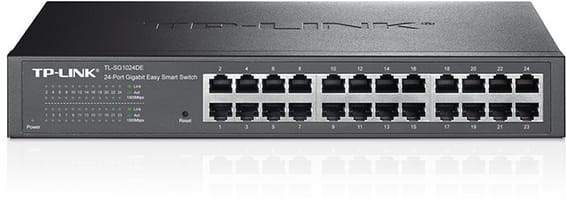
Rack-mountable Easy Smart switch for an SME that wants to segment and secure its network with VLANs and QoS, without the complexity of a fully managed switch — configurable from a simple web interface.
•802.1Q VLANs, port-based and MTU (up to 128 simultaneous VLANs)
•Per-port QoS and 802.1p/DSCP to prioritise voice and video
•IGMP Snooping, static link aggregation (up to 8 groups)
A managed enterprise switch that powers IP cameras, Wi-Fi access points and phones on every one of its ports, with no mains socket. Switching capacity 176 Gbps, stackable, upgradable to fibre.
Designed for video surveillance: a 384 W PoE+ budget shared across the powered ports, transmission up to 250 m and power maintained even when the switch restarts. Rackable metal housing, VLAN and automatic loop prevention.
•Total PoE+ budget of 384 W, up to 30 W per port (802.3af/at)
•2 Gigabit SFP ports for a fibre link
•Fast PoE and Perpetual PoE: power maintained when the switch restarts
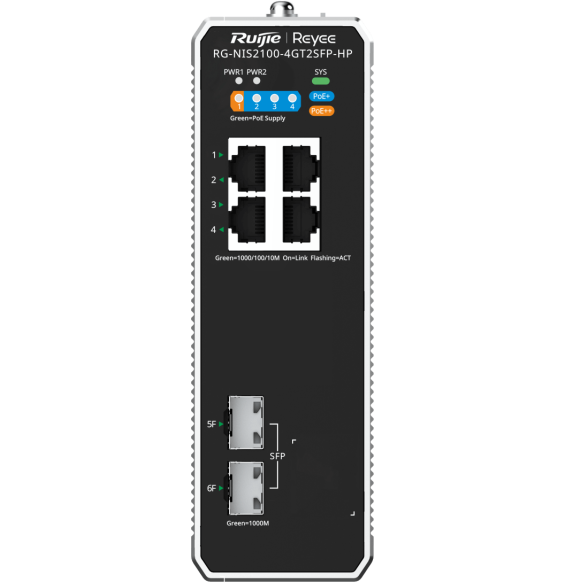
Compact PoE+ access switch (802.3af/at standard) to power IP cameras, Wi-Fi access points or VoIP phones in small spaces. Gigabit/SFP combo uplink, managed through Ruijie Cloud.
•6 Gigabit ports (10/100/1000 Mbps), 4 of them PoE+ (802.3af/at standard)
•1 Gigabit/SFP combo port for the uplink (fibre or copper)
Compact rack-mountable format, completely silent and fanless, suited to open-plan offices and conference rooms — simplified control from the Aruba Instant On app, with no subscription.
Smart managed layer 2 switch for a dense fleet of workstations and servers, with configuration and monitoring via the Instant On mobile app, the cloud portal or a local web interface.
•Layer 2, configurable via the Instant On app, the cloud portal and the local web interface