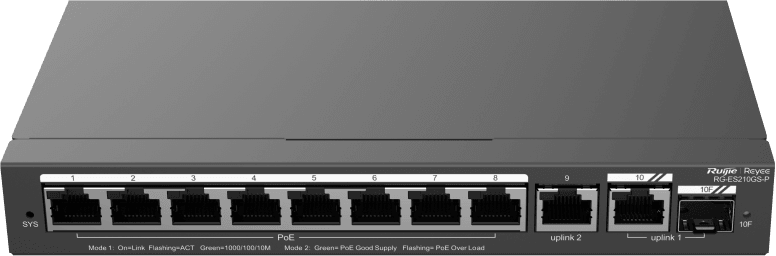
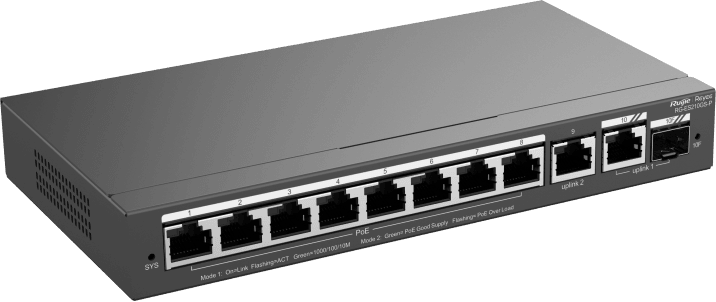
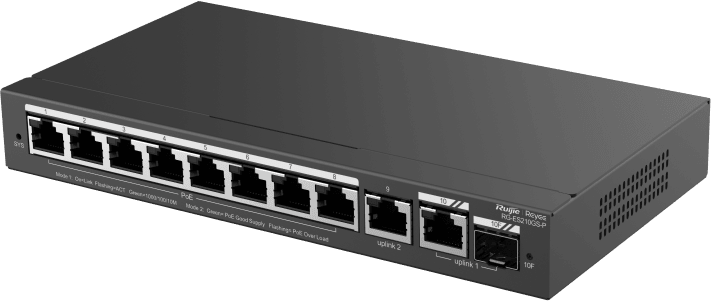
Compact layer 2 access switch for SMEs and video surveillance: automatic IP camera recognition, loop prevention and remote management through Ruijie Cloud. Silent, fanless operation.
PoE+ (802.3af/at standard)
RJ45/SFP combo port for a fibre or copper uplink
Managed through Ruijie Cloud, a mobile app or a web interface
Compact 8-port Gigabit PoE+ L2 managed switch to power and connect up to 8 active devices from a single wall-mounted or desktop unit. The RG-ES210GS-P has 8 x 802.3af/at PoE+ RJ45 ports and 1 Gigabit/SFP combo port for a fibre or copper uplink. The overall PoE budget reaches 120 W. The 20 Gbps non-blocking switching handles up to 14.8 Mpps, with a 1.5 Mbit buffer and a 4,000-entry MAC table. Management via Ruijie Cloud enables 802.1Q VLANs, storm control, loop prevention and automatic IP camera recognition. The fanless design ensures silent operation, suited to offices. PoE budget: 120 W — Switching: 20 Gbps — Throughput: 14.8 Mpps — MAC table: 4,000 — Mounting: wall or desktop.
Be the first to review this product and help other customers.
Write a review
Frequently asked questions about this product
How should the 120 W of PoE be allocated across the 8 ports of the RG-ES210GS-P?
The 120 W is shared across the 8 PoE+ ports, each compliant with the 802.3af and 802.3at standards, at up to 30 W. Add up the actual draw of your devices: eight cameras at 12 W fit within the budget, eight Wi-Fi access points at 30 W exceed it. With no PoE load, the switch draws less than 10 W; at full load, less than 120 W.
What happens if a powered camera freezes at the end of a port?
The port restarts by itself. The PoE watchdog monitors the powered devices and cycles power to the port when a device stops responding. Each port can also be restarted manually from the app, and alarms flag a camera that has gone offline or a PoE overload.
How many VLANs can actually be configured on this switch?
Sixteen VLANs at most, chosen from the ID range 1 to 4094. The distinction matters when designing the addressing plan: the full ID range is available, but the number of VLANs active at the same time stops at sixteen. Tagging follows IEEE 802.1Q, alongside port-based VLANs.
How far does a link reach in video surveillance mode?
Up to 250 m in CCTV mode, well beyond the 100 metres of an ordinary Ethernet link: a distant camera can be connected without an intermediate enclosure or repeater. The distance actually achieved depends on the cabling and the installation scenario; the extended-range mode is set port by port.
How does the switch respond to a cabling error that creates a loop?
It automatically isolates the faulty port: loop prevention disables it, raises an alarm, and service resumes as soon as the fault clears — the rest of the network keeps running in the meantime. Suppression of broadcast, multicast and unknown unicast storms completes this protection.
Is a subscription needed to manage the RG-ES210GS-P remotely?
No, management through Ruijie Cloud is free for the lifetime of the equipment, from a browser or the Reyee app. Zero-touch provisioning prepares the configuration before the switch is even plugged in on site, and VLANs can be set up from a mobile phone. The local web interface remains available without going through the cloud.
Does this model have an internal power supply or an external power brick?
An external 54 V / 2.4 A power brick comes with the switch: make sure there is a socket nearby and room for the brick in the cabinet. The 202 × 108 × 28 mm steel chassis, weighing about 0.55 kg, sits on a desk or mounts on a wall. The box also contains the quick start guide.
How can I check a suspect cable without climbing up to the camera?
The built-in cable test is run from the web interface or the app and checks the condition of the cable pairs connected to each port. Many-to-one port mirroring sends traffic to an analyser, and the system log keeps a record of incidents.
Is the switch silent and sturdy enough for a shop's comms room?
Yes, it is fanless: no noise, and no dust drawn in. The metal casing handles 0 to 40 °C and altitudes from -500 to 5,000 m, with port surge protection up to 6 kV — useful when cameras run outdoors. The stated mean time between failures exceeds 200,000 hours.
What does automatic IP camera recognition actually bring?
The switch identifies the connected cameras and recorders by itself: no more guessing which port serves which device when troubleshooting. An alarm flags a camera that has gone offline and its port can be restarted remotely, without a site visit — this is what sets this model apart from an ordinary PoE switch.
How do I connect this switch to the rest of the network over fibre?
Through the combo port: a Gigabit SFP slot and an RJ45 port share the same uplink, and you use one or the other. The Gigabit optical module is chosen according to distance and fibre type; it is not in the box, which contains the switch, its power brick and the quick start guide.
Is the switch new, and where can I find its detailed specifications?
Yes, new equipment, with the invoice serving as the warranty document. The full specification table for the RG-ES200 series — switching capacity, PoE features, protection and environmental conditions — is in the manufacturer's document: datasheet (PDF).
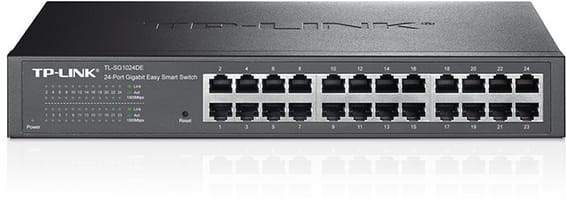
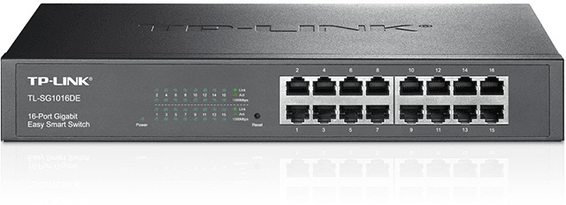
Rack-mountable Easy Smart switch for an SME that wants to segment and secure its network with VLANs and QoS, without the complexity of a fully managed switch — configurable from a simple web interface.
•802.1Q VLANs, port-based and MTU (up to 128 simultaneous VLANs)
•Per-port QoS and 802.1p/DSCP to prioritise voice and video
•IGMP Snooping, static link aggregation (up to 8 groups)
Rack-mountable Easy Smart switch, the middle ground for an SME that wants VLANs and QoS without the complexity of a fully managed switch, through a simple web interface.
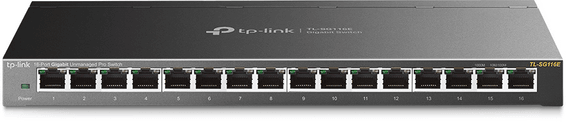
Desktop switch in a sturdy metal casing, with a web interface to prioritise traffic and create VLANs — a sound balance between simplicity and control for a small network.
Compact PoE+ access switch (802.3af/at standard) to power IP cameras, Wi-Fi access points or VoIP phones in small spaces. Gigabit/SFP combo uplink, managed through Ruijie Cloud.
For SMEs, hotels or schools: two uplink speeds to choose from, 2.5G or 10G fibre, to interconnect your access switches. Completely silent 1U casing, fanless.
Each PoE+ port delivers up to 30 W, for a total budget of 120 W, rounded out by two fibre links. Managed from the GWN.Cloud platform or locally, with VLANs and advanced security.
•8 PoE+ ports (802.3af/at), total budget 120 W, up to 30 W per port
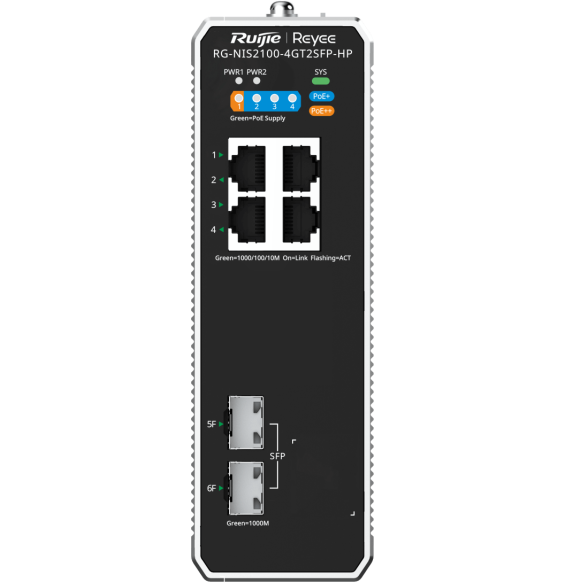
Designed for harsh environments: an IP40 aluminium housing operating from -40 °C to +75 °C, fanless. ERPS ring redundancy and remote management through Ruijie Cloud.
•1 PoE++ port up to 90 W + 3 PoE+ ports at 30 W each
For SMEs, hotels, schools or industrial sites: 4 fibre links beyond standard Gigabit to connect your aggregation switches. Completely silent 1U casing, managed locally or from the cloud.
Designed for SMEs and video surveillance: automatic IP camera recognition, loop prevention and remote port restart through Ruijie Cloud. Extension up to 250 m in camera mode.
Fully managed and silent switch (fanless), with two 10 Gbps uplinks and two at 2.5 Gbps for a capable SME network core. Management through the HUAWEI eKit App, web interface or SNC.
•24 Gigabit RJ45 ports (10/100/1000)
•2 SFP+ 10 Gbps ports for uplinks
802.1Q VLANs, port-based and MTU (up to 128 simultaneous VLANs)
•Per-port QoS and 802.1p/DSCP to prioritise voice and video
•IGMP Snooping, static link aggregation (up to 8 groups)
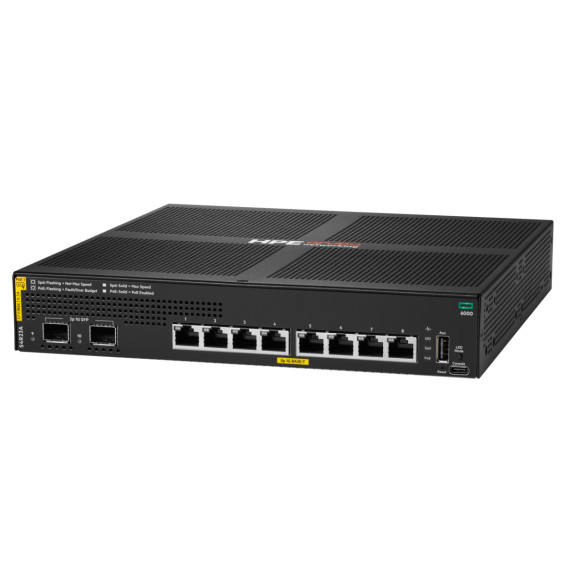
Eight PoE+ sockets to power Wi-Fi access points, cameras and IP phones, in a compact fanless unit you forget is in the office. Enterprise-grade AOS-CX system, managed from the cloud or the command line.
Compact PoE+ access switch (802.3af/at standard) to power IP cameras, Wi-Fi access points or VoIP phones in small spaces. Gigabit/SFP combo uplink, managed through Ruijie Cloud.
Each PoE+ port delivers up to 30 W, for a total budget of 120 W, rounded out by two fibre links. Managed from the GWN.Cloud platform or locally, with VLANs and advanced security.
•8 PoE+ ports (802.3af/at), total budget 120 W, up to 30 W per port
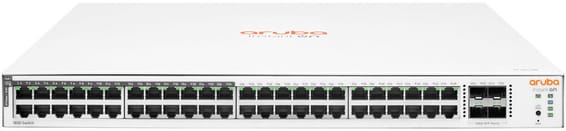
48 Gigabit ports, half of them PoE+ (ports 1 to 24), for mixed SME or campus deployments — simplified control from the Aruba Instant On app, with no subscription.
•24 of the 48 ports in PoE+ (802.3at), ports 1 to 24
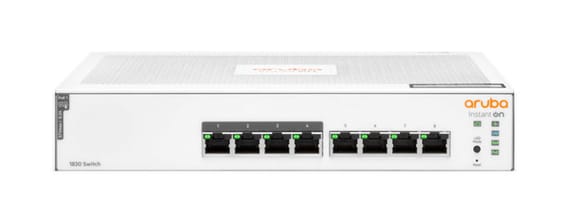
Layer 2 managed switch for a small office powering a few Wi-Fi or IP devices over Power over Ethernet, with monitoring and scheduling via the Instant On mobile app.
•Layer 2 managed, configurable via the Instant On app and the web portal
Designed for harsh environments: an IP40 aluminium housing operating from -40 °C to +75 °C, fanless. ERPS ring redundancy and remote management through Ruijie Cloud.
•1 PoE++ port up to 90 W + 3 PoE+ ports at 30 W each
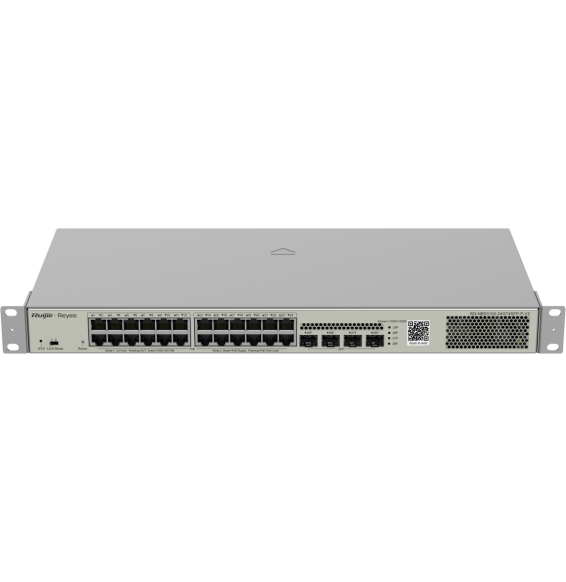
Designed for SMEs and video surveillance, in a 19″ rackable format: automatic IP camera recognition, PoE consumption alarm and remote port restart through Ruijie Cloud.
Designed for enterprise networks, with advanced security and automatic recognition of IP cameras. Lifetime management through Ruijie Cloud for monitoring and remote updates.