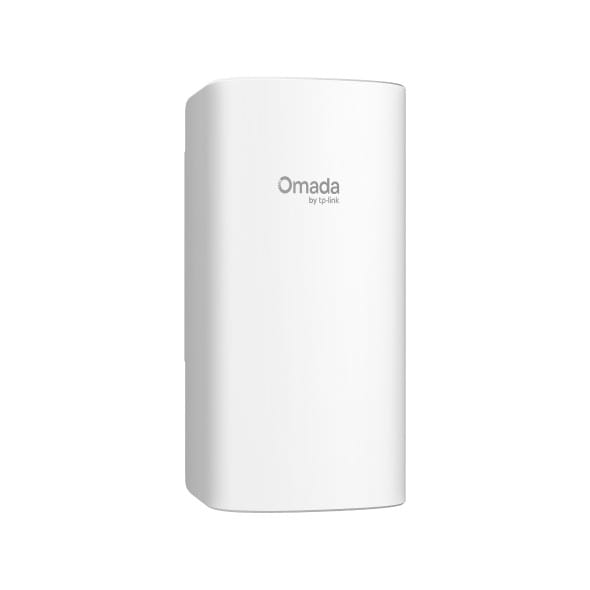
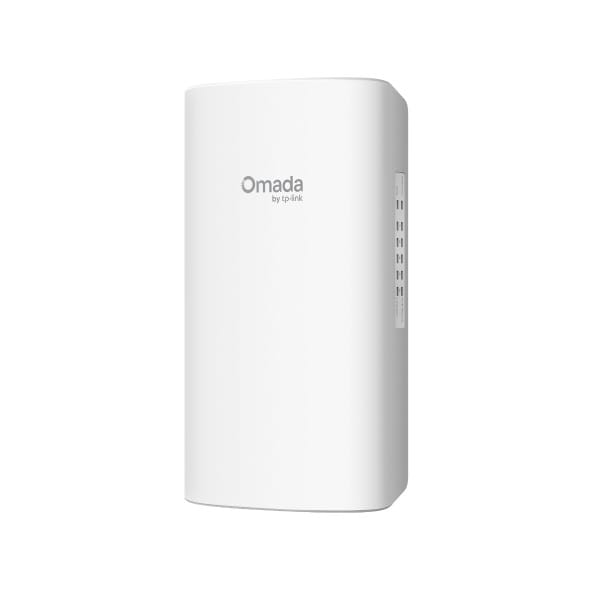
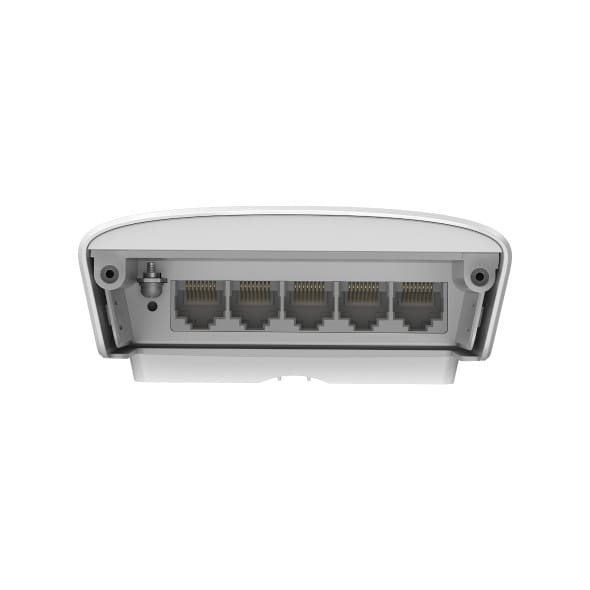
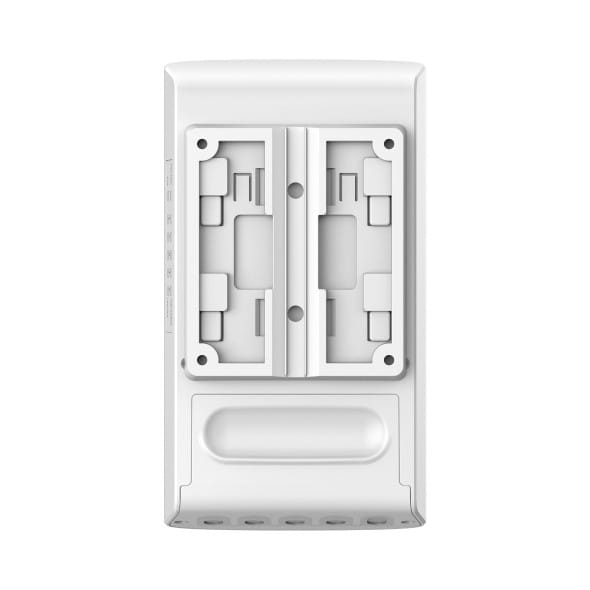
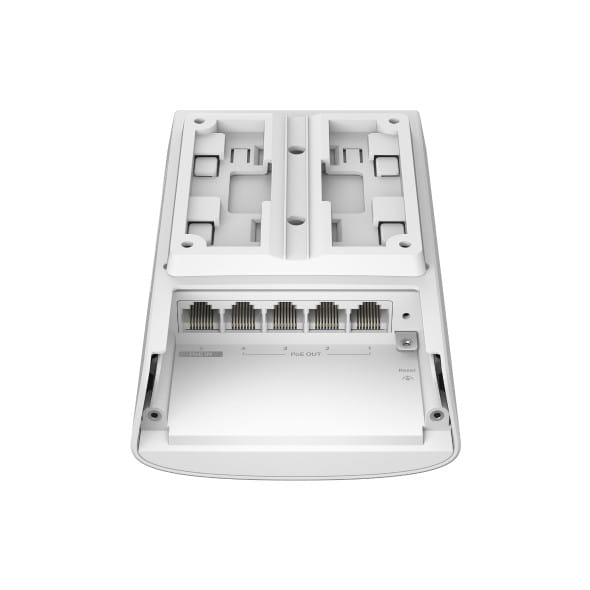
It powers itself over PoE and passes up to 64 W on to four devices, with no mains socket on site at all. Withstands -40 °C to 60 °C, designed for wall or pole installations.
Cascaded power: port 5 takes 802.3bt PoE++ and passes PoE+ on to 4 ports
Up to 64 W passed on, depending on the power source
IP55-sealed housing
Operating range -40 °C to 60 °C
L2+ static routing: 16 IP interfaces, 32 IPv4/IPv6 routes
TP-Link SG2005P-PD 5-port Gigabit PoE outdoor Omada switch: roll out PoE outdoors, hassle-free. Durability:IP55 weatherproof enclosure, operates from -40 to 60 °C. PoE: powered by a PoE++ input port, it passes PoE+ on to 4 Gigabit ports, with no power socket needed on site. Management:Omada cloud, remote monitoring. Use cases: remote cameras and Wi-Fi access points, car parks, building façades, outdoor areas. An outdoor Gigabit PoE switch that makes video surveillance and Wi-Fi in the open air simple.
Be the first to review this product and help other customers.
Write a review
Frequently asked questions about this product
Does this switch need a mains socket?
No: its port 5 receives power via PoE++ (802.3af/at/bt) from an upstream switch. There is therefore no mains socket to find on site — which is what allows it to be installed on a building front, on a pole or in an outdoor cabinet.
How much power can this switch pass on?
Up to 64 W of PoE+, spread across its four output ports — the total depending on the power received at the input. This cascading design powers remote cameras and access points without running a single electrical line.
Can this switch really withstand outdoor conditions?
It is IP55-certified: protected against dust and splashing water, with an operating range of -40 °C to 60 °C. The fanless design eliminates air intake, and 4 kV surge protection completes the package.
Can this outdoor switch route between VLANs?
Yes, with Layer 2+ static routing: 16 IP interfaces and 32 IPv4 or IPv6 routes. 802.1Q VLANs, quality of service and IGMP snooping complete the feature set, all managed from the Omada platform.
How do you secure a switch installed outdoors?
With IP-MAC-Port binding, access control lists, 802.1X authentication and denial-of-service attack defence. A device that people can physically reach must reject any unknown computer that someone might plug into it.
How is this switch mounted on site?
On a pole or on a wall, depending on the installation. Combined with being powered over the network, this lets you place a connection point as close as possible to the cameras, where it suits the cabling rather than the power outlet.
Is the switch new, and where can I find its datasheet?
Yes, new equipment, with the invoice serving as the warranty document. The manufacturer's document covers the SG2005P-PD in detail, including its cascading power supply and environmental conditions: datasheet (PDF).
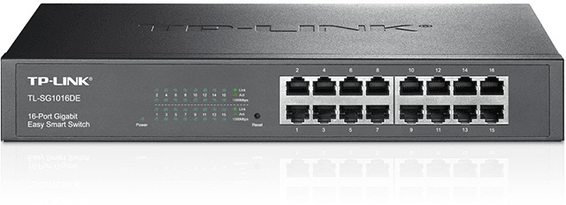
Rack-mountable Easy Smart switch, the middle ground for an SME that wants VLANs and QoS without the complexity of a fully managed switch, through a simple web interface.
•802.1Q VLANs, port-based and MTU (up to 128 simultaneous VLANs)
•Per-port QoS and 802.1p/DSCP to prioritise voice and video
•IGMP Snooping, static link aggregation (up to 8 groups)
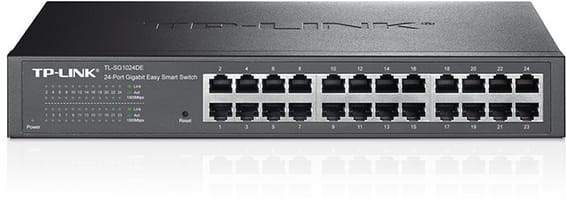
Rack-mountable Easy Smart switch for an SME that wants to segment and secure its network with VLANs and QoS, without the complexity of a fully managed switch — configurable from a simple web interface.
•802.1Q VLANs, port-based and MTU (up to 128 simultaneous VLANs)
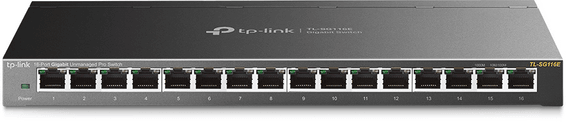
Desktop switch in a sturdy metal casing, with a web interface to prioritise traffic and create VLANs — a sound balance between simplicity and control for a small network.
Compact PoE+ access switch (802.3af/at standard) to power IP cameras, Wi-Fi access points or VoIP phones in small spaces. Gigabit/SFP combo uplink, managed through Ruijie Cloud.
For SMEs, hotels or schools: two uplink speeds to choose from, 2.5G or 10G fibre, to interconnect your access switches. Completely silent 1U casing, fanless.
Each PoE+ port delivers up to 30 W, for a total budget of 120 W, rounded out by two fibre links. Managed from the GWN.Cloud platform or locally, with VLANs and advanced security.
•8 PoE+ ports (802.3af/at), total budget 120 W, up to 30 W per port
Designed for harsh environments: an IP40 aluminium housing operating from -40 °C to +75 °C, fanless. ERPS ring redundancy and remote management through Ruijie Cloud.
•1 PoE++ port up to 90 W + 3 PoE+ ports at 30 W each
For SMEs, hotels, schools or industrial sites: 4 fibre links beyond standard Gigabit to connect your aggregation switches. Completely silent 1U casing, managed locally or from the cloud.
Designed for SMEs and video surveillance: automatic IP camera recognition, loop prevention and remote port restart through Ruijie Cloud. Extension up to 250 m in camera mode.
Fully managed and silent switch (fanless), with two 10 Gbps uplinks and two at 2.5 Gbps for a capable SME network core. Management through the HUAWEI eKit App, web interface or SNC.
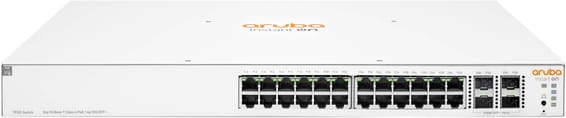
•24 Gigabit RJ45 ports (10/100/1000)
•2 SFP+ 10 Gbps ports for uplinks
•Per-port QoS and 802.1p/DSCP to prioritise voice and video
•IGMP Snooping, static link aggregation (up to 8 groups)
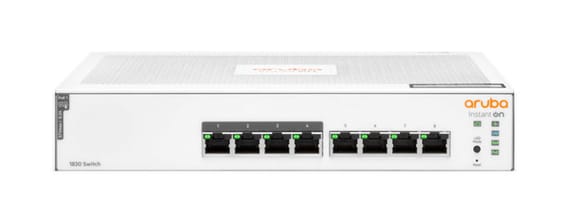
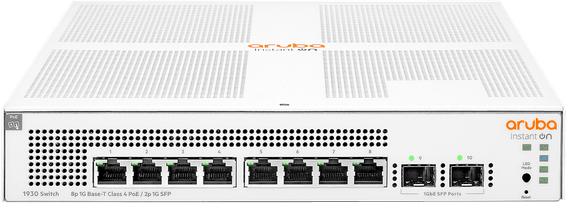
Layer 2 managed switch for a small office powering a few Wi-Fi or IP devices over Power over Ethernet, with monitoring and scheduling via the Instant On mobile app.
899,00 DHincl. VAT
1 399 DH1 399,00 DH
Delivery everywhereDelivered all over Morocco
Delivery everywhereDelivered all over Morocco
Delivery everywhereDelivered all over Morocco
Delivery everywhereDelivered all over Morocco
•Layer 2 managed, configurable via the Instant On app and the web portal
•PoE+ up to 30 W per port on the 4 dedicated ports (IEEE 802.3af/at, class 4)
Designed for harsh environments: an IP40 aluminium housing operating from -40 °C to +75 °C, fanless. ERPS ring redundancy and remote management through Ruijie Cloud.
•1 PoE++ port up to 90 W + 3 PoE+ ports at 30 W each
Compact PoE+ access switch (802.3af/at standard) to power IP cameras, Wi-Fi access points or VoIP phones in small spaces. Gigabit/SFP combo uplink, managed through Ruijie Cloud.
•6 Gigabit ports (10/100/1000 Mbps), 4 of them PoE+ (802.3af/at standard)
•1 Gigabit/SFP combo port for the uplink (fibre or copper)
Aruba Instant On switch for small businesses: full L2+ managed from the mobile app, the cloud portal or a local web interface, with a more measured PoE budget for flexible deployment of Wi-Fi access points and IP cameras.
•Class 4 PoE (802.3af/at), up to 30 W per port
•Managed through the Aruba Instant On app, the cloud or the local web interface
•802.1Q VLANs, QoS, LACP link aggregation (8 trunks), IGMP Snooping
Total PoE+ budget of 384 W to power a large number of cameras, Wi-Fi access points and IP phones. 104 Gbps switching capacity, driven from the Omada SDN cloud.
Each PoE+ port delivers up to 30 W, for a total budget of 120 W, rounded out by two fibre links. Managed from the GWN.Cloud platform or locally, with VLANs and advanced security.
•8 PoE+ ports (802.3af/at), total budget 120 W, up to 30 W per port
A managed enterprise switch that powers IP cameras, Wi-Fi access points and phones on every one of its ports, with no mains socket. Switching capacity 176 Gbps, stackable, upgradable to fibre.
Layer 3 managed enterprise switch (static routing and RIP) that powers all its ports over the network cable, for cameras and Wi-Fi access points. Switching capacity 128 Gbps, upgradable to 10 Gbps fibre.
A Layer 3 enterprise switch with Gigabit PoE ports and 10G SFP+ links. A 400 W PoE budget to power Wi-Fi access points, cameras and IP phones without separate electrical wiring. DC power redundancy.
•24 Gigabit RJ45 ports including 16 PoE+ and 8 PoE++
•2 SFP+ 10 Gbps ports (uplinks)
•Total PoE budget of 400 W (up to 64 W/port in PoE++)