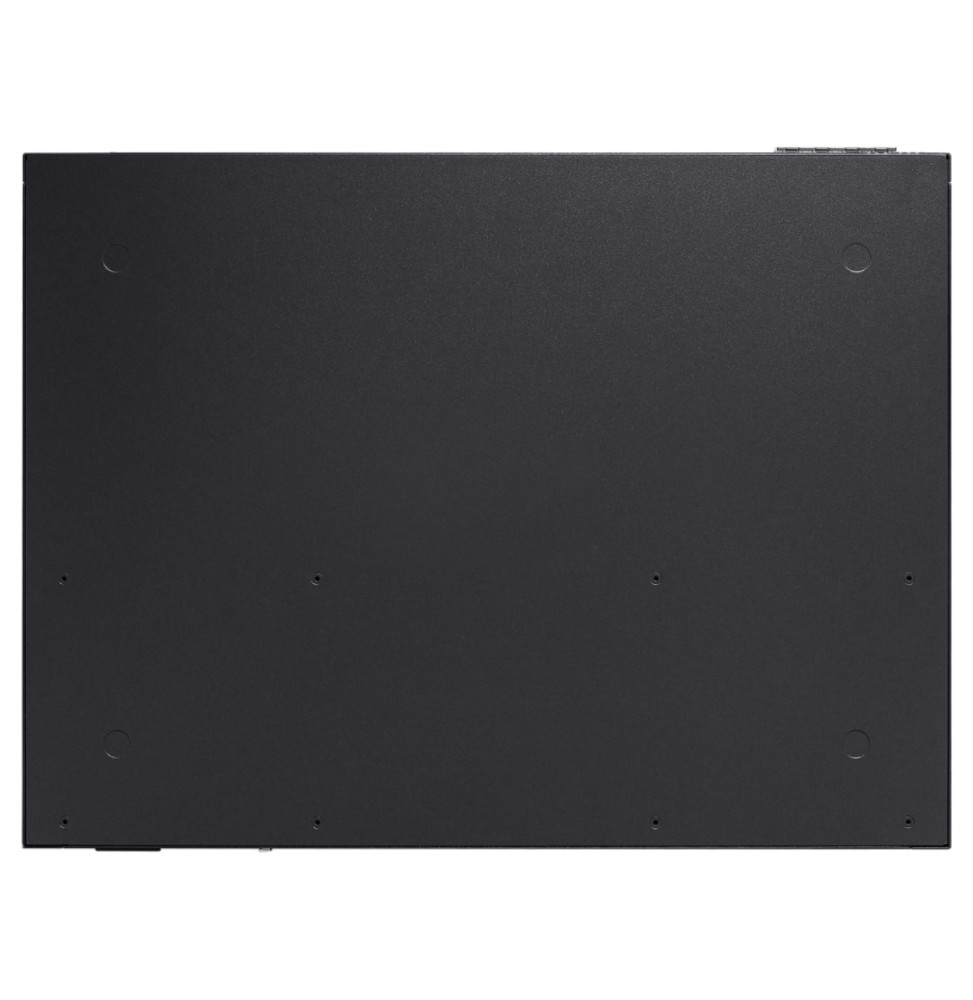
Pay nowView my order
Visit the TP-Link store

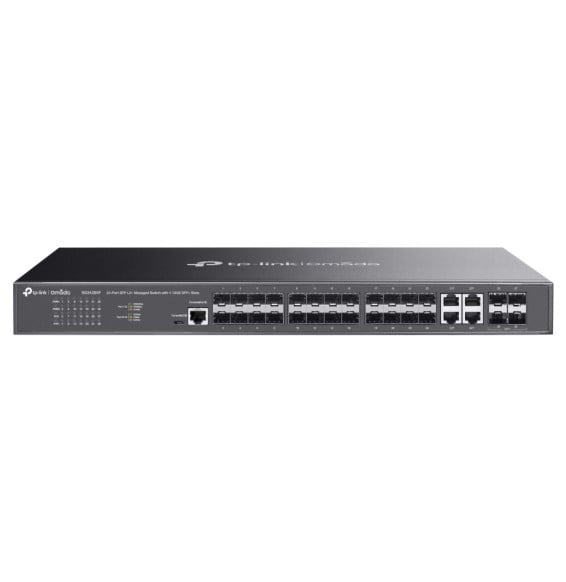
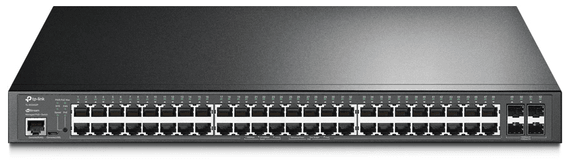
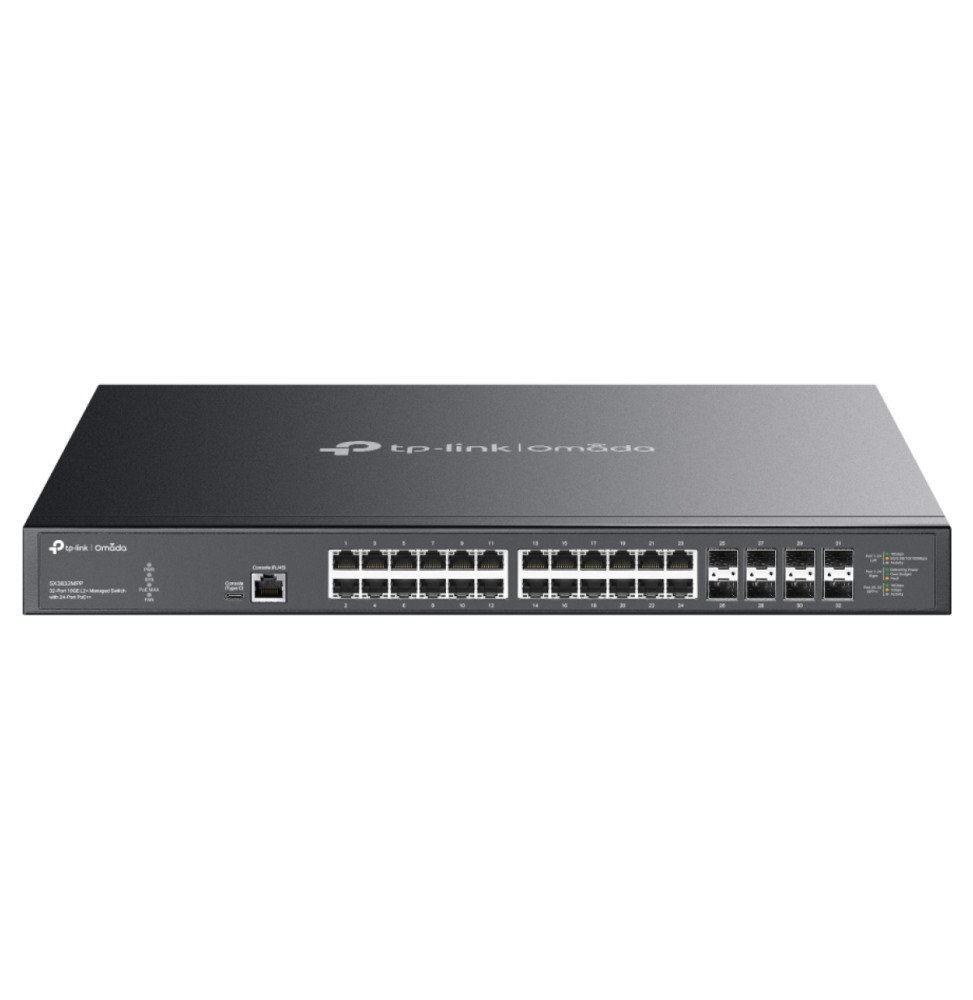
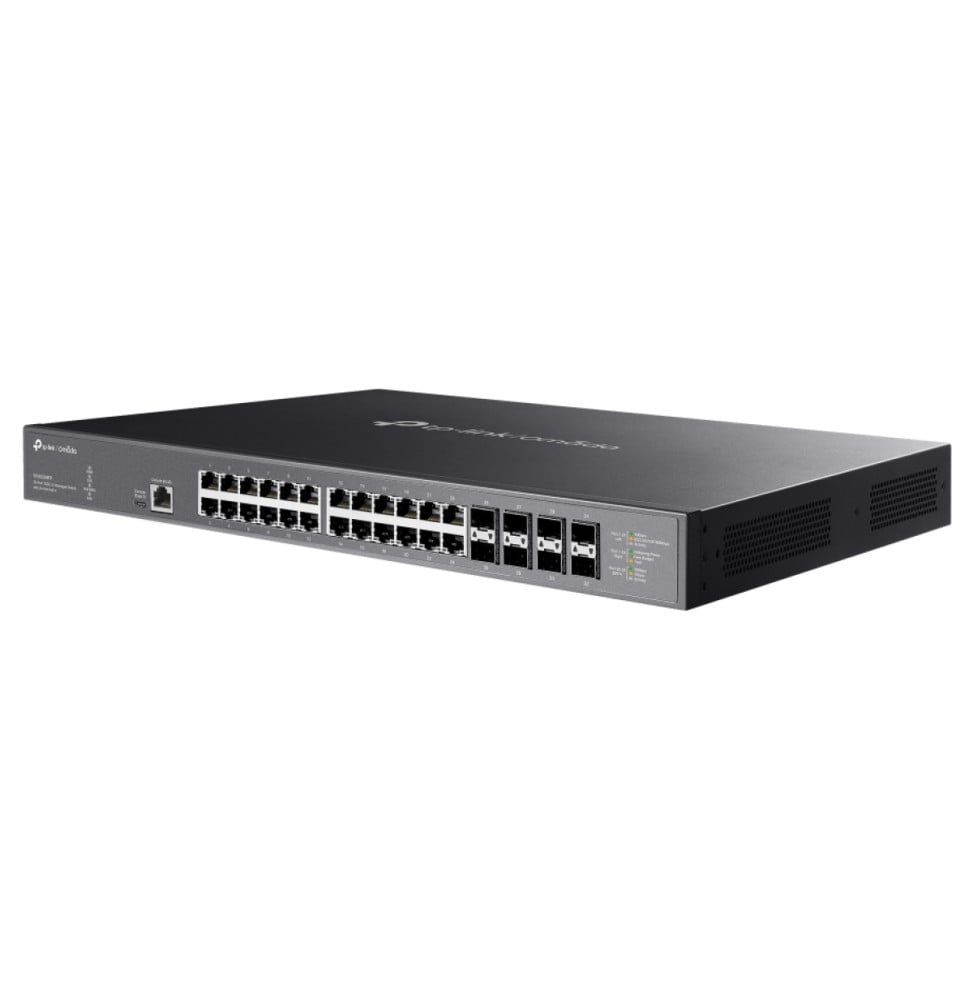
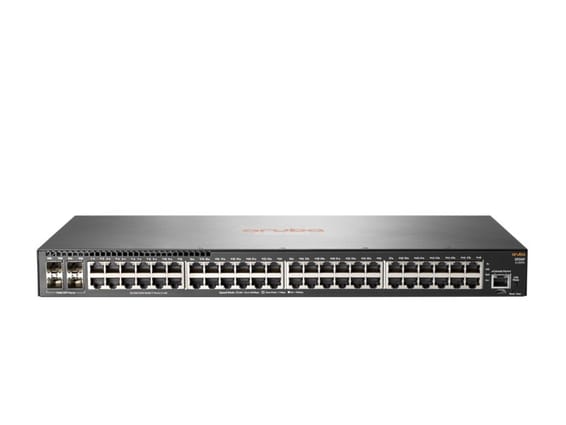
TP-Link SX3832MPP Omada L2+ 32-Port 10G Managed Switch with 24 PoE++ Ports

Up to 90 W per socket and 770 W in total for the most demanding Wi-Fi access points and cameras, each linked at up to 10 Gbps. Eight SFP+ cages for uplinks, static routing, cloud SDN or command-line management.

  • 24 multi-gigabit RJ45 ports up to 10 Gbps
  • 802.3bt PoE++: 90 W max per port
  • 770 W total PoE budget
  • 8 10 Gbps SFP+ slots
  • 640 Gbps switching capacity
  • IPv4/IPv6 static routing (48 routes)
  • Up to 4,000 VLANs
  • ACL and 802.1X authentication
  • Omada SDN, web, CLI or SNMP management
  • RJ45 and USB-C console ports
  • 19" rack mounting, 1U
Ref.: SX3832MPP
25 200,00 DHincl. VAT

Out of stock

Under Law 09-08, you have the right to access, rectify and object to the processing of your personal data. This processing has been authorised by the CNDP under no. D-CE-389/2015. Learn more

Can’t wait?

Ask for an alternative on WhatsApp

Quick reply

Manufacturer's datasheetView the PDF · 2,4 Mo — downloadable

Product overview

Managed L2+ 10 Gigabit switch with 24 PoE++ ports TP-Link SX3832MPP: it powers and connects at full speed the most demanding Wi-Fi access points, cameras and equipment.
Ports: 24 multi-gigabit RJ45 ports from 100 Mbps to 10 Gbps, all PoE++, and 8 10 Gbps SFP+ slots; RJ45 and USB-C console ports.
PoE: 802.3bt standard, up to 90 W per port, total budget of 770 W.
Performance: switching capacity of 640 Gbps, 240 Mpps, 32,000-address MAC table.
L2+ features: IPv4/IPv6 static routing, DHCP server and relay, 4,000 VLANs, link aggregation, Spanning Tree, ERPS; ACL, 802.1X, DHCP Snooping.
Installation: 19" rack, kit included.
Management: Omada SDN (cloud, hardware or software controller, Omada app), web interface, CLI, SNMP.
The high-end access switch for a dense Wi-Fi network and end-to-end 10 Gbps links.

See all the specifications ↓
Request a quoteShare:

Technical specifications

Technical specifications
MAC table size32 000 entrées
Number of VLANs4 000 groupes VLAN 802.1Q, VLAN MAC, VLAN protocole, VLAN privé, GVRP, VLAN voix, VLAN VPN (QinQ)
Interfaces24 ports RJ45 multi-gigabit 100 Mbit/s, 1, 2,5, 5 et 10 Gbit/s PoE++, 8 emplacements SFP+ 1/10 Gbit/s, 1 port console RJ45, 1 port console USB-C
PoE ports24 ports PoE++ (802.3bt/at/af), jusqu'à 90 W par port
Total PoE budget770 W
Switching capacity640 Gbit/s
Forwarding rate240 Mpps
Packet buffer24 Mbit
Management modesInterface web, CLI (console, Telnet), SNMP v1/v2c/v3, RMON, LLDP-MED, double image et double configuration, diagnostic de câble, Ethernet basse consommation 802.3az
Cloud management platformOmada SDN (contrôleur cloud, matériel ou logiciel), application Omada, déploiement zero-touch
Layer 2 featuresAgrégation de liens, Spanning Tree, détection de boucle, contrôle de flux 802.3x, miroir de port, IGMP/MLD Snooping, MVR, ERPS, L2PT, DLDP, OAM 802.3ah, trames jumbo 9 Ko
IP routingRoutage statique, 48 routes IPv4/IPv6, 128 interfaces IP, serveur et relais DHCP, proxy ARP
Quality of service (QoS)802.1p et DSCP, 8 files d'attente, ordonnancement SP, WRR ou SP+WRR, limitation de débit par port ou par flux
Power consumption953,7 W maximum avec 770 W de charge PoE (220 V)
Weight5,71 kg
Dimensions (W x D x H)440 x 330 x 44 mm
Technical specifications (continued)
Package contentsSwitch SX3832MPP, cordon d'alimentation, câble console, kit de montage en baie, pieds en caoutchouc, guide d'installation rapide
Number of ports29 ports or more
ManagedYes
Security featuresLiaison IP-MAC-Port, DHCP Snooping, inspection ARP, IPv4/IPv6 Source Guard, filtrage DHCP, ACL de couche 2 à 4, 802.1X, sécurité de port, protection DoS, contrôle des tempêtes
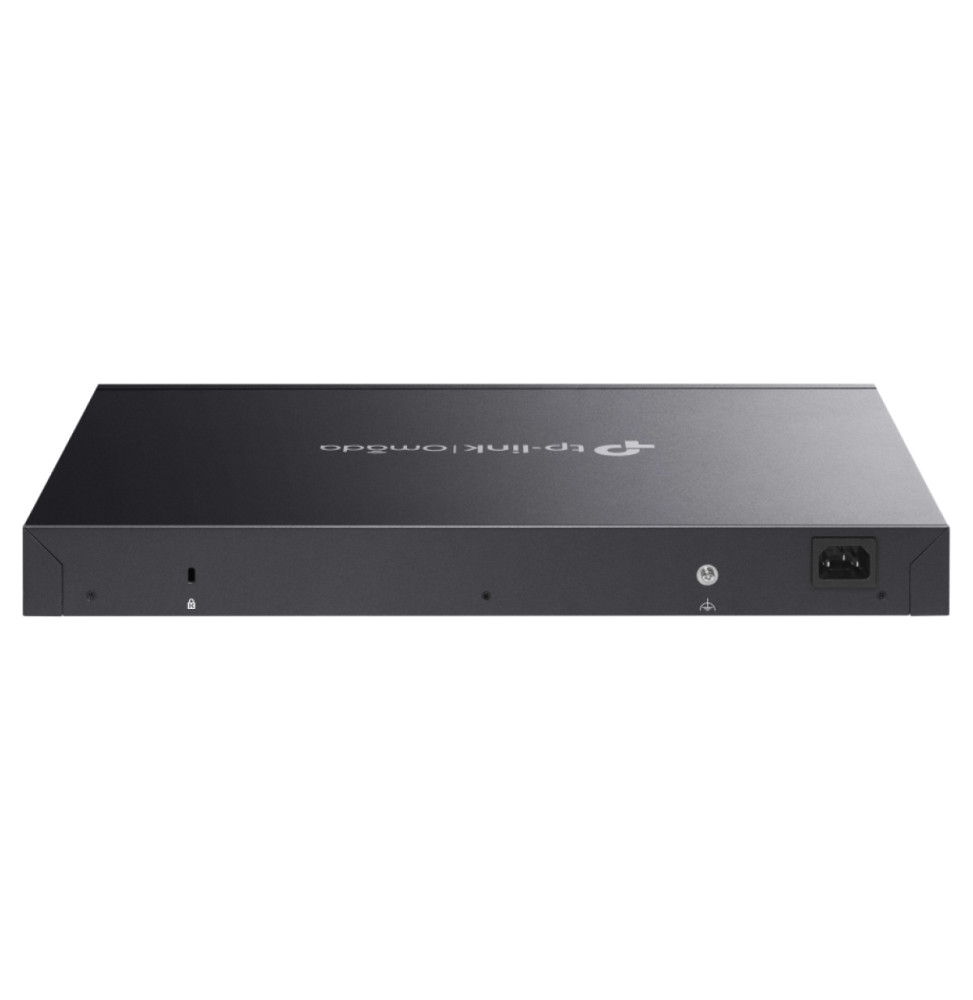
Power supplyBloc interne 100-240 V CA, 50/60 Hz
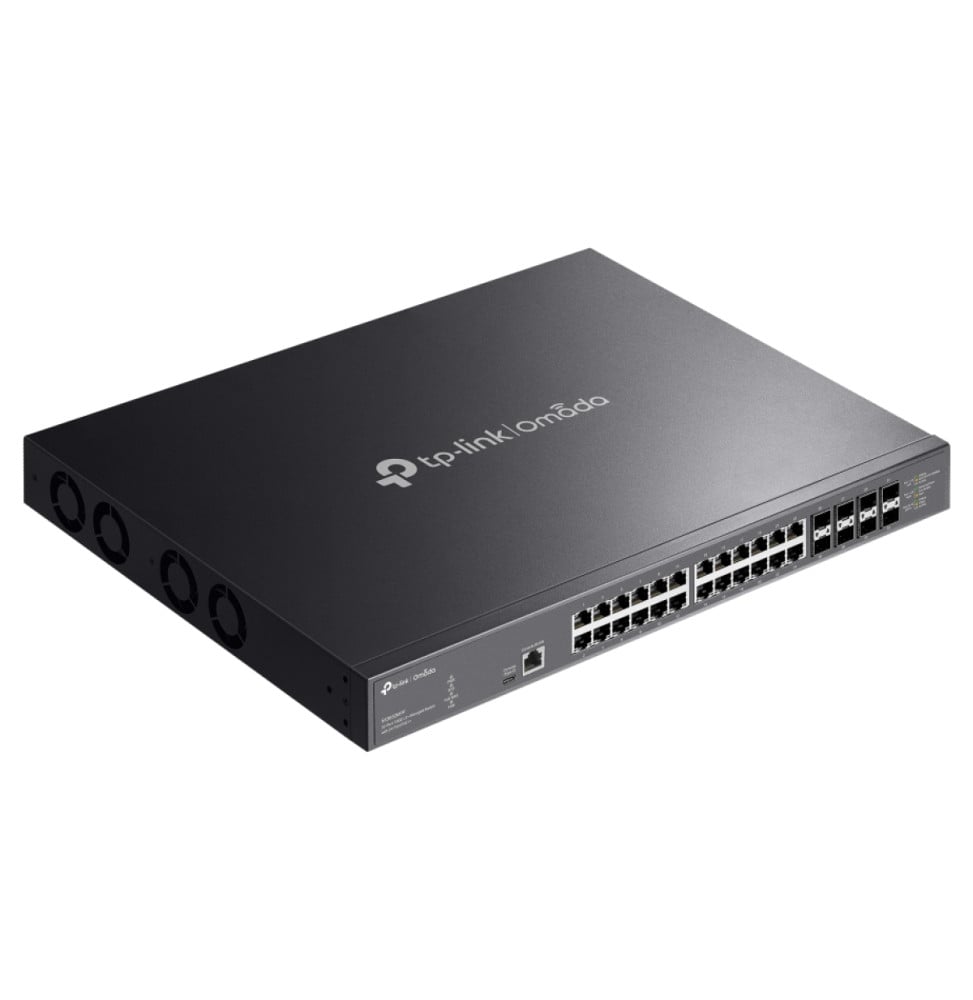
Cooling system4 ventilateurs
Operating temperature-5 à 45 °C
PoE powerYes
Port speed10 Gbps (10G)
Management levelLayer 2+
PoE standardPoE++ (802.3bt, up to 60 W/port)
PoE budgetOver 400 W
Fibre slots (SFP)Yes
Mounting19-inch rack-mountable
Warranty1 year

Customer reviews

No reviews yet

Be the first to review this product and help other customers.

Write a review
Your rating
5/5

Shown publicly with your review.

Never published — a confirmation email will be sent to you.

Tell us about the product — in a few lines:

  • what you liked in everyday use;
  • the quality and performance you found;
  • who you would recommend it to, and why.

A question about an order, a delivery or a payment? Write to us and we will reply to you directly.

Under Law 09-08, you have the right to access, rectify and object to the processing of your personal data. This processing has been authorised by the CNDP under no. D-CE-389/2015. Learn more

Frequently asked questions

What are the delivery times and fees?
Delivery all over Morocco within 1 to 5 working days, at the same rate in every city for parcels up to 30 kg — and free delivery from 3 000 dh of purchases. Above 30 kg, the rate follows the weight and is shown on the product page and in the basket. You are notified by SMS, then called by the courier.
Is the product new and under warranty?
Yes: a new, genuine product, delivered in its original packaging with an invoice. The invoice serves as the warranty document (1 year) with the manufacturer's after-sales service in Morocco.
Can I collect my order in store?
Yes, at the Casablanca store (Mon–Fri 10am–7pm · Sat 10am–2pm) or the Témara collection point (Mon–Thu 8.30am–6pm · Fri 8.30am–1.30pm / 2.30–6pm · Sat 8.30am–12.30pm). Payment on site: cash, bank card via terminal, certified cheque.
Which payment methods do you accept?
Bank card online (secure Attijari Payment), cash on delivery, bank transfer and certified cheque. All our prices are in dirhams, VAT included.
Can I get an invoice in my company's name (with its ICE)?
Yes. Provide your company's legal name and ICE when ordering: the invoice is issued in its name and enclosed with the parcel (handed over with the order for in-store collection). Companies and public bodies can also request a quote — reply within 24 working hours.

Trending

View the TP-Link archive

Chat on WhatsApp

Scan with my phone

The simplest way: open your phone camera and point it at this code. The chat opens with your message ready.

Open WhatsApp Web

Works if your phone is already linked to this computer.