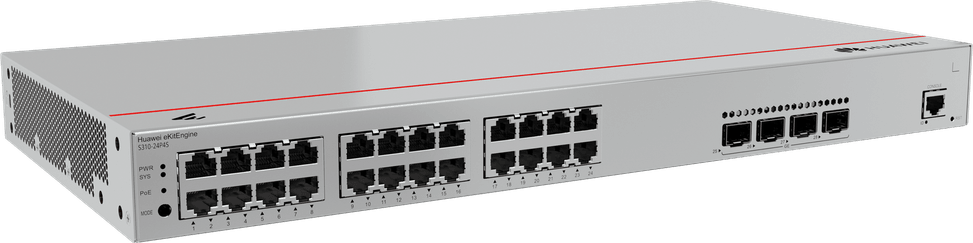
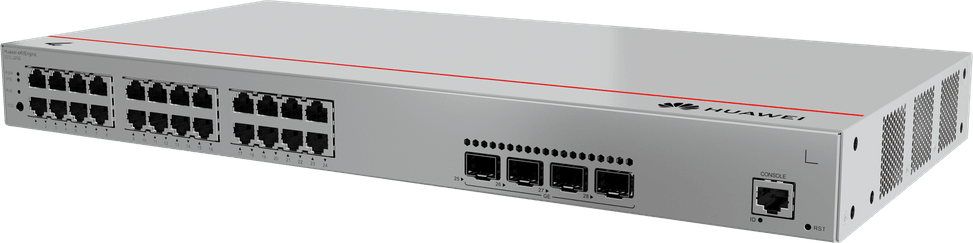
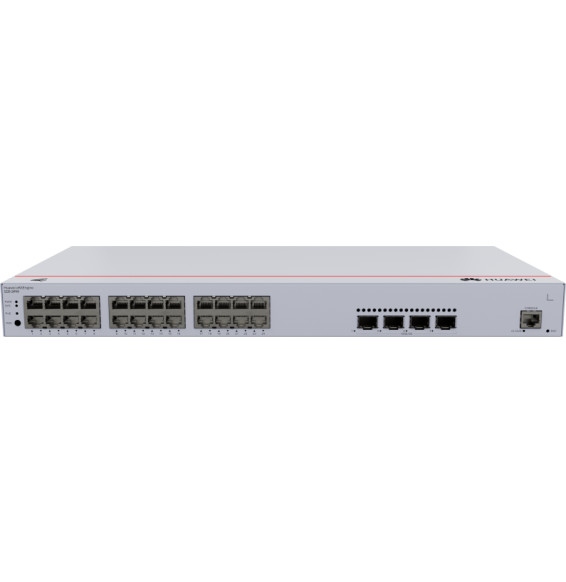
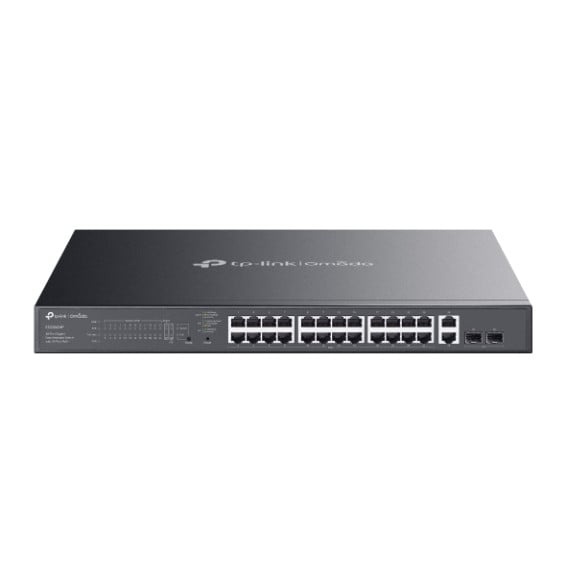
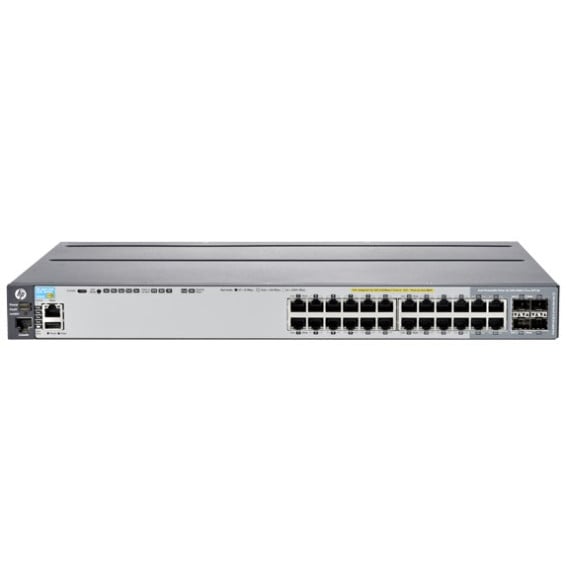
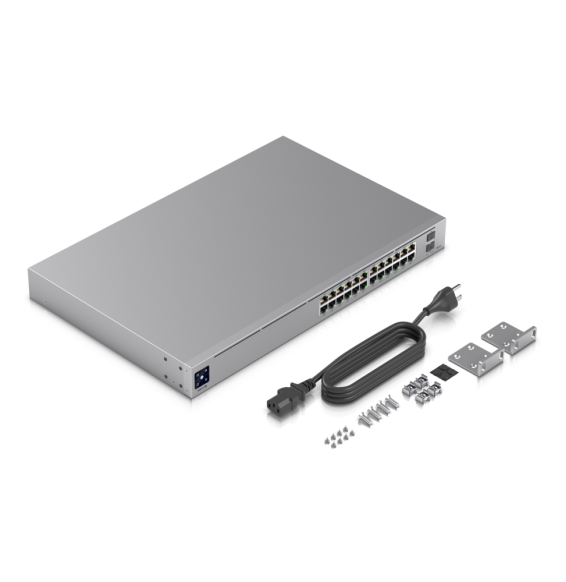
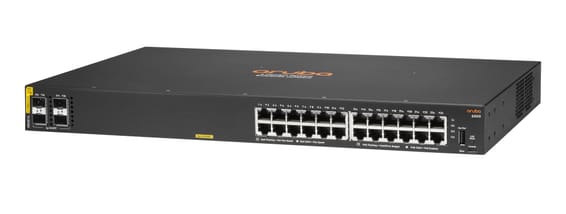
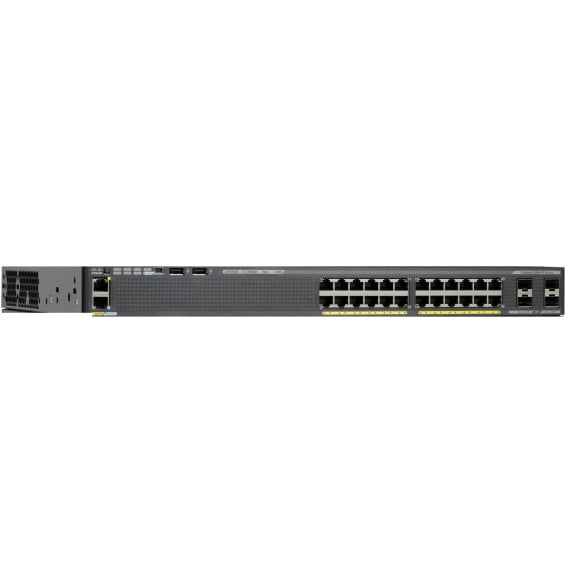
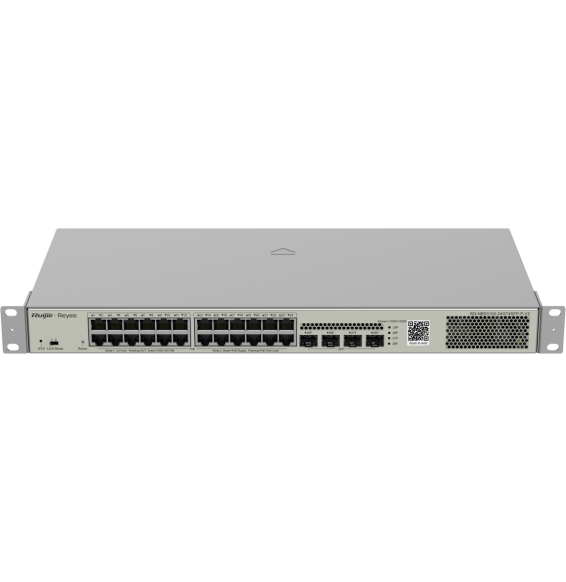
A powerful access switch for a campus or for workstations: full Layer 3 routing and a generous PoE+ budget to power a large number of devices at once, with no extra electrical wiring.
24 Gigabit PoE+ ports (10/100/1000BASE-T)
4 SFP+ 10 Gbps ports (fibre)
PoE+ budget 400 W
Layer 3 management (full routing)
Management through the eKitEngine cloud or locally
Configuration shown: 24 × RJ451G·4 × SFP+·PoE+ 400 W
Out of stock
Product overview
Huawei eKitEngine S310-24P4X L3 managed switch: 24 Gigabit PoE+ ports and 4 × 10 Gbit/s SFP+ ports to build a powerful, flexible access infrastructure for a campus or for workstations. Ports:24 × 10/100/1000BASE-T PoE+ ports to connect and power IP cameras, Wi-Fi access points and phones, plus 4 × 10GE SFP+ ports (fibre) for very high-speed uplinks. PoE+:400 W total budget — generous headroom to power a large number of devices at the same time without any extra power socket. Management: full Layer 3 routing, managed through the eKitEngine cloud or locally; configurable VLAN, QoS and security to segment and protect the network. Also:128 Gbit/s switching capacity, ideal for campuses and demanding professional deployments.
Static routing and policy-based routing, 512 FIBv4 and 512 FIBv6 entries
Stacking and expansion
iStack stacking
Quality of service (QoS)
Rate limiting, packet redirection, 8 queues per port, DRR, SP or DRR+SP scheduling
Power consumption
485.91 W maximum with 400 W PoE load, 44.35 W without PoE
Weight
3.79 kg with packaging
Technical specifications (continued)
Dimensions (W x D x H)
442 x 220 x 43.6 mm
Number of ports
19 to 28 ports
Managed
Yes
Security features
Hierarchical user management, DoS/ARP/ICMP defence, IP-MAC-port-VLAN binding, port isolation and security
Power supply
Internal 100-240 V AC power supply, 50/60 Hz
Cooling system
Variable-speed fans
Operating temperature
-5 to 50 °C
Operating humidity
5 to 95%, non-condensing
PoE power
Yes
Port speed
1 Gbps (Gigabit)
Management level
Layer 3 (inter-VLAN routing)
PoE standard
PoE+ (802.3at, up to 30 W/port)
PoE budget
251 to 400 W
Fibre slots (SFP)
Yes
Mounting
19-inch rack-mountable
Warranty
1 year
Customer reviews
No reviews yet
Be the first to review this product and help other customers.
Write a review
Frequently asked questions about this product
What does “Layer 3” actually mean on the S310-24P4X?
The switch does more than just switch: it routes traffic between VLANs. You can separate offices, cameras and guests into distinct networks, then let the switch pass whatever needs to flow between them, without sending the traffic up to the router — which takes load off the uplink.
How many devices can the 400 W of PoE+ power?
400 W shared across the 24 ports, each able to deliver up to 30 W in 802.3at. In practice, 24 cameras at 12 W draw less than 300 W and run without any problem; 24 Wi-Fi access points at 25 W would exceed the budget. Add up the actual consumption of your devices before filling every port.
What are the 4 SFP+ ports on this switch for?
They are 10 Gbps fibre uplinks: they connect the switch to the network core or to a server without creating a bottleneck, where 24 Gigabit access ports could saturate a single output. The optical modules are chosen according to the distance to be covered.
What switching capacity does the S310-24P4X offer?
128 Gbps, which comfortably covers the 24 Gigabit ports and the 4 10 Gbps links running together. That is the sizing expected of a campus access switch, where dozens of workstations, cameras and access points work at the same time during peak hours.
Can this switch be managed remotely, without being on site?
Yes: the S310-24P4X can be managed from the eKitEngine cloud or locally, as you prefer. A remote site can therefore be configured and monitored without travelling, and local mode remains available when internal policy prohibits the use of a hosted service.
Which segmentation and security features can be configured?
VLANs, quality of service and security features are set up from the interface: you isolate the cameras from the workstations, prioritise voice and video, and limit what a port can reach. All in a 19-inch rack-mountable chassis, right at home in a network rack.
Is the switch new and covered by a warranty?
Yes, new equipment, with the invoice serving as the warranty document. This is Huawei part number 98012382, from the eKitEngine range designed for enterprise and campus networks — not to be confused with the S310S models, which are more compact and have 2.5 Gbps uplinks.
Silent because fanless, it routes between VLANs with OSPF and VRRP, boots from a second flash chip if one fails and withstands 10 kV surges. It is managed for free in the cloud, through the web or from the command line.
Smart managed layer 2 switch for a dense fleet of workstations and servers, with configuration and monitoring via the Instant On mobile app, the cloud portal or a local web interface.
•Layer 2, configurable via the Instant On app, the cloud portal and the local web interface
Covers a whole floor of cameras, Wi-Fi access points and IP phones on a single device, without multiplying power units. 10G links and a capacity of 176 Gbps absorb the combined traffic. VLANs, security and administration of enterprise equipment.
Eight PoE+ sockets to power Wi-Fi access points, cameras and IP phones, in a compact fanless unit you forget is in the office. Enterprise-grade AOS-CX system, managed from the cloud or the command line.
Fast PoE instantly powers cameras, Wi-Fi access points and IP phones over the network cable, with no break on restart. Four 10G links absorb traffic to the network core. Web, cloud app or command line control, built-in DoS/802.1X security.
Managed switch that powers its ports over PoE+ through the network cable, with two 2.5 Gbps combo ports for recent Wi-Fi access points. Configurable through the HUAWEI eKit App cloud or locally.
•22 Gigabit PoE+ RJ45 ports and 2 combo ports at 2.5 Gbps PoE+ (copper or fibre)
Designed for video surveillance: a 384 W PoE+ budget shared across the powered ports, transmission up to 250 m and power maintained even when the switch restarts. Rackable metal housing, VLAN and automatic loop prevention.
•Total PoE+ budget of 384 W, up to 30 W per port (802.3af/at)
•2 Gigabit SFP ports for a fibre link
•Fast PoE and Perpetual PoE: power maintained when the switch restarts
Layer 3 managed enterprise switch (static routing and RIP) that powers all its ports over the network cable, for cameras and Wi-Fi access points. Switching capacity 128 Gbps, upgradable to 10 Gbps fibre.
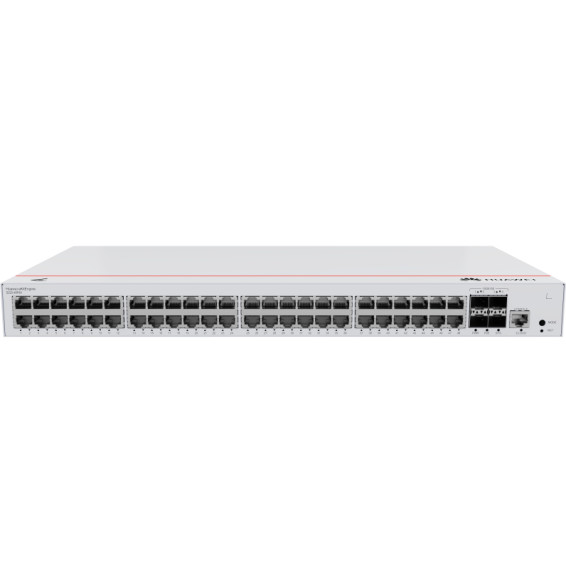
Powers a whole floor over one cable with 10 Gbps uplinks to the network core: 370 W of PoE+ across the 48 Gigabit ports, layer 3 routing and centralised management from Aruba Central.
•PoE+ (802.3at) on all 48 ports, total budget 370 W
•Up to 30 W per port — Wi-Fi access points, IP cameras, IP phones
A Layer 3 enterprise switch with Gigabit PoE ports and 10G SFP+ links. A 400 W PoE budget to power Wi-Fi access points, cameras and IP phones without separate electrical wiring. DC power redundancy.
•24 Gigabit RJ45 ports including 16 PoE+ and 8 PoE++
•2 SFP+ 10 Gbps ports (uplinks)
•Total PoE budget of 400 W (up to 64 W/port in PoE++)
Managed access switch designed for SMEs and branch offices: powers workstations, Wi-Fi access points and IP cameras over Power over Ethernet, with centralised control from Aruba Central and automated deployment.
•Managed via Aruba Central (cloud or on-premise), web GUI, CLI and REST API
•PoE+ up to 30 W per port (IEEE 802.3af/at, class 4)
Cisco Catalyst 2960-X managed switch with LAN Base image: 24 Gigabit PoE+ ports with a 370 W budget, 4 SFP 1 Gbps uplink ports and FlexStack-Plus stacking of up to 8 switches. 1U, 5.8 kg, for a 19-inch rack.
Fast PoE instantly powers cameras, Wi-Fi access points and IP phones over the network cable, with no break on restart. Four 10G links absorb traffic to the network core. Web, cloud app or command line control, built-in DoS/802.1X security.
•Switching capacity 128 Gbps, 95 Mpps
•4 SFP+ 10 Gbps uplinks
•Fast PoE and Perpetual PoE (continuity during restarts)
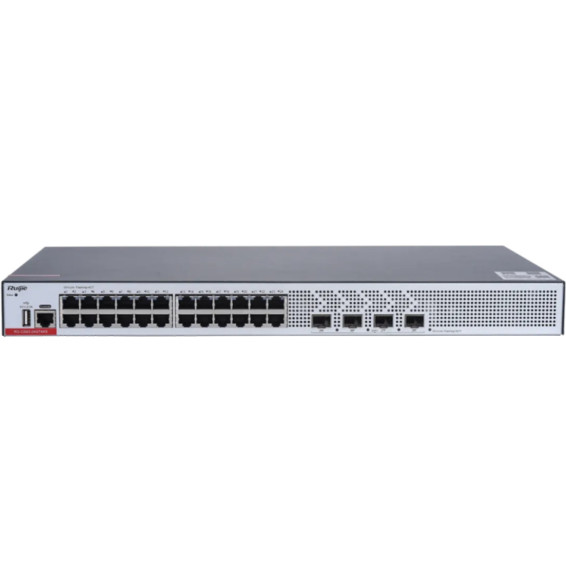
Designed for SMEs and video surveillance, in a 19″ rackable format: automatic IP camera recognition, PoE consumption alarm and remote port restart through Ruijie Cloud.
•PoE+ (802.3af/at standard)
•Managed through Ruijie Cloud, a mobile app or a web interface
•Automatic IP camera recognition, PoE consumption alarm
Designed for enterprise networks, with advanced security and automatic recognition of IP cameras. Lifetime management through Ruijie Cloud for monitoring and remote updates.