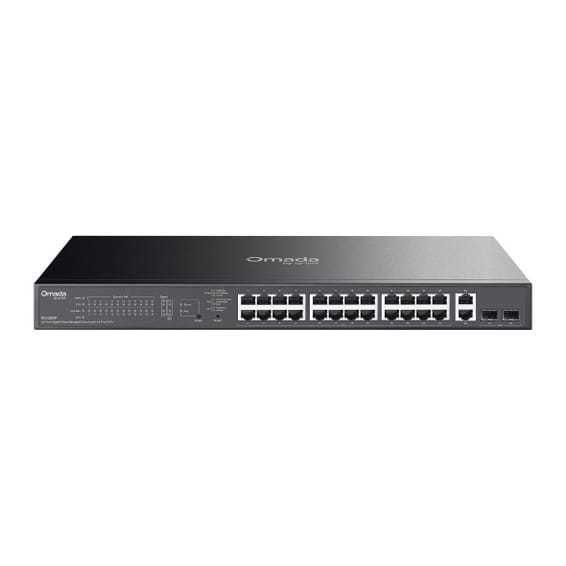
Web interface, CLI, configuration menu, IMC, out-of-band management (RS-232C serial or micro-USB)
Stacking and expansion
Virtual stacking of up to 16 switches
Quality of service (QoS)
Quality of service configuration from the web interface
Power consumption
441 W maximum, 37.5 W idle
Weight
4.58 kg
Dimensions (W x D x H)
442 x 322.6 x 44.5 mm
Technical specifications (continued)
Package contents
19-inch rack mounting kit not included, available as an option
Latency
100 Mbps: < 6.6 µs · 1 Gbps: < 2.2 µs
Processor
ARM9E at 800 MHz
Number of ports
29 ports or more
Managed
Yes
Power supply
Internal power supply 100-127 V AC / 200-240 V AC, 50/60 Hz
Operating temperature
0 to 45 °C
Operating humidity
15 to 95% at 40 °C, non-condensing
PoE power
Yes
Port speed
1 Gbps (Gigabit)
Management level
Web interface (Smart)
PoE standard
PoE+ (802.3at, up to 30 W/port)
Fibre slots (SFP)
Yes
Mounting
19-inch rack-mountable
Warranty
1 year
Customer reviews
No reviews yet
Be the first to review this product and help other customers.
Write a review
Frequently asked questions about this product
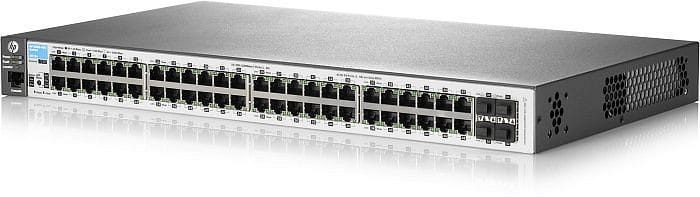
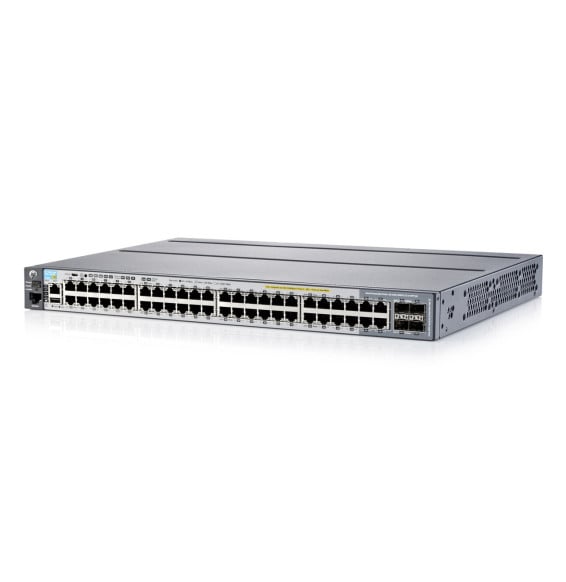
How are the ports on the HP 2530 48 PoE+ (J9778A) laid out?
48 PoE+-powered 10/100 RJ-45 ports, 2 10/100/1000 RJ-45 ports and 2 Gigabit SFP slots for fibre. The last four ports serve as uplinks; the 48 user ports, for their part, run at 10/100.
How much power does this switch deliver per PoE port?
Up to 30 W, to the PoE+ 802.3at standard, on its 48 ports. That is the level needed by motorised cameras and recent Wi-Fi access points, whereas the original PoE tops out at 15 W.
Do the SFP slots already contain an optical module?
The two Gigabit SFP slots come empty: the switch accepts zero to two modules. The optical module is chosen according to the fibre in place — multimode or single-mode — and is purchased separately.
Can this switch be configured from a browser?
Yes: it is a managed model, controlled through a web interface. VLANs, quality of service and PoE port monitoring are all set there, without going through a command line.
How much space does this switch take up?
1U in a 19-inch rack, for a switch with more than 48 ports on the front panel. As with any PoE model of this density, allow for airflow at the front and rear of the rack.
Is the switch new and covered by a warranty?
Yes, new equipment, with the invoice serving as the warranty document. This is the HP 2530 PoE+ managed switch, part number J9778A.
For SMEs, hotels or schools: two uplink speeds to choose from, 2.5G or 10G fibre, to interconnect your access switches. Completely silent 1U casing, fanless.
Each PoE+ port delivers up to 30 W, for a total budget of 120 W, rounded out by two fibre links. Managed from the GWN.Cloud platform or locally, with VLANs and advanced security.
•8 PoE+ ports (802.3af/at), total budget 120 W, up to 30 W per port
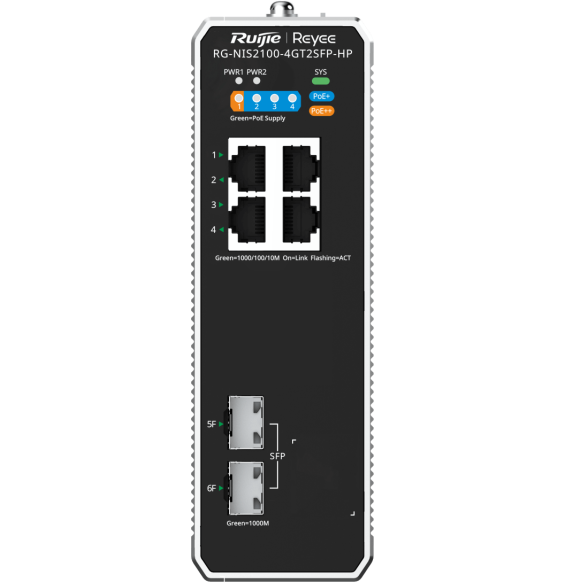
Designed for harsh environments: an IP40 aluminium housing operating from -40 °C to +75 °C, fanless. ERPS ring redundancy and remote management through Ruijie Cloud.
•1 PoE++ port up to 90 W + 3 PoE+ ports at 30 W each
For SMEs, hotels, schools or industrial sites: 4 fibre links beyond standard Gigabit to connect your aggregation switches. Completely silent 1U casing, managed locally or from the cloud.
Designed for SMEs and video surveillance: automatic IP camera recognition, loop prevention and remote port restart through Ruijie Cloud. Extension up to 250 m in camera mode.
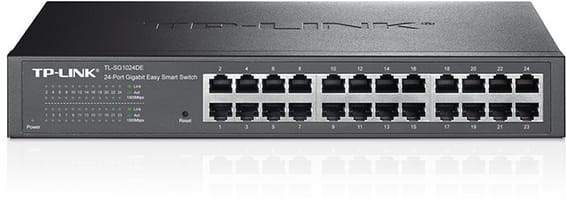
Rack-mountable Easy Smart switch for an SME that wants to segment and secure its network with VLANs and QoS, without the complexity of a fully managed switch — configurable from a simple web interface.
•802.1Q VLANs, port-based and MTU (up to 128 simultaneous VLANs)
Fully managed and silent switch (fanless), with two 10 Gbps uplinks and two at 2.5 Gbps for a capable SME network core. Management through the HUAWEI eKit App, web interface or SNC.
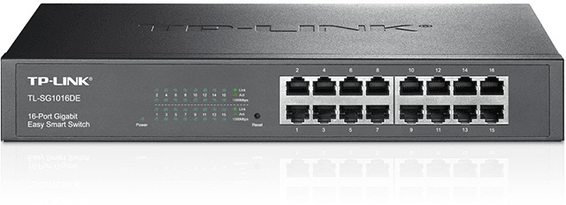
Rack-mountable Easy Smart switch, the middle ground for an SME that wants VLANs and QoS without the complexity of a fully managed switch, through a simple web interface.
Designed for video surveillance: a 384 W PoE+ budget shared across the powered ports, transmission up to 250 m and power maintained even when the switch restarts. Rackable metal housing, VLAN and automatic loop prevention.
Desktop switch in a sturdy metal casing, with a web interface to prioritise traffic and create VLANs — a sound balance between simplicity and control for a small network.
L2+ management: 4K VLANs, QoS, IGMP Snooping
In stock
1 749 DHincl. VAT1 749,00 DHincl. VAT
Delivery everywhereDelivered all over Morocco
•
PoE budget adjustable from 108 W to 180 W
•2 SFP 1 Gbps ports (fibre uplinks)
In stock
1 749 DHincl. VAT1 749,00 DHincl. VAT
Delivery everywhereDelivered all over Morocco
•
L2 managed (fully managed)
In stock
1 949 DHincl. VAT1 949,00 DHincl. VAT
Delivery everywhereDelivered all over Morocco
PoE+ (802.3af/at standard)
•Managed through Ruijie Cloud, a mobile app or a web interface
Covers a whole floor of cameras, Wi-Fi access points and IP phones on a single device, without multiplying power units. 10G links and a capacity of 176 Gbps absorb the combined traffic. VLANs, security and administration of enterprise equipment.
•Switching capacity 176 Gbps, 131 Mpps
•4 SFP+ 10 Gbps uplinks
•Fast PoE and Perpetual PoE (continuity during restarts)
Designed for video surveillance: a 384 W PoE+ budget shared across the powered ports, transmission up to 250 m and power maintained even when the switch restarts. Rackable metal housing, VLAN and automatic loop prevention.
•Total PoE+ budget of 384 W, up to 30 W per port (802.3af/at)
•2 Gigabit SFP ports for a fibre link
•Fast PoE and Perpetual PoE: power maintained when the switch restarts
Total PoE+ budget of 384 W to power a large number of cameras, Wi-Fi access points and IP phones. 104 Gbps switching capacity, driven from the Omada SDN cloud.
A managed enterprise switch that powers IP cameras, Wi-Fi access points and phones on every one of its ports, with no mains socket. Switching capacity 176 Gbps, stackable, upgradable to fibre.
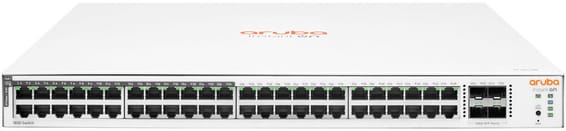
48 Gigabit ports, half of them PoE+ (ports 1 to 24), for mixed SME or campus deployments — simplified control from the Aruba Instant On app, with no subscription.
•24 of the 48 ports in PoE+ (802.3at), ports 1 to 24
•Up to 30 W per port — Wi-Fi access points, IP cameras, IP phones
Powers a whole floor over one cable with 10 Gbps uplinks to the network core: 370 W of PoE+ across the 48 Gigabit ports, layer 3 routing and centralised management from Aruba Central.
•PoE+ (802.3at) on all 48 ports, total budget 370 W
•Up to 30 W per port — Wi-Fi access points, IP cameras, IP phones
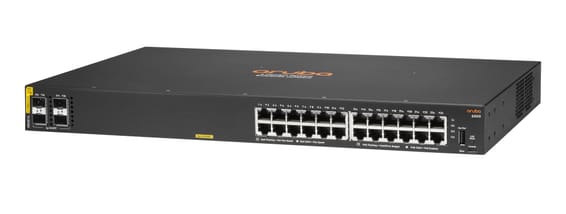
Managed access switch designed for SMEs and branch offices: powers workstations, Wi-Fi access points and IP cameras over Power over Ethernet, with centralised control from Aruba Central and automated deployment.
•Managed via Aruba Central (cloud or on-premise), web GUI, CLI and REST API
•PoE+ up to 30 W per port (IEEE 802.3af/at, class 4)
Fast PoE instantly powers cameras, Wi-Fi access points and IP phones over the network cable, with no break on restart. Four 10G links absorb traffic to the network core. Web, cloud app or command line control, built-in DoS/802.1X security.
•Switching capacity 128 Gbps, 95 Mpps
•4 SFP+ 10 Gbps uplinks
•Fast PoE and Perpetual PoE (continuity during restarts)