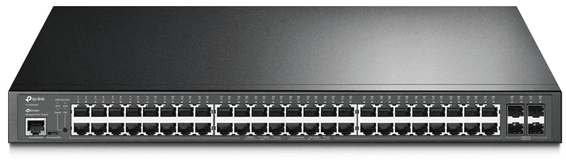
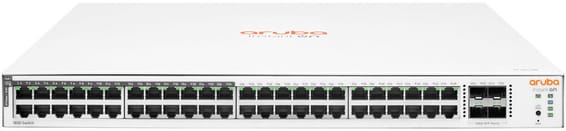
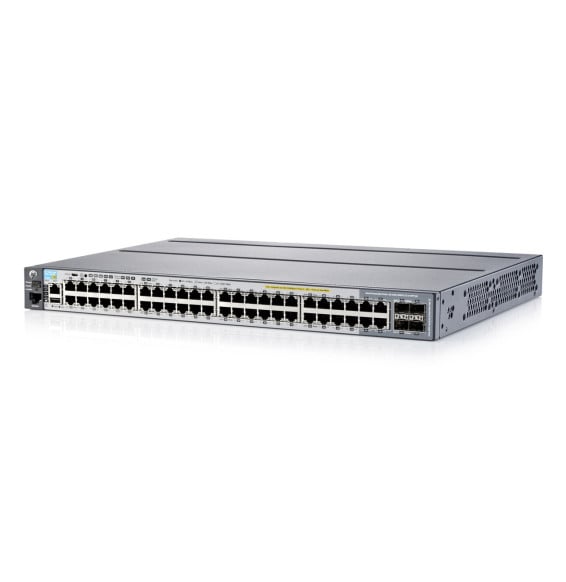
Improve the performance and security of your network with the Aruba 2540 48G PoE+ 4SFP+ switch. This Layer 2 switch makes advanced network management easier with the help of Aruba ClearPass Policy Manager and Aruba AirWave. Perfect for SMEs, corporate campuses and branch offices, it offers built-in 10GbE uplinks, robust static and RIP routing, and PoE+ power of up to 370 W. Forget the hassle of software licences and simplify deployment with support for cloud-based Aruba Central. Performance, simplicity and security combined in a single product.
Be the first to review this product and help other customers.
Write a review
Frequently asked questions about this product
What PoE+ budget does the Aruba 2540 48G offer?
Up to 370 W, shared across the access ports, to the PoE+ standard. Power can be allocated in several ways — automatic, dynamic 802.3at, fine-grained LLDP-MED, 802.3af class or a fixed value — which avoids reserving 30 W for a phone that uses 5.
Are the 10 Gbps uplinks built in?
Yes, four 10 Gigabit SFP+ ports are built into the chassis, with no expansion module to add. They carry traffic from the 48 access ports to the network core or the servers. The optical modules, for their part, are chosen according to the fibre.
Does this switch do routing?
Yes, static and RIP routing: 256 static routes and 2,000 RIP routes, with RIPv1, RIPv2 and RIPng, plus ECMP load balancing. A built-in DHCP server rounds out the package to hand out IPv4 addresses.
How many VLANs does this switch handle at the same time?
512 simultaneous VLANs, out of 4,094 possible 802.1Q IDs. RPVST+ allows one spanning tree per VLAN, GVRP and MVRP automate VLAN learning, and 802.1v protocol VLANs isolate non-IPv4 traffic.
How many links can be aggregated on the Aruba 2540?
Up to 26 aggregation groups, of eight ports each, static, dynamic or distributed, using LACP 802.3ad. SmartLink additionally offers simple redundancy between an active link and a backup link.
Is this switch ready for IPv6?
Yes, with an IPv4/IPv6 dual stack. It can itself be managed over IPv6, applies access control lists and quality of service to IPv6 traffic, routes with RIPng, and protects the network with RA Guard, DHCPv6 protection, dynamic IPv6 lockdown and ND snooping.
How does quality of service classify traffic?
Through 802.1p, with eight priority levels mapped to eight queues, and optional Layer 4 classification based on TCP/UDP port numbers. Rate limiting applies per port on ingress, and the number of queues can be adjusted.
Does deployment require on-site configuration?
No: Zero Touch Provisioning takes care of it, via Aruba Activate or a DHCP-based process with AirWave. The switch also configures itself — VLAN, class of service, PoE power and priority — as soon as it detects an Aruba access point.
Can the switch be managed from the cloud?
Yes, from Aruba Central, or locally with AirWave — the same hardware supports both. REST interfaces also let you automate operations, monitoring and troubleshooting from your own tools.
What diagnostic tools does this switch offer?
RMON, XRMON and sFlow for statistics, history, alarms and events, ingress and egress port monitoring, unidirectional link detection (UDLD) and LLDP-MED to map phones and access points.
Can a software update leave the switch unusable?
Two independent boot images are kept, a primary and a secondary: the second serves as a fallback during the update. Several configuration files can also be stored within a single image.
Is the switch new and covered by a warranty?
Yes, new equipment, with the invoice serving as the warranty document. No software licence is needed for its features, and the 2540 series datasheet covers everything in detail.
Fast PoE instantly powers cameras, Wi-Fi access points and IP phones over the network cable, with no break on restart. Four 10G links absorb traffic to the network core. Web, cloud app or command line control, built-in DoS/802.1X security.
•Switching capacity 128 Gbps, 95 Mpps
•4 SFP+ 10 Gbps uplinks
•Fast PoE and Perpetual PoE (continuity during restarts)
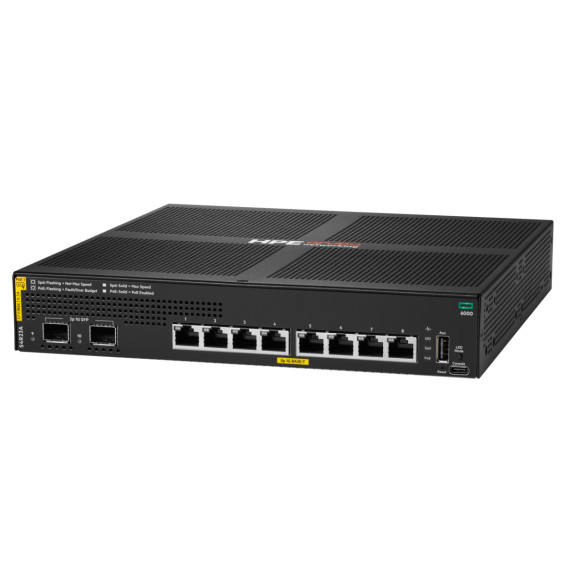
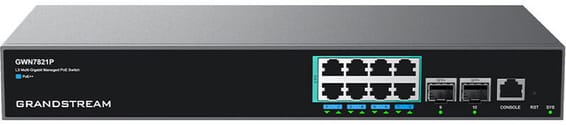
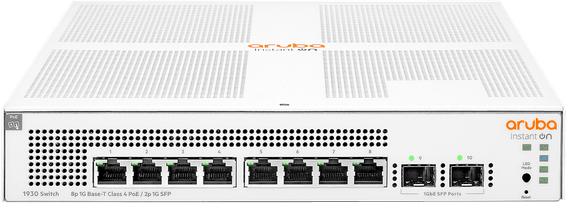
Eight PoE+ sockets to power Wi-Fi access points, cameras and IP phones, in a compact fanless unit you forget is in the office. Enterprise-grade AOS-CX system, managed from the cloud or the command line.
Managed switch that powers its ports over PoE+ through the network cable, with two 2.5 Gbps combo ports for recent Wi-Fi access points. Configurable through the HUAWEI eKit App cloud or locally.
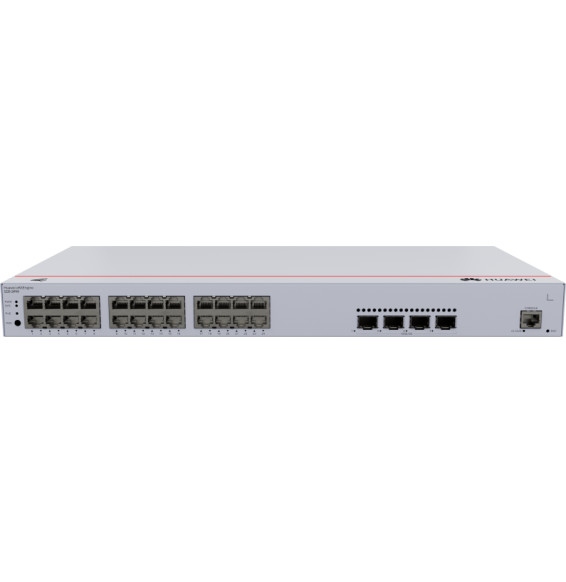
•22 Gigabit PoE+ RJ45 ports and 2 combo ports at 2.5 Gbps PoE+ (copper or fibre)
Designed for enterprise networks, with advanced security and automatic recognition of IP cameras. Lifetime management through Ruijie Cloud for monitoring and remote updates.
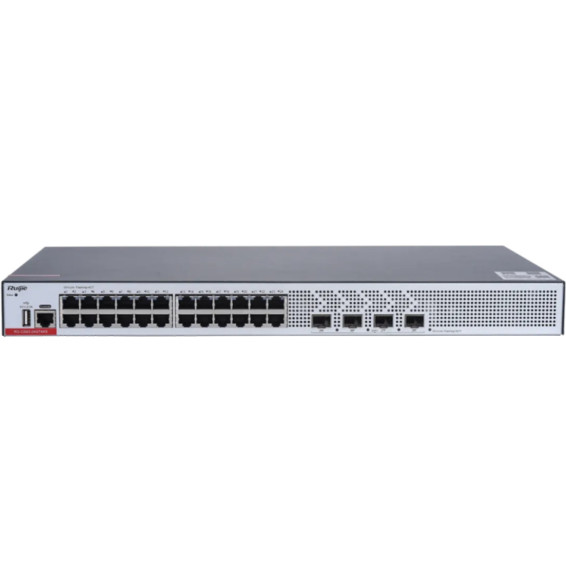
Silent because fanless, it routes between VLANs with OSPF and VRRP, boots from a second flash chip if one fails and withstands 10 kV surges. It is managed for free in the cloud, through the web or from the command line.
Very fast, fully managed enterprise network: Multi-Gigabit 2.5 Gbps ports with PoE++ up to 60 W to power the most demanding Wi-Fi 6E access points and PTZ cameras. Full L3 routing.
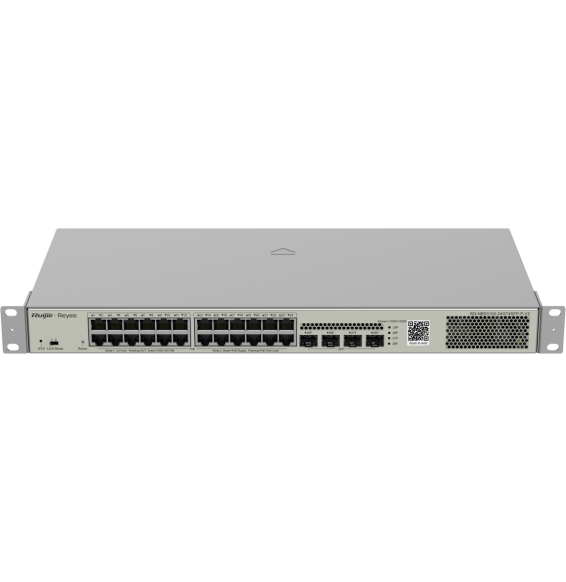
Designed for SMEs and video surveillance, in a 19″ rackable format: automatic IP camera recognition, PoE consumption alarm and remote port restart through Ruijie Cloud.
•PoE+ (802.3af/at standard)
•Managed through Ruijie Cloud, a mobile app or a web interface
•
SFP+/SFP 1G/10 Gbps uplinks (fibre)
•Fanless operation, completely silent
In stock
4 159 DHincl. VAT4 159,00 DHincl. VAT
Delivery everywhereDelivered all over Morocco
12 of the 24 ports in PoE+ (802.3at), ports 1 to 12
•Up to 30 W per port — access points, IP phones, cameras
Powers a whole floor over one cable with 10 Gbps uplinks to the network core: 370 W of PoE+ across the 48 Gigabit ports, layer 3 routing and centralised management from Aruba Central.
•PoE+ (802.3at) on all 48 ports, total budget 370 W
•Up to 30 W per port — Wi-Fi access points, IP cameras, IP phones
Total PoE+ budget of 384 W to power a large number of cameras, Wi-Fi access points and IP phones. 104 Gbps switching capacity, driven from the Omada SDN cloud.
48 Gigabit ports, half of them PoE+ (ports 1 to 24), for mixed SME or campus deployments — simplified control from the Aruba Instant On app, with no subscription.
•24 of the 48 ports in PoE+ (802.3at), ports 1 to 24
Covers a whole floor of cameras, Wi-Fi access points and IP phones on a single device, without multiplying power units. 10G links and a capacity of 176 Gbps absorb the combined traffic. VLANs, security and administration of enterprise equipment.
Designed for video surveillance: a 384 W PoE+ budget shared across the powered ports, transmission up to 250 m and power maintained even when the switch restarts. Rackable metal housing, VLAN and automatic loop prevention.
A managed enterprise switch that powers IP cameras, Wi-Fi access points and phones on every one of its ports, with no mains socket. Switching capacity 176 Gbps, stackable, upgradable to fibre.
Layer 3 managed enterprise switch (static routing and RIP) that powers all its ports over the network cable, for cameras and Wi-Fi access points. Switching capacity 128 Gbps, upgradable to 10 Gbps fibre.
A Layer 3 enterprise switch with Gigabit PoE ports and 10G SFP+ links. A 400 W PoE budget to power Wi-Fi access points, cameras and IP phones without separate electrical wiring. DC power redundancy.
•24 Gigabit RJ45 ports including 16 PoE+ and 8 PoE++
Managed access switch designed for SMEs and branch offices: powers workstations, Wi-Fi access points and IP cameras over Power over Ethernet, with centralised control from Aruba Central and automated deployment.
•Managed via Aruba Central (cloud or on-premise), web GUI, CLI and REST API
•PoE+ up to 30 W per port (IEEE 802.3af/at, class 4)
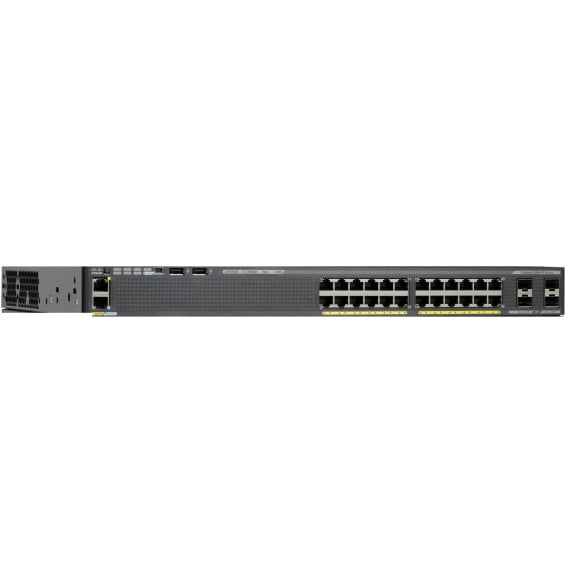
Cisco Catalyst 2960-X managed switch with LAN Base image: 24 Gigabit PoE+ ports with a 370 W budget, 4 SFP 1 Gbps uplink ports and FlexStack-Plus stacking of up to 8 switches. 1U, 5.8 kg, for a 19-inch rack.