
Welcome to the new iris.ma

We rebuilt everything for you

Same team, same standards

Pay nowView my order
Visit the TP-Link store

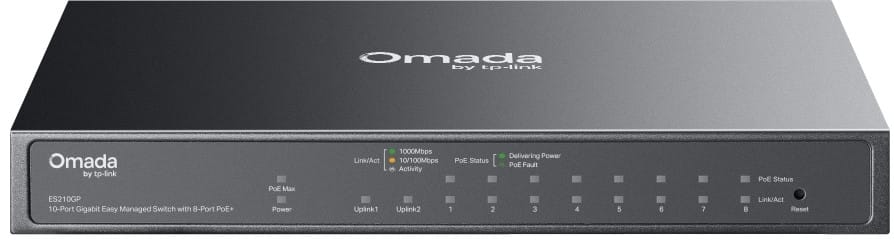
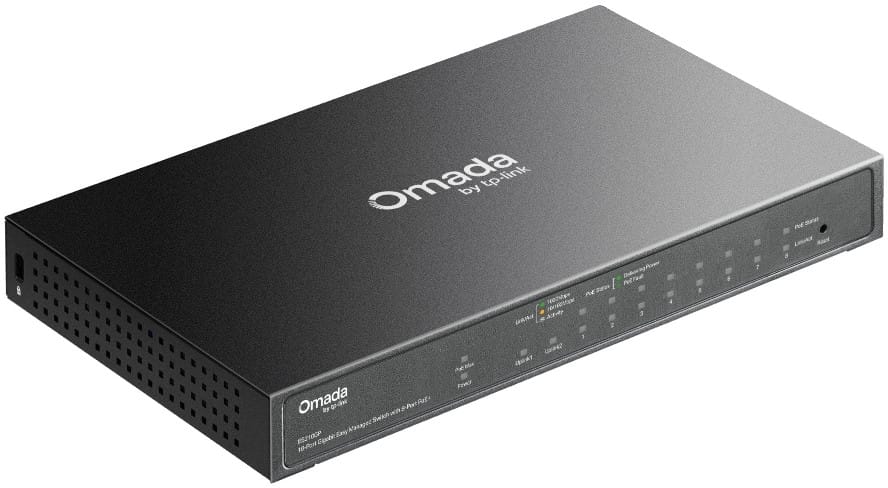
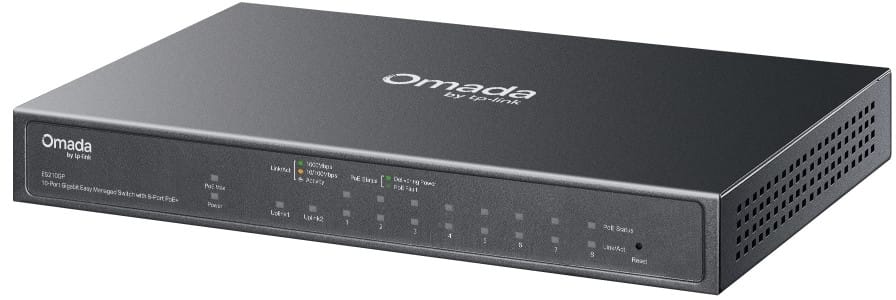
TP Link ES210GP Omada 10-Port Gigabit Easy Managed Switch with 8 PoE+ Ports

Centralised cloud management through the app or the web, for simple, scalable network deployment. Metal housing, fanless operation.

  • Total PoE+ budget 63 W, up to 30 W per port (802.3af/at standard)
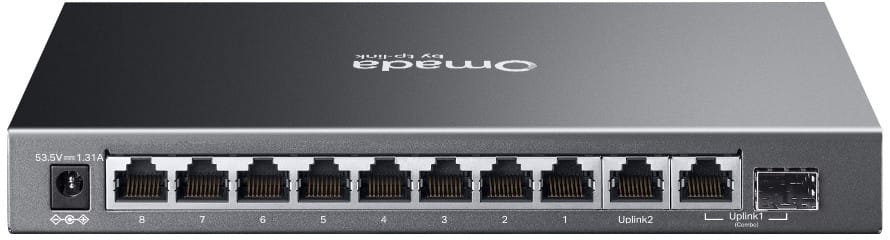
  • SFP/RJ45 combo port for a fibre or copper link
  • Cloud management through the app or the web, batch configuration
  • Extended PoE reach of up to 250 m (Extend mode)
  • Remote camera recovery
  • Metal housing, fanless
  • Switching capacity 20 Gbps
  • MAC table of 8,000 entries
Ref.: ES210GP
1 659,00 DHincl. VAT

Configuration · TP-Link Omada Easy Managed

Out of stock

Under Law 09-08, you have the right to access, rectify and object to the processing of your personal data. This processing has been authorised by the CNDP under no. D-CE-389/2015. Learn more

Can’t wait?

Ask for an alternative on WhatsApp

Quick reply

Manufacturer's datasheetView the PDF · 11,7 Mo — downloadable

Product overview

TP-Link ES210GP Omada Easy Managed switch: 10 Gigabit ports with 8 PoE+ ports and centralised cloud management — the versatility of a managed switch in a silent desktop form factor.
Ports: 8 Gigabit PoE+ RJ45 ports + 1 Gigabit RJ45 port + 1 Gigabit SFP/RJ45 combo port for a copper or fibre uplink.
PoE: 8 PoE+ 802.3af/at ports (up to 30 W per port, 63 W total budget) — power IP cameras, Wi-Fi access points and VoIP phones with no mains outlet. Extended PoE range of up to 250 m (Extend mode). Remote camera recovery included.
Management: Omada cloud management (web or app) with auto-discovery, batch configuration, VLAN, QoS and link aggregation. Metal enclosure, fanless operation.
Also: 20 Gbit/s switching capacity, 14.88 Mpps forwarding rate, 8K MAC table, IGMP snooping, desktop/wall-mount form factor.

See all the specifications ↓
Request a quoteShare:

Technical specifications

Technical specifications
MAC table size8,000 entries
Number of VLANs32 VLAN groups (802.1Q), port-based and MTU VLAN
Internal memory64 Mbit flash memory
Interfaces8 RJ45 10/100/1000 Mbps PoE+ ports, 1 RJ45 10/100/1000 Mbps port, 1 RJ45/SFP Gigabit combo port, auto-negotiation and Auto MDI/MDIX
PoE ports8 PoE+ ports (802.3af/at), up to 30 W per port
Total PoE budget63 W
Network standardsIEEE 802.3, 802.3i, 802.3u, 802.3ab, 802.3z, 802.3x, 802.1p, 802.1q, 802.3af, 802.3at
Switching capacity20 Gbps
Forwarding rate14.88 Mpps
Packet buffer4 Mbit
Management modesWeb interface, DHCP client, cable diagnostics
Cloud management platformOmada SDN (hardware, software or cloud controller)
Layer 2 featuresStatic link aggregation (4 groups), loop detection, 802.3x flow control, port mirroring, LLDP, IGMP snooping v1/v2/v3
IP routingNone
Quality of service (QoS)802.1p/DSCP, 8 queues, WRR scheduling, per-port rate limiting, storm control
Technical specifications (continued)
Power consumption69.38 W maximum with 63 W PoE load, 3.58 W standby
Dimensions (W x D x H)209 x 126 x 26 mm
Number of ports6 to 10 ports
ManagedYes
Security featuresNone
Power supplyExternal AC adapter 53.5 V DC, 1.31 A
Cooling systemFanless, 14.8 dBA maximum
PoE powerYes
Port speed1 Gbps (Gigabit)
Management levelWeb interface (Smart)
PoE standardPoE+ (802.3at, up to 30 W/port)
PoE budgetUp to 65 W
Fibre slots (SFP)Yes
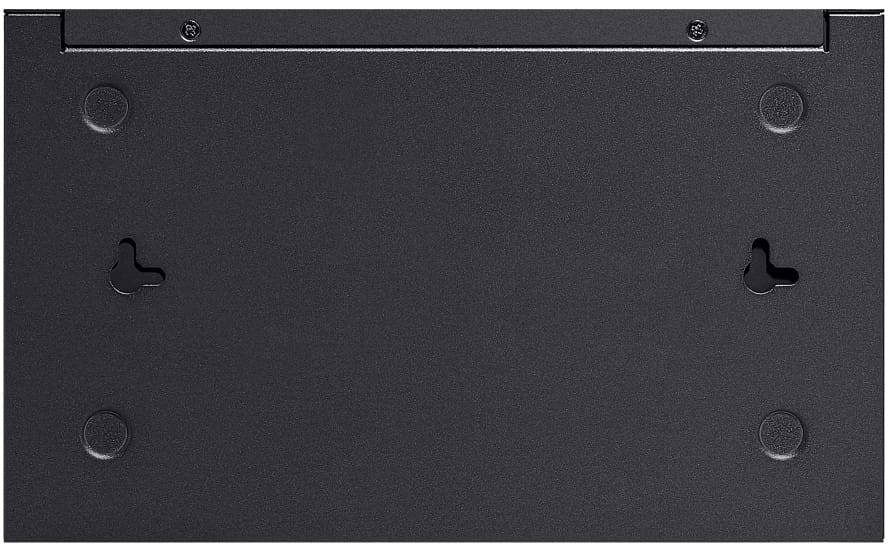
MountingDesktop
Warranty1 year

Customer reviews

No reviews yet

Be the first to review this product and help other customers.

Write a review
Your rating
5/5

Shown publicly with your review.

Never published — a confirmation email will be sent to you.

Tell us about the product — in a few lines:

  • what you liked in everyday use;
  • the quality and performance you found;
  • who you would recommend it to, and why.

A question about an order, a delivery or a payment? Write to us and we will reply to you directly.

Under Law 09-08, you have the right to access, rectify and object to the processing of your personal data. This processing has been authorised by the CNDP under no. D-CE-389/2015. Learn more

Frequently asked questions about this product

How many of the ES210GP's ports are PoE+ powered?
Eight out of ten, up to 30 W each under the 802.3af and 802.3at standards, within a total budget of 63 W — four cameras at 15 W already use it up. The other two ports serve as uplinks, one of them a copper or fibre combo port.
How does the combo port on this switch work?
It is used over RJ45 copper or SFP fibre, never both at once: it is the uplink, to be switched to optical when the distance exceeds the 100 metres of copper.
How far does the PoE extend mode reach?
Up to 250 m, data and power included, instead of the usual 100 metres. A distant camera can therefore be connected without an intermediate enclosure — it is this model's most useful feature on a large site.
What happens if a camera freezes at the end of a port?
It can be restarted remotely from the interface: the port cuts and then restores its power, with no site visit. Port isolation also prevents the cameras from seeing each other.
How does the switch respond to a cabling loop?
Automatic loop prevention isolates the faulty port before the network becomes saturated. VLANs and IGMP snooping complete the set, with quality of service to protect sensitive traffic.
How is this switch managed?
Through Omada cloud management, from the app or a browser, with batch configuration to deploy several sites at once. The enclosure is metal and runs without a fan, so it is silent.
What internal performance does this 10-port model offer?
20 Gbps of switching capacity and a table of 8,000 MAC addresses, in store-and-forward mode. That is the sizing expected of an access switch for a small video surveillance installation.
Is the switch new, and where can I view its datasheet?
Yes, new equipment, with the invoice serving as the warranty document. The manufacturer's document details the ES210GP, its PoE features and its extend mode: datasheet (PDF).

Trending

View the TP-Link archive

Chat on WhatsApp

Scan with my phone

The simplest way: open your phone camera and point it at this code. The chat opens with your message ready.

Open WhatsApp Web

Works if your phone is already linked to this computer.

Prefer to call? (+212) 05 30 31 64 21