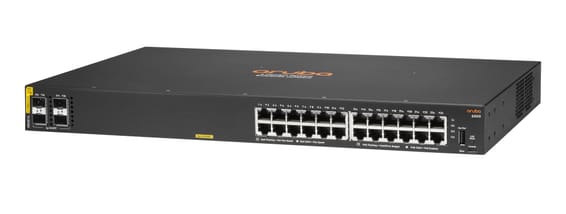
Aruba CX access switch built on the Gen7 ASIC, stackable up to 8 units through VSF (384 logical ports) and driven from the Aruba Central cloud — designed for campuses that combine intensive PoE and advanced routing.
L2/L3 level on the Aruba Gen7 ASIC
Class 4 PoE, up to 30 W per port (IEEE 802.3af/at)
Stackable up to 8 switches through VSF (384 unified logical ports)
Aruba Central cloud management and Multi-Edit Software
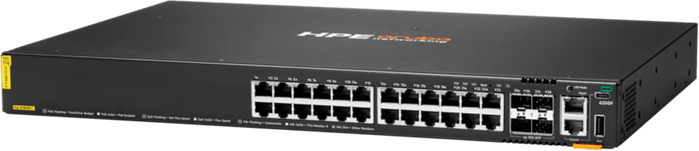
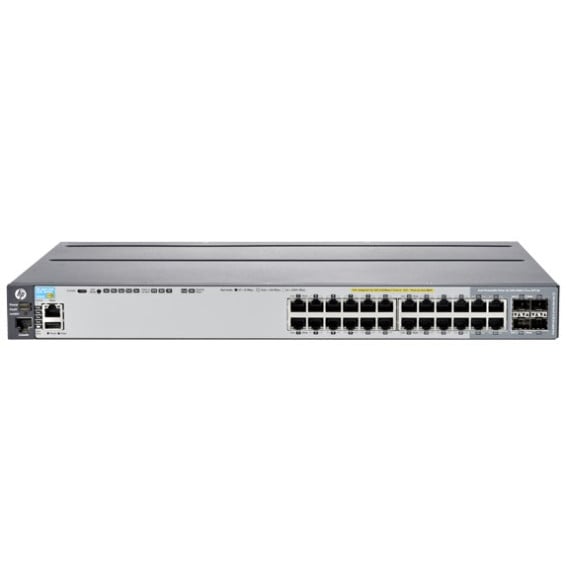
The HPE Aruba CX 6200F 24G PoE+ 370W 4SFP+ is an L2/L3 managed access switch built on the Gen7 ASIC, optimised for enterprise campuses that combine heavy PoE deployment with advanced routing capabilities. 24 Gigabit RJ45 Class 4 PoE ports: each port delivers up to 30 W (IEEE 802.3af/at), with a 370 W total budget to power Wi-Fi 6 access points, IP cameras and VoIP phones simultaneously. 4 × 100M/1/10 GbE SFP+ ports for fibre uplinks to the distribution layer. Stackable up to 8 members via VSF (384 unified logical ports); cloud management through Aruba Central and Multi-Edit Software: OSPF, static routing, ACLs, QoS, dynamic segmentation. 128 Gbps switching capacity, 95.2 Mpps forwarding rate, 16,000-entry MAC table. 1U rack-mountable form factor, built-in fans. Ref. JL725B.
24 Class 4 PoE 10/100/1000BASE-T ports, supporting up to 30 W per port 4 x 100M/1/10G SFP+ ports. Supports IEEE 802.3af, 802.3at PoE standards 1 RJ-45 console port 1 USB-C console port 1 OOBM port 1 USB Type-A host port
PoE ports
24 Class 4 PoE ports (802.3af/802.3at), up to 30 W per port
Total PoE budget
370 W
Switching capacity
128 Gbps
Forwarding rate
95.2 Mpps
Management modes
Web interface, CLI, HPE Aruba Networking Central, Switch Multi-Edit software
Cloud management platform
HPE Aruba Networking Central
Layer 2 features
Layer 2 and 3 switching, quality of service, built-in network analytics engine
IP routing
Static routing and Access OSPF routing
Stacking and expansion
Stackable up to 8 members (VSF), up to 384 ports
Power consumption
65 W at 230 V AC
Weight
5.1 kg
Dimensions (W x D x H)
442 x 327 x 43.9 mm
Technical specifications (continued)
Latency
1 Gbps: 2.28 µs · 10 Gbps: 1.46 µs
Processor
Quad-core ARM Cortex-A72 at 1.8 GHz
Number of ports
19 to 28 ports
Managed
Yes
Security features
Access control lists (ACL), dynamic segmentation based on application policy
Power supply
Fixed internal power supply 500 W, 100-120 V / 200-240 V AC
Be the first to review this product and help other customers.
Write a review
Frequently asked questions about this product
How are the 370 W of PoE shared across 24 ports?
370 W shared by all 24 ports, in Class 4, at up to 30 W each, under the 802.3af and 802.3at standards. Twenty-four 12 W cameras draw less than 300 W; a dozen power-hungry access points use up the budget.
Can several CX 6200F switches be stacked and managed as one?
Yes, up to eight members with VSF stacking, forming a 384-port stack managed as a single device. The SFP+ uplinks are used to build the stack, which can span several cabinets.
Can this switch route between VLANs?
Yes: the CX 6200F series is specified for Layers 2 and 3, on Aruba's Gen7 ASIC, with inter-VLAN routing and OSPF. Traffic between segments stays inside the switch instead of going up to the site router.
How is this switch managed day to day?
From Aruba Central, in the cloud, for a single view of the fleet, or with the Switch Multi-Edit software, which applies the same change to several devices. The web interface and command line remain available locally.
What internal performance does this 24-port model offer?
128 Gbps of switching capacity and 95.2 Mpps, with a 16,000-entry MAC address table, on the Gen7 ASIC designed for very low latency. The 4 SFP+ slots provide the uplink to the network core.
Does this chassis have fans, and where should it be installed?
Yes, it has built-in fans: it belongs in a rack or a technical room, in a 1U, 19-inch form factor. With 370 W of PoE, passive cooling is not an option — leave the clearance needed for airflow.
Is the switch new, and where can I find its datasheet?
Yes, new equipment, with the invoice serving as the warranty document. The manufacturer's document details the CX 6200F 24G Class 4 PoE, its ports, its VSF stacking and its features: PDF datasheet.
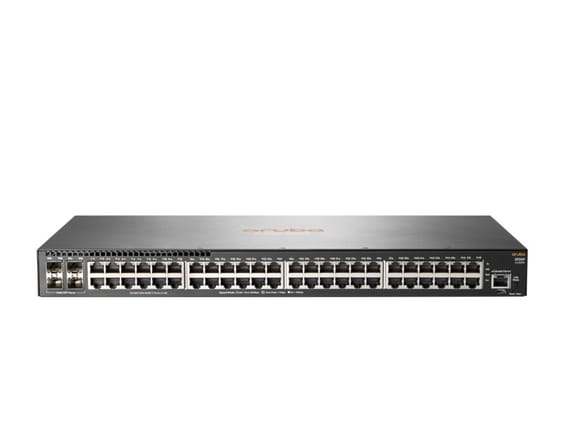
Powers a whole floor over one cable with 10 Gbps uplinks to the network core: 370 W of PoE+ across the 48 Gigabit ports, layer 3 routing and centralised management from Aruba Central.
•PoE+ (802.3at) on all 48 ports, total budget 370 W
•Up to 30 W per port — Wi-Fi access points, IP cameras, IP phones
A Layer 3 switch built for wired access on a floor or across a building: integrated OSPF/RIP routing, VSF virtual stacking up to 8 units and central control from Aruba Central.
Layer 3 Gigabit: static routing, RIP and OSPF with no software licence, VLANs and access control lists. Managed from the Aruba Central cloud, stackable up to 8 units, 19-inch rack-mountable.
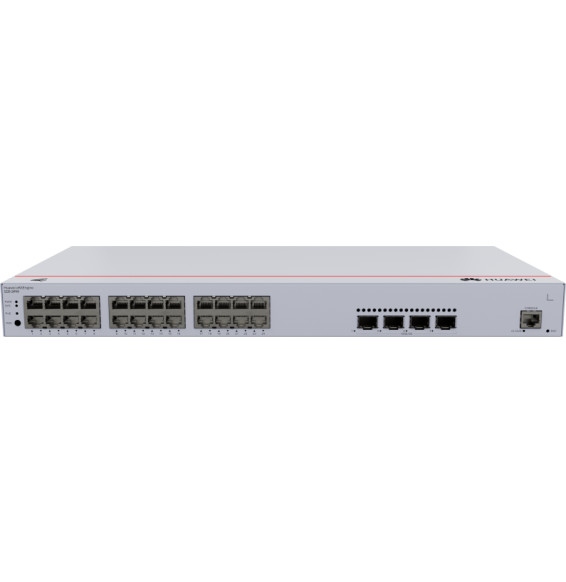
A Layer 3 enterprise switch with Gigabit PoE ports and 10G SFP+ links. A 400 W PoE budget to power Wi-Fi access points, cameras and IP phones without separate electrical wiring. DC power redundancy.
•24 Gigabit RJ45 ports including 16 PoE+ and 8 PoE++
Managed access switch designed for SMEs and branch offices: powers workstations, Wi-Fi access points and IP cameras over Power over Ethernet, with centralised control from Aruba Central and automated deployment.
•Managed via Aruba Central (cloud or on-premise), web GUI, CLI and REST API
•PoE+ up to 30 W per port (IEEE 802.3af/at, class 4)
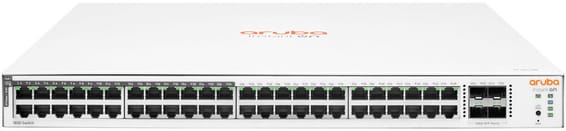
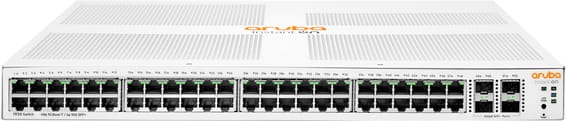
48 Gigabit ports, half of them PoE+ (ports 1 to 24), for mixed SME or campus deployments — simplified control from the Aruba Instant On app, with no subscription.
•24 of the 48 ports in PoE+ (802.3at), ports 1 to 24
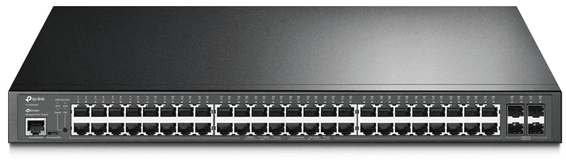
Total PoE+ budget of 384 W to power a large number of cameras, Wi-Fi access points and IP phones. 104 Gbps switching capacity, driven from the Omada SDN cloud.
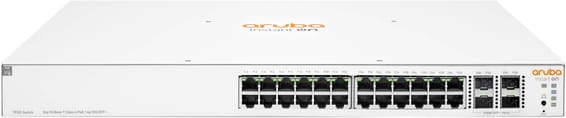
Aruba Instant On switch for small businesses: full L2+ managed from the mobile app, the cloud portal or a local web interface, with a more measured PoE budget for flexible deployment of Wi-Fi access points and IP cameras.
Covers a whole floor of cameras, Wi-Fi access points and IP phones on a single device, without multiplying power units. 10G links and a capacity of 176 Gbps absorb the combined traffic. VLANs, security and administration of enterprise equipment.
•
In stock
19 999 DHincl. VAT19 999,00 DHincl. VAT
Delivery everywhereDelivered all over Morocco
Aruba Central or AirWave cloud management, Zero Touch Provisioning
In stock
14 599 DHincl. VAT14 599,00 DHincl. VAT
Delivery everywhereDelivered all over Morocco
•
Total PoE budget of 400 W (up to 64 W/port in PoE++)
In stock
12 899 DHincl. VAT12 899,00 DHincl. VAT
Delivery everywhereDelivered all over Morocco
•4 Gigabit fibre uplinks (SFP)
In stock
11 899 DHincl. VAT11 899,00 DHincl. VAT
Delivery everywhereDelivered all over Morocco
Up to 30 W per port — Wi-Fi access points, IP cameras, IP phones
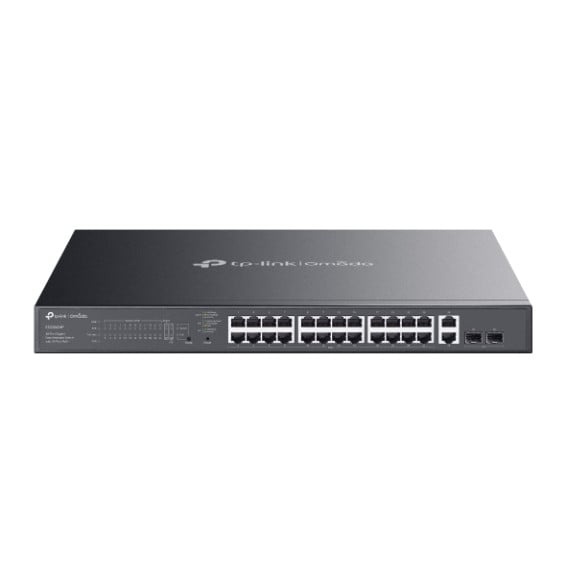
Designed for video surveillance: a 384 W PoE+ budget shared across the powered ports, transmission up to 250 m and power maintained even when the switch restarts. Rackable metal housing, VLAN and automatic loop prevention.
•Total PoE+ budget of 384 W, up to 30 W per port (802.3af/at)
•2 Gigabit SFP ports for a fibre link
•Fast PoE and Perpetual PoE: power maintained when the switch restarts
Layer 3 managed enterprise switch (static routing and RIP) that powers all its ports over the network cable, for cameras and Wi-Fi access points. Switching capacity 128 Gbps, upgradable to 10 Gbps fibre.
Powers a whole floor over one cable with 10 Gbps uplinks to the network core: 370 W of PoE+ across the 48 Gigabit ports, layer 3 routing and centralised management from Aruba Central.
•PoE+ (802.3at) on all 48 ports, total budget 370 W
•Up to 30 W per port — Wi-Fi access points, IP cameras, IP phones
A Layer 3 enterprise switch with Gigabit PoE ports and 10G SFP+ links. A 400 W PoE budget to power Wi-Fi access points, cameras and IP phones without separate electrical wiring. DC power redundancy.
•24 Gigabit RJ45 ports including 16 PoE+ and 8 PoE++
Managed access switch designed for SMEs and branch offices: powers workstations, Wi-Fi access points and IP cameras over Power over Ethernet, with centralised control from Aruba Central and automated deployment.
•Managed via Aruba Central (cloud or on-premise), web GUI, CLI and REST API
•PoE+ up to 30 W per port (IEEE 802.3af/at, class 4)
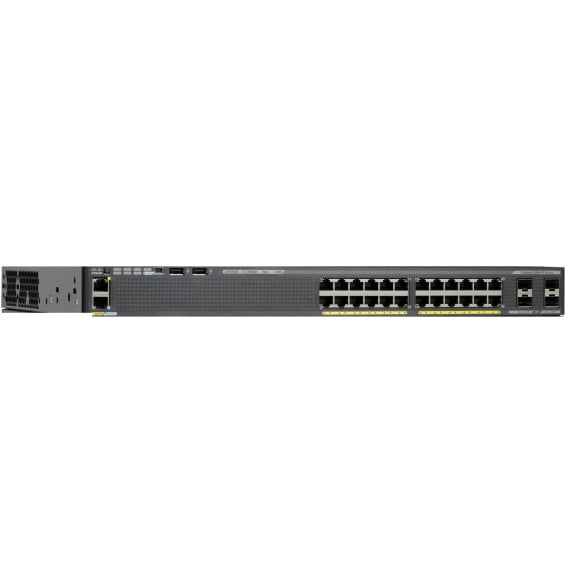
Cisco Catalyst 2960-X managed switch with LAN Base image: 24 Gigabit PoE+ ports with a 370 W budget, 4 SFP 1 Gbps uplink ports and FlexStack-Plus stacking of up to 8 switches. 1U, 5.8 kg, for a 19-inch rack.
Fast PoE instantly powers cameras, Wi-Fi access points and IP phones over the network cable, with no break on restart. Four 10G links absorb traffic to the network core. Web, cloud app or command line control, built-in DoS/802.1X security.
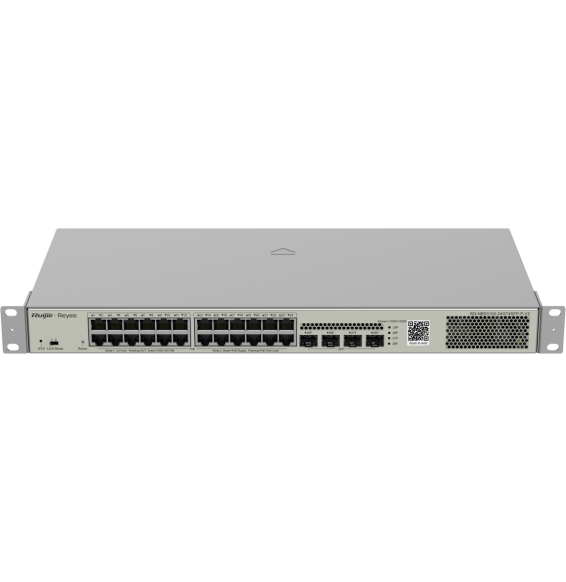
Designed for SMEs and video surveillance, in a 19″ rackable format: automatic IP camera recognition, PoE consumption alarm and remote port restart through Ruijie Cloud.
Designed for enterprise networks, with advanced security and automatic recognition of IP cameras. Lifetime management through Ruijie Cloud for monitoring and remote updates.